
Sorry, there were no results found for “”
Sorry, there were no results found for “”
Sorry, there were no results found for “”
As someone whose job involves a lot of reading—sometimes tens of thousands of words every day, I know the struggle of wading through dense PDFs.
It’s time-consuming, exhausting, and in some cases, completely avoidable.
When you’re only looking for the gist of the document, AI PDF summarizers can be a sweet blessing. They make life easier for professionals, researchers, and students who seek to extract key insights from lengthy PDF documents quickly and effectively.
In this blog post, I’ll discuss the top AI PDF summarizers that can improve your document processing workflow. These tools offer remarkable features like instant text conversion, concise summaries, and even visual, diagrammatic representations of complex documents.
Here are the top 10 AI PDF summarizers to help you save time:
Choosing the right AI document summarizer is crucial to efficiently process and extract key information from your large PDF files. Here are essential features to consider:
👀 Did You Know? Adobe developed the first-ever PDF in 1993 to preserve document formatting across different systems and platforms.
Now that you know what to look for in an AI PDF file summarizer, consider this list of summarizers that I curated after rigorous testing:
A personal preference of mine, ClickUp is a versatile AI-powered document management solution that combines document collaboration, project management, and AI writing tools in one platform.
It simplifies handling PDF files, whether they are research papers or complex project documentation, by delivering concise summaries and key insights for improved productivity.
With the power of ClickUp Brain, ClickUp’s in-house AI assistant, you can summarize, translate, and extract actionable insights from documents, project threads, and status updates—saving time and enhancing efficiency.
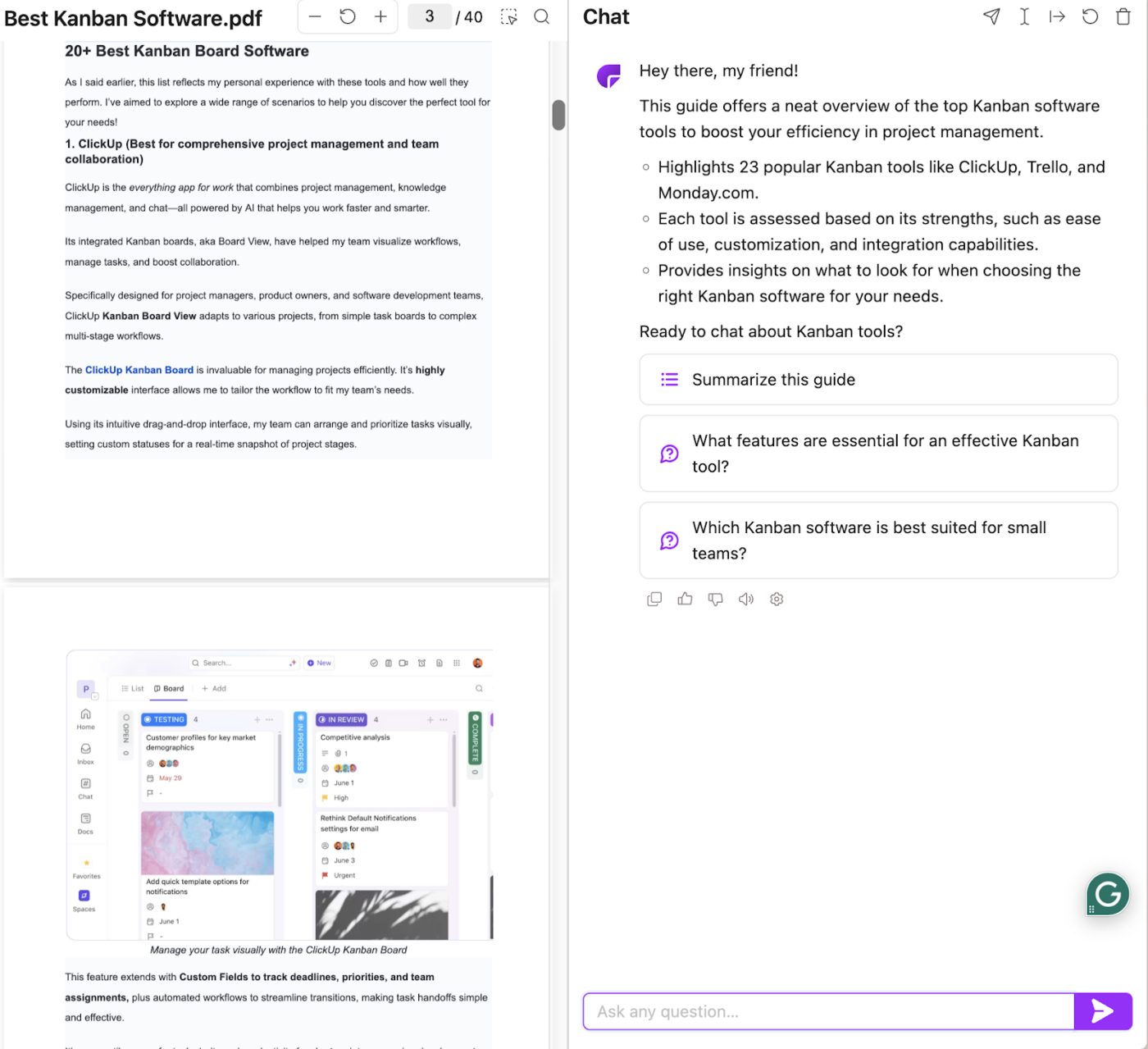
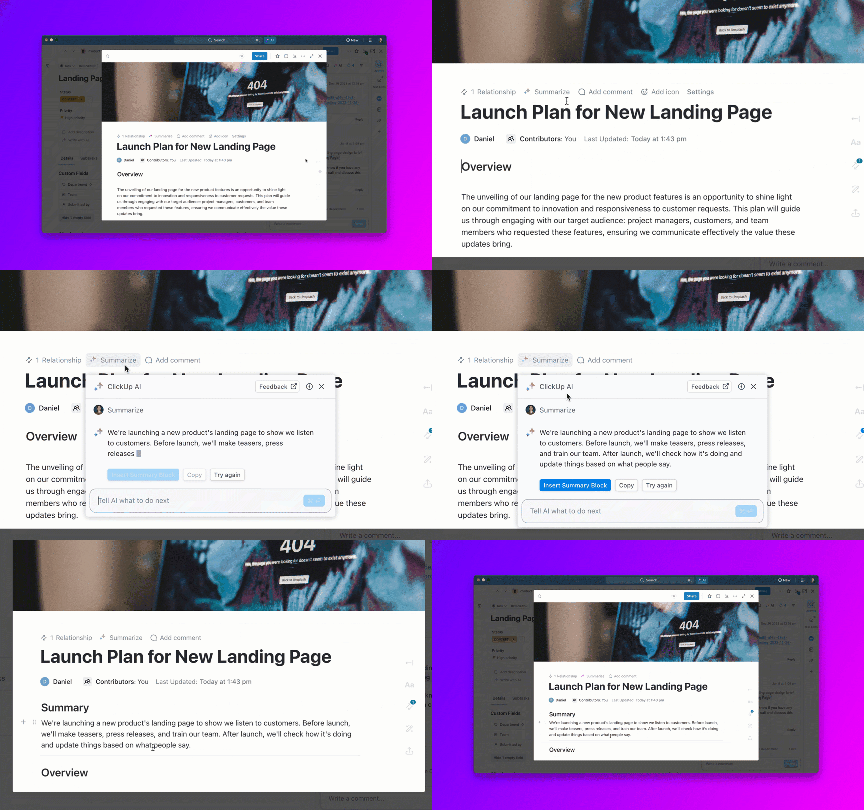
Simply upload a PDF file into the prompt window and instruct Brain to summarize it using a simple natural language command. You can also copy-paste the entire contents into the context window. And Brain will return a concise (or long—depending on what you need) summary in seconds.
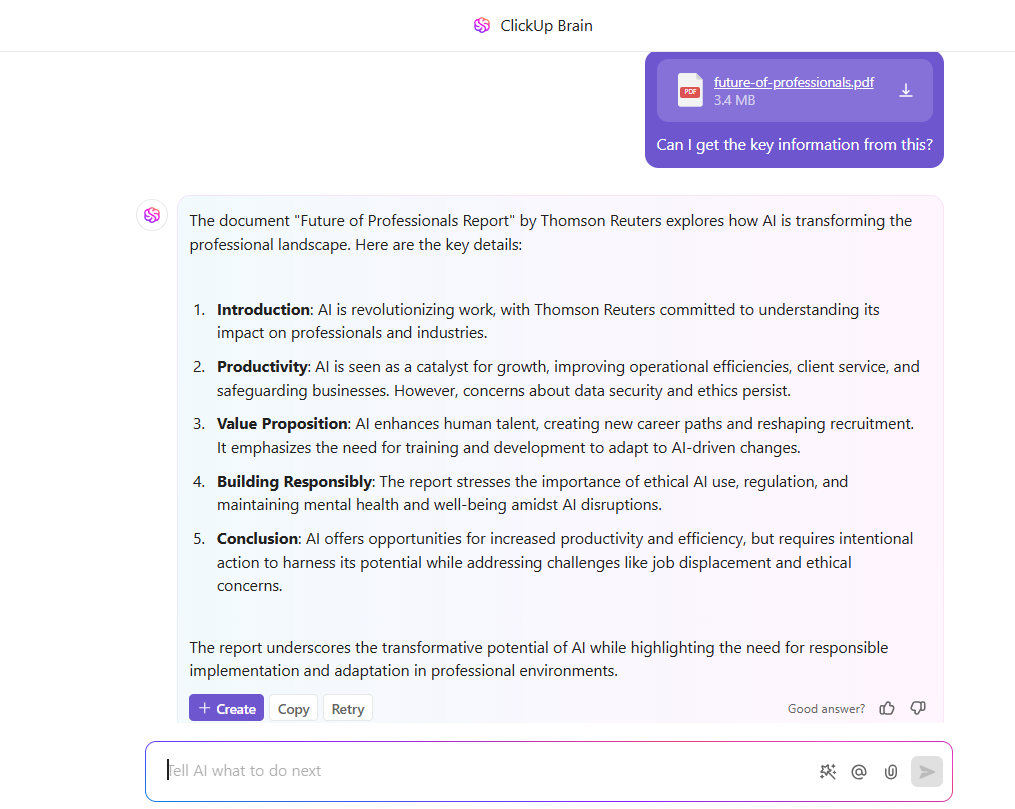
Here’s everything you can do with ClickUp Brain’s AI-powered summaries:
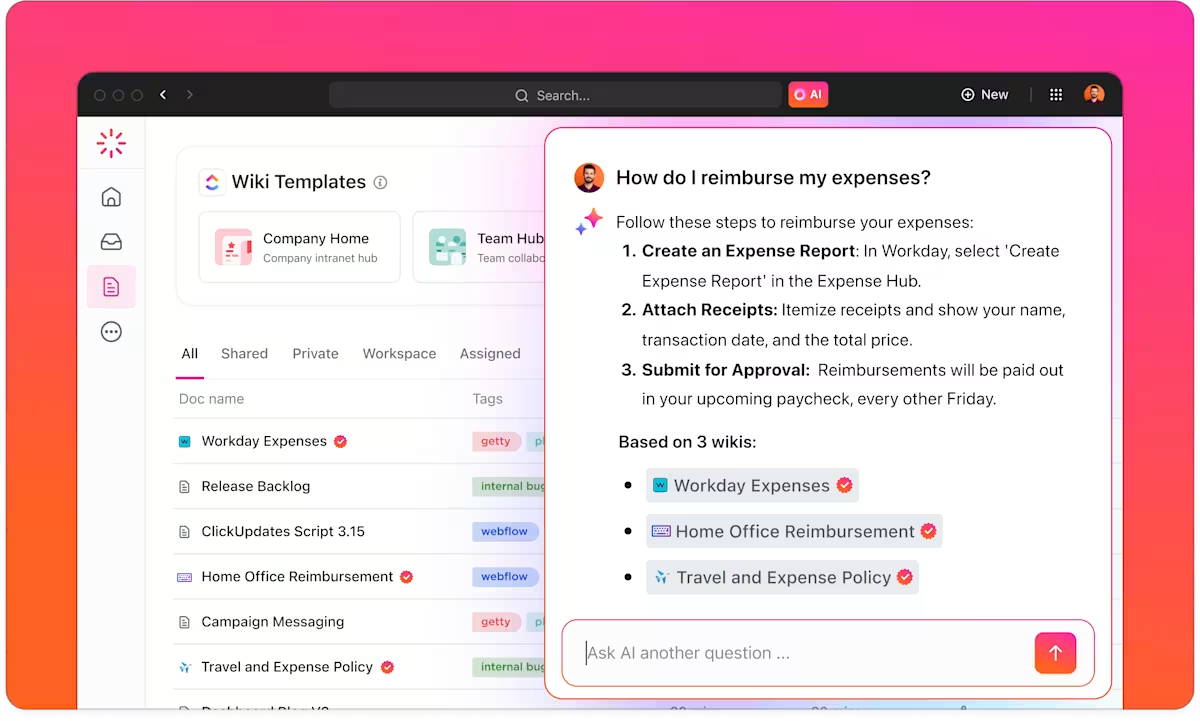
📮ClickUp Insight: We recently discovered that about 33% of knowledge workers message 1 to 3 people daily to get the context they need. But what if you had all the information documented and readily available?
With ClickUp Brain’s AI Knowledge Manager by your side, context switching becomes a thing of the past. Simply ask the question right from your workspace, and ClickUp Brain will pull up the information from your workspace and/or connected third-party apps!
Want to build an AI knowledge base for your org? Here’s a quick explainer video to get you started!
Also Read: Inside ClickUp Brain for Teams: Top Tools for Knowledge Sharing, Project Automation, & Writing
ClickUp Docs offer a structured, collaborative space to manage documents with your team. They also support headers, tags, and nested pages, making it easier for AI to identify key sections and summarize them more effectively.

By integrating with ClickUp Docs, ClickUp Brain can automatically summarize lengthy documents, meeting notes, or project briefs, providing quick insights from your workspace discussions without manual effort. This is especially useful for teams that need to process large amounts of information quickly. It also allows you to globalize your documents by translating them into different languages.
One of ClickUp’s standout features is its seamless integration with your project management workflow. For instance, you can automate summary generation by adding AI summaries as Custom Fields in tasks, which helps you track updates across multiple projects without opening each item on your to-do list separately.
💡 Pro Tip: Want to quickly summarize your meeting notes and extract action items from transcripts easily? Try the ClickUp AI Notetaker!
Having our team’s process documentation and task management in one place helps us save time searching for things. It also provides us with one single source of truth for information.
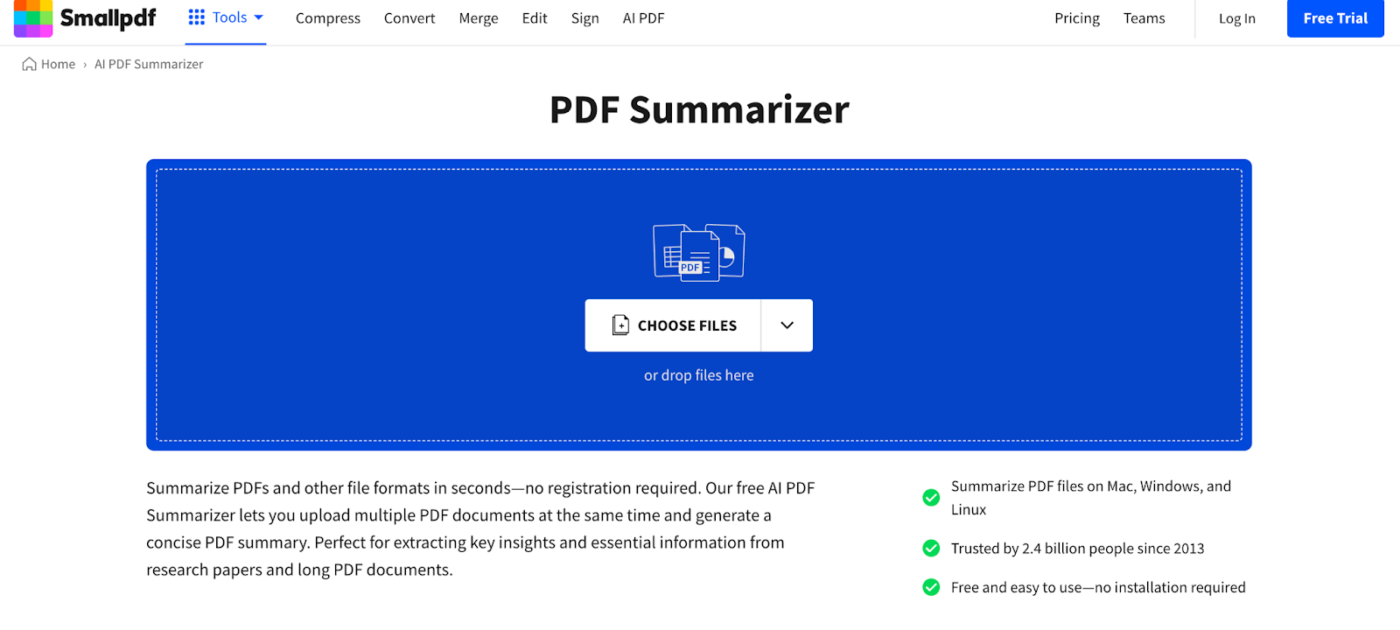
Smallpdf AI Summarizer is a straightforward tool for anyone who needs concise summaries of large PDFs.
This PDF summarizer goes beyond summarization, acting as a multi-functional PDF tool with added features like file conversions and annotations. Its cloud integration allows you to drop files from platforms like Google Drive or Dropbox, simplifying file management across devices.
The most helpful thing about Smallpdf is that it offers all the tools needed to work with PDF files. From editing to merge to split to conversion, this software offers everything.
Also Read: Top Document Version Control Software
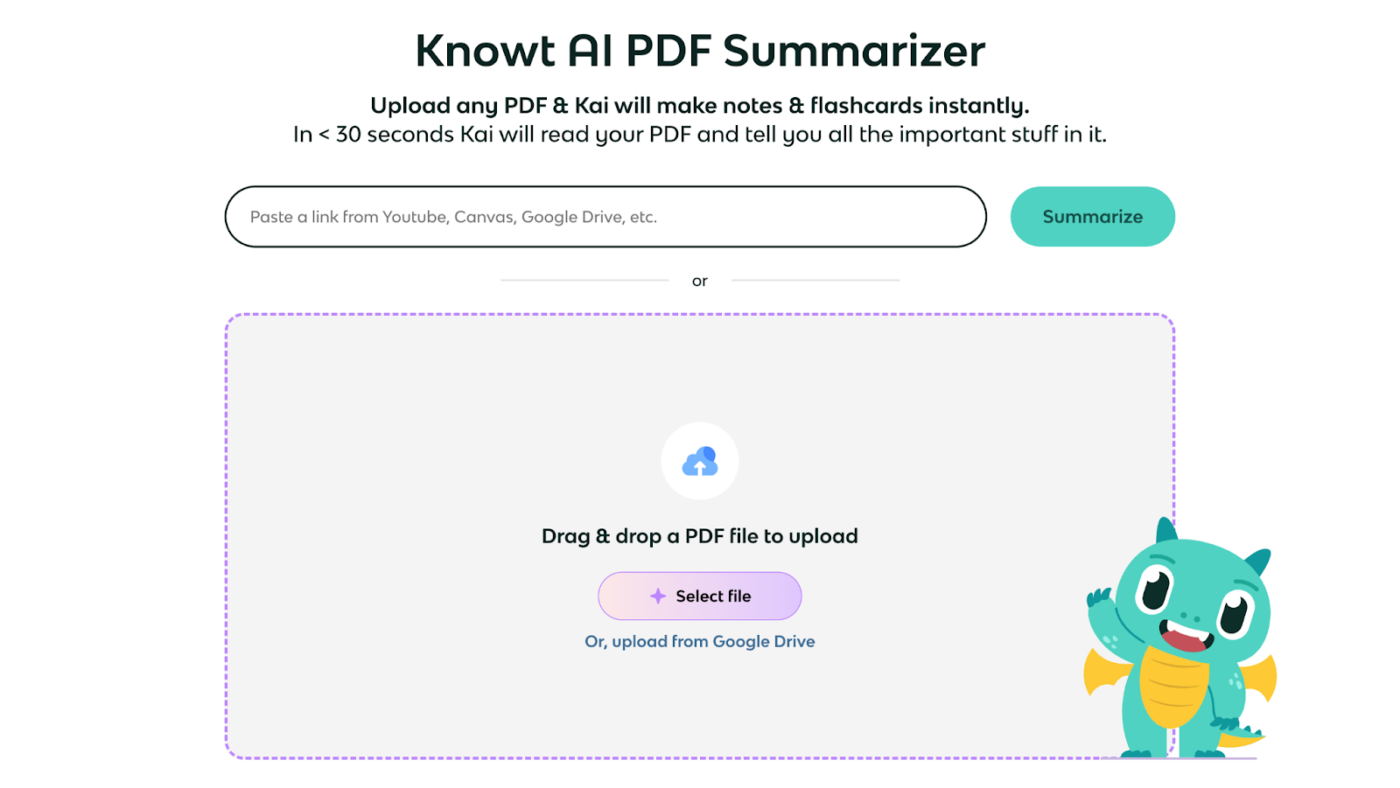
Designed to work with academic databases, Knowt allows you to import PDF files directly from your system, summarize multiple documents simultaneously, and even explains key concepts for clarity.
As an AI tutor, it breaks down lengthy reports into clear summaries, aiding knowledge retention with interactive learning features like flashcards.
🧠 Fun Fact: A North American pharmaceutical company sped up their research by a whopping 95% simply by using AI to summarize complex medical papers!
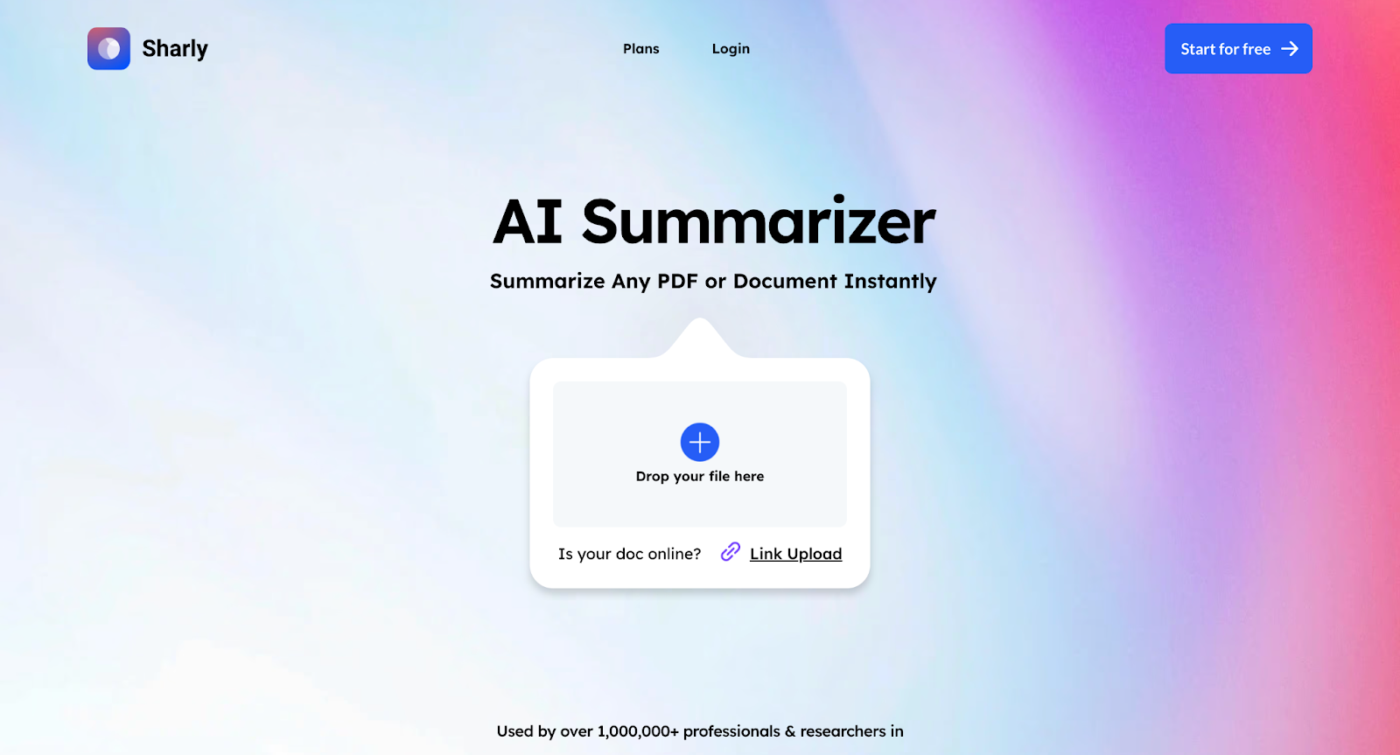
With advanced artificial intelligence, Sharly enables you to customize summary length, focus on specific key points, and even perform cross-document analysis to compare findings across multiple PDFs.
It supports multi-format compatibility, multilingual options, and secure data handling, perfect for long PDF documents containing lengthy reports and key insights.
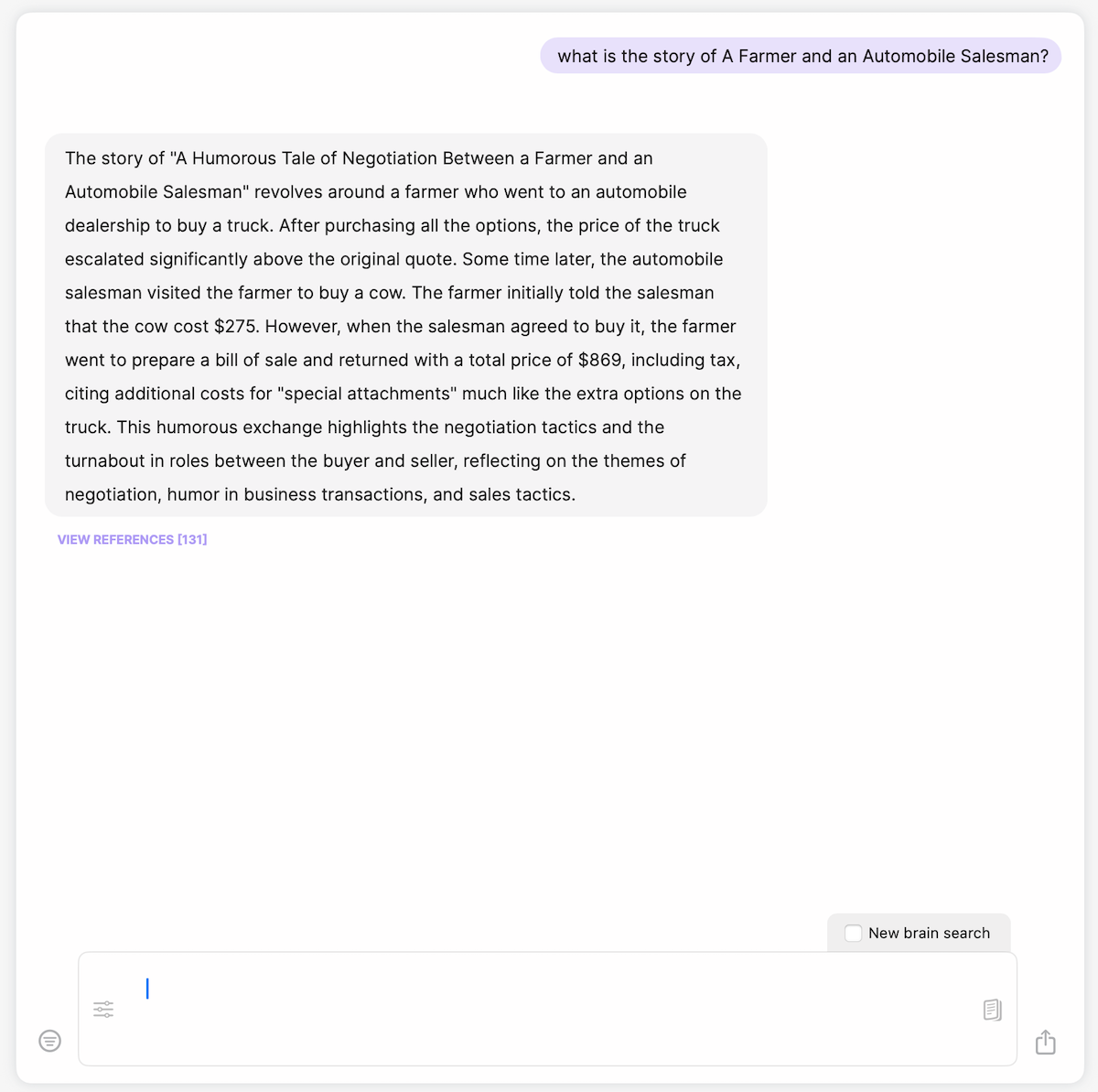
Tailored for professionals, researchers, and creators, Elephas supports many file formats, including Word documents, webpages, and audio transcriptions. This flexibility ensures you can efficiently manage and distill content from diverse sources.
It’s a valuable tool for those who study research papers, lengthy reports, or complex topics.
I’ve tried pretty much every local AI client on my Mac, but Elephas may be the best. Really centres on building knowledge bases (aka ‘Brains’) which is a common use case I have. Also provides all the other tools you’d expect (chat, text replacement, personas/tones etc).
👀 Did You Know? PDF ranks as the third most popular file format on the web, following HTML and XHTML, surpassing image formats like JPEG, PNG, and GIF.
ChatPDF redefines how you interact with PDFs, offering a conversational interface that allows you to ask specific questions and receive concise summaries or detailed responses in real time.
ChatPDF’s semantic indexing sets it apart. It analyzes the content down to individual sentences, ensuring that answers are accurate and contextually relevant to your queries.
This AI-driven summarizing tool integrates into a broader suite of content creation tools, allowing you to combine summarization with other workflows.
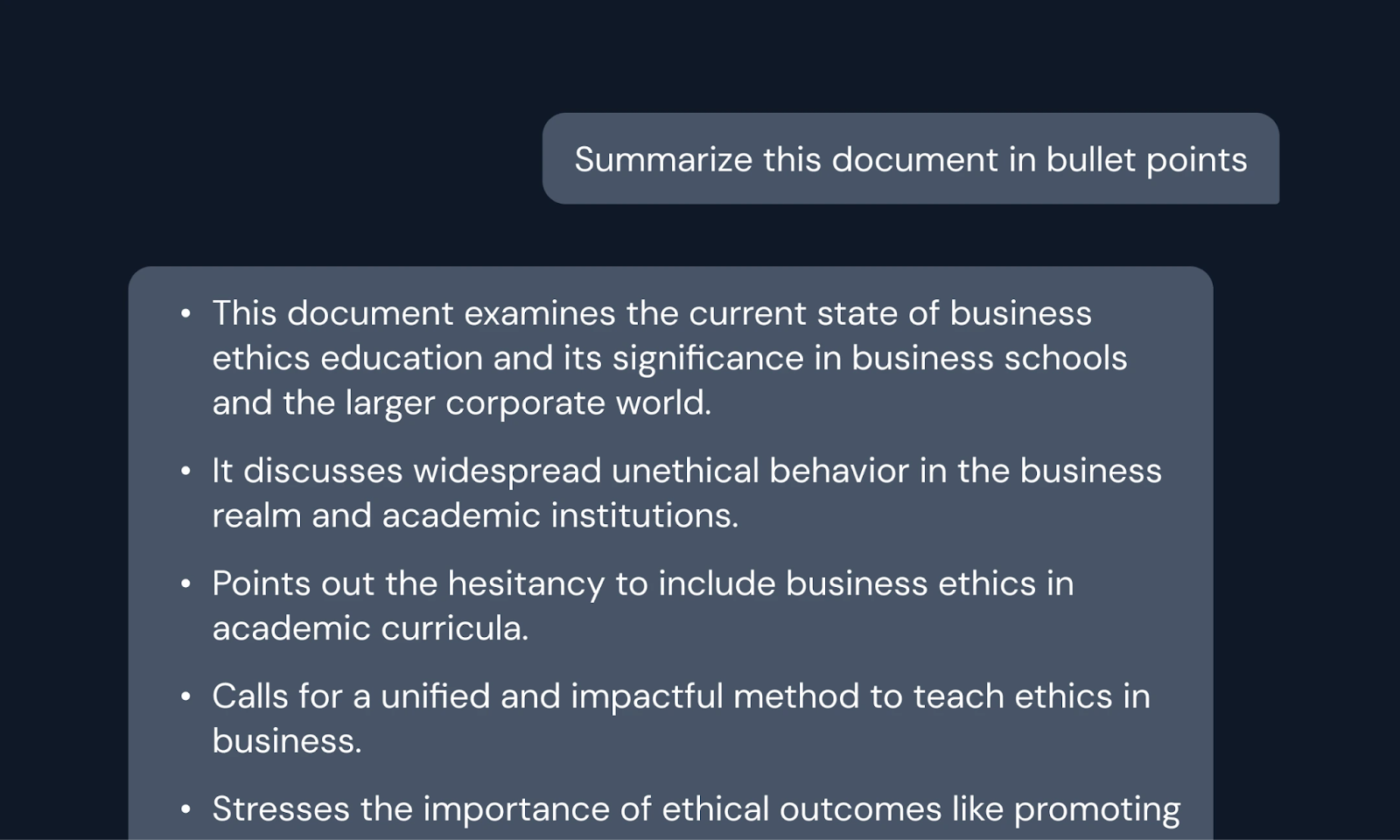
Whether you need to summarize PDFs into paragraphs or bullet points, Hypotenuse AI adapts to your preferences, saving you time and ensuring quality results.
With its high-speed processing and the ability to extract key points from documents in seconds, Hypotenuse AI is an invaluable resource for both professionals and students.
I can easily create contents for my blog articles and organization website. It also suggests title for your blog post. I can enter my SEO keywords.There are many other features available – like summarizing contents. The summary it provides is crisp and to the point.
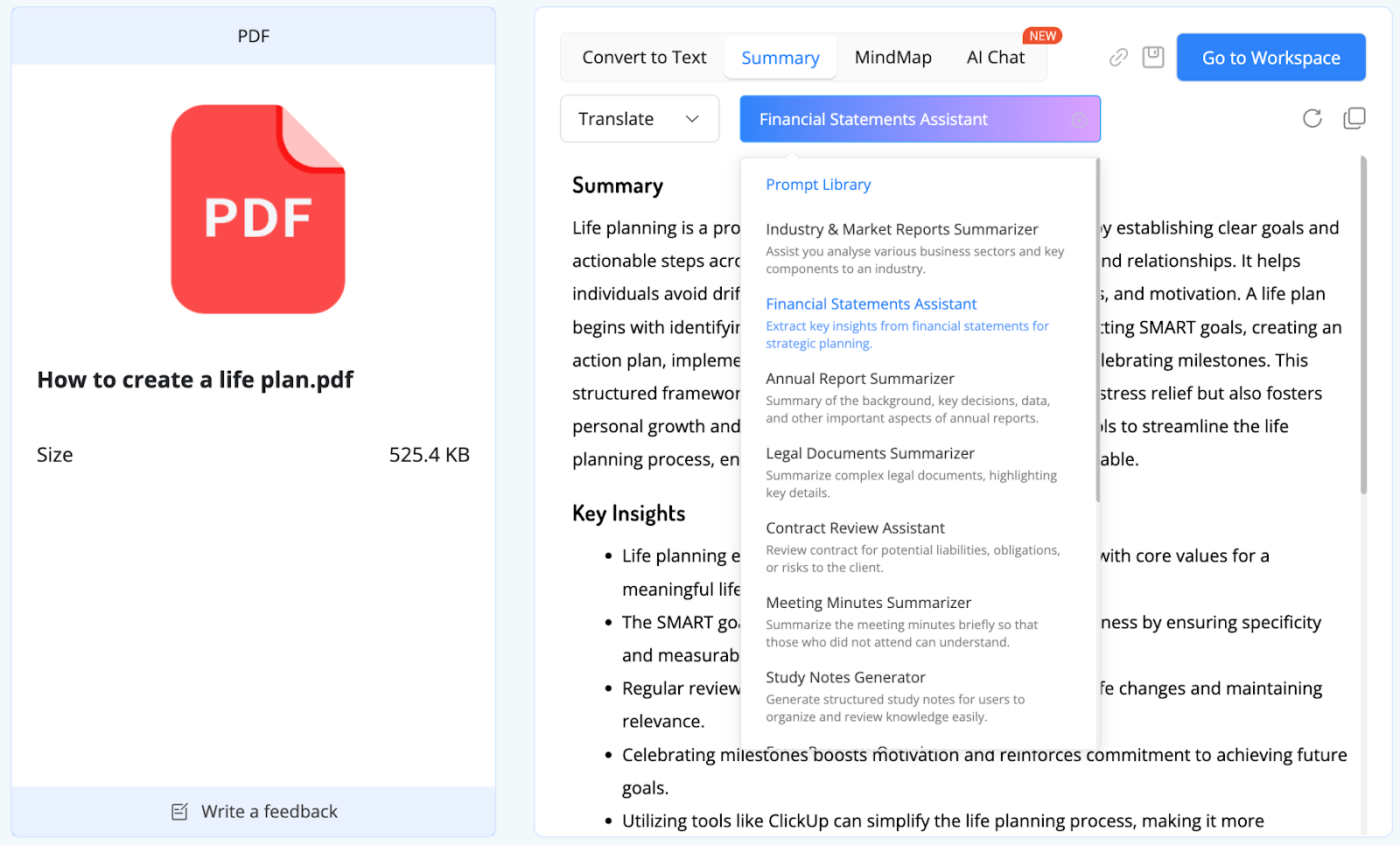
NoteGPT is a free AI PDF summarizer designed to extract key information from PDF files quickly and accurately.
With its real-time summarization feature, the tool starts generating a concise PDF summary as soon as you upload your PDF file. It’s a huge time-saver for students, researchers, and professionals working with long PDFs.
Its best feature is perhaps the Prompt Library, where you can use ready-made prompts to summarize niche documents such as industry and market reports, legal documents, annual reports, etc.
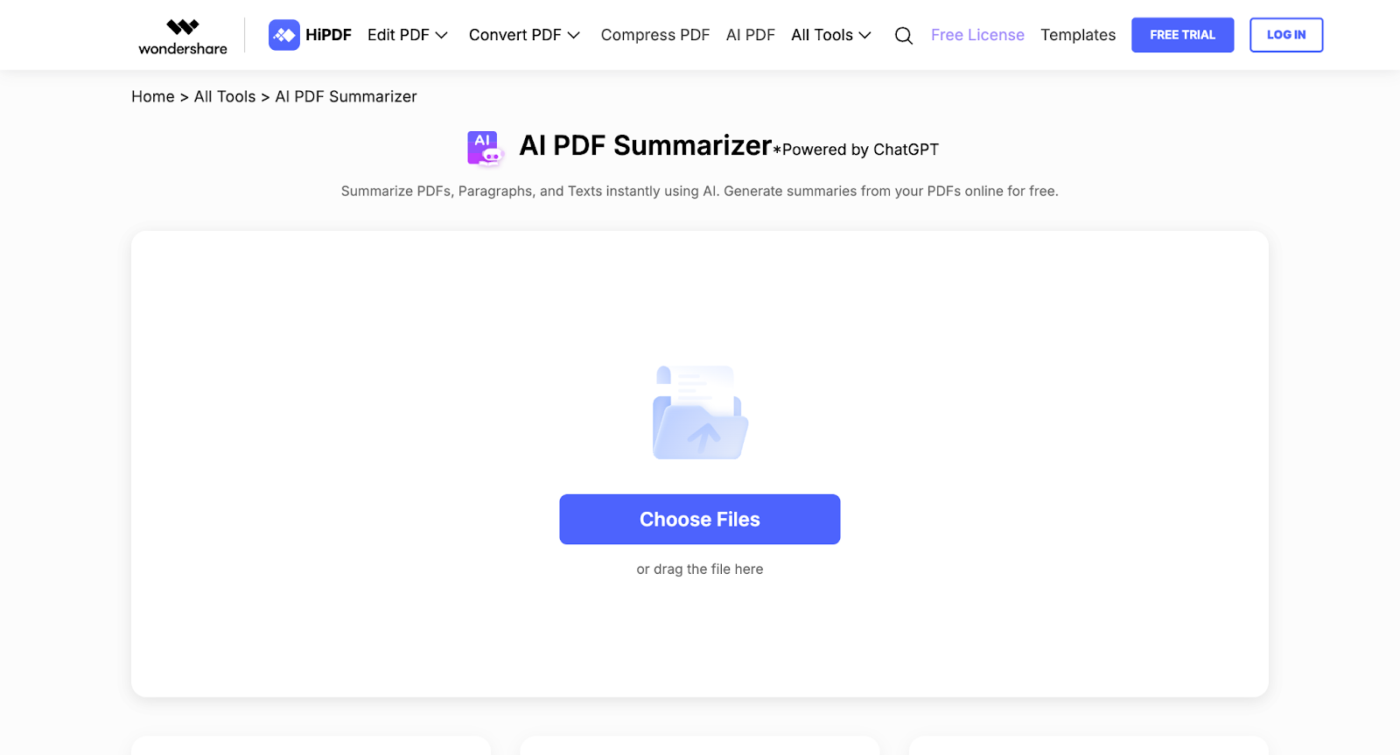
Part of the comprehensive HiPDF suite, this free AI PDF summarizer transforms lengthy PDFs containing reports and research papers into concise summaries, helping you get to the gist of the content quickly.
What impressed me most was its intuitive interface. You can upload your entire PDF, select the desired summary format, and let the AI summarize the entire document in moments.
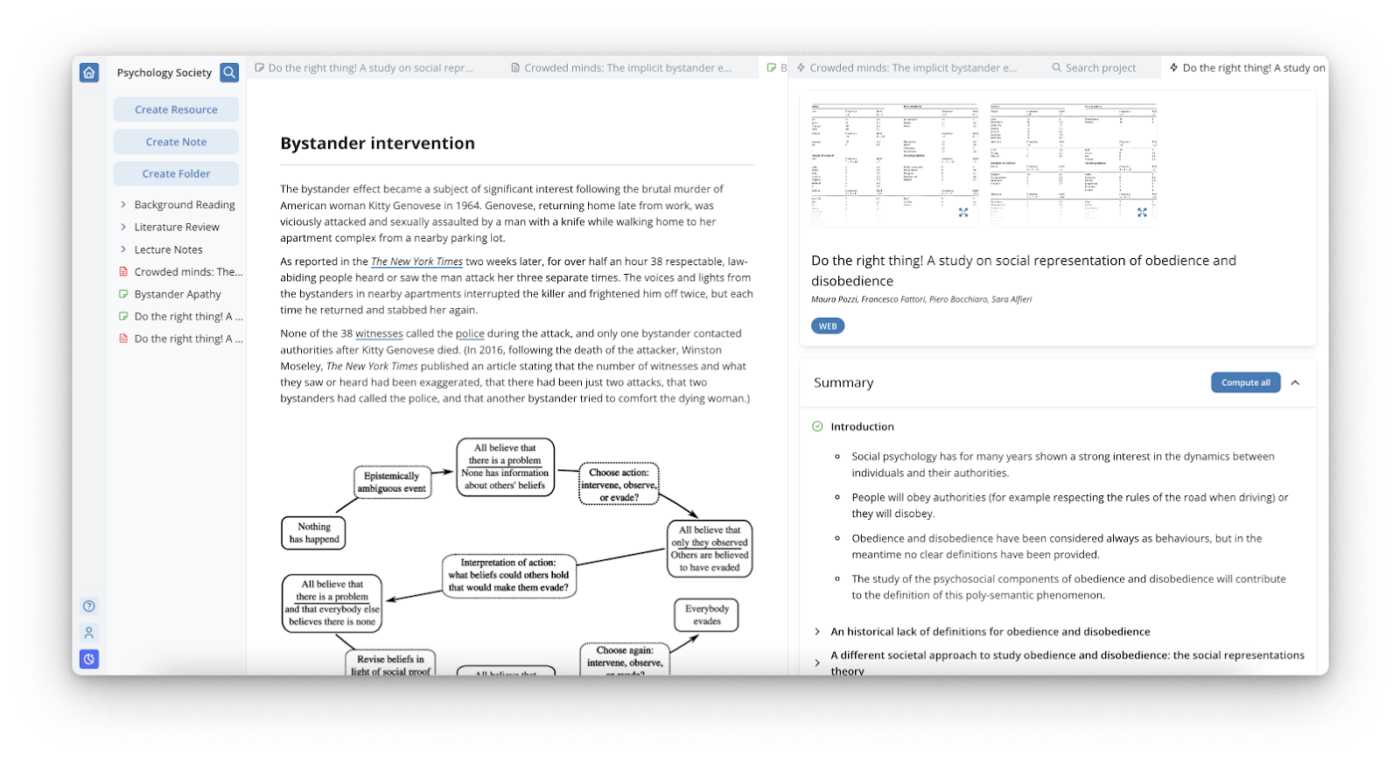
Genei is an advanced AI-powered summarizing tool that simplifies your workflow by extracting key insights, generating concise summaries, and providing seamless keyword extraction and citation management.
Its intuitive annotation features and semantic search make navigating large datasets effortless, helping you focus on the key concepts that matter most for your research.
The ability to quickly and easily gather and organize all of my sources in one place is a game-changer. The tool’s interface is intuitive and user-friendly, making it easy to navigate and find exactly what I need. The summaries provided are also incredibly helpful in understanding the main points of my sources. I highly recommend this tool to any student or researcher looking to streamline their work and improve their productivity.
PDFs are among the most widely used file formats on the internet. Their widespread usage underscores the importance of efficient PDF processing tools. With a range of AI PDF summarizers available, finding the perfect tool to fit your workflow has never been easier.
ClickUp goes beyond basic summarization, integrating free AI PDF summarizer capabilities with its robust project management platform. This makes it more than just a tool for summarizing PDF files—it’s a comprehensive solution for organizing, collaborating, and streamlining workflows.
From creating concise PDF summaries to managing lengthy reports and extracting key points seamlessly, ClickUp allows you to process information efficiently. Its ability to transform lengthy documents into clear summaries within a larger productivity ecosystem sets it apart from the competition.
Sign up for ClickUp today!

Arya P Dinesh
Max 27min read

Manasi Nair
Max 27min read
Manasi Nair
Max 32min read

© 2026 ClickUp