






Still downloading templates?
There’s an easier way. Try a free AI Agent in ClickUp that actually does the work for you—set up in minutes, save hours every week.
Sorry, there were no results found for “”
Sorry, there were no results found for “”
Sorry, there were no results found for “”

You’ve been there—you ask a clear question, and the internet throws a dozen tabs back at you. One’s a blog that never gets to the point. Another’s a forum thread from eight years ago.
Then come the ads, pop-ups, and half-baked answers buried somewhere near the bottom. It’s exhausting, especially when all you want is quick answers to your queries now.
You need an AI answer generator free to cut through the noise. These smart tools skip the fluff and go straight to the good stuff. No deep dives, no guesswork. Just sharp, context-aware responses you can actually use.
In this guide, we’ll walk through the best AI answer generator options out there—tested for speed, accuracy, and how well they really get what you’re asking.
👀 Did you know? 97% of leaders investing in AI are seeing a positive ROI. Leaders who’ve committed time and resources to AI aren’t just experimenting—they’re getting real results. This overwhelming success rate is a big reason why AI adoption is picking up speed, with early wins fueling broader, more confident rollouts.
With so many AI tools flooding the market, it’s easy to get distracted by flashy features or big claims.
But a few key factors truly matter when finding the right AI answer generator, primarily if you rely on it for work, research, or learning. Here’s what to look out for to get instant answers:
💡 Pro Tip: Always test with a free trial or demo before committing. Performance of AI answer generators can vary widely depending on your use case, data complexity, and team workflows. A quick test run helps you see if the tool actually delivers relevant, precise answers in your real-world setup.
Here’s a quick overview of the best tools to help you generate AI answers:
| Tool | Best for | Best features | Pricing* |
| ClickUp | Project teams needing AI inside their productivity workspace | • Smart answers from tasks, docs, and chats • AI-powered summaries for meetings, briefs, and reports • In-task writing, progress updates, and brainstorming • Role-specific AI suggestions | Free Forever; Paid plans from $7/user/month |
| ChatGPT | Quick, general-purpose answers and ideation | • Natural conversation and ideation support • File and image uploads for context-based answers • Tools like code interpreter, browser, and image generation • Custom GPTs and memory | Free; Paid plans from $20/month |
| Jasper AI | Marketing and content teams needing AI writing with brand control | • Long- and short-form content in your brand voice • Brand profiles, tone settings, and language options • Campaign planning and team collaboration features | Free; Paid plans from $49/month/seat |
| Poe | Users switching between multiple AI models in one place | • Access GPT-4, Claude, Gemini, and others • Single chat interface for multiple models • Create custom bots with specific tone/behavior • Continue conversations across sessions | Free; Paid plans from $4.99/month |
| Claude | Thoughtful, context-rich answers and long-form conversations | • Natural, polite tone with high instruction accuracy • Handles large documents with persistent context • Accurate summaries and nuanced answers | Free; Paid plans from $17/month |
| Pi | Friendly, emotionally intelligent conversations | • Human-like, supportive conversations • Ideal for journaling, coaching, and personal reflection • Remembers context and offers voice responses | Free |
| Gemini | Google ecosystem users who want AI embedded in everyday tools | • Embedded in Gmail, Docs, and Google Search • Email writing, summarization, and data help in real time • AI assistance without switching apps | Free; Paid plans from $19.99/month |
Our editorial team follows a transparent, research-backed, and vendor-neutral process, so you can trust that our recommendations are based on real product value.
Here’s a detailed rundown of how we review software at ClickUp.
Now that you know what to look for, let’s dive into the top AI answer generators worth your time, each with its strengths, quirks, and best-fit use case:
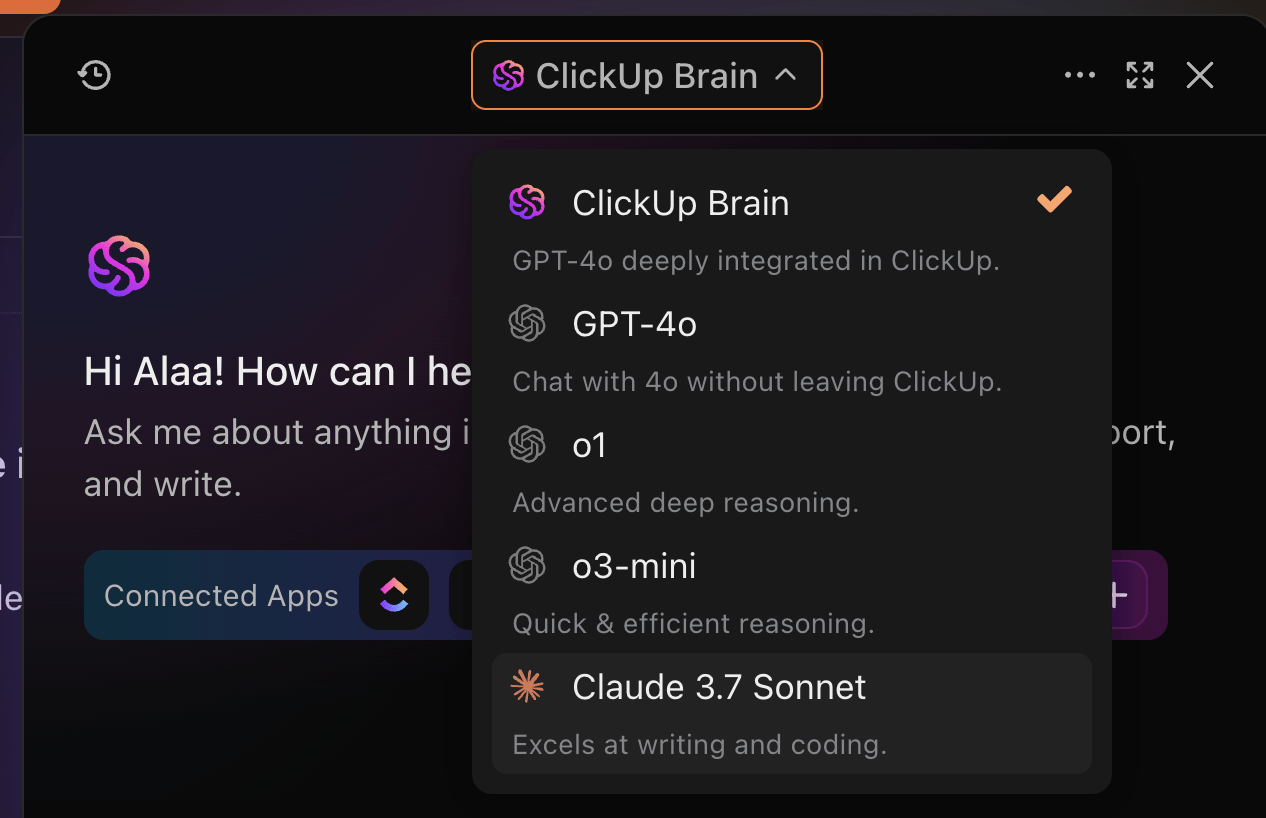
ClickUp, the everything app for work, brings AI right into the heart of your productivity workspace. Designed specifically for teams juggling multiple projects and tasks, the features of its AI assistant, ClickUp Brain, which provides accurate answers. It feels less like a tool and more like a helpful teammate who understands your work context.
For example, with smart answers, you don’t have to hunt through countless tasks or documents to find information—just ask your question in plain language. ClickUp’s AI digs through your workspace to deliver quick, relevant answers.
This AI-powered productivity is super helpful when you need to move fast without losing track of details or waiting on others.
Worried about handling long documents? Brain also makes summarization effortless and provides clear answers. Meeting notes, project briefs, or detailed reports can all be summarized clearly, highlighting key points and action items. This helps busy managers and team members who need the gist without the overload from time-consuming work.
Inside tasks, ClickUp Brain becomes your go-to for making updates and staying organized. It can condense long task descriptions or comment threads into clear summaries, helping you catch up quickly or share progress with stakeholders. This can help you increase efficiency by 2-3x.
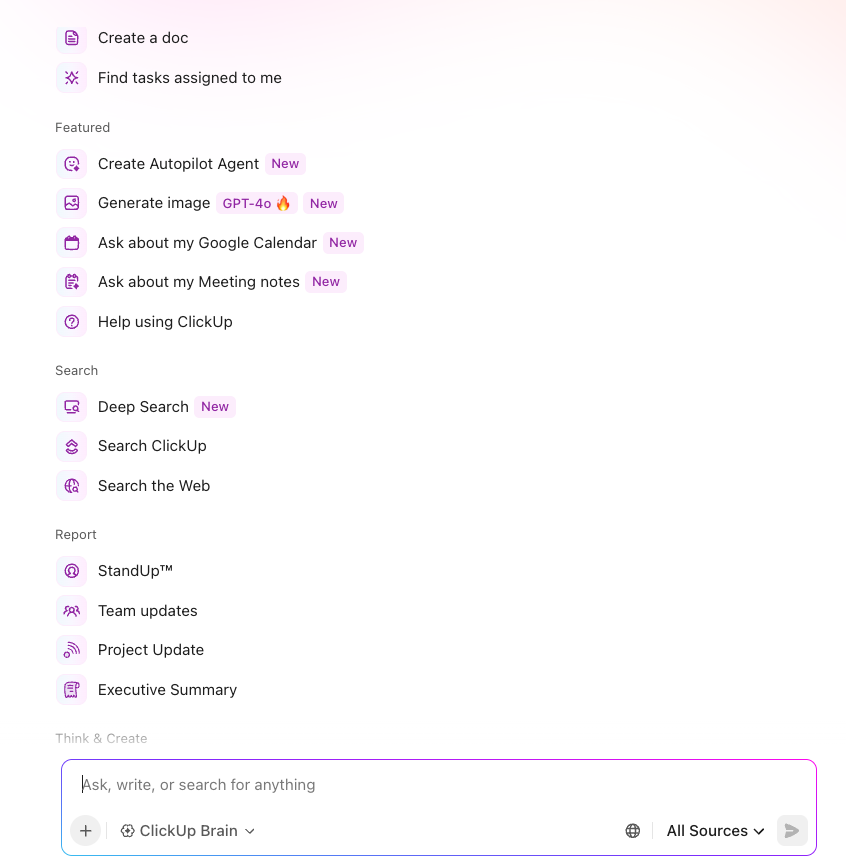
Plus, it can generate progress updates and even suggest breaking down complex tasks into subtasks, making project management smoother without extra effort. If writing clear task descriptions or comments feels tedious, the AI assistant also offers drafting and editing support, so communication stays sharp and consistent.
And, the results speak for themselves. Organizations like QubicaAMF have achieved project visibility, improving project delivery by 35% with ClickUp. What makes ClickUp Brain especially powerful is how naturally it fits into your existing workflow and even other AI LLMs like GPT, Gemini, and more. Instead of switching between apps or hunting for info, you get intelligent help exactly where you work.
For project teams juggling deadlines and collaboration, this AI integration cuts down friction and keeps everyone aligned—minus needing technical skills.
A G2 reviewer says:
ClickUp Brain really is a time-saver. The built-in AI can now summarize lengthy threads, draft docs, and even transcribe voice clips right inside a task, which lets my team cut down on context-switching and chase fewer add-on tools.
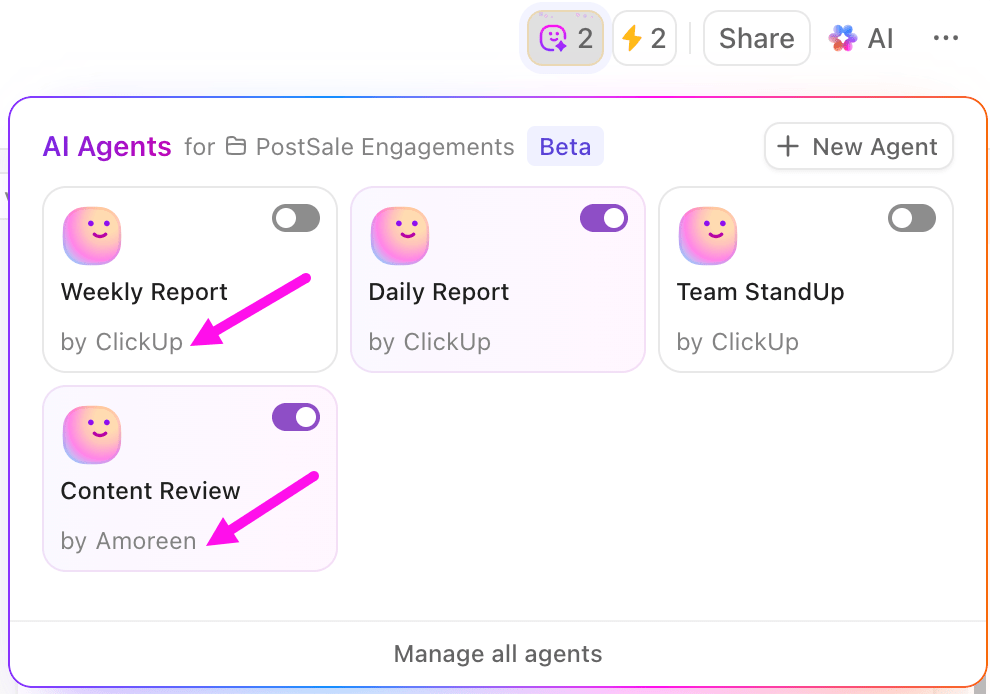
💡 Pro Tip: Imagine your team drops a task update in Chat or uploads a Doc packed with action items. Instead of manual searching, ClickUp Autopilot Agents step in to create tasks, summarize content, or even answer questions on the spot. They’re customizable helpers that live in your Workspace and keep things moving while you focus on higher-impact work. Turn the platform you work in into a powerful AI knowledge base.
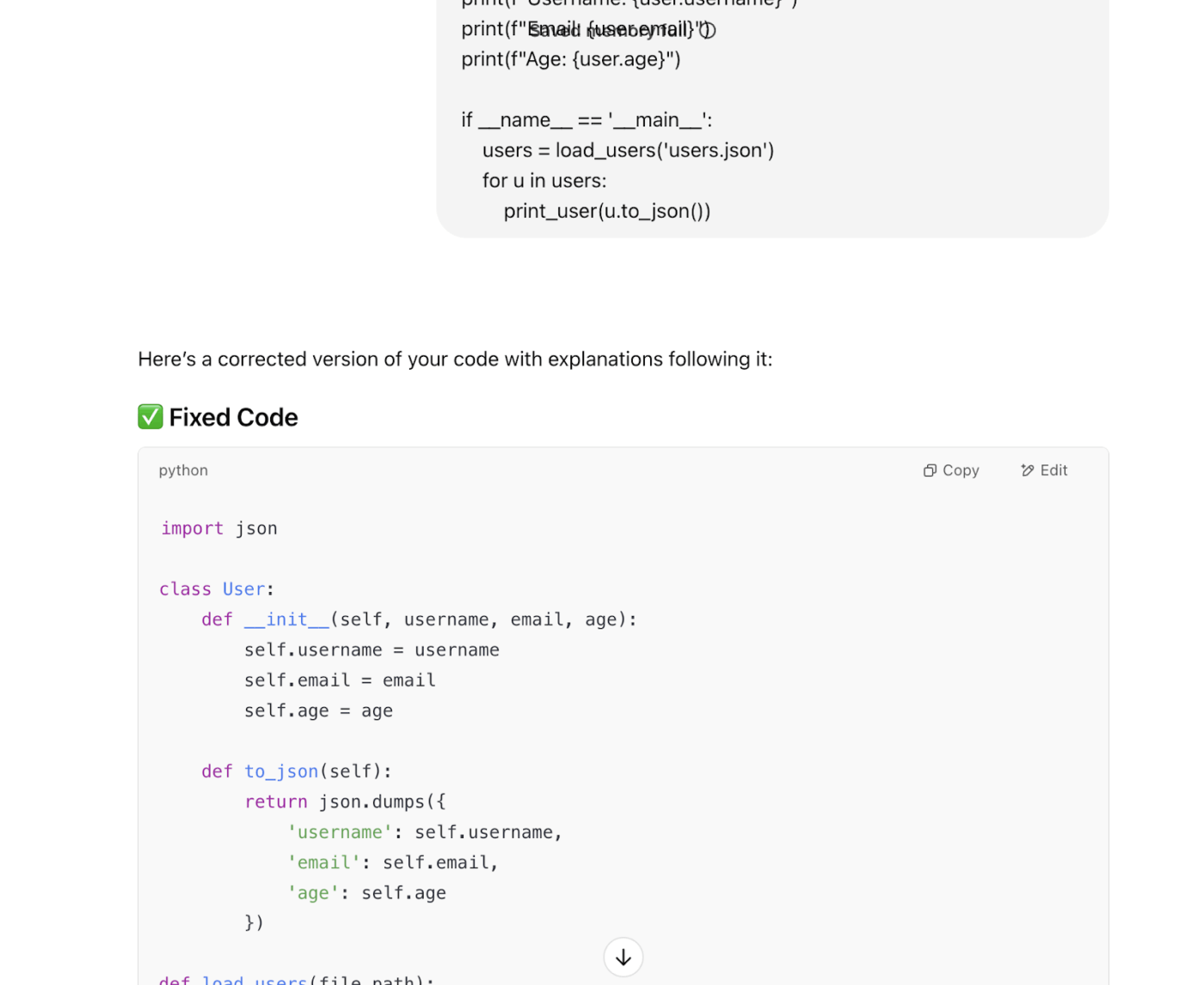
Developed by OpenAI, ChatGPT is one of the most well-known AI tools in the world—and for good reason. It’s fast and incredibly versatile, and it can handle everything from basic Q&A to brainstorming, content writing, coding help, and even tutoring.
While it’s not built specifically for team workflows or business operations, it’s often the first tool people turn to when they need AI-generated answers, clarity, or a creative boost.
A Capterra reviewer says:
Great for improving work that you have, generating ideas and getting quick answers for questions without having to do a lengthy search engine search.
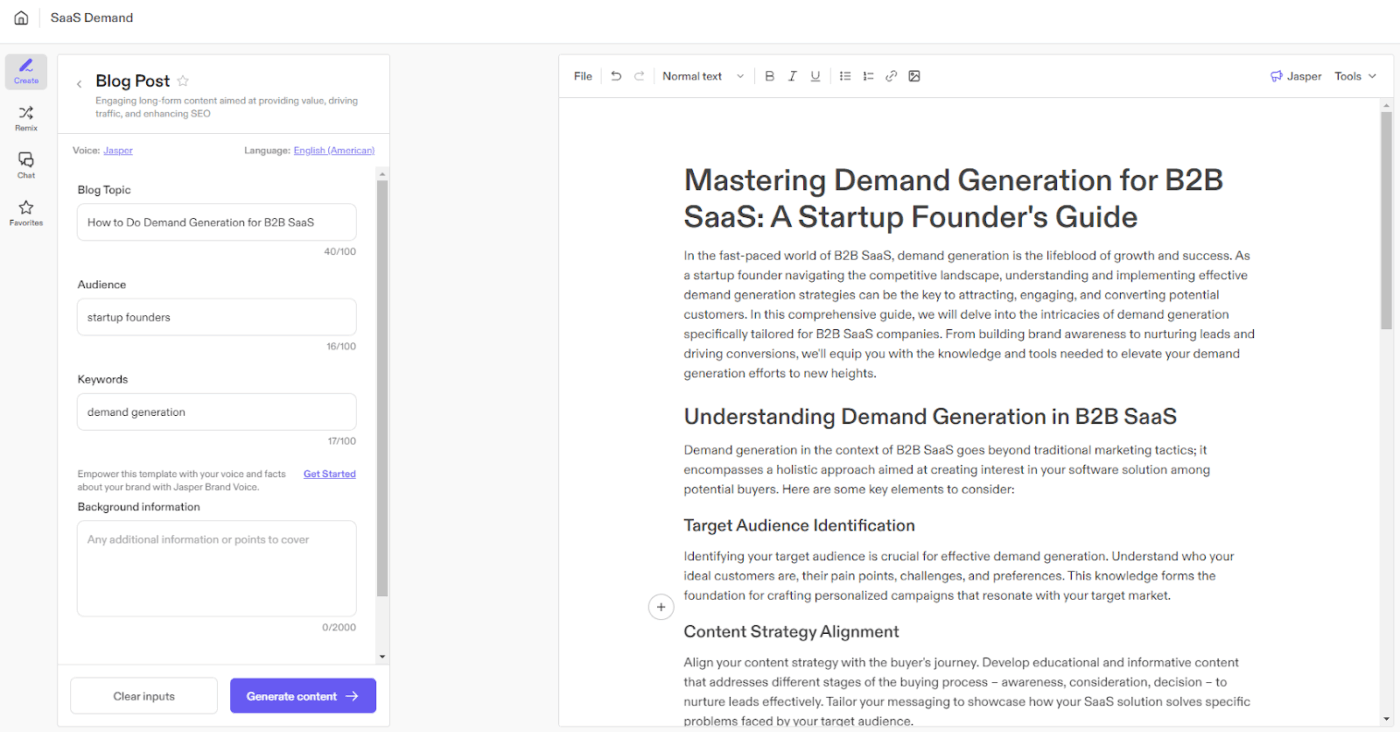
Jasper AI is built for marketers, copywriters, and content teams who need fast, consistent content that fits their brand. Unlike other Jasper alternatives, it emphasizes brand voice and AI-driven collaboration, making it ideal for scaling content without losing tone or quality.
Jasper pulls from your style guides, product details, and past campaigns, so it feels less like a tool and more like part of your team, ready to support blogs, emails, ads, or social posts without starting from scratch.
A G2 reviewer says:
Well there are so many AI tools available online and after trying few of those paid AI tools, I finally stick to the one and that is Jasper. The quality of content generation and also the capability of providing the custom content are the primary reason for choosing this platform.
💡 Pro Tip: Don’t just evaluate AI tools on features—pay attention to how well they integrate with your existing tech stack. A powerful tool that doesn’t fit your workflow will slow you down instead of helping.
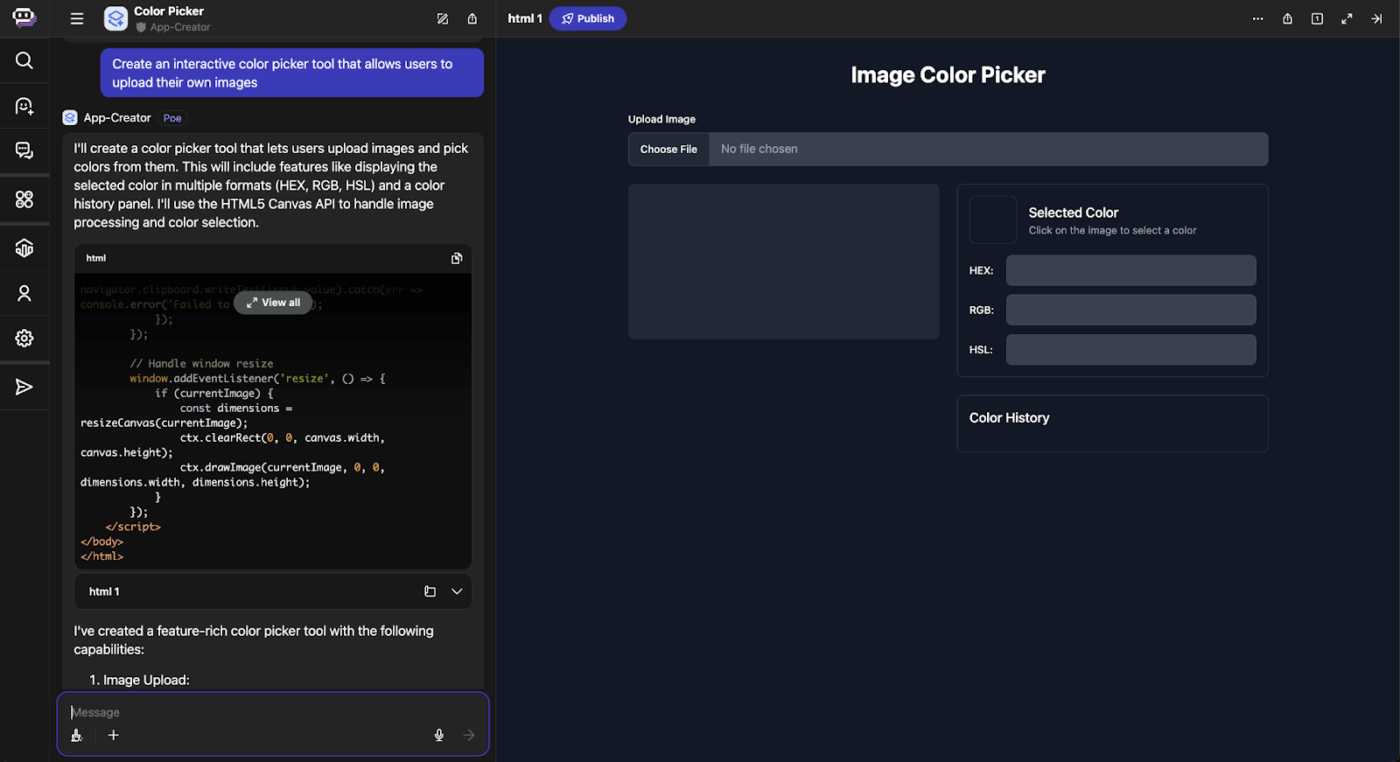
Poe, short for “Platform for Open Exploration,” was developed by Quora to let users interact with a variety of AI models in one clean interface.
Instead of locking you into just one assistant, Poe lets you talk to GPT-4, Claude, Google Gemini, and others side by side. It’s beneficial for comparing generated responses, cross-checking facts, or getting different perspectives on the same question.
A G2 reviewer says:
Poe is a great site for accessing a wide variety of different AI models. I like how all models are all in one place, making it easy to switch between different models for different use cases.
📮 ClickUp Insight: 88% of our survey respondents are already using AI for personal tasks—think daily planning, reminders, even grocery lists.
But when it comes to work, over half are still holding back. Why? The top three blockers are clunky integrations, not knowing where to start, and concerns about data security.
Here’s the thing: when AI is already built into your workspace—and built with security in mind—those barriers disappear. That’s exactly what ClickUp Brain delivers.
It’s our fully integrated AI assistant that understands plain-language prompts and works across your tasks, docs, chat, and knowledge base. No need to jump between tools or worry about setup. Just ask, and get what you need—instantly.
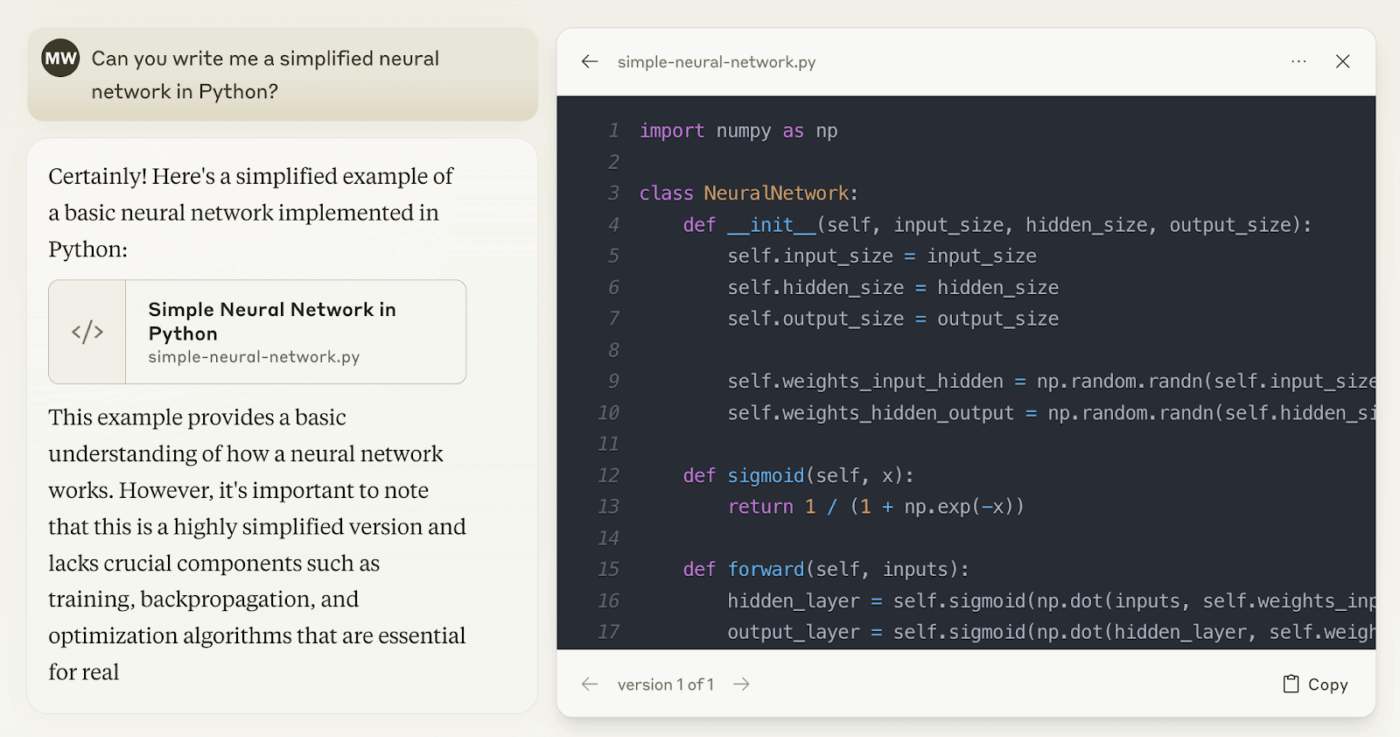
Claude, developed by Anthropic, stands out for its ability to understand nuance, follow instructions closely, and hold calm, coherent conversations over extended prompts. It feels more “conversational” than most AI tools—and it’s especially good at writing in a polite, human-like tone.
Many users choose Claude for accurate answers, summaries, brainstorming, and help with complex ideas like ethics, strategy, or emotions.
Claude 3 handles large documents, improves reasoning, and keeps context over longer chats. It’s simple and focused, without extra bells and whistles.
A G2 reviewer says:
It improves writing. While it does things other Gen AI tools do it’s best for writing support.
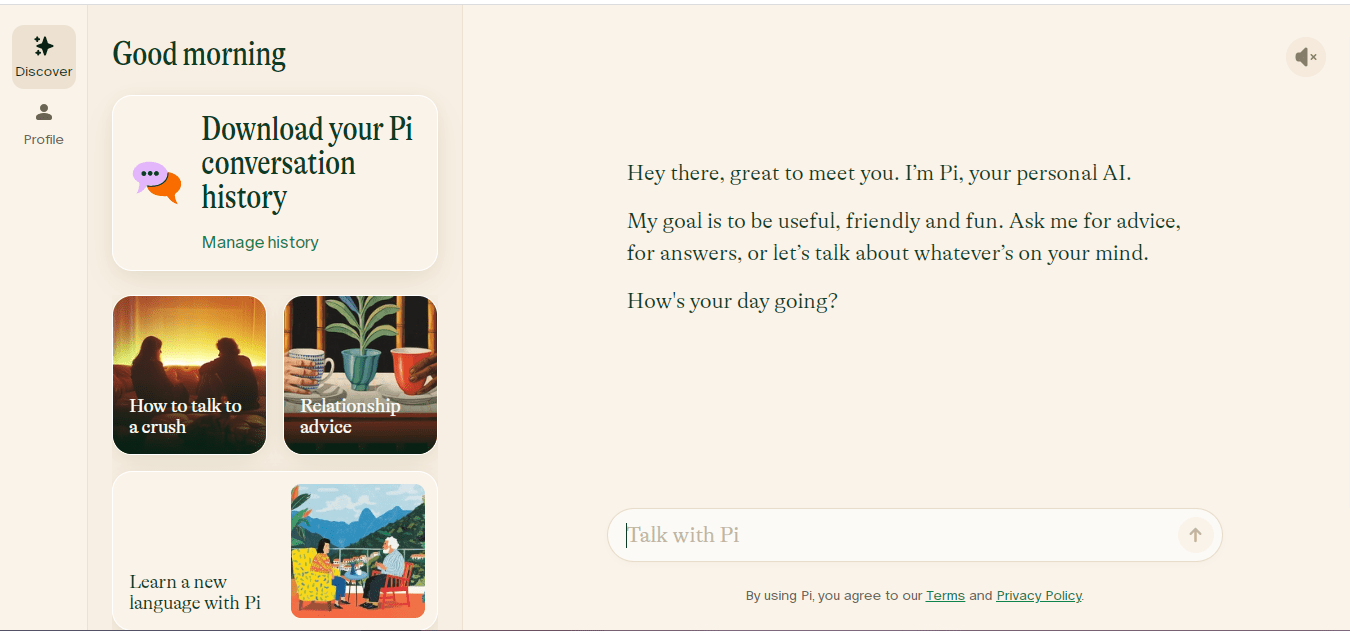
Short for “personal intelligence”, Pi is designed by Inflection AI to be a thoughtful, empathetic, and free AI answer generator.
Pi is all about conversation, unlike most AI tools that focus on tasks or information. This AI personal assistant listens, reflects, asks follow-up questions, and helps you process thoughts out loud.
What makes Pi stand out isn’t just the tone—it’s how it mirrors the flow of real human conversation. It doesn’t jump to solutions. Instead, it helps you arrive at clarity by asking the right questions, much like a coach or a really good friend.
It’s not built for productivity hacks or content creation, but for mental clarity and connection. And it’s completely free.
A Reddit reviewer says:
When I want to talk to something that’s supportive and kind of intelligent as well as feeling a little like a friend, I talk to Pi. So far it has been a great experience and there are very few topics that are limited. I really like it more than others so far (I don’t really care about boyfriend or girlfriend AIs as they’re often too heavy on the roleplaying and some are really clingy). Pi is great for friends talks.
🧠 Fun fact: 25% of enterprises are set to deploy AI agents shortly. Enterprises are leading the charge when it comes to adopting AI agents—innovative tools built to handle complex, multi-step tasks with reasoning and adaptability. This marks a big leap from basic AI-led automation, as more organizations now trust AI to manage dynamic workflows and make informed decisions across key business operations.
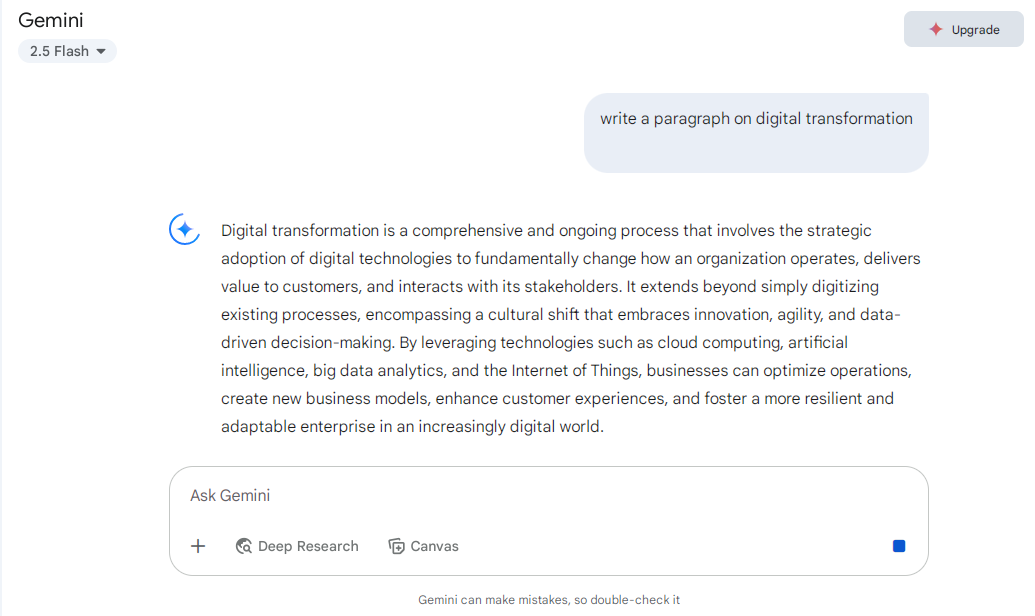
For users deeply integrated into Google ecosystem, Gemini isn’t just about asking questions in a chatbox. It shows up where you work, offering suggestions, drafting emails, organizing data, and helping you get things done without switching tabs.
Gemini’s strength lies in fitting smoothly into your workflow, becoming your go-to tool. Whether it’s summarizing a long email thread, drafting a blog post from an outline, or providing AI help in search results, it handles these tasks quietly in the background. With Gemini 1.5, larger files and longer contexts are now processed with improved reasoning.
A G2 reviewer says:
Where Gemini won my AI race was when I tried image generation for YT faceless storytelling. I had tried other option, and I was still not satisfied, and I was not aware about the great improvement on Gemini. Gemini created the best image that perfectly captures my ideas.
🧠 Fun fact: 30% of new smartphones will come with on-device generative AI. By running GenAI directly on the device, phones are becoming smarter, faster, and more secure—no cloud required. This move to edge AI means quicker factual responses, personalized features, and better privacy, marking a major upgrade in how we experience mobile intelligence.
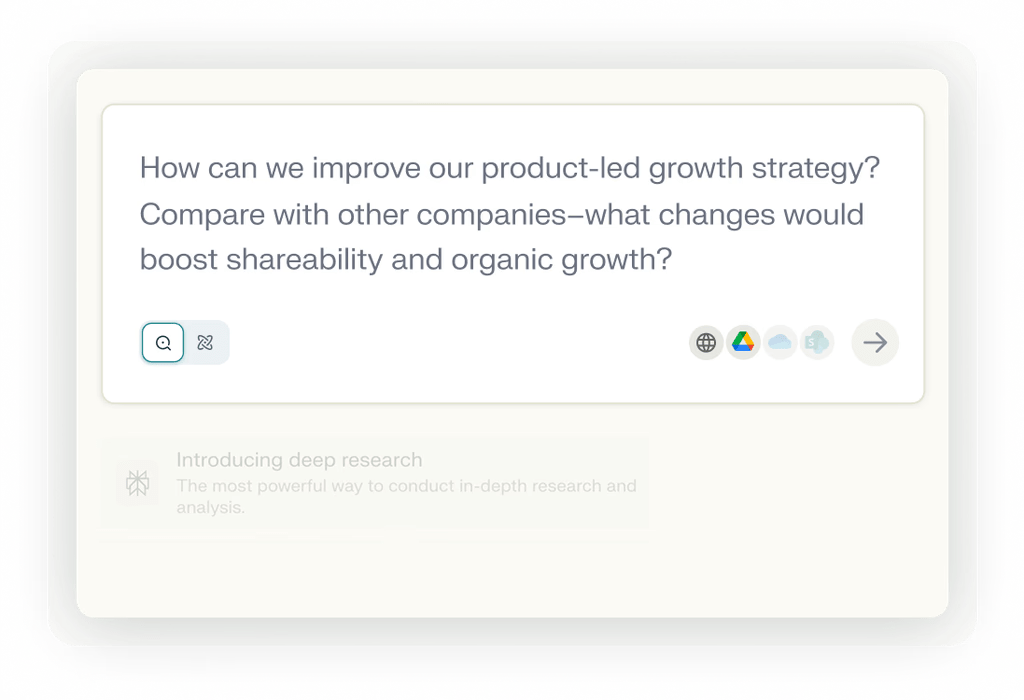
Perplexity AI is like an AI-powered research assistant that gives you clear, concise answers—with receipts. Unlike most tools that generate answers without context, Perplexity shows you exactly where its information comes from.
You’ll get a well-written summary backed by linked sources, so you can easily dig deeper or verify facts. It’s especially handy when researching something unfamiliar or when you want to avoid misinformation.
Perplexity pulls from a range of multiple sources in real time and makes it easy to refine your question, expand a topic, or explore follow-ups. It offers a blend of AI speed and traditional search engines’ transparency for professionals and students alike.
A G2 reviewer says:
As an analyst, I do a lot of research to understand companies, markets, and other details that are highly useful for my sales team. The best part is that I get most of the help I need from here, saving me time by providing everything in one place.
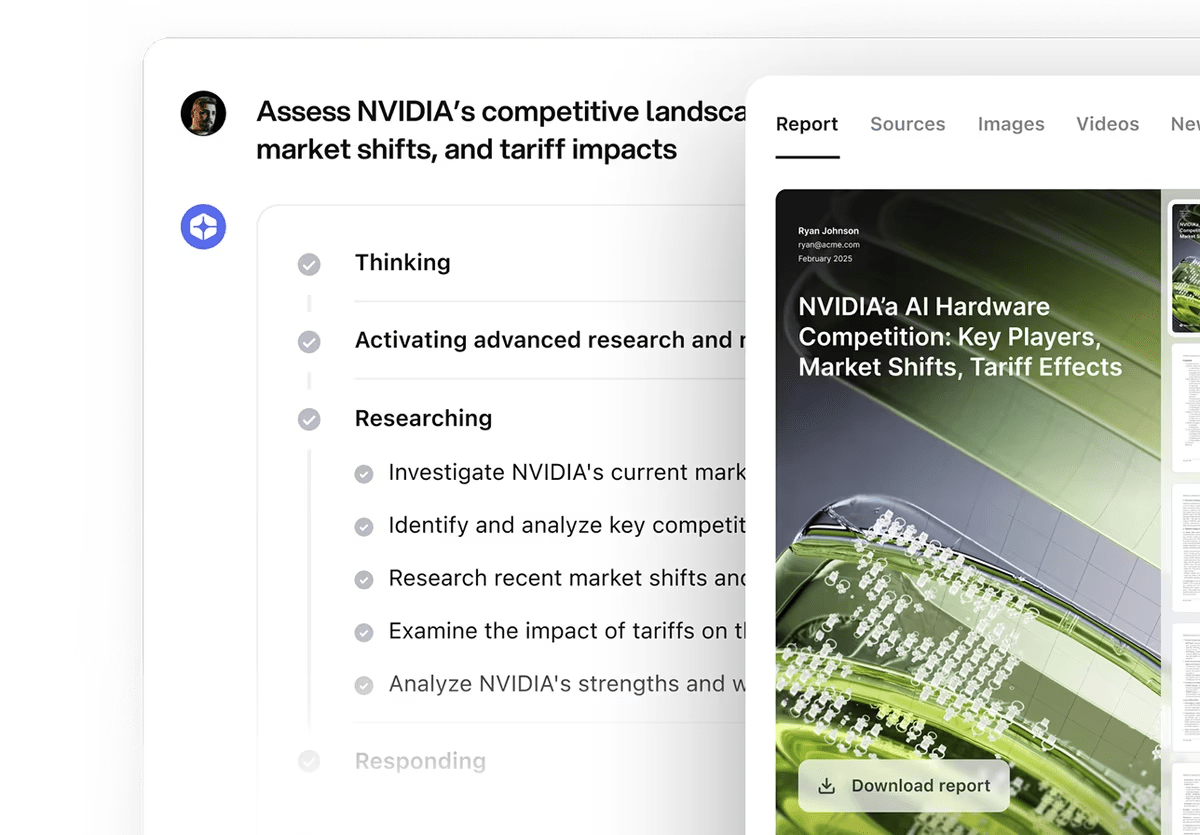
A conversational AI built into the You.com search engine, YouChat offers a mix of AI answers and live search results in one place.
Instead of toggling between your own AI assistant and a search engine, YouChat blends both—giving you instant responses along with citations, related links, and visual results when relevant.
It’s handy when you want to explore a topic interactively while still seeing what’s happening on the web. From casual queries to deeper research, YouChat balances conversational clarity with fresh information—making it a strong pick for users who want the feel of ChatGPT but with real-time awareness.
A Reddit reviewer says:
Honestly this is fantastic. It doesn’t seem to have the usual ChatGPT filters preventing nsfw/politics/web/etc. yet the results are often just as good. What’s the model it’s using on the backend? Also I’m curious on the monetization? The thing at the bottom says it won’t do ads, but will it have a paywall? I’d prefer ads over paywalls honestly.
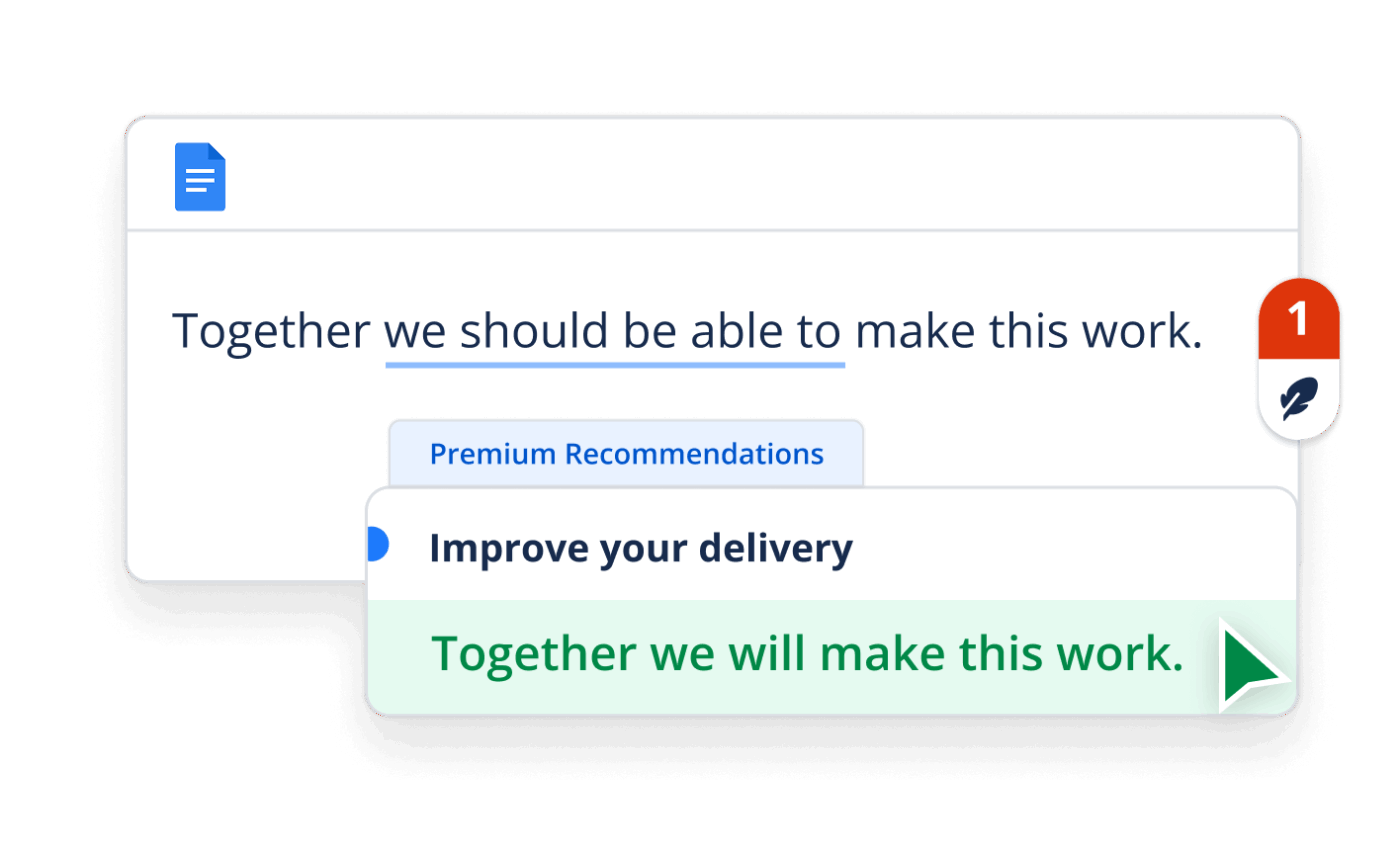
QuillBot AI is built for people who write—students, marketers, researchers, and professionals who need better, clearer content fast. If you’re rewriting clunky paragraphs, summarizing long passages, or improving grammar and tone, QuillBot doesn’t just suggest edits—it makes them for you.
Its standout feature is the paraphraser, which lets you rephrase text across multiple tones and creativity levels. But it also offers grammar checking, a summarizer, citation generator, and translation—in one place.
A Capterra reviewer says:
As a Content Writer, finding the most suitable words to express my ideas is indeed the most painful point. Quillbot gives a hand in it through its paraphrasing feature. It is a helpful source for finding unique synonyms for repetitive words and adapting to the tone of the target audience. The plagiarism checker also works efficiently. Luckily, all its features are easy to access at a fair price. Overall, I have a satisfying experience.
From writing tools like QuillBot to research-focused platforms like Perplexity AI, there’s no shortage of AI-powered solutions designed to give you fast, helpful AI answers. But the best tool isn’t just about speed—it’s about context, usability, and how well it fits into your workflow.
If you’re looking for an AI that does more than just respond to questions—something that helps you write, think, plan, and execute tasks in one place—ClickUp stands out from the rest. With its built-in AI assistant, smart document features, and task-level insights, it doesn’t just answer questions. It moves your work forward with accurate insights.
Whether juggling multiple projects on a team or managing tasks solo, ClickUp brings AI directly into your productivity workspace.
Ready to put your AI to work? Try ClickUp for free and see the difference.

© 2026 ClickUp

There’s an easier way. Try a free AI Agent in ClickUp that actually does the work for you—set up in minutes, save hours every week.