

Sorry, there were no results found for “”
Sorry, there were no results found for “”
Sorry, there were no results found for “”
As a project manager, you know that how you are getting things done is just as important as why you’re doing it and what you’re actually working on. Being able to track all of your business processes is key in keeping the team on track and avoiding breakdowns.
Process documentation software is a crucial addition to your project management framework.
Here, we’ll show you what to look for in business process documentation software (BPMS) and share some of our favorite tools to get the job done. 💪
Process documentation serves as a roadmap for your projects. It’s a critical tool you leverage to onboard new hires, track large revenue-generating projects, and provide an overview of everything the company is working on.
Finding a good process documentation software streamlines this process, saving you time and money in the long run. ✨

Great business process documentation software should:

Visualize or organize the processes behind any task, project, or business operation with process documentation software.
Here, you’ll find 10 of the best project documentation tools to try—whether you’re looking for ways to simplify employee onboarding, record standard operating procedures, or create an in-depth knowledge base. 🛠️

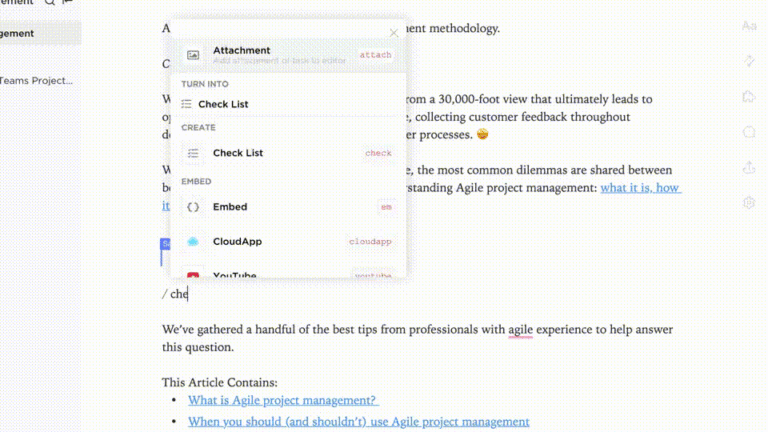
With ClickUp, documenting processes and tracking SOPs is easier than ever. With dozens of document processes in templates, you can easily create checklists for recurring tasks, track process steps, and draft flowcharts for various stakeholders.
Use the different ClickUp views to get a visual representation of all tasks in progress in List view or switch over to Board view to take a closer look at individual business segments and projects.
With ClickUp’s Company Processes Document Template, input task or procedure details to give team members insight into how things work at your company. Use it for hiring and onboarding new employees or to lay out company expectations.
The built-in S-Corp meeting minutes template and time off template make it easy to manage your employees, all in just a few clicks. ✍️
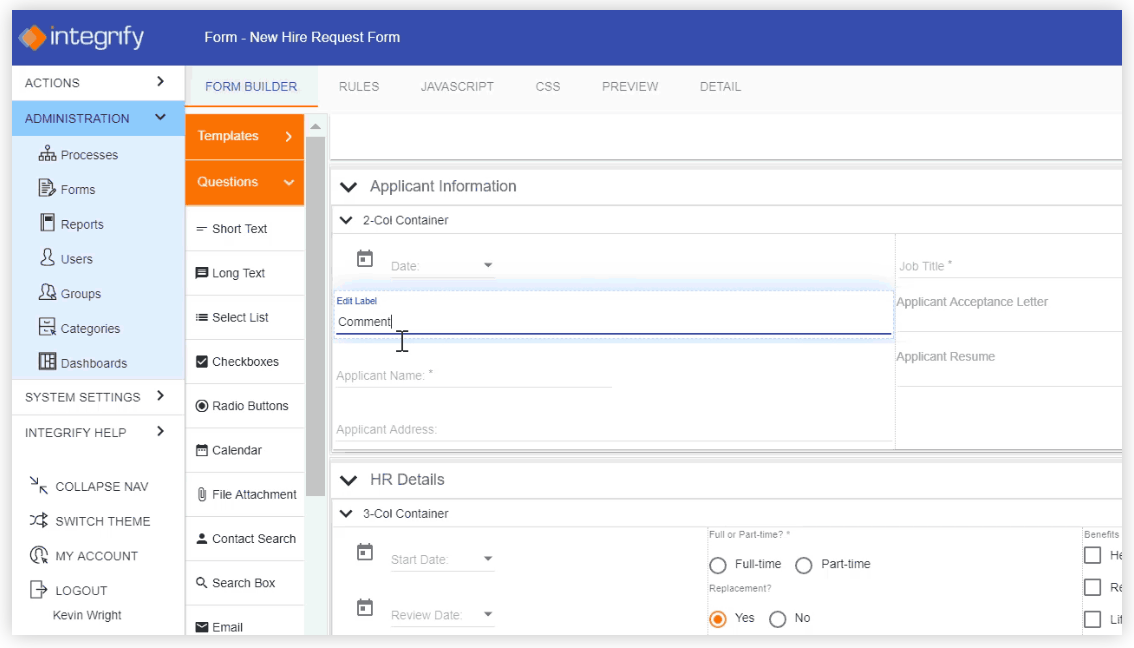
Integrify offers document automation software without the need for coding. The Process Builder features a drag-and-drop interface to create, collaborate on, and test your procedures. Foresight and Hindsight views offer insight into task dependencies to identify any potential bottlenecks.

Create process documentation with SmartDraw’s diagrams, workflow charts, and organizational briefs. The chart and graph-based diagrams offer crystal clear visuals of the different process stages.
Templates like flowcharts let you visualize any project from start to finish while mind maps make it easy to get an overview of organization’s structure with its process documentation tools. 🗂️
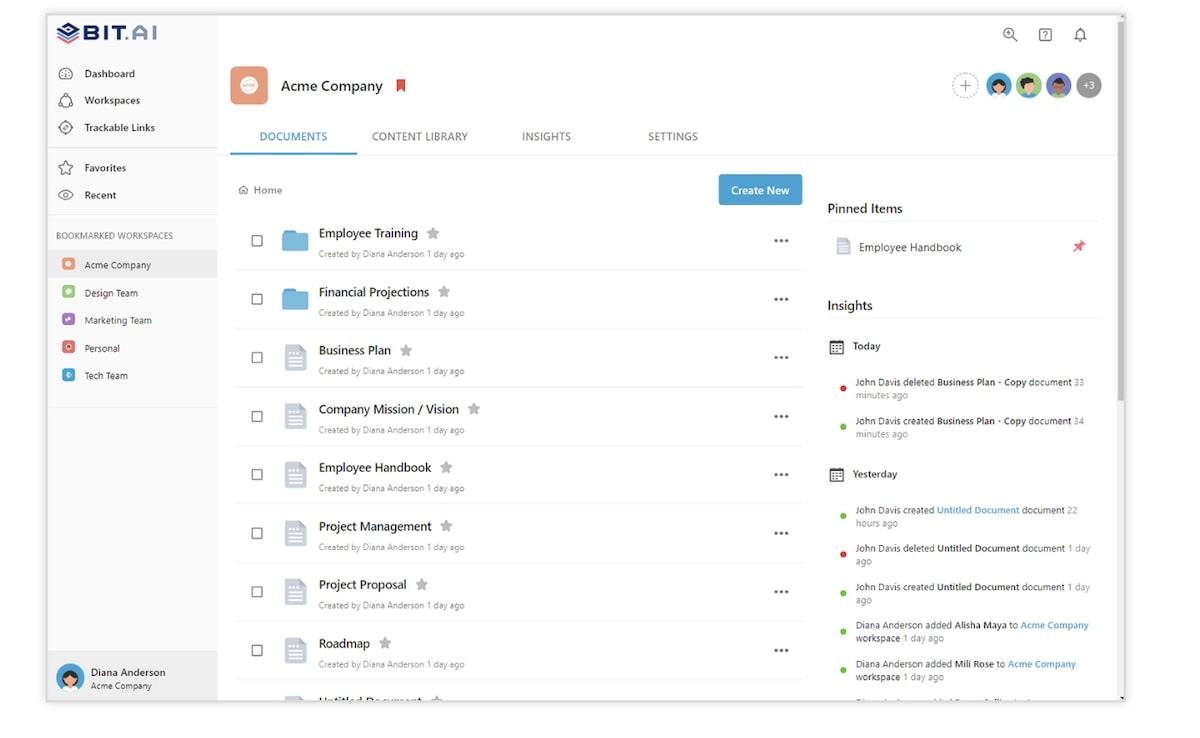
Bit.ai is a workplace collaboration tool designed to streamline project documentation. With this process documentation tool, create wikis, interactive tutorials, and client portals. Designed for individuals, small teams, and large organizations, there’s a way to leverage this software whether you’re working on small projects or complex ones.
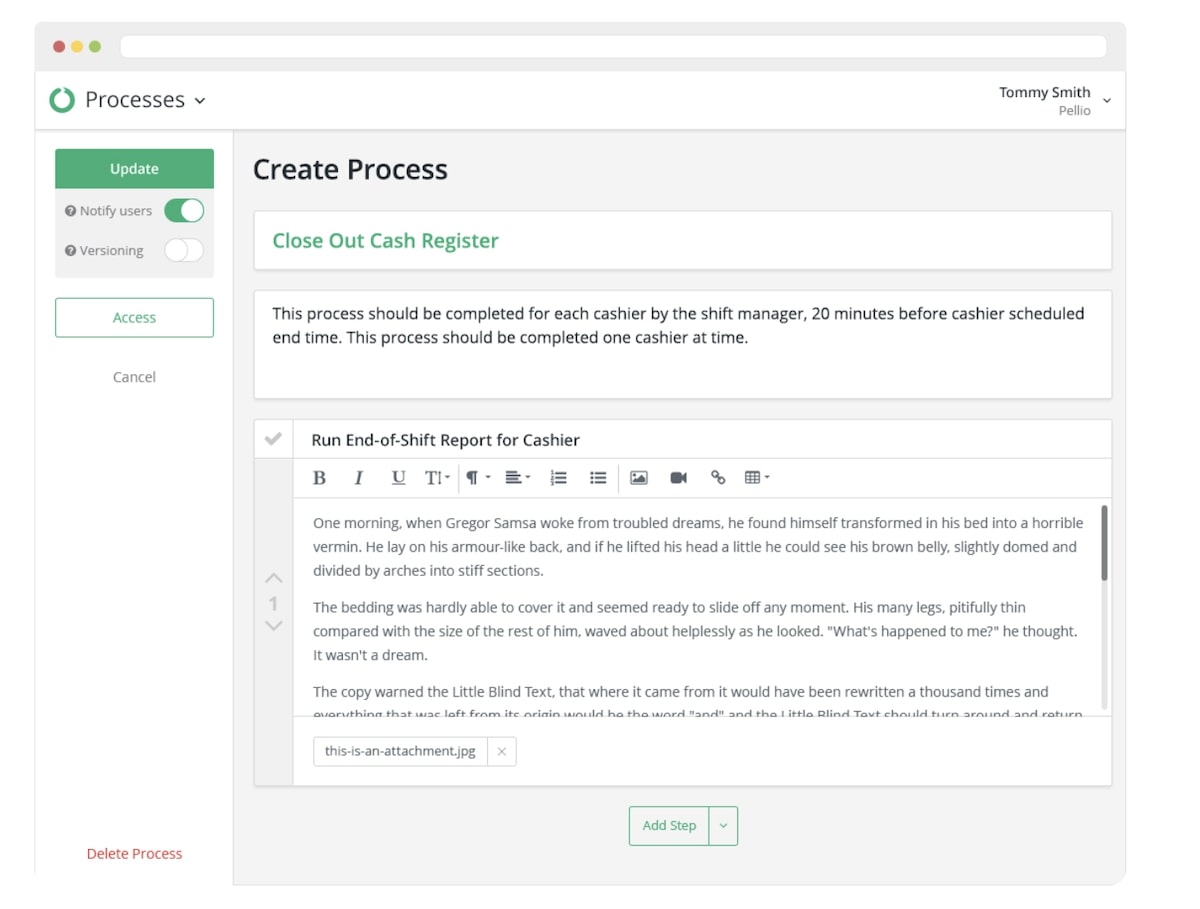
With Pellio, create business process documentation in three easy steps. Start by creating a process using the rich text editor. Embed images, videos, and files to support the documentation. Next, share the workflow with relevant team members. Finally, assign tasks and due dates to keep projects on schedule. 🗓️
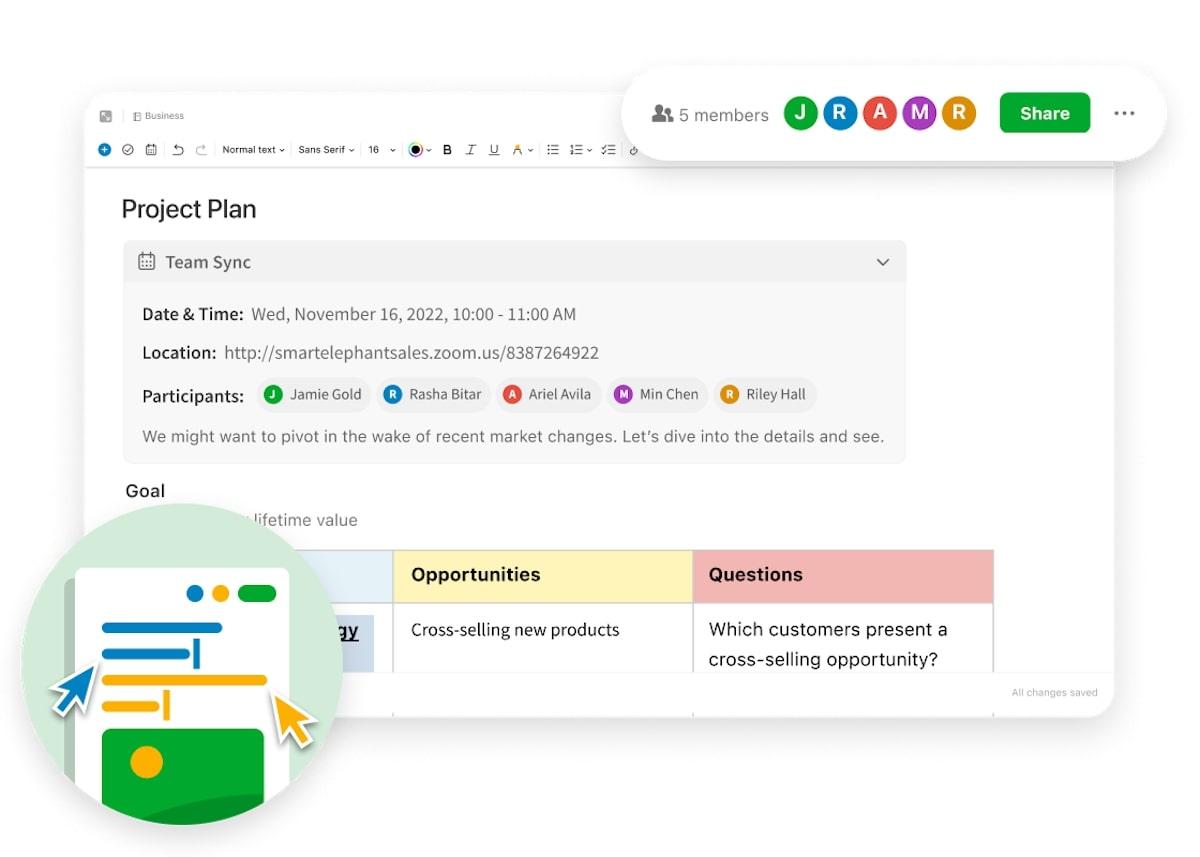
Evernote is a work, task, and schedule app that’s popular amongst project managers and individuals who like to hack their productivity. Originally a note-taking app, it now is leveraged by businesses to manage processes, projects, and schedules. Easily add images, audio, and PDFs and turn any note into a task to add to your schedule.

Use Hightail, a process management tool, to organize tasks, assign follow-ups, and track discussions about the project. Live updates of the next steps keep everyone informed on what’s happening now and what’s coming next. The file-sharing feature lets you securely upload, send, and store company documents. Use the creative collaboration tool to collect and discuss visual assets. 📊
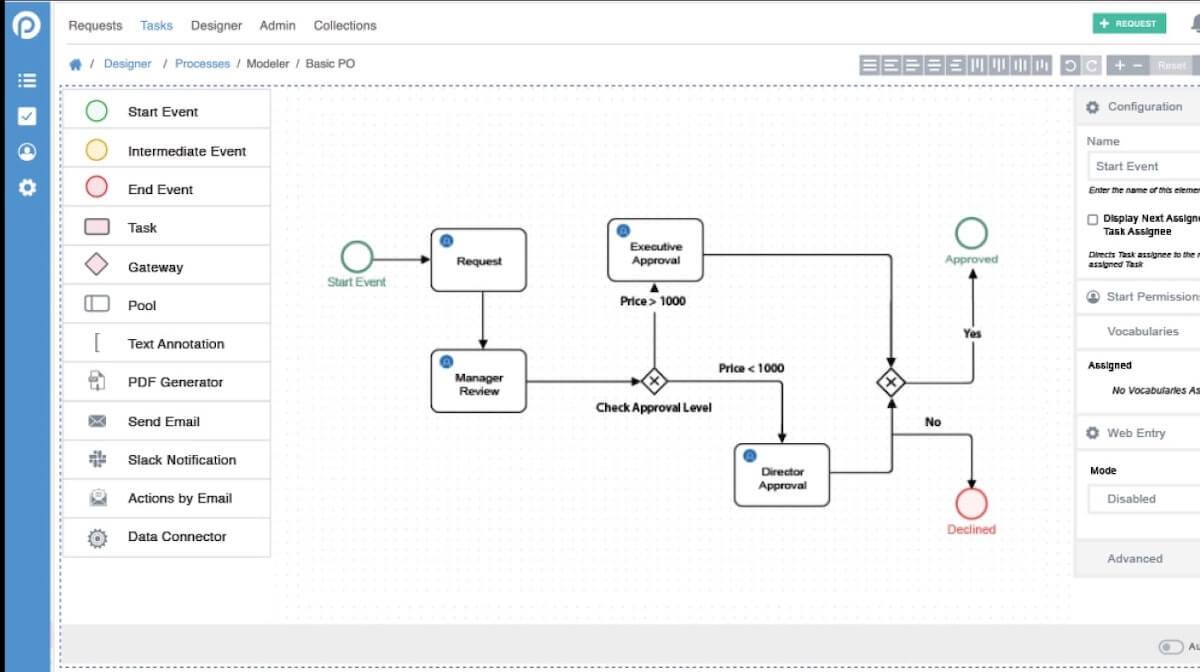
Automate workflows using ProcessMaker, a business process reengineering tool designed to streamline even the most complex projects. The low-code software lets you drag and drop tasks in the Process Modeler to create visual mind maps and brainstorming diagrams. Use the Form Builder to capture data and feedback from team members and leverage the dashboard views to get insight into what’s happening company-wide.
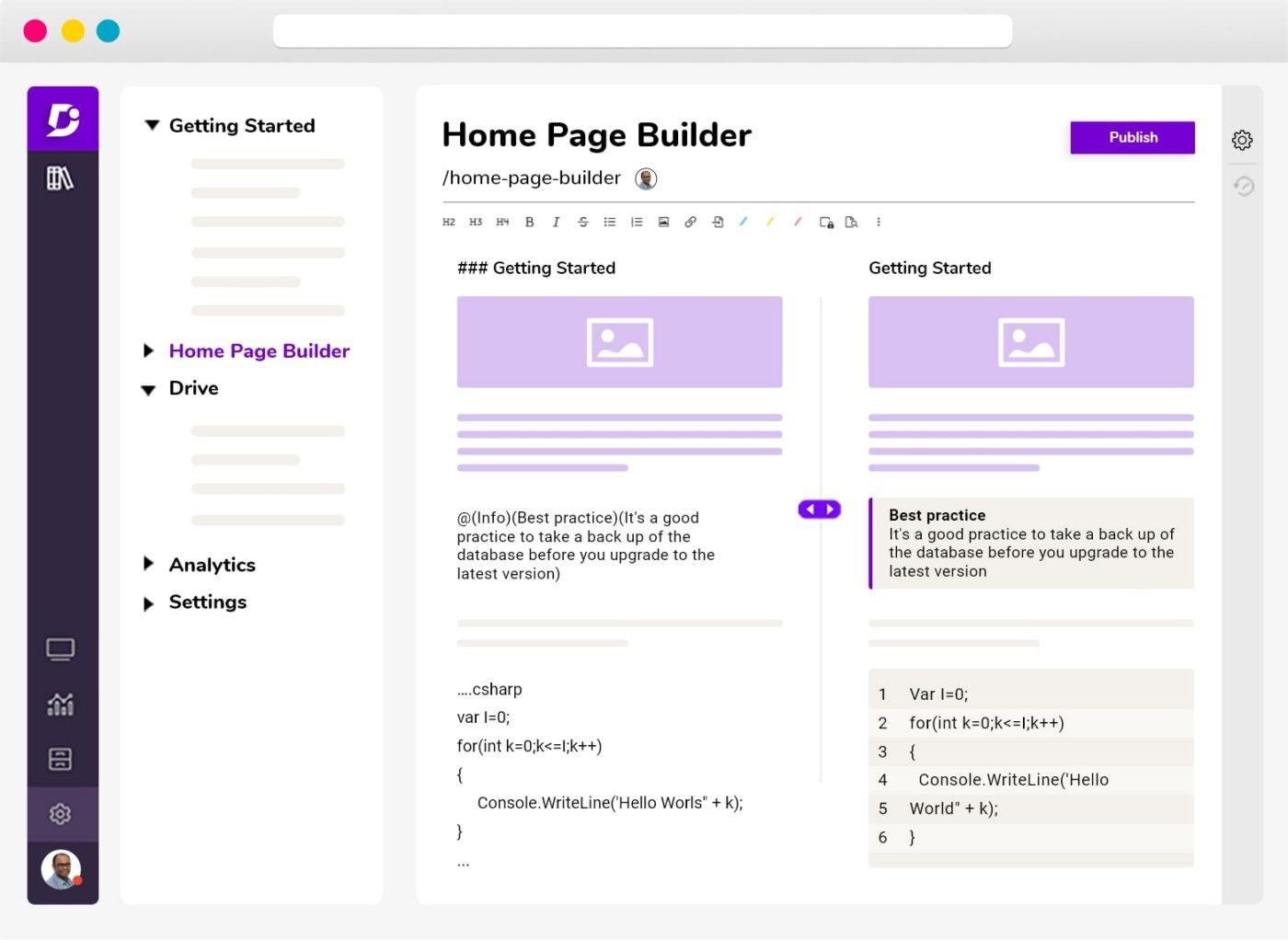
With Document360, create a company knowledge base to share internally with employees or externally with clients. For process documentation, create technical guidelines and SOPs like employee handbooks and marketing frameworks. Draft system documents, tutorials, and reference guides for employees to use to support their work. 🌻
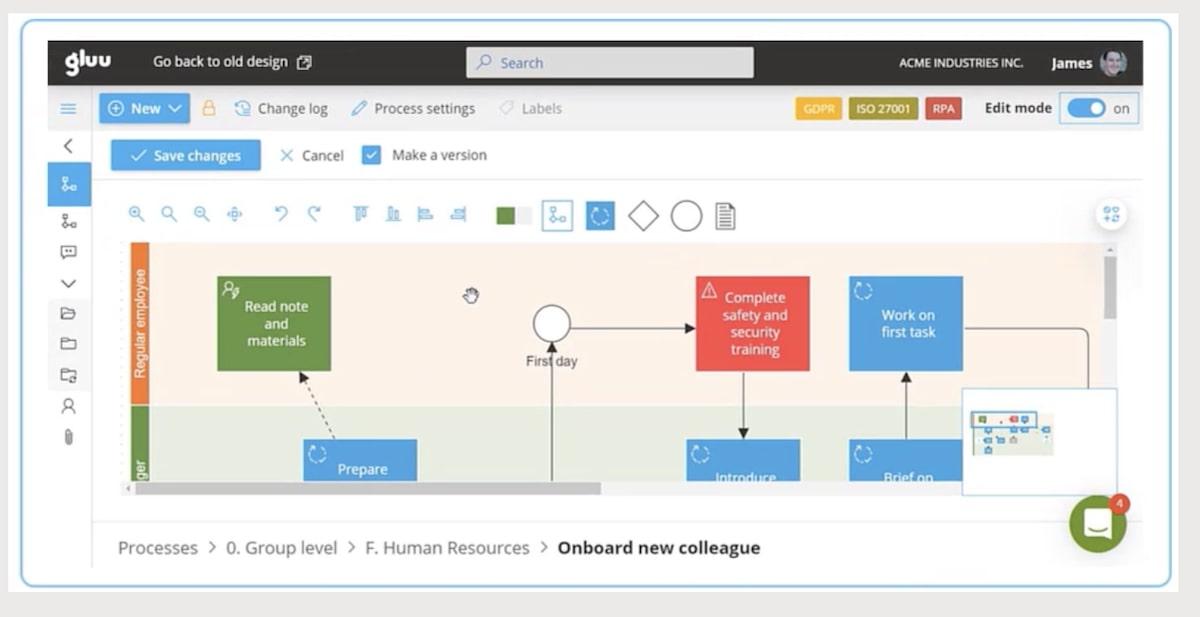
Looking for ways to create interactive guides and knowledge bases that your employees actually enjoy using? Turn to Gluu to develop visual and collaborative documents for your business processes. The built-in process designer takes the guesswork out of the equation to map processes, assign tasks, and create a schedule with ease.
ClickUp is a project manager’s dream. With hundreds of templates to choose from, you can create quicker documentation for all of your processes. From employee handbooks and onboarding checklists to budget procedures for projects and calendars for milestones, you’ll find what you need to start creating.
Try ClickUp’s free project management solutions today!

Manasi Nair
Max 26min read
Manasi Nair
Max 20min read

Arya P Dinesh
Max 23min read

© 2026 ClickUp




