Sorry, there were no results found for “”
Sorry, there were no results found for “”
Sorry, there were no results found for “”
Some days, it can seem like the world runs on documents. There are documents to share information, documents to perform calculations, documents to map processes, and documents to collaborate on projects, to name but a few. ?
Thank goodness many of those documents are now electronic—the world needs all the trees we can get right now!
Whether you work in an office or not, there’s a good chance you need to produce documents of some kind on a daily basis.
MS Office may once have been the default choice (especially if you work in a corporate environment), but there are now many other options that work just as well—or better. They may also save you money.
To open your eyes to those possibilities, we bring you the top 10 best Microsoft Office alternatives in 2024. ?
Try the 10 best Microsoft Office alternatives for different needs:
Firstly, consider how complex the work you do is. Do you need advanced features or just basic ones? Perhaps you even prefer plain and simple functionality because that does the job without complicating things. ?️
Then look out for these features:
Perhaps you’re looking for a new way to work with your team documents online. Or maybe you want to impress a client with a presentation so you can win that new freelance project. ?
Whatever your situation, now you know a bit more about what you’re looking for, so let’s explore some of the best Microsoft Office alternatives out there right now.
ClickUp is a cloud-based productivity tool that also functions as a free Microsoft Office alternative. It’s extremely customizable so you can set it up to fit your workflow. In addition, the drag-and-drop interface makes it very user-friendly.
Use one of the multiple templates or ClickUp AI to get started, or create your own document from scratch. You can save documents you use often as templates to save time later. Then categorize your documents so you can easily search for them and add them anywhere in your workspace that makes sense.
File sharing and real-time collaboration are a breeze with ClickUp. Once you’ve created your ClickUp Docs, you can connect them to workflows to get input from your team.
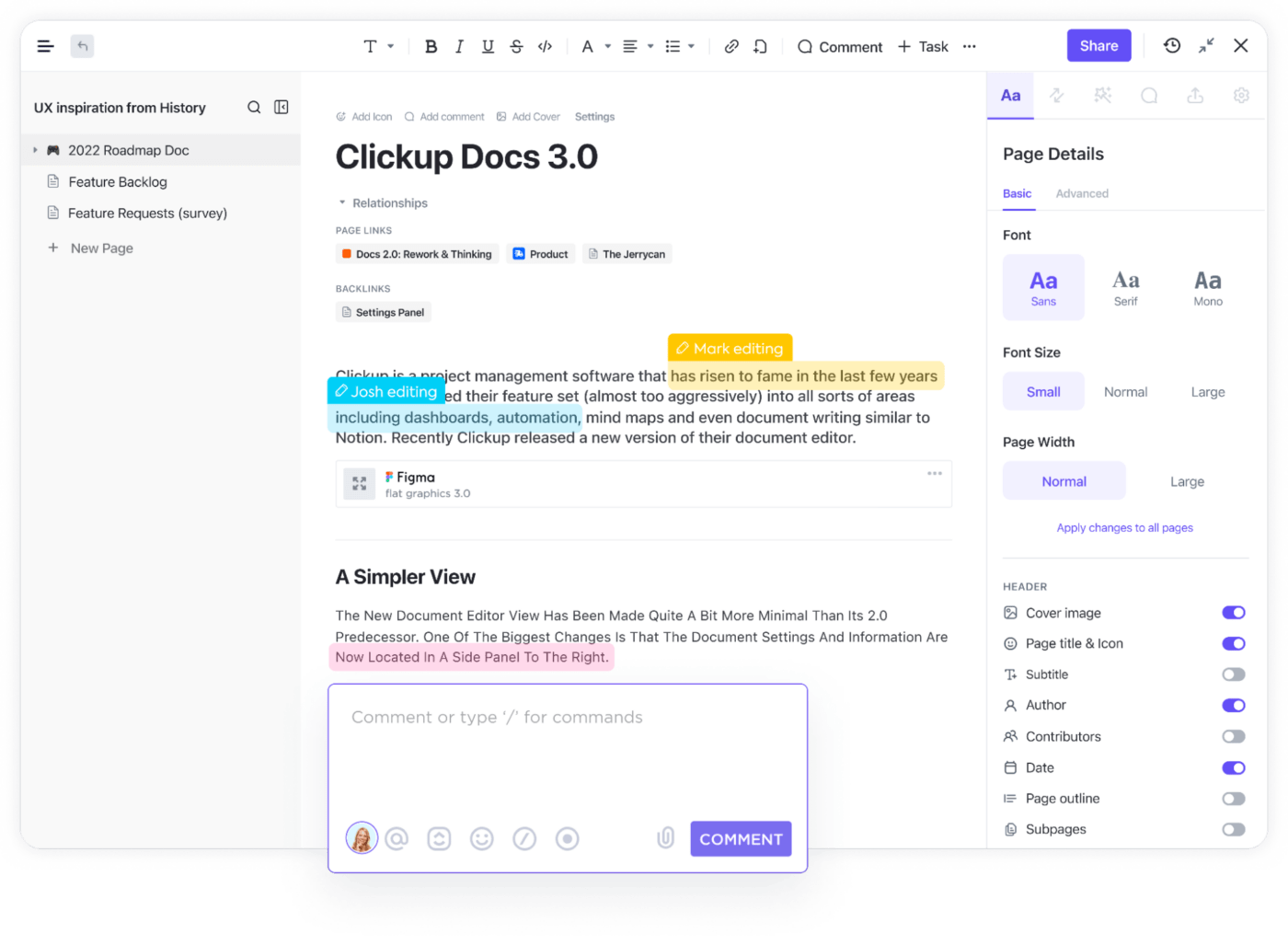
Tag team members and assign them action items so nothing slips through the cracks. It’s easy to manage permissions so you maintain control over document privacy and editing rights.
ClickUp is also excellent for project management, office management, and workflow management. With tools that help you visualize timelines and team workloads, it’s essentially a productivity suite that supports you on every level. ✨
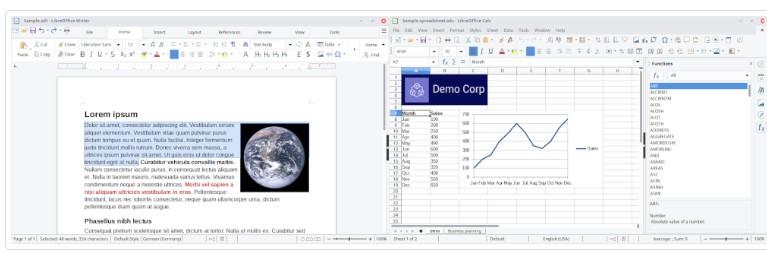
This Microsoft Office alternative evolved from the original OpenOffice. It’s a free open-source office suite, built with an ethos of sharing and collaboration. With a word processor, plus spreadsheet, database, and presentation functions, among others, this office tool is designed to help you easily create professional, well-structured documents.
The latest version features improvements to dark mode so you can adjust the brightness of the interface, the ability to include data tables in charts, and better performance and compatibility all around. ?
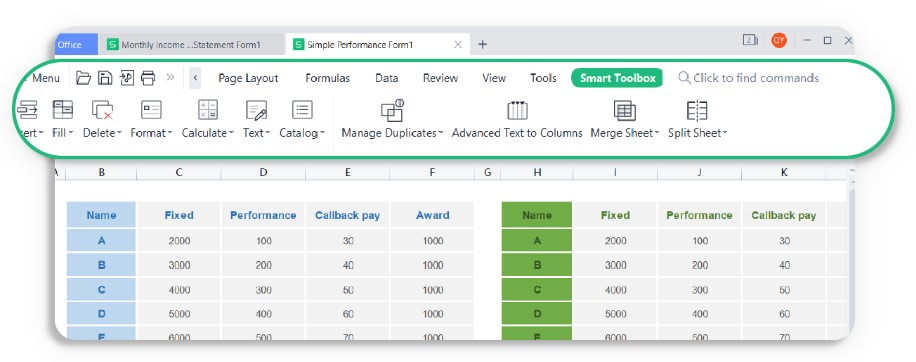
Kingsoft WPS Office is a collaboration tool designed to easily create and then edit word-processing documents, spreadsheets, and presentations. It inspires creativity while allowing you to track changes that you or others have made to your documents. You can also use it to edit, merge, split, or convert PDF files.
Whether you’re composing a report, project plan, resume, work schedule, or keynote speech, choose from several categories of free templates so you don’t have to create your document format from scratch.
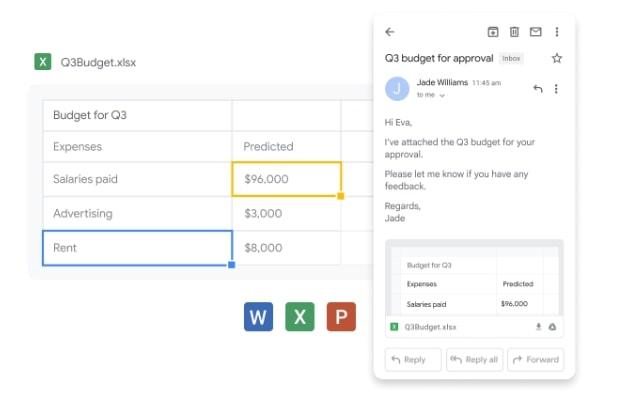
Originally called G Suite, this Microsoft Office alternative is a web-based productivity and collaboration tool. It’s the business version of Gmail, designed for everyone from individuals up to enterprise-level companies. It includes an analytics dashboard so you can see how Google Workspace is being used and configure security settings.
All the plans give you access to Google Docs, Sheets, and Slides, plus Google Drive and Gmail, and you can also set up a custom email for your business. Then, as the package cost increases, you get progressively more storage per user, more participants per video conference, improved security, and better technical support. ✨
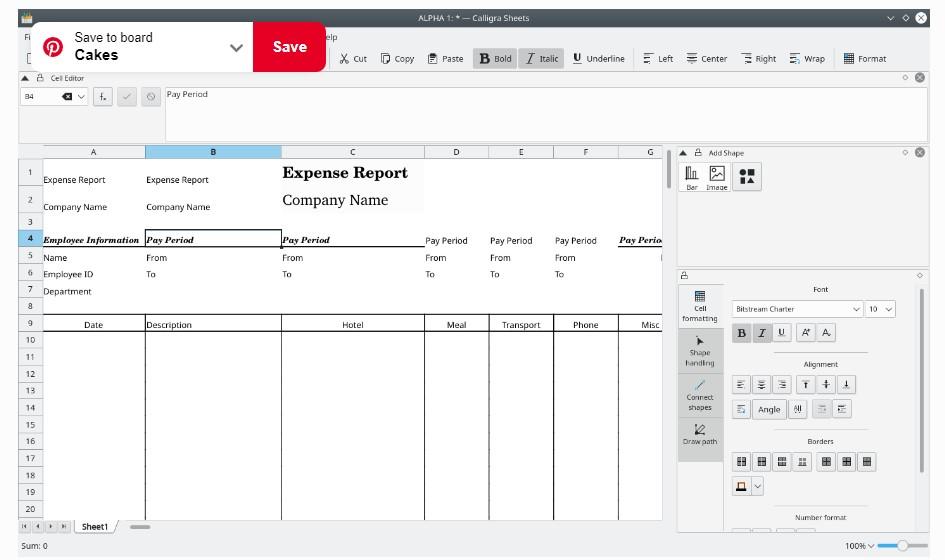
This free Microsoft Office alternative is both an office suite and a graphic art suite, and that graphic technology runs all the way through the different apps. It’s also free and open-source software.
Calligra Words, the word processing app, includes desktop publishing features so you can create beautiful documents using drag-and-drop. Use plug-ins to add new graphics and effects to your Calligra Stage presentations, and even the calculation and spreadsheet tool Sheets allows you to create flowcharts and mind maps. ?
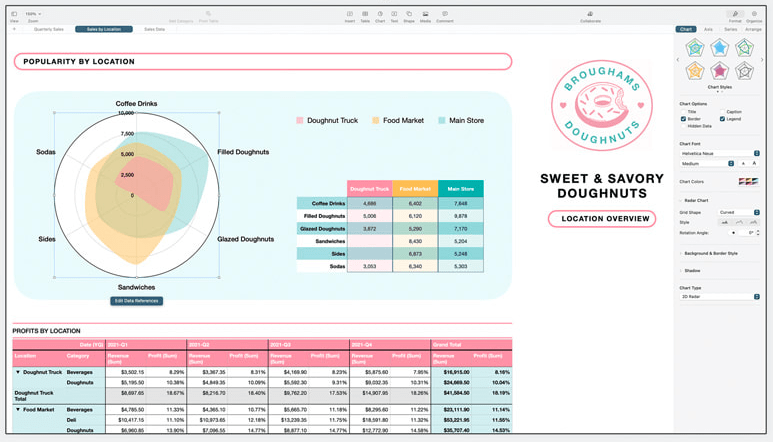
The Apple iWork word processing, spreadsheet, and presentation apps are creatively called Pages, Numbers, and Keynote. Not surprisingly, they’re designed to be used on the Apple range of products, including the Mac, iPhone, and iPad, as well as on the web via iCloud.com. However, you can open, edit, and export documents with file formats like .doc, .xlsx, and .pptx. ?
The range of templates helps you create powerful, professional, and beautiful documents, customized to your needs. And collaboration is made easy with track changes, highlights, and integrated chat with the rest of your team.
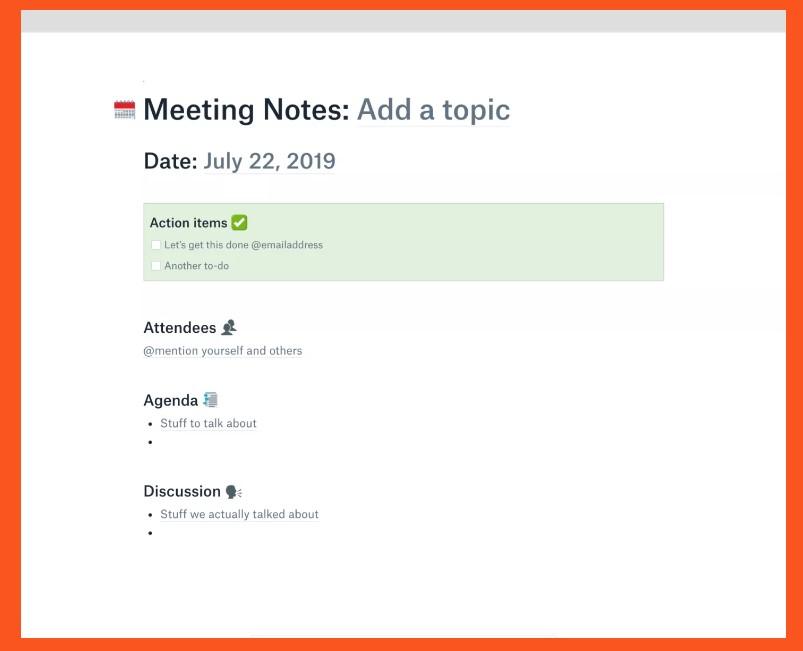
Dropbox Paper is Dropbox’s editing tool. It facilitates real-time collaboration with your team through comments and allows you to assign tasks from within a document.
Clean and simple designs make creating documents easy. You can also embed a range of files, including Google Maps, SoundCloud clips, YouTube videos, and GIFs to get your point across and make your document more interesting—then automatically turn it into a presentation. ?
This free Microsoft Office alternative is open-source office software that’s used by millions of users. It has been developed over many years, often through user requests. ?
With the usual word processing, spreadsheet, and presentation apps, among others, it stores data in standard Open Document Format (ODF) but can still work with files from most other office software packages.

OfficeSuite is just what it sounds like—a suite of commonly used office tools. As well as word processing, spreadsheet, and presentation applications, this Microsoft Office alternative also offers mail and calendar functionality.
Collaborate on documents with your team using highlights, comments, drawings, and track changes. And with a dedicated PDF editor, you can use advanced features to complete forms, set editing permissions, use digital signatures, and lock files with a password—or convert them to other file formats. ?
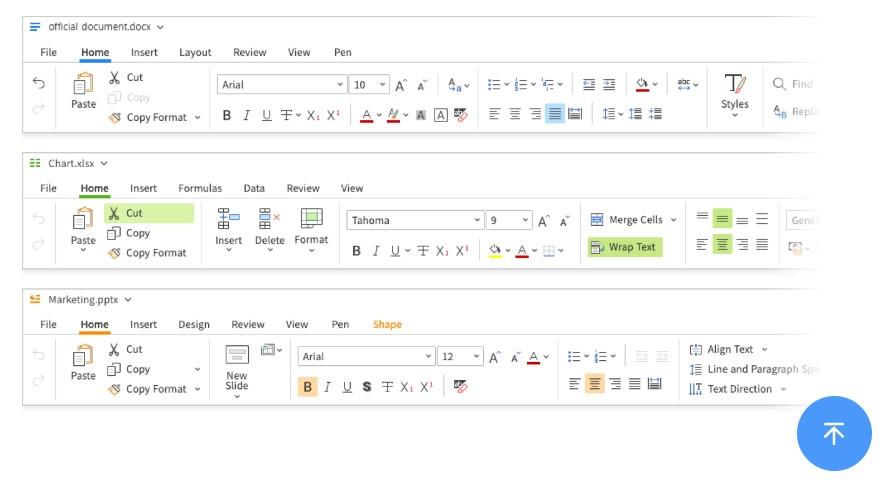
Polaris Office allows you to view, edit, and share word-processing documents, slides, and spreadsheets in your browser and helps you easily manage PDF files. Choose from a variety of styles to make your documents look polished and professional, collaborate with your team, and track changes as you go.
The recently added AI functionality takes this Microsoft Office alternative up a notch, supporting you to work smarter and create content more easily. ?
When you work with documents every day, you have a choice. You can go with the default option for your office documents or you can consider a Microsoft Office alternative. If you do the latter, you may even save money, while still getting all the functionality you need. ?
To make your choice, decide on the specific features and level of complexity you need, then research your options to see what they offer.
When you’re looking for a Microsoft Office alternative that can do pretty much anything you need, ClickUp is an excellent choice. It’s an all-in-one solution that supports you through everything from creating, editing, and sharing your documents, to managing the workflow that comes from all that—and so much more.
Choose ClickUp today and make your life easier every day. ✨

Arya P Dinesh
Max 27min read

Manasi Nair
Max 27min read
Manasi Nair
Max 32min read

© 2026 ClickUp