
Sorry, there were no results found for “”
Sorry, there were no results found for “”
Sorry, there were no results found for “”
Stuck in PowerPoint purgatory? You’re not alone.
Daily, a whopping 35 million PowerPoint presentations (or rectangles with overflowing texts) flood screens worldwide.
But our brain processes visual information 60,000 times faster than text. So, why settle for the old monotonous slide decks that barely hold attention?
It’s time to shake things up! Here are the best PowerPoint alternatives to turn dull, traditional slide-based presentations into dynamic, eye-catching masterpieces.
Microsoft PowerPoint is classic, but it’s not without its drawbacks. Here are a few that mar its status as the best presentation software:
These pain points prompt educators, professionals, and teams to seek more versatile AI presentation tools and PowerPoint alternatives with a user-friendly interface.
🧠 Fun Fact: On TikTok, #powerpoint has over 4.3 billion views. The platform features user-created tutorials on how to make PowerPoint presentations even more eye-catching, aesthetically pleasing, and creative.
Here’s a brief overview of PowerPoint alternatives and their ideal users and price estimates!
| PowerPoint alternative | Key features | Best for | Pricing* |
| ClickUp | Collaborative presentations using customizable templates, Whiteboards for brainstorming, and AI-powered content generation via ClickUp Brain | Individuals, small to mid-sized teams, and enterprises that are looking for a versatile, collaborative presentation and workflow tool | Free plan available; Customization available for enterprises |
| Canva | Exceptional design flexibility with extensive templates and multimedia integration for visually stunning presentations | Creatives and marketers who prioritize design-rich presentations | Free plan available; Paid plans start at $10/user/month; Customization available for enterprises |
| Beautiful.ai | AI-powered slide design that formats content automatically for polished presentations | Business professionals seeking fast, polished results without design effort | Free trial available; Paid plans start at $12/user/month |
| Prezi | Non-linear presentation, zoomable slides for dynamic storytelling | Educators and workshop leaders looking for interactive PowerPoint presentations | Free plan available; Paid plans start at $19/user/month |
| Powtoon | Character-driven scenes and video-based presentations with animations and voiceovers | Storytellers and creatives who want to create dynamic, engaging videos | Free plan available; Paid plans start at $50/month |
| Google Slides | Seamless cloud-based collaboration and integration with the Google Workspace ecosystem | Remote teams and educators who require real-time collaboration | Free with the Google Workspace |
| Pitch | Analytics-driven presentations with strong collaboration features | Startups and businesses focused on tracking audience engagement | Free plan available; Paid plans start at $25/month |
| Mentimeter | Interactive, data-driven presentations with polls, quizzes, and live audience feedback | Speakers and educators who prioritize audience engagement | Free plan available; Paid plans start at $12/user/month; Customization available for enterprises |
| Keynote | Sleek, high-quality presentations designed for Apple users with cinematic transitions | Mac users seeking polished presentations with native app integration | Free: Available on Mac and iOS devices |
| Slidebean | AI-driven slide creation for pitch decks with automatic content formatting | Startups and entrepreneurs building investor-ready decks quickly | Free plan available; Paid plans start at $10/user/month |
| Visme | Multimedia-rich presentations with data visualizations, videos, and infographics | Marketers and business professionals who need data-driven, engaging content | Free plan available; Paid plans start at $29/user/month; Customization available for enterprises |
| Gamma | AI-generated presentations with a focus on storytelling and customizable formats. | Content creators seeking visually cohesive, AI-driven presentations | Free plan available; Paid plans start at $10/user/month |
| Zoho Show | Integrated with the Zoho ecosystem for seamless collaboration and productivity | Zoho users seeking smooth integration with other Zoho apps | Free: For individuals and small teams; Needs a subscription to WorkDrive or Workplace for the Pro plan |
👀 Did You Know? PowerPoint was initially called Presenter.
PowerPoint gets the job done, but it might not necessarily be the best fit. If you’re craving more creativity, flexibility, or audience engagement, these PowerPoint alternatives might just be the upgrade your presentations need!
Our editorial team follows a transparent, research-backed, and vendor-neutral process, so you can trust that our recommendations are based on real product value.
Here’s a detailed rundown of how we review software at ClickUp.
ClickUp is one of the best PowerPoint alternatives if you want more than just slides for your presentation. It’s the everything app that lets you brainstorm on your presentation content with AI, create engaging decks quickly, and collaborate with real-time editing, in one place. No more switching between apps or getting lost in endless PowerPoint files and versions.
📮ClickUp Insight: 37% of our respondents use AI for content creation, including writing, editing, and emails. However, this process usually involves switching between different tools, such as a content generation tool and your workspace. With ClickUp, you get AI-powered writing assistance across the workspace, including emails, comments, chats, Docs, and more—all while maintaining context from your entire workspace.
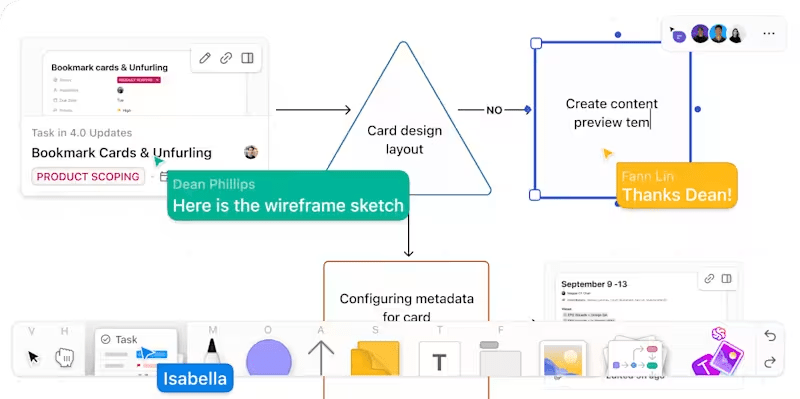
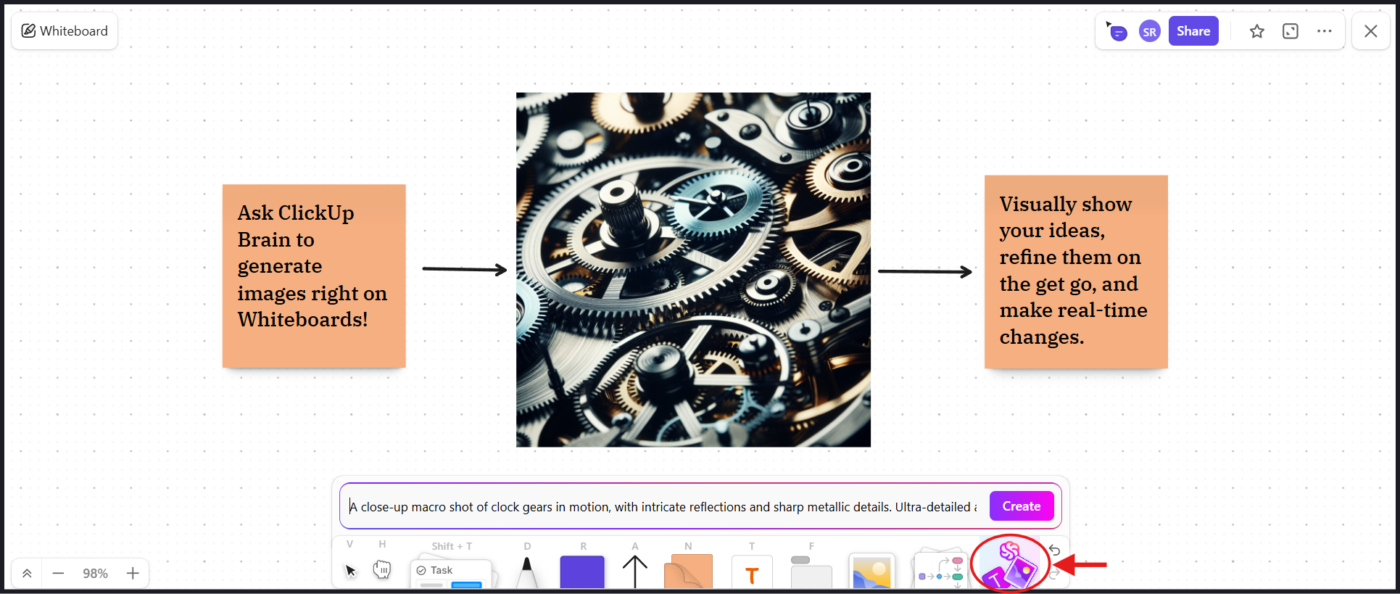
ClickUp Whiteboards offer the perfect visual workplace for you and your team to map out ideas, sketch concepts, and build flowcharts—perfect for shaping your presentation before you even start designing slides.
If you want to craft content for your slides effortlessly, ClickUp Docs can help your ideas take shape. Jot down notes, link to research, add multimedia content, structure your message with rich formatting (headings, banners, bulleted lists, and more), and collaborate with colleagues in real time. You can even link action items outlined in the Doc to ClickUp Tasks so nothing falls through the cracks.
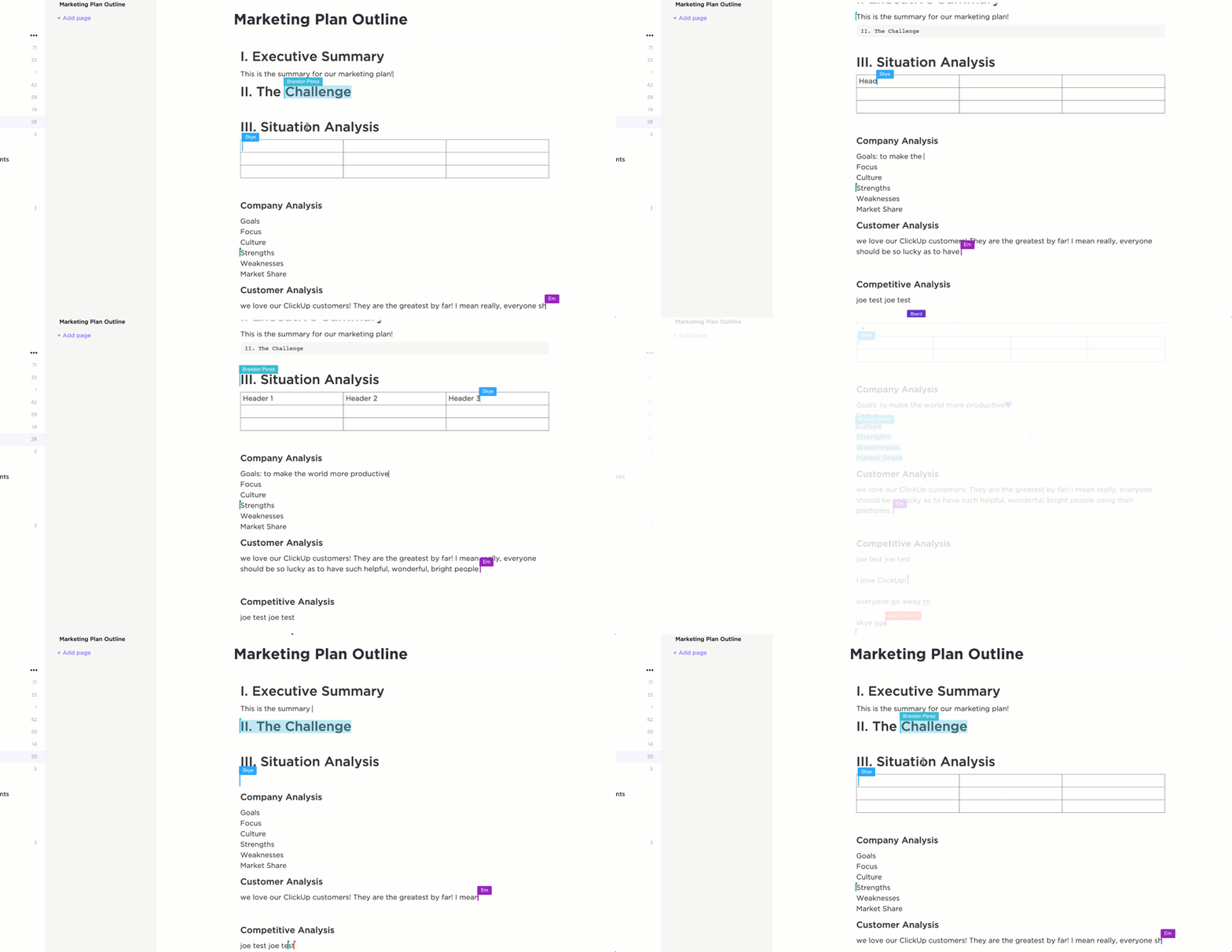
Looking to work smarter, not harder? ClickUp Brain‘s AI assistance helps you fast-track content generation, refine messaging, and pull insights from your existing workspace—so you can skip the formatting fuss and focus on delivering impact with every slide.
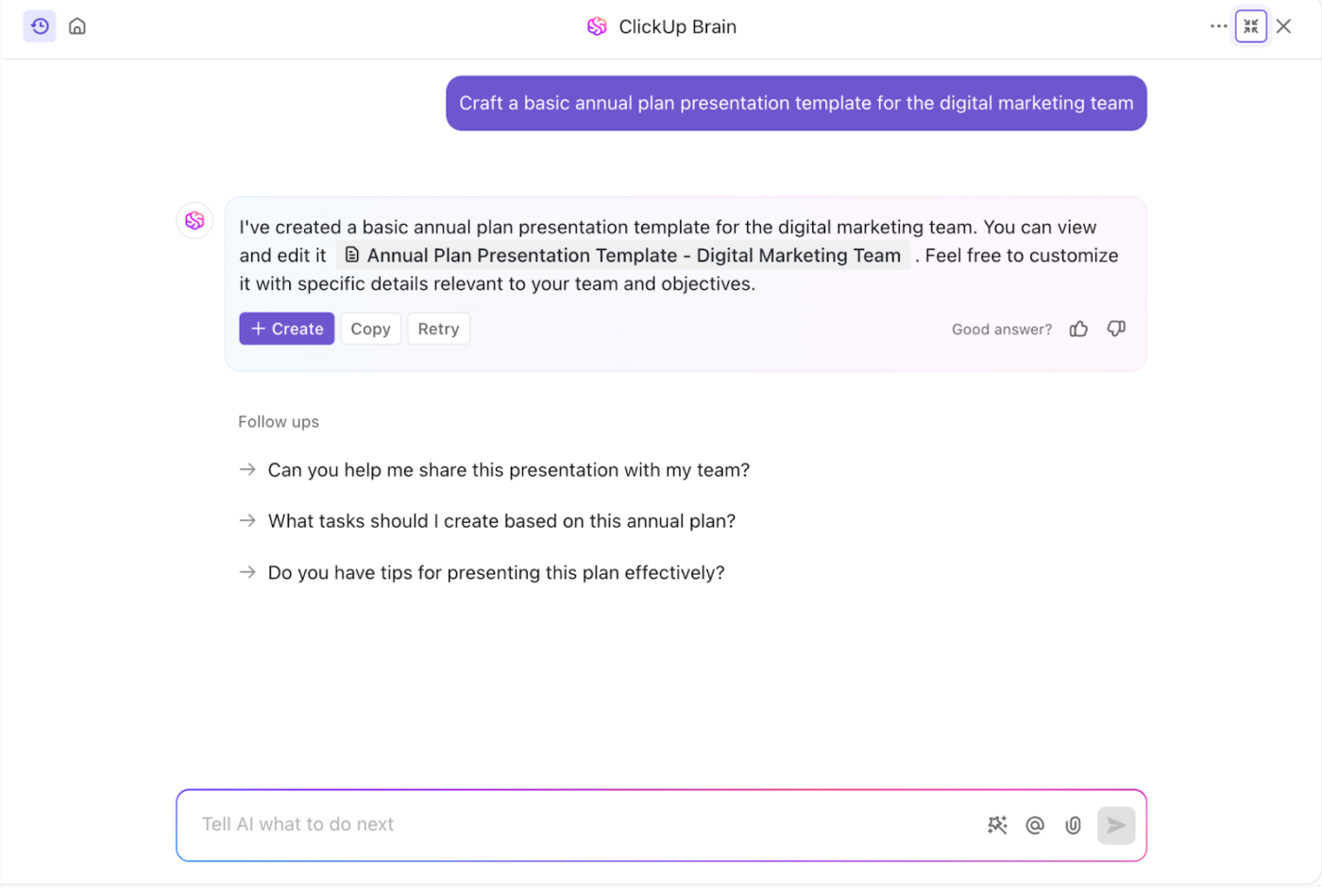
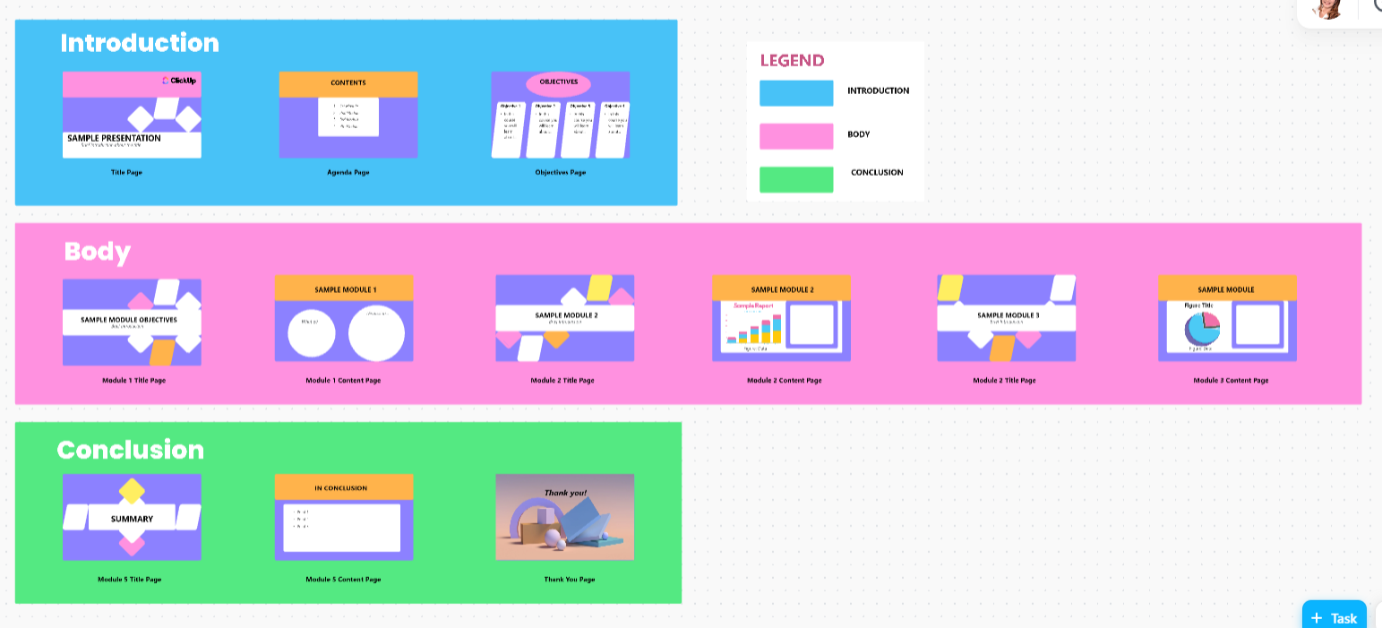
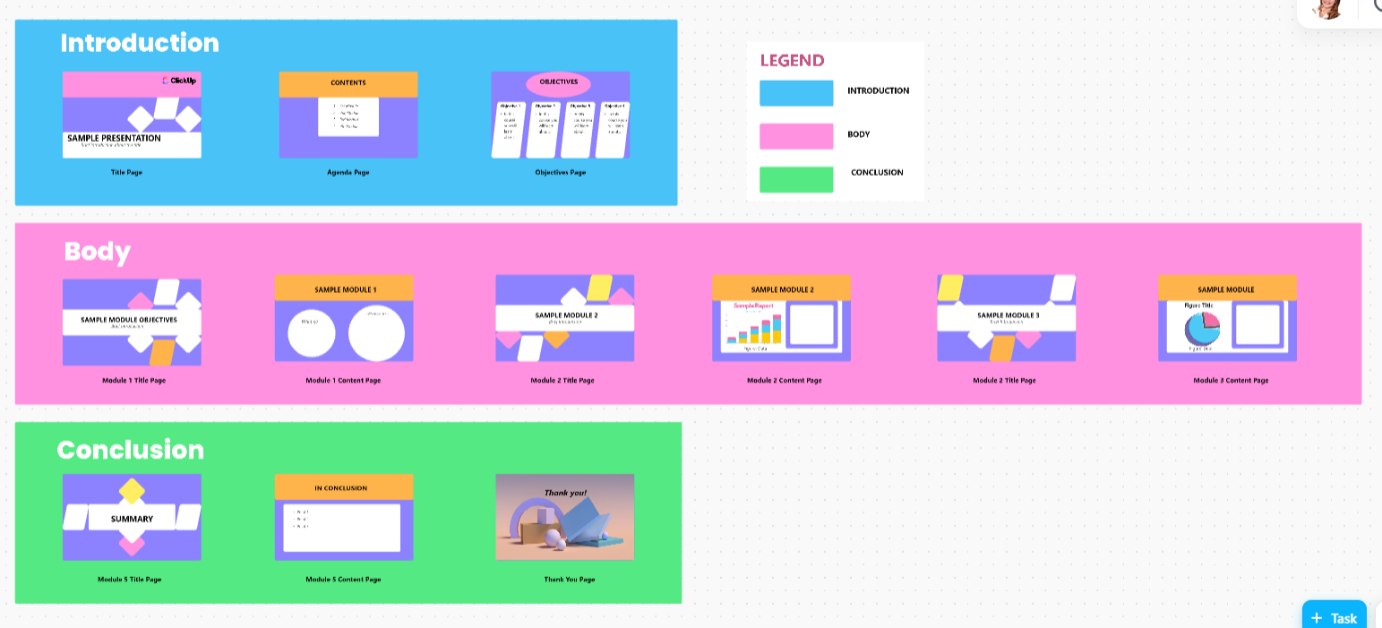
When you’re ready to put it all together, the ClickUp Presentation Template provides a structured framework for building and delivering your story with clarity and confidence. With pre-formatted slides for the introduction, body, and conclusion of your presentation, you’ll be able to create a stunning slide deck in no time!
ClickUp turns boring, basic presentations into collaborative, dynamic decks, while making your workflow smooth and enjoyable.
💡Pro Tip: Use simple text prompts within ClickUp Whiteboards to generate AI visuals and art for your presentation instantly. Just type a description of the image you want, and the AI will do the rest!
A TrustRadius review says:
ClickUp has made asynchronous alignment much simpler and more effective. By building a framework in which to outline and structure objectives and results, remote teams are able to understand expectations and provide status updates fluidly. Brainstorming with whiteboards is easy, reorganizing priorities is easy, and adding reference images, etc., is all very fluid.
📖 Also Read: Top AI Whiteboard Tools to Improve Your Workflows
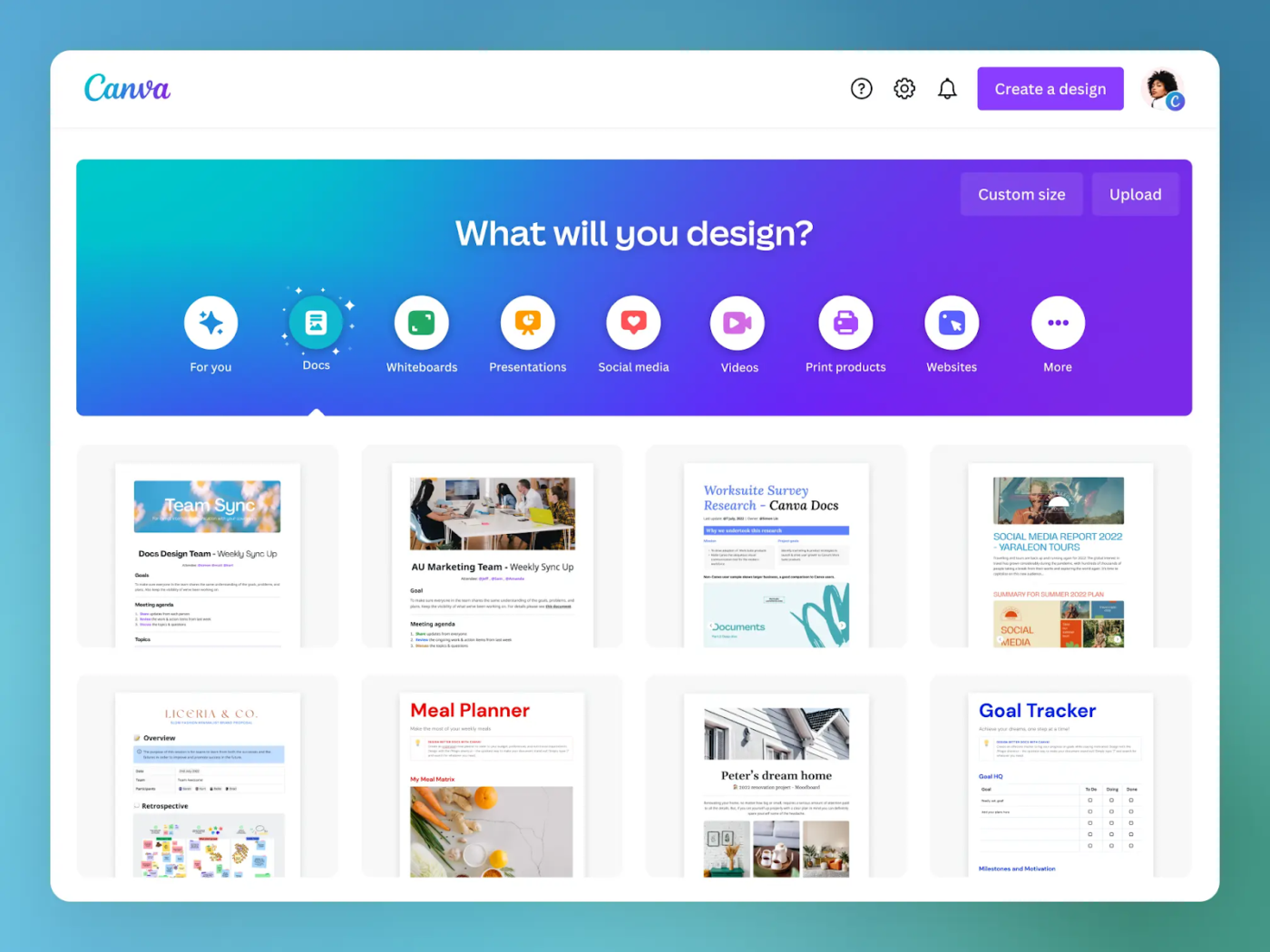
Design animated presentations your way with Canva. While PowerPoint offers structured templates, Canva gives you complete creative control with drag-and-drop customization, thousands of design elements, and rich multimedia options. Build visually stunning presentations—without the design limitations of traditional slide decks.
A G2 reviewer calls it:
A powerful but simple design tool for anyone
👀 Did You Know? Forethought developed PowerPoint 1.0 in 1987. Microsoft later acquired it in 1988, just before MS Office was launched in 1989.
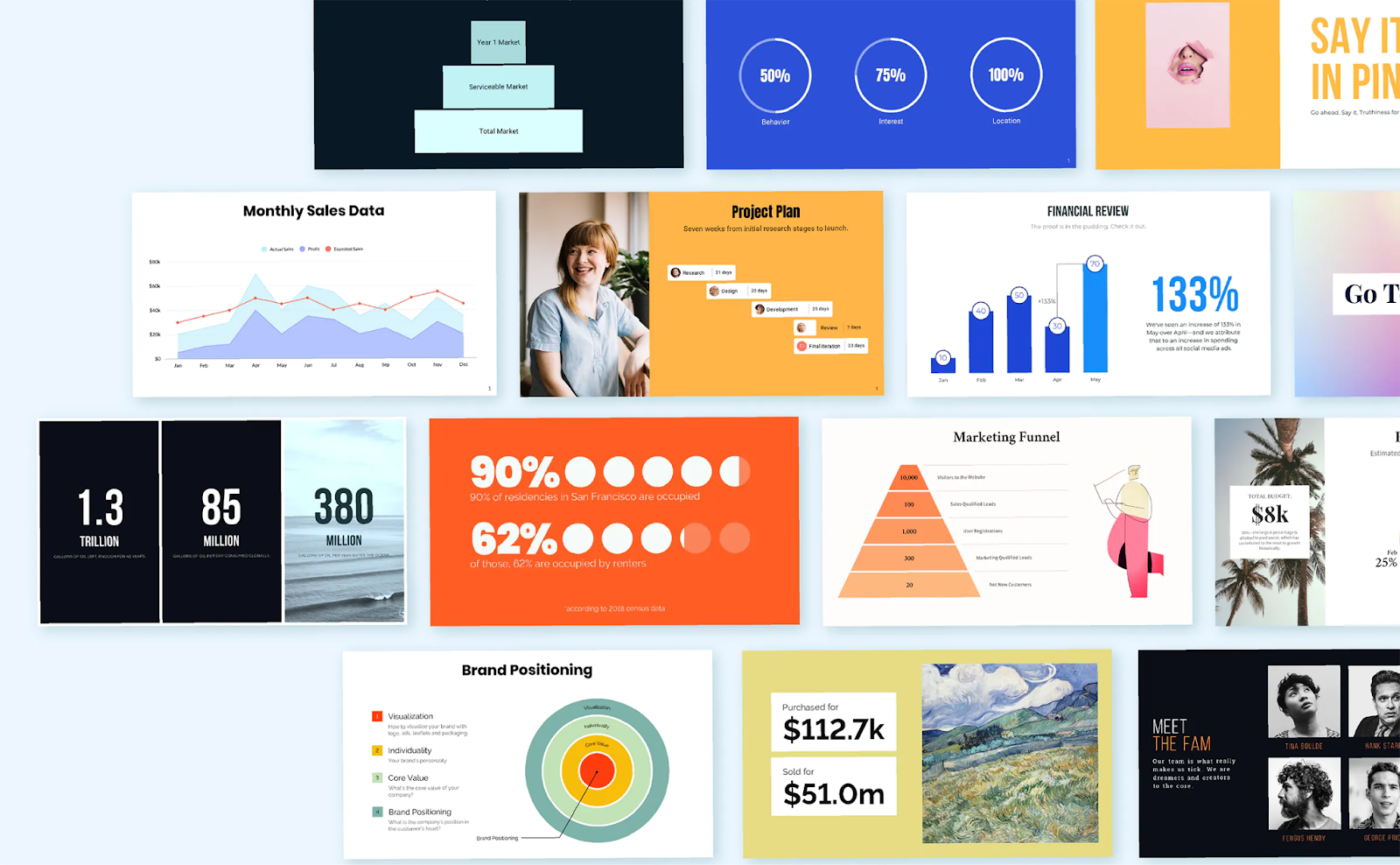
What do you say to a pitch-perfect presentation, minus the design stress? That’d be a hell yes!
You may not like our attempt at rhyme, but you’ll probably like Beautiful.ai’s AI art generator, which instantly structures and styles your slides. After all, it takes the hassle of PowerPoint’s manual, painful formatting away.
Just add your content, and it automatically creates a polished, professional presentation. This tool is perfect for sales decks, investor pitches, and business reports when you need sleek results quickly.
A G2 reviewer believes the tool is:
Slick, easy, and beautiful!..I have never been a creative type so making presentations look slick is so easy in Beautiful!
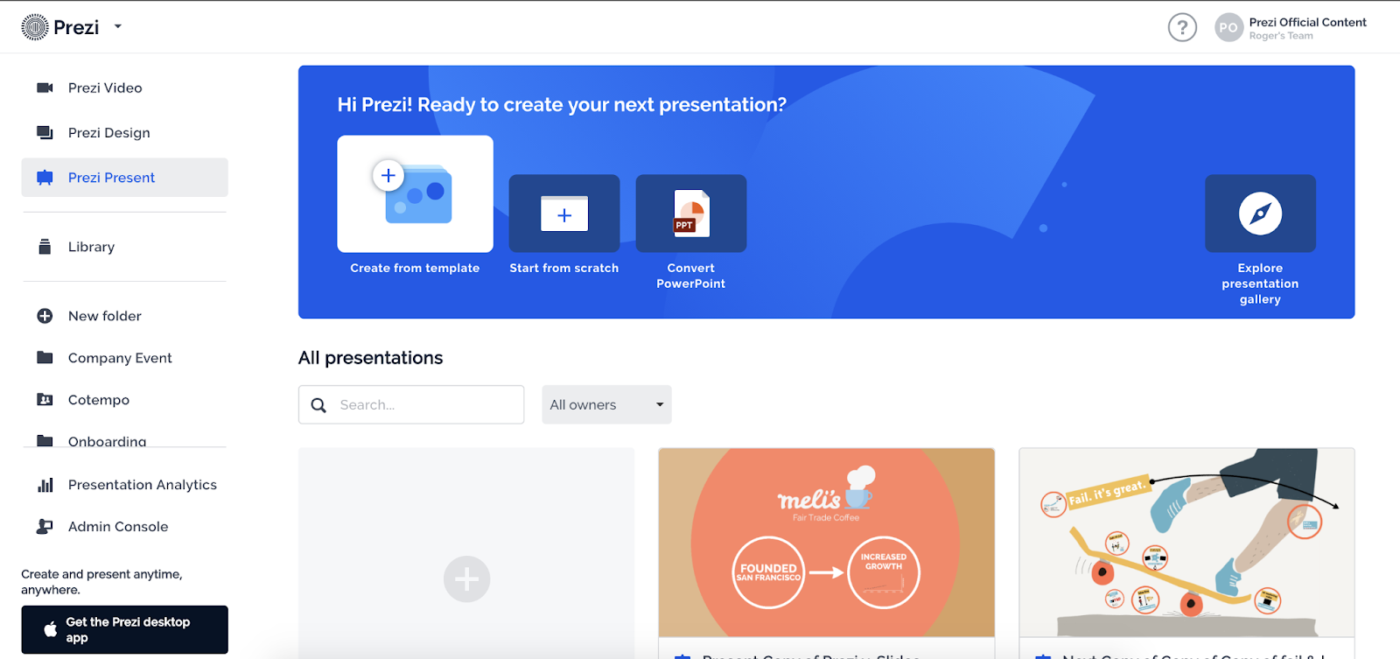
Turn your presentation into a journey your audience will love to go on. Unlike PowerPoint’s slide-by-slide format, Prezi’s zoomable canvas lets you move between ideas dynamically, creating a fluid, story-driven experience. Connect ideas naturally, keep your audience engaged, and make complex topics easier to follow.
A G2 reviewer feels the tool is:
Good but a little heavy.
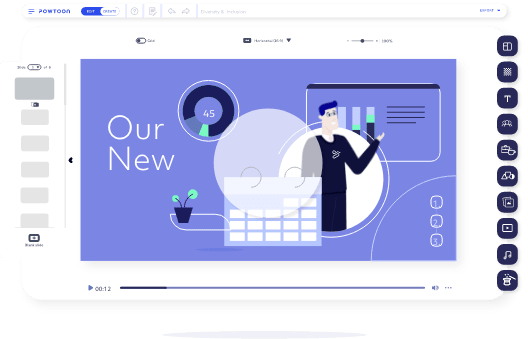
Powtoon transforms basic slides into dynamic, character-driven animated presentations with smooth animations and cinematic transitions. It’s built for storytelling and is perfect for marketing pitches, explainer videos, and creative projects that grab attention and keep audiences engaged.
Here’s a G2 user’s opinion:
Powtoon is a well-designed platform where various excellent features are provided to make the presentation.
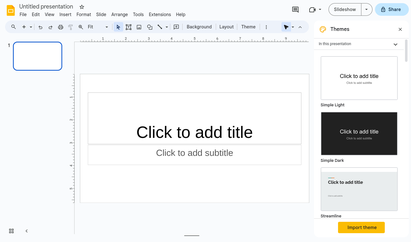
While PowerPoint syncs with Microsoft 365, Google Slides is built for seamless, cloud-first teamwork—no installs, no file uploads, just instant access from any device or OS. With its Google Workspace integration, teams can edit, comment, and present in real time, making it the perfect choice for fast-moving, fully remote collaboration.
Here’s what a Capterra user had to say:
Convenient for Collaboration, Limited for Design
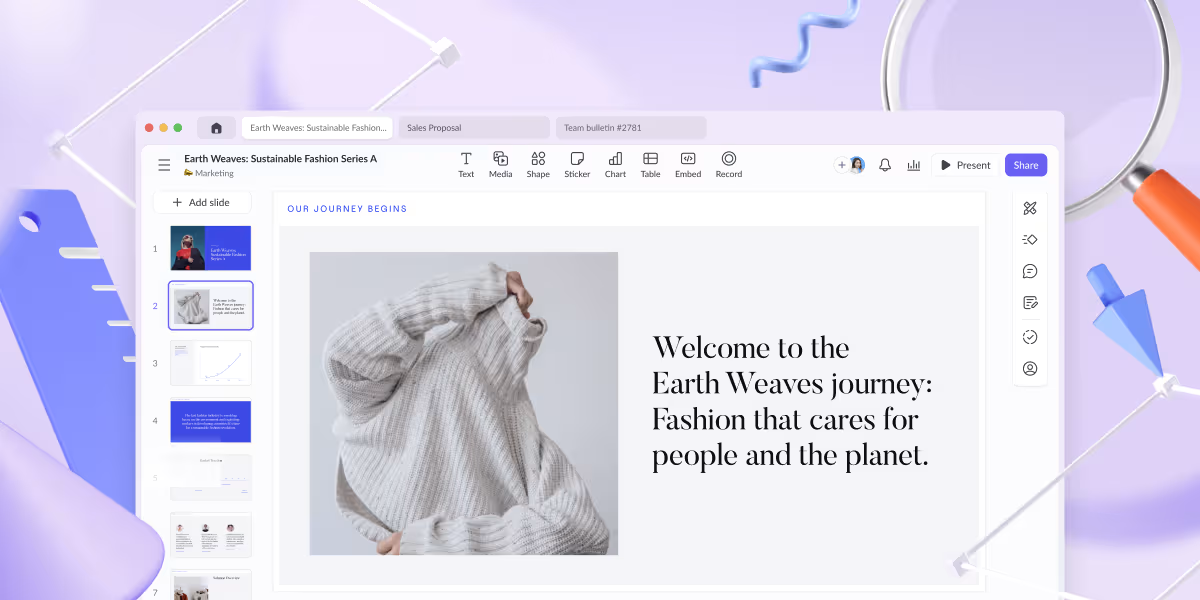
Know what works and fix what doesn’t. Unlike PowerPoint, which leaves you guessing, Pitch provides real-time analytics to track views, interactions, and engagement. Perfect for teams that want data-driven insights to refine their pitch for sales presentations and make a bigger impact.
A G2 reviewer reports:
Pitch changes the presentation game. The ability to customize slides in seconds is unreal. You can make something that looks like it took hours in minutes.
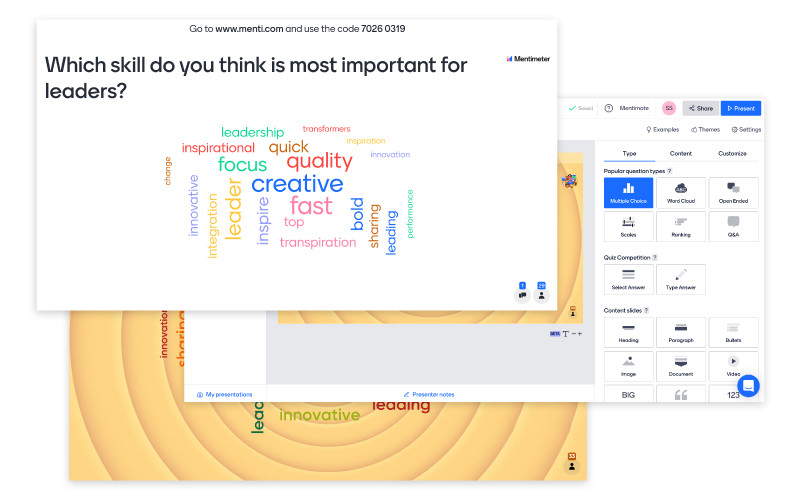
Make your presentations a two-way conversation. Unlike PowerPoint’s static slides, Mentimeter uses live polls, Q&As, and real-time voting to turn your audience into active participants. Perfect for meetings, workshops, and classrooms, it keeps engagement high and makes every session interactive.
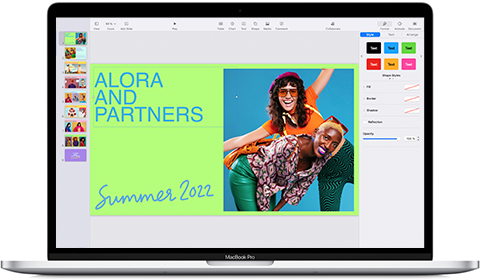
Built for Apple users, this presentation software is designed for sleek, stunning slides. Keynote isn’t like the regular PowerPoint alternatives out there—it’s a native Apple experience that works effortlessly across Mac, iPad, and iPhone.
With a modern design, smooth animations, and real-time collaboration, it’s perfect for anyone who wants polished, professional slides without the hassle.
📖 Also Read: How to End a Presentation (Tips + Examples)
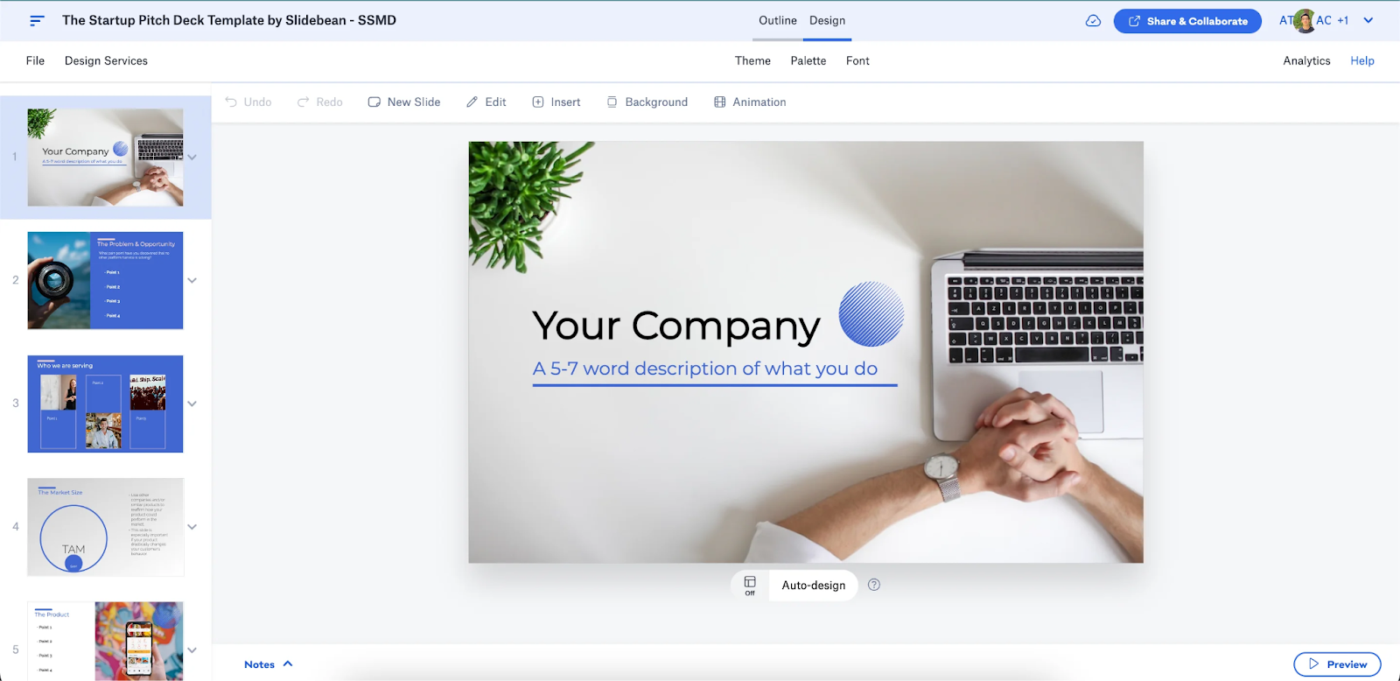
Need a pitch deck fast? As opposed to PowerPoint’s manual formatting, Slidebean’s artificial intelligence follows a standardized slide arrangement and process to make investor-ready presentations automatically.
With customizable pitch deck templates, smart design automation, and an intuitive interface, founders can craft compelling pitch decks without wasting time on layouts or design.
📖 Also Read: Free Project Plan PowerPoint Templates | ClickUp
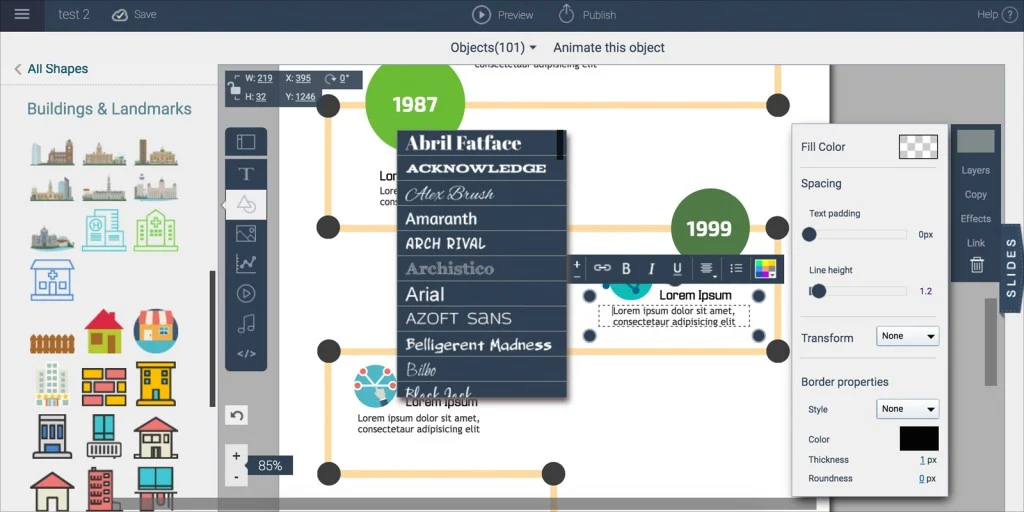
Turning data into a story just got easier. While PowerPoint relies on static slides, Visme brings data to life with interactive charts, animations, and infographics.
Whether it’s a marketing report or a business pitch, Visme transforms numbers into visuals that engage and persuade—no design skills are needed.
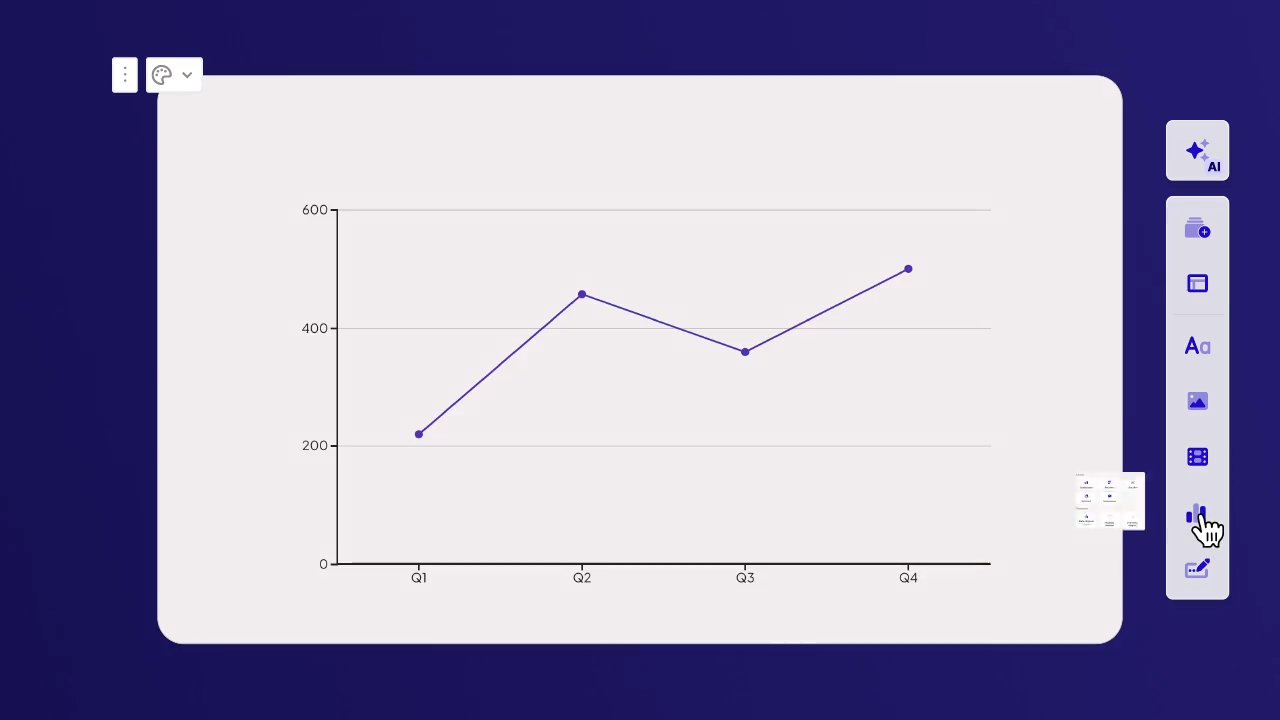
Gamma’s AI-powered online presentation tool doesn’t just build presentations—it turns them into interactive web pages with a click. This tool is perfect for content creators and teams that want their ideas to live beyond the meeting room and reach a wider audience effortlessly.
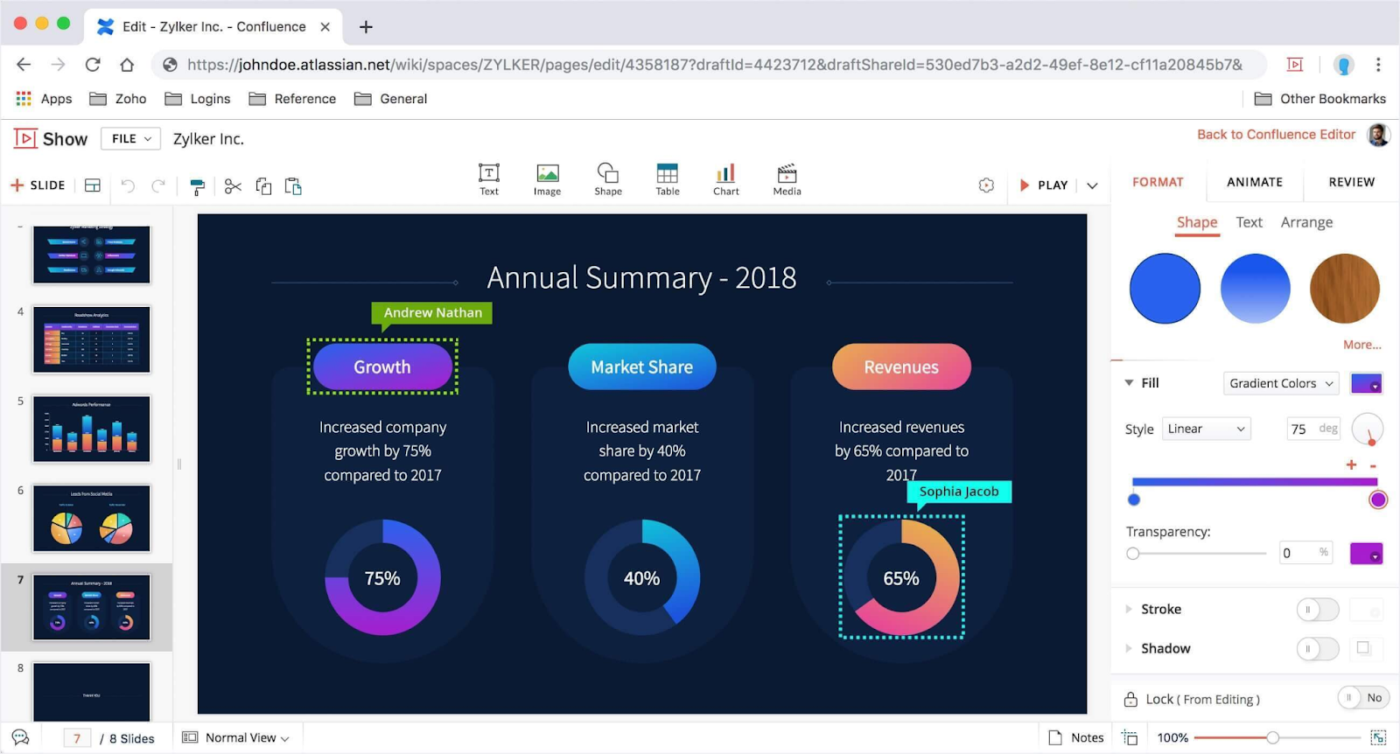
Are you using Zoho for CRM, projects, or file management? Then Zoho Show is a perfect fit! Unlike PowerPoint, it seamlessly syncs with Zoho apps, letting you pull in data, collaborate in real time, and present effortlessly—all in one place. There are no extra steps, no tab switching, just smoother workflows and better presentations.
PowerPoint has had its moment, but let’s face it, it’s starting to feel a bit… stale. ClickUp is transformational for creative, collaborative presentations, with its customizable templates and intuitive Whiteboards feature. You can craft visually stunning slides without breaking a sweat and even record audio-visual Clips for dynamic explainers without needing to switch tools.
Oh, and its AI? It’s like having a personal assistant for everything from writing to image generation. So why stick with meh when you can wow your audience instead?
Sign up for ClickUp and make everyone look forward to your presentation!

© 2026 ClickUp