How to Get Commercial Clients: Business Growth Tips

Sorry, there were no results found for “”

No matter what industry you’re in (marketing, construction, cleaning services, or any other B2B field), landing commercial clients takes effort. But let’s be real…the ticket sizes might be larger, but business client don’t always bring in money immediately.
Commercial clients don’t make snap decisions. They take their time, compare options, and focus on long-term value. That means you don’t need the flashiest pitch—you need the right approach to get in front of decision-makers and prove how you can add value and why you’re the best choice.
That’s precisely what we’re diving into in this blog post.
Let’s break down how to attract, win, and retain high-value commercial clients (without wasting time on dead-end leads).
Commercial clients are businesses or organizations that hire other companies for products or services. Unlike individual customers who make quick, one-time purchases, commercial clients look for long-term partnerships, bulk services, or custom solutions that add value to their operations.
To land the right clients, you’ve got to know who you’re dealing with. Commercial and residential clients have different needs, budgets, and decision-making styles.
Here’s a glance:
| Factor | Commercial clients | Non commercial clients |
| Definition | Businesses, corporations, property management firms, organizations | Individuals |
| Decision-making process | Takes longer, involves multiple stakeholders, focuses on long-term ROI | Faster decisions, often based on emotions, convenience, and price |
| Contract size and scope | Larger contracts, ongoing services, bulk purchases, higher transaction values | One-time or occasional purchases, smaller-scale projects, limited budgets |
| Sales and marketing | Larger contracts, ongoing services, bulk purchases, and higher transaction values | Direct advertising, referrals, emotional appeal |
If you want to land more clients in the commercial space, understanding their characteristics is key.
In a nutshell ⬇️
If you’re serious about business growth, focusing on commercial clients can bring bigger opportunities, like:
➡️ Read More: How to Find Clients for Your Consulting Business
Landing commercial clients requires smart strategies that put you in front of the right businesses at the right time.
Let’s break down how you can make that happen:
If you’re running your own business, you need an online presence. But being ‘online’ doesn’t mean being ‘everywhere.’ It involves showing up where decision-makers search for businesses like yours and build client trust before reaching out.
Here’s how you can do that:
💡 Pro Tip: Turn your top-performing pages into lead magnets through page-specific resources instead of generic signups. Think templates, checklists, or mini-guides that boost conversions 3-5X more than standard opt-ins.
6sense reports that 70% of B2B decision-makers research vendors online before engaging with them. Be sure to:
But managing social media while running a business isn’t easy. Without second guessing, plan your social media strategy with the Social Media Content Plan Template by ClickUp.
With this template, you can:
Get in front of prospective clients because you never know if they are reading an industry blog now. Contribute articles to well-known sites where they go for information.
Below are a few popular sites you can pitch and contribute impactful content to:
| Category | Guest posting sites |
| Business and marketing | Entrepreneur, Business 2 Community, HubSpot Blog, Social Media Examiner, MarketingProfs |
| Tech and startups | TechCrunch (Contributor Network), ReadWrite, VentureBeat, The Next Web (TNW), SitePoint |
| Finance and investment | Investopedia, Forbes (Contributor Network), Money Crashers, The Motley Fool, NerdWallet |
| General blogging | Medium (Various Publications), LinkedIn Articles, Quora Blogs, YourStory, Business.com |
Do you know what’s the best source of trust for a new business? Your existing or past clients.
They already know your value and capabilities, and their network is probably filled with potential leads. This is how you can tap into their network:
Ask your clients, ‘Who in your industry could use our services or products?’ Offer to draft a quick intro email for them to forward to potential leads or get them to connect you with the relevant person on social media.
More importantly, give them a reason to do business with you—through discounts, free trials, or exclusive access to services.
If a business is potentially looking to hire you or use your offerings, they’ll check your online reviews before reaching out.
If your Google and LinkedIn business pages are empty, that’s a red flag ⛳ . Make sure to request existing clients to leave a quick, honest review. Include those reviews on your website, proposals, and social media to attract decision-makers.
💡 Pro Tip: Block off a quarterly ‘Review Day’ and have your team spend 30 minutes contacting their best clients personally. Instead of just asking for a review, have them share a specific moment or success they remember working together. This kind of genuine, nostalgia-triggering message feels meaningful.
To convert more high-paying clients, you don’t need to meet more people; you just need to meet the right ones. This is how 👇
Go where the decision-makers and industry peers are. These could be major tech events, trade shows, local chambers of commerce, or BNI groups.

But showing up isn’t enough. You must be clear about who you want to meet and why. Do your homework and reach out to them before the event to set up quick introductions.
⏱️ Friendly Reminder: Design a proper company deck you can show on your laptop or tablet. Ask thoughtful questions about the challenges industry peers face. Since you’re meeting at an event, chances are that potential clients will be receptive to hearing you.
Let’s say you run an office cleaning business. Instead of knocking on doors, partner up with a local office supply company. They’re already selling to businesses that need clean workspaces, so why not work together?
Set up a referral partnership. When they bring in a new customer, they recommend your services, and you do the same for them. It’s a win-win!
Don’t go chasing every business in your industry. Focus on potential commercial clients that need what you offer.
Here’s how to do that:
Search for decision-makers by industry, company size, and role on LinkedIn Sales Navigator. You can create a targeted list of businesses and key personnel to approach with this tool. In addition, navigate to Crunchbase and CB Insights to spot companies that recently secured funding or are expanding.
Scan through an industry-specific job board like Wellfound, Y Combinator, and Indeed. If a business is hiring for a role related to your service, they might be open to outsourcing.
Many industries also have RFP (Request for Proposal) boards where businesses post commercial projects. These boards include RFP Database, FindRFP, FedHealthNet, Agency Spotter, and more.
Look at industry reports and directories, such as IBISWorld, Forrester Research, Clutch, Kompass, and Yellow Pages, to spot growing businesses that could need your services.
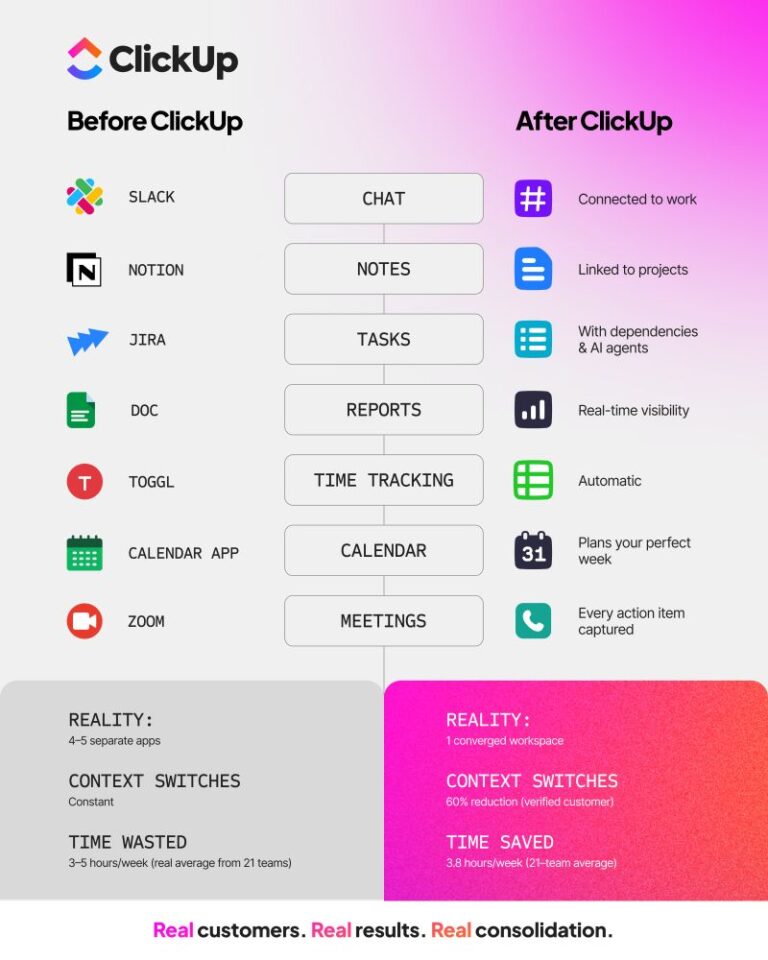
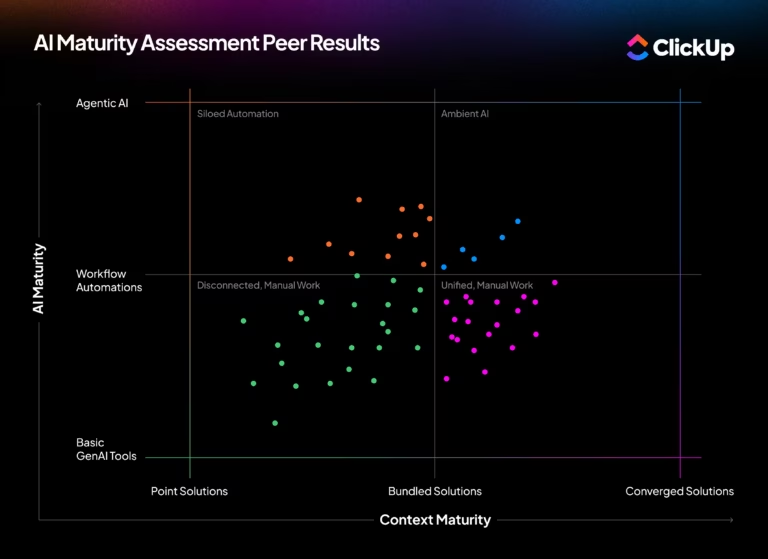
📮ClickUp Insight: Low-performing teams are 4 times more likely to juggle 15+ tools, while high-performing teams maintain efficiency by limiting their toolkit to 9 or fewer platforms.
But how about using one platform? As the everything app for work, ClickUp brings your tasks, projects, docs, wikis, chat, and calls under a single platform, complete with AI-powered workflows. Ready to work smarter? ClickUp works for every team, makes work visible, and allows you to focus on what matters while AI handles the rest.
Sometimes, the best way to get ideal clients is to go straight to them. In a nutshell,
Generic emails that say, ‘Hey, we offer XYZ services, let’s chat?’ get deleted. You should be clear and personalized if you want real results—more replies, booked meetings, and closed deals. But before that, fix a high-quality email list:
Next, spend some time writing the email.
Start with a personalized subject line (e.g., ‘[First name], quick idea to help [Company Name] boost revenue’).
Open with a research-backed first sentence that shows you understand their business (e.g., ‘I saw [Company Name] just expanded into the UK—many companies struggle with [challenge] at this stage.’).
Rather than pitching, offer immediate value—share a case study, a helpful tip, or a free resource. Finally, keep your CTA simple: ‘Would love to share this in a quick 15-minute chat. Does next Tuesday work?’
🔎 Pro Tip: Set up an email funnel for 2–4 weeks, depending on your industry and target audience. A 4-email sequence is a good starting point:
1️⃣ Day 1: Initial outreach (Personalized, value-driven email)
2️⃣ Day 4-6: Follow-up 1 (Reminder + extra value)
3️⃣ Day 9-12: Follow-up 2 (Address objections, reinforce value)
4️⃣ Day 15-20: Final follow-up (Breakup email, leaving the door open)
Paid advertising is a powerful tool, but it requires a dedicated budget and a strategic approach (after all, real money is at stake).
These are the following channels you can leverage:
The truth is that locating and managing clients can feel overwhelming if you don’t have a proper system. Juggling emails, follow-ups, and tracking leads across multiple platforms is a recipe for frustration.
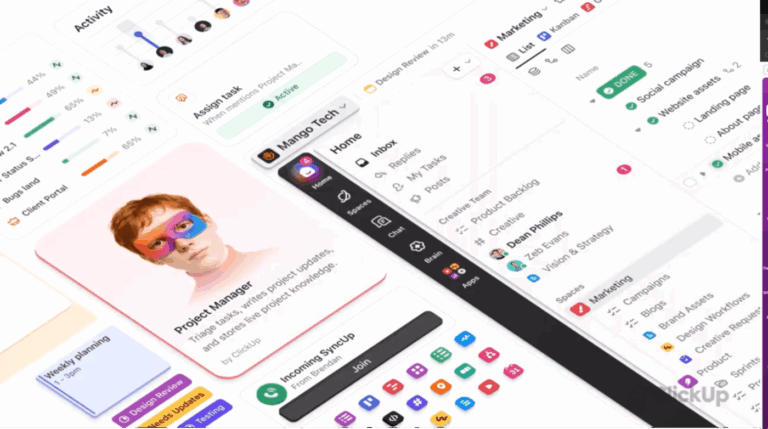
Enter, ClickUp, the everything app for work. 💁
One tool for client project management, another for tracking, and yet another for collaboration. Doesn’t this sound like a never-ending cycle of clicking between tabs and losing track of what actually needs attention? This is when you need an everything app that centralizes all of it!
First things first, to build that pipeline full and drive real growth, you need a marketing engine that attracts, engages, and converts the right audience.
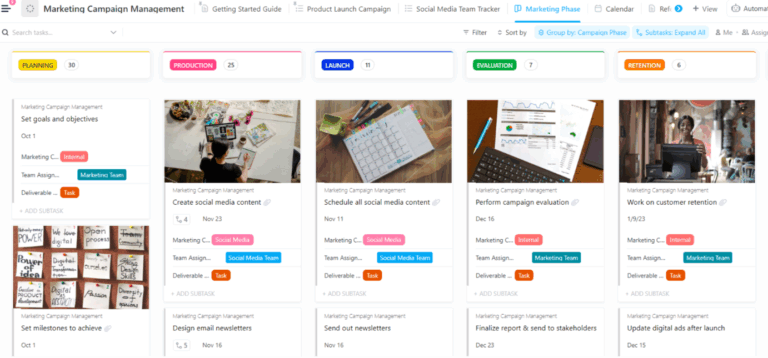
ClickUp for Marketing gives your team a central hub to create, execute, and optimize strategies. This marketing tool streamlines every step, from campaign planning and content management to performance tracking and team collaboration.

With it, you can:
What’s more? ClickUp has a library of 1000+ templates to save you time. Among them, use ClickUp’s Marketing Action Plan Template with customizable campaign trackers, content calendars, and lead generation workflows right out of the box.
This template allows you to:
Once your marketing efforts start bringing in leads, the next step is turning them into loyal clients. And what better way to get started than with ClickUp for Sales? Never again lose high-value deals with this robust project management solution.

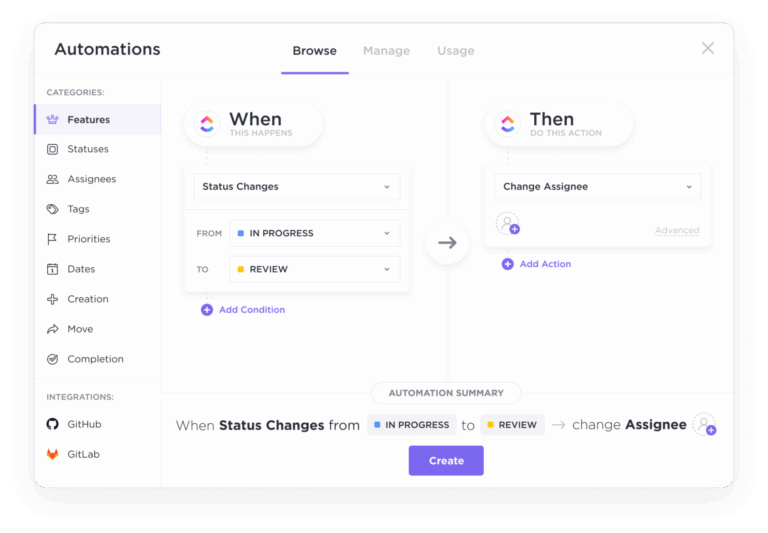
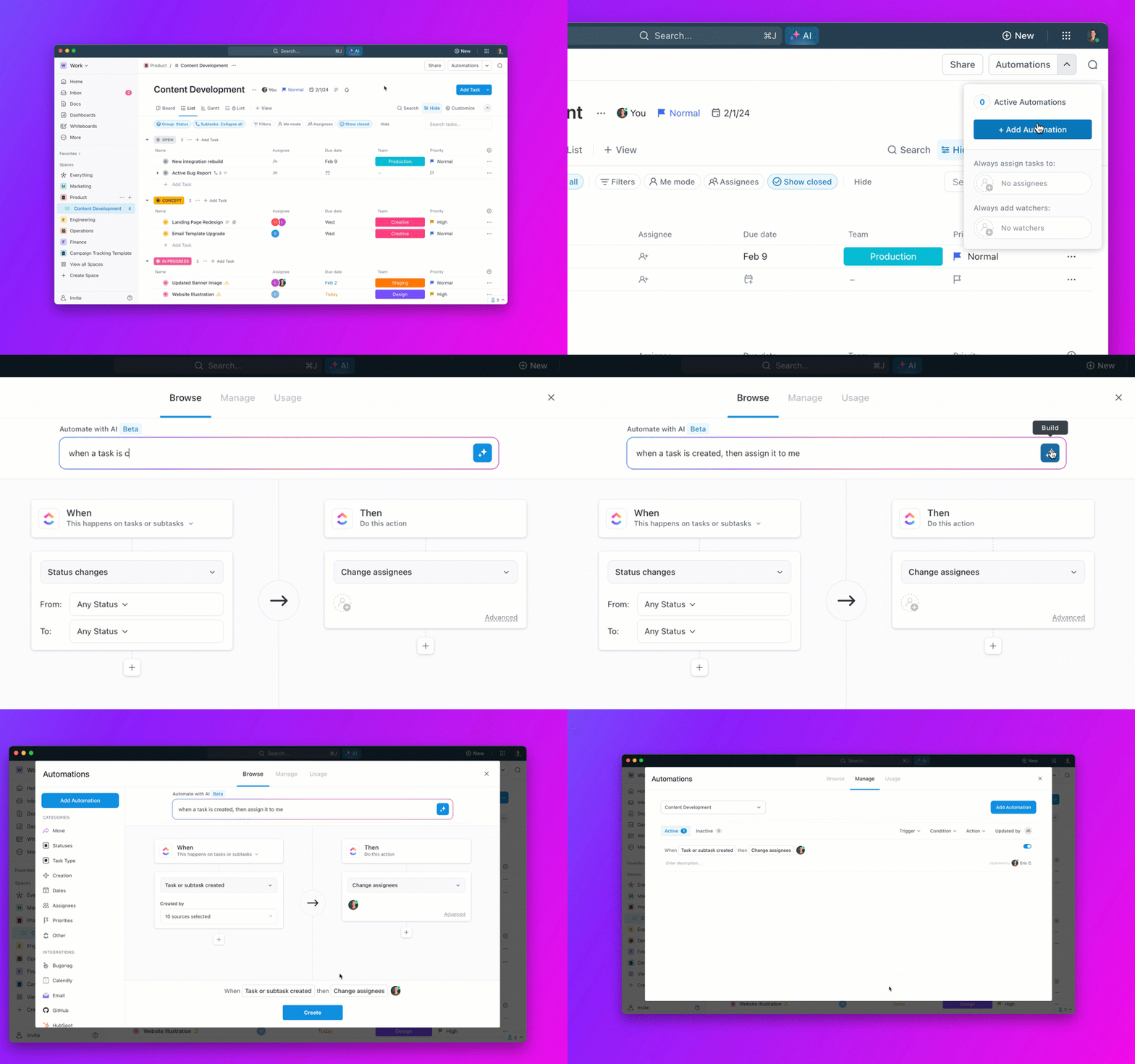
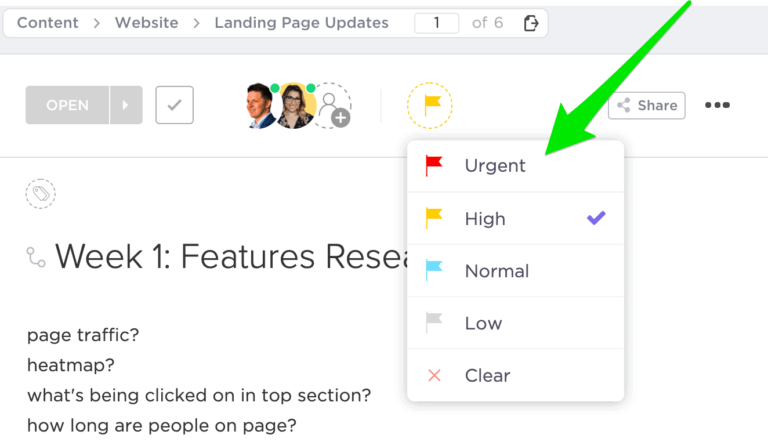
📌 For example, you can automatically assign tasks based on each stage of your sales process. You can trigger status updates when a lead takes action (e.g., responds to an email or downloads a proposal). You can also prioritize high-value leads so your team knows where to focus next!
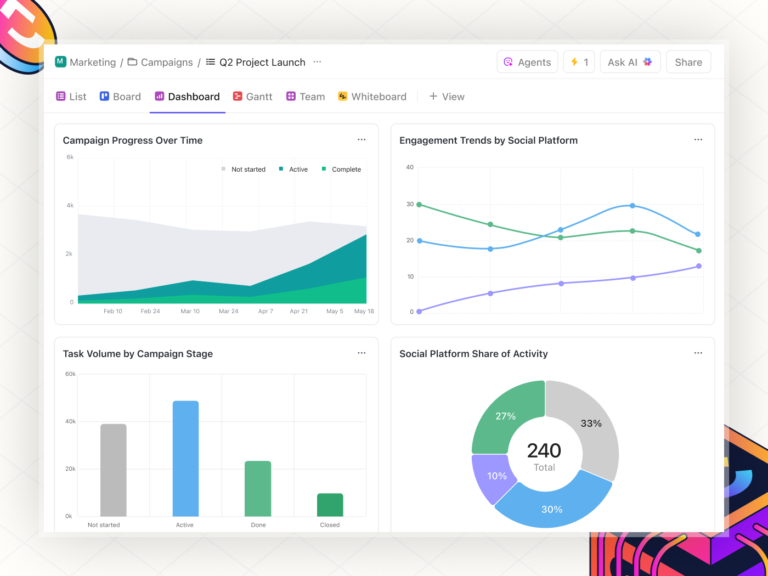
Even better, build no-code dashboards using ClickUp Dashboards to add more visibility to your workflow. These give you a top-level view of conversion trends with advanced visual charts, including deal closing rates, the average time it takes to close a deal, and more
You can also track individual and team performance—understand who’s closing and where improvements are needed.
With ClickUp’s CRM Project Management solution, you don’t need a dozen tools to keep track of your sales pipeline. Everything (contact details, deals, client notes, and emails) is neatly organized in one place.

Long story short, get 👇
👀 Visual sales pipeline: Track leads, deals, and customer interactions in a way that makes sense to you. Choose from multiple views (Kanban, List, Table, etc.) to see where everything stands at a glance
📊 Live dashboards: Get a bird’s-eye view of key metrics like customer lifetime value, deal sizes, and sales trends (all in real-time)
📧 Email integration: Sync your emails directly into ClickUp so your team can see past conversations, collaborate on follow-ups, and keep everything right where you work
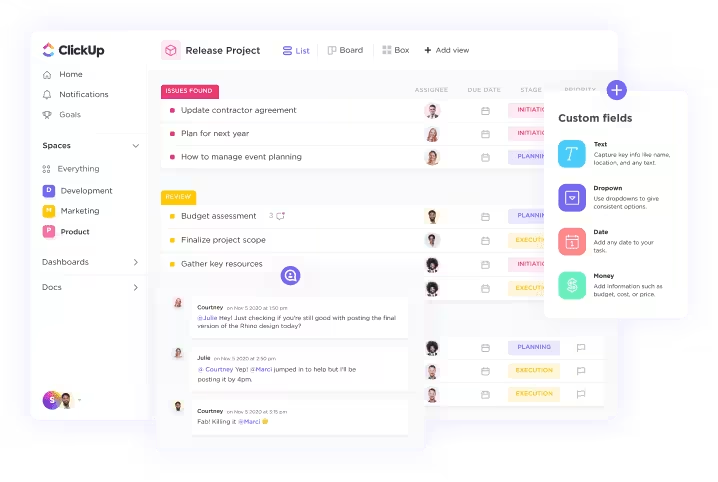
📂 Account and deal management: Organize customer info, track orders, and manage sales funnels with ClickUp Custom Fields and workflows
With that, you’ve got your CRM set up—leads are organized, deals are tracked, and customer relationships are running smoothly.
Marketing, operations, and customer support all contribute to turning potential clients into long-term partners. However, when teams use disconnected tools, information is lost, deadlines slip, and the entire process slows down.
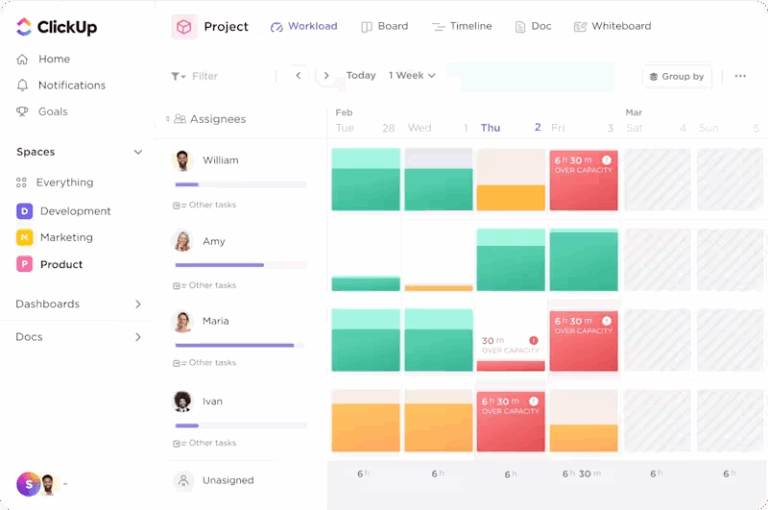
Use ClickUp Tasks to organize every step of the client acquisition process. Manage leads, assign follow-ups, and set deadlines on the go. For example, assign Team A to create lead lists while Team B nurtures the sourced leads in the funnel’s second stage.

Want to build more efficiency? Use ClickUp Time Tracking to understand whether teams are using their time effectively. From sales calls to proposal prep, see where efforts are spent and optimize processes.

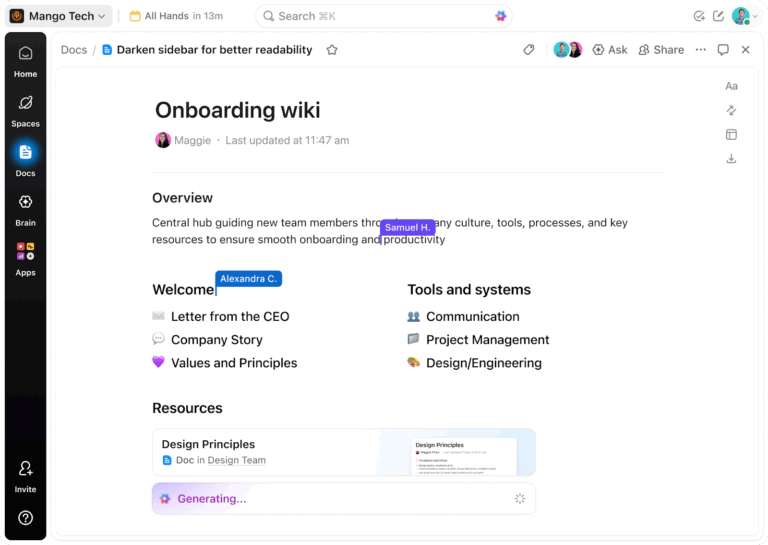
Teams undeniably need a way to create, refine, and share pitches without the back-and-forth. And ClickUp Docs does just that!
It’s built for teams that need a fast, organized way to create client proposals, sales decks, and pitch materials. It can help you:
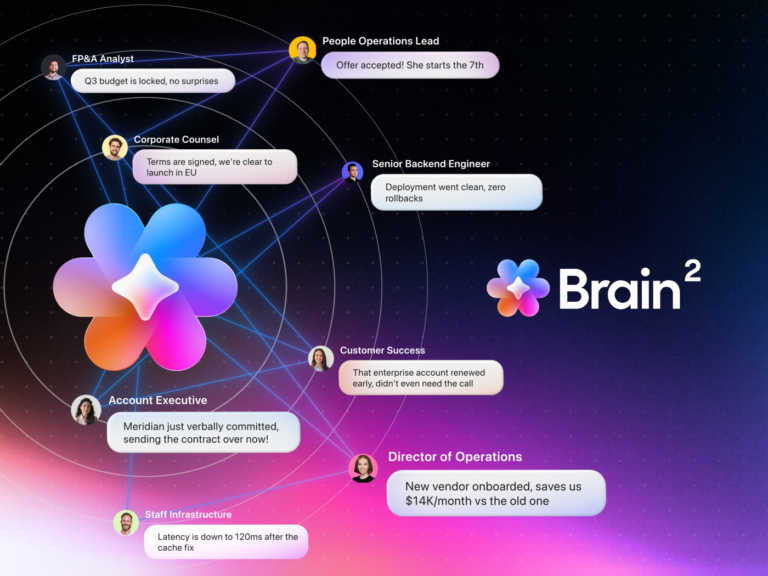
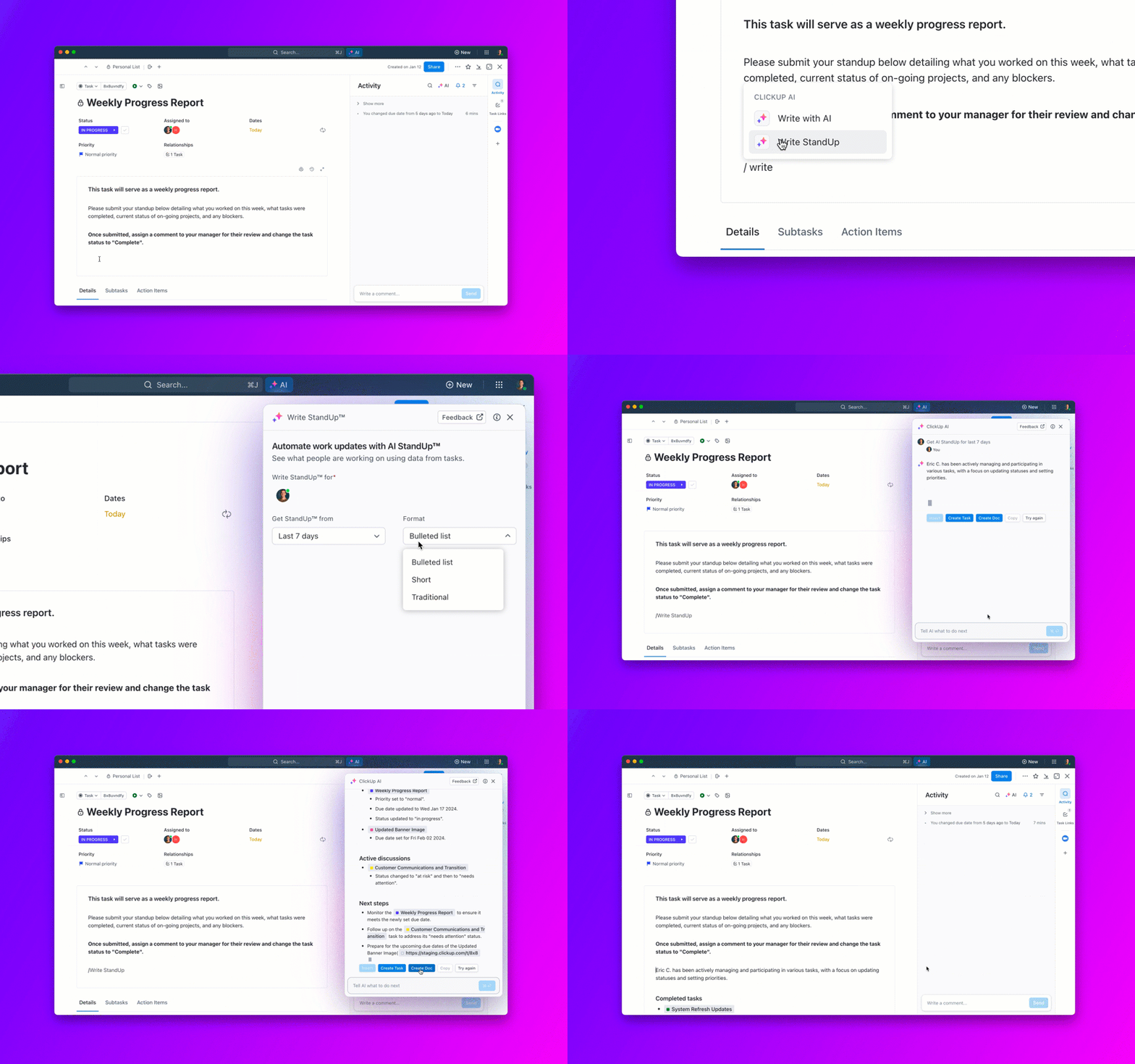
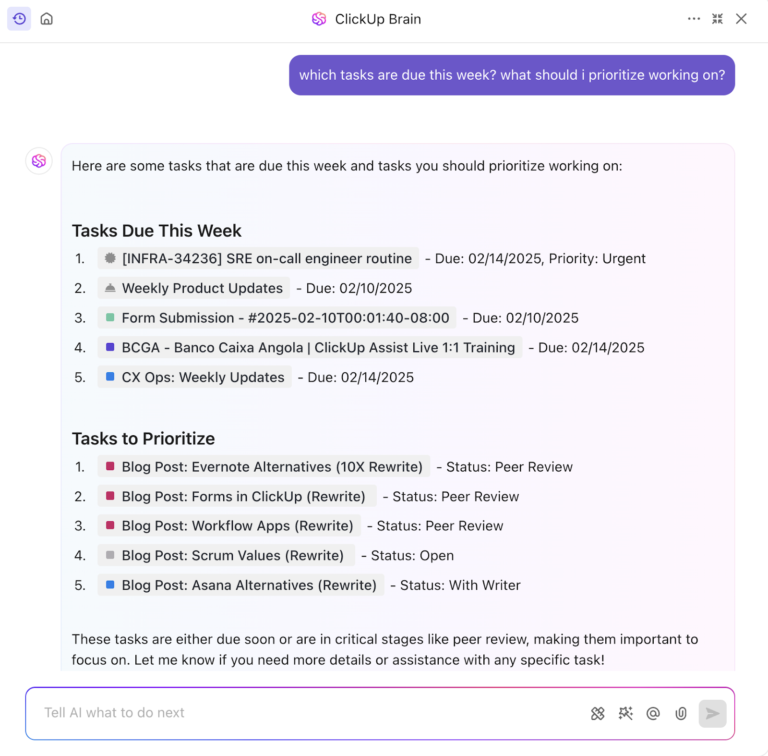
But if starting from scratch feels overwhelming, ClickUp Brain gets you moving instantly. Whether you need a project proposal, sales pitch, or contract renewal, Brain generates it for you.
For instance, you can feed Brain a prompt like, ‘Write a compelling sales pitch for a branding agency targeting e-commerce startups. Emphasize expertise in visual identity, product packaging, and social media branding. Keep it professional yet engaging.’
In response, this is what it comes up with:

With ClickUp Automations, the process is even easier. When you are done creating a pitch deck or contract, set up a “when-then” automation on ClickUp to send it for approval to the client or to a fellow team member for review.
Even if you have all the client acquisition strategies in your sales playbook, landing these deals isn’t a straight line. SuperOffice reports that prospecting is the most challenging stage of the sale process for 80% of salespeople, followed by qualifying leads (44%) and closing deals (24%).
So, what are the biggest challenges you’ll likely face when trying to gain commercial clients?
Unlike smaller deals, commercial clients go through multiple approval layers, budget reviews, and sometimes entire fiscal cycles.
🎯 Solution: Identify the approval process early—ask, ‘Who else needs to sign off on this?’ In addition, create urgency by offering limited-time pricing, priority onboarding, or exclusive add-ons for fast action.
Many commercial clients have long-term relationships with their current product or service providers. Even if they’re unhappy, switching feels like a hassle.
🎯 Solution: Position yourself as the alternative they can’t ignore. Can you offer faster turnaround times or a specialized approach that their big-box vendor can’t match? Highlight these differences. Offer a pilot project or a trial to reduce their perceived risk.
You’ve had great discussions, and they ask for a proposal, but things stall once you send it. Maybe they push back on pricing, delay deciding, or stop responding altogether.
🎯 Solution: Before sending the proposal, confirm they’re ready to move forward and address any remaining concerns upfront. Make proposals action-driven. Instead of just listing services, include case studies, social proof, and a clear deadline.
You’ve found a system that helps you land commercial clients with positive results. But what comes next? Client management! The better you do it, the more referrals and sustainable growth you’ll see. Here’s what to do:
Even one bad experience can shake a client’s trust, so go beyond the contract. A strong onboarding system helps introduce your product or service intimately while proactively addressing queries.
To get started, use the Client Success Template by ClickUp. Centralizing all client-related details allows you to track progress, document key wins and concerns, and facilitate regular updates.
💡 Pro Tip: Establish a communication rhythm based on your industry and contract cycle, whether weekly check-ins, monthly reports, or quarterly reviews. If needed, use pre-built client management templates.
You can’t improve what you don’t measure. Therefore, gathering feedback is essential to client communication. It helps you understand what’s working and where your client needs more support.
To begin with, use ClickUp Forms to instantly capture client needs, route requests for resolution, and ensure feedback turns into action.

ClickUp Forms adjust questions based on client responses with condition logic, making them easier to complete and better at collating relevant info.
Once the forms are submitted, they can be easily converted into tasks and assigned to the right team members for further execution.
We used to spend extra hours doing routine things manually, like delivering projects to our team, creating tasks, and pasting links. Now, we’re using that time to plan and move more of the team workflows to ClickUp.
You don’t always need to reinvent the wheel or develop something overly creative when maintaining relationships. Sometimes, simply following tried-and-tested client retention strategies and templates can help.
Take feedback collection, for example. If you don’t want to set up a feedback process from scratch, check out ClickUp’s Feedback Form Template. Tailor surveys to specific customer needs with customizable fields, rating scales, and open-ended questions.
It’s natural for you to be concerned about winning new commercial clients, given the length of sales cycles, the stiff competition, and the rapid shrinkage of budgets.
ClickUp, the all-in-one app for work, helps you refine your sales outreach efficiently, monitor leads, and close deals faster. It centralizes all sales activities, making it easier for you and your team to stay organized (and consistent).
Sign up for ClickUp today—completely free—and experience the benefits yourself.
© 2025 ClickUp