







Still downloading templates?
There’s an easier way. Try a free AI Agent in ClickUp that actually does the work for you—set up in minutes, save hours every week.
Sorry, there were no results found for “”
Sorry, there were no results found for “”
Sorry, there were no results found for “”
Microsoft 365 Copilot can work wonders for your workflow—if you know how to speak its language!
🧠 Fun Fact: 72% of businesses worldwide have adopted some form of artificial intelligence
In this post, you’ll learn how to write Copilot prompts that maximize productivity—with 10 practical examples and the output you can expect.
⚡️ Bonus: We’ll introduce you to ClickUp Brain, a smart assistant that offers everything Copilot does but with the added advantages of data analytics, historical memory, and the ability to take actions within your ClickUp Workspace! Scroll through to get started for free!
But first, let’s kickstart our guide to Copilot prompts.
Copilot prompts are instructions you give to AI-powered tools like Microsoft Copilot to guide them in performing tasks.
Think of them as conversation starters—helping the AI understand your needs and deliver precisely what you want. The more you refine your prompts, the more productive and effective your AI assistant becomes!
Whether you’re working on a presentation, analyzing data, or writing a blog post, your prompt shapes how the AI responds. A well-crafted prompt is clear, concise, and detailed, ensuring you get the best results from the AI.
When using AI in project management, you can help teams break down complex tasks into manageable chunks. For instance, a marketing team might use prompts to draft email campaigns, while developers use them to debug code or generate documentation.
💡 Pro Tip: Use AI to uncover insights, not just create content. Ask Copilot to compare trends, analyze sentiment, or extract key takeaways from large datasets beyond simple summaries.
Ever tried following a recipe without clear instructions? Chances are, it didn’t turn out quite the way you hoped. That’s how working with AI feels without clear Copilot prompts. Specific directions ensure your AI assistant delivers your writing, analyzing, or organizing needs.
Here’s how writing clear, better prompts in Microsoft Copilot will get you the results you need:
👀 Did You Know? Microsoft Copilot leverages advanced language models like GPT-4, enabling it to understand and generate human-like text. This foundation allows Copilot to do more than just answer questions—it can perform tasks, create documents, and even assist with coding!
Creating effective Copilot prompts means balancing clarity, relevance, and engagement. Here are key strategies to craft better prompts for more meaningful, productive interactions:
💡Looking for a smarter AI assistant?
While Microsoft Copilot supports your Microsoft 365 apps, ClickUp Brain goes a step further. Built into your workspace, it helps you manage tasks, generate content, summarize docs, and automate work—all in one place.
✨ As a bonus: ClickUp Brain users can choose from multiple external AI models, including GPT-4o, o3-mini, o1, and Claude 3.7 Sonnet for various writing, reasoning, and coding tasks!
Ready to replace scattered workflows with a unified, AI-powered system?
📖 Also Read: Best ChatGPT Prompts for Project Management
Here are 10 Copilot prompts tailored to various industries and professions. These AI examples can show you how to leverage Copilot for customer service, finance, legal, and other scenarios.
Today, marketing relies on data-driven decisions and personalized customer experiences. AI helps analyze customer behavior, predict preferences, and create targeted campaigns.
With solid prompts, your marketing can automate routine tasks, generate insights more efficiently, and fine-tune strategies for better engagement, all while boosting productivity and creativity.
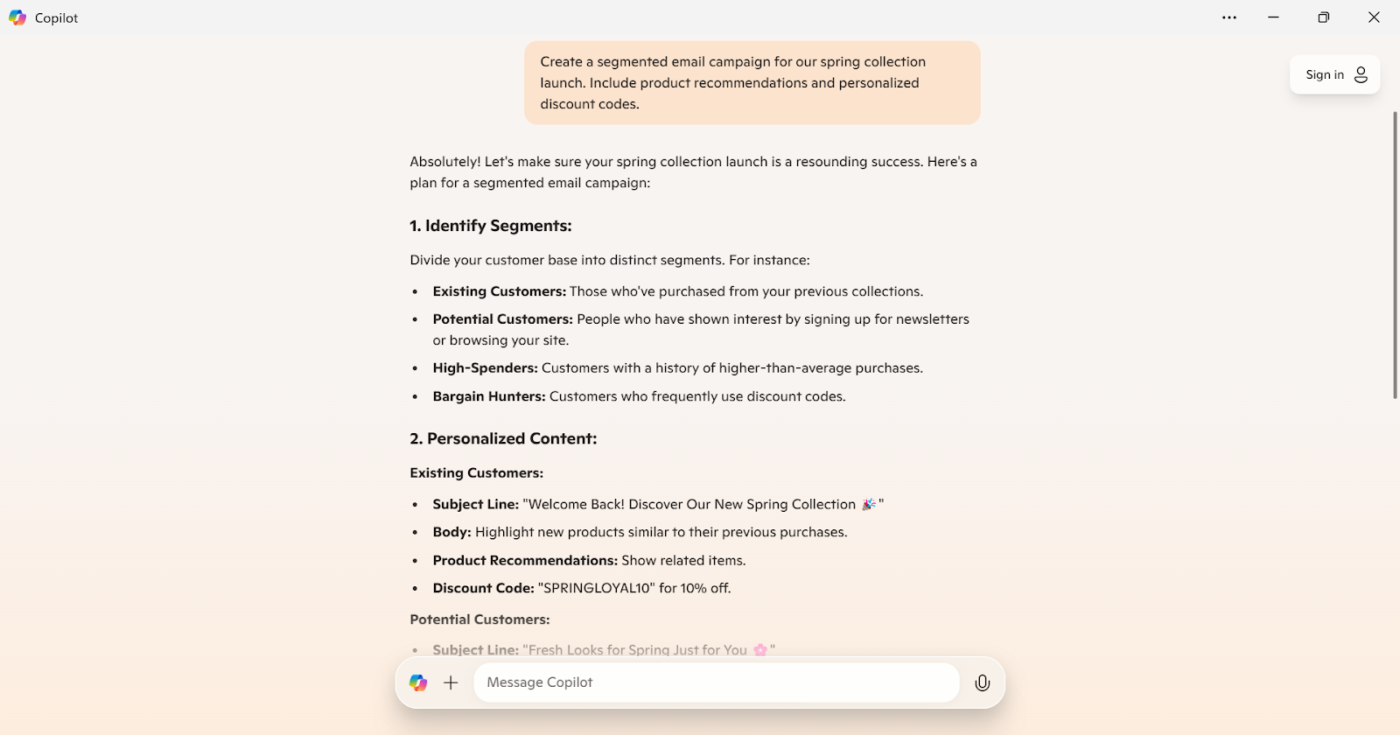
Prompt: Create a segmented email campaign for our spring collection launch. Include product recommendations and personalized discount codes.
Result:
👀 Did You Know? In 2023, musician Holly Herndon released an album titled “PROTO,” created in collaboration with an AI “baby” named Spawn. This project explored the intersection of human creativity and machine learning, challenging traditional notions of authorship in music. Talk about getting your prompts right!
Software development teams are finding new ways to speed up coding and testing processes while maintaining quality.
Using AI in software development helps catch bugs early and generates clearer, more efficient code snippets.
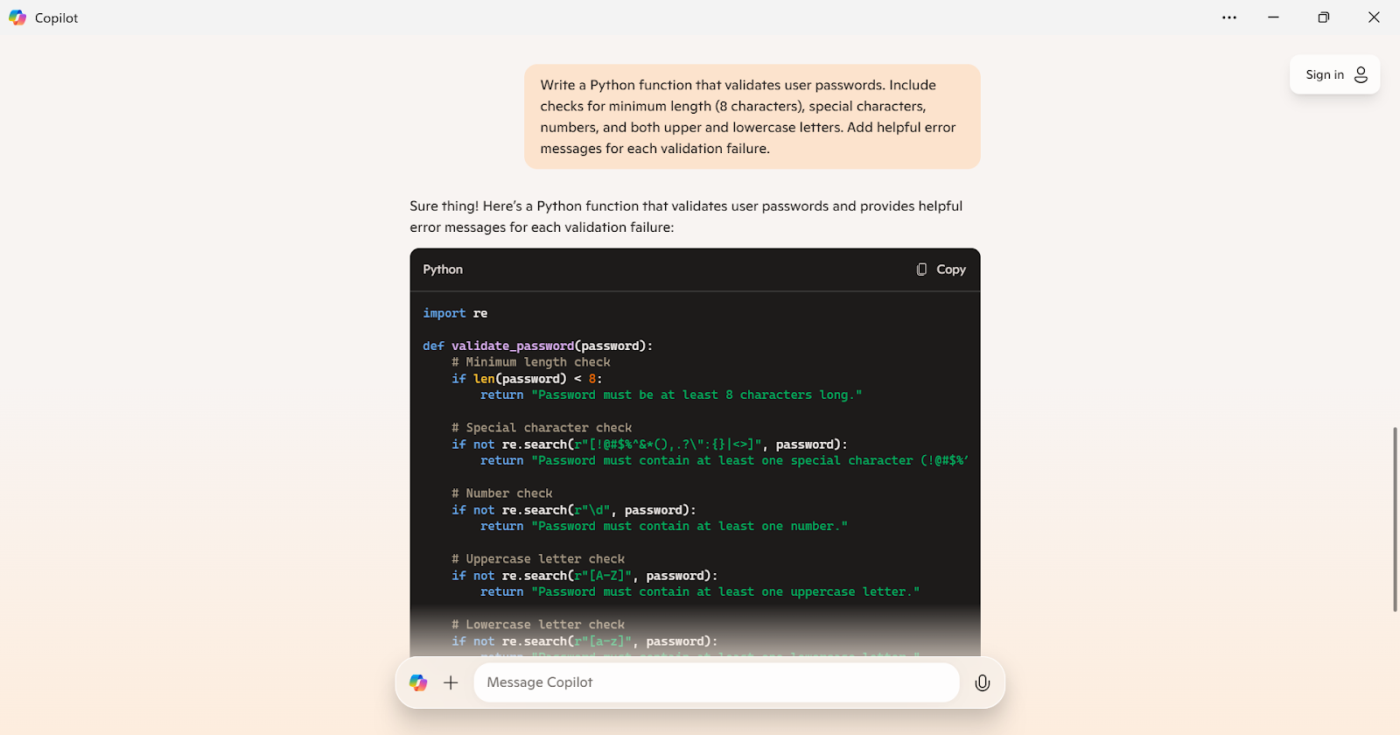
Prompt: Write a Python function that validates user passwords. Include checks for minimum length (8 characters), special characters, numbers, and upper and lowercase letters. Add helpful error messages for each validation failure.
Result:
Healthcare professionals use AI to analyze patient data, spot early warning signs, and even create personalized treatment plans. AI also helps read medical images and predict patient outcomes, making everything from diagnoses to follow-up care much more efficient.
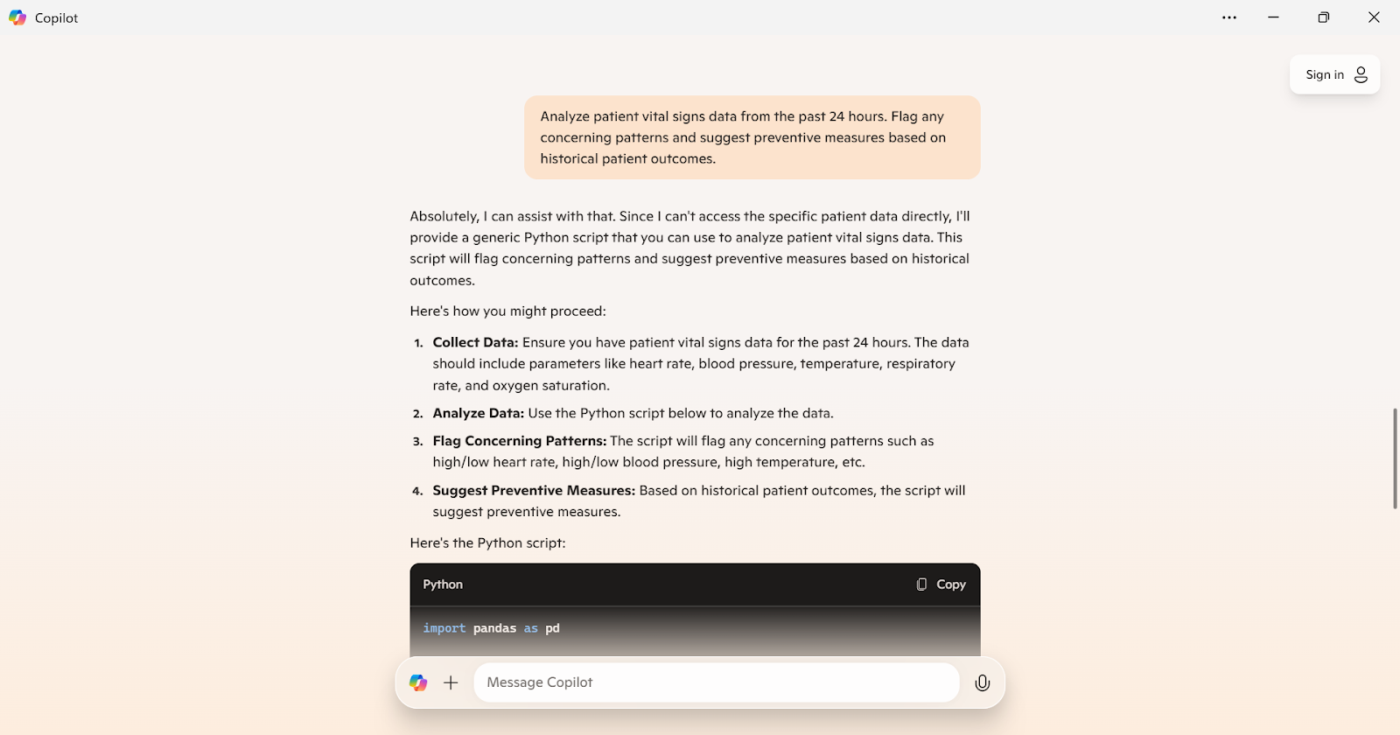
Prompt: Analyze patient vital signs data from the past 24 hours. Flag any concerning patterns and suggest preventive measures based on historical patient outcomes.
Result:
Financial institutions use AI-powered prompts to analyze market trends, detect fraud, and assess risk more efficiently. The correct prompts help AI process vast amounts of financial data, uncover hidden patterns, and generate insights that improve decision-making.
From automating reports to enhancing customer interactions, AI-driven prompts streamline financial operations.
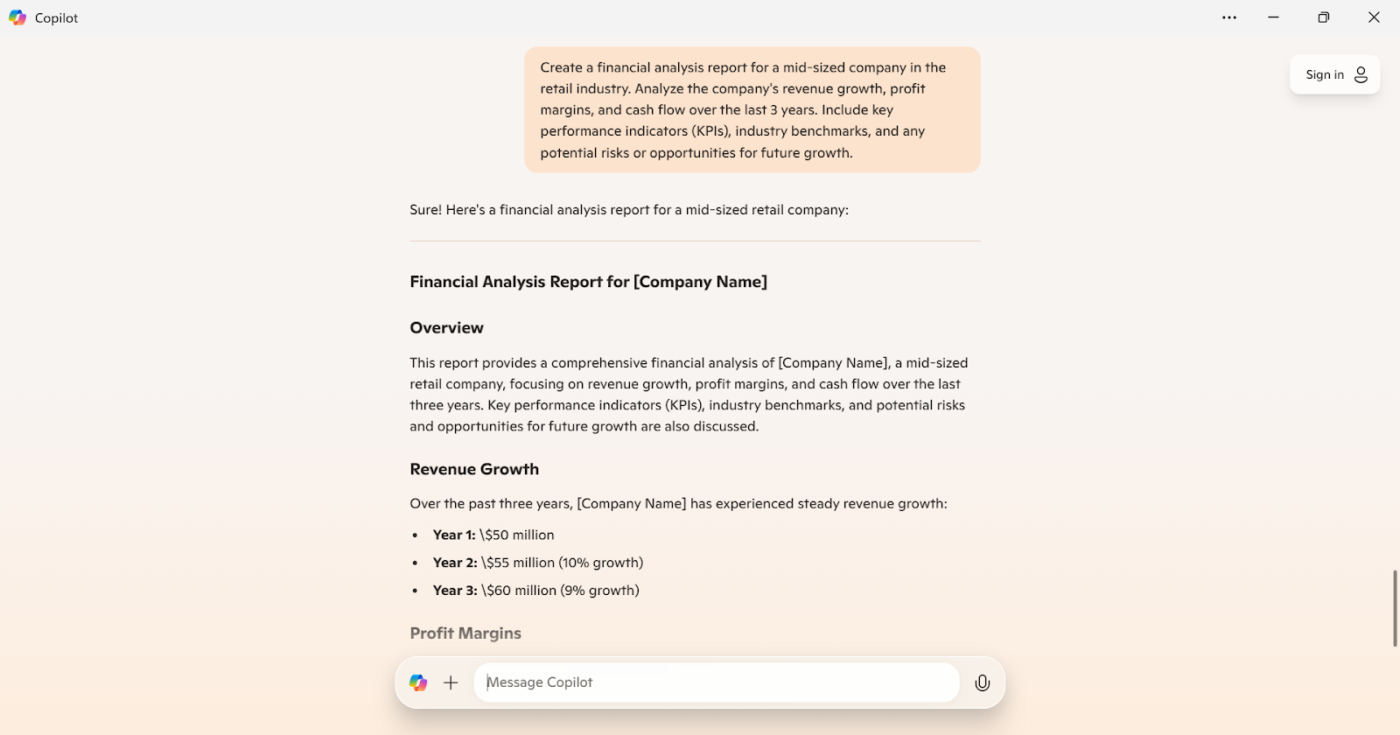
Prompt: Create a financial analysis report for a mid-sized company in the retail industry. Analyze the company’s revenue growth, profit margins, and cash flow over the last 3 years. Include key performance indicators (KPIs), industry benchmarks, and any potential risks or opportunities for future growth.
Result:
The education industry uses AI prompts to make learning more interactive and efficient. From automating grading to providing instant feedback, AI-powered tools help educators save time and focus on personalized student engagement.
With the proper prompts, AI can generate lesson plans, suggest learning activities, review content, and even tailor it to different skill levels.
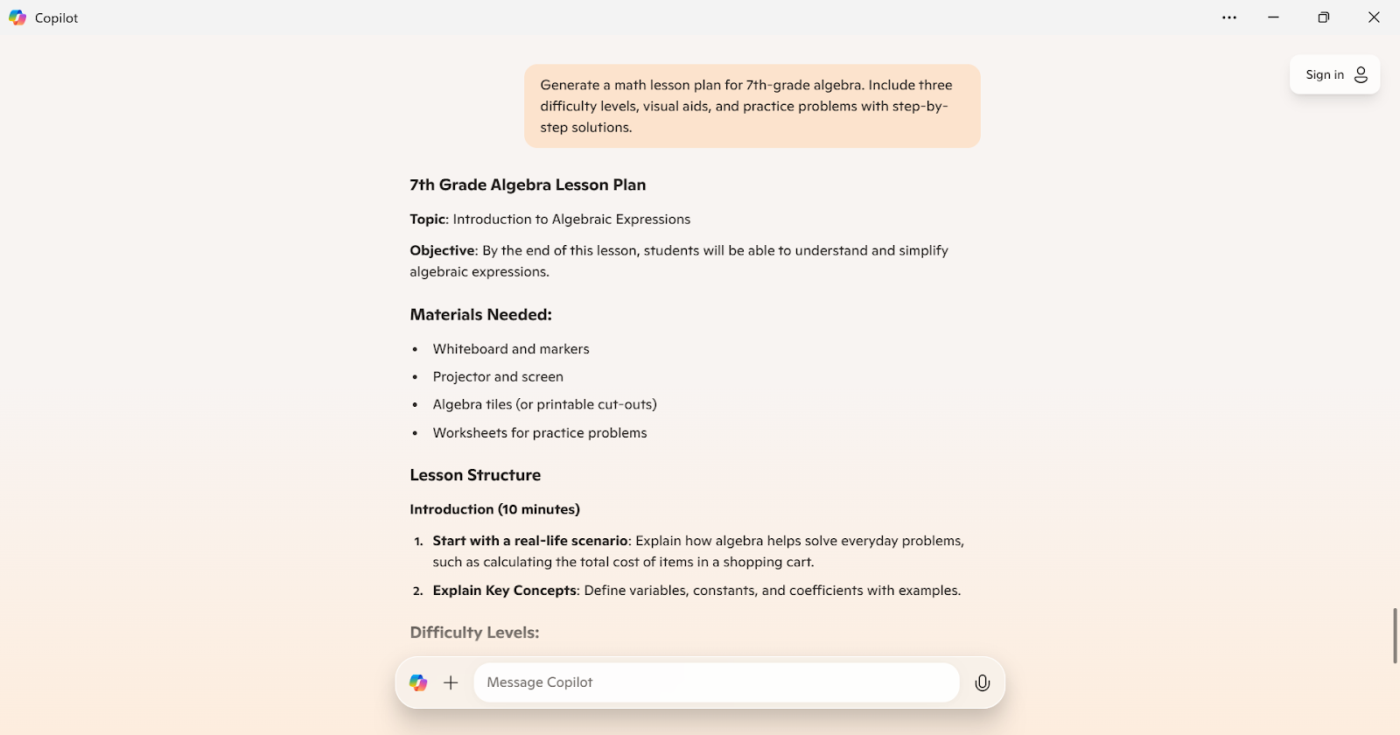
Prompt: Generate a math lesson plan for 7th-grade algebra. Include three difficulty levels, visual aids, and practice problems with step-by-step solutions.
Result:
Customer support thrives on fast, accurate responses; AI-powered prompts make that easier. By automating FAQs, providing 24/7 assistance, and handling routine inquiries, AI allows human agents to focus on solving more complex customer issues and delivering a better support experience.
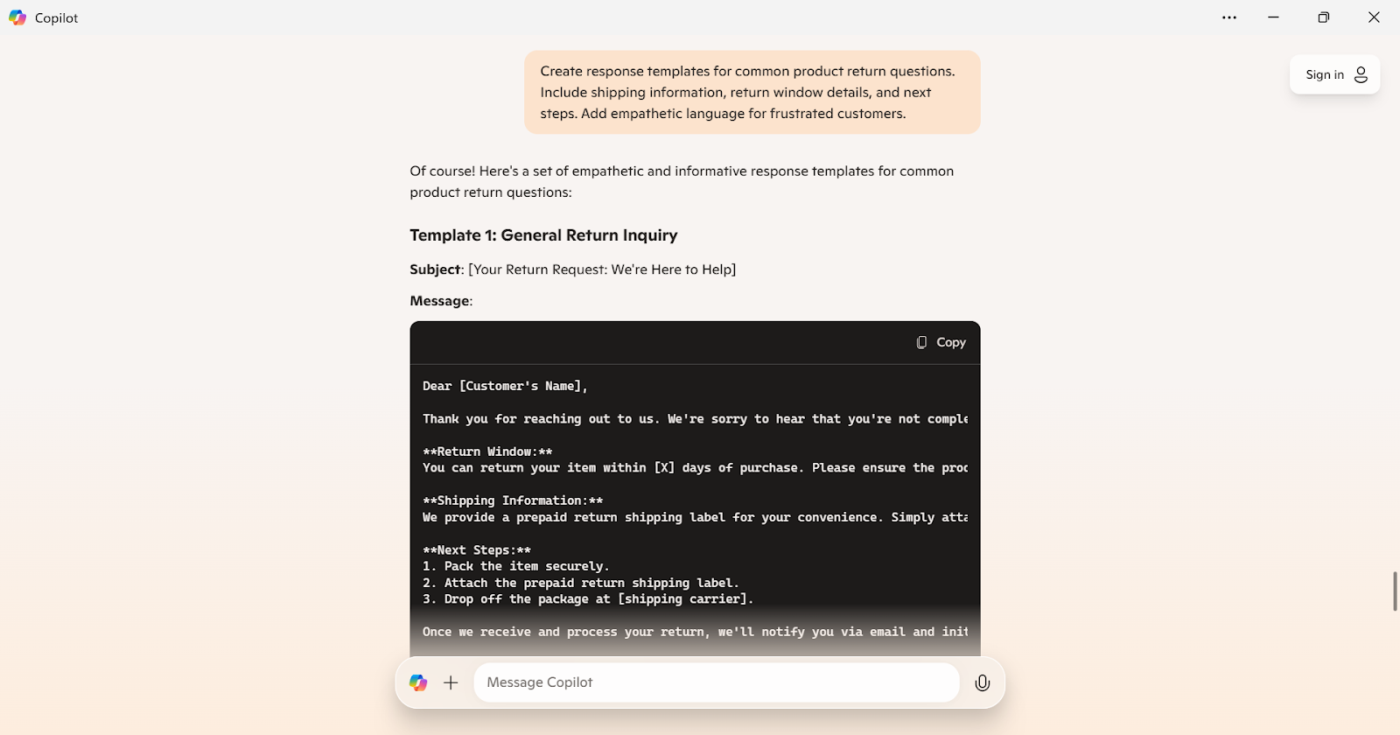
Prompt: Create response templates for common product return questions. Include shipping information, return window details, and next steps. Add empathetic language for frustrated customers.
Result:
AI is transforming the world of HR by making recruitment smarter, faster, and more inclusive.
From automating tedious tasks like resume screening to matching candidates with roles based on their skills and experience, AI ensures that HR teams focus on building relationships rather than wading through paperwork.
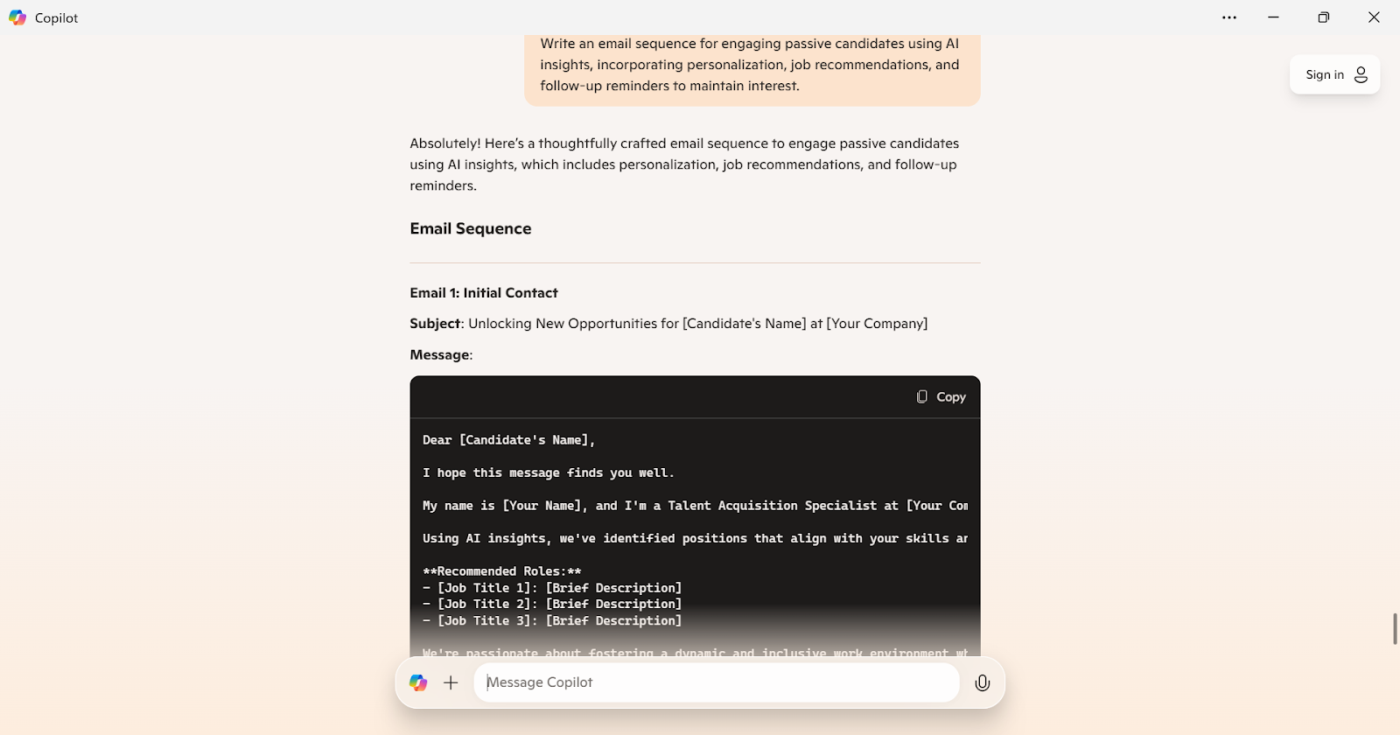
Prompt: Write an email sequence to engage passive candidates using AI insights. Incorporate personalization, job recommendations, and follow-up reminders to maintain interest.
Result:
AI makes buying, selling, and managing properties smarter and more efficient. From AI-powered chatbots that assist buyers 24/7 to predictive analytics that forecast property values and market trends, AI helps agents and clients make informed decisions.
Virtual tours and AI-driven recommendations personalize the home-search experience, while automated lead generation and smart contract processing streamline transactions.
Prompt: Conduct a market analysis to identify current trends and pricing strategies in the local real estate market. Provide insights on property values, rental rates, and potential investment opportunities: [Insert location details]
Result:
🧠 Fun Fact: Computer scientist John McCarthy first coined the phrase “artificial intelligence” in 1956 during the Dartmouth Conference, which is considered the founding event of AI as a field.
AI-driven predictive maintenance helps manufacturing teams anticipate equipment failures and reduce costly downtime. Companies leveraging AI for maintenance planning have reported a 20% decrease in downtime, allowing for smoother operations and better resource allocation.
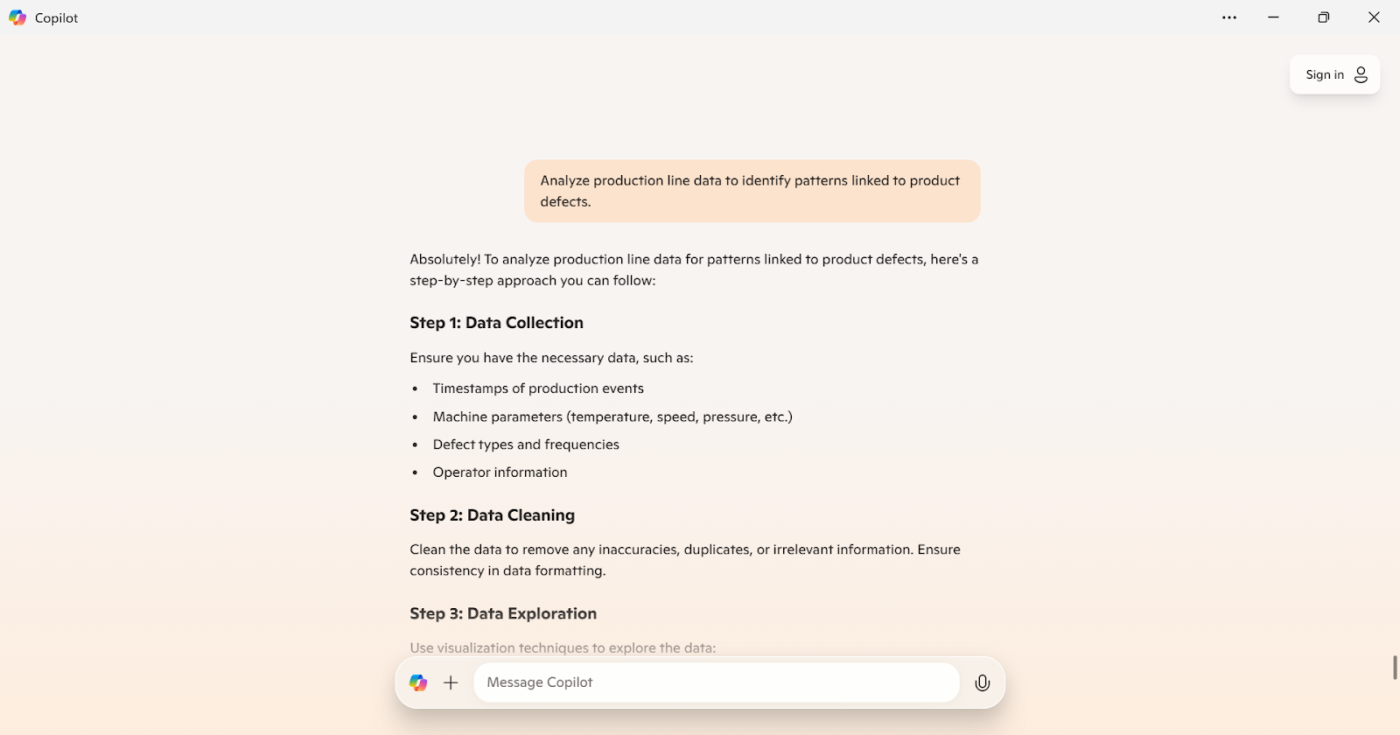
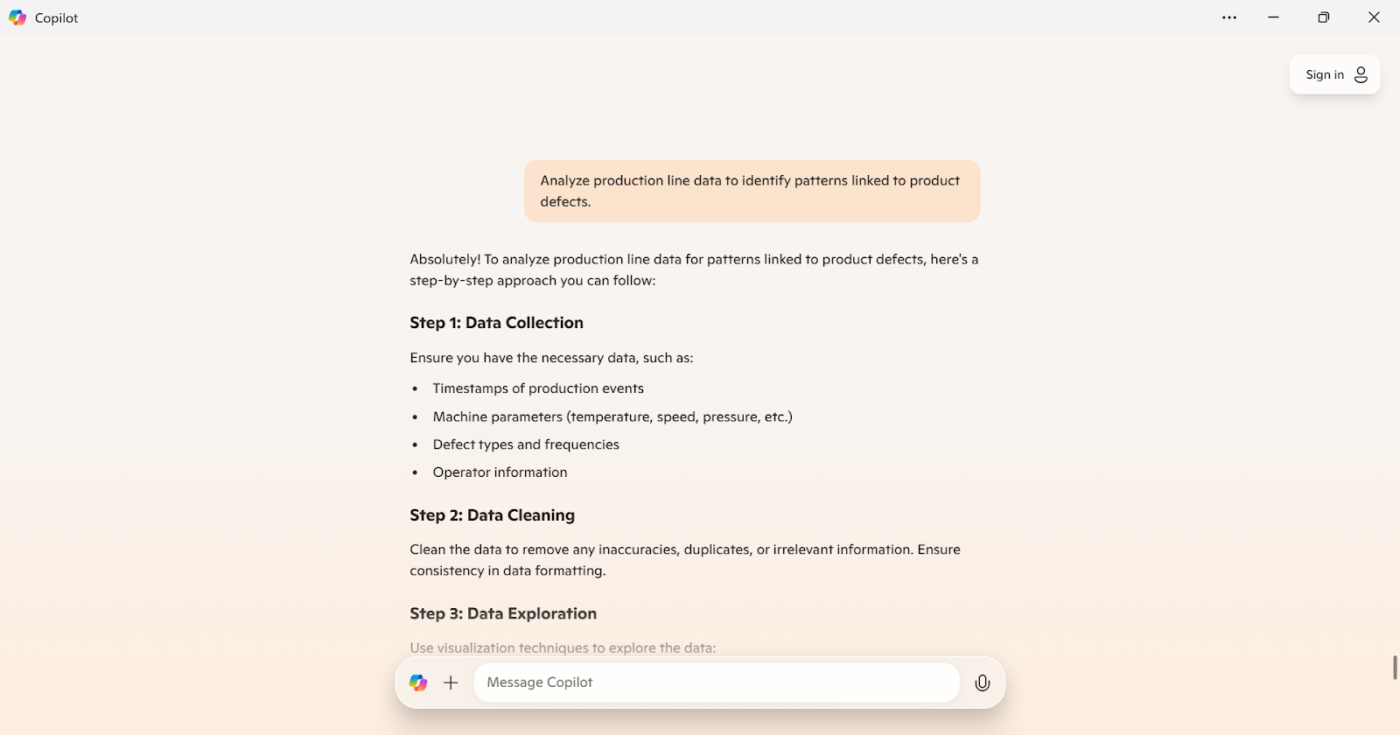
Prompt: Analyze production line data to identify patterns linked to product defects [insert production line data].
Result:
AI-powered tools help legal professionals quickly analyze vast amounts of case law, contracts, and legal documents, cutting down hours of manual work.
Chatbots handle basic client inquiries, freeing time for more complex legal matters. Meanwhile, predictive analytics assess case outcomes using historical data, and AI-driven contract review and drafting improve accuracy while reducing human error—making legal work faster and more efficient.
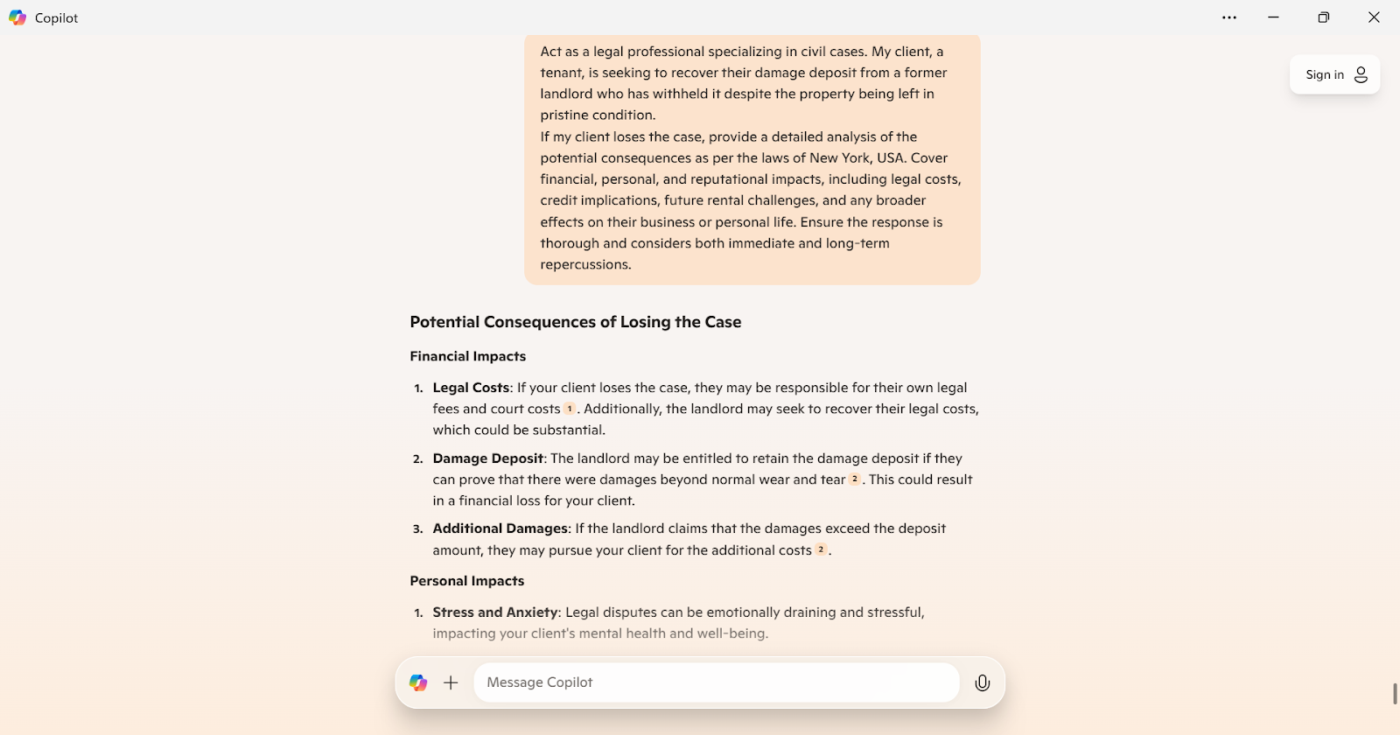
Prompt: Act as a legal professional specializing in civil cases. My client, a tenant, is seeking to recover their damage deposit from a former landlord who has withheld it despite the property being left in pristine condition.
If my client loses the case, provide a detailed analysis of the potential consequences [as per the laws of the state]. Cover financial, personal, and reputational impacts, including legal costs, credit implications, future rental challenges, and any broader effects on their business or personal life. Ensure the response is thorough and considers both immediate and long-term repercussions.
Result:
Creating effective Copilot chat prompts is key to getting accurate and valuable results. Whether you’re using Microsoft Copilot, Copilot Chat, or AI within Microsoft 365 Copilot, unclear prompts can lead to vague or irrelevant responses. To get the most from your prompts, avoid these common mistakes:
Knowing what this AI assistant can and can’t do is essential before crafting your prompts for Microsoft Copilot. Setting realistic expectations will help you create more effective prompts and get the best results.
Here are some key limitations to keep in mind:
📮 ClickUp Insight: We recently discovered that about 33% of knowledge workers message 1 to 3 people daily to get the context they need. But what if you had all the information documented and readily available?
With ClickUp Brain’s AI Knowledge Manager by your side, context switching becomes a thing of the past. Simply ask the question from your workspace, and ClickUp Brain will pull up the information from your workspace and/or connected third-party apps!
Need an AI assistant that understands your workflow? ClickUp Brain outshines tools like Microsoft Copilot.
It’s one of the best Microsoft Copilot alternatives.
How? ClickUp, the everything app for work, combines project management, knowledge management, and Chat—all powered by AI that helps you work faster and smarter.
Unlike Copilot’s general-purpose approach, ClickUp Brain works directly in the ClickUp workspace. It can access and analyze your tasks, documents, and team communications in real-time to provide highly relevant assistance.
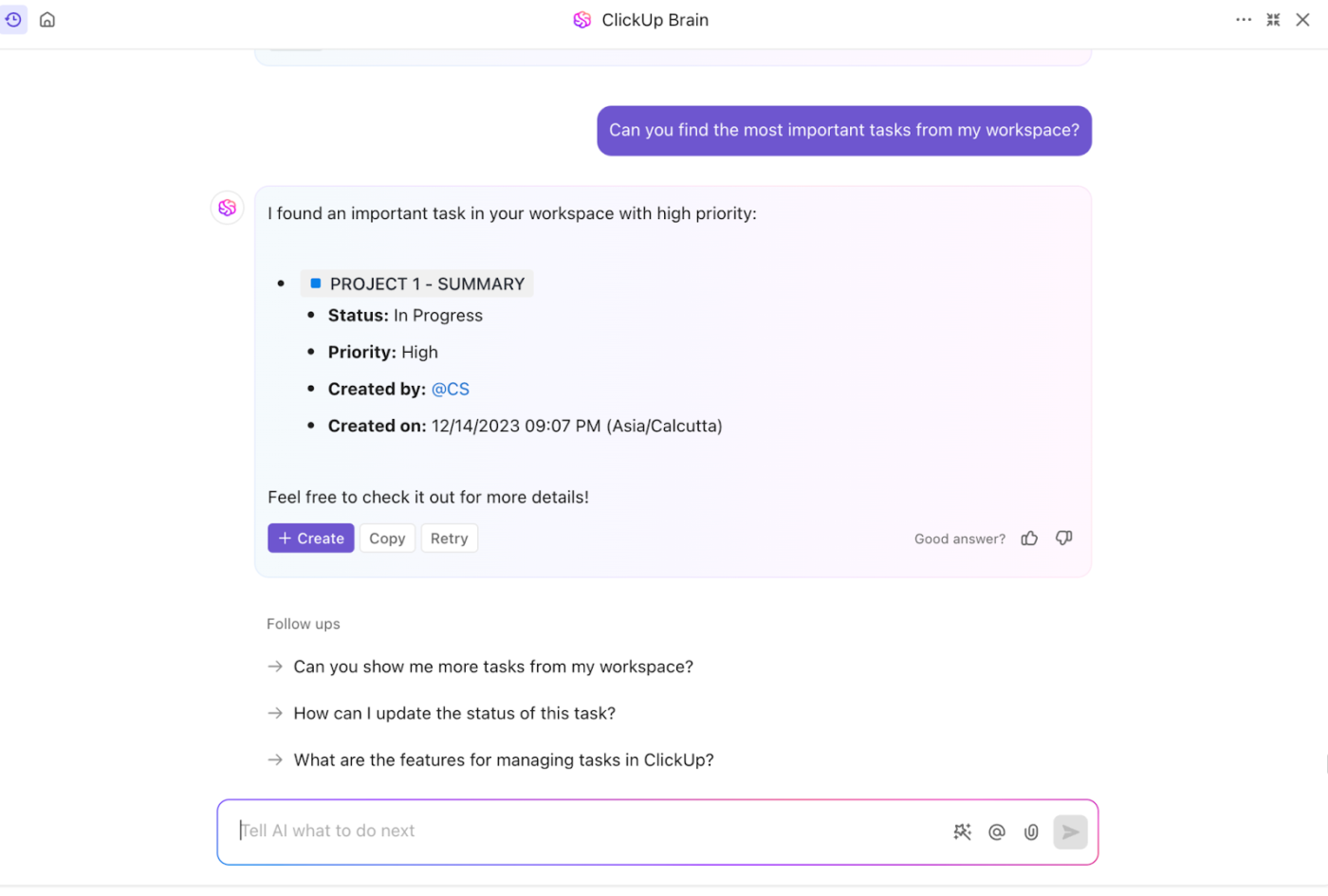
For example, if you manage multiple marketing campaigns, ClickUp Brain can extract insights from your task statuses, priorities, and team comments to help you make better decisions about resource allocation and next steps.
ClickUp Brain goes beyond basic AI by actively helping you with work and time management. Skip manual progress tracking—ClickUp Brain auto-generates updates and team reports.

This automation saves significant time compared to tools that require you to gather and summarize information manually. A marketing team lead can quickly get an AI-generated overview of all ongoing campaigns, bottlenecks, and resource needs without spending hours compiling data.
With other features like tasks, dashboards, chats, and time-tracking, people have been raving about ClickUp for work.
🎥 Watch how teams use ClickUp Brain to manage complex projects seamlessly → Watch the demo
Work gets fragmented when teams constantly switch between AI platforms for specific tasks. ClickUp Brain MAX eliminates this chaos by integrating the world’s leading AI models directly into your existing workflow. Your projects, documents, and team collaboration happen in one place, and now your AI assistance does too. No more context-switching or information loss—just intelligent support that already knows your work, helping you accomplish more without leaving your workspace.
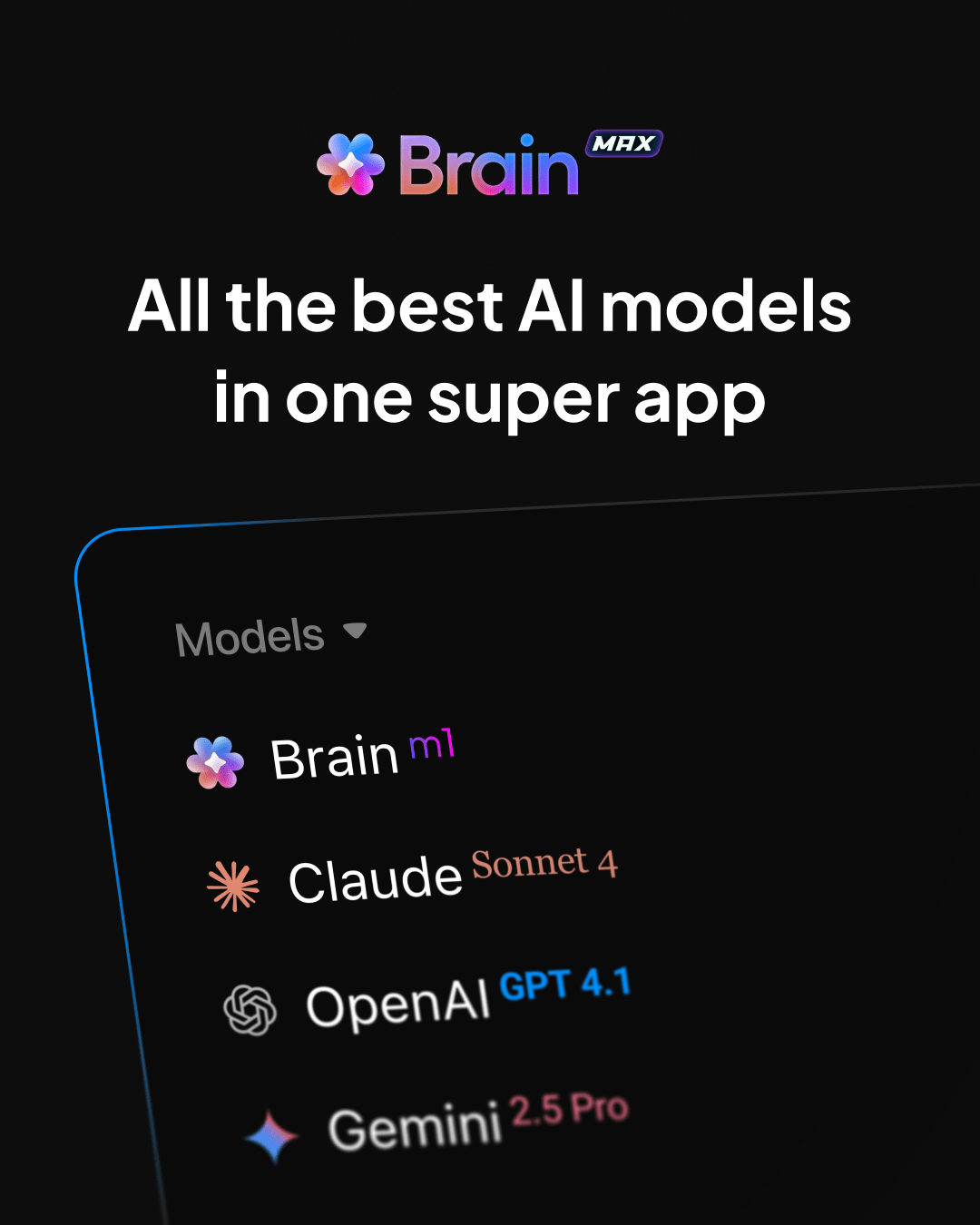
It connects seamlessly with apps like ClickUp, Zoom, Slack, Google Drive, GitHub, and more, so you can manage work and automate tasks across your entire workflow.
With Talk to Text in ClickUp Brain MAX, you can simply speak to create prompts, capture ideas, or draft documents—up to four times faster than typing. And because Brain MAX already understands your projects, team, and files across ClickUp and connected tools, every note you dictate lands with the right context.
👉 Here’s what Vladimir Janovsky from AstraZeneca had to say about ClickUp:
Although we are still in the early stages of integrating ClickUp into cross-functional team projects, its utility has been particularly evident in multi-country team settings. The platform’s rich feature set effectively handles the complexity and scope of tasks that span multiple countries, streamlining both communication and coordination.

ClickUp’s AI Writer feature helps teams create and refine content faster. Whether it’s social posts, design briefs, or project updates, ClickUp Brain can generate drafts while maintaining your brand voice and incorporating workspace context.
This beats switching between multiple tools—you can go from ideation to execution in one place.
💡Pro Tip: Here’s an excellent ClickUp Brain trick:
If you have vague or cluttered task descriptions? Try this prompt 👉 “Rewrite this task description to be clearer and action-oriented while keeping all essential details.”
This ensures your team knows exactly what to do.
Software development
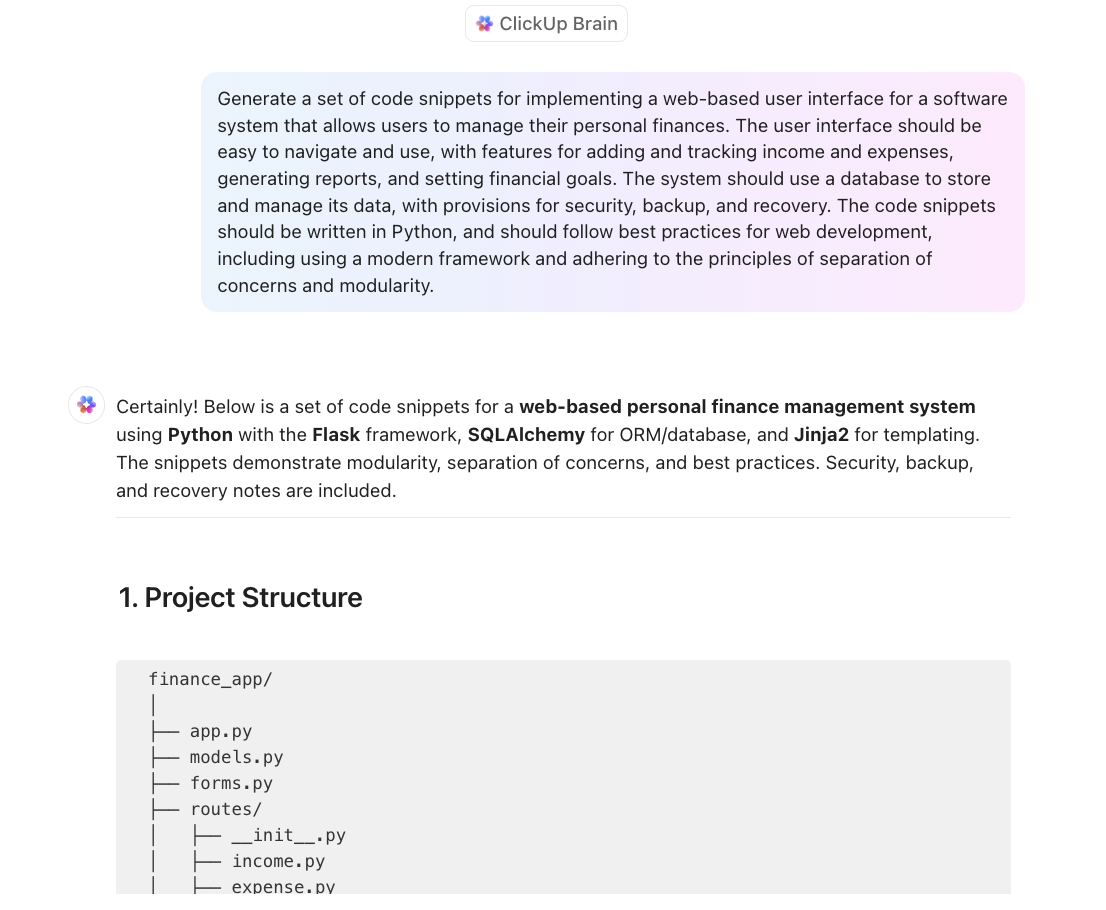
Because ClickUp Brain acts as your smart assistant directly within your ClickUp Workspace, it becomes an invaluable tool for software teams. ClickUp Brain supports software development by generating code, providing best practices, integrating with your workspace, supporting collaboration, and offering learning resources—all within ClickUp. This helps teams move faster, maintain quality, and stay organized.
Prompt writing doesn’t have to be a struggle—ClickUp Brain makes it effortless. Built directly into your workflow, it’s the perfect AI tool whether you need to draft reports, generate tasks, or summarize documents.
What makes ClickUp Brain stand out from Microsoft Copilot? It’s seamlessly integrated within ClickUp, meaning you can manage projects, tasks, and documents without switching tools.
Plus, it leverages top-tier AI models from OpenAI and Anthropic, delivering intelligent automation that works for your needs.
Need a more innovative way to work? Sign up for ClickUp today and let ClickUp Brain take your productivity to the next level. 📈

© 2026 ClickUp

There’s an easier way. Try a free AI Agent in ClickUp that actually does the work for you—set up in minutes, save hours every week.