
Sorry, there were no results found for “”
Sorry, there were no results found for “”
Sorry, there were no results found for “”
Forty-five seconds. That’s how long you have before your audience mentally checks out and starts thinking about what’s for dinner. Two decades ago, you had a luxurious two and a half minutes—practically an eternity!
But attention spans have decreased thanks to the internet, social media, and our collective obsession with multitasking.
So, how do you fight back? You ditch the dull, text-heavy slides and let AI do the heavy lifting. AI-powered presentation makers can generate eye-catching, professional slides in minutes, helping you focus on your story instead of fumbling with fonts and layouts.
Let’s explore the best AI tools to help you craft presentations people will actually remember—before they get distracted again.
You can polish the pitch, but if onboarding is ad hoc and reporting is manual, clients still feel the chaos.
This toolkit gives services teams the system behind the slides. Get 5 workspace setups (+ 9 templates and 5 AI agents) used by teams like yours to protect your billable hours.
As per our research, here are the 11 best AI tools for presentations:
Princeton neuroscience research shows that when we listen to a story, our brain syncs with the speaker’s in a phenomenon called neural coupling. This is what makes storytelling so powerful.
Yet, traditional presentation tools force us to break compelling narratives into fragmented bullet points and static slides—hardly the best way to captivate an audience.
Modern AI presentation makers are changing this approach, but choosing the right one requires careful consideration of several factors:
The best AI presentation maker doesn’t just make slide creation easier—it helps you craft presentations that align with how human brains naturally process information, keeping your audience engaged from start to finish.
Also Read: How to End a Presentation (Tips + Examples)

Get 5 prompts to turn generic AI output into a presentation that fits the room.
Each tool in our lineup brings something unique to the table.
Whether you’re a project manager needing real-time data, a startup founder crafting a client presentation, or a team leader fostering collaboration, AI presentation tools can help. Let’s explore how these solutions can elevate your presentations.
“Are these numbers still current?“
The question hits just as you reach the crucial part of your presentation. Your team’s data changes daily, but your slides are frozen in time from last week. Presentation accuracy for teams managing dynamic projects often feels like trying to hit a moving target.
ClickUp, the everything app for work, transforms this challenge by integrating every stage of your presentation workflow into a single, dynamic environment.
From assigning tasks to delivering the final slides—everything is connected and accessible. The platform’s presentation templates help you structure slides effortlessly so that you can focus on content instead of formatting.
Don’t wish to start from scratch? Working with the ClickUp Presentation Template can transform how your team approaches presentation creation. This comprehensive template doesn’t just provide a structure—it offers a complete presentation management system that guides teams from initial concept to final delivery.
By combining customizable workflows with collaborative features, the template ensures presentations remain organized, consistent, and engaging while keeping all stakeholders aligned throughout the creation process.
This template taps into ClickUp’s Whiteboard feature to bring your presentations to life with rich visuals. Think of it as your creative engine—a space where raw ideas take shape, flowcharts come to life, and scattered thoughts turn into a well-structured presentation.
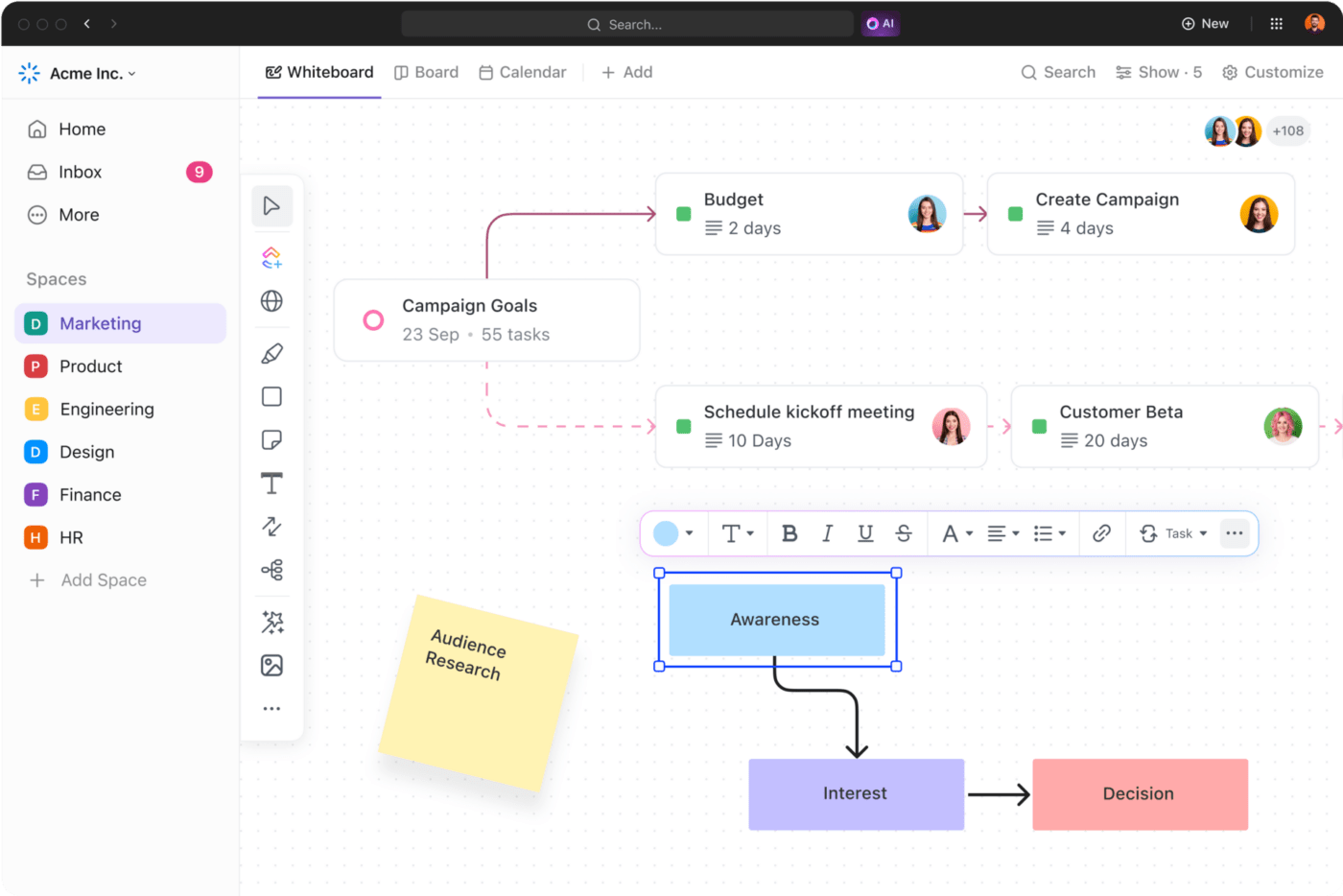
Your team can visualize their presentation flow, experiment with different layouts, add images and collaborate on design assets before finalizing slides.
Whether you’re in a brainstorming session or putting together the latest data for your presentation, ClickUp Docs can centralize your content in one place. Moreover, your entire team can collaborate to help create that perfect draft in real time.
If you’re wondering how AI can infuse life into your documents and presentations, say hello to ClickUp Brain.
Your personalized AI assistant, ClickUp Brain, helps pull out relevant data from your workspaces and drafts presentation content, speaker notes, and more with this information.
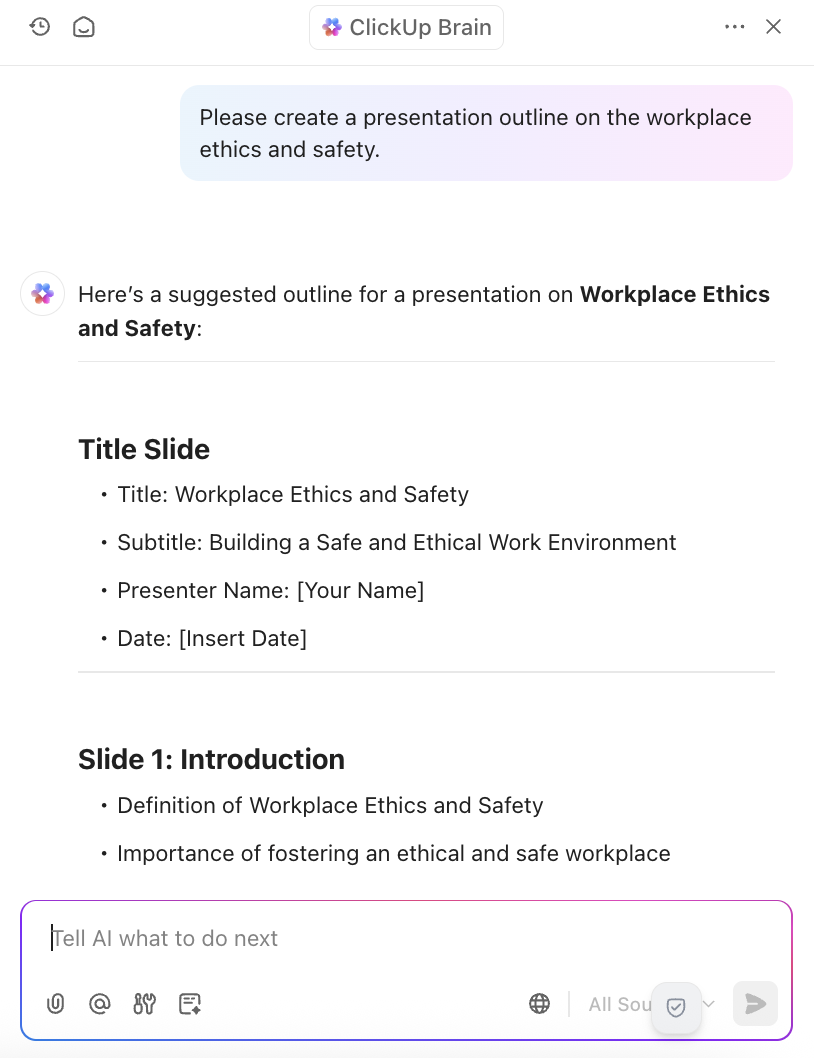
Imagine your quarterly presentation is due, and time is running out. Instead of scrambling for the latest numbers, let ClickUp Brain do the heavy lifting. It pulls real-time data from your workspace and organizes it into structured insights in Docs.
Drop these into your slides, and you’ll have a polished, data-backed presentation—without the last-minute stress!
But that’s not all, with a ClickUp Brain subscription, you can choose between multiple LLMs to help with your presentation, including ChatGPT, Gemini, and Claude.
“ClickUp is an exceptional tool suitable for everyone due to its versatile data presentation options. It excels at consolidating almost everything into a single platform, and its customizable nature, complemented by a vast array of templates, makes it incredibly adaptable.”
Are you tired of spending hours fine-tuning your presentation’s design, only for the content to take a backseat? That time would be better spent refining your message or rehearsing, not adjusting layouts and aligning elements.
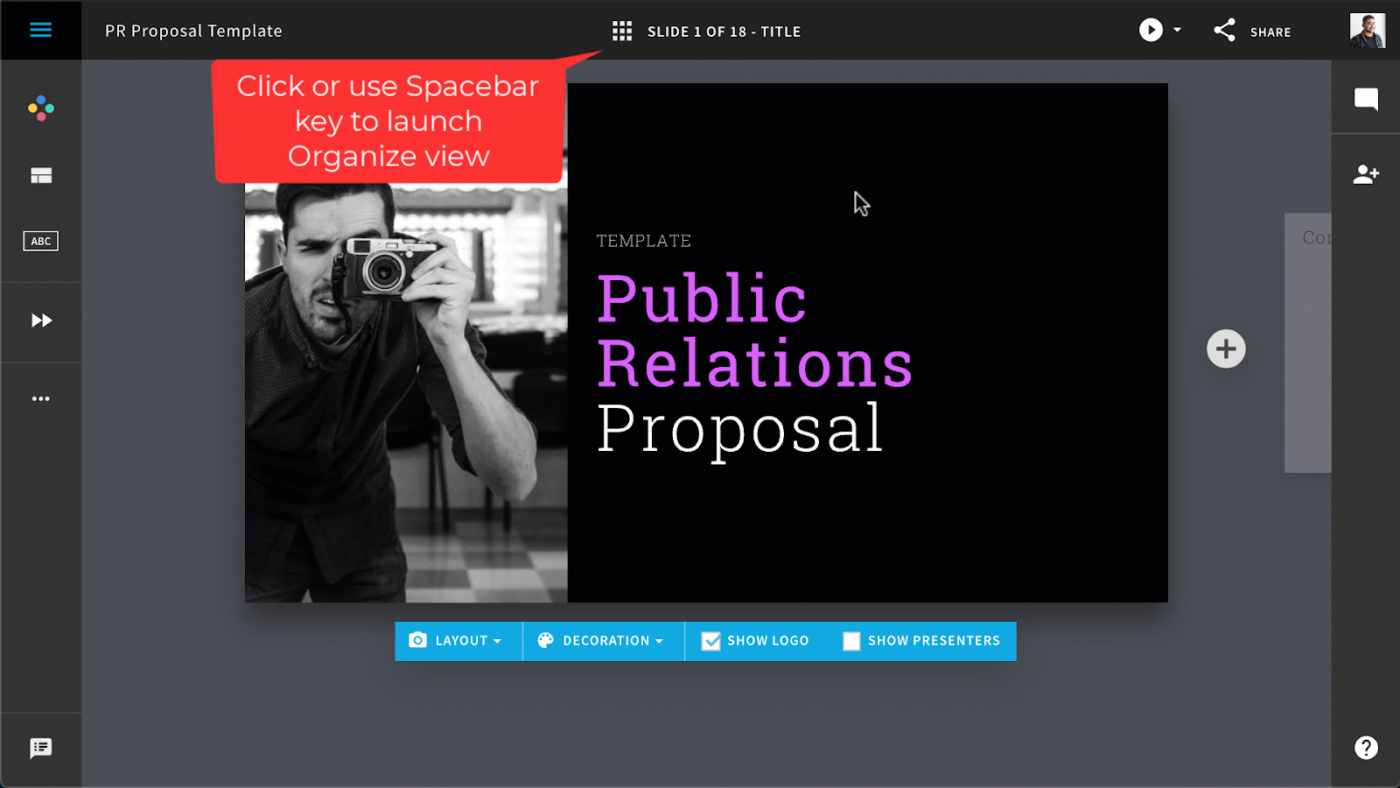
Beautiful.ai streamlines the process with its intelligent design tools. The AI automatically optimizes your layouts as you add content, ensuring a polished, professional look. Its Smart Slide templates adapt to your content, maintaining visual harmony while you focus on delivering your message.
“I like the AI Bot that creates beautiful slides with great visuals. This enables one to create an entire presentation in a short time. It is better than other platforms because of the numerous templates available and the accuracy. The suggestions to shorten or change the tone of the text are also plus.”
👀 Did You Know? Born in Tokyo in 2003, PechaKucha is a fast-paced storytelling format that keeps audiences hooked. Speakers race through 20 slides, each on screen for just 20 seconds, making every word—and every second—count. In just 6 minutes and 40 seconds, they must inform, inspire, or entertain before their time runs out!
“Could you make it look more… professional?”
That feedback hits your inbox at 4 PM. Design isn’t your forte as a content expert, yet you’re expected to create outstanding presentations. This disconnect between your expertise and design expectations often leaves professionals caught between lackluster slides and costly design services.
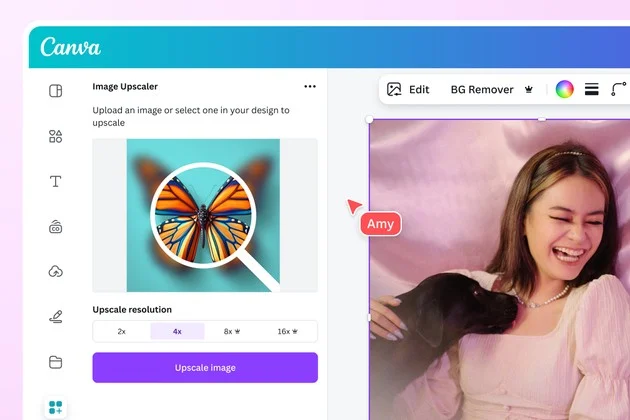
Canva bridges that gap with AI and an easy-to-use design platform. Whether starting from scratch or using a template, Magic Design turns your ideas into polished presentations. It generates designs from text prompts and gives you access to millions of design elements, AI art generators, and stock media.
“Marketing, customer success, and customer education teams all use Canva here – across dozens of use cases. There isn’t a single use case we haven’t been able to use Canva for.”

Adding a presentation AI to your stack means one more login, one more export, one more place to lose context. The teams cutting their tool count by 60% use these 5 workspace setups instead.👇🏼
Try navigating through a traditional slideshow when your audience asks questions about different topics. Slide 47… back to slide 15… forward to slide 32. Sound familiar? Linear presentations break down the moment real dialogue begins.
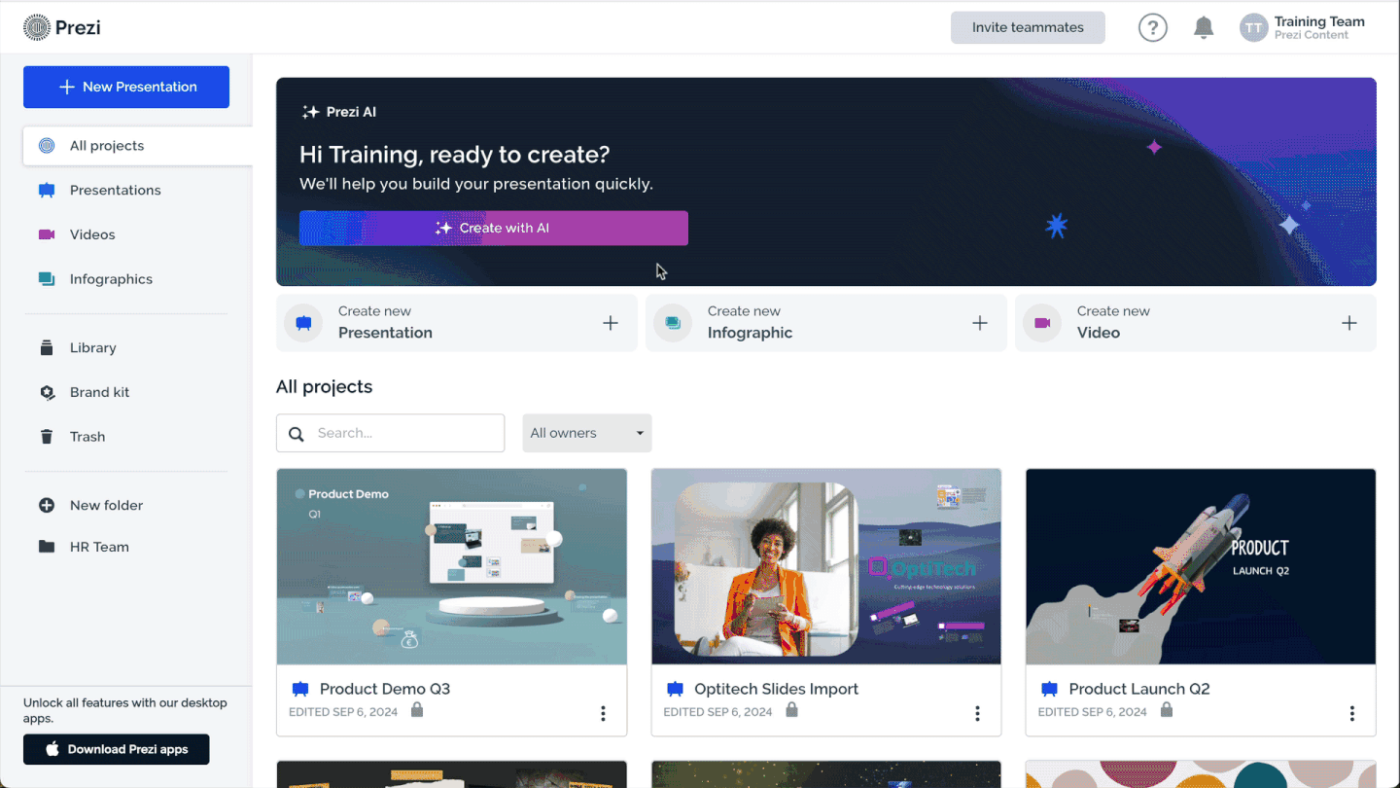
Prezi reimagines presentations as dynamic spaces where ideas connect naturally. Its zooming canvas lets you move between topics as organically as thoughts flow in a conversation, making every presentation adaptable to audience interests.
The standout feature is Prezi Present, which enables smooth transitions between topics based on audience interest.
📮 ClickUp Insight: Context-switching is silently eating away at your team’s productivity. Our research shows that 42% of disruptions at work come from juggling platforms, managing emails, and jumping between meetings. What if you could eliminate these costly interruptions?
ClickUp unites your workflows (and chat) under a single, streamlined platform. Launch and manage your tasks from across chat, docs, whiteboards, and more—while AI-powered features keep the context connected, searchable, and manageable!
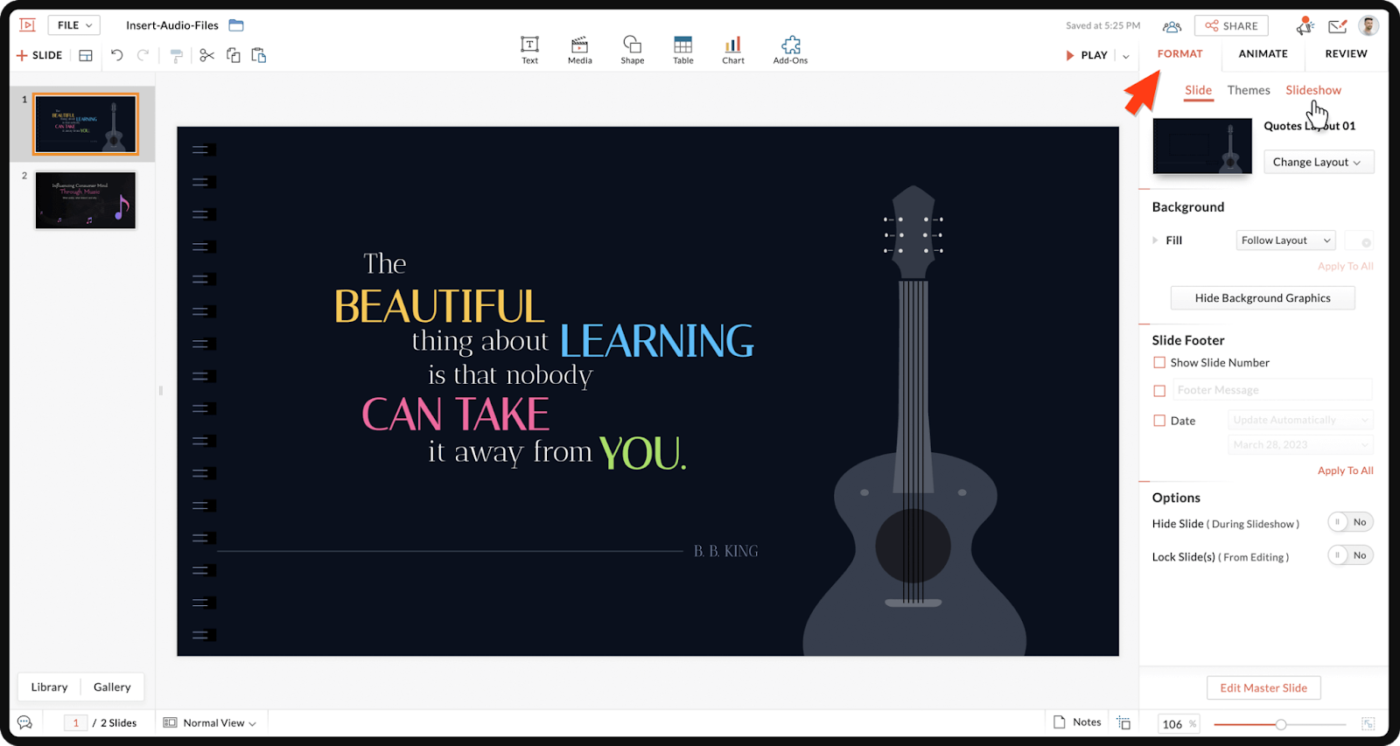
A business analyst spent three days creating the perfect quarterly review presentation. By the time they finished, 40% of the metrics had already changed. When your presentation relies on live business data, static slides become outdated before you even present them.
Zoho Show excels at integrating live business data into presentations through its connection with Zoho’s business suite.
It enables real-time data visualization and automated chart updates during presentations. The robust feature is its ability to maintain live connections to business data sources while you start presenting.
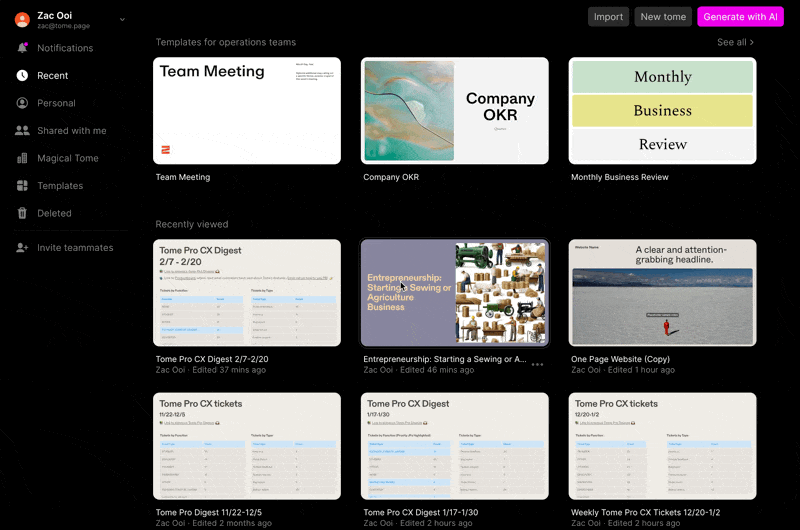
Your sales team spends hours gathering research and making presentations while three deals wait for personalized pitch decks. The clock’s ticking, and your team’s time could be better spent elsewhere.
This all-too-familiar scenario is precisely what Tome was built to solve. As an AI-native research and presentation platform for sales and marketing teams, Tome goes beyond simple slide creation.
It helps research markets, analyze competitors, and transform sales insights into persuasive presentations while maintaining brand consistency across customer-facing materials.
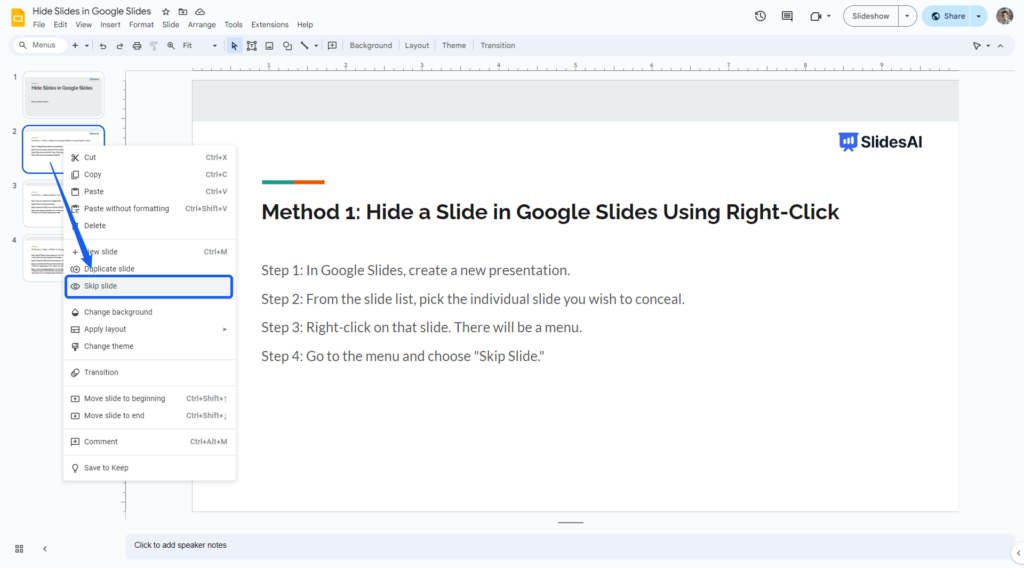
Converting lengthy documents into presentations often means manually extracting key points, restructuring content, and reformatting everything for slides. The process is time-consuming and risks losing important context and messaging. Here’s where Slides AI comes in.
Built specifically for Google Slides, SlidesAI’s Document Intelligence system analyzes your source material’s structure, context, and key messages to automatically create presentation frameworks that preserve your document’s core narrative.
🧠 Fun Fact: Musician David Byrne has utilized PowerPoint as an art medium, creating multimedia presentations that blend music and videos to explore its creative potential beyond traditional uses.
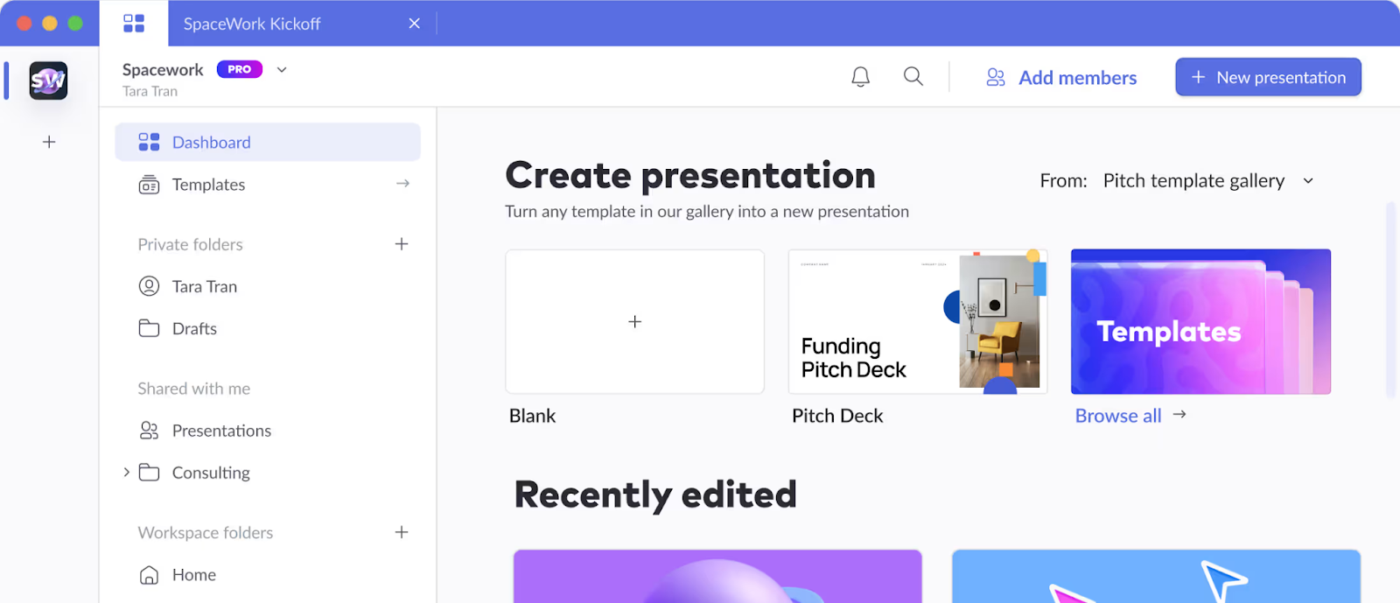
Marketing makes the content calendar. Design tweaks the layout. Sales updates the numbers. By Thursday, you’re juggling four different versions of the same presentation. When presentations become team projects, version chaos often follows.
With its CollabFlow system, Pitch modernizes team-based presentation creation with AI-assisted collaboration features. The platform enables multiple team members to work simultaneously while maintaining consistent styling. With its smart workspaces, Pitch helps teams collaborate efficiently while preserving brand guidelines.
I love pitch for how easy it is to create a smart, polished-looking presentation. You can drag/drop elements easily and the selection to choose from all look great and tied together.
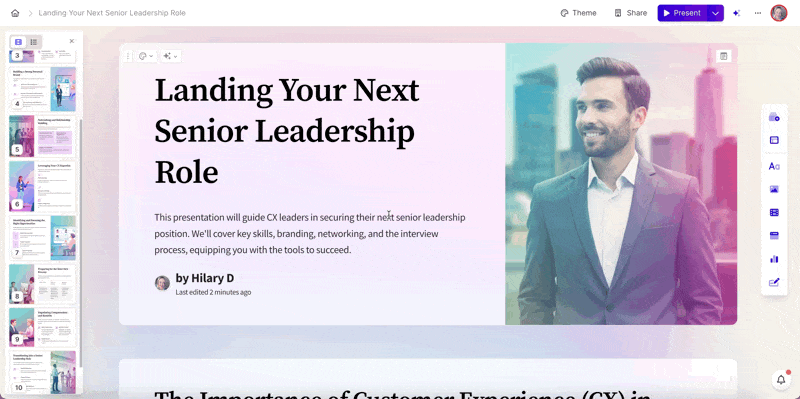
“Great presentation! Can you share the slides?”
Realization dawns—without your narrative and context, those static slides tell only half the story. Your carefully crafted message gets lost in translation. This common challenge highlights a fundamental flaw in traditional presentations: they’re designed for live delivery but often consumed asynchronously.
Gamma addresses this disconnect head-on. Its Adaptive Experience engine transforms traditional slides into interactive web experiences that guide viewers through your content, preserving your narrative flow whether viewed live or asynchronously.
💡 Pro Tip: Some AI tools allow you to upload past presentations, brand guidelines, and datasets to generate slides that align with your company’s tone, colors, and messaging without extra formatting.
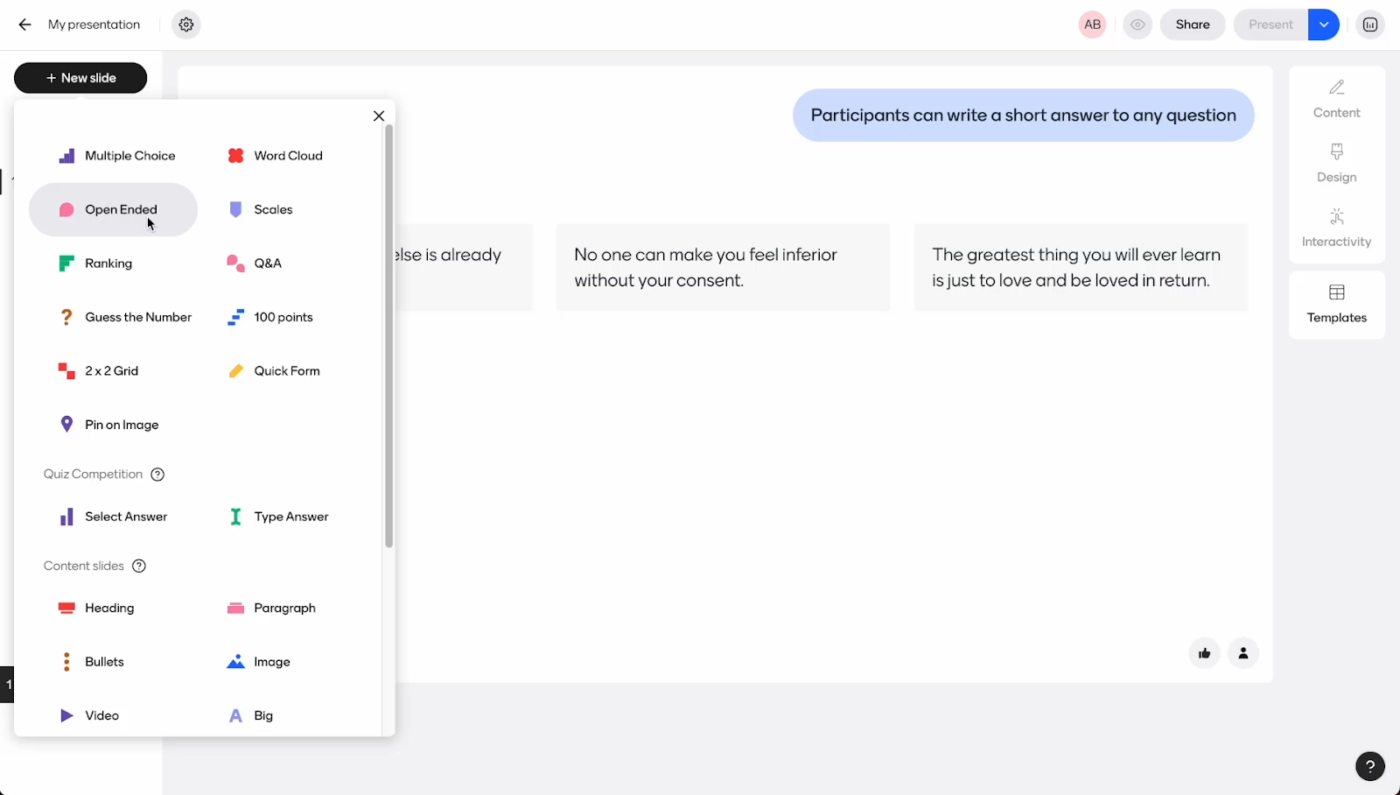
Look around any presentation room. Despite your best efforts, some people check their phones while others daydream. In a world of constant interaction, one-way presentations struggle to maintain attention.
Mentimeter Response Engine transforms presentations into interactive experiences with real-time audience participation.
The platform combines presentation capabilities with live polling and feedback features. Its ability to integrate audience responses directly into the presentation flow makes Mentimeter stand out from other presentation apps.
We have used it as an interactive platform during workshops in which we were building a research landscape. This was a virtual event and allowed everyone to keep engaged by participating and sharing their answers anonymously.
💡 Pro Tip: Use AI tools to create your own images, ensuring custom, on-brand visuals that perfectly match your presentation’s tone and message.
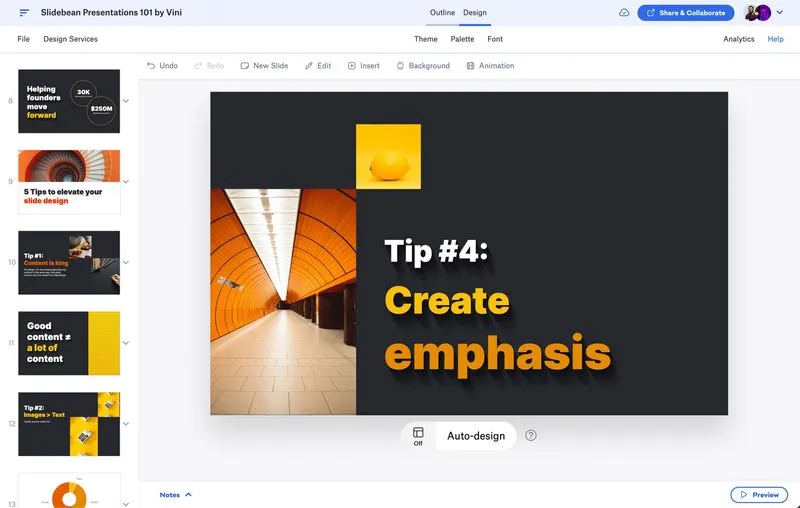
You only have a brief window to convince investors; even great ideas can lose funding if they are not presented well.
Slidebean’s Investor Insights engine analyzes successful pitch patterns, structuring your content to match investor expectations. Designed for startups and businesses seeking investment, its AI is trained on winning pitch decks and proof-of-concept templates.
Its content-first online editor sets it apart. It helps craft compelling investor narratives and ensures your pitch is clear, persuasive, and strategically structured.
💡 Pro Tip: Simply enter your website address, and its AI tool will create a pitch deck. You can even copy themes from your existing website to maintain brand consistency.
“I appreciate Slidebean’s intuitive interface and the way it simplifies the process of creating professional presentations. The templates are well-designed and save a lot of time, especially for users who are not design-savvy.”
In today’s attention economy, every second matters, and traditional presentation tools just aren’t keeping up.
The challenge isn’t just making slides—it’s capturing attention in a world full of distractions. That’s where presentations generated by AI come in, reshaping how we engage audiences.
AI presentation makers turn hours of work into minutes of polished content. While many tools offer value, ClickUp stands out by integrating your entire workflow into the presentation process.
Ready to transform how you present? Sign up for ClickUp and see AI in action.

Manasi Nair
Max 26min read
Manasi Nair
Max 26min read
Manasi Nair
Max 20min read

© 2026 ClickUp