






Still downloading templates?
There’s an easier way. Try a free AI Agent in ClickUp that actually does the work for you—set up in minutes, save hours every week.
Sorry, there were no results found for “”
Sorry, there were no results found for “”
Sorry, there were no results found for “”
According to a Gallup study, only 21% of employees worldwide feel engaged at work, yet most leaders don’t discover morale issues until exit interviews reveal patterns they missed for months.
This guide explains how AI team morale monitoring uses natural language processing and behavioral analytics to detect early warning signs of disengagement.
You’ll learn the ethical frameworks required to implement it without eroding trust. And you’ll discover how converged workspaces like ClickUp provide the unified context AI needs to deliver accurate insights that help you support your team proactively.
Annual pulse surveys and one-on-one meetings give you a snapshot in time, but your team’s morale shifts daily, not quarterly. This means you’re constantly playing catch-up, trying to fix issues that have been brewing for months. By the time a problem shows up in a review, your best people might already be looking for the exit.
You only learn about disengagement when someone hands in their resignation, and by then, it’s too late. This happens because of context sprawl—your team’s feedback, project updates, and casual conversations are scattered across Slack, email, and a dozen other tools.
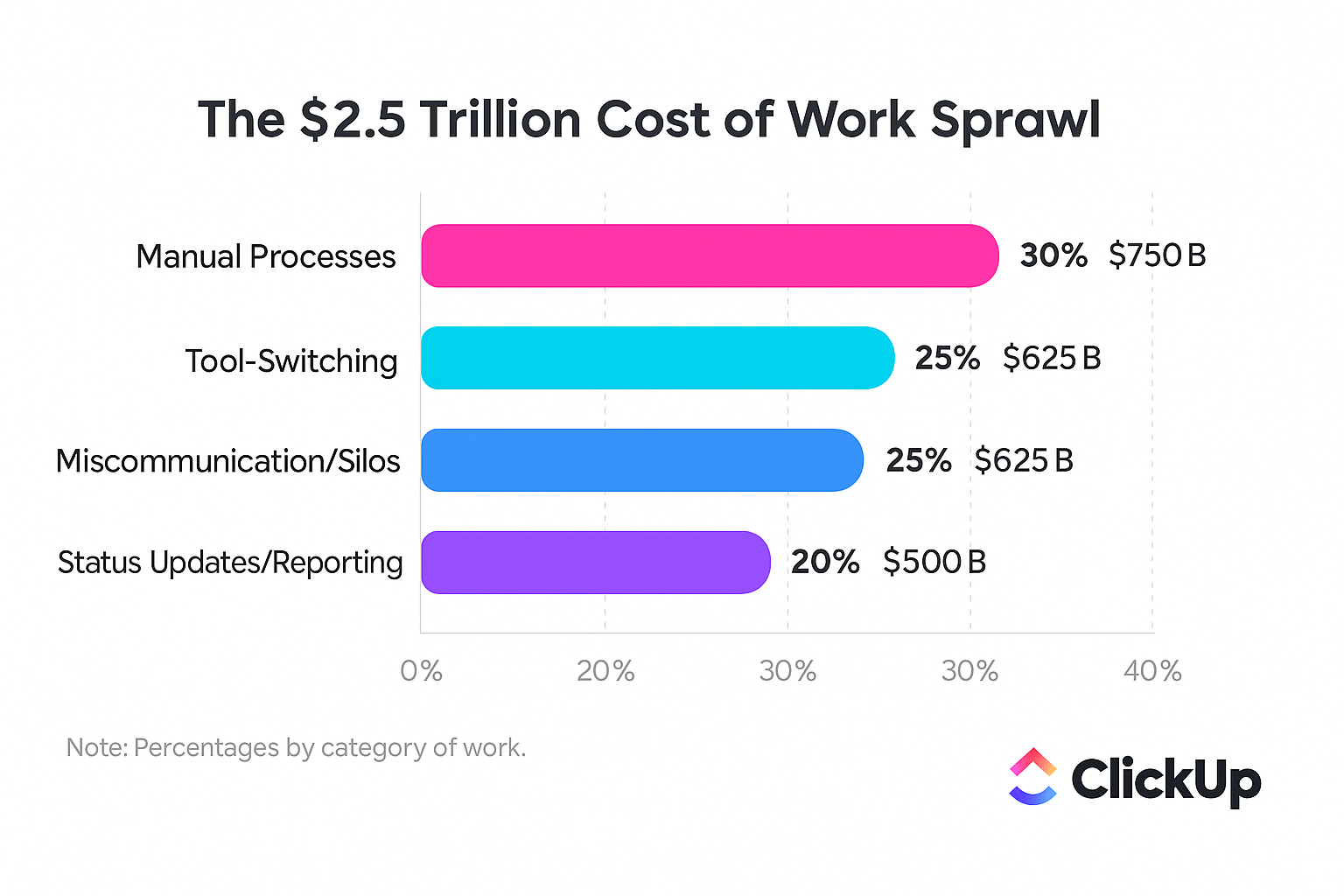
The average knowledge worker now receives 117 emails and 153 messages daily. Context sprawl occurs when teams waste hours searching for information across disconnected platforms that don’t communicate with each other. It’s impossible to connect the dots and see the whole picture of your team’s health.
This is where AI team morale monitoring comes in. It’s the practice of using artificial intelligence to continuously analyze workplace data—like messages, task completion rates, and meeting patterns—to identify shifts in employee sentiment in real-time. This isn’t about surveillance; it’s about giving you, as a leader, the actionable context you’d otherwise miss.
Instead of being surprised by turnover, you get an early warning that a team member’s engagement is dipping. This gives you a chance to step in and offer support before a small issue becomes a major problem.
To do this effectively, the AI needs a complete view, which is only possible in a converged workspace that centralizes communication, tasks, and documentation.
📮ClickUp Insight: 83% of knowledge workers rely primarily on email and chat for team communication. However, nearly 60% of their workday is lost switching between these tools and searching for information. With an everything app for work like ClickUp, your project management, messaging, emails, and chats all converge in one place! It’s time to centralize and energize!
To better understand the broader landscape of AI applications in HR and how these tools are transforming workforce management, watch this overview of AI tools designed specifically for human resources professionals.
Subtle signals—like different energy in meetings or shorter chat responses—are hard to act on. You hesitate to intervene because you don’t want to overreact to a bad day, but you also don’t want to ignore a real problem.
This delay allows small issues to fester and grow into significant disengagement—research shows communication shifts appear 5 months before managers actually resign.
The core issue is that all these subtle signals are spread across too many places—a negative comment here, a missed deadline there—and you can’t manually connect the dots. AI morale monitoring acts as your pattern-detection engine, analyzing multiple data streams at once to give you a clearer signal. ✨
This process moves you from relying on intuition to having data-backed hypotheses. The AI doesn’t give you a verdict, but it gives you a starting point for a curious, supportive conversation.
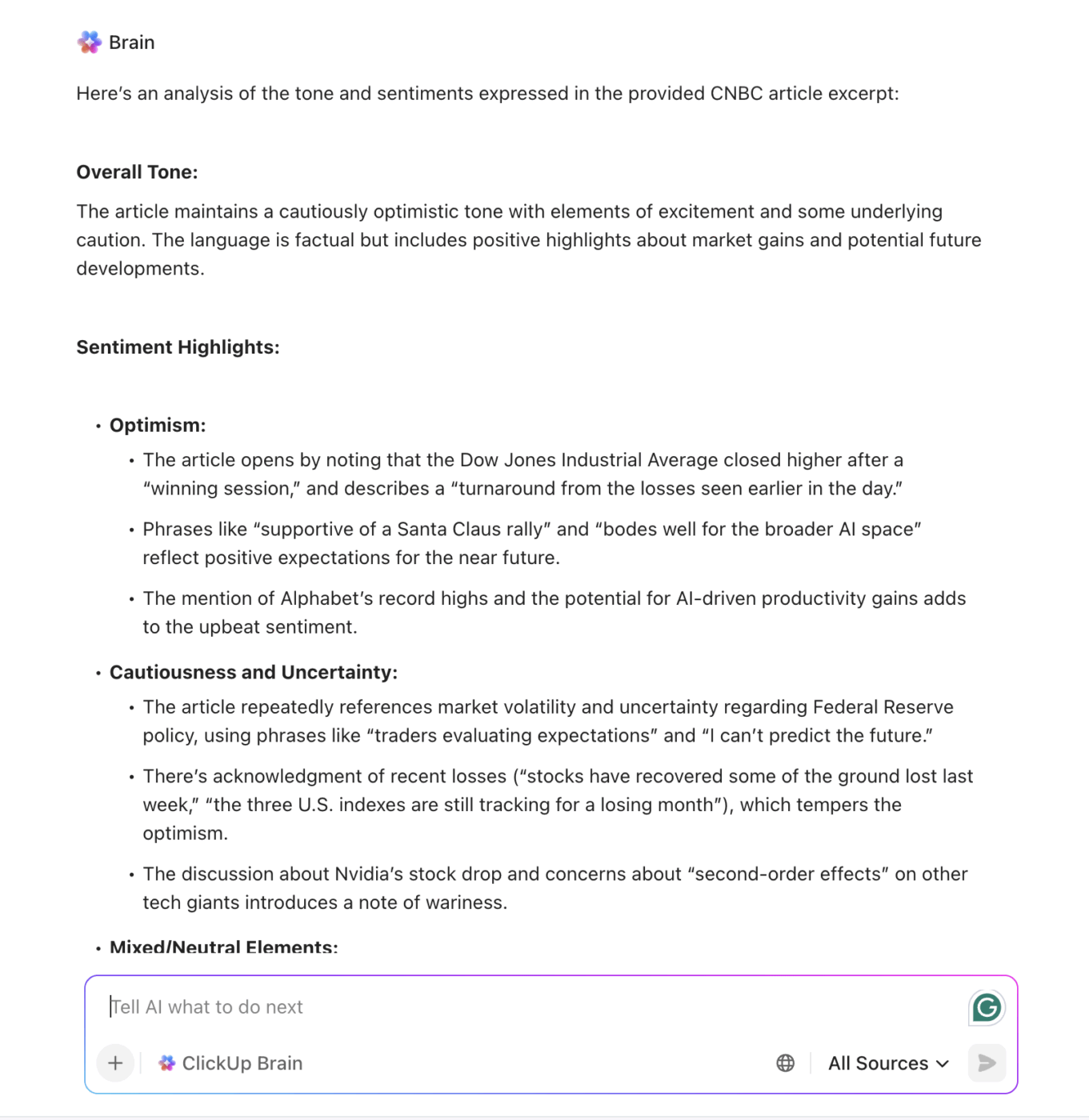
One of the primary ways AI detects morale shifts is through sentiment analysis. This uses a technology called natural language processing (NLP), which is essentially AI that can read and understand the emotional tone of written text. It scans messages in your team’s chat platforms, emails, and task comments to identify changes in communication patterns.
The AI looks for linguistic markers that might indicate a problem, such as:
A sophisticated model can distinguish between someone just having a bad day and a sustained pattern that points to a deeper issue.
However, for this to work, the AI needs full organizational context accuracy. Without knowing the project deadline or the difficulty of the task being discussed, the AI might misinterpret normal project stress as a morale problem, or worse, miss genuine warning signs buried in casual conversation.
Beyond what your team members write, AI also tracks how they work by analyzing their digital body language, a key part of behavioral analytics. This isn’t about measuring output for performance reviews; it’s about spotting deviations from an individual’s personal baseline of activity. A sudden change in behavior is often a more reliable indicator of a problem than a single negative comment.
Key behavioral analytics include:
A high-performing engineer who suddenly starts missing deadlines or a usually active designer who goes quiet in team channels are both signals worth investigating. These patterns only become meaningful when the AI can see the full workflow, not just isolated fragments scattered across disconnected apps.
💡 Pro Tip: View online status and activity for the whole team with ClickUp Analytics
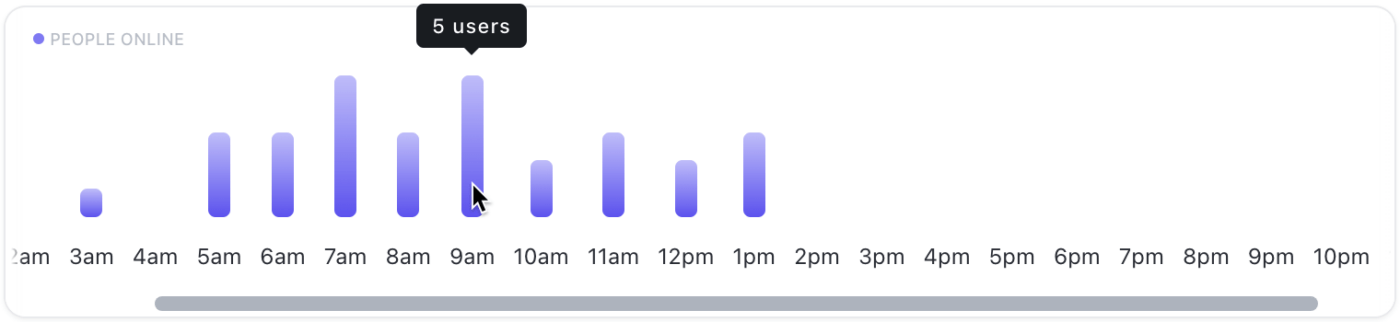
Predictive analytics takes morale monitoring a step further by combining sentiment and engagement data to forecast potential turnover. The AI model learns from your organization’s historical patterns by analyzing the signals that preceded previous employee departures. It then applies those learnings to your current team’s data to identify who might be at an elevated risk of disengagement.
It’s important to remember that these predictions aren’t certainties; they’re prompts for managers to have proactive conversations.
This process generates a retention risk score, which is a leading indicator of potential attrition—modern AI models can achieve 92% prediction accuracy.
The accuracy of these predictions improves dramatically when the AI has access to complete context. This includes not just communication and task data, but also project history, workload distribution, peer interactions, and even career progression information, all in one place.
📚 Also Read: Top People Management Software Tools
AI monitoring raises valid concerns about employee surveillance or acting on bad information. This fear can lead to analysis paralysis, causing you to stick with old, ineffective methods while your team remains vulnerable to the very burnout you’re trying to prevent.
Approach it with a balanced perspective. Understanding both the potential upsides and the pitfalls allows you to create a strategy that maximizes the benefits while mitigating the risks.
| Benefit | Risk |
|---|---|
| Proactive intervention. You can spot and address issues before they escalate into turnover, saving the cost and disruption of losing a valuable team member | Misinterpretation without context. If the AI lacks a full view of the work, it might flag normal stress as a crisis, leading to unnecessary interventions |
| Data-driven insights. AI provides objective data to complement a manager’s intuition, helping them make more confident and informed decisions | Employee discomfort. If the monitoring feels invasive or its purpose isn’t communicated clearly, it can erode the very trust you’re trying to build |
| Spotting team-wide trends. AI can identify systemic issues, like a department-wide burnout risk, that might be missed in individual one-on-ones | Over-reliance on automation. Relying solely on AI without human judgment can lead to a sterile, impersonal culture where managers stop having real conversations |
Ultimately, the benefits only materialize when the AI has sufficient context and when your organization pairs its insights with thoughtful, human follow-up.
📮ClickUp Insight: Our work-life balance survey found that 46% of workers put in 40-60 hours per week, while a staggering 17% exceed 80 hours! Yet, the grind doesn’t stop there—31% struggle to carve out personal time consistently. It’s a perfect recipe for burnout. 😰
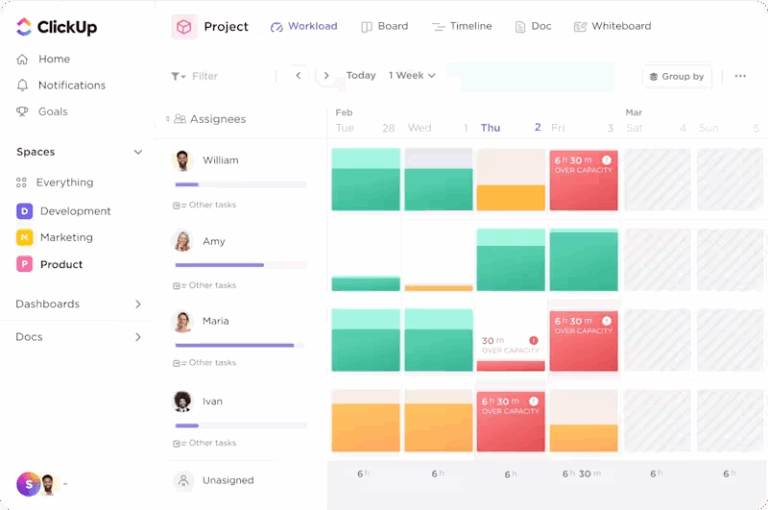
But you know what? Balance at work starts with visibility! ClickUp’s built-in features like Workload View & Time Tracking make it easy to visualize workload, distribute tasks fairly, and track actual hours spent—so you always know how to optimize work and when.
💫 Real Results: Lulu Press saves 1 hour per day, per employee using ClickUp Automations—leading to a 12% increase in work efficiency.
Implementing AI monitoring ethically requires navigating a complex moral and legal landscape. A misstep can damage your company’s reputation and your team’s psychological safety.
Ethics aren’t a barrier to AI monitoring; they’re the blueprint for doing it successfully. An ethical framework built on transparency and a genuine commitment to employee benefit is non-negotiable. When you get it right, you build a program that employees see as supportive, not invasive, which strengthens trust instead of eroding it.
Your employees must know what data is being collected, how it’s being analyzed, and what actions might result from the insights. This means creating clear, accessible documentation of your monitoring policies and communicating them openly. While privacy regulations like GDPR may impose specific legal requirements, transparency should go beyond mere compliance—it’s the foundation of trust.
If your team feels like they are being surveilled rather than supported, they will disengage further, defeating the entire purpose of the initiative. Where possible, involve employees in the development of these policies to build buy-in and signal that you respect their autonomy.
AI models aren’t inherently objective; they can inherit and even amplify human biases if they’re trained on skewed data or lack sufficient context. For example, an AI model might mistakenly flag an introverted communication style as a sign of disengagement or misread cultural differences in expression as negativity. This can lead to unfair judgments and undermine the credibility of the entire system.
To prevent this, you must regularly audit the AI’s outputs for any disparate impact across different demographics. Most importantly, a strong leadership philosophy centered on human oversight must remain central to the process. The AI’s role is to surface potential signals, but it’s a human’s job to interpret them, investigate further, and make the final judgment.
Without a clear implementation strategy, even the best tool can become shelfware or destroy morale. Technology is just one piece of the puzzle. The processes and training you build around it are what truly determine success. The best implementations treat AI as a conversation starter, not a verdict, turning your managers into better coaches and making your team feel more supported.
Before you deploy any AI monitoring, you must clearly communicate what’s being tracked, why you’re tracking it, and how the insights will be used. The way you frame this conversation matters enormously.
The first approach invites collaboration and builds trust, while the second triggers defensiveness and fear. Document your policies in an easily accessible place, like a company-wide wiki, and plan to revisit them regularly as your tools and processes evolve.
This is the most critical best practice. AI-driven morale insights should always trigger supportive conversations, not disciplinary actions. There’s a massive difference between using a retention risk flag to schedule a genuine check-in and using it to pressure someone about their commitment.
Your team will quickly learn whether the AI is being used to help them or to watch them, and they will respond accordingly. Invest in training your managers on how to act on AI insights with empathy and curiosity rather than suspicion. The goal is to open a dialogue, not to start an interrogation.
AI excels at detecting patterns across vast amounts of data, but it lacks the nuanced understanding that humans grasp intuitively. A team member’s sudden disengagement might be due to a personal crisis, a conflict with a colleague, or a simple mismatch on a project—AI can’t distinguish between these scenarios without human investigation.
You should always treat AI outputs as hypotheses to be explored, not as conclusions to be acted upon. The most effective implementations use a human-in-the-loop model, where AI ensures nothing falls through the cracks, but human judgment is preserved for all actual interventions.
📚 Also Read: How to Manage a Team: Skills, Strategies, Tools
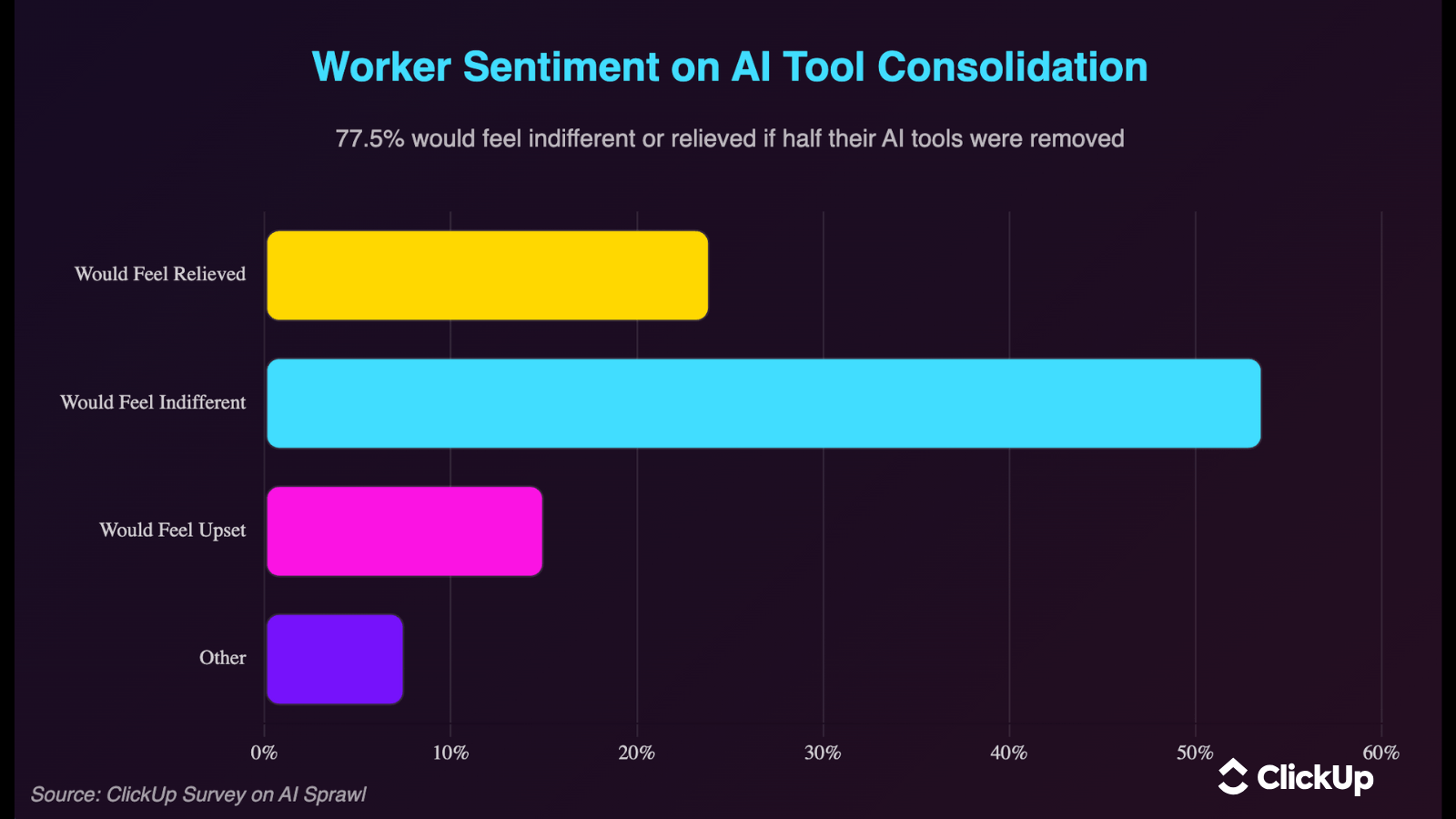
Most AI monitoring tools are either invasive surveillance software or only analyze a single data source, like chat messages. This forces you to stitch together insights from multiple dashboards, creating more work and perpetuating the very context sprawl you’re trying to solve. This fragmentation means your AI’s insights are incomplete and often inaccurate.
Eliminate this AI sprawl—the unplanned proliferation of disconnected AI tools and platforms with no oversight or strategy—with ClickUp Brain, the AI feature built directly into ClickUp’s converged workspace.
Because your tasks, documents, and team communication already live in one place, ClickUp Brain has the native, unified context that other AI tools lack. It analyzes the full picture of how your team works, not just isolated fragments. This gives you more accurate, context-aware insights without adding invasive new monitoring layers. 🛠️
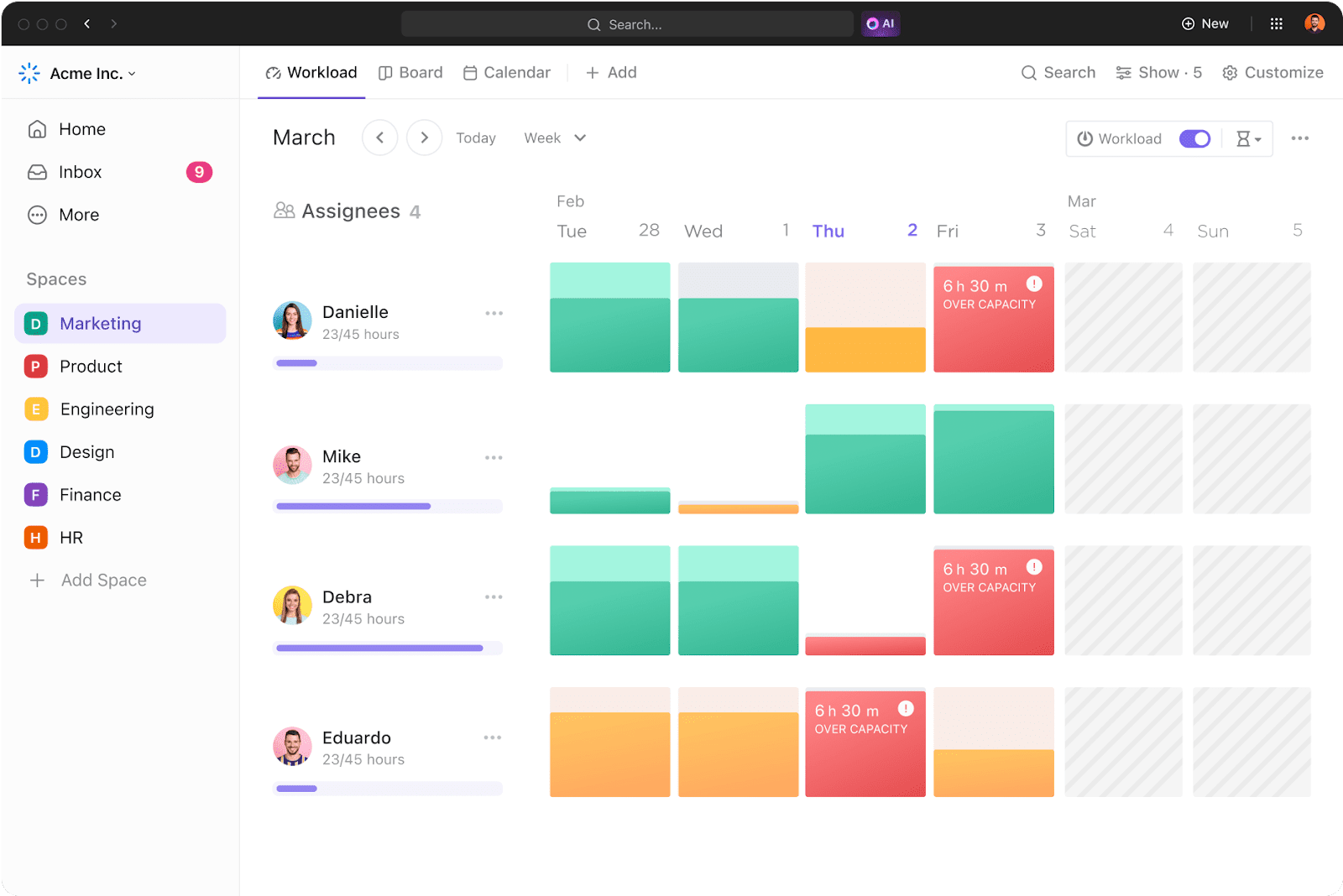
Here’s how ClickUp’s features support morale awareness:
With ClickUp, you get the insights you need to be a proactive leader, all within the same platform where your team is already getting work done.
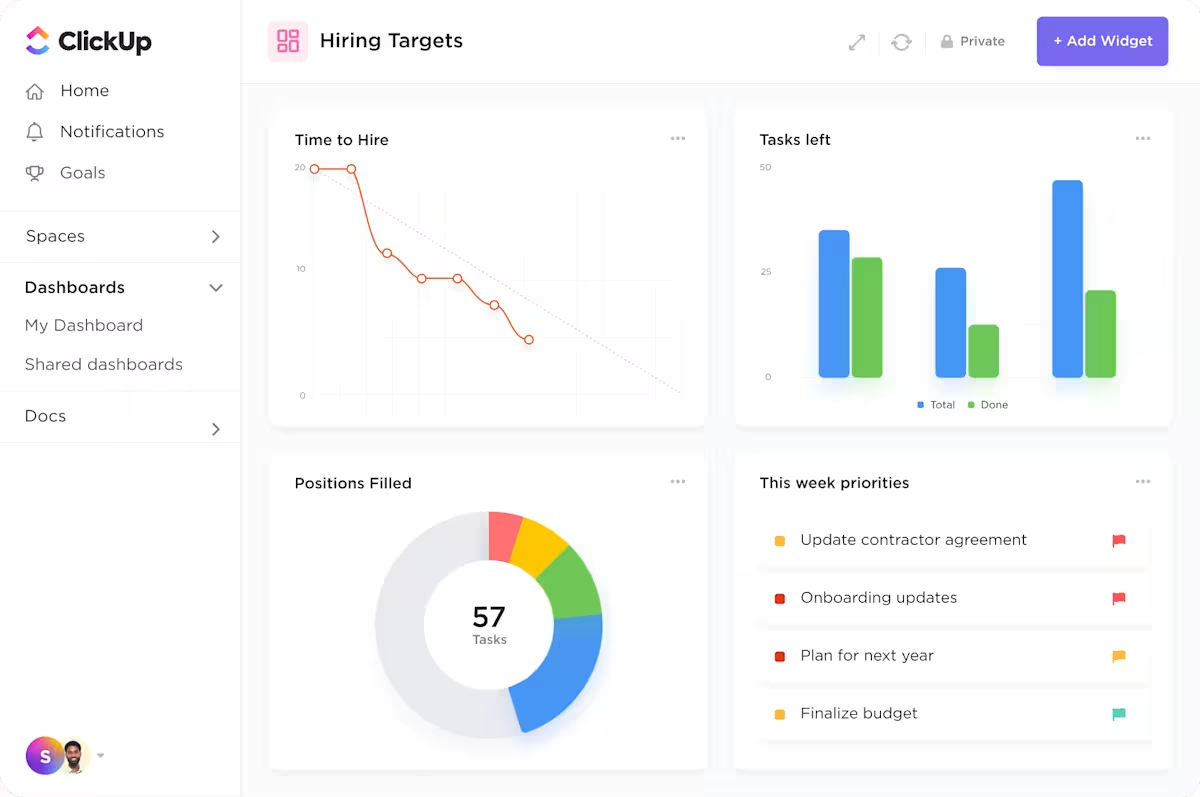
Reacting to turnover is costly, disruptive, and demoralizing for everyone left behind. Sticking with outdated methods like annual surveys means you’ll keep losing good people to preventable issues.
The shift to proactive leadership requires having the right information at the right time. AI team morale monitoring, when done ethically and with the full context of a converged workspace, provides that visibility. It allows you to stop guessing how your team feels and gives you the context you need to be the leader they deserve.
Bring your team’s work into one place where AI can actually help you stay connected to how they’re doing. Get started for free with ClickUp today.
AI morale monitoring analyzes aggregate patterns with the intent to help managers support their teams, while surveillance focuses on tracking individual behavior for compliance. The key difference is the goal: one is for coaching and support, the other is for control.
AI can identify patterns that correlate with burnout, like sustained overwork or declining engagement—significant given 77% have experienced burnout in their current job—but these are probabilities, not certainties. It works best as an early warning system that prompts a human conversation.
Treat the flag as a prompt for a genuine conversation, not a verdict. Ask open-ended questions, listen without making assumptions, and focus on understanding the team member’s perspective to collaborate on a solution.

© 2026 ClickUp

There’s an easier way. Try a free AI Agent in ClickUp that actually does the work for you—set up in minutes, save hours every week.