







Still downloading templates?
There’s an easier way. Try a free AI Agent in ClickUp that actually does the work for you—set up in minutes, save hours every week.
Sorry, there were no results found for “”
Sorry, there were no results found for “”
Sorry, there were no results found for “”
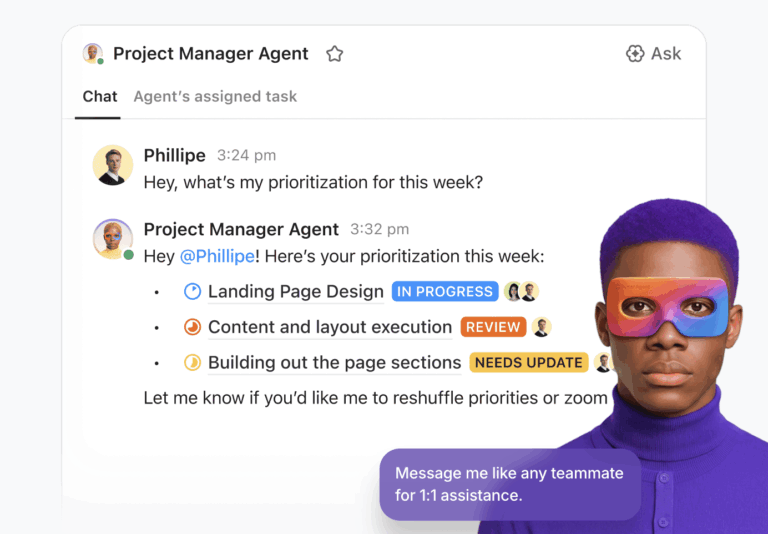
When teams first hear about ClickUp Super Agents, the first questions I usually get are:
“What Super Agent should I build?”
“Is there a template I can start with?”
In my experience, that’s usually the wrong place to start.
Before you think about prompts, schedules, or AI automation, you have to answer a much simpler question:
What business process are you implementing in ClickUp, and how does it actually work today?
Once you understand the process, the ideas for automation almost appear on their own.
In this article, I’ll walk through a real example from a website development agency I worked with. The owner originally wanted to use ClickUp Super Agents, but the real problem wasn’t AI implementation. It was a lack of visibility.
The team had a clear delivery workflow and a well-structured ClickUp workspace. But leadership still struggled to see the real status of every project without asking the team for updates.
The solution ended up being surprisingly simple:
A small yet focused ClickUp Super Agent that generates AI project status updates automatically, based on the work the team is already doing.
I’m Illia, a ClickUp Verified Consultant and the founder of sProcess, where I help teams turn ClickUp into a system that actually supports how their business runs.
Over the past 6+ years, I’ve worked with 100+ companies implementing ClickUp for real operational workflows—from client delivery and sales pipelines to marketing operations and internal team management. My focus is always the same: process-first implementation.
Instead of starting with templates or tools, I help teams first map the process behind their work. Then we design a ClickUp structure that mirrors that process and supports both daily execution for the team and clear visibility for leadership.
That same process-first mindset is exactly what led to the Super Agent workflow described in this article.
If you want to dive deeper into making ClickUp work for your business, here are two free resources I created:
Website agencies usually run dozens of client projects at once. Designers are moving pages through wireframes and visual design, developers are pushing updates, and client revisions come in constantly.
All of that work lives somewhere in a project management tool. But leadership rarely wants to open individual tasks or sift through detailed boards to understand what’s happening.
They want something simpler: a 10,000-foot overview of every client project.
The problem is that maintaining that overview often requires manual updates. Someone has to remember to summarize progress, change project stages, and keep leadership dashboards accurate.
In practice, this rarely happens consistently. As teams focus on execution, reporting falls behind.
That’s exactly the type of friction AI project status updates can solve.
📚 Also Read: How to Turn CSAT Reporting in ClickUp into Fast, Actionable Insights with a ClickUp Super Agent
Before I walk you through the process, let me walk you through my thinking behind the implementation.
I wanted to build an agentic process that:
And these were the steps that we took to make it happen:
Before we touched ClickUp, I asked the agency owner a basic question:
“How do you actually deliver a website project from start to finish?”
We mapped their process outside of any tool. It was just a diagram that captured:
We also mapped supporting activities, such as admin tasks, client feedback loops, and page-by-page workflows. It doesn’t matter whether you use a whiteboard, FigJam, or pen and paper. The point is to see and understand the real operational process behind website project delivery.
Once we had that map, it became much easier to design the right ClickUp structure.
💡 Pro Tip: If you don’t want to map the entire workflow from scratch, the ClickUp Website Design Project Plan Template is a great starting point. It’s designed specifically for website delivery workflows and includes structures for project phases, team roles, timelines, and deliverables.
You can adapt the template to match your agency’s process and then layer automation or Super Agents on top to generate AI project status updates as work progresses.
With the delivery process clear, we built a ClickUp structure around two needs:
The result was two separate ClickUp Spaces.
The first space was designed specifically for visibility. Each client had their own Folder, and inside that Folder, we created:
Each project task served as a high-level tracker.
From this list alone, leadership could quickly see:
In my experience, this is where many teams go wrong. They live inside their detailed project boards and forget to build a place where leadership can see the big picture without clicking through a maze of tasks and views.
📮 ClickUp Insight: According to our survey, nearly 88% of leaders still rely on manual check-ins, dashboards, or meetings to get updates. The cost? Lost time, context-switching, and often, outdated information. The more energy you spend chasing updates, the less you have for acting on them.
ClickUp’s Autopilot Agents, available in Lists and Chats, surface status changes and critical discussion threads instantly. Here’s to never having to ask your team to send “quick updates”. 👀
💫 Real Results: Pigment improved team communication efficiency by 20% with ClickUp—keeping teams better connected and aligned.
The second Space was where the real work happened. Here, the team tracked the tactical steps required to deliver a website:
The team worked here every day. They updated statuses, completed tasks, and handled revisions. From a delivery standpoint, the system worked well.
But it also introduced a new problem.
✅ The team spent almost all their time in the Project Space. They were diligent about moving page tasks through design and development. They also resolved revisions promptly and completed phase-based admin tasks.
⚠️ What they weren’t doing consistently was going back into the Client Space to:
📌 The result?
This is exactly the kind of friction a Super Agent is perfect for.
Once the process and structure were fully in place, we asked:
“What’s the smallest, most useful Super Agent we can add here?”
We didn’t try to automate everything. We focused on one concrete job: Keep the high-level client project trackers in sync with all the detailed work happening in the Project Space.
So we created a Super Agent I call the Website Project Status Sync Super Agent.
On a set schedule (we tested multiple times a day and later moved to weekly), the Super Agent:
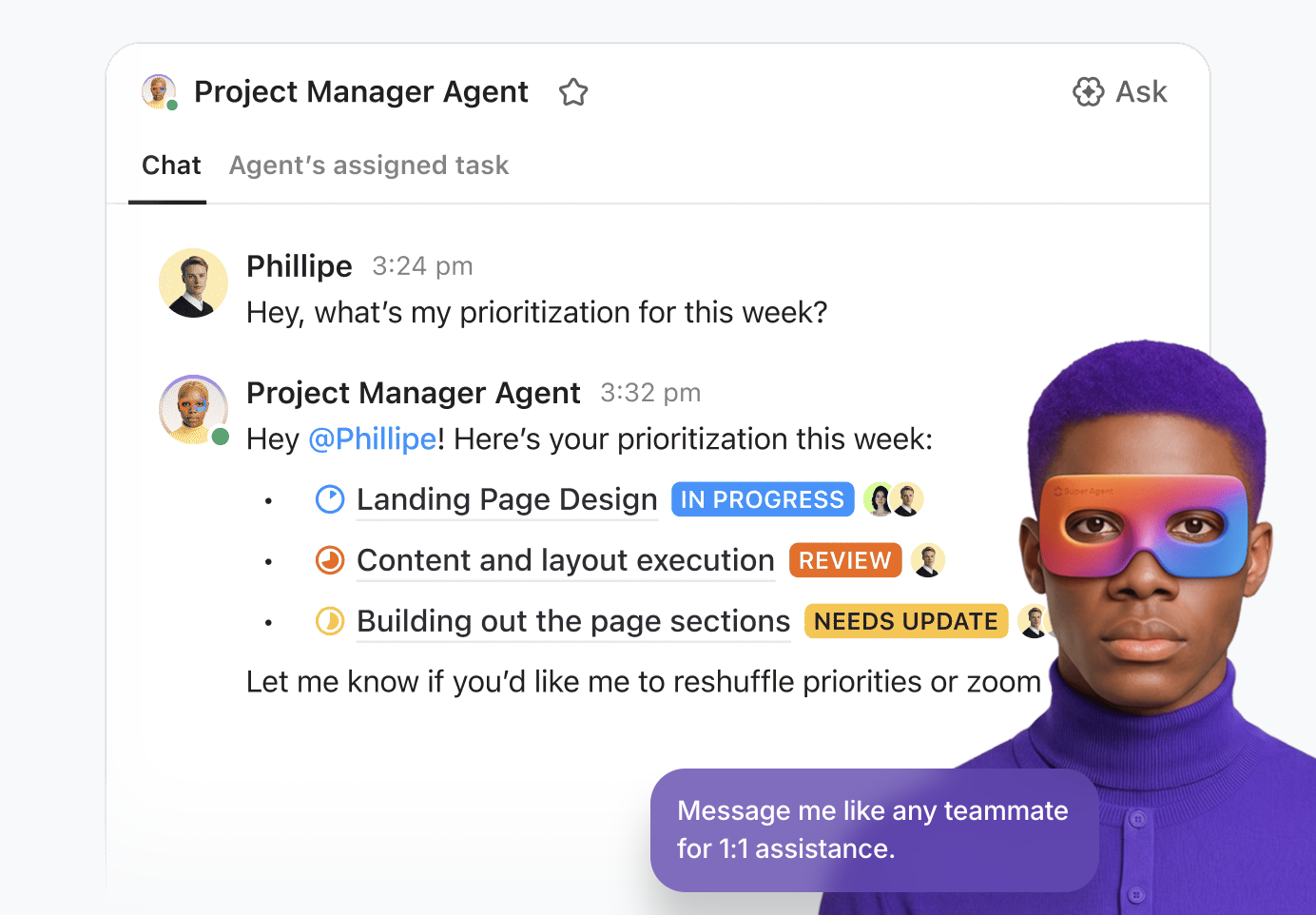
The delivery team never has to leave their execution views. They just do their work.
The Super Agent handles the synchronization.
And leadership gets:
💡 Pro Tip: Surface project insights automatically with ClickUp AI Cards
If leadership wants an even faster overview, you can add ClickUp AI Cards to your ClickUp Dashboards. AI Cards automatically summarize task activity, blockers, and progress across selected Lists or Spaces.
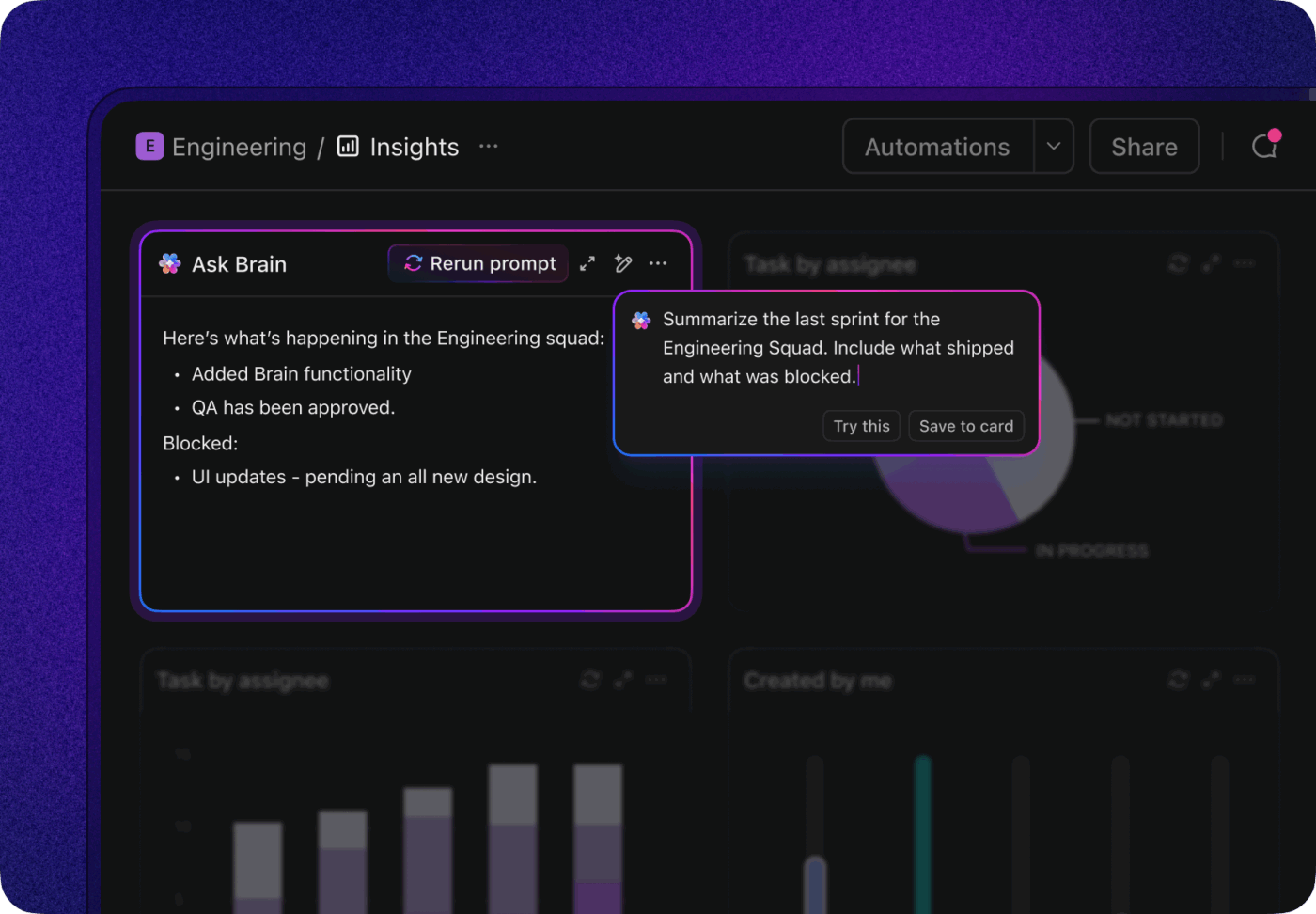
Instead of reading individual task updates, leaders get an AI-generated snapshot of what’s moving forward, what’s stalled, and where attention is needed—making it a powerful companion to automated AI project status updates from Super Agents.
This Super Agent is not flashy. It doesn’t write proposals, answer support tickets, or schedule sales calls on its own.
But, it removes a recurring source of friction between the delivery team and leadership.
Instead of asking the team to remember, “Oh, I also need to update that other task so my boss knows where we are,” they just work in one place. The Super Agent becomes their reliable operations partner.
A few key lessons from this build:
📮ClickUp Insight: When asked what would make AI agents truly useful, the top answer wasn’t speed or power. Nearly 40% of respondents said they need an agent with a perfect understanding of their work context.
Which makes sense because most AI agents fail when they don’t understand why decisions were made or how work is supposed to flow.
Since Super Agents retain context, remember past decisions, and operate continuously, they’re able to act with far more reliability than prompt-based agents. They work from a living workspace history, stay active as work evolves, and operate within clear permission boundaries and audit trails.
When intelligence understands the work and carries it through safely, you’ll finally feel like you’re working with a virtual coworker you can actually rely on.
One of the first objections I had—and that many business owners have around AI automation—was cost.
“What if this gets expensive? Am I going to burn through AI credits just to post status updates?”
To answer that, I ran a real test.
Even at that higher frequency, the cost was small. Then we stepped back and asked a better question:
“How often do we really need a leadership-level update?”
For this agency, the answer was once a week. So we adjusted the schedule.
At that cadence, the system costs roughly 50–60 cents per week in AI credits.
For that price, the agency owner gets:
From my perspective, that’s a trade worth making.
📚 Also Read: How to Work Effectively With ClickUp Super Agents: Prompting Best Practices
If you’re staring at ClickUp and thinking, “I know I should be using Super Agents, but I don’t know where to start,” here’s the framework I now use with clients:
🎥 Here’s a quick video tutorial to make it simpler:
👉🏼 If you’d like help mapping out where Super Agents could create the biggest impact in your workspace, the ClickUp team can help you think through the right starting point.
📚 Also Read: If you want to explore more ways ClickUp AI can support these workflows, the ClickUp features overview is a great place to find more building blocks.
I didn’t fall in love with Super Agents because they were shiny. I fell in love with them when I saw a simple one, like this Website Project Status Sync, that removes a daily annoyance for an entire team.
For this agency, the shift looked like this:
If you take nothing else from this story, take this:
🔑 Don’t start with, “What Super Agent should I build?”
Start with, “What process do I need ClickUp and AI to support?”
From there, map your process, design your structure, and then let a simple, well-targeted Super Agent keep everything in sync.
That’s how you turn AI from a buzzword into a powerful productivity engine that actually ships work.
And to get started, sign up for ClickUp here. It’s free!

© 2026 ClickUp

There’s an easier way. Try a free AI Agent in ClickUp that actually does the work for you—set up in minutes, save hours every week.