







Still downloading templates?
There’s an easier way. Try a free AI Agent in ClickUp that actually does the work for you—set up in minutes, save hours every week.
Sorry, there were no results found for “”
Sorry, there were no results found for “”
Sorry, there were no results found for “”
Ever built a prompt that worked beautifully… then watched it break the moment someone else reused it?
Because the hard part is not writing a great prompt. It is making sure the prompt stays correct when context changes, versions drift, and models behave differently. Prompts start as experiments, but teams need them to behave like assets: reviewed, reusable, and safe to deploy inside everyday workflows.
Enter PromptOps templates. They give you a repeatable structure for creating, testing, documenting, approving, and improving prompts over time.
In this blog post, we’ll walk you through 10 ClickUp PromptOps templates for AI workflows you can copy, customize, and reuse.
Here’s a quick overview of the PromptOps templates covered in this guide and the part of the prompt lifecycle each one helps you standardize.
| Template | Download Link | Ideal For | Key Features |
|---|---|---|---|
| ChatGPT Prompts for Project Management Template by ClickUp | Get free template | Standardizing recurring project workflows with prompts | 190+ PM prompts, project deliverables, risk register builder |
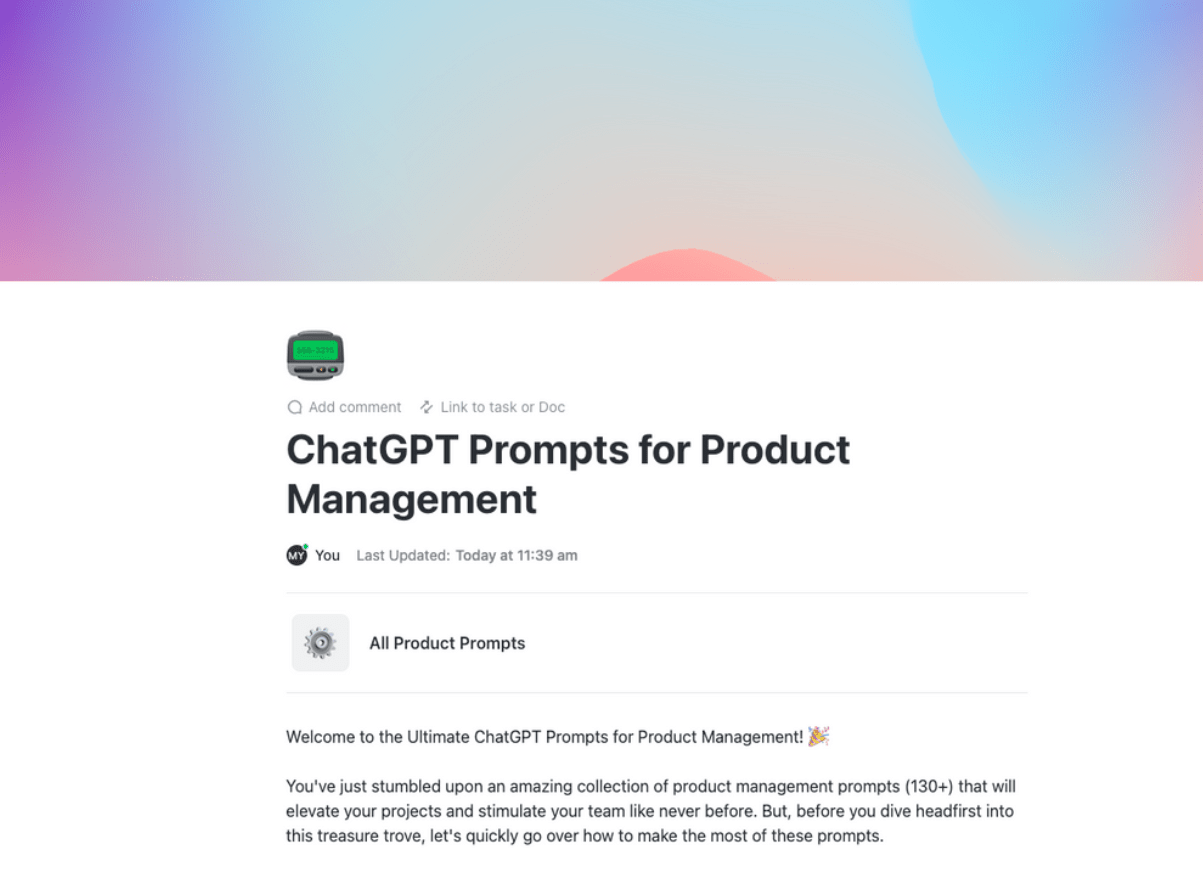
| ChatGPT Prompts for Product Management Template by ClickUp | Get free template | Structuring product prompts with feature context | Categorized prompt library, linked tasks and docs, reusable workflows |
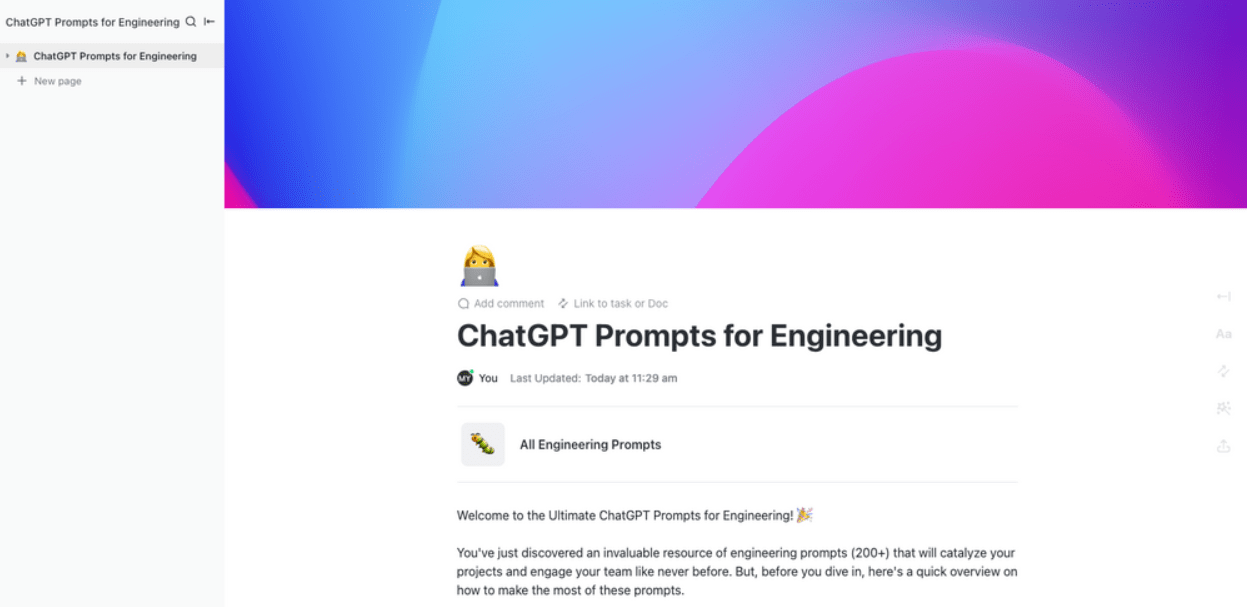
| ChatGPT Prompts for Engineering Template by ClickUp | Get free template | Managing engineering prompts for dev workflows | 200+ prompts, usage tracking dashboards, automation workflows |
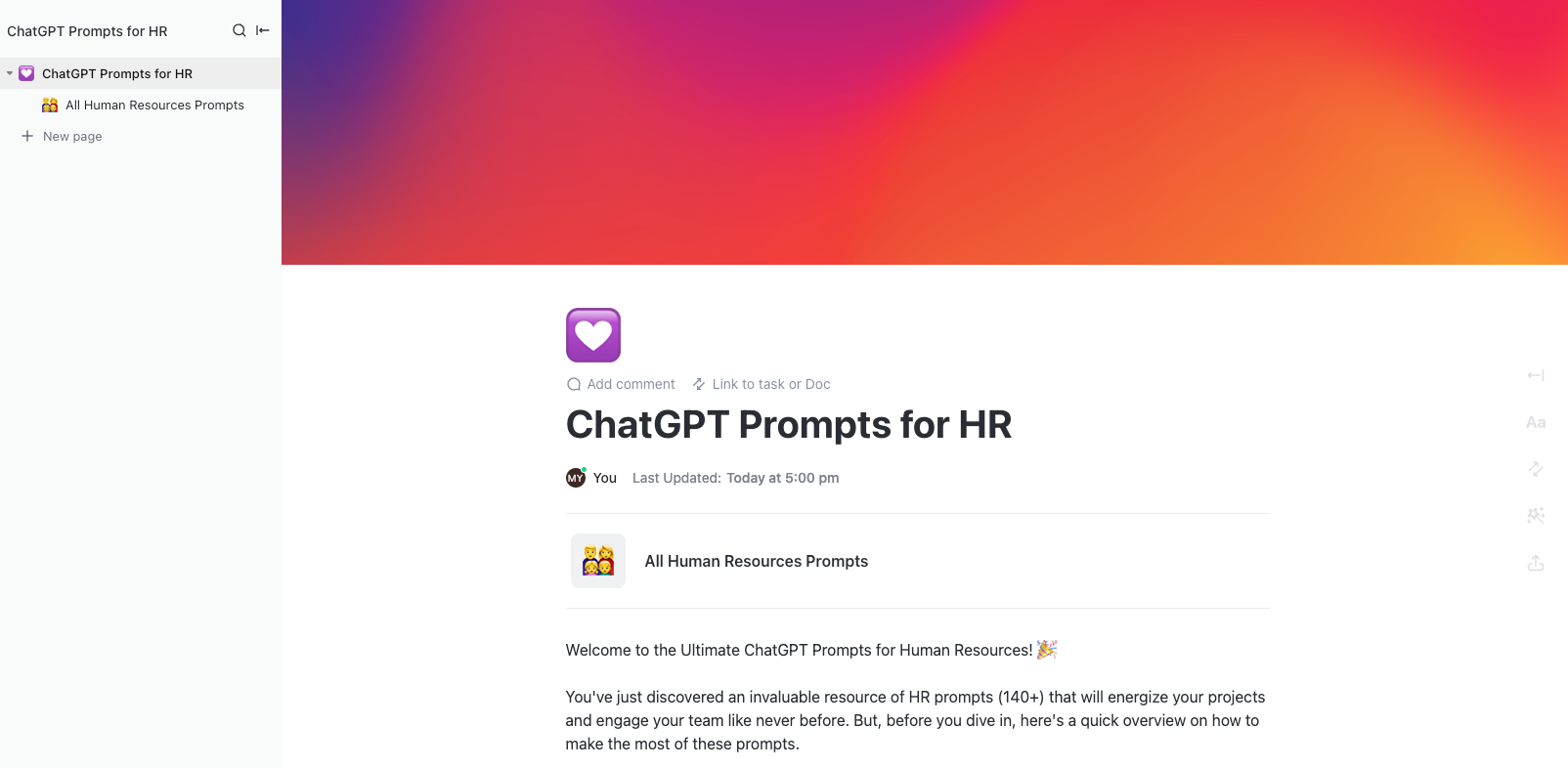
| ChatGPT Prompts for HR Template by ClickUp | Get free template | Securing and organizing HR-related prompts | Permission controls, onboarding workflows, interview generators |
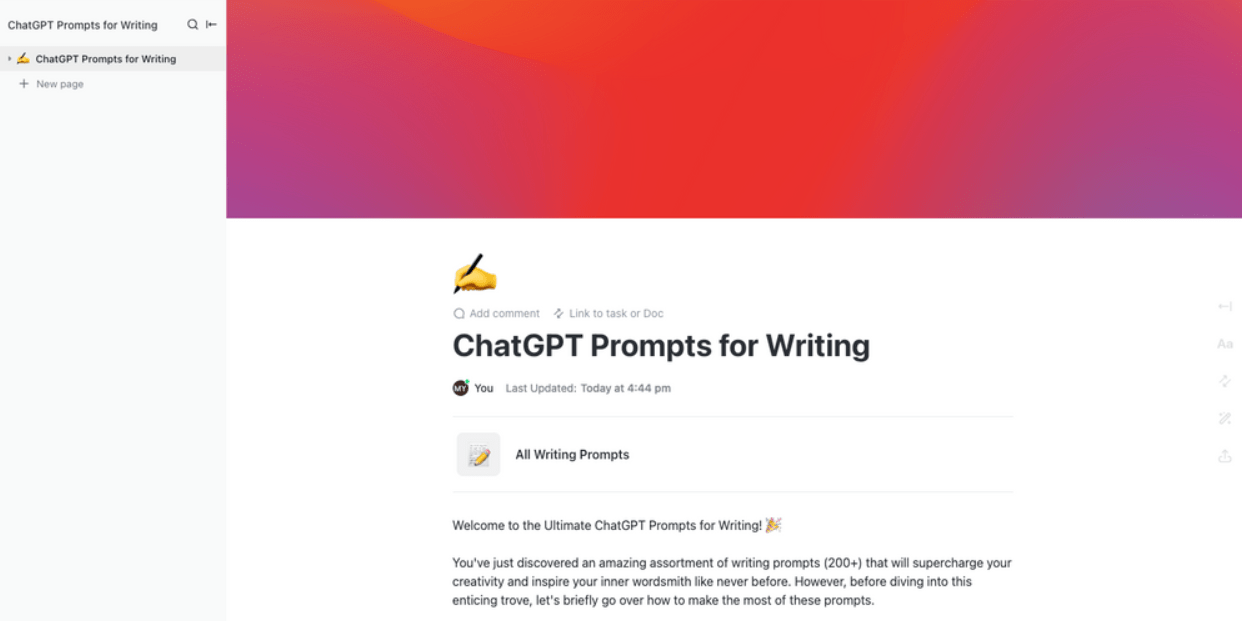
| ChatGPT Prompts for Writing Template by ClickUp | Get free template | Maintaining brand voice consistency in AI content | Tone guidelines, collaborative editing, format-based prompt grouping |
| ChatGPT Prompts for Finance Template by ClickUp | Get free template | Governing finance prompts with approvals | Prompt lifecycle statuses, reporting workflows, financial analysis prompts |
| Gemini Prompts Template by ClickUp | Get free template | Standardizing prompts across Gemini use cases | Department-based prompt hub, version tracking, model-specific prompts |
| AI Prompt and Guide for Blog Posts Template by ClickUp | Get free template | Running end-to-end AI blog workflows | Subtask-based workflow, outline-to-edit prompts, SEO support |
| Standard Operation Procedures Template by ClickUp | Get free template | Defining prompt governance and workflows | SOP documentation, versioning rules, review and deprecation process |
| Implementation Playbook Template by ClickUp | Get free template | Rolling out PromptOps across teams | Adoption tracking, pilot planning, AI usage audits |
PromptOps (short for Prompt Operations) is the practice of applying engineering and operational rigor to the lifecycle of prompts used with large language models (LLMs). It’s like “DevOps for prompts,” bringing systematic processes to how prompts are written, tested, versioned, deployed, and monitored.
PromptOps usually includes:
✨ Bonus: Here’s a glimpse at a PromptOps workflow 👇
🧠 Fun Fact: Alan Turing was sketching the core idea behind machine intelligence before AI even had a name. In 1950, he proposed the “imitation game,” and later commentary on that paper notes he thought machines might fool human judges about 30% of the time after five minutes of questioning by around the year 2000.
Managing prompts in a separate spreadsheet or dedicated tool forces your team to constantly switch tabs. This friction breaks focus and guarantees that people’ll eventually stop using the prompt library altogether.
Keep your prompts exactly where your work happens with ClickUp. Run prompts directly from your workspace, turning natural language into an active workflow without ever leaving the platform. Your team seamlessly adopts AI because the templates are baked right into their daily tasks and AI workflows.
So, let’s take a look at the best templates to help you standardize AI workflows. 👇
Project managers should not have to reinvent the same update, brief, or meeting summary every single week. But when useful prompts live in random notes or someone’s browser bookmarks, the team ends up recreating work instead of standardizing it.
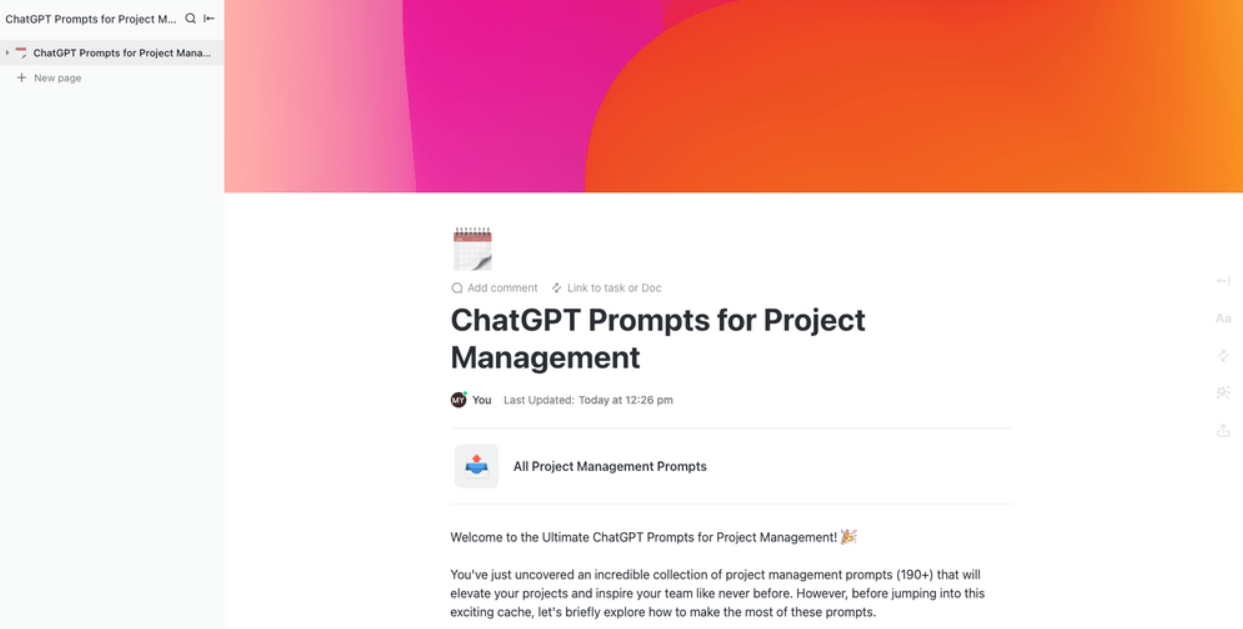
The ChatGPT Prompts for Project Management Template by ClickUp gives project teams a shared prompt library inside ClickUp Docs. That means your most useful prompts for recurring project work stay documented, reusable, and easy to access in the flow of work, instead of getting lost across tabs and tools.
✅ Ideal for: Project managers and PMO leads building repeatable AI-assisted workflows.
Want to see how templates streamline project planning workflows in ClickUp? We have a walkthrough for you:
📚 Also Read: Best ChatGPT Prompts for Project Management
Product management prompts work best when they reflect the full picture, including user personas, business goals, and technical constraints. Without that context, even a powerful prompt can generate output that seems too generic to be useful.
The ChatGPT Prompts for Product Management Template by ClickUp helps teams organize prompts in one place, making them easier to reuse, refine, and apply to real product work.
You can connect the template to relevant ClickUp Tasks and supporting Docs for a specific feature, epic, or initiative. That way, your team has a single spot to work from when using AI for recurring product tasks, with the relevant project context easily accessible.
✅ Ideal for: Product managers and product ops specialists building reusable AI workflows for PRDs, research, release planning, and feature documentation.
🚀 ClickUp Advantage: Ever had a “perfect” product prompt suddenly start producing generic output after a few sprints? That’s prompt drift—and it’s exactly what PromptOps is meant to control.
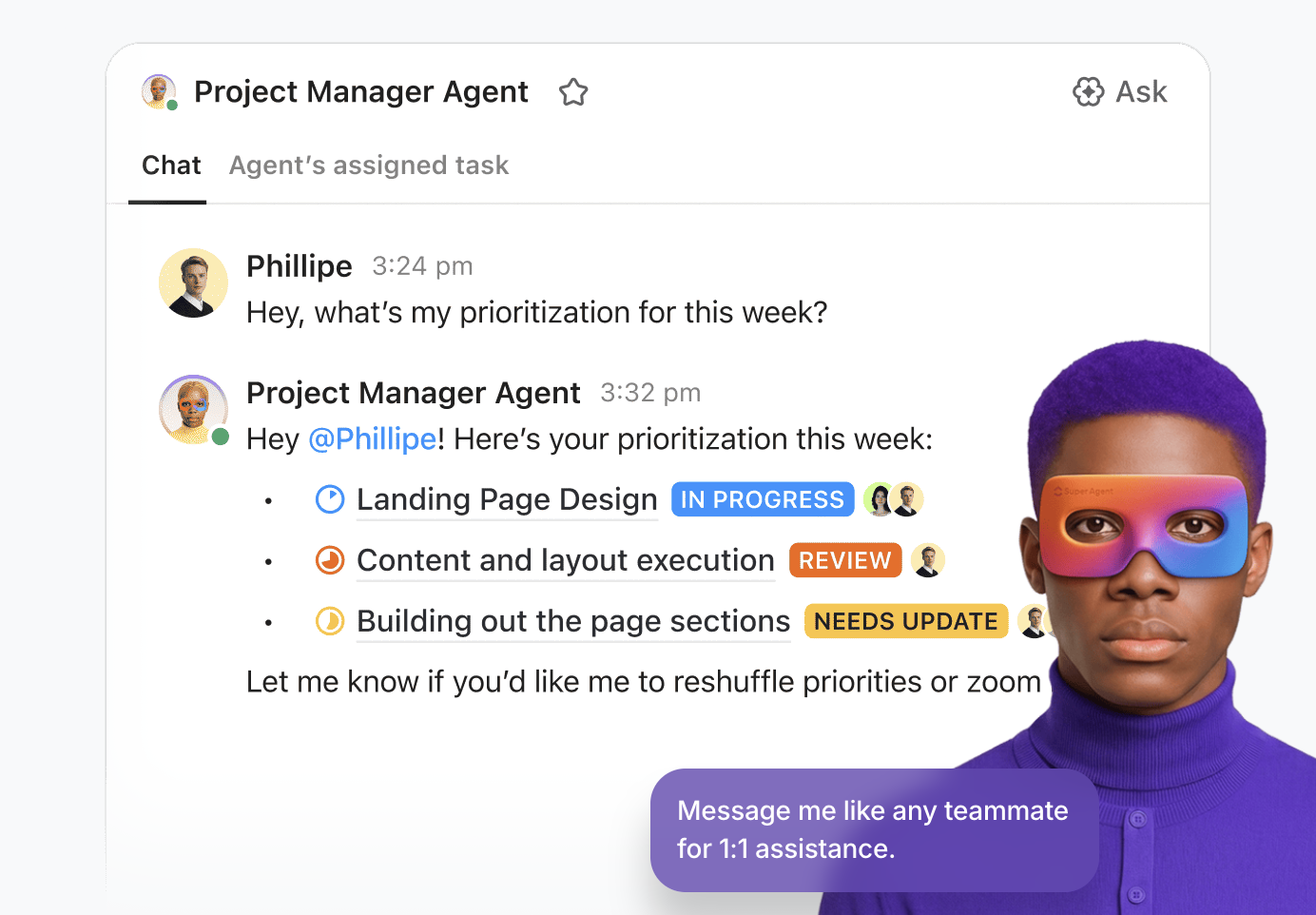
Add a ClickUp Super Agent to your prompt library so every run pulls the latest context (PRDs, linked tasks, decisions, constraints), checks for gaps, and produces a consistent draft fast.
You can also update the Agent on the fly as your workflow evolves. That means, you get to control its instructions, change what it monitors, or add new triggers. This keeps your prompting workflow accurate, repeatable, and ready for change. Well, talk about convergence! 🤝
A strong engineering prompt can save time on debugging, speed up documentation, and help developers move faster through repetitive technical work.
The ChatGPT Prompts for Engineering Template by ClickUp gives teams a prompt repository organized by all engineering use cases, with 200+ prompts. Instead of teams remembering what worked, you get a shared system for collecting, reusing, and improving prompts for coding, bug reports, and other workflows.
✅ Ideal for: Engineering teams and senior developers creating repeatable AI workflows for debugging, code generation, and technical knowledge sharing.
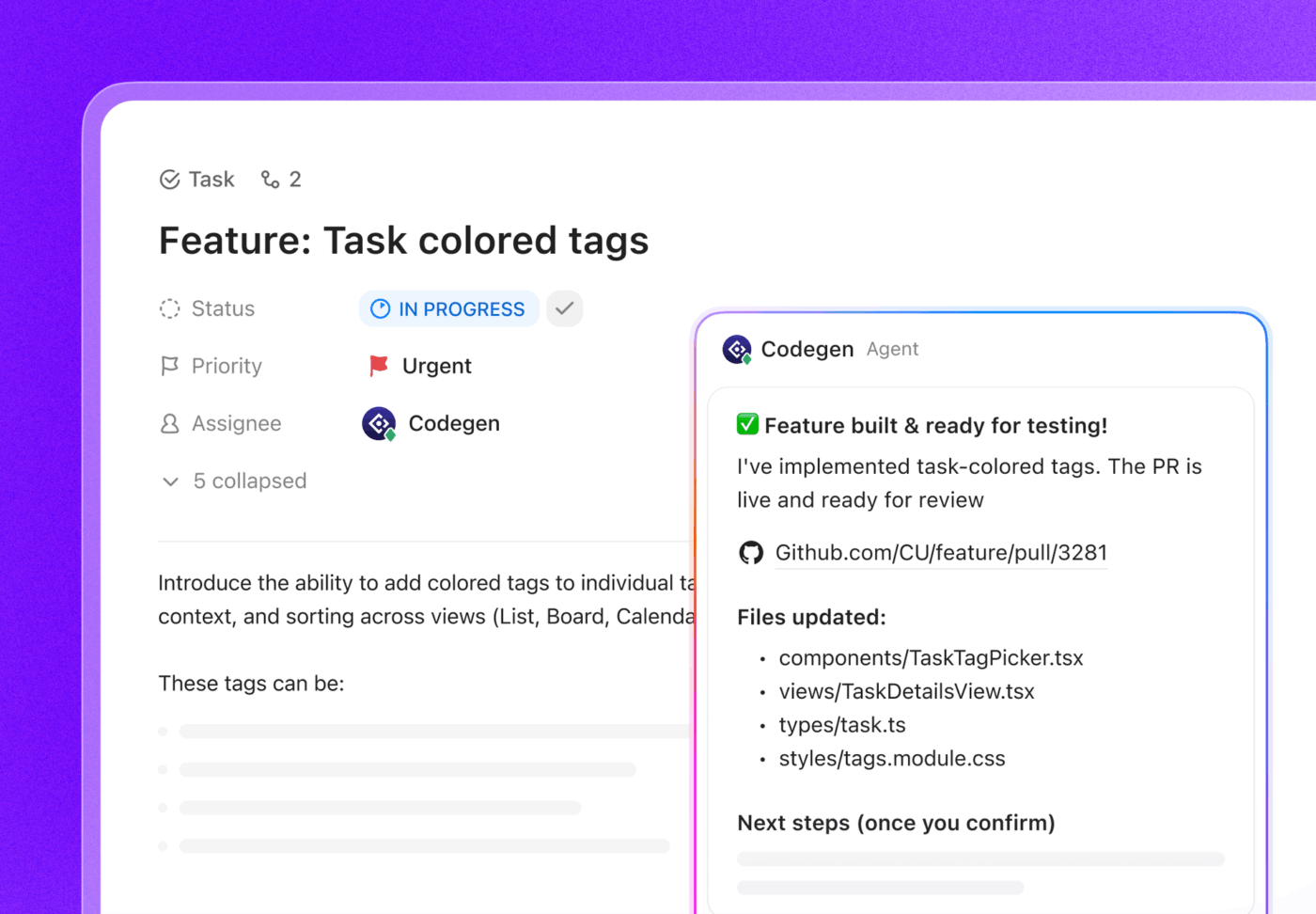
✨ Bonus: When one of your engineering prompts lands on a real fix, hand it straight to ClickUp Codegen. Mention @codegen (or assign Codegen to the task), and it can use the context to generate the code, answer questions, and even create a PR.
📮 ClickUp Insight: 62% of respondents say they’re regularly pulled into incidents or escalations.
When escalation paths aren’t defined, urgent issues tend to land on the same few people. Over time, they become the unofficial safety net for everything that breaks.
Structured escalation rules distribute that load. ClickUp Automations can route incidents based on priority or status changes, while Super Agents handle routine follow-ups or low-severity tasks.
Human resources workflows involve highly sensitive, people-related information that should never be pasted into personal AI accounts.
Keep this confidential data secure in the ChatGPT Prompts for HR Template by ClickUp.
You can further use ClickUp Permissions to restrict view and edit access, keeping sensitive prompts secure within the workspace. This way, your HR team can use the full power of AI operations without compromising employee privacy.
✅ Ideal for: HR managers, people ops specialists, and internal talent teams handling repeatable, sensitive AI-assisted workflows.
🧠 Fun Fact: AI shocking humans with an unexpected move isn’t new. DeepMind says AlphaGo’s legendary Move 37 had just a 1 in 10,000 chance of being played by a human, and it became one of the most iconic moments in AI history.
Generic AI prompts for content creation produce generic, robotic copy that completely misses your brand’s unique voice.
Store your brand voice guidelines alongside supported prompts in the ChatGPT Prompts for Writing Template by ClickUp. And the best part? You can refine them together in real time. This means all your writers and editors can simultaneously update tone descriptors and example sentences. Edits display in real time, so your team always works from the most current prompt version.
✅ Ideal for: Content leads, brand teams, and editorial managers building AI workflows for on-brand content creation.
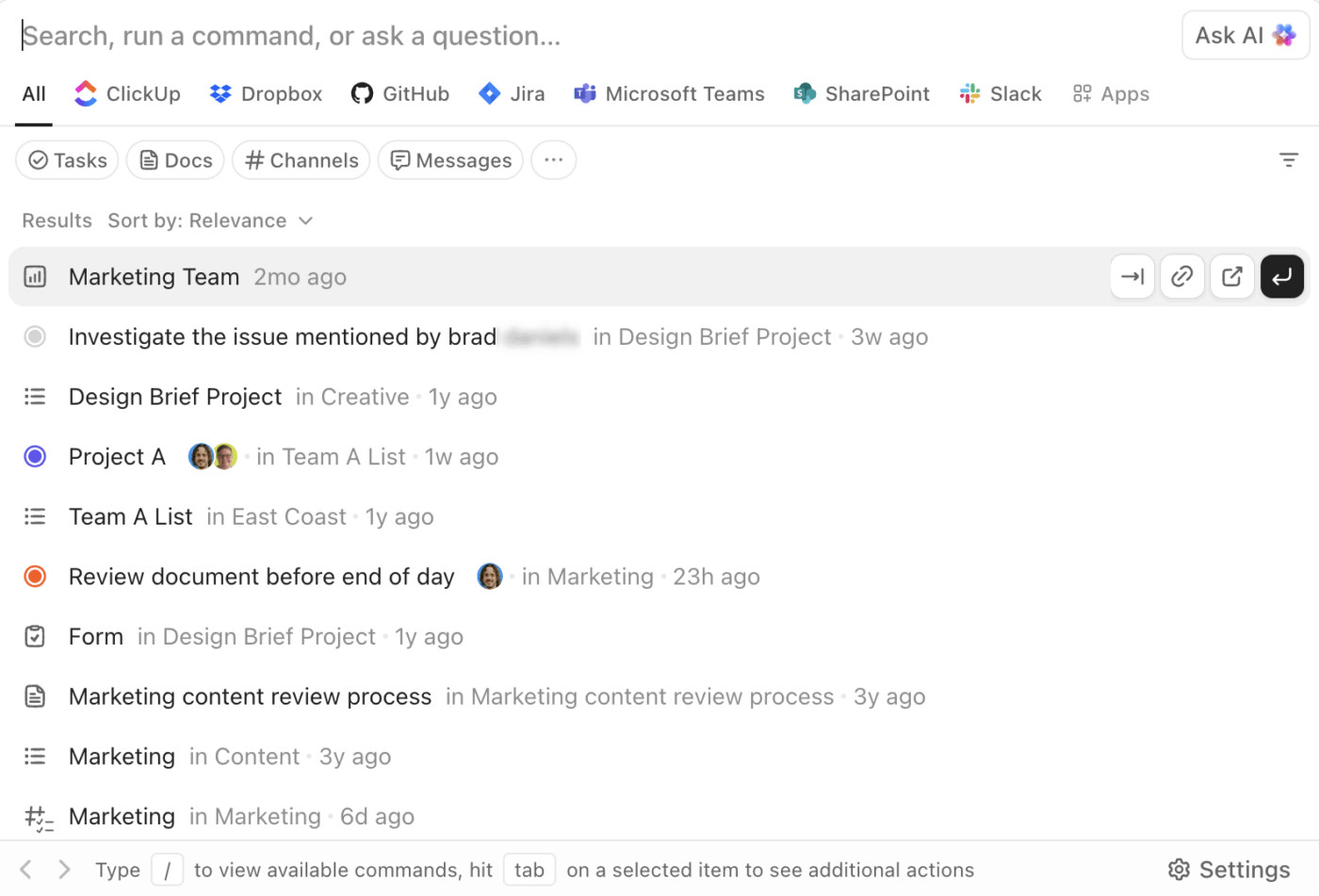
💡 Pro Tip: Use the ClickUp AI Command Bar to pull the exact context a writer needs—your latest brand voice wiki, the approved “writing prompt” Doc, and the linked campaign tasks. In ClickUp, launch it with Cmd + K / Ctrl + K. On the desktop app, you can also use Cmd + J / Ctrl + J to search and ask AI from anywhere on your computer.
When your team uses AI for budget notes, variance commentary, or reporting, the challenge boils down to identifying reviewed prompts, current versions, and safe reuse options.
The ChatGPT Prompts for Finance Template by ClickUp helps you manage that prompt library within a doc framework. You can group finance prompts by use case, refine them over time, and create a more controlled system for repeatable AI work.
Pair it with ClickUp Custom Statuses to move prompts through stages like Draft, Under Review, Approved, or Retired.
✅ Ideal for: FP&A managers, accounting teams, and finance operations leads building controlled AI workflows for reporting and analysis.
🎥 AI, today, is changing the entire accounting trajectory for finance teams. From predictive analytics to audits, it’s everywhere, making workflows run more easily with accuracy intact. Want to see it in action? Watch this video:
Different AI models respond differently to the exact same prompt, meaning a great ChatGPT prompt might fail completely in Google’s Gemini.
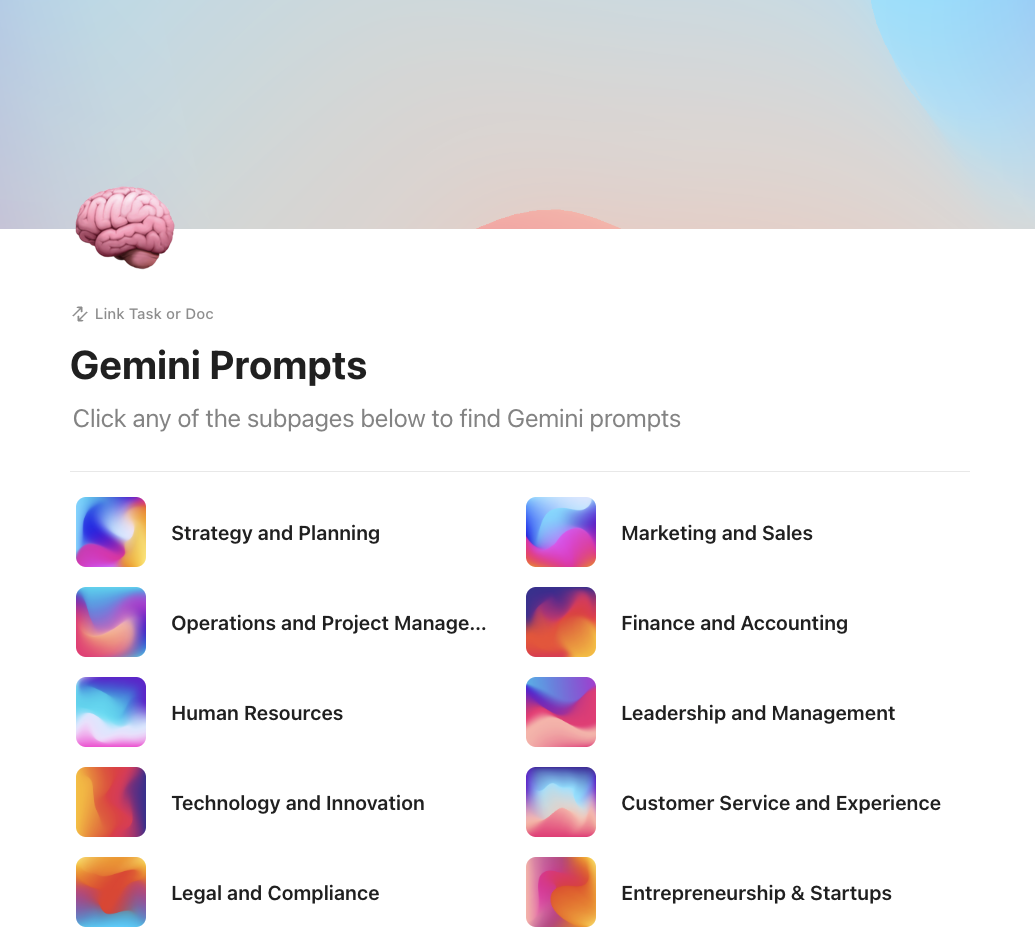
That’s why you have the Gemini Prompts Template by ClickUp. It’s a categorized prompt hub laid out as clickable subpages (Strategy & Planning, Marketing & Sales, HR, Legal, Tech, and more). This helps teams browse, reuse, and refine prompts by function. It’s best for teams to standardize how they use Gemini across departments, without turning prompt sharing into a side project.
✅ Ideal for: Ops leaders or enablement teams rolling out Gemini usage guidelines across multiple functions.
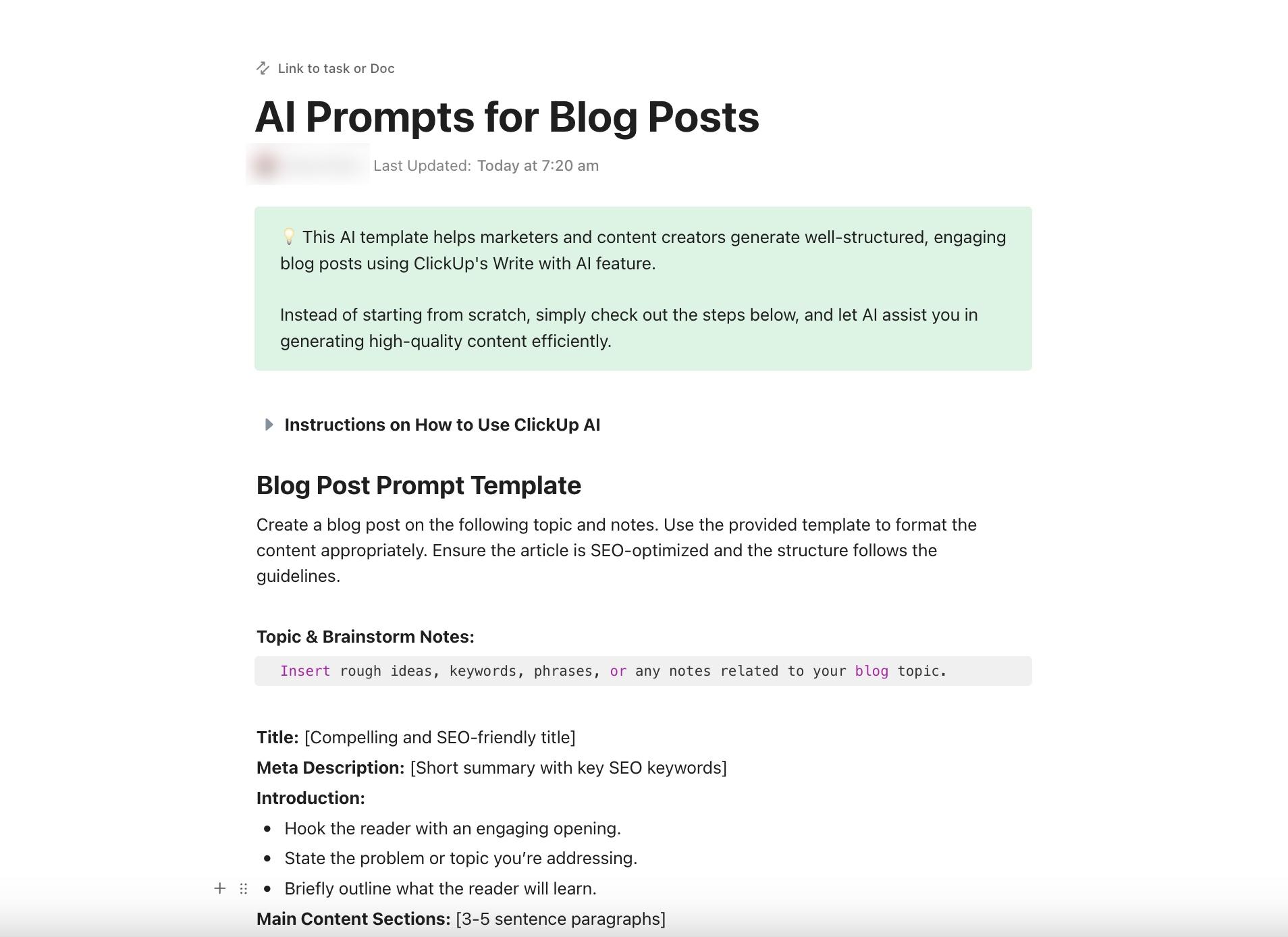
Content teams often struggle to integrate the research, drafting, and editing phases of a blog post into a single cohesive AI workflow.
You can standardize this entire process using the AI Prompt and Guide for Blog Posts Template by ClickUp. When a writer starts a new post, applying the template automatically generates the necessary ClickUp Subtasks for outlining, drafting, and editing.
Subtasks add an additional level of organization to your hierarchy, breaking down the larger content piece into manageable steps with the exact prompts linked to each step.
✅ Ideal for: Content leads and blog managers who want a repeatable, AI-assisted workflow for drafting, editing, and SEO-checking blog posts.
💡 Pro Tip: Use ClickUp Brain inside each blog subtask (outline → draft → edit) so every step stays consistent. Brain can draft and refine copy using the context in your workspace, so you’re not re-pasting instructions every time.
If the angle changes mid-draft, just ask Brain to update only that section (intro, a single H2, FAQs) instead of restarting the whole post. Even better, after you’re all set, ask Brain to assign the piece to the publisher.
One workflow to run it all!
Someone tweaks a prompt, skips the eval, ships it anyway—and two weeks later, nobody can explain why quality dropped or which version went live.
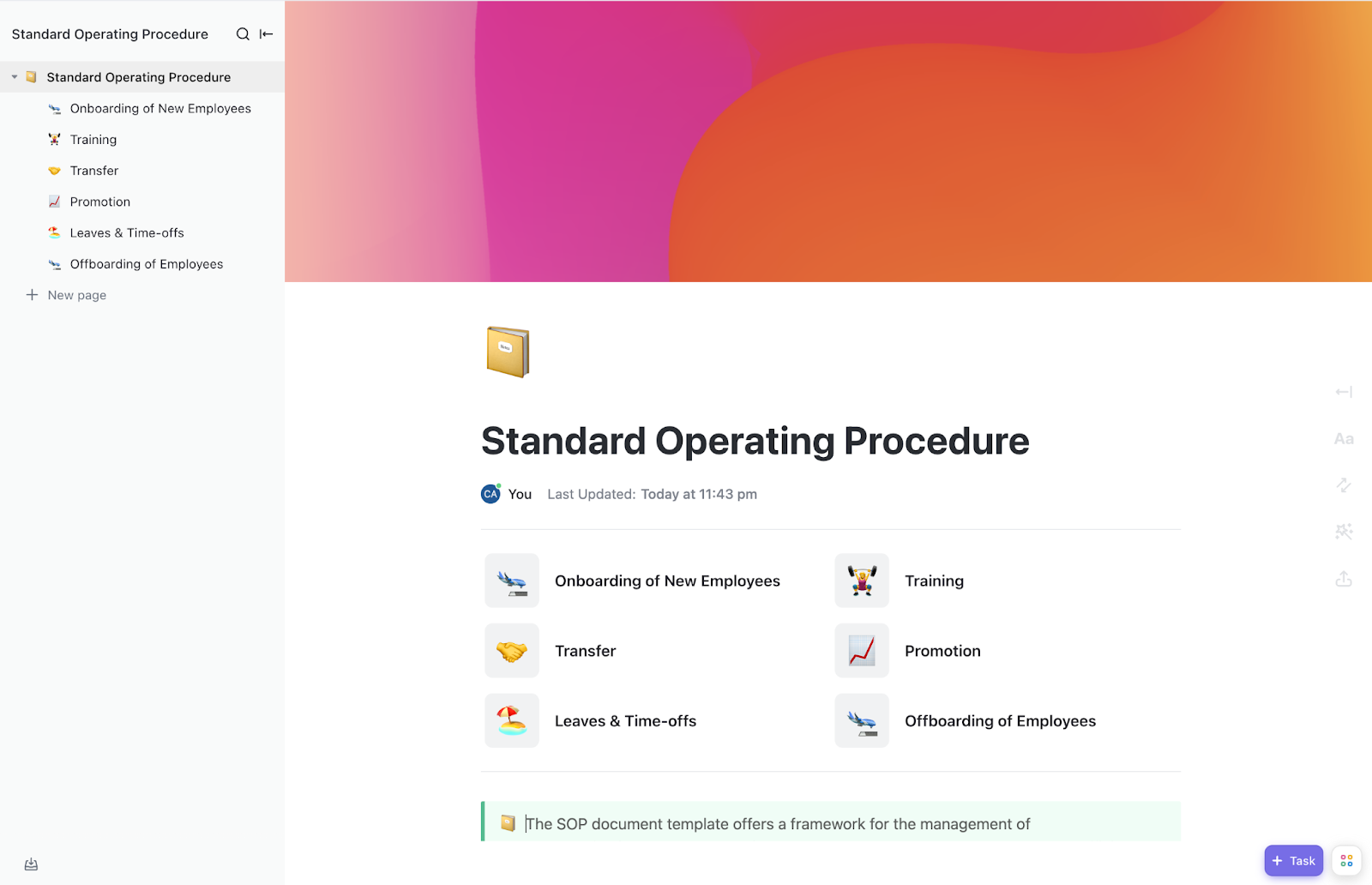
The Standard Operating Procedures Template by ClickUp is a Doc-based playbook for teams running prompts like production assets. It’s where you lock down your prompt workflow—draft rules, review gates, eval steps, rollout checks, and monitoring—then keep it current as the system evolves.
Build it as a nested SOP wiki: one page per workflow (new prompt, prompt edit, prompt rollback), plus subpages for standards like tone, safety, formatting, and test expectations.
✅ Ideal for: Prompt engineers and AI teams standardizing prompt changes, reviews, and evaluations.
🧠 Fun Fact: ELIZA, the first famous chatbot, was so convincing that even its creator, Joseph Weizenbaum, was unnerved by how quickly people projected understanding onto it. That reaction became famous as the ELIZA effect.
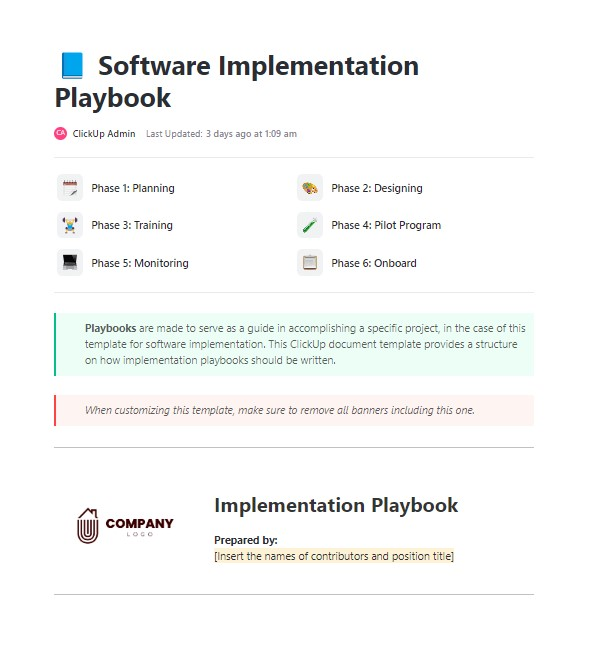
Rolling out a new AI strategy across an entire organization often fails because leadership lacks visibility into actual adoption rates. Track the success of your prompt library and implementation playbook rollout using the Implementation Playbook Template by ClickUp.
In fact, you can also pair ClickUp Dashboards to get a high-level visual representation of your workspace data. This works magic when monitoring the number of prompts added, weekly usage rates, and departments that are actively participating. This ensures your PromptOps strategy is actually driving business value rather than sitting unused.
✅ Ideal for: AI program managers rolling out PromptOps and tracking adoption across departments.
The biggest barrier to AI adoption is always operational chaos. Prompts live in random docs, approvals happen in chat, context is scattered, and nobody is sure which version is safe to reuse.
PromptOps templates solve the structure problem. And ClickUp helps you keep that structure alive.
When your prompt library, governance procedures, and the work they power live in a single converged workspace, prompts become easier to maintain, trust, and scale across teams. And the teams that operationalize this now will compound their advantage as models continue to improve.
Ready? Get started for free with ClickUp. ✅
A prompt template’s a reusable, fill-in-the-blank structure designed for a specific task, while prompt engineering‘s the broader skill of crafting effective prompts from scratch. Think of prompt engineering as the technical craft and prompt templates as the finished product that anyone on the team can use easily.
Store prompt templates in a shared, searchable location that your whole team already uses for daily work rather than scattering them across personal notes. Tag each template with metadata for the department and use case so teammates can filter and find the right instructions in seconds.
The core structure of a prompt template transfers across models, but the final outputs will vary because each model interprets instructions differently. Test each template on every model you use and note which one performs best for that specific task.

© 2026 ClickUp

There’s an easier way. Try a free AI Agent in ClickUp that actually does the work for you—set up in minutes, save hours every week.