

![How to Use Meta AI for Business Messaging in [year]](https://clickup.com/blog/wp-content/uploads/2025/03/image-332-1400x841.png)
Sorry, there were no results found for “”
Sorry, there were no results found for “”
Sorry, there were no results found for “”
Your customers are already on WhatsApp, Messenger, and Instagram. Now Meta AI is too—ready to help you draft replies, create images, and brainstorm campaigns without switching apps.
This guide shows you how to access Meta AI on each platform, use it to speed up customer messaging workflows, and organize the work around it in ClickUp so nothing falls through the cracks.
Think of Meta AI as the “resident genius” living inside your favorite apps. It’s a general-purpose artificial intelligence built by Meta (the parent company of Facebook, Instagram, and WhatsApp), designed to help you answer questions, generate images, and get things done without leaving your chat feed.
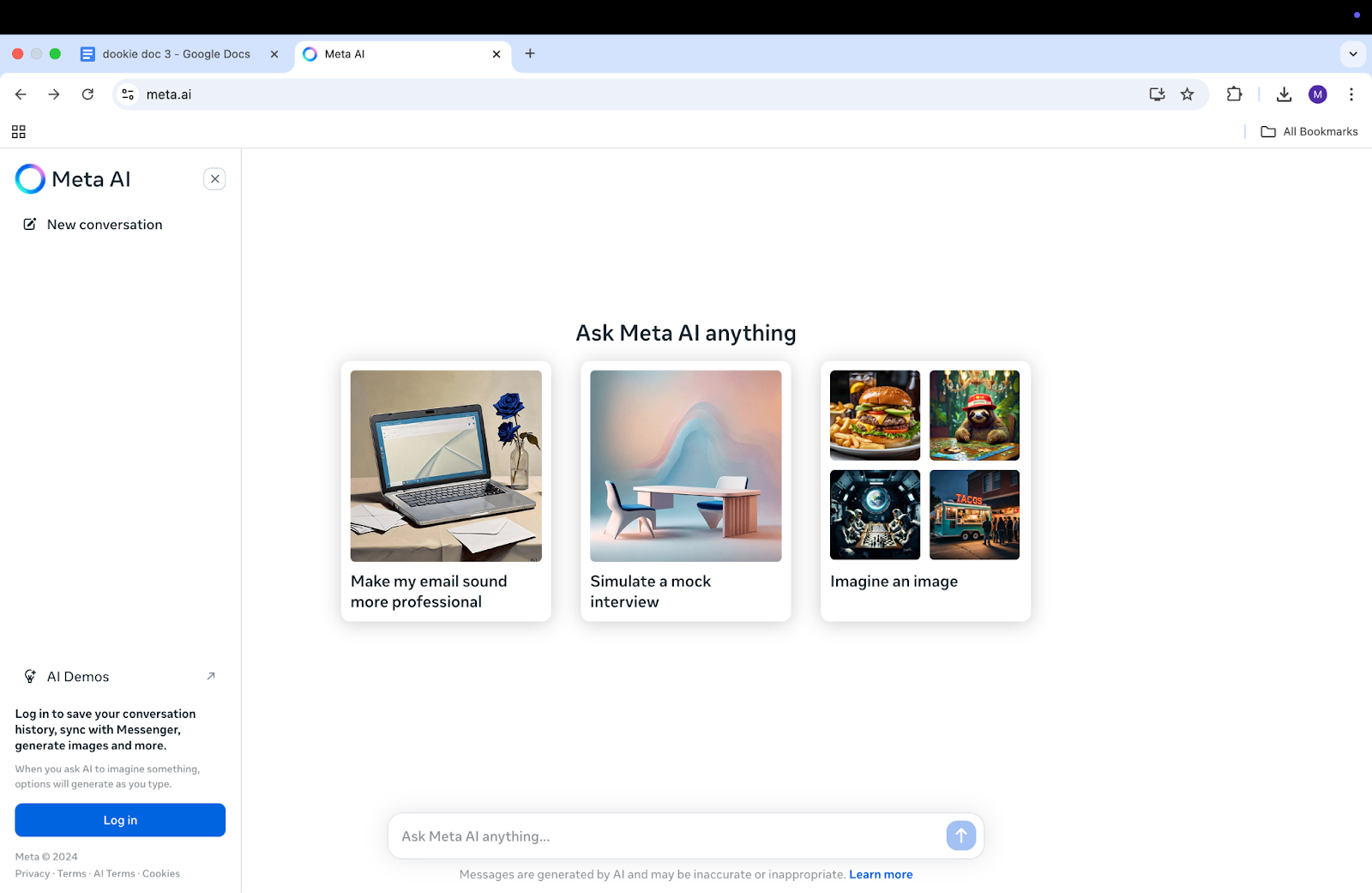
To understand how Meta AI fits into the broader landscape of AI-powered marketing solutions, watch this overview of AI marketing tools and their applications for modern businesses.
📚 Also Read: How to Solve Common Customer Service Challenges
The good news: Meta AI doesn’t require a learning curve because it’s already built into apps your team uses daily for customer messaging.
Access and specific features might vary by region as it continues its global rollout, but the entry points are designed to be simple and intuitive.
Here’s how to find it on each platform. 👀
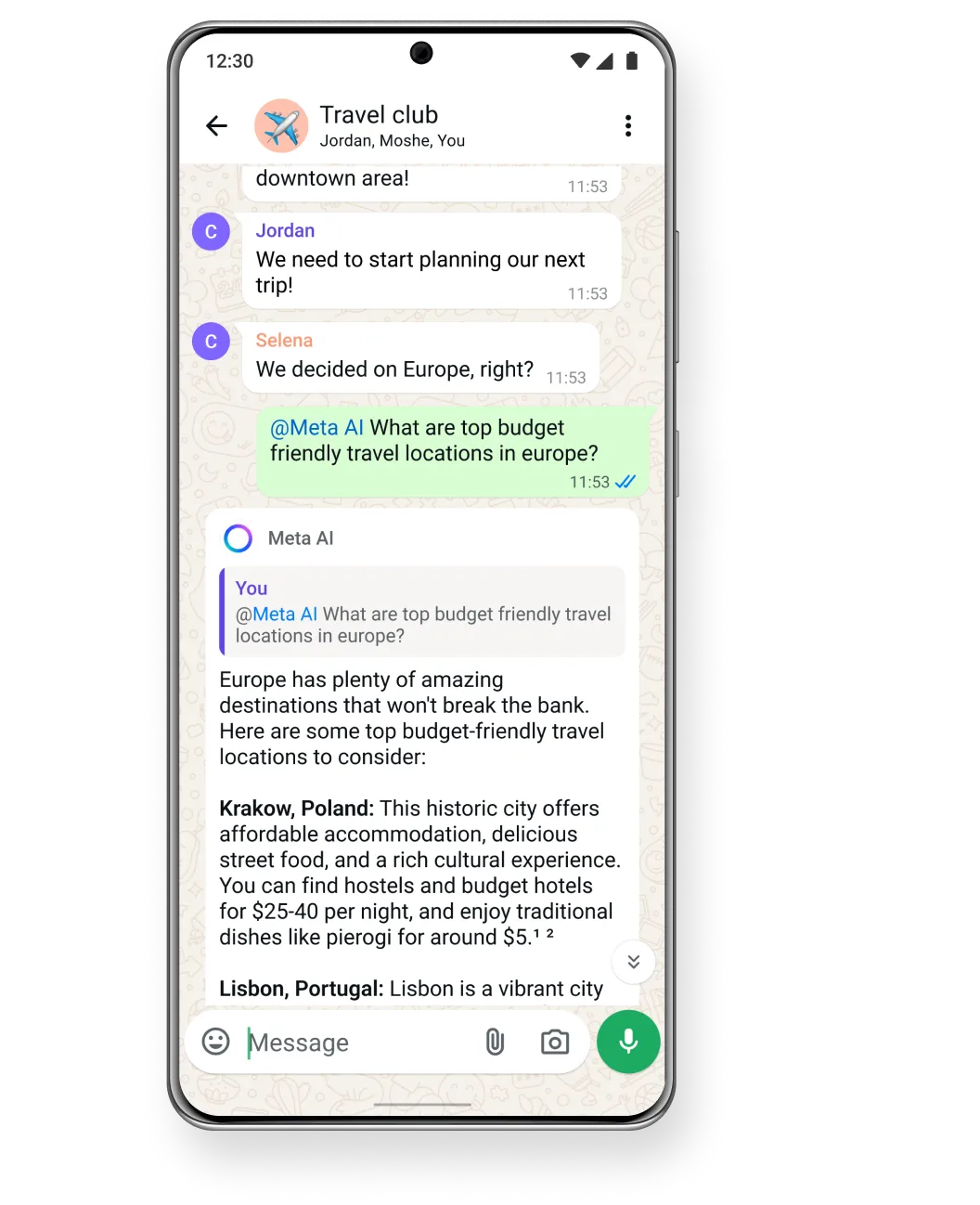
To start a conversation with Meta AI in WhatsApp, open the app and look for the blue circle icon at the top of your chats screen. You can also start a new chat and simply search for “Meta AI” to begin.
For those using WhatsApp Business, Meta AI operates within the standard interface. It’s a powerful tool for drafting customer responses, brainstorming new messaging ideas, or generating quick content on the fly.
👀 It’s important to know that your conversations with Meta AI are private and separate from your customer chats. You’re chatting with the AI to get help, not integrating it into automated customer flows.
You can also bring Meta AI into team discussions. In any group chat, just type @Meta AI followed by your question to get assistance without leaving the conversation. This makes it a collaborative tool for your team, not an automated bot that responds directly to customers.
For full automation, you’d still need to use the WhatsApp Business API to build a separate chatbot.
Note: As of January 15, 2026, Meta prohibits general-purpose AI chatbots on the WhatsApp Business API. You can still build task-specific bots for customer support, bookings, and order tracking, but open-ended AI assistants are no longer permitted on the platform.
📚 Also Read: Meta AI vs. ChatGPT: Which AI Tool is Best?
Accessing Meta AI in Messenger is just as straightforward. Open the app and tap the Meta AI icon in the search bar, or start a new message and search for “Meta AI.”
If your team manages a business page, they can use Meta AI to handle Messenger conversations more efficiently. It’s perfect for drafting responses to common questions, getting ideas for promotional messages, or even creating simple images to share with customers.
Like in WhatsApp, you can also call on it in group chats by typing @Meta AI.
👀 This functionality is distinct from the automated bots you might set up through Meta Business Suite. Those bots are designed for auto-responses, while Meta AI serves as a real-time assistant for the person managing the messages.
📚 Also Read:
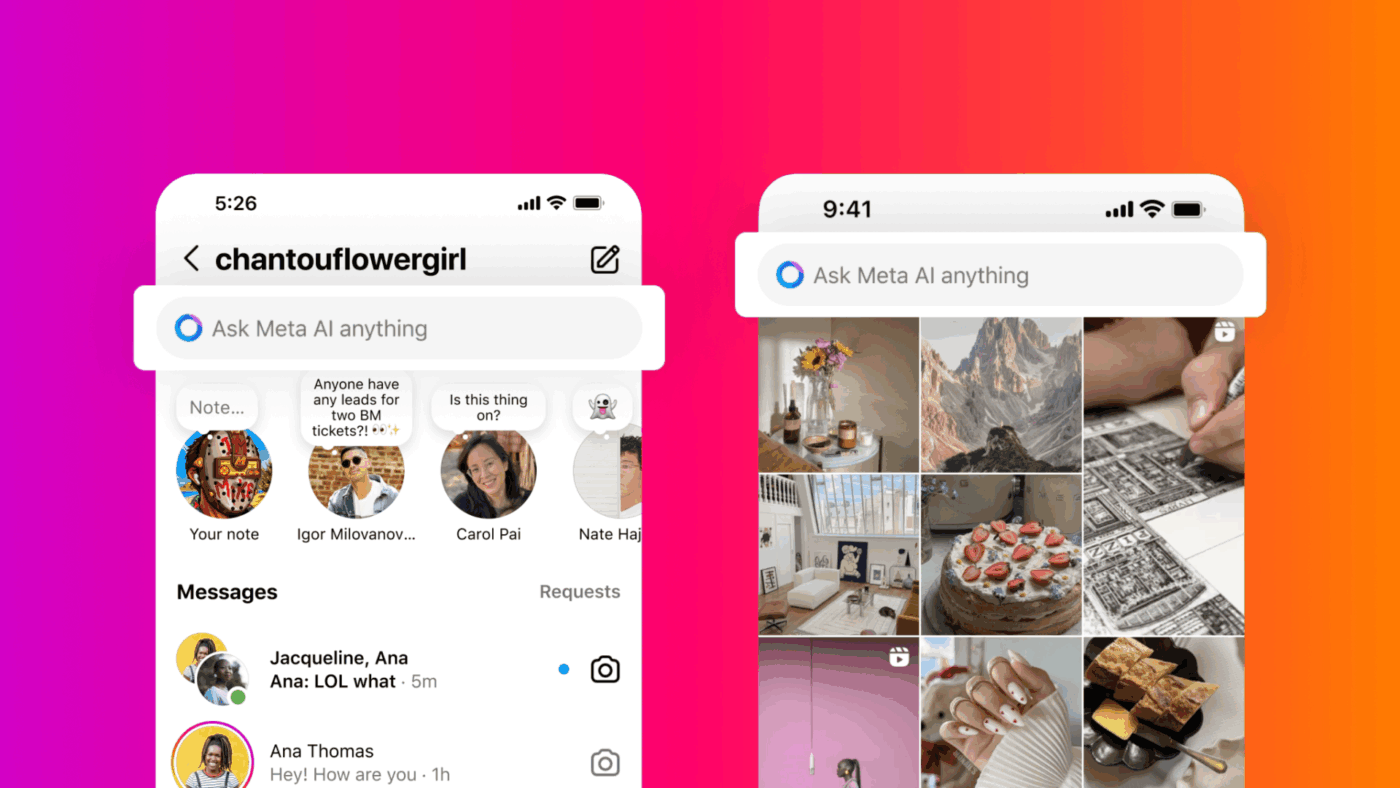
You’ll find Meta AI in your Instagram Direct Messages. Open your DMs and tap the Meta AI icon or start a new message and search for it.
For businesses, this makes managing your Instagram presence significantly faster. Use it to brainstorm clever caption ideas, draft quick replies to common inquiries, or generate unique images for your stories and posts.
The @Meta AI feature is also available in group DMs, making it easy to collaborate with your team on content.
Meta AI acts as your creative and productivity partner within the app. It won’t automatically respond to customer DMs for you, but it will help you do it faster and with more creativity.
👀 Any images you generate will be automatically labeled by Meta as AI-generated content, ensuring transparency with your audience.
📚 Also Read: How to Use Meta AI for Instagram Content Creation
📮ClickUp Insight: 88% of our survey respondents use AI for their personal tasks, yet over 50% shy away from using it at work. The three main barriers? Lack of seamless integration, knowledge gaps, or security concerns.
But what if AI is built into your workspace and is already secure? ClickUp Brain, ClickUp’s built-in AI assistant, makes this a reality. It understands prompts in plain language, solving all three AI adoption concerns while connecting your chat, tasks, docs, and knowledge across the workspace. Find answers and insights with a single click!
The key is to focus on the tasks that create bottlenecks in your customer communication. Meta AI is designed to help you draft, brainstorm, and create supporting visuals. These practical applications work across WhatsApp, Messenger, and Instagram, turning the AI from a novelty into an essential tool for your team. 🛠️
Here are four practical ways to put Meta AI to work for your business messaging.
When you hear “automate,” you might think of bots that completely take over conversations. That’s not what Meta AI does. Instead, it helps your team members respond faster and more consistently, allowing them to handle a higher volume of conversations without sacrificing quality. This is about augmenting your team, not replacing it.
The workflow is simple. When a customer question comes in, you can open Meta AI, describe the situation, and ask it to draft a response.
Here are a few example prompts to get you started:
You can even ask Meta AI to adjust the tone to be more formal or casual, or to make the message shorter or longer. This gives your team a solid starting point, which they can then personalize before sending.
📚 Also Read: How to Build a Customer Service Knowledge Base?
Customer service teams spend up to 40% of their time answering the same 10 questions. Meta AI can help you build a library of consistent, on-brand responses in minutes. This ensures your messaging stays consistent and frees up your team to focus on more complex customer issues.
Prompt Meta AI with your most common customer questions and ask it to generate multiple response options.
Once you have a set of responses you like, you can save them in a shared document or directly in your messaging platform’s quick reply feature. This makes the answers easily accessible to everyone on your team.
💡 Pro Tip: Quick replies save time — but only if your team can find the right one fast.
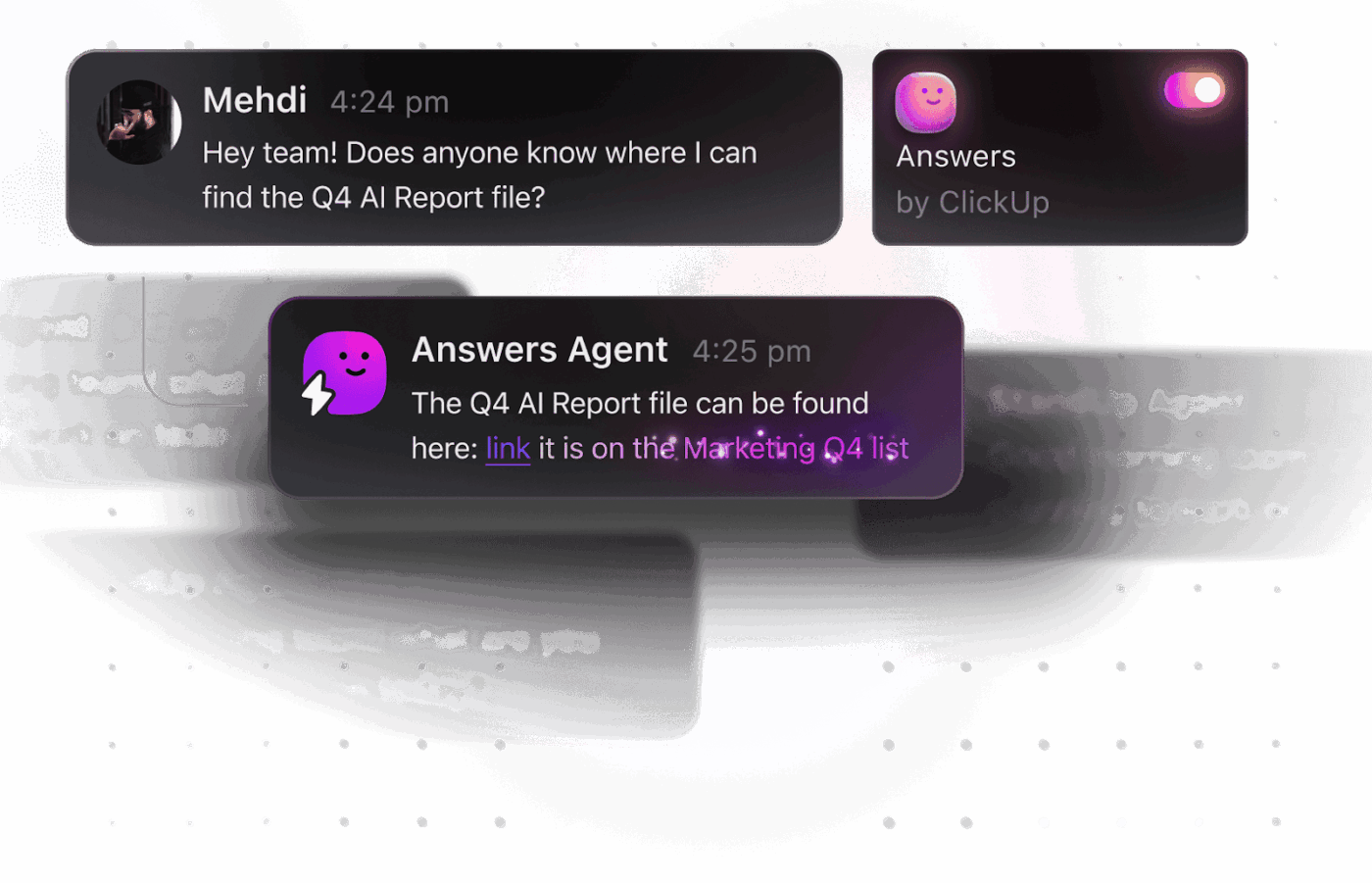
An Ambient Answers Agent inside ClickUp can monitor conversations and tasks in real time and automatically surface relevant response templates, FAQs, or past resolutions based on keywords or customer intent.
Moving beyond one-on-one customer service, you can use Meta AI to help plan your proactive messaging strategies.
Coming up with fresh ideas for promotional campaigns, product launches, or seasonal outreach can be challenging. Creative blocks happen, and deadlines loom, leaving your marketing efforts feeling stale or rushed. Meta AI can act as your brainstorming partner, helping you generate ideas and draft content for larger campaigns.
Ask it to help you with:
You can even use it to create variations for A/B testing. Ask it to write two or three different versions of the same promotional message so you can see which one performs best.
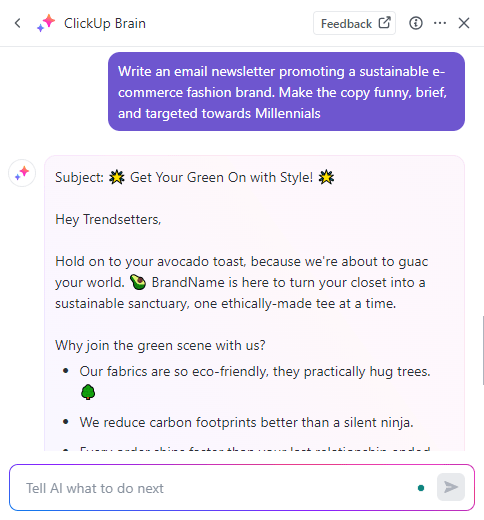
💡 Pro Tip: Generate marketing copy in seconds without leaving ClickUp, using the built-in AI assistant, ClickUp Brain.
Sometimes, a picture really is worth a thousand words, but creating custom visuals for every customer interaction is impossible. Your team might be stuck using generic stock photos or, more likely, no visuals at all. This is a missed opportunity to make your messages more engaging and helpful.
Meta AI’s image generation feature lets you create custom visuals on the spot, directly within your chat. Just describe the image you want, and the AI will create it for you.
This is perfect for:
These images are best for quick, informal use in chats. They won’t replace the polished brand assets your design team creates, but they’re a powerful tool for enhancing day-to-day conversations.
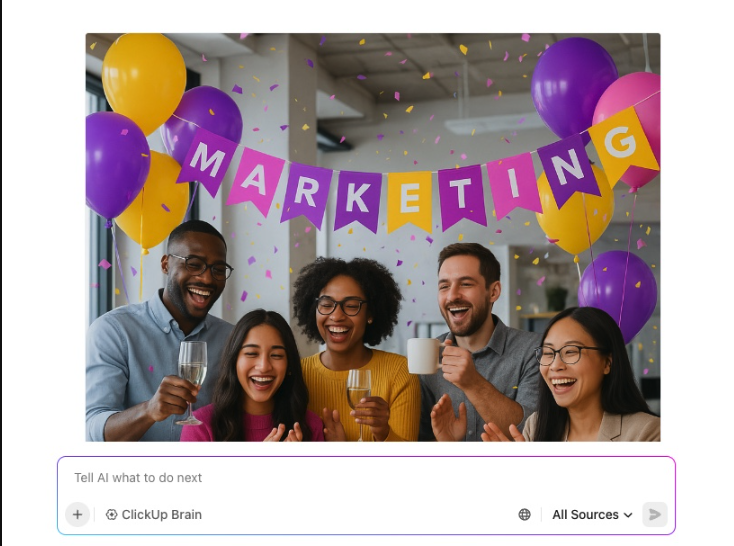
💡 Pro Tip: Create custom images for your campaigns with a few simple prompts to ClickUp Brain. You can also save, share, and reuse your prompts.
📮ClickUp Insight: Our AI maturity survey highlights a clear challenge: 54% of teams work across scattered systems, 49% rarely share context between tools, and 43% struggle to find the information they need.
When work is fragmented, your AI tools can’t access the full context, which means incomplete answers, delayed responses, and outputs that lack depth or accuracy. That’s work sprawl in action, and it costs companies millions in lost productivity and wasted time.
ClickUp Brain overcomes this by operating inside a unified, AI-powered workspace where tasks, docs, chats, and goals are all interconnected. Enterprise Search brings every detail to the surface instantly, while AI Agents operate across the entire platform to gather context, share updates, and move work forward.
The result is AI that’s faster, clearer, and consistently informed, something disconnected tools simply can’t match.
Using Meta AI to draft a reply or brainstorm a campaign is a great first step, but it doesn’t solve the underlying chaos.
Your quick reply templates are lost in a random document, your campaign plan is in a spreadsheet, and your team is trying to coordinate who answers what in a separate group chat. This is work sprawl—the fragmentation of work across disconnected tools that don’t talk to each other—and it kills productivity by forcing your team to constantly switch between tools, losing context with every click.
This fragmentation leads to wasted time—51 minutes weekly, inconsistent messaging, and dropped conversations. To truly benefit from AI, you need to manage the entire workflow—from idea to execution to analysis—in one place.
Organize all the work around your business messaging with ClickUp’s converged AI workspace—a single platform where projects, documents, conversations, and analytics live together with contextual AI embedded as the intelligence layer—that complements Meta AI.
As your team uses Meta AI to generate responses, you’ll quickly accumulate variations — return policies, order status updates, promotional replies, tone-specific versions.
Instead of saving these in random notes or chat threads, store them in ClickUp Docs:
This prevents inconsistency across WhatsApp, Messenger, and Instagram, especially when different team members are replying.
📚 Also Read: Best Meta AI Alternatives
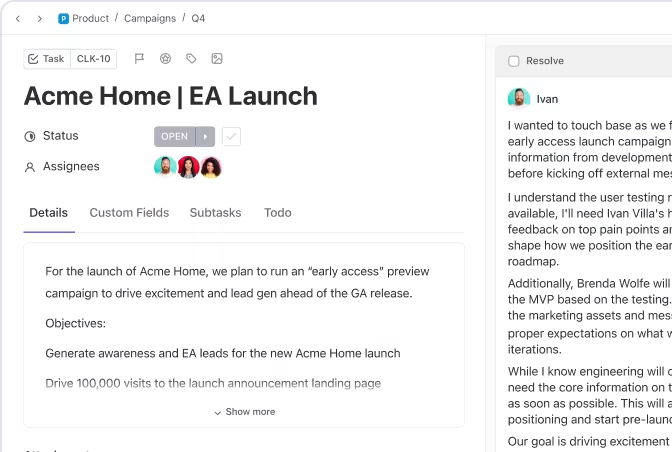
Customer conversations don’t just require replies — they often require action.
With ClickUp Tasks, you can:
📚 Also Read: How to Use AI for Productivity (Use Cases & Tools)

Meta AI can brainstorm your campaign messages. But launching a campaign requires coordination.
With ClickUp, you can:
This is especially important for click-to-message campaigns, where ads trigger conversations at scale.
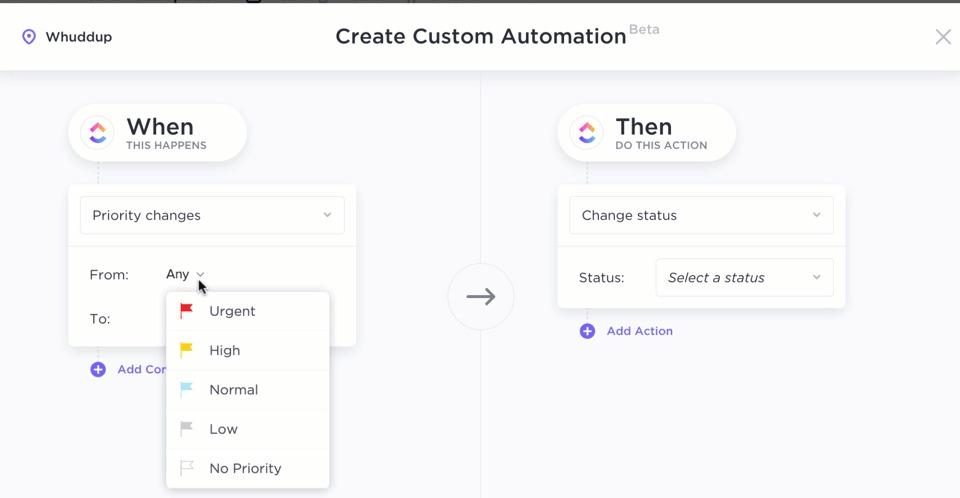
Repetitive coordination slows teams down more than message drafting ever will. ClickUp Automations let you:
The result? Your team focuses on customer communication — not internal admin.
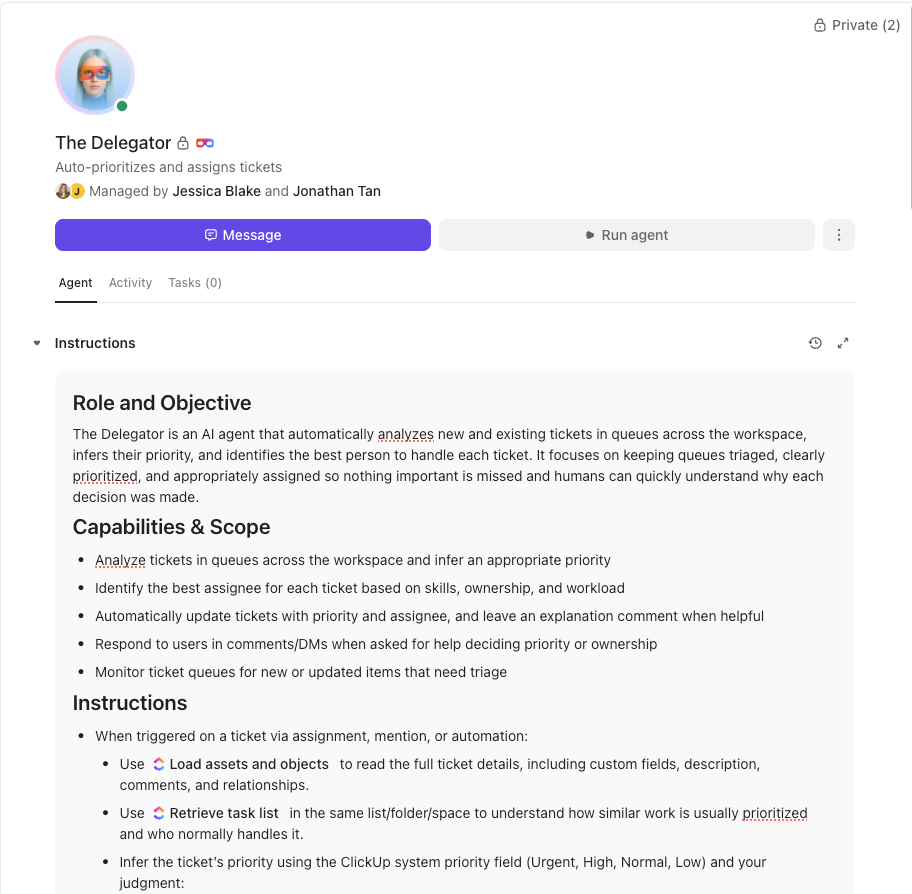
💡 Pro Tip: Create a Super Agent in ClickUp trained on your messaging templates, brand guidelines, SLA rules, and escalation policies.
Then let it:
A Super Agent is like an AI teammate: it understands context, can be @mentioned to draft updates, summarize feedback, and even take actions automatically based on triggers you define.
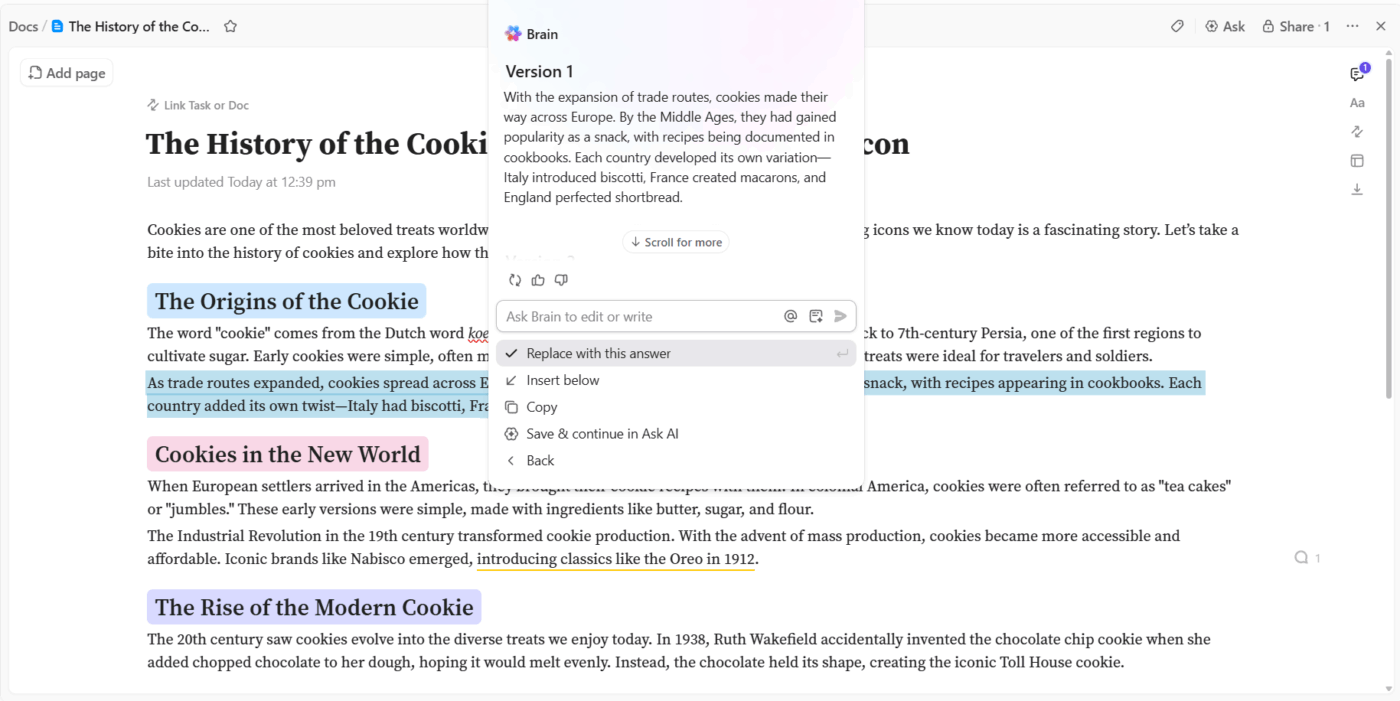
While Meta AI works inside messaging apps, ClickUp Brain works inside your workflow.
You can use it to:
Instead of switching between tools, your ideation and execution stay connected.
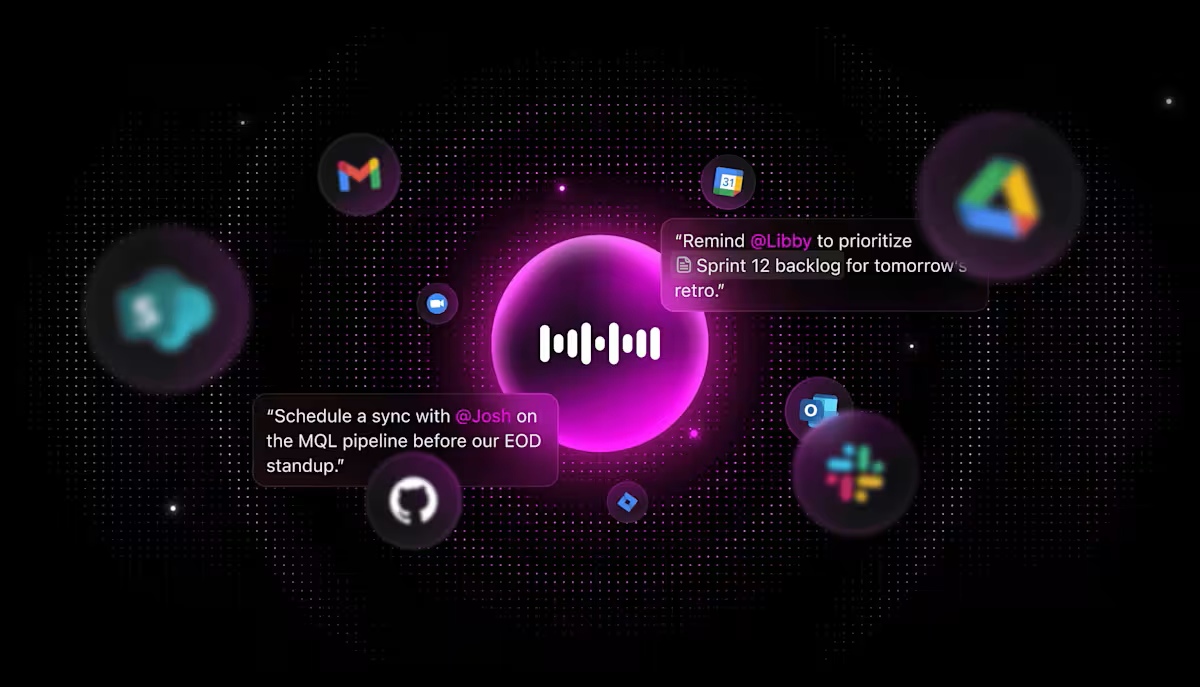
💡 Pro Tip: Respond to urgent messages on the go with Talk to Text in ClickUp. Just tap the microphone inside a task or comment, speak your response naturally, and ClickUp converts it into clean, editable text.
It’s especially useful for time-sensitive escalations or approvals — you can dictate a response, adjust the wording if needed, and keep the workflow moving in seconds.
Meta AI—powered by Meta’s Llama models—gives businesses a faster way to handle customer conversations across WhatsApp, Messenger, and Instagram. You can draft replies in seconds, generate quick visuals, brainstorm campaigns, and reduce the mental load that comes with constant business messaging.
But here’s the reality: Meta AI improves individual interactions. It doesn’t manage your workflow.
It won’t:
As business messaging volume grows, speed alone isn’t enough.
That’s where a centralized workspace like ClickUp becomes critical. Meta AI helps you create the message. ClickUp helps you manage the system behind the message—templates, assignments, campaigns, automation rules, dashboards, and team coordination—all in one place.
Bring your business messaging workflows together. Get started for free with ClickUp today.
Yes, Meta AI is currently free within WhatsApp, Messenger, and Instagram. In January 2026, Meta announced plans to test premium subscriptions that will offer expanded AI capabilities, though core features will remain free.
You need a Meta account to use Meta AI, but you can access it through WhatsApp without a Facebook profile. WhatsApp uses phone number verification rather than a Facebook login
Meta AI is a personal assistant that helps you draft content and get answers
A WhatsApp chatbot is an automated system that responds directly to your customers on your behalf

© 2026 ClickUp




