Top 10 Kindle Scribe Alternatives to Try

Sorry, there were no results found for “”

Today, note-taking can be accomplished using digital notebooks. And there’s a whole bunch of them available.
In fact, with the digital notebook market projected to reach $3.82 billion by 2030, the number of options can feel overwhelming. While the Kindle Scribe has cornered the market, I decided to explore some alternatives.
After extensive research and hands-on testing with my team, I’ve compiled a list of 10 exceptional note-taking tools that stand out. Each tool supports effective note-taking strategies, helping you retain information and stay organized, ultimately enhancing productivity.
Whether you’re reading, sketching, or primarily taking notes, there’s a device that’s best suited for each task. The choice is about understanding and balancing what you need most—something that can easily integrate with your existing tools while providing a solid note-taking experience.
Devices like the reMarkable 2 or Kobo Elipsa stand out, but the choice ultimately hinges on your unique use case.
Here’s what I found most important when looking for a suitable alternative:
These considerations helped me zero in on the best e-ink tablets.
Now that we know what to look for in note-taking tools, let’s explore some options that match different work styles and lifestyle choices. Here are 10 tools that could each be a great Kindle Scribe alternative.

If you crave a simple, focused writing experience, this ebook reader will impress. It feels like a bridge between traditional paper and digital convenience.
While it might not offer all the bells and whistles of other e-readers, it’s perfect for those who want to read graphic novels and jot down thoughts. I could do all this without distractions, as no notifications or app-based alerts interrupted my focus.

The Onyx Boox Tab Ultra is a unique hybrid, and I’ve found it one of the most versatile e-ink tablets available. It runs Android, so I could access Google Play and download apps like email, browsers, and even productivity tools—something you won’t find on most other e-ink tablets.
It’s a solid choice if you’re looking for an ebook reader that goes beyond just reading or note-taking.
Also Read: 10 Best Note-Taking Apps for Android

When I tested the Kobo Elipsa 2E, one of the first things that caught my attention was its emphasis on sustainability. The device features 85% recycled plastic, immediately appealing to environmentally-conscious users like me.
The e-ink tablet has a 10.3-inch display that works well as an e-reader and note-taking device.
Although the screen resolution (227 PPI) isn’t as sharp as that of other ebook readers like the Kindle Scribe, it gets the job done.

When I first tried out the Fujitsu Quaderno A5, I was amazed by its lightweight design and thin profile. This device is ideal for those constantly on the go. Weighing just 240 grams, it’s super portable.
The e-ink tablet has a 10.3-inch display, which provides a comfortable note-taking experience.
However, what stood out was the device’s organic writing experience. It adjusted line thickness based on how hard I pressed, making it feel very close to writing on paper.

The iPad Pro is a multitasking powerhouse. It’s a step above traditional e-ink tablets because it offers much more—beyond just jotting down notes. I could draw, edit videos, and quickly switch between work and entertainment apps.

When I tested the MeeBook, I was surprised by how much functionality it packed for a device at this price point. It’s a great alternative if you’re looking for something affordable without compromising too much on the basics.
The MeeBook’s 10.3-inch display provided a smooth note-taking experience, especially when paired with the stylus.
While it doesn’t have the same premium feel or advanced features as devices like the iPad Pro or reMarkable 2, it’s a solid performer if your primary need is for essential digital note-taking.

If you appreciate a smooth, no-nonsense writing experience, Supernote is your solution.
Its standout feature is its self-healing screen—the smooth surface gives you the sensation of writing on paper, and any scratches disappear within 24 hours. The screen isn’t quite as responsive as the iPad Pro, but it’s sufficient for daily note-taking.

MobiScribe is a perfect travel companion for anyone who needs a lightweight, portable note-taking device. I appreciated its compact design—it’s small enough to slip into a bag and incredibly easy to carry around.
The MobiScribe Origin software allows you to customize your note-taking experience further by adjusting pen types and organizing documents into folders.

Rocketbook’s reusable design makes it stand out; you can write your notes with a special pen and wipe the pages clean with a damp cloth when you’re done. This feature can be a game changer for someone who takes a lot of notes and wastes paper.
Rocketbook has these dot-grid pages that give the flexibility to write, draw, or create diagrams.

After testing the Sony DPT-RP1, I realized it caters to a specific audience—those who regularly work with PDFs and large documents.
This e-ink tablet has a 13.3-inch e-ink screen, making it one of the largest on the market. That size is a real benefit when reading detailed reports or academic papers. You don’t have to zoom in or scroll as often, especially compared to smaller e-ink devices like the Rocketbook or MobiScribe.
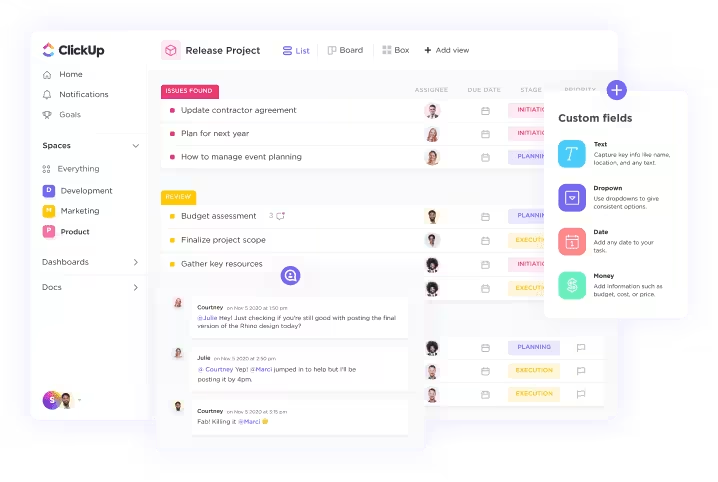
While it isn’t a digital notebook device, ClickUp stands out in digital note-taking if you’re looking for a flexible solution that seamlessly integrates tasks and notes.
ClickUp combines note-taking with robust task management, making it ideal for more than just jotting down ideas. You can write and create notes in a style that is both structured and freeform.
Take a look at some ClickUp features that make it a pro at digital note-taking.
ClickUp Notepad serves best as a lightweight solution to quickly jot down thoughts without opening an entire document or app.
What immediately stands out is how fast and accessible it is. I can open the notepad from any device—desktop or mobile phone—and it syncs instantly. This seamless experience allows me to maintain my flow even while switching between devices.I like ClickUp Notepad’s simplicity.
It’s not overloaded with features, which makes it ideal for those moments when I need to capture a quick idea or make a to-do list.
I also appreciate its integration into the larger ClickUp ecosystem. Once I jot down a note, I can quickly turn it into a task or action item. It’s perfect for keeping everything organized without needing multiple apps or platforms.
I used to live by my written notes, but after two days of evaluating ClickUp, I knew it was the solution for me.

ClickUp Docs is my go-to for more detailed note-taking. Try it out when you need a space to organize meeting notes, project ideas, and even brainstorming sessions. What will impress you is the ease of creating structured documents that aren’t just static notes but interactive. You can instantly link tasks, embed documents, and share them with your team.
One of the most significant benefits of ClickUp Docs is collaboration. Unlike other note-taking tools, I can invite team members to edit, comment, and build on ideas directly within the document. It’s like having a live workspace where ideas evolve in real time.
And since ClickUp Docs fully integrates with other features on ClickUp, I can assign action items directly from the document, turning discussions into tangible tasks. This feature makes my workflow so much smoother.

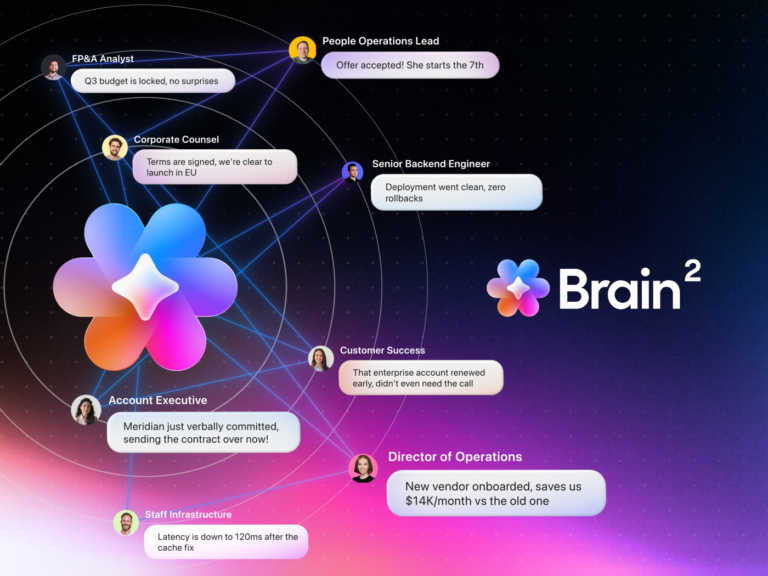
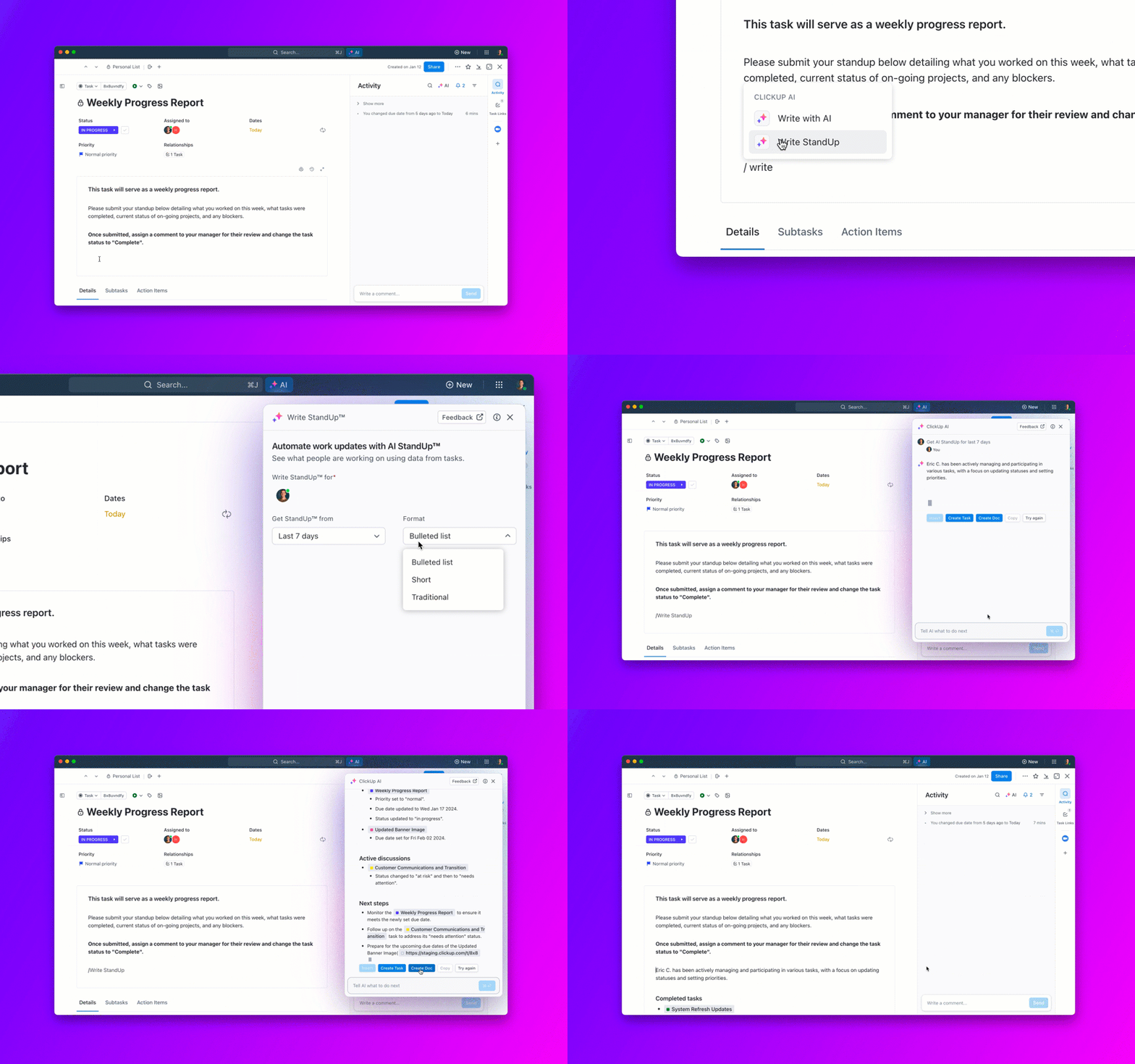
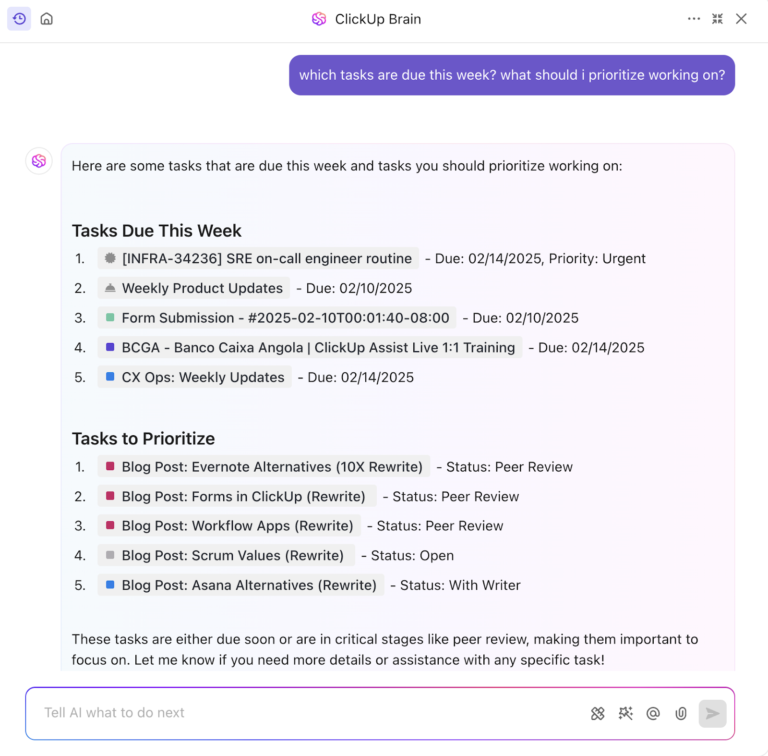
Anyone who’s skeptical about using AI for note-taking should try ClickUp Brain. ClickUp’s AI writing tool can assist with everything from summarizing long notes to suggesting ways to organize content.
When I’m in a time crunch, ClickUp Brain helps speed things up by writing drafts or cleaning up my notes into something more structured.
What I love most about ClickUp Brain is how intuitive it is. For example, if I’m jotting down meeting notes, I can ask the tool to summarize the key points or generate action items from the discussion. And because it tightly integrates with ClickUp, it synthesizes information from my tasks, files, and notes. As a result, ClickUp Brain tailors all its answers to match my needs.
When I first discovered the ClickUp Daily Notes Template, I didn’t realize how much it would simplify my day. This note-taking template helped me organize everything in one place. It’s not just a place to jot down notes—it’s designed to structure your day so you can stay focused and productive.
Here’s how the template helped me:
After exploring and evaluating various Kindle Scribe alternatives, I’ve gained valuable insights into the diverse options for enhancing note-taking and productivity. Each note-taking tool offers unique features and benefits that cater to specific needs, making it quite simple to choose the one that’s right for you.
Meanwhile, as someone who values efficiency and seamless productivity, I highly recommend using ClickUp as a note-taking app. Its various features and tightly integrated capabilities make it a strong choice for anyone looking to enhance their workflow.
Sign up for ClickUp to experience a comprehensive platform that empowers efficient project management, task management, easy note-taking, and flawless collaboration.
© 2025 ClickUp