


Sorry, there were no results found for “”
Sorry, there were no results found for “”
Sorry, there were no results found for “”
Ever left a video call only to realize you don’t remember the key details?
Or struggled to focus as background noise made it hard to follow the conversation?
Video calls were supposed to make life easier, but they feel like a mix of bad audio, awkward silences, and forgotten action items.
Artificial intelligence (AI) simplifies virtual meetings by transcribing conversations, eliminating distractions, and even summarizing key points.
In this blog post, we’ll talk about how AI can make your video calls sharper, clearer, and way less frustrating. 📽️
Video calls have come a long way from grainy, glitchy screens.
From Skype’s background blur in 2018 to Zoom and Google Meet’s AI enhancements, technology continues to evolve, ensuring virtual meetings feel more natural and productive.
Here’s how AI as a service helps enhance video conferencing:
🧠 Fun Fact: Video calls have been around longer than you think. The first-ever demo took place in 1927 when U.S. Secretary of Commerce Herbert Hoover appeared on a one-way video call with journalists, almost a century before other tools took over our lives.
📖 Read More: Best Online Virtual Meeting Platforms & Apps
AI is changing how we communicate.
Here’s how you can put them to work in your next call. 📲
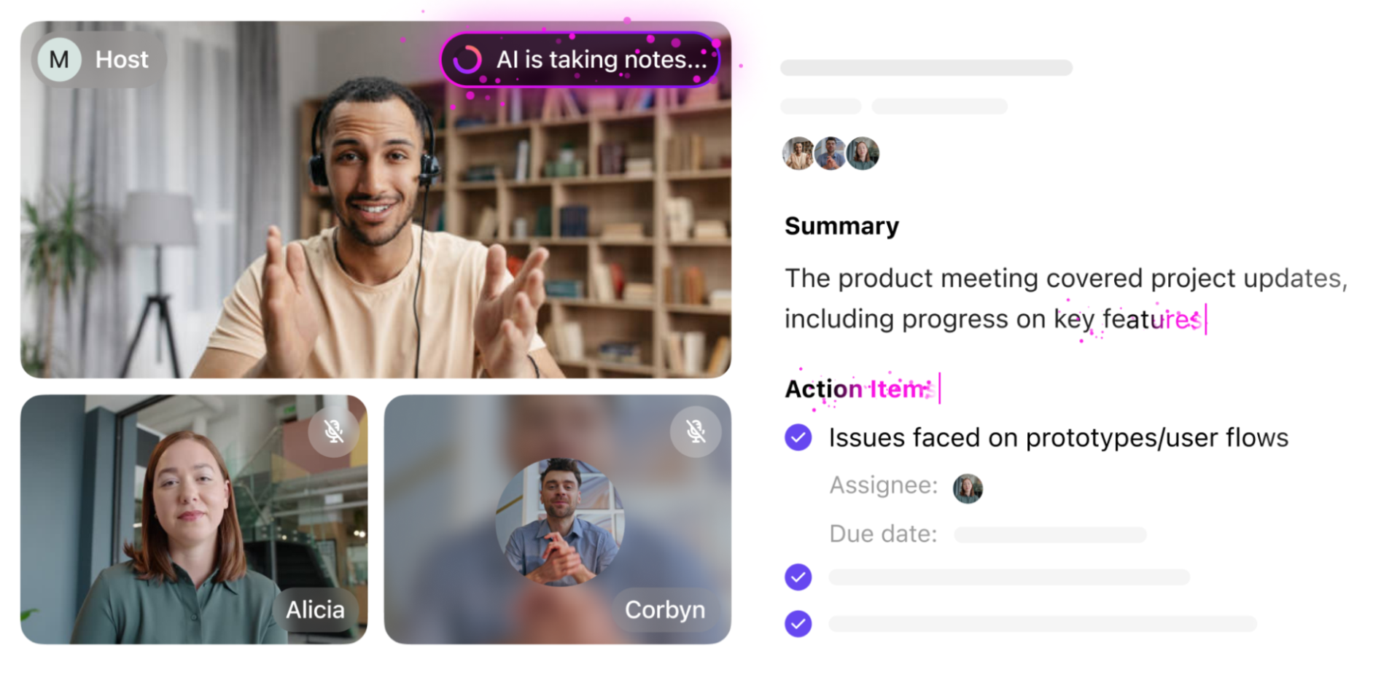
AI tools can automatically transcribe conversations and generate concise summaries, making it easier to capture key points without manual note-taking.
When comparing generative AI and predictive AI, the former creates real-time transcripts and summaries, while the latter analyzes past meeting data to identify key topics and anticipate action items.
Here’s how it helps:
The accuracy of these features depends on the AI tool and audio quality, but when implemented correctly, AI ensures nothing is missed. It also helps create better meeting documentation, making follow-ups and accountability easier.

🤝 Friendly Reminder: Keep a backup mic or webcam nearby. Tech hiccups happen, but you’ll be ready to roll if they do.
Background noise can make virtual meetings frustrating. AI-powered noise suppression eliminates distractions, ensuring crisp and professional audio. Here’s how it helps:
This is particularly useful for hybrid and remote workers. For instance, team managers can use AI noise canceling to ensure professional meetings, regardless of team members’ locations.
📮 ClickUp Insight: 18% of our survey respondents want to use AI to organize their lives through calendars, tasks, and reminders. Another 15% want AI to handle routine tasks and administrative work.
To do this, an AI needs to be able to: understand the priority levels for each task in a workflow, run the necessary steps to create tasks or adjust tasks, and set up automated workflows.
Most tools have one or two of these steps worked out.
However, ClickUp Brain MAX has consolidated all those needs into a single desktop app! Experience AI-powered scheduling, where tasks and meetings can be created and allocated to open slots in your calendar based on priority levels. And that’s just one of the many things!
We’ve all sat through meetings that felt never-ending.
While teleportation isn’t an option yet, AI can at least switch up your background, making it look like you’re somewhere more interesting.
Want more? Here’s what it offers:
However, these enhancements rely on AI’s ability to detect facial features and accurately separate them from the background.
Artificial intelligence can automate administrative meeting tasks, allowing participants to focus on discussions rather than logistics.
Chatbots and conversational AI play different roles in this process. Chatbots handle basic scheduling and reminders, while conversational AI offers deeper engagement.
AI assistants can:
AI meeting assistants help leaders hold teams accountable by automatically documenting action items. For example, IT professionals can rely on AI to log key technical discussions, prioritize bug fixes, and generate reports, eliminating manual tracking.
Communicating complex ideas in a non-native language can be challenging, but human-centric AI translation tools make it easier. These solutions ensure that global teams can collaborate seamlessly, breaking down language barriers without additional effort.
For example, business leaders can rely on these tools during a global product launch to ensure teams from New York to Berlin stay aligned.
These tools offer:
Remote training can often feel like a one-way street without knowing if the information is sinking in.
AI changes this, making onboarding and upskilling more interactive and effective. Real-time feedback, personalized learning paths, and automated knowledge checks ensure training sessions remain engaging, dynamic, and built for retention.
It helps:
🔍 Did You Know? In the 1930s, Germany had working closed-circuit video phones. Imagine FaceTiming…but only if you were part of an exclusive, government-run network.
Most meetings feel “busy” but not productive.
An hour spent talking leaves you with the same to-do list you started with.
AI changes that equation. Instead of calls draining energy, they become productivity multipliers—capturing key insights, highlighting priorities, and turning conversation into progress. 👀
Let’s explore how it helps bridge the gap between virtual meetings and actionable outcomes.
Finding time for a meeting often feels harder than the meeting itself.
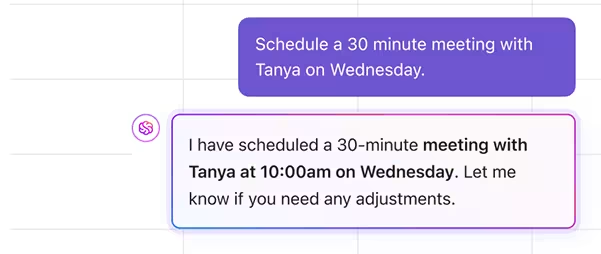
Endless back-and-forth messages, calendar juggling, and manual invites slow teams down before the conversation even starts. Contextual AI removes that friction by understanding priorities, availability, and workload—so scheduling stops being a task in itself.
Instead of shuffling through calendars or guessing at the best time, AI can instantly surface slots that work for everyone and align with project timelines. Meetings become intentional, not interruptive.
With ClickUp Brain and ClickUp Calendar, that experience is built right in.
Brain looks across schedules, tasks, and deadlines to suggest the best time to connect, while Calendar makes it seamless to confirm and share. The result: less time planning meetings, more time making them count.
Transcription is the thing that saves video calls. We know this.
With built-in AI tools, you no longer have to add or integrate multiple tools to do that. AI can make transcription a seamless part of the process.
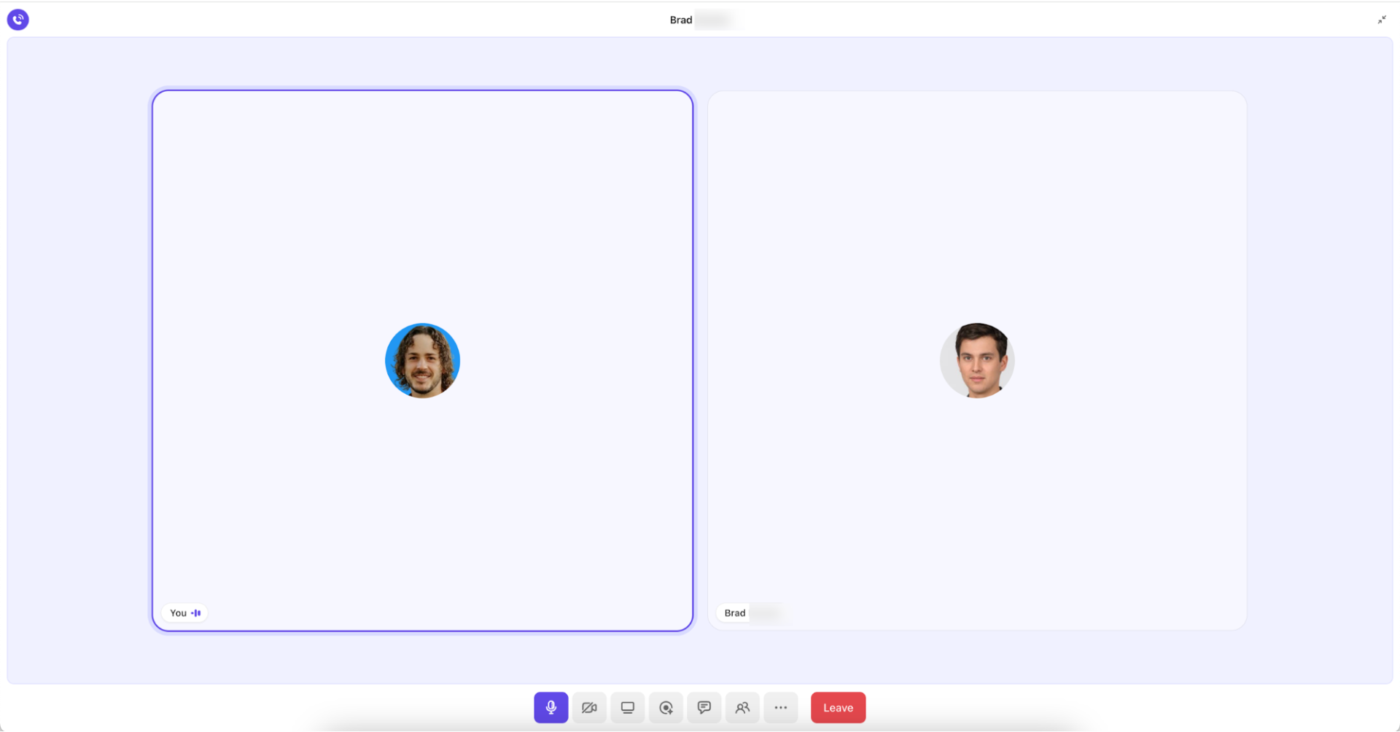
In ClickUp, SyncUps create a dedicated space for video and audio check-ins, helping teams track progress, address challenges, and refine plans without unnecessary delays.
Say the IT team is rolling out a new software update.
Instead of chasing status reports across multiple channels, you can directly launch a SyncUp in ClickUp Chat. Team members join instantly, using built-in voice and video for real-time discussions. It records every key point while ClickUp Brain transcribes these, making it easy to track decisions and follow up on items.
As teams refine plans, they can connect discussions directly to ClickUp Tasks, whether assigning new responsibilities or updating project timelines. This eliminates information silos and keeps work organized within a single platform.
Keeping track of every detail in fast-paced meetings on a Monday morning is not anyone’s dream scenario. Which explains the explosive growth of the AI notetakers in the past years.
For instance, suppose an executive team is reviewing quarterly performance.
Instead of assigning someone to jot down key takeaways, they use AI for meeting notes to capture every discussion point. Smart summaries condense lengthy meetings into clear recaps, while searchable transcripts help pinpoint specific discussions within seconds.
The only issue? Most people use external notetakers, which means more integrations to worry about. Not with ClickUp, though! The ClickUp AI Notetaker ensures no critical insight is lost, transforming conversations into structured summaries and actionable tasks without manual note-taking.

When teams work across time zones or packed schedules, the real challenge isn’t having conversations.
Your hardest task is making sure those conversations transfer quickly to the people who weren’t in the room. AI makes that handoff effortless by turning live discussions into searchable, shareable insights that can be consumed anytime.
Instead of repeating details or rehashing decisions, AI can instantly capture what was said, highlight the key takeaways, and surface the next steps. That means updates move at the speed of work, not the speed of calendars.
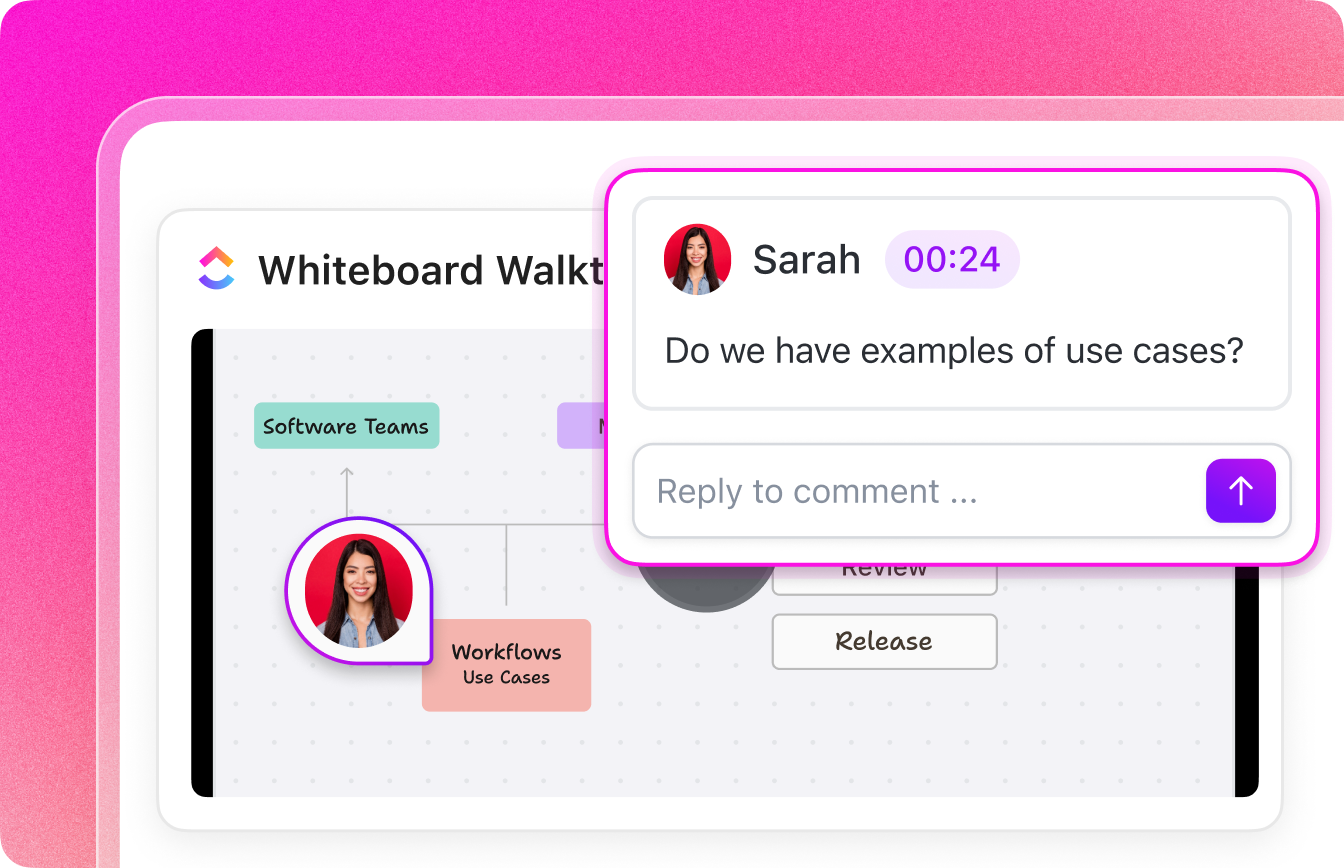
With ClickUp Clips, this all happens automatically. Record once, and AI transcribes, summarizes, and can even create tasks you can drop straight into Docs, Tasks, or Chat. Plus, you can drop Clips directly into ClickUp Docs and Chat to keep discussions contextualized.
It’s not the lack of information that slows teams down.
Most of us are dealing with the fact that it’s scattered everywhere.
Meeting notes live in one place, progress updates hide in dashboards, and critical decisions are buried in Slack threads.
The real win of AI? It stitches those fragments together so the bigger picture is clear.
Instead of wasting energy chasing context, AI can pull the signal from all the noise—flagging the action item from last week’s call, tying it to today’s dashboard update, and linking the follow-up in chat. Suddenly, nothing feels isolated or lost.
ClickUp Brain does exactly this. As contextual AI, it connects tasks, Docs, Dashboards, and conversations into a single thread of meaning—so work isn’t just documented, it’s understood.
📖 Also Read: How to Integrate AI Into a Website
Chat never stops—Slack, email, DMs—it all piles up faster than anyone can scroll. The real problem isn’t missing a message, it’s losing the thread of what actually matters. AI fixes that by cutting through the noise, giving you the gist without the grind.
Instead of reading hundreds of replies, you get a clean summary—and in ClickUp Chat, you can go one step further. Turn any conversation into a task, keep context attached, and let Autopilot Agents triage questions or send updates while you focus on the work itself.
Catching up stops feeling like homework. You get the decisions, the asks, and the next moves—without ever wading through the chatter.
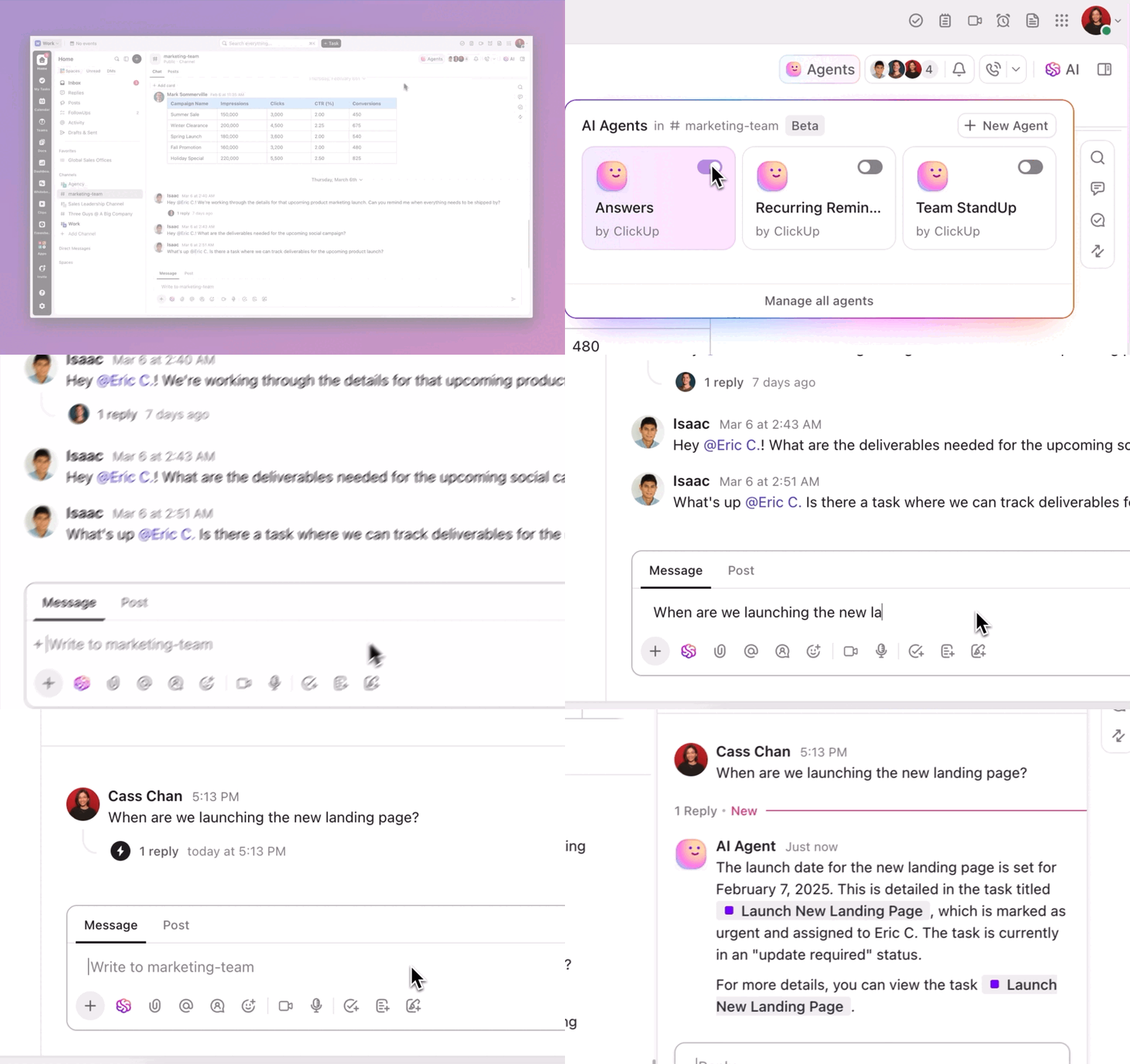
Async video communication has its fair share of challenges—poor audio, laggy connections, and missed details.
Luckily, AI has solutions for these common problems, making your virtual meetings run smoother and more efficiently.
Let’s look at some common problems you might face and solutions to help you. ⚒️
➡️ Audio clarity issues: Poor audio quality due to background noise or echo can make conversations frustrating. AI-powered noise cancellation filters out disruptive sounds—like keyboard clatter, traffic, or barking dogs—ensuring that every participant’s voice is clear and easy to understand
➡️ Video quality and lighting concerns: Low resolution, inadequate lighting, or cluttered backgrounds can distract from the message. AI tools automatically adjust brightness, enhance resolution, and apply background blurring or virtual backgrounds, providing a polished and professional look regardless of your physical environment
➡️ Miscommunication and information overload: Keeping track of key points and decisions is challenging in lengthy calls. AI meeting transcription tools convert smart chapters to text in real time, while summarization features highlight important takeaways, making follow-ups and task assignments straightforward
➡️ Engagement and attention lapses: It can be difficult to gauge whether remote meeting participants are engaged. AI analytics can help you conduct sentiment analysis and interaction levels
➡️ Language barriers: Global teams often face communication hurdles due to diverse languages. AI translation tools offer live subtitles and automated translations, ensuring everyone understands the discussion regardless of their native language
➡️ Connectivity and bandwidth fluctuations: Unstable connections can result in lag, buffering, or dropped calls. AI algorithms dynamically adjust video quality based on network performance, maintaining a smooth and uninterrupted meeting experience for all participants
AI elevates your experience in most things. The same goes for video calls, ensuring productive and organized meetings.
While video conferencing software such as Microsoft Teams and Zoom offer transcription, noise cancellation, and meeting management, ClickUp streamlines everything in one place with advanced features.
SyncUps simplify scheduling and managing talking points, while Clips allow teams to record and share key conversations. ClickUp Brain goes a step further, transcribing meeting recordings, summarizing the video feed, and turning action points into actionable tasks.
So, why wait? Sign up to ClickUp for free today! ✅
© 2026 ClickUp



