






Still downloading templates?
There’s an easier way. Try a free AI Agent in ClickUp that actually does the work for you—set up in minutes, save hours every week.
Sorry, there were no results found for “”
Sorry, there were no results found for “”
Sorry, there were no results found for “”
Choosing the right SaaS pricing model isn’t about picking the cheapest option. It’s about knowing what you’re paying for. And whether that cost will still make sense as your business grows.
In this guide, we’ll break down the most common SaaS pricing models. We’ll also show you how to evaluate SaaS pricing models for your needs. Continue reading and learn how to avoid overpaying as your team scales!
SaaS pricing is how software companies charge you for using their product. Instead of buying software once, you pay a recurring subscription fee, usually monthly or annually. That fee gives you ongoing access to the product, plus updates, hosting, and support.
At the heart of every SaaS billing model is a “value metric.” This is the thing you’re paying for. It could be the:
Understanding the value metric helps you predict how your costs will grow as your business grows.
Here’s what makes SaaS pricing different:
The biggest challenge for buyers is tool overload. Using too many disconnected SaaS tools creates Work Sprawl—the fragmentation of work activities across multiple, disconnected tools that don’t talk to each other. This leads to wasted time, missed context, and unclear software costs.
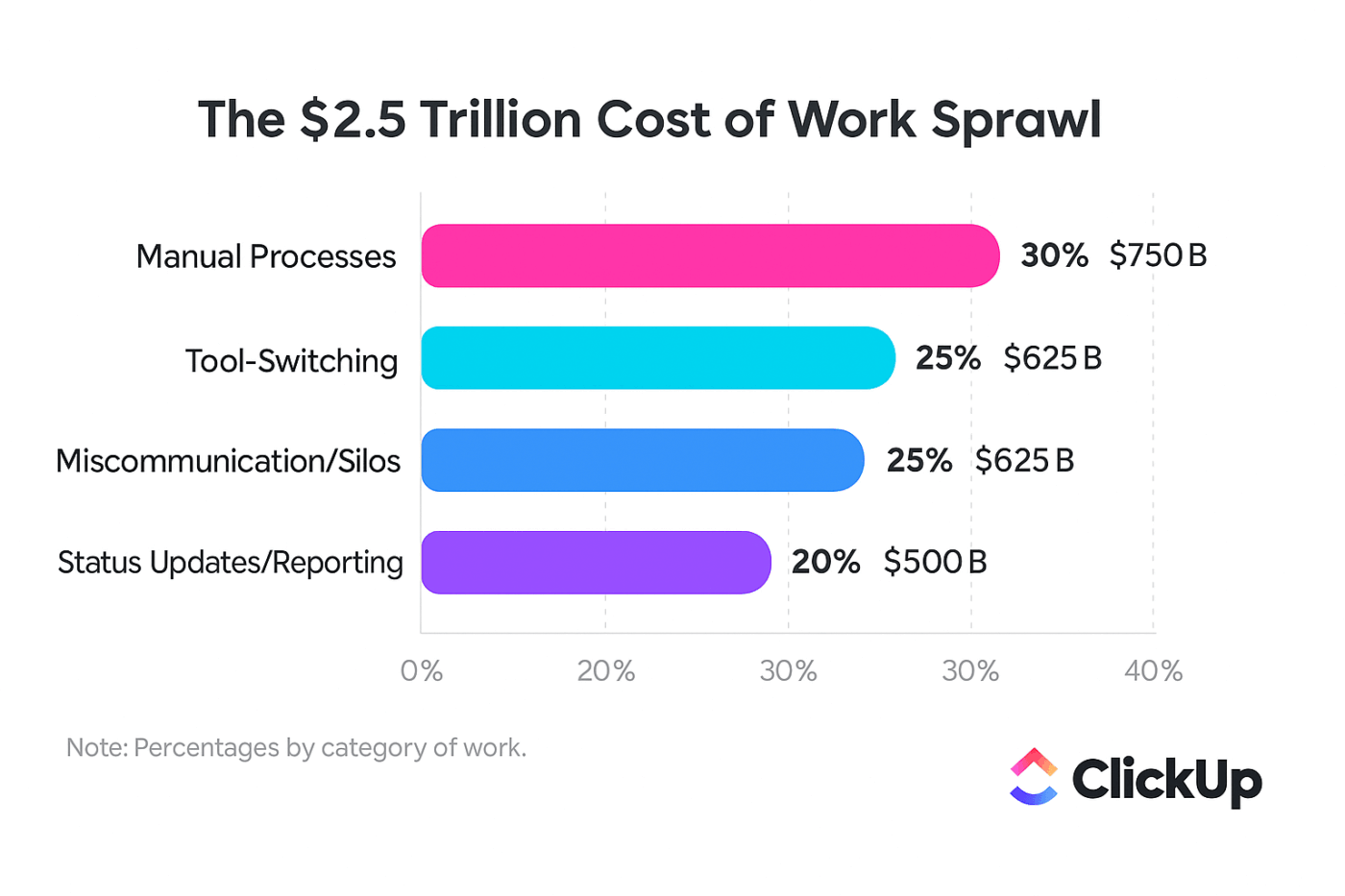
When work is scattered, it’s hard to see what tools you’re paying for—or whether they’re worth it. A single, Converged Workspace makes it much easier to track spending and understand real value.
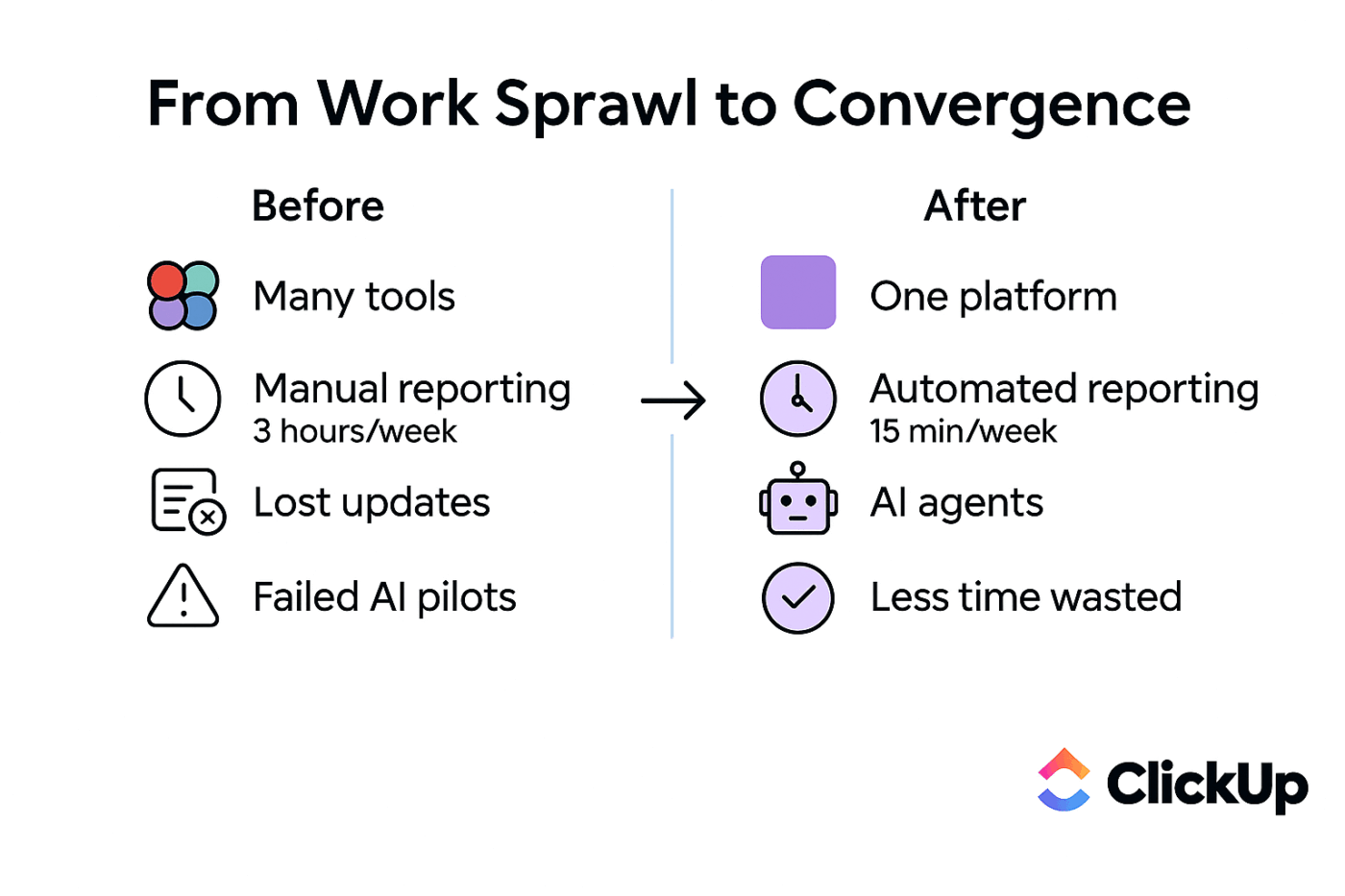
📮 ClickUp Insight: Low-performing teams are 4 times more likely to juggle 15+ tools, while high-performing teams maintain efficiency by limiting their toolkit to 9 or fewer platforms. But how about using one platform?
As the world’s first Converged AI Workspace, ClickUp brings your tasks, projects, docs, wikis, chat, and calls under a single platform, complete with AI-powered workflows.
Ready to work smarter? ClickUp works for every team, makes work visible, and allows you to focus on what matters while AI handles the rest.
Different SaaS companies use different pricing models.
Your aim? To answer one question: What am I paying for?
Let’s walk through the most common ones. And help you decide which one’s right for you.
We’ll cover:
Flat-rate pricing charges one fixed price for everything. There are no tiers and no usage limits.
This works well for simple tools or early-stage products where all customers have similar needs.
The downside? Light users may feel the price is too high. Power users, on the other hand, get a lot of value without paying more. This leaves money on the table.
Here’s a quick look at the pros and cons:
✅ Pros
❌ Cons
Tiered pricing is the most common model you’ll see. It packages features into several different plans—usually three or four—at different price points.
| Tier | Typical audience | Common inclusions |
|---|---|---|
| Starter | Small teams, individuals | Core features, limited storage |
| Professional | Growing teams | Advanced features, integrations |
| Enterprise | Large organizations | Custom limits, dedicated support, security controls |
This model works because it serves different team sizes and budgets. It also gives you a clear path to upgrade as your needs grow.
🤝 Friendly Reminder: The key to making tiered pricing work is clarity. If it’s not obvious why a higher tier costs more, the pricing is poorly designed.
When choosing a tier, customers should focus on what they need. Paying for features that won’t be used is one of the most common SaaS spending mistakes.
Usage-based pricing, also known as pay-as-you-go, charges you based on how much you use the product.
Here are some common metrics you might be charged for:
This model ties cost directly to value. You pay more only when you use more. That’s why 85% of software companies have already adopted this approach in some form.
It’s a perfect fit for tools where usage can vary from one customer to another, such as cloud infrastructure or email marketing platforms. It’s great for growing businesses, but it can make budgeting harder. Costs can change unpredictably from month to month.
Per-user pricing charges you for each person who uses the tool.
It’s easy to understand and scales as your team grows. That’s why it’s common for collaboration tools.
The problem? It can sometimes discourage adoption. Teams may avoid adding users to save money. It can also lead to “seat hoarding.” You end up paying for software licenses for people who aren’t even using the software.
👀 Did You Know? Enterprises now lose $21 million annually on unused SaaS seats.
Before committing to a per-user model, ask:
Freemium pricing offers a free plan forever, with paid upgrades for more features.
It works well for products that spread through word of mouth. Free users try the product, build a habit around it, and some eventually upgrade. When it works, your free users become your best marketing channel.
🤝 Friendly Reminder: The biggest risk is striking the right balance. If the free plan is too generous, no one will upgrade. But if it’s too limited, new users won’t stick around long enough to see the value.
Feature-based pricing focuses on unlocking specific, high-value capabilities rather than just increasing usage limits. This is very common in software sold to large companies, where things like advanced security, compliance tools, and custom integrations are non-negotiable and justify a higher price.
Enterprise customers often need:
Smaller teams may not need these features, which is why they’re priced separately.
📚 Also Read: How to Optimize SaaS Operations
Now that you know the different models, how do you actually evaluate them for your business? It’s about more than just the sticker price. Let’s break it down. 🛠️
The first step is to look at the value metric—that thing you’re being charged for—and ask if it actually aligns with the goal metrics you’re trying to achieve. A good value metric should grow as you get more value from the product.
📌 For example, paying per user makes sense for a collaboration tool because having more people on it makes it more valuable. If only half your team logs in regularly, you’re overpaying. Track actual usage and compare it to what you’re billed for.
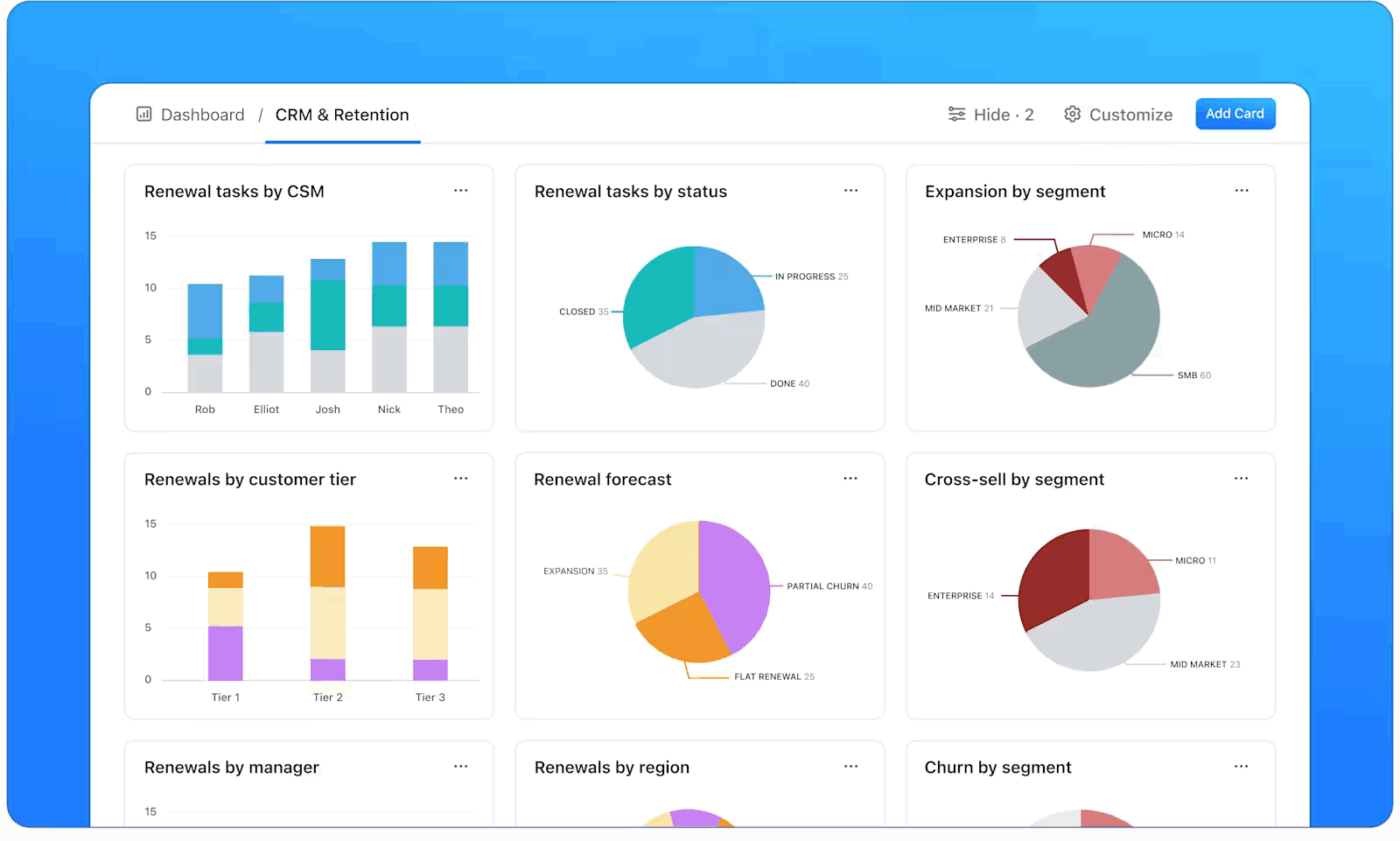
Customizable visual reports in tools like ClickUp Dashboards make this easy.
You can track active users, feature adoption, and usage trends across teams in one view. This makes it easy to spot unused licenses, rising costs, or tools that aren’t delivering value. The result? You remove waste and forecast spend with confidence.
Not all customers are the same. A small startup has very different needs and a much smaller budget than a global enterprise. Good pricing reflects this by offering different packages for different customer segments.
As a buyer, ask yourself:
Understanding your segment helps you spot pricing gaps and over-packaged plans.
💡 Pro Tip: Gather clear feedback from the people who actually use the tools. You can ask teams which features they need, which ones they never touch, and where pricing feels misaligned—all using ClickUp Forms.
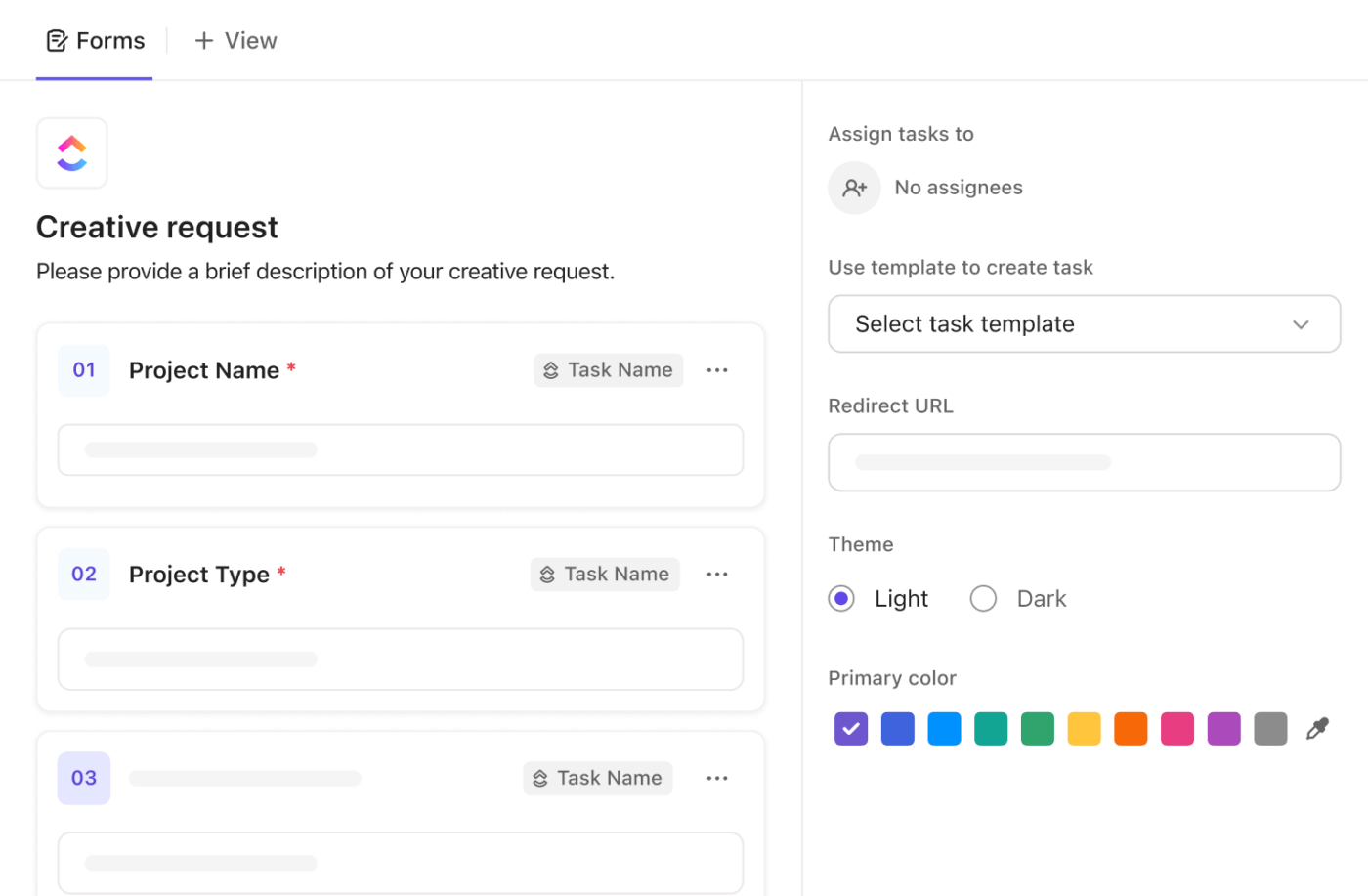
All responses flow into ClickUp automatically, making it easy to see patterns, identify gaps between plans, and decide whether a higher tier is truly worth paying for.
Now it’s time to run the numbers. You need to calculate the total cost of ownership (TCO), which goes way beyond the monthly subscription fee.
You also need to factor in these components:
| Cost Component | One-Time | Recurring | Notes |
|---|---|---|---|
| Subscription fees | — | Monthly/Annual | The base cost of the software |
| Implementation/onboarding | Yes | — | Often a hidden, upfront cost |
| Training | Yes | Ongoing | The time your team spends learning |
| Integrations | Sometimes | Sometimes | Fees for connecting to other tools |
| Overages | — | Variable | Extra charges for exceeding limits |
When work and financial data live in one place, it’s easier to calculate real costs. ClickUp’s Converged AI Workspace helps remove Context Sprawl and improve accuracy.
ClickUp brings tasks, time tracking, docs, and dashboards into one workspace, so cost data stays tied to real work.
📌 For example, a team evaluating a project management tool can track time spent per task, link vendor contracts in ClickUp Docs, and view usage trends in Dashboards.
ClickUp Brain, the Contextual AI assistant, then summarizes activity and highlights cost gaps, helping teams spot unused features, estimate true ROI, and decide whether a tool should be downgraded, replaced, or expanded.
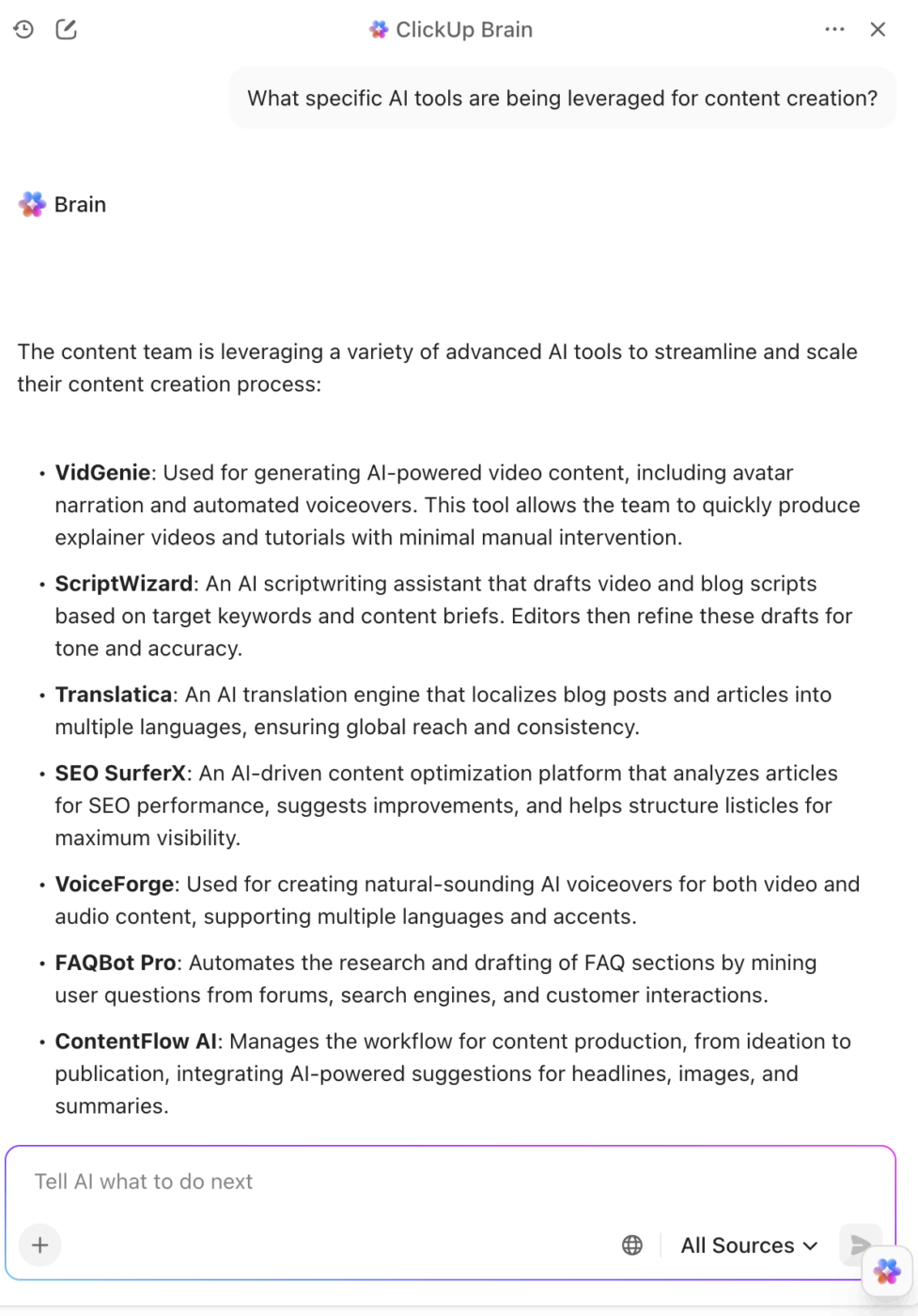
This powerful amalgamation of features and capabilities is also why users love ClickUp:
I love the fact of having everything at my fingertips, tasks, documents, personalized dashboards, links to projects or discussions, search, and AI that works well… in short, it’s an environment that makes you productive and above all allows large teams to always be aligned on all projects. The ability to create closed/private groups also allows clients to join operational discussion channels without having to use external messaging software. I just need one ClickUp window open to be able to work. TOP!
The final step is to stress-test the pricing against future possibilities.
Model best-case, expected, and worst-case scenarios. And please, follow a proper SaaS procurement process. Look for clauses about automatic renewals, price increases, and what happens if you need to cancel or downgrade your plan.
Visualize usage trends over time to make realistic projections and avoid getting locked into the wrong contract—all with ClickUp Dashboards.
A pricing model is the structure of SaaS pricing, while a pricing strategy is the approach to setting the actual price points. Understanding the strategy behind a vendor’s pricing can give you an edge in negotiation and evaluation. 👀
A company enters a market with a very low price to attract a lot of customers quickly. Once they have a strong foothold, they start to raise the price. This is a common strategy for new companies trying to break into a crowded market.
The risk for the company is that they attract customers who are only there for the low price and will leave as soon as it goes up. As a buyer, it means you might get a great deal initially. But be prepared for prices to increase over time.
Price skimming is the opposite of penetration pricing. A company launches a new, innovative product at a very high price to capture the most value from early adopters who are willing to pay a premium. Over time, they lower the price to appeal to a broader market.
You’ll see this with cutting-edge technology that has little competition at launch. It allows the company to recoup its research and development costs quickly.
Value-based pricing sets the price based on the perceived value it delivers to the customer, not costs or competitors. Companies need to truly understand the problems they solve and what that solution is worth to their customers.
This research often involves:
🧠 Fun Fact: Many global SaaS products (e.g., Netflix, Spotify, Adobe) adjust prices by region based on purchasing power (price discrimination). That’s why users in India often pay less than users in the US—this strategy balances market demand and affordability.
Here, a company sets its prices based on what the competition is charging. It could be slightly lower, slightly higher, or right at the same level.
This approach assumes your competitors have done their homework and priced their product perfectly, which may not be the case. It also ignores your unique value and can lead to a “race to the bottom” where companies keep undercutting each other until no one is profitable.
📚 Also Read: Competitor Analysis Examples
Even with the right model and strategy, pricing can go wrong. Here are a few best practices to keep in mind, whether you’re selling software or buying it. ✨
Good pricing pages are easy to scan. You should understand plans in seconds.
🚩 Red flags include:
✅ The best pricing pages limit themselves to three or four tiers, use a clear comparison table, and highlight the most popular option.
💡 Pro Tip: The same principle applies to your own internal documentation. Keep your vendor pricing research organized and accessible for your whole team by storing it in ClickUp Docs.
Packaging is how features are bundled together into different plans. This shouldn’t be random. Each tier should offer a logical set of tools for a specific type of customer.
🚩 Common mistakes:
✅ See which features your team actually relies on to choose the right tier and avoid overpaying, using ClickUp Dashboards.
🧠 Fun Fact: SaaS companies commonly use price anchoring on their pricing pages—listing higher-priced plans first makes lower ones feel like better deals psychologically.
Pricing is not a “set it and forget it” activity. It needs regular reviews and adjustments.
You should be tracking SaaS metrics, such as:
✅ Centralize your data in ClickUp Dashboards to create a single source of truth for pricing performance and spot issues faster.
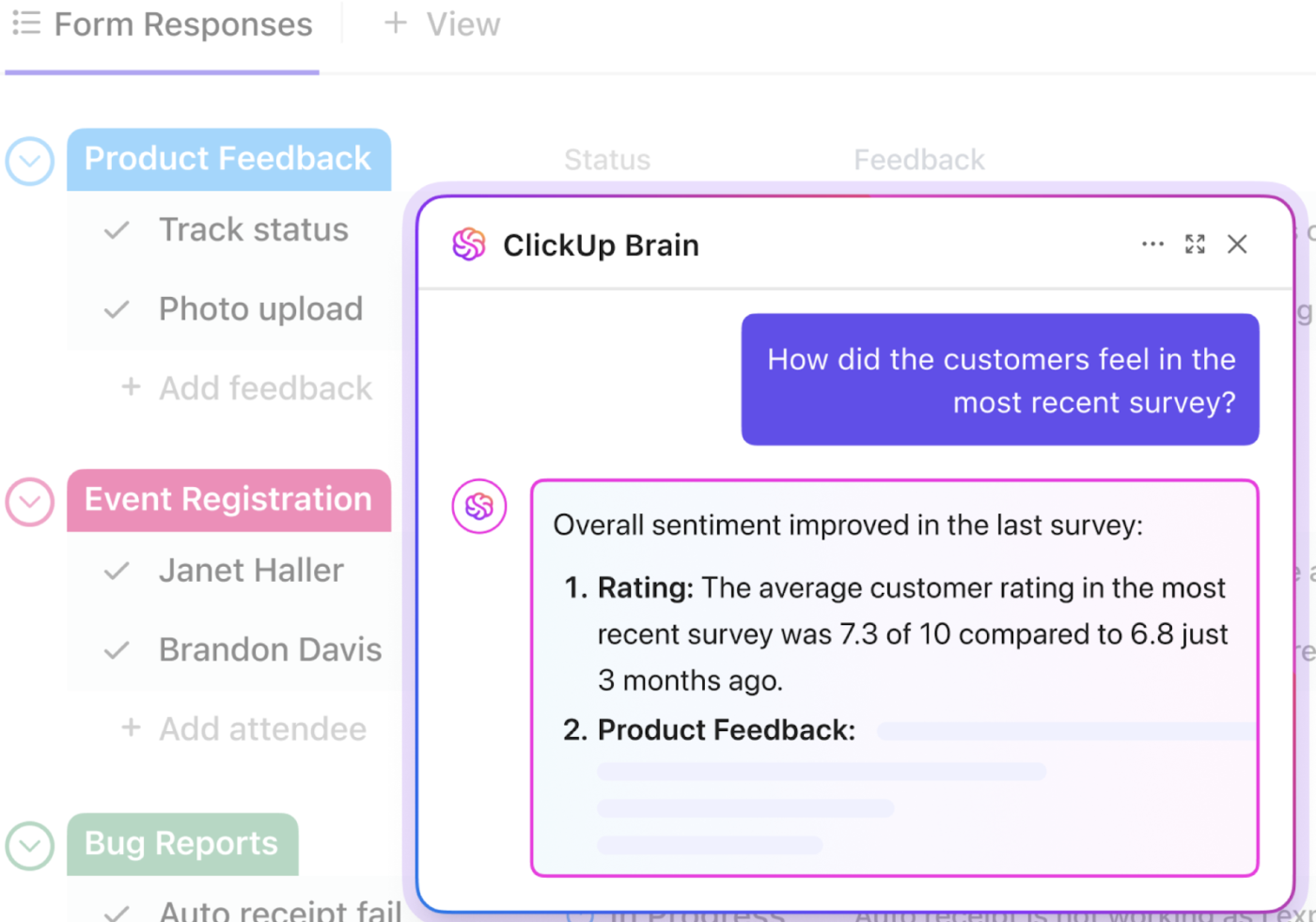
Making smart pricing decisions requires listening to your customers. But manually sifting through thousands of support tickets, sales call notes, and survey responses is nearly impossible. This is where AI becomes a superpower for modern teams. 🤩
ClickUp Brain summarizes themes, flags objections, and surfaces insights fast—without adding AI Sprawl (or too many AI tools) to your stack.
Watch this video to learn more about AI Sprawl and how to avoid it:
SaaS pricing isn’t just a financial decision—it shapes how your team works and scales. The right model grows with you, stays clear as usage changes, and reflects real value over time.
But that only works if you can see the full picture. When pricing data, usage, and work live in different tools, costs blur fast.
ClickUp brings everything together—projects, usage signals, feedback, and AI insights—so pricing decisions are based on facts, not assumptions.
Want to see how consolidating your tools can help you make smarter pricing decisions? And reduce your overall SaaS spend while at it?
Tiered pricing is the most common SaaS pricing model. It supports many customer types and offers clear upgrade paths.
To choose your SaaS pricing model, start by understanding your customer and the value you provide. If your customers have very different needs, tiered or feature-based pricing might work well. If value is tied directly to consumption, consider usage-based pricing.
A pricing model is the structure of how you charge (e.g., per user, tiered). A pricing strategy is the logic behind the price itself (e.g., pricing based on competitors, value, or cost).
For most SaaS businesses, yes. Transparent pricing builds trust and reduces friction. The main exception is for highly complex enterprise deals that require custom solutions and negotiation.

© 2026 ClickUp

There’s an easier way. Try a free AI Agent in ClickUp that actually does the work for you—set up in minutes, save hours every week.