






Still downloading templates?
There’s an easier way. Try a free AI Agent in ClickUp that actually does the work for you—set up in minutes, save hours every week.
Sorry, there were no results found for “”
Sorry, there were no results found for “”
Sorry, there were no results found for “”
Most teams test LLM summarization tools by feeding them a sample document and calling it done. The model that nails your quarterly reports might butcher your Slack threads, and the one that’s perfect for legal briefs could hallucinate facts in your customer emails.
This guide walks you through the top LLMs for text summarization, how to evaluate them against your actual workload, and how to connect those summaries directly to action in your workflow.
| Model | Best for | Best features | Pricing |
|---|---|---|---|
| ClickUp Brain | Teams wanting summarization directly inside their workflowTeam size: Any team using ClickUp for projects and communication | Workspace-aware summaries, meeting summarization with AI Notetaker, action item creation, multi-LLM routing, natural language search | Free forever; Customization available for enterprises |
| OpenAI GPT-4o | Polished, executive-ready summariesTeam size: Small to large teams needing high-quality abstractive results | Human-like summaries, multimodal support, strong instruction-following, large context window | API pay-per-token, ChatGPT Plus $20/month |
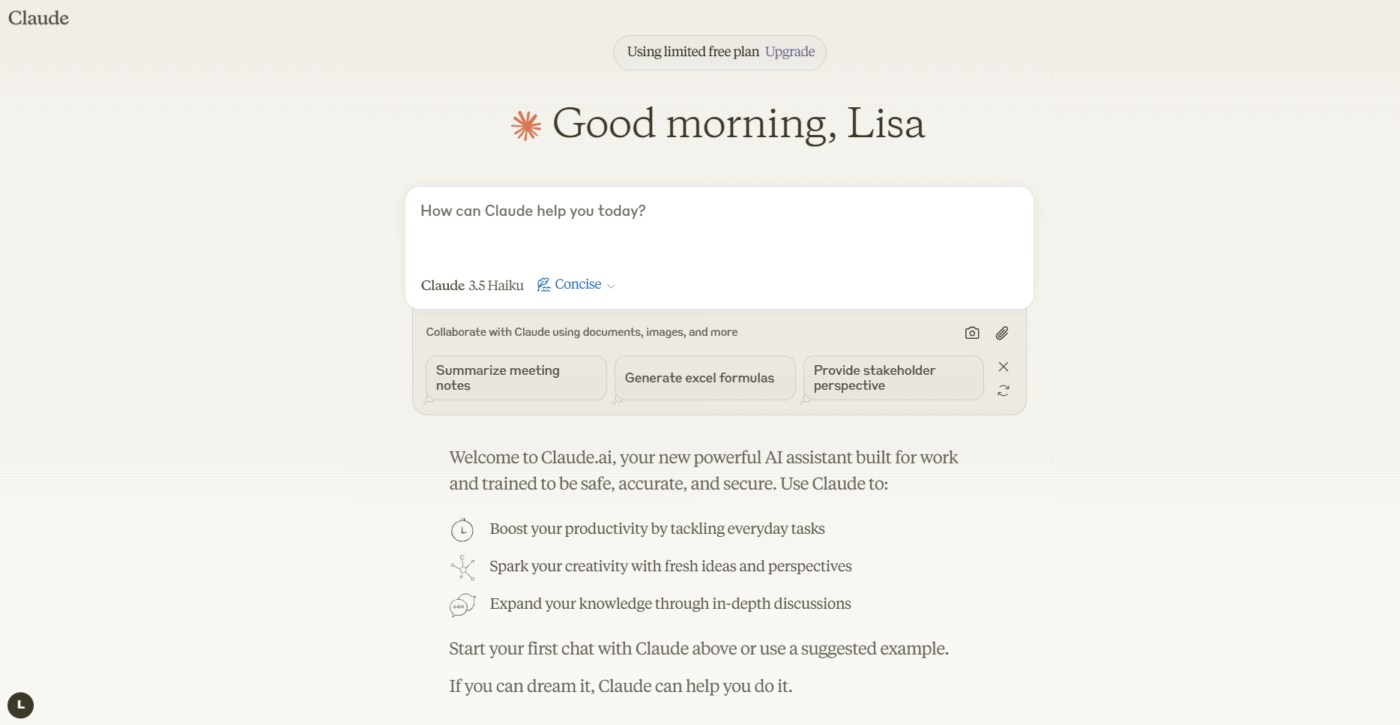
| Claude 3.5 Sonnet | Compliance-sensitive or highly technical documentsTeam size: Legal, finance, enterprise teams | Extended context window, low hallucination, great format control, strong reasoning | API pay-per-token, Claude Pro subscription |
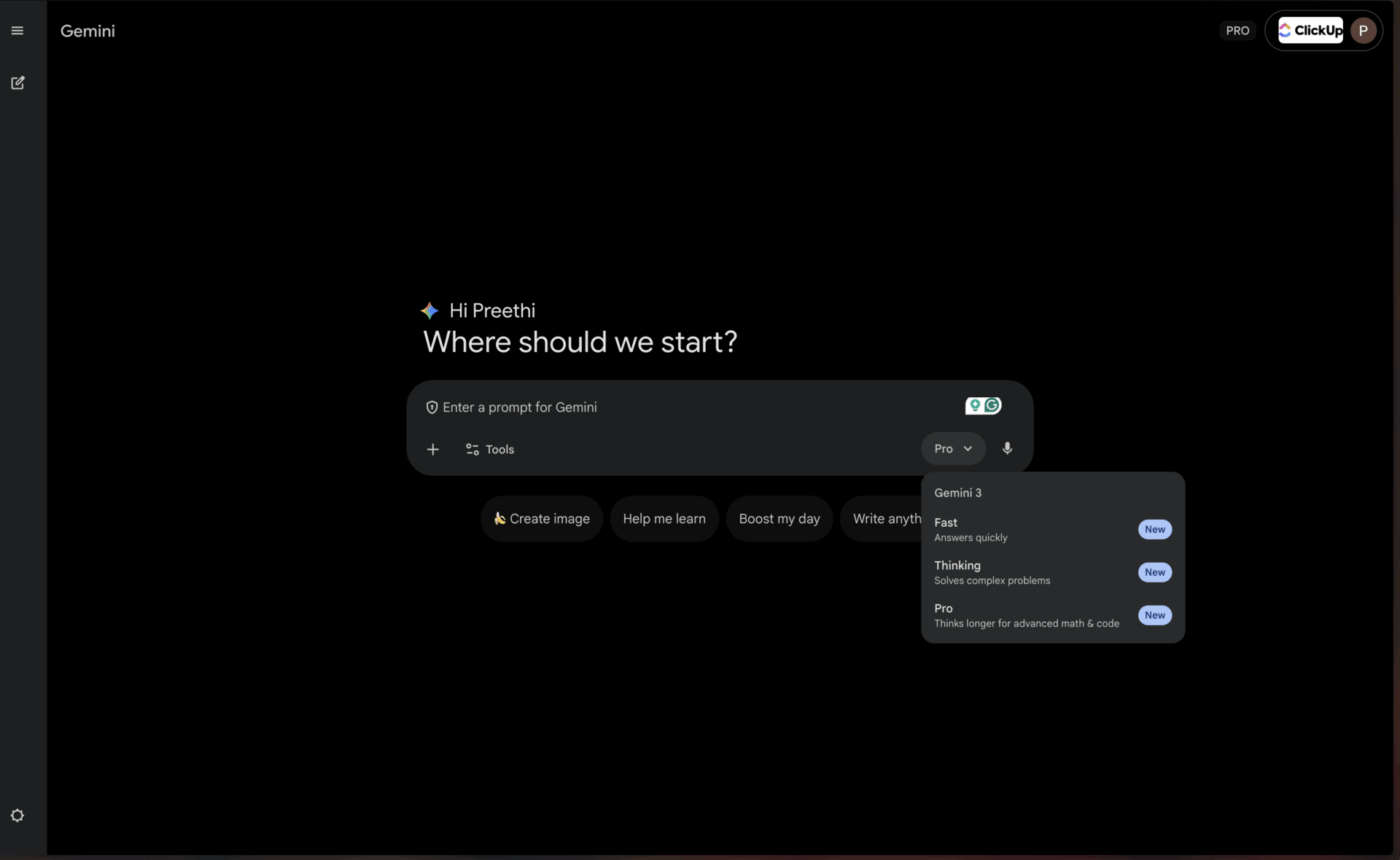
| Google Gemini 1.5 Pro | Teams working deeply in Google WorkspaceTeam size: Ops, research, meeting-heavy teams | Up to 1M-token context window, Google Meet and Drive integration, multimodal summarization | Usage-based pricing via Google AI Studio or Vertex AI |
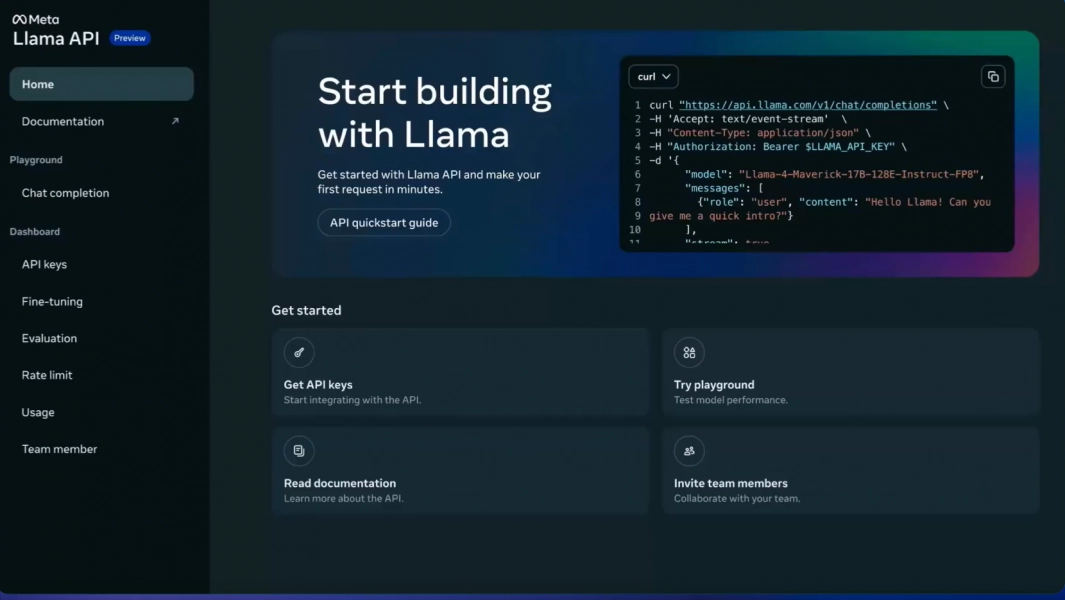
| Meta LLaMA 3 | Self-hosted and customizable summarization pipelinesTeam size: Engineering-led, privacy-focused teams | Fully self-hosted, fine-tuning capability, strong summarization quality, full data control | Free open-source weights, infrastructure costs apply |
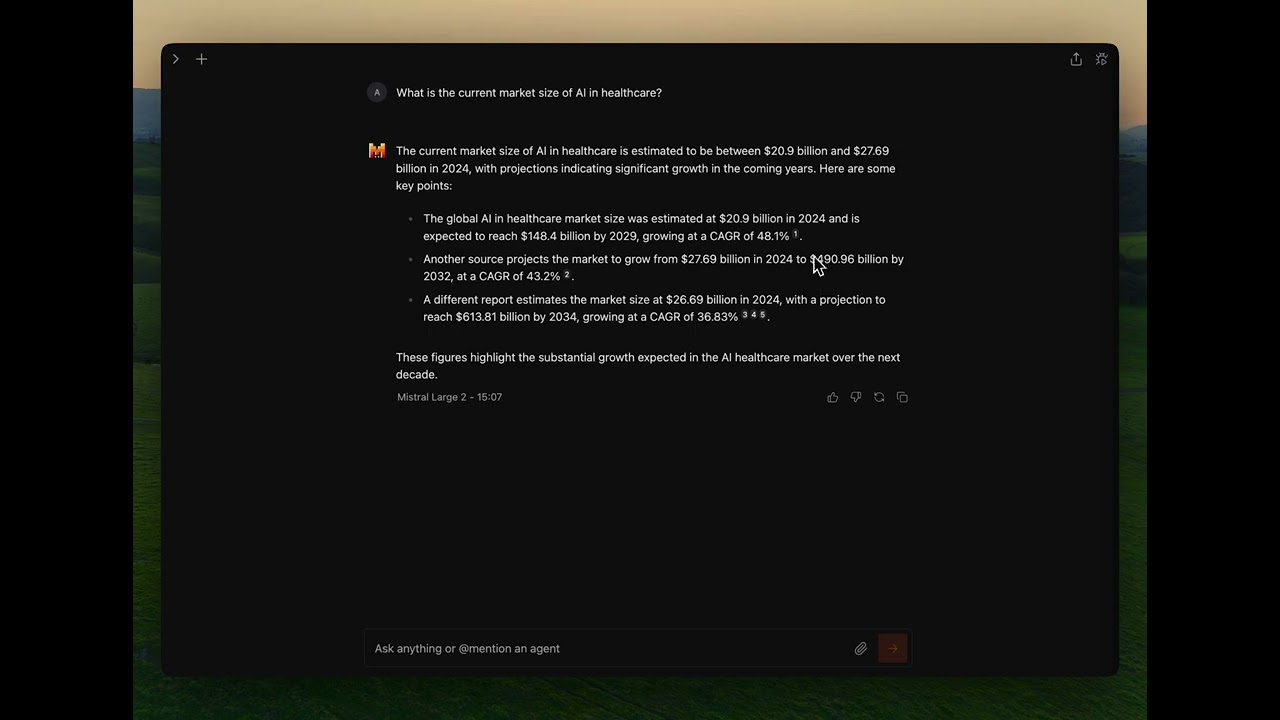
| Mistral Large | Teams needing EU data residency and hybrid deploymentTeam size: EU enterprises or compliance-driven orgs | Hybrid managed API or self-hosted, strong summarization quality, efficient token usage | Competitive API pricing, open weights available |
Our editorial team follows a transparent, research-backed, and vendor-neutral process, so you can trust that our recommendations are based on real product value.
Here’s a detailed rundown of how we review software at ClickUp.
Choosing the wrong summarization model leads to wasted money on clunky APIs, struggles with complex setups, or simply getting low-quality summaries that aren’t helpful. Before diving into specific models, understanding what separates effective summarization from generic output helps you make a smarter choice.
A model that excels at summarizing research papers may struggle with conversational Slack threads or meeting transcripts. Look for LLMs that have been tested across the specific document types your team works with daily—whether that’s legal contracts, customer emails, technical documentation, or meeting notes.
Context window determines how much text the model can process in a single pass. If you’re summarizing hour-long meeting transcripts or lengthy research reports, you need a model with an extended context window. Otherwise, you’ll need to chunk documents and lose the coherence that comes from processing everything together.
Some models prioritize inference speed while others optimize for output quality. For real-time summarization during meetings, speed matters more. For generating executive briefings, quality takes precedence. Consider where your use cases fall on this spectrum.
Your team’s technical resources and security requirements should guide whether you need a managed API, self-hosted deployment, or hybrid approach. Enterprise teams with strict data policies may require on-premises options, while smaller teams might prefer the convenience of cloud APIs.
The overwhelming number of available models makes choosing the right one a challenge. Each model below represents a strong contender, but the “best” one depends entirely on your team’s specific needs. We’ll evaluate them on accuracy, context window size, speed, and access options.
The biggest problem with standalone summarization tools isn’t the quality of their summaries—it’s what happens next. You generate a brilliant summary, then manually copy it to your project management tool, create tasks from it, and message your team about next steps. ClickUp Brain eliminates this friction by bringing summarization directly into your workflow.
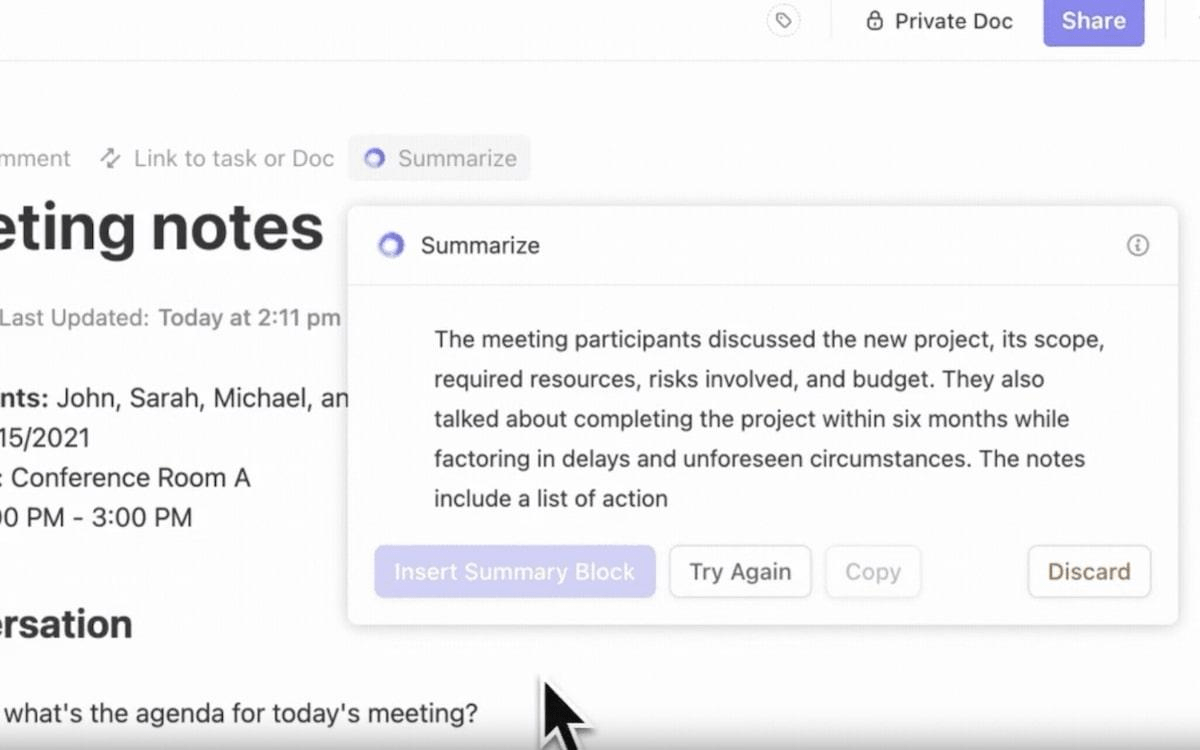
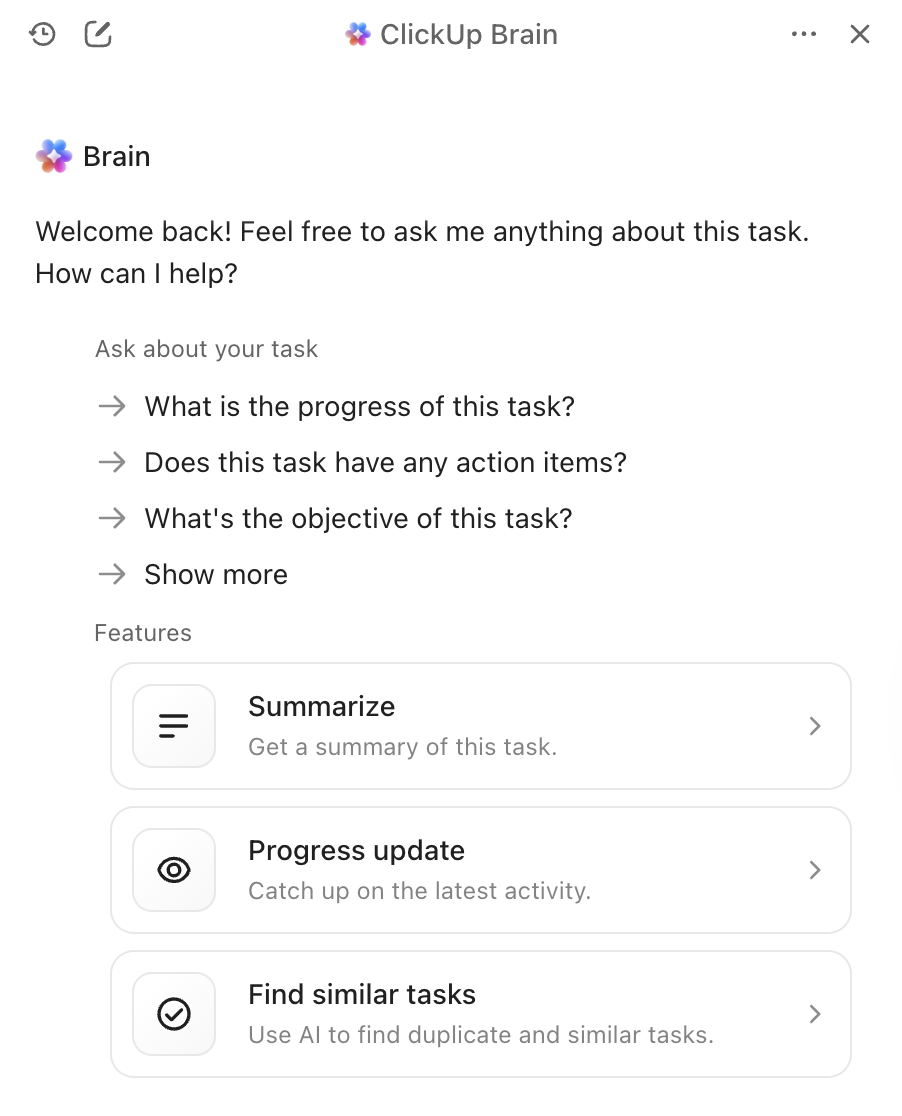
With ClickUp Brain, simply type @brain in any task comment or ClickUp Chat message and ask it to summarize the context. It instantly provides a summary using its knowledge of your workspace, prioritizing the specific task or channel you’re in. Because Brain understands your projects, documents, and conversations, its summaries are immediately actionable rather than isolated text you need to manually process.
ClickUp Brain best features
ClickUp Brain limitations
ClickUp Brain pricing
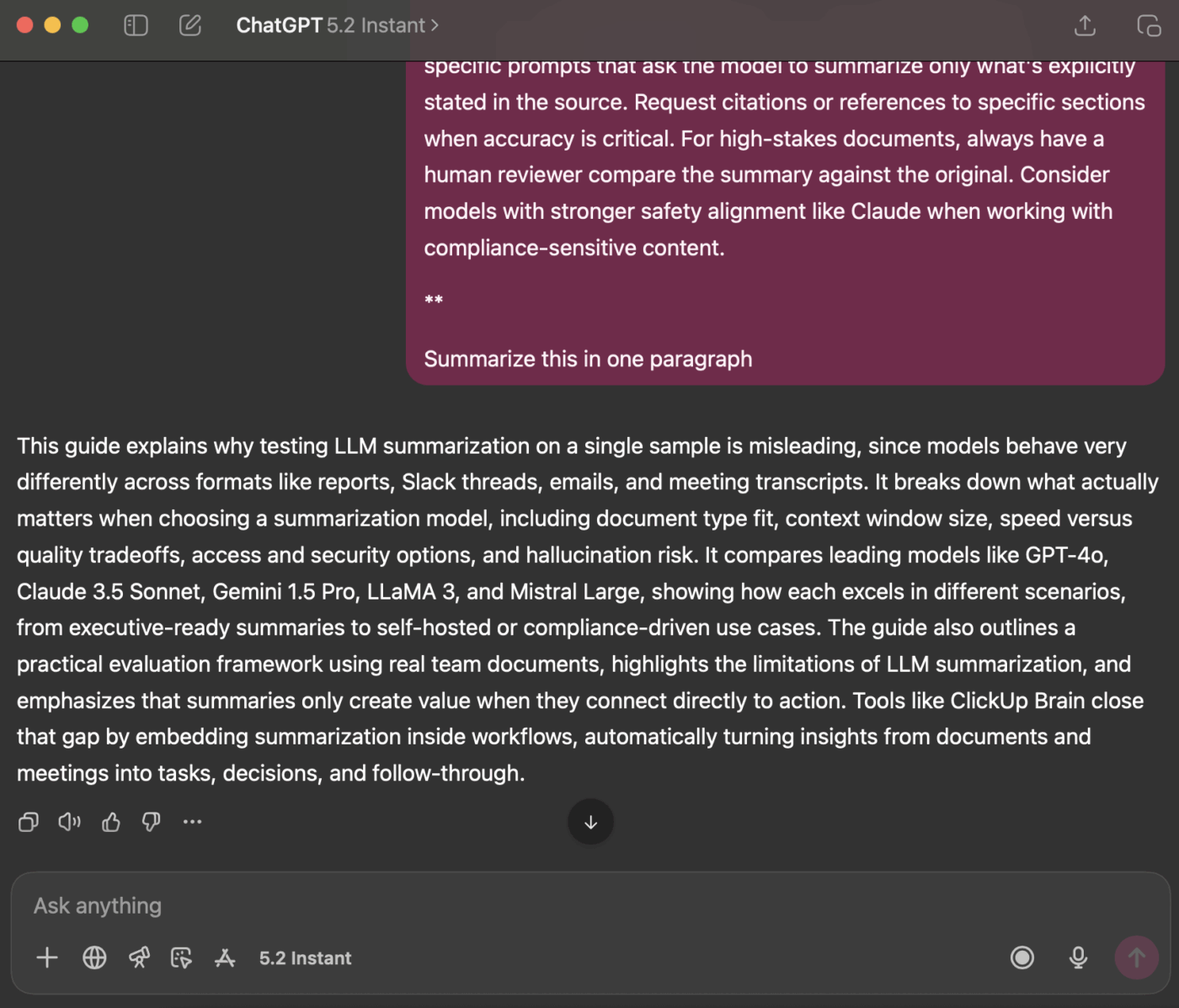
When you need a summary that is polished, nuanced, and ready to share with executives, GPT-4o is a top choice. Its strength lies in high-quality abstractive summarization, which produces text that reads as if a human wrote it. The large context window and multimodal capabilities mean it can summarize text from images or audio transcripts, not just documents.
You can access it through a widely available API, making it easy to integrate into your existing AI tools for meetings. The trade-off is that it’s a proprietary service with usage-based pricing, and you might notice a slight delay when summarizing very long documents.
GPT-4o best features
GPT-4o limitations
GPT-4o pricing
If your team deals with highly sensitive or complex documents, Claude 3.5 Sonnet is built with your needs in mind. It boasts an extended context window, allowing it to process and summarize entire lengthy reports in a single pass. Where it truly stands out is its ability to follow nuanced instructions—you can ask for a summary in a specific format, tone, or with a focus on certain topics, and it delivers with high accuracy.
Anthropic’s strong focus on safety alignment helps reduce the risk of the model inventing facts, a critical feature for compliance-conscious teams working with legal or financial documents. For teams already using AI document summarizers, Claude integrates well into existing workflows.
Claude 3.5 Sonnet best features
Claude 3.5 Sonnet limitations
Claude 3.5 Sonnet pricing
For teams already living and breathing in the Google ecosystem, Gemini 1.5 Pro offers an almost unbeatable level of convenience. It features one of the largest context windows currently available—up to 1 million tokens—making it perfect for summarizing sprawling meeting transcripts from Google Meet or synthesizing information from multiple research papers stored in Google Drive.
The native integration with Google Workspace means you can get summaries without ever leaving the tools you use every day. This makes it particularly valuable for teams that rely heavily on AI meeting summarizers within the Google ecosystem.
Gemini 1.5 Pro best features
Gemini 1.5 Pro limitations
Gemini 1.5 Pro pricing
📌 ClickUp Insight: The average professional spends 30+ minutes daily searching for work-related information—that’s over 120 hours a year lost to digging through emails, Slack threads, and scattered files. An intelligent AI assistant embedded in your workspace can change that by surfacing the right documents, conversations, and task details in seconds.
Your team needs full control over its data and wants to avoid sending sensitive information to a third-party service. This is where an open-source model like LLaMA 3 shines. You can host it on your own servers, fine-tune it on your company’s specific data to better understand your jargon, and customize it in any way you see fit—all without licensing fees.
The summarization quality is impressive and often rivals that of proprietary models. The catch is the need for technical infrastructure. Your team will need the engineering resources to deploy and maintain the model, as there’s no managed API available out of the box. This makes it a perfect fit for engineering-led or privacy-focused organizations.
LLaMA 3 best features
LLaMA 3 limitations
LLaMA 3 pricing
What if you want the flexibility of open-source but don’t have the resources to manage the infrastructure yourself? Mistral Large offers a compelling middle ground. Developed by a European company, it delivers competitive summarization performance with a strong focus on efficiency.
Mistral provides both a managed API for easy access and open-weight models for teams that want more control. This hybrid approach is its key advantage. The trade-off is a smaller ecosystem of third-party integrations compared to giants like OpenAI and Google. It’s an excellent choice for teams seeking a balance of convenience and control, especially those with EU data residency requirements.
Mistral Large best features
Mistral Large limitations
Mistral Large pricing
💡 Pro Tip: If your main goal is to summarize hour-long meeting transcripts in one go, prioritize models with the largest context window like Gemini 1.5 Pro. If you need to teach the model your company’s specific terminology, an open-source option like LLaMA 3 is the way to go.
Quick comparison helps you identify which model aligns with your team’s top priority at a glance.
ClickUp Brain brings summarization directly into your workflow as a converged AI workspace, best for turning summaries into immediate action with the key trade-off being it works optimally within the ClickUp ecosystem.
GPT-4o offers a large context window as a proprietary model, best for polished and nuanced summaries with the key trade-off being usage-based pricing.
Claude 3.5 Sonnet provides an extended context window as a proprietary model, ideal for compliance-sensitive documents with regional availability as the primary limitation.
Gemini 1.5 Pro delivers a massive context window as a proprietary model, perfect for Google Workspace users though ecosystem lock-in may be a concern.
LLaMA 3 includes a large context window as an open-source model, suited for self-hosted customizable pipelines but requires infrastructure investment.
Mistral Large features a large context window with a hybrid access approach, excellent for EU data residency needs though it has a smaller integration ecosystem.
📖 Also Read: Best AI Transcript Summarizers
Knowing whether a model’s summaries are actually good requires a clear evaluation framework. Relying on a bad summary can be worse than having no summary at all, potentially leading to poor decisions based on inaccurate information.
Accuracy determines whether the summary correctly captures the main points of the original text without inventing facts or making errors. This is non-negotiable for business-critical documents.
Coherence measures whether the summary is easy to read and flows logically, or feels like a jumble of disconnected sentences. Good summaries maintain narrative structure.
Conciseness assesses whether the summary gets straight to the point or is filled with fluff and unnecessary words. The best summaries maximize information density.
Instruction-following tests whether the model can successfully follow your requests for specific tones, formats, or focus areas like bullet points or executive-style briefings.
Consistency evaluates whether the model produces high-quality summaries across different document types or only performs well on certain ones.
Choose three documents your team works with regularly—a project brief, a meeting transcript, and a customer email thread. Run each document through the models you’re considering with the same prompt. Then have a team member score the results against the criteria above. While automated metrics exist, nothing beats a human review for catching subtle errors.
🔍 Did You Know? Teams like QubicaAMF reclaimed 5+ hours weekly using ClickUp—that’s over 250 hours annually per person—by eliminating outdated knowledge management processes. Imagine what your team could create with an extra week of productivity every quarter.
This technology has real limitations worth understanding before you commit to a particular approach.
The biggest risk is hallucination, where the model confidently states incorrect details that sound plausible. Legal teams, financial analysts, and anyone working with compliance-sensitive documents should always have a human review high-stakes summaries.
Even the largest models have a limit, so extremely long documents may need to be broken into chunks. This chunking can cause the model to miss connections between distant sections or lose the overall narrative arc.
Subtle arguments or minority viewpoints are often flattened in summaries. If preserving dissenting opinions or edge cases matters for your use case, you’ll need to craft prompts carefully or accept some information loss.
A general-purpose model might not understand your industry’s specific jargon without fine-tuning. Medical, legal, and technical fields often require additional training or careful prompt engineering.
Sending sensitive company data to a third-party API always carries a degree of risk. For highly confidential documents, self-hosted models or enterprise agreements with specific data handling terms may be necessary.
These aren’t reasons to avoid the technology, but they’re important considerations. You can mitigate them with smart practices: always have a human review high-stakes summaries, use self-hosted models for highly sensitive data, and use clear prompts to help the model preserve important nuance.
📌 ClickUp Insight: 62% of knowledge workers rely on conversational AI tools like ChatGPT and Claude. Their familiar chatbot interface and versatile abilities could explain their popularity across diverse roles and industries. However, switching to another tab to ask the AI a question every time adds up in toggle tax and context-switching costs.
You’ve seen how ClickUp Brain ranks among the best LLMs for summarization. Now let’s explore how to build workflows that turn those summaries into real productivity gains. The difference between a useful summary and wasted effort is whether it connects to action—and that’s where a Converged AI Workspace shines.
[Image placeholder: ClickUp workspace showing Brain summarization integrated with tasks and documents]
Eliminate the frustrating manual handoff by bringing summarization directly into your projects. With ClickUp Brain, simply type @brain in any task comment or ClickUp Chat message and ask it to summarize the context. It instantly provides a summary using its knowledge of your workspace, prioritizing the specific task or channel you’re in.
Catching up after a missed meeting no longer requires hours of reading through notes. Stay fully engaged in conversations while the ClickUp AI Notetaker captures meeting notes for you. After the meeting, it provides a transcript and a summary. You can even ask it to automatically generate action items and turn them into ClickUp tasks with assignees and due dates.
Get high-quality results without ever managing model selection yourself, because ClickUp Brain leverages multiple LLMs behind the scenes. Here’s what that workflow looks like in practice: A meeting happens, the ClickUp AI Notetaker captures everything, ClickUp Brain provides a summary of key decisions, and the action items are already in your project plan. You can even use @My Brain to privately summarize a thread or draft a reply before sharing it with the team.
✨ Real Results: The real challenge is turning summaries into action. ClickUp Brain excels at connecting summaries directly to tasks in your workflow, eliminating the gap between insight and execution that plagues standalone summarization tools.
The best LLM for summarization is the one that fits your team’s unique needs—whether that’s a massive context window for long reports, open-source flexibility for customization, or seamless integration with your existing tools. Before you commit, always test your top choices with your own real-world documents to see how they perform.
But remember, a summary is only valuable when it’s connected to action. Summarization is shifting from a standalone task to a deeply embedded capability within the platforms where you already work. The real productivity gain comes from closing the gap between getting an insight and acting on it.
Get started for free with ClickUp and bring AI summarization directly into your task management, chat, and docs.
What’s the difference between extractive and abstractive LLM summarization? Extractive summarization works by pulling key sentences directly from the original text, while abstractive summarization generates entirely new sentences to convey the core meaning. Modern LLMs primarily use the abstractive method, which results in more natural-sounding summaries that better capture the essence of the source material.
How do open-source LLMs compare to proprietary models like GPT-4 for summarization? Open-source models offer complete control over your data and the ability to fine-tune for your specific needs, but they require technical resources to maintain. Proprietary models offer convenience and ease of use through an API but come with usage costs and less control over data. The quality gap has narrowed significantly, with open-source options like LLaMA 3 rivaling proprietary performance in many use cases.
Can LLM summarization tools handle meeting notes and project updates? Yes, most LLMs are very effective at summarizing conversational text like meeting notes. The real challenge is turning those summaries into action, which is where tools like ClickUp Brain excel by connecting summaries directly to tasks in your workflow rather than leaving them as isolated text documents.
What context window size do I need for my documents? For standard business documents under 10,000 words, most modern LLMs have sufficient context windows. For meeting transcripts over an hour or comprehensive research reports, you’ll want models with extended context windows like Claude 3.5 Sonnet or Gemini 1.5 Pro. The 1 million token window of Gemini 1.5 Pro can handle virtually any single-document summarization task.
How can I reduce hallucination risk in LLM summaries? Use clear, specific prompts that ask the model to summarize only what’s explicitly stated in the source. Request citations or references to specific sections when accuracy is critical. For high-stakes documents, always have a human reviewer compare the summary against the original. Consider models with stronger safety alignment like Claude when working with compliance-sensitive content.

© 2026 ClickUp

There’s an easier way. Try a free AI Agent in ClickUp that actually does the work for you—set up in minutes, save hours every week.