
Sorry, there were no results found for “”
Sorry, there were no results found for “”
Sorry, there were no results found for “”
PDFs. Love them or hate them, we all definitely struggle to sift through them. Especially when they’re 200 pages long.
There’s an easier way to deal with those large documents. AI PDF analyzer tools turn mind-numbing document analysis into a quick, efficient process.
Whether you’re tackling research papers, legal documents, or just trying to extract key information from a massive file, these AI-powered tools do the heavy lifting. They’re smarter than ever, offering instant answers and concise summaries.
But with so many options, which one should you trust? We’ve rounded up the top 10 AI PDF analyzers that will save you time, improve accuracy, and make PDF engagement less of a headache.
Not all AI PDF analyzers are a fit for every use case, and choosing the right one can affect how quickly (and painlessly) you extract key information.
Regardless of the tool you choose, make sure to look for the must-have features:
With this handy checklist, you can make the right choice more quickly and easily.
👀 Did You Know? In the early ’90s, Adobe co-founder John Warnock envisioned a universal document format that worked anywhere. That idea became the Camelot Project, which eventually gave us the PDF—now the go-to format for sharing and viewing files across devices.
AI PDF analyzers come in all shapes and sizes, each with its own strengths. Some excel at summarizing dense research papers, while others shine in extracting tables, text, and key insights from business reports or legal documents.
To help you find the best fit, let’s go through this list of 10 top AI-powered PDF analyzers.
ClickUp is the everything app where all your work resides, and AI compounds its value. How? It acts as your central, AI-powered workspace that brings together your tasks, projects, docs, and chat in one place.
AI is only as powerful as the data it can access. In siloed systems, its impact is fragmented. But with ClickUp, AI goes beyond being an assistant. Every task you complete, every document you create, and every conversation you have makes ClickUp’s AI smarter, unlocking compounding productivity gains over time.
This is why ClickUp tops this list of AI PDF analyzer alternatives.
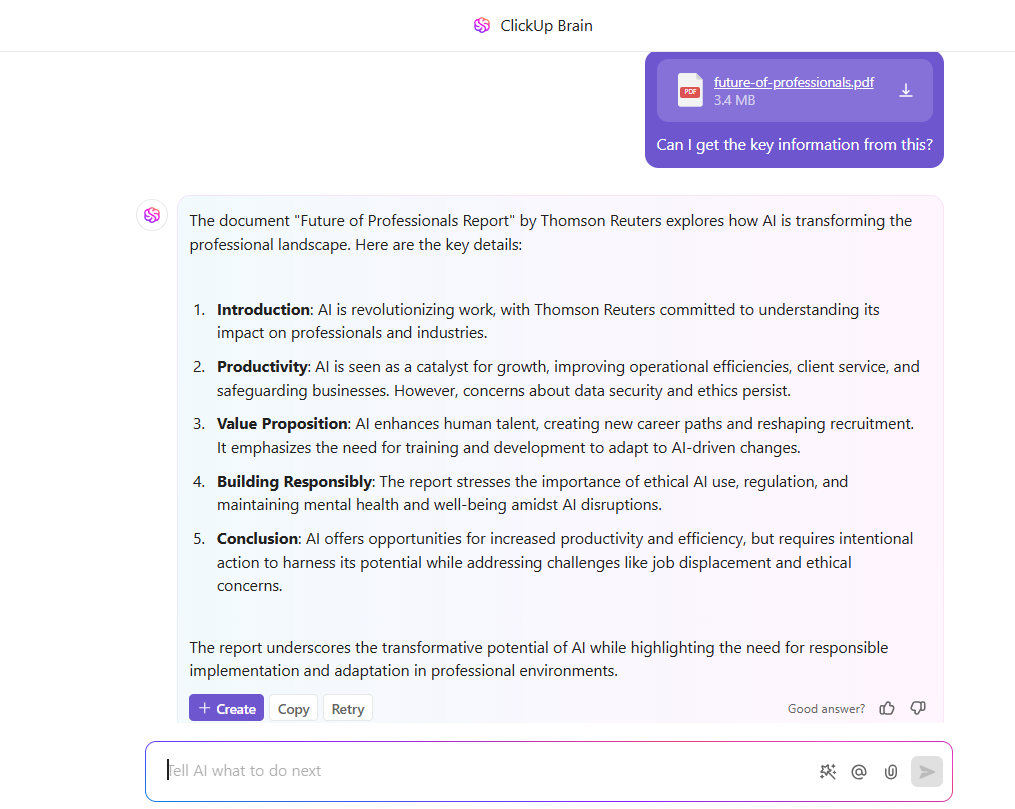
ClickUp Brain, the native AI assistant, transforms document management by making it smarter, faster, and more intuitive. It can analyze your PDFs, extract key insights, and make suggestions tailored to your workflows.
Simply upload your PDF through the attach files option in ClickUp Brain and give it a simple natural language prompt, such as, “Extract key insights from this document” or “Summarize this PDF,” and you’ll get factual, accurate answers.
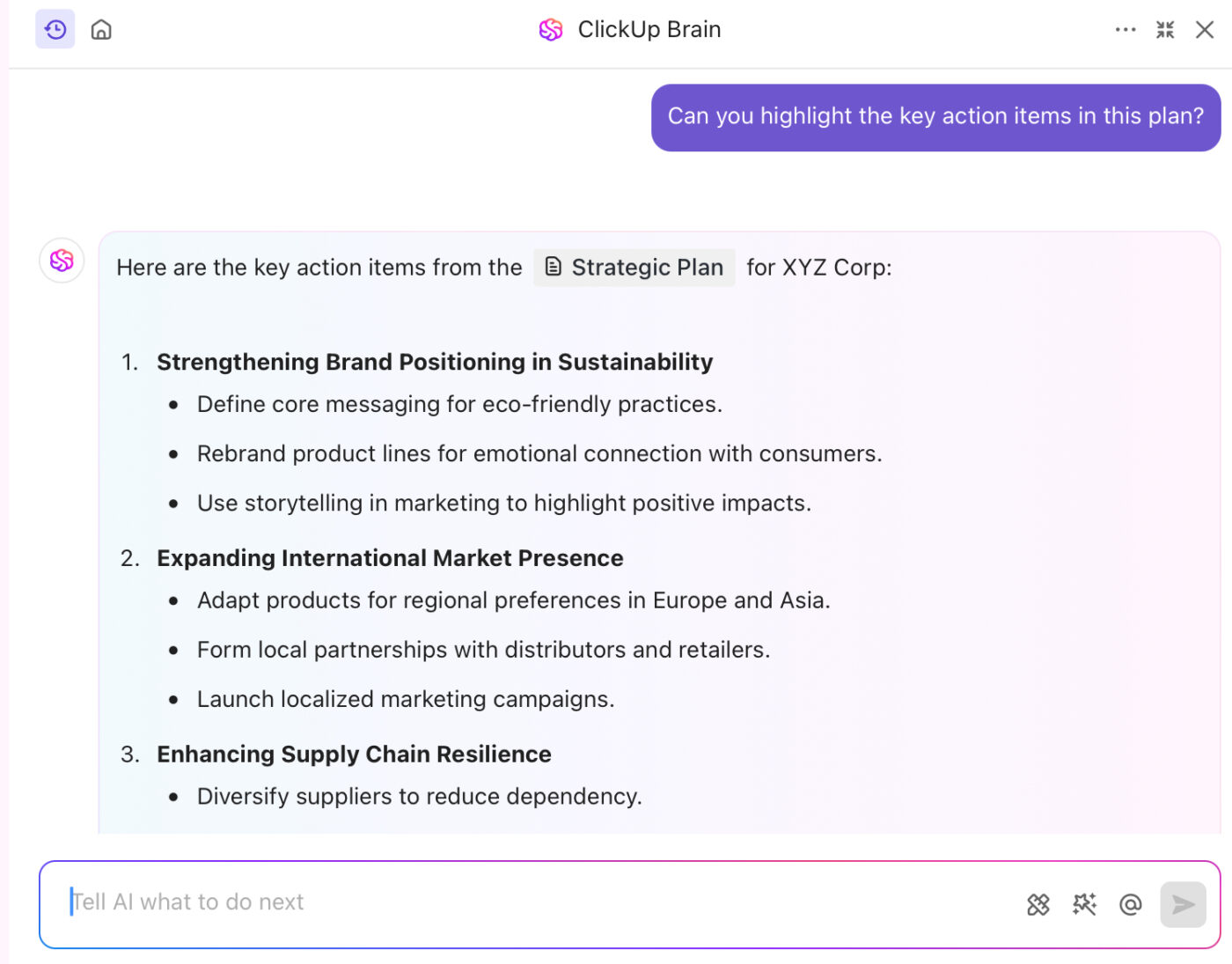
You can even ask specific questions to scan the PDF content faster. For example, if your PDF is about a brand refresh strategy, you can ask: “What colors performed the best in past marketing campaigns?”
Brain’s capabilities aren’t just limited to uploaded PDFs either. As context-aware AI, it also answers your questions accurately about tasks, documents, and people within your workspace.
By pairing ClickUp Brain with ClickUp Docs, you can easily create AI documentation as well. Write project charters, create email campaigns, draft social media and blog posts, and even craft replies for your messages using the Write with AI feature in ClickUp Docs.

PDFs can be restrictive because they may not be editable, and there’s no real-time collaboration. By building and storing documents on ClickUp, you can skip the hassle of static PDF versions and the endless back-and-forth of emails.
Multiple team members can co-edit the same document simultaneously. If you need to draw attention to a specific part, @mentions lets you collaborate with colleagues directly in the document.
Finally, you can tag specific sections and annotate them in your PDF while tracking every edit.
📮 ClickUp Insight: Only 12% of our survey respondents use AI features embedded within productivity suites. This low adoption suggests current implementations may lack the seamless, contextual integration that would compel users to transition from their preferred standalone conversational platforms.
For example, can the AI execute an automation workflow based on a plain text prompt from the user? ClickUp Brain can! The AI is deeply integrated into every aspect of ClickUp, including but not limited to summarizing chat threads, drafting or polishing text, pulling up information from the workspace, generating images, and more.
Join the 40% of ClickUp customers who have replaced 3+ apps with our everything app for work!
👀 Did You Know? AI could save professionals up to 12 hours a week. That’s 200 hours annually workers can spend on strategic tasks and innovation.
The more I use ClickUp, the more it serves as the focal point of my work. The disparate pieces of communication–notes, PDF, email, online storage–can all be focused and harnessed into one place for easy access while working on an activity–be it project or customer-focused. This capability has helped me save enormous time, not needing to look at different areas. I can ‘connect’ items to the ClickUp folder and let them reside wherever they are, in their native form. A HUGE plus is that I can reuse items in multiple locations without repeated copying. ClickUp has almost eliminated deduplication issues.
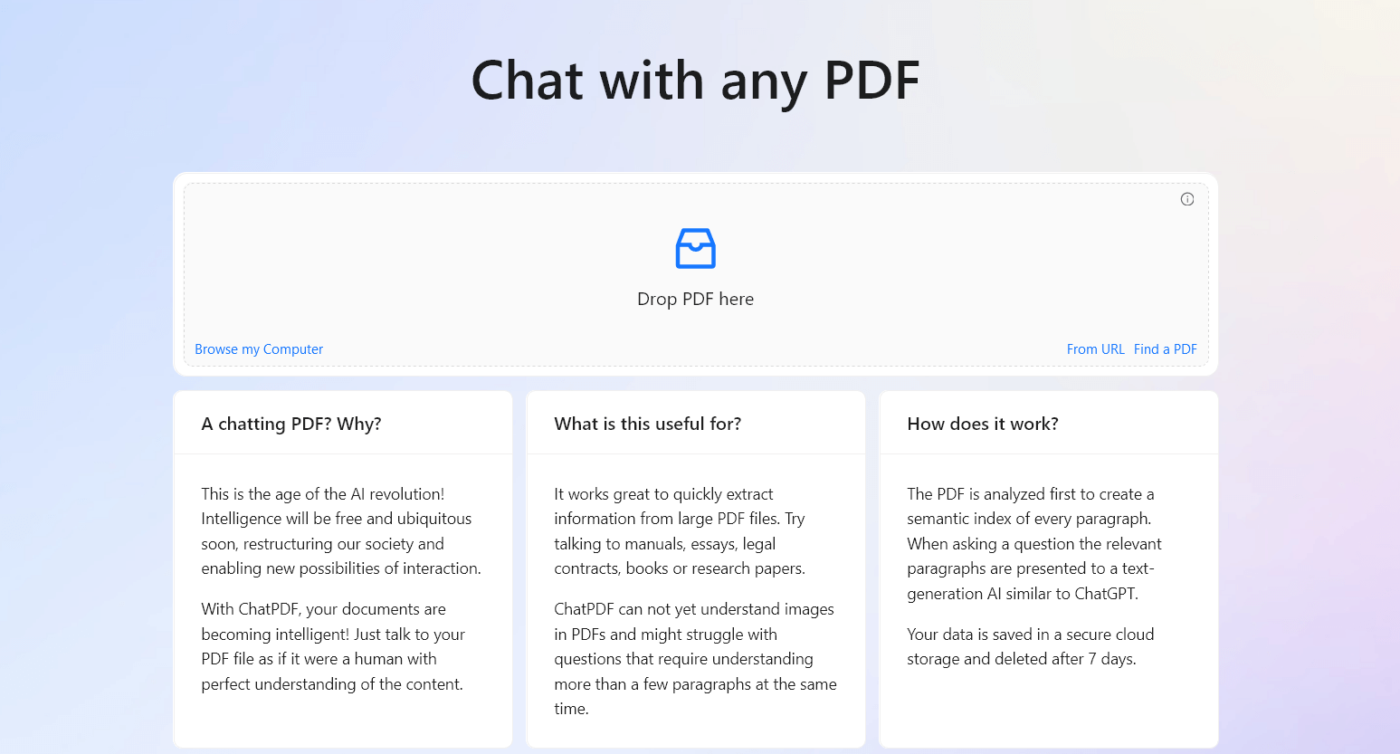
Think of ChatPDF as a super-powered assistant that understands everything about your documents. No more tedious searches or endless scrolling—just ask questions and get the answers you need.
ChatPDF goes beyond simple summaries, offering real comprehension of your content. Easily extract data like dates or contact details, uncover trends with AI-driven insights, and collaborate with your team. Leave comments on PDFs for collaboration in one place and share them ahead easily.
🧠 Fun Fact: ‘The Last Screenwriter’ is a groundbreaking 2024 Swiss science fiction drama directed by Peter Luisi, notable for being one of the first feature films written entirely by artificial intelligence. The screenplay was crafted by ChatGPT 4.0. It explores the intriguing narrative of a human screenwriter confronting an AI scriptwriting system that not only matches but surpasses his skills.
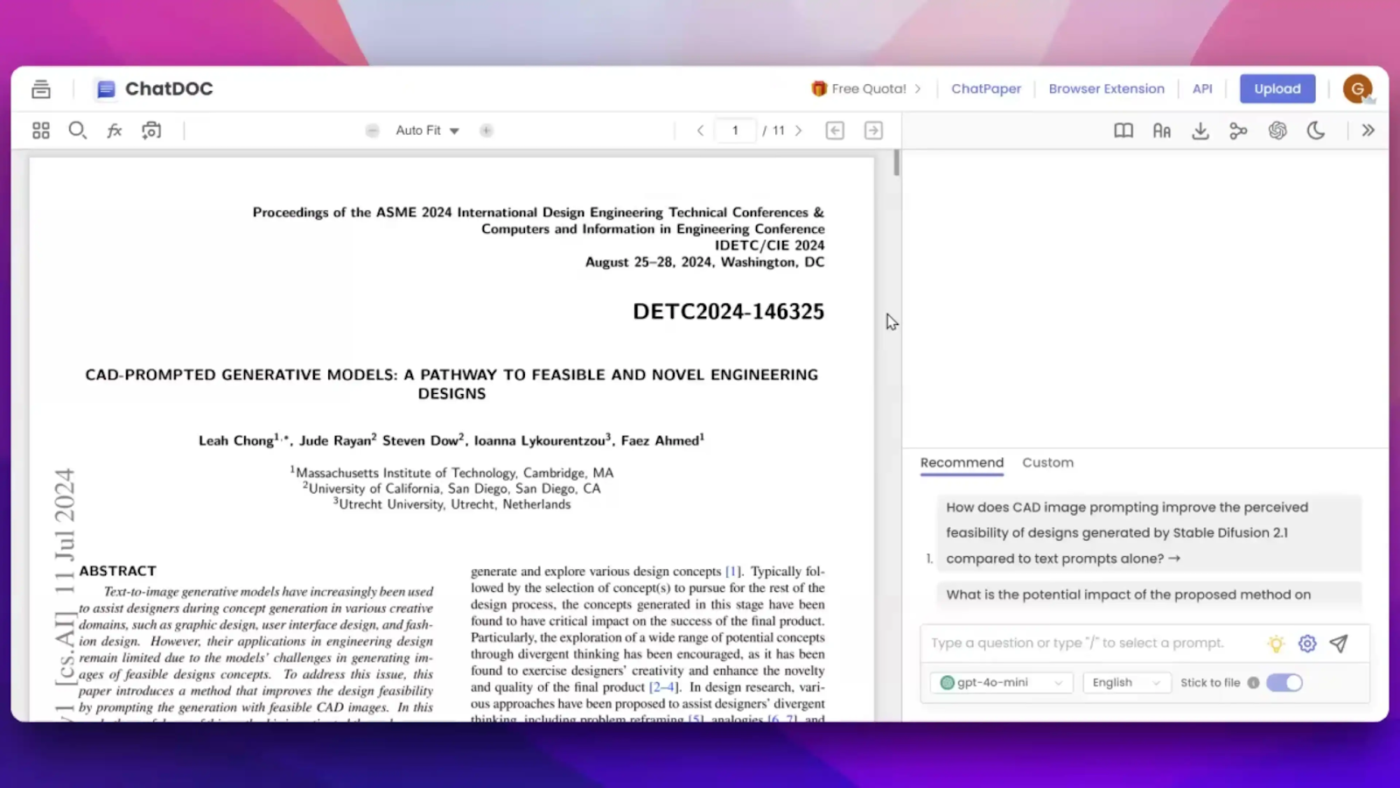
If you want to get the most out of your PDFs, try ChatDOC.
It quickly answers questions, extracts data from tables, analyzes text sentiment, and compares documents. It also automates mundane tasks like data entry, boosting efficiency and productivity in your document workflow.
ChatDOC’s AI works perfectly in the summaries, questions and answers that are asked in the uploaded pdf files, its research work ability on each text is really fantastic, having 100% safe efficiency.
📖 Also Read: Best Web Scraping Tools
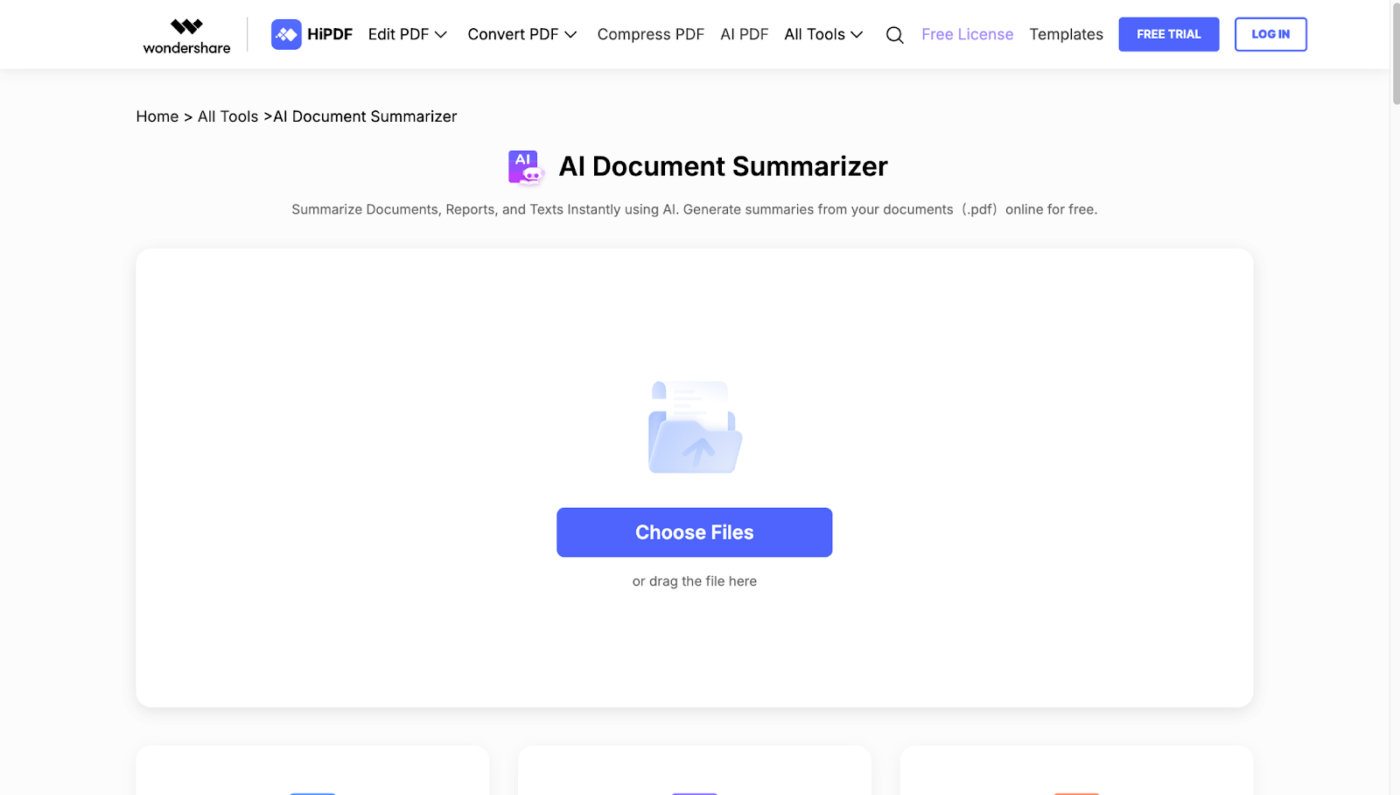
HiPDF is a user-friendly AI PDF analyzer that packs a serious analytical punch. Plus, you can use it to quickly convert, merge, or split PDF files.
Need key insights? It extracts information, summarizes content, and even translates PDFs in just a few clicks. While it focuses on these essential PDF tasks, you can pair it with annotation tools for effortless collaboration.
👀 Did You Know? Optical Character Recognition (OCR) technology, powered by AI, can read messy handwriting and even old historical documents or doctors’ prescriptions.
Designed to simplify document interaction and understanding, this generative AI tool makes working with PDFs faster and smarter.
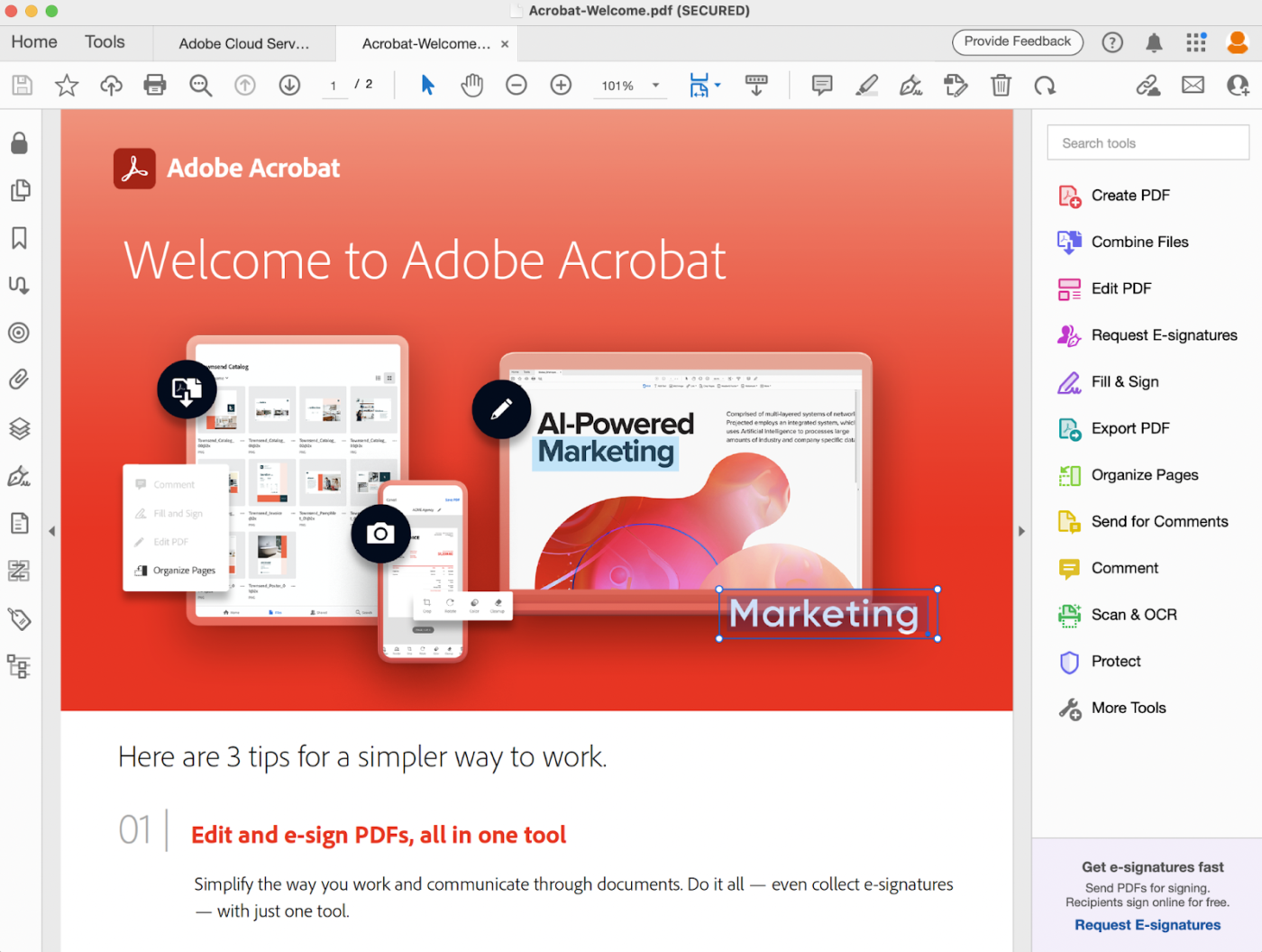
Adobe Acrobat AI Assistant offers one-click summaries, quick answers with linked sources, and the ability to chat with multiple documents to identify key themes.
What makes Adobe Acrobat’s AI so powerful? It simplifies PDF management by extracting key details, automating complex tasks such as converting scanned PDFs into searchable and editable text, and enabling real-time collaboration—all in one place.
📖 Also Read: Best Document Automation Software to Use
A 300-page contract, twenty scanned files, and a dozen PDFs from your legal team—managing all this paperwork can feel overwhelming.
You need to read them, edit them, merge some, split others, and share them with your team. And you needed it all done yesterday.
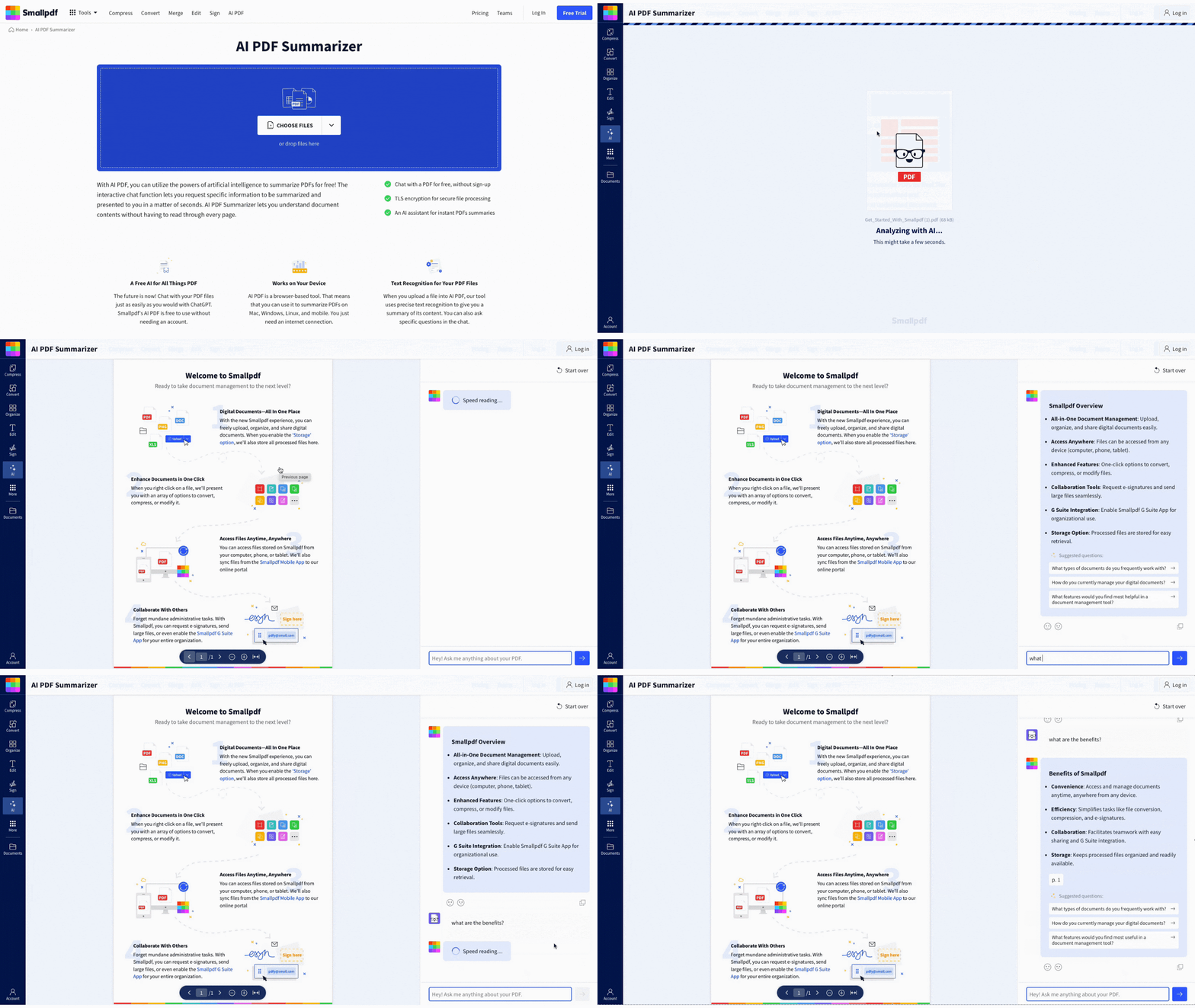
Smallpdf makes handling PDFs at scale much easier. It allows you to convert files in seconds, edit them easily by adding text or images, and compress large PDFs for quick sharing—without losing quality.
The product can save old PPt and old words doc, old excel files, and convert them into either PDF and newer versions of the relevant Microsoft docs….really good for recovery.
👀 Did You Know? Spellbook is an AI-powered tool that integrates directly with Microsoft Word, enabling legal professionals to draft and review contracts more efficiently. It leverages advanced language models to suggest language and identify potential issues within legal documents.
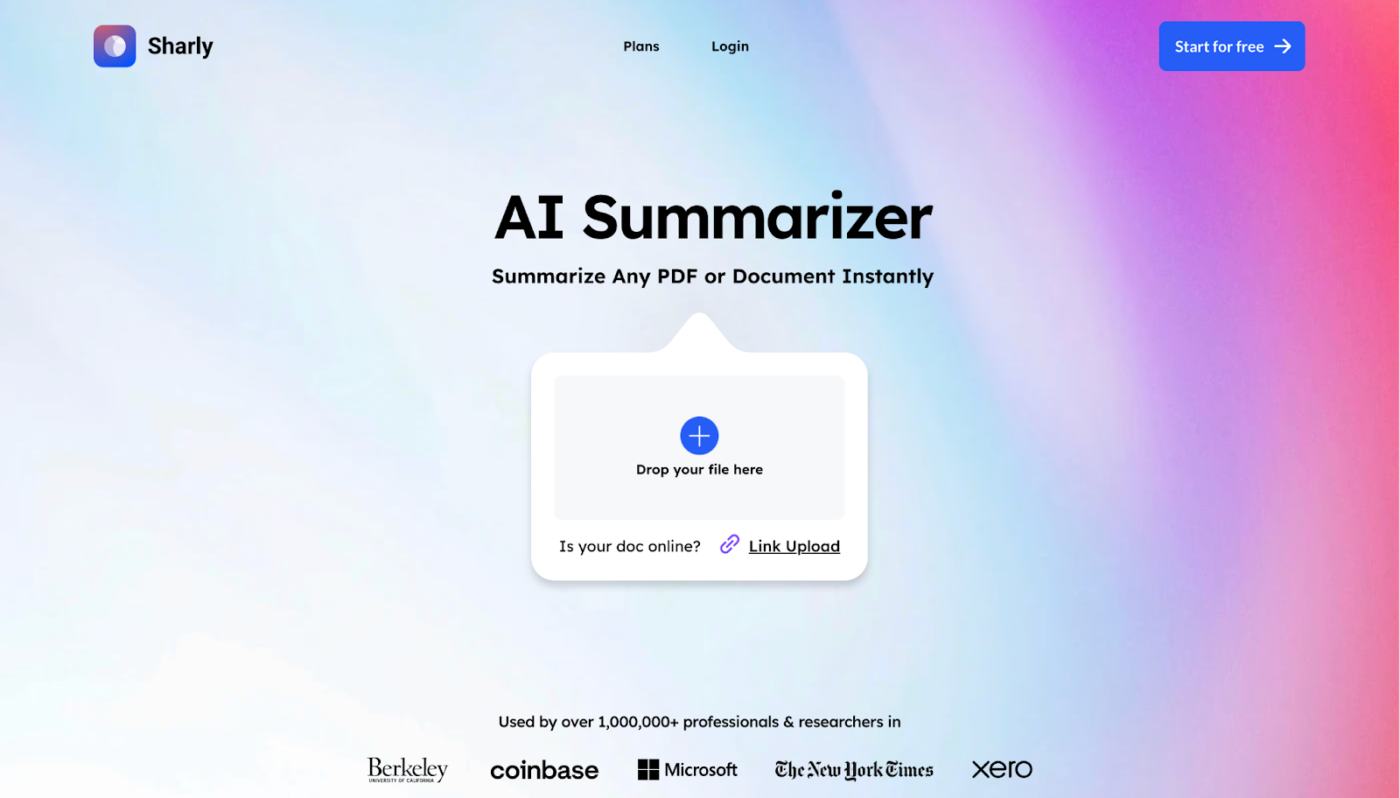
Sharly AI makes it easier to work with lengthy PDF files.
It instantly summarizes long PDF reports and web articles while extracting details from the data on command. It also analyzes PDFs to highlight significant trends and insights, saving time and effort.
This tool can be your go-to for turning scattered, buried data into organized knowledge.
I did not expect Sharly to read documents so quickly and also answer responses with perfection and the correct amount of detailing.
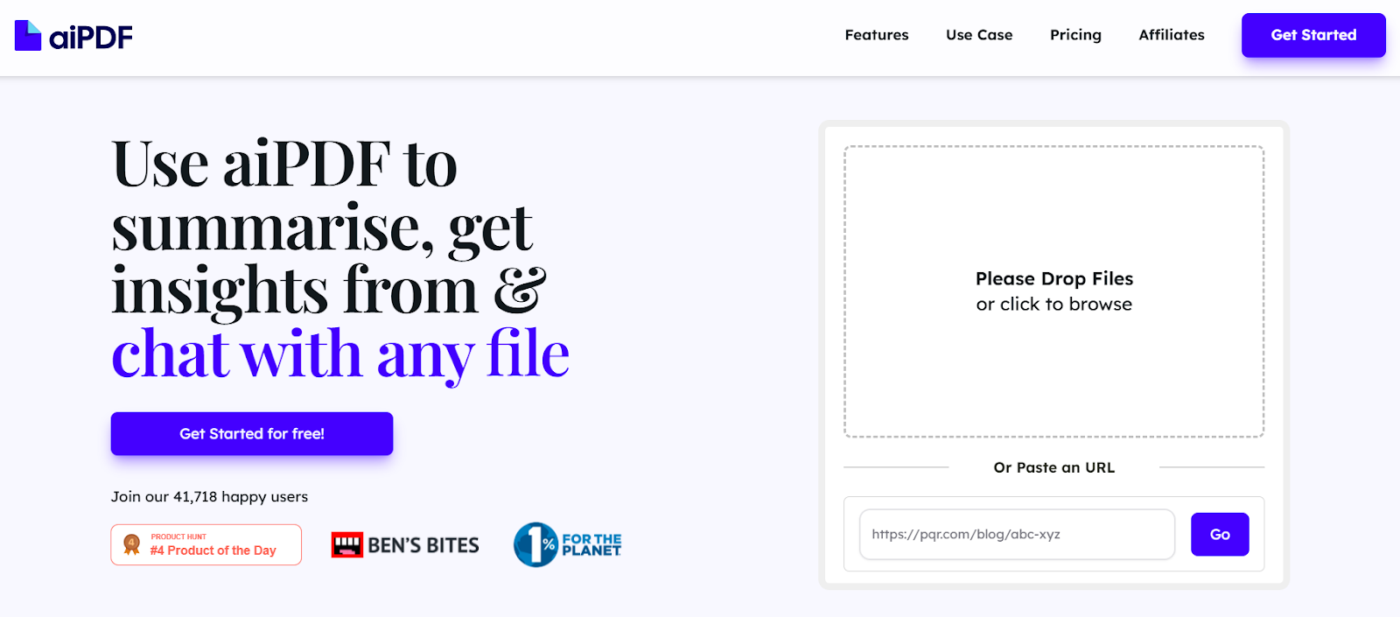
Do you wish to get more done with your PDFs in less time? aiPDF uses the power of artificial intelligence to streamline your document workflow.
It simplifies document management with instant summaries, key data extraction, and smart editing. The best part? Each response is verified and backed by sources extracted from the uploaded documents.
Its multi-modal interface supports uploads in various formats, including PDFs, EPUBs, URLs, and even YouTube videos.
You can annotate your PDFs, manipulate content effortlessly, and automate repetitive complex tasks to boost productivity—all within a user-friendly and intuitive interface.

One of the few enterprise-ready tools on this list, Humata AI is the research assistant you wish you had. It reads the lengthy, boring technical documentation you don’t want to and summarizes it within seconds.
This AI-powered tool’s speedy and intelligent document analysis empowers researchers to learn more in less time. You can ask it to rewrite the summary endlessly until you’re satisfied with the output.
💡Pro Tip: When using AI for data analysis, start with a small, familiar dataset to ensure the AI provides accurate and meaningful insights. Running the AI on known data helps you verify its effectiveness before scaling to more complex datasets, ensuring smoother implementation and better results.
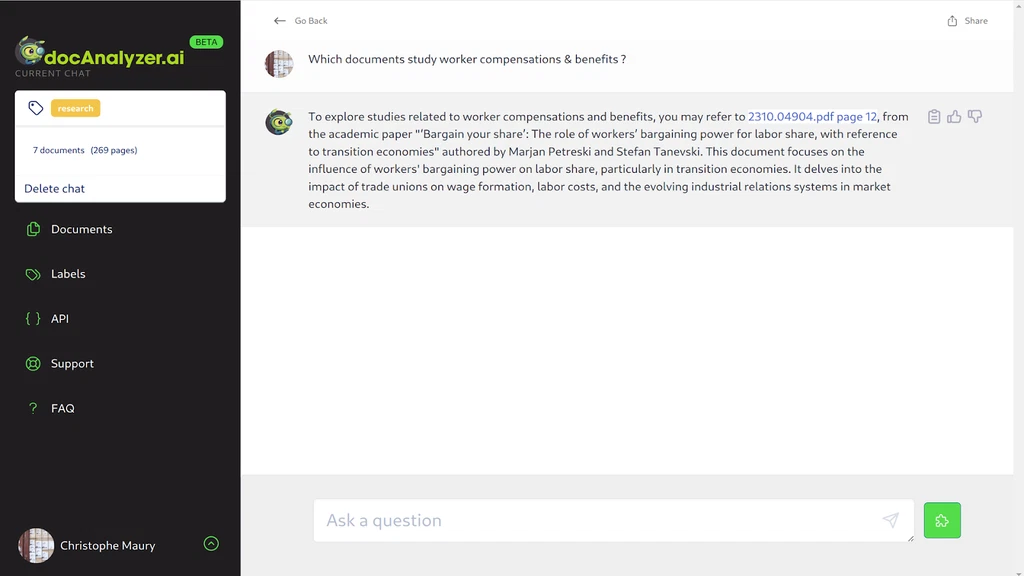
Struggling to make sense of long, heavy documents? docAnalyzer.ai does it for you.
Upload documents in various formats and engage in intelligent, chat-based conversations to get instant, accurate, and context-aware answers.
It also offers easy access to a selection of AI models and state-of-the-art AI engineering to ensure superior document analysis.
An AI PDF analyzer makes it easier than ever to summarize, search, and extract key information from documents—no more wasting time reading each page end-to-end. If you work with PDFs regularly, these tools can boost your productivity significantly.
But ClickUp goes a step further. It’s not just about analyzing PDFs—it’s about turning that information into action. With AI-powered document management, project collaboration, and task automation, ClickUp helps teams stay organized and move work forward effortlessly.
Instead of just reading through PDFs, you can connect the most critical insights directly to your tasks and workflows. Sign up for ClickUp today and make your PDFs work for you.
© 2025 ClickUp