






Still downloading templates?
There’s an easier way. Try a free AI Agent in ClickUp that actually does the work for you—set up in minutes, save hours every week.
Sorry, there were no results found for “”
Sorry, there were no results found for “”
Sorry, there were no results found for “”
A recent McKinsey study found that companies with over $500M in annual revenue are leading GenAI adoption—and they’re redesigning workflows faster than anyone else.
AI is no longer a side project—it’s becoming everyday infrastructure. And platforms like Langdock promise to unify that experience with chat, reasoning, and automation in one place.
But while Langdock brings a lot under one roof, it falls short on depth—limited integrations, rigid workflows, and inconsistent context retention make it hard to scale beyond simple use cases.
This article explores those limitations—and introduces better alternatives built for teams that want AI to actually work where they do.
If Langdock feels limiting, the good news is that there are plenty of stronger, more flexible alternatives—depending on whether you want better search, multi-agent workflows, document parsing, or a complete converged workspace. Here’s a quick look at the top options.
| Tool | Best For | Key Features | Pricing* |
|---|---|---|---|
| ClickUp | Unified work management with built-in AI Team size: Startups to large enterprises | Workload & Timeline views, Custom fields, Tasks + Docs, Automations, AI answers grounded in workspace, 1,000+ integrations | Free Forever; enterprise customization available |
| Flowise | Visual builder for multi-agent + RAG workflows Team size: Dev teams + technical builders | Drag-and-drop Chatflows & Agentflows, Tool calling, HITL approvals, Vector DB connectors, Observability | Free; paid plans start at $35/user/month |
| LlamaIndex | Document-centric parsing, RAG, and agent orchestration Team size: Data teams + AI engineers | LlamaParse, LlamaExtract, SDKs for agents, Workflow gates, Broad model + DB support | Free; paid plans start at $50/month |
| AutoGPT | Continuous low-code autonomous agents Team size: Engineering teams building automation | Cloud agents on schedules/events, Step chaining, API/tool extensions, Cost caps, Tracing | Custom pricing |
| Kore.ai | Enterprise search, service, and process automation Team size: Mid-market + enterprise service teams | No-code + pro-code builder, Multi-agent orchestration, HR/IT accelerators, RBAC, Audit logs | Free tier; custom pricing |
| TensorFlow | Building + shipping machine learning models at scale Team size: AI/ML research + engineering orgs | Keras API, Distributed training, TFX pipelines, TensorBoard, Cross-platform deployment | Free |
| Haystack | Production-grade RAG + agent pipelines Team size: Developers shipping retrieval systems | Reusable components, Pipelines, Logging, Monitoring, LLM & vector store integrations | Free |
| TESS AI | Unified workspace for 200+ AI models Team size: Individuals + teams needing multi-model access | Model switching in one chat, Shared credits, No-code agent studio, Web/social search, Image tools | Paid plans from $7.99/user/month |
| Simplified | No-code multi-agent marketing workflows Team size: Marketing teams + content creators | AI writing/design, Video-to-clips, Brand kits, Social calendar, Collaboration & approvals | Custom pricing |
| Akka.io | Resilient agentic systems at enterprise scale Team size: Large engineering orgs with distributed systems | Durable orchestration, Fault recovery, Akka Agents & Memory, Real-time streaming, High-availability SLAs | Free; paid plans from $10/month |
| Modular AI | Unified compute layer + low-latency model serving Team size: Infra + ML platform teams | Hardware portability, MAX serving, Mojo language, Mammoth scaling, 500+ optimized models | Free plan; GPU-hour pricing for endpoints |
Many teams, like Langdock, have their advantages, but a few things can slow you down.
There is a learning curve; the API is still maturing for assistants and workflows, and some models arrive in certain regions first. That can make it difficult to rely on one platform.
What to look for in Langdock alternatives:
Discover insider AI project management strategies with ClickUp Brain to automate tasks, optimize resources, and boost team collaboration.
📖 Also Read: How to Use AI to Automate Tasks
Our editorial team follows a transparent, research-backed, and vendor-neutral process, so you can trust that our recommendations are based on real product value.
Here’s a detailed rundown of how we review software at ClickUp.
“AI is here, AI is everywhere.” In Google Cloud’s latest roundup, there are 601 real-world Gen AI use cases, a sixfold increase in a year, from drive-thru order agents to banking copilots and factory planners.
That kind of momentum rewards tools that turn language models into practical AI agents, connect to proprietary data, and power real workflow automation without extra hassle. If Langdock feels a bit tight for your needs, it makes sense to consider options that meet you where you are and scale as your team grows.
Alright, now let’s discuss the different AI platforms and the best Langdock alternatives.
Everyone gets the same 24 hours, but teams spend them very differently. If you’re burning time chasing updates across chat, email, docs, and random AI tabs, that’s Work Sprawl.
To help you out, ClickUp pulls it into one converged AI workspace with real work context and simple automations so the work actually moves.
Get instant answers your team can trust with ClickUp Brain
ClickUp Brain lets anyone ask natural questions and get answers tied to the exact doc, task, or comment.
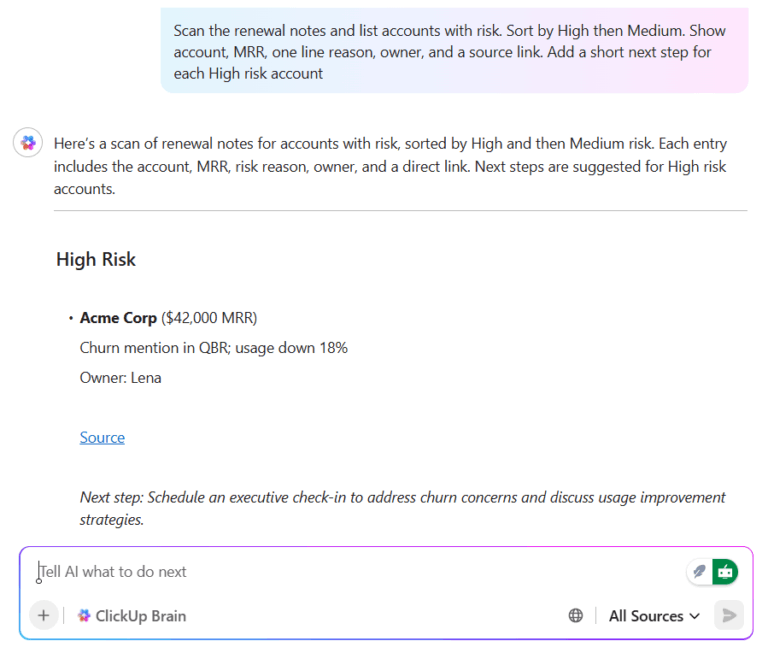
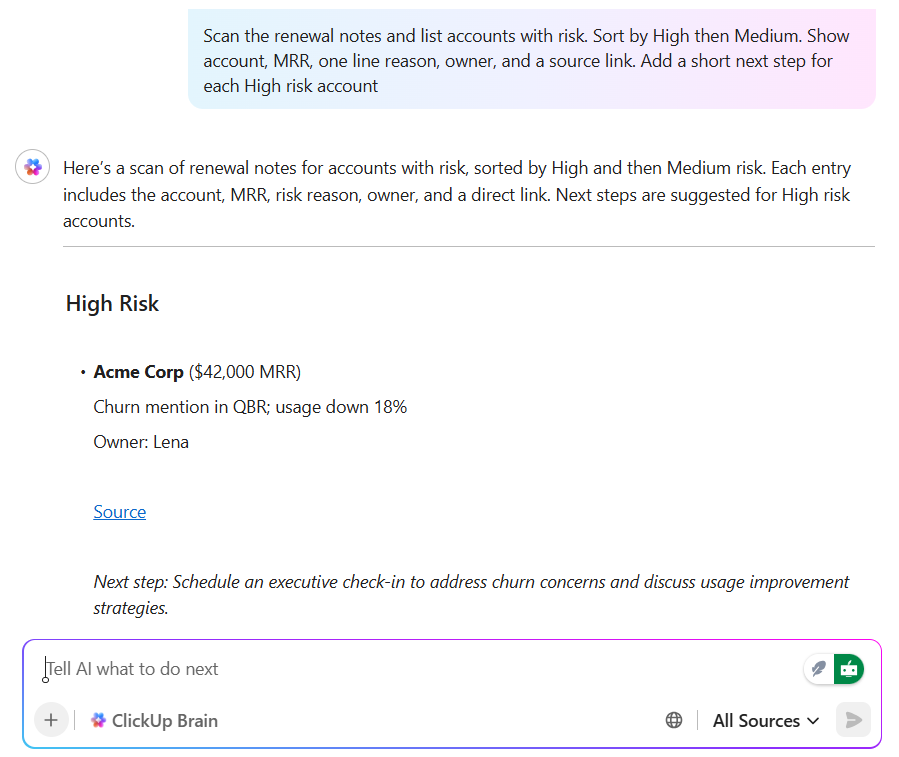
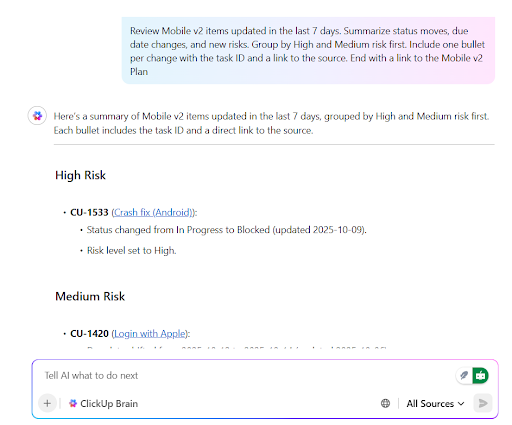
A PM might ask, “What changed in the mobile release plan this week?” and receive a short answer with links back to the living work. A sales lead can ask for renewal risks mentioned across accounts and jump straight to the source notes.
Because answers are grounded in your workspace, leaders gain context without chasing status pings. It feels like a helpful teammate, not a separate tool.
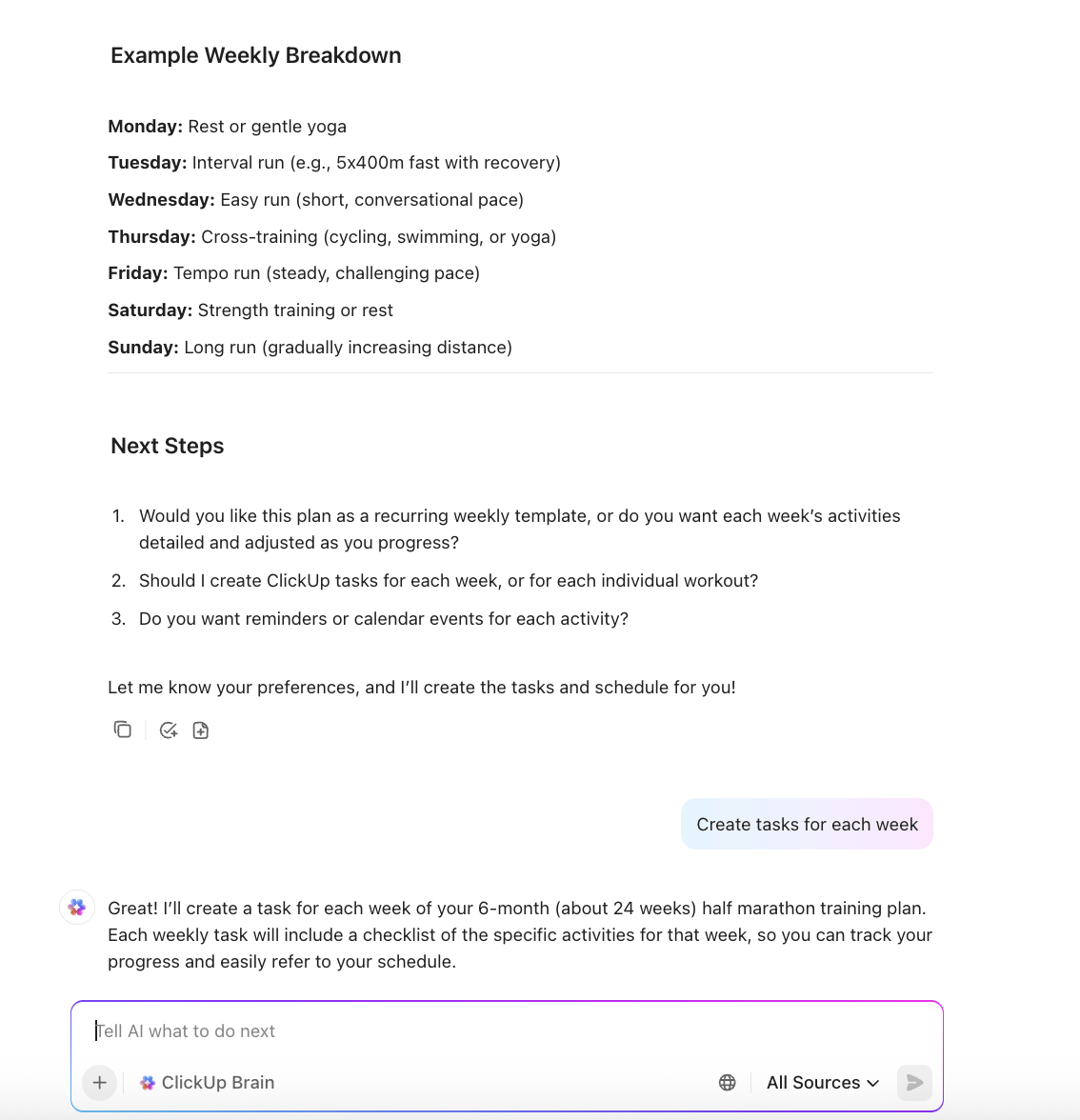
On the side, long threads and meetings turn into clean summaries, action items, and due dates inside the same workspace. After a kickoff, ClickUp Brain creates tasks with owners for design, copy, data integration, and QA so the plan is ready to run.
During the project, it compiles weekly updates, flags blockers, and suggests next steps. You get less overhead and more momentum. Over time, this system becomes your simple way to keep multi-step reasoning workflows on track.
See ClickUp Brain in action as your AI partner for instant answers, smarter planning, and effortlessly organized work.
Workspace knowledge integration to save you time
ClickUp connects tasks, documents, comments, whiteboards, and chat, then lets ClickUp Brain search across all of them with a semantic search-style understanding.
Ask for all materials tied to a specific client and get tasks, docs, and decisions in one list. Ask which steps usually delay a launch and see patterns across past projects with links to the original notes.
This feature cuts down on hunting and helps with the management of proprietary data since answers stay within your workspace.
Plan, execute, and see status in one place with Clickup Docs
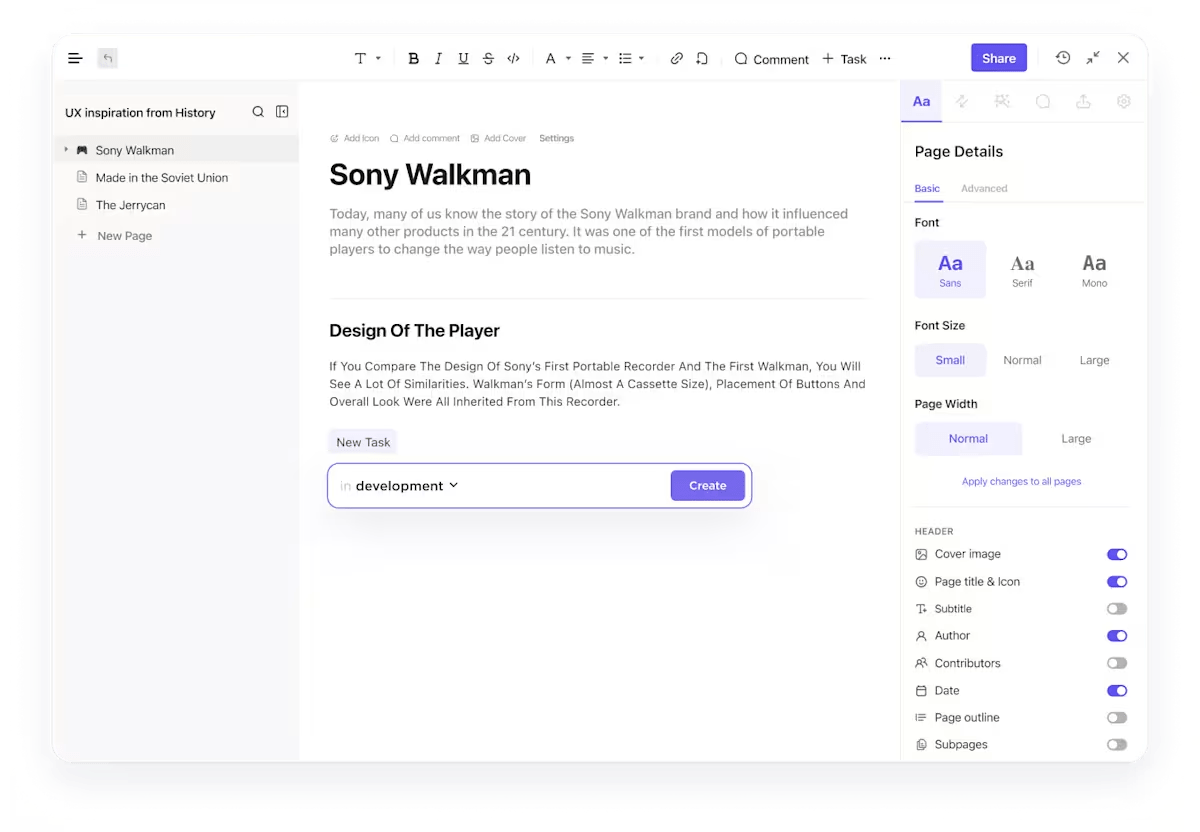
Most teams wrestle with scattered updates and unclear owners. ClickUp gives you lists, kanban, timelines, and dashboards that reflect real work as it moves.
ClickUp Docs live next to tasks, making decisions easy to find. Custom Fields let you track the details leaders care about.
During a standup, you can drag dates, change owners, and reorder priorities in seconds. It is simple enough for everyday use and structured enough for production environments.
Reduce handoffs and manual work with ClickUp Automations
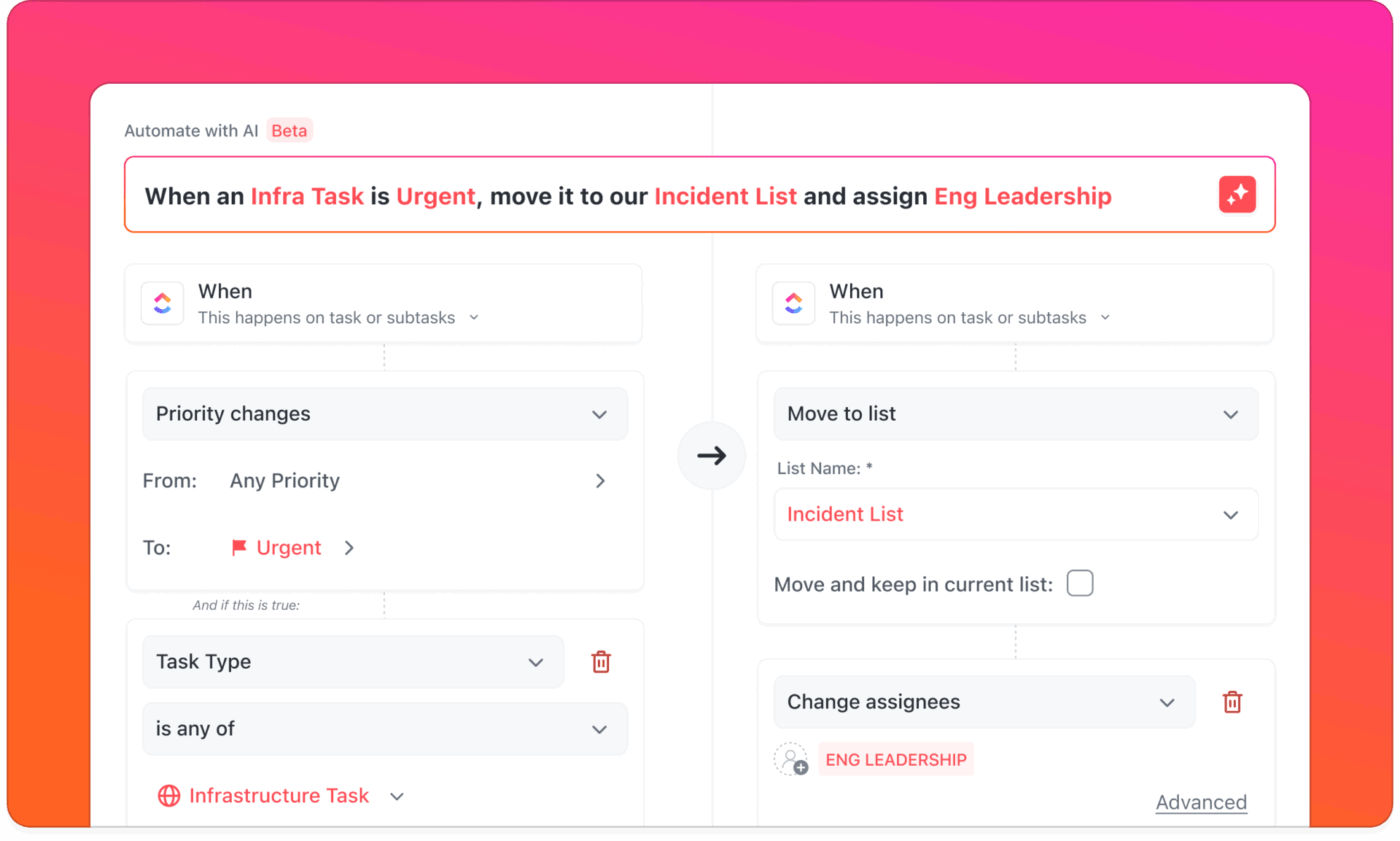
ClickUp includes an automation builder and a library of templates so routine steps run on their own.
With ClickUp Automations, you can trigger actions when a status changes, when a form arrives, or when a date is near, and automatically post updates to the right people. Dynamic assignees route work to creators, watchers, or a specific role, so nothing stalls.
You can also layer model-agnostic prompts where helpful, turning a plain instruction into a consistent comment or summary.
Capture information and generate faster output with ClickUp Brain MAX
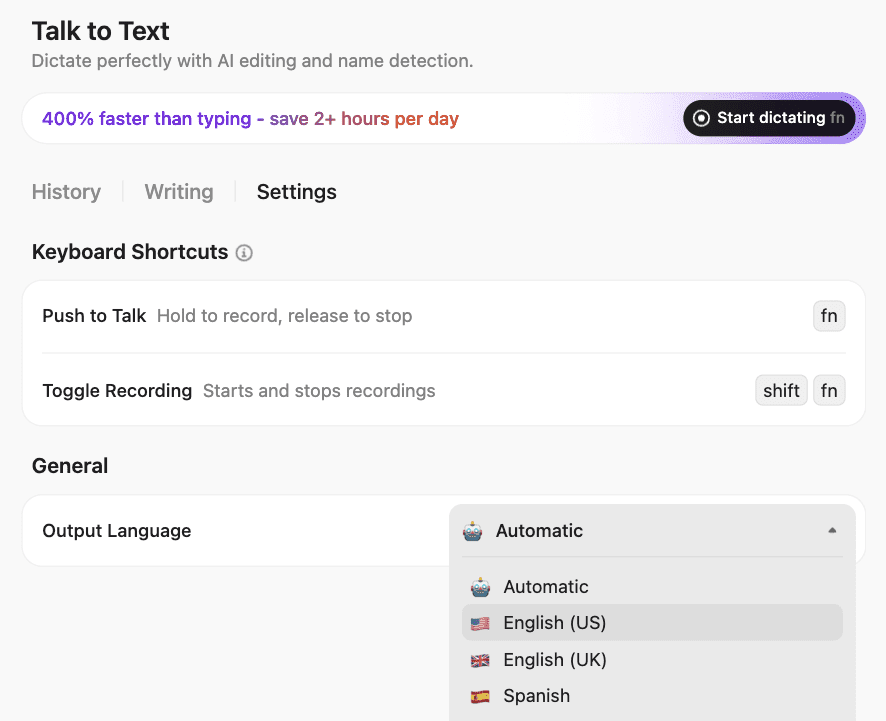
ClickUp Brain MAX gives leaders enterprise search and document searches across the whole workspace. Ask for last quarter’s blockers, customer feedback themes, or open risks by milestone and get answers with contextual links.
ClickUp Talk to Text allows you to verbally provide updates, while ClickUp refines the writing, adds names as mentions, and links the appropriate tasks or documents. It is a friendly way to keep notes current during a busy day.
💡 Pro Tip: Looking for more AI features to boost your productivity? ClickUp AI Agents can handle small but constant chores so people stay focused. Ambient Agents listen for team questions and return rich answers with context or produce weekly summaries and health checks automatically.
You can also build your own agent without code by choosing a prompt, the scope of resources to watch, and the actions to take.
Connect to Google Drive or GitHub and let an agent keep roadmaps current, triage the backlog, or prepare release notes while the team ships.
This G2 user noted:
ClickUp Brain MAX has been an incredible addition to my workflow. The way it combines multiple LLMs in one platform makes responses faster and more reliable, and the speech-to-text across the platform is a huge time-saver.
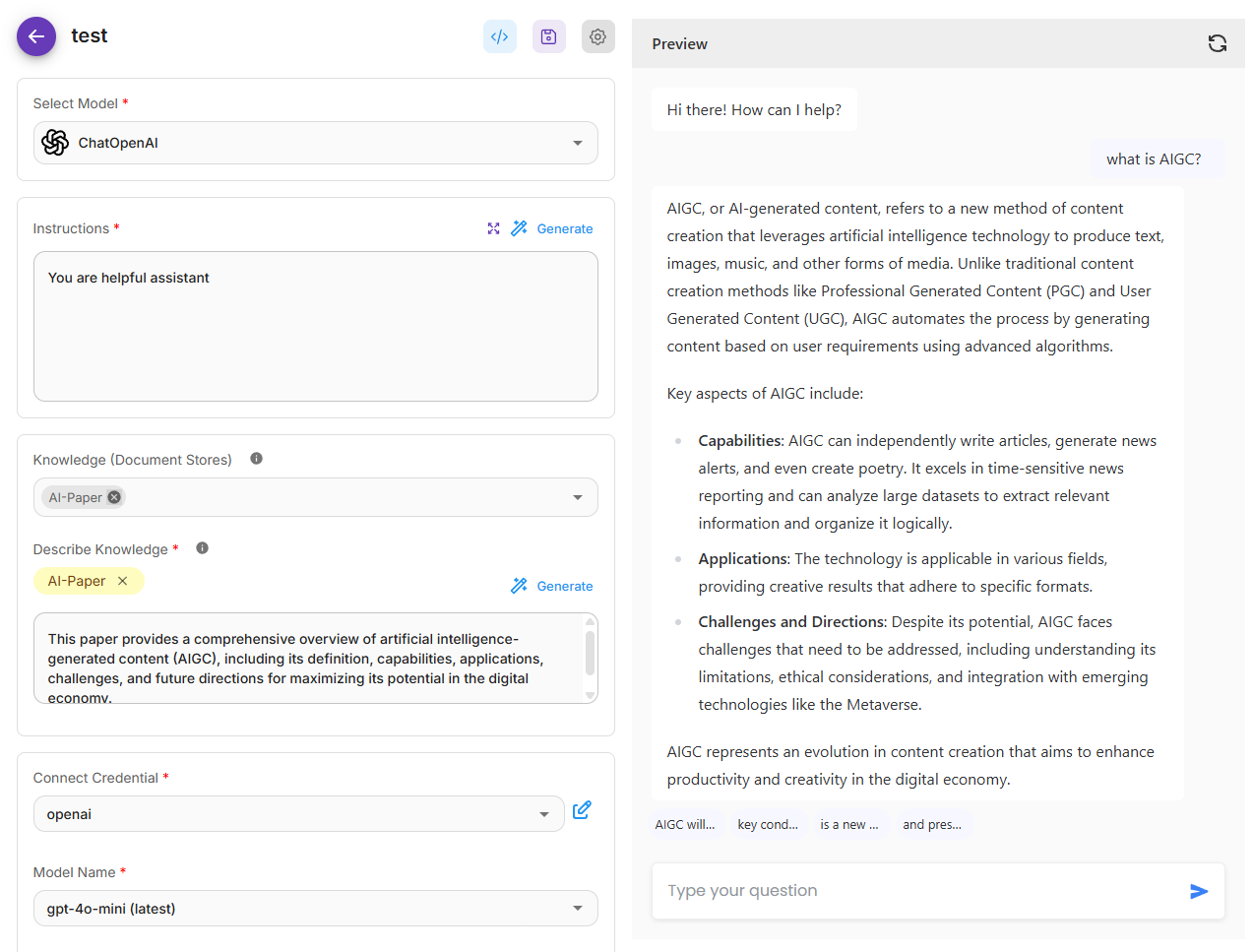
Your team’s pains are pretty specific right now: you want to ship real AI solutions without locking into one vendor, you need autonomous AI agents that can pull from proprietary data safely, and you have to prove governance with clear traces and approvals.
Flowise speaks to that world. It gives you a drag-and-drop interface to design complex AI workflows across multiple tools, connect various language models and vector databases, and keep humans in the loop when decisions are sensitive.
If you’re evaluating Langdock alternatives because you need multi-agent systems, retrieval augmented generation over multiple data sources, and the option to run on-prem, Flowise is built for that.
This Reddit comment featured:
Flowise provides a great low-level AI no-code tool to link up a solution fast. Provides all the native AI pieces you need.
📖 Also Read: How to Build an AI Agent for Better Automation
📮 ClickUp Insight: 1 in 4 employees uses four or more tools just to build context at work. A key detail might be buried in an email, expanded in a Slack thread, and documented in a separate tool, forcing teams to waste time hunting for information instead of getting work done.
ClickUp converges your entire workflow into one unified platform. With features like ClickUp Email Project Management, ClickUp Chat, ClickUp Docs, and ClickUp Brain, everything stays connected, synced, and instantly accessible. Say goodbye to “work about work” and reclaim your productive time.
💫 Real Results: Teams are able to reclaim 5+ hours every week using ClickUp—that’s over 250 hours annually per person—by eliminating outdated knowledge management processes. Imagine what your team could create with an extra week of productivity every quarter!
Most of your team’s day is spent inside PDFs, complex tables, and SharePoint folders. You don’t need another chatbot; you need answers you can trust and a way to automate the follow-through.
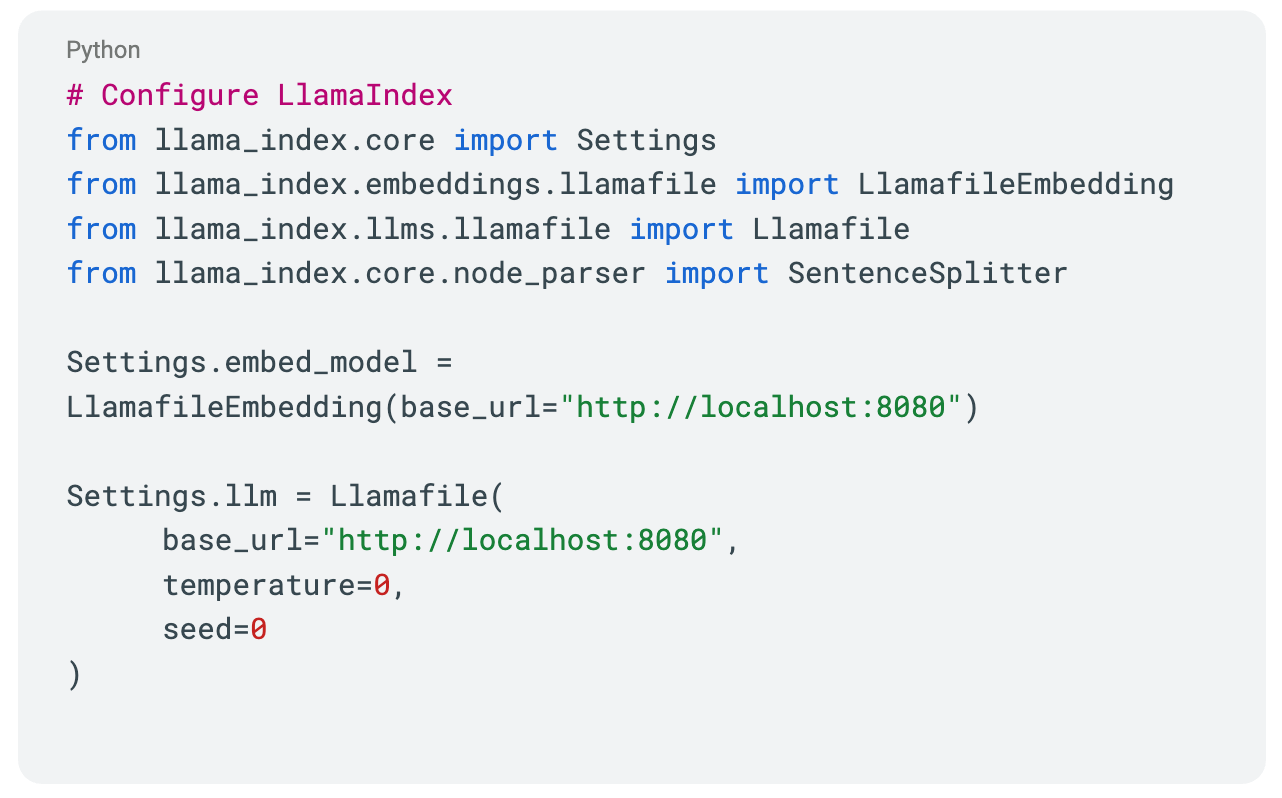
LlamaIndex puts your documents at the center, turning messy files into a structured, searchable context you can actually build on.
With LlamaCloud’s parsing and extraction, those ugly multi-page tables and embedded images survive the trip, and the fields you care about show up clean. You then index it and use the LlamaIndex SDKs to spin up RAG, chat, and agents that cite sources.
This G2 review highlighted:
As a data scientist dealing with large language models LLMs I found LlamaIndex quite helpful to manage.
📮 ClickUp Insight: In our survey, 50% of people said Friday is their most productive day. Fewer meetings and a full week of context likely help. Fewer interruptions. More deep work.
Want that Friday focus all week? Try async habits in ClickUp. Record your screen with Clips, get instant transcripts with ClickUp Brain, and let the AI Notetaker capture and summarize meeting highlights for you.
If you’re leading a team, you are not short on ideas. What you’re running tight on is hours and consistent execution.
You have tried AI helpers that still need supervision, and you added another tab to the sprawl, so the real question is not, “Can AI write?” but “Can it run a process end-to-end without you hovering?”
AutoGPT focuses on that gap with agents that wake on triggers, follow bounded playbooks, and hand you finished outputs for approval.
Ops leads get a low-code canvas for chaining steps and review gates, while engineers extend it with your tools and data when the basics are not enough. You decide what the agent can see where it can act and when it must escalate, and you set cost caps and observability so it behaves in production.
Custom pricing
📖 Also Read: How to Use AI to Train Your Own Models
If you are responsible for scale and accountability, your pain is not a lack of AI but a lack of outcomes. Work lives across CRM, ITSM, HRIS, knowledge bases, and inboxes, so every “simple” request becomes a chase.
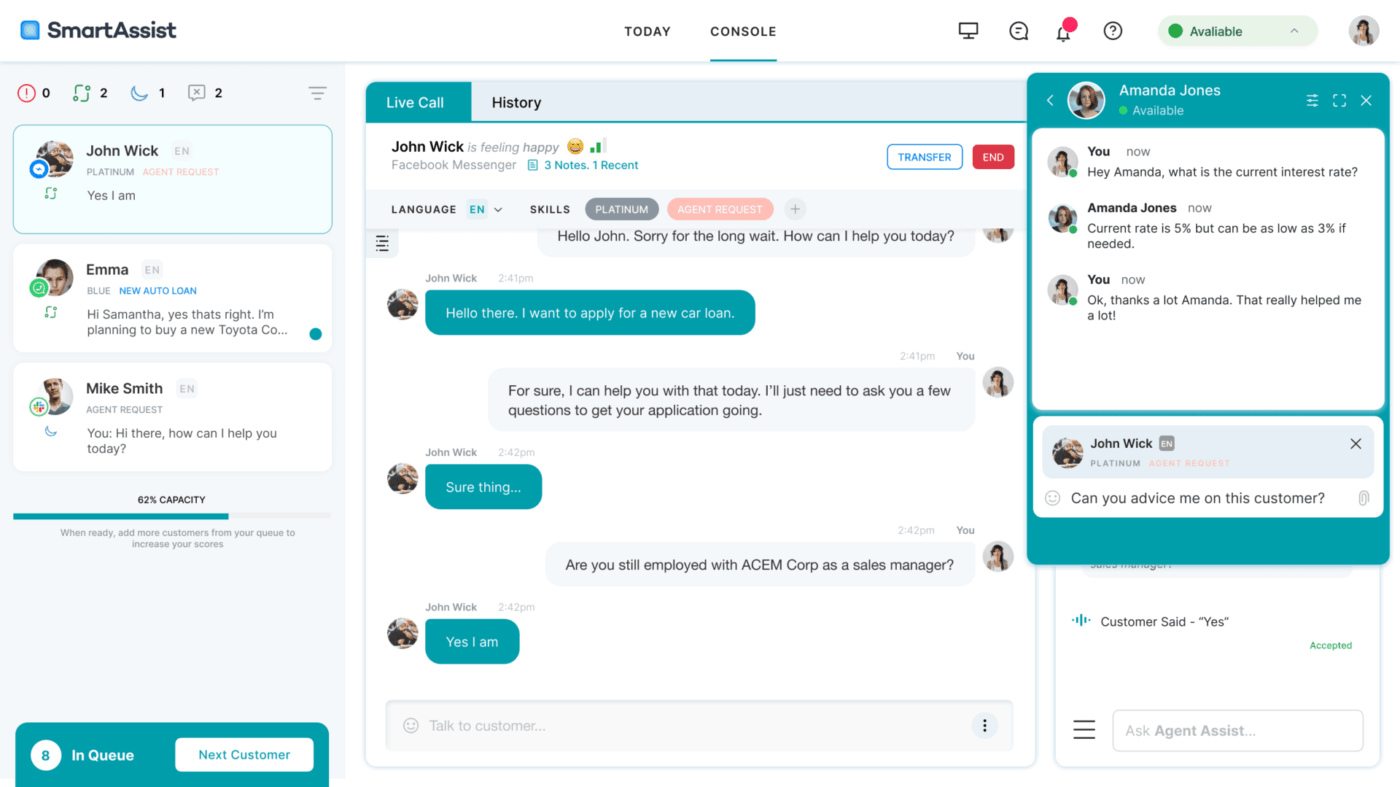
Kore.ai leans into those realities with enterprise search across silos, multi-agent orchestration, and strong controls for privacy, access, and audit.
Your team designs a no-code canvas when speed matters and drops to pro code when you need deep integration. You can start with a prebuilt tiltt accelerator for HR, IT, or customer service, then extendit with your data and models.
The G2 review shared:
I really like the flexibility and scalability of Kore.AI’s platform. The no-code/low-code interface helps speed up bot development while still allowing deep customization for complex use cases.
Every team working with AI eventually faces the same hurdle: turning strong research into dependable systems in production.
Models that look great in notebooks can drift, data pipelines get messy, and moving across CPUs, GPUs, mobile, and cloud can create hidden variability.
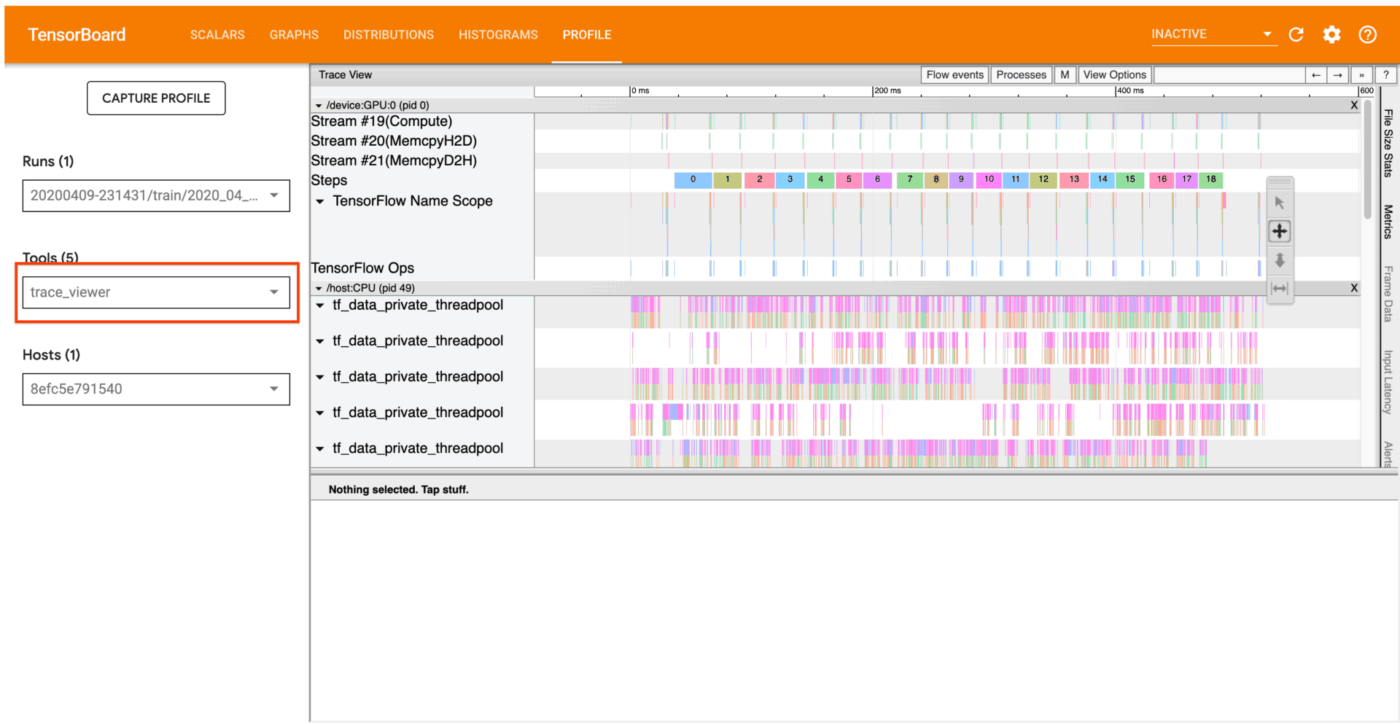
TensorFlow addresses this by giving you one framework from experiment to deployment, with Keras for fast builds, TFX for pipelines, and TensorFlow Serving and Lite for production and edge.
You can run the same model across your stack, monitor it with TensorBoard, and scale with distributed training when you need to.
This G2 review noted:
I have been using TensorFlow for about more than 2 years. I used it mainly for image classification task. With some knowledge about layers, we can perform transfer learning that provide better accuracy.
Nearly eight in ten companies now use AI somewhere in their business, yet most teams still struggle to move from clever prototypes to something reliable in production.
Here’s the issue with that: when you’re pulling data from different systems, trying to keep retrieval accurate, and making sure every answer can be traced, things can get messy fast.
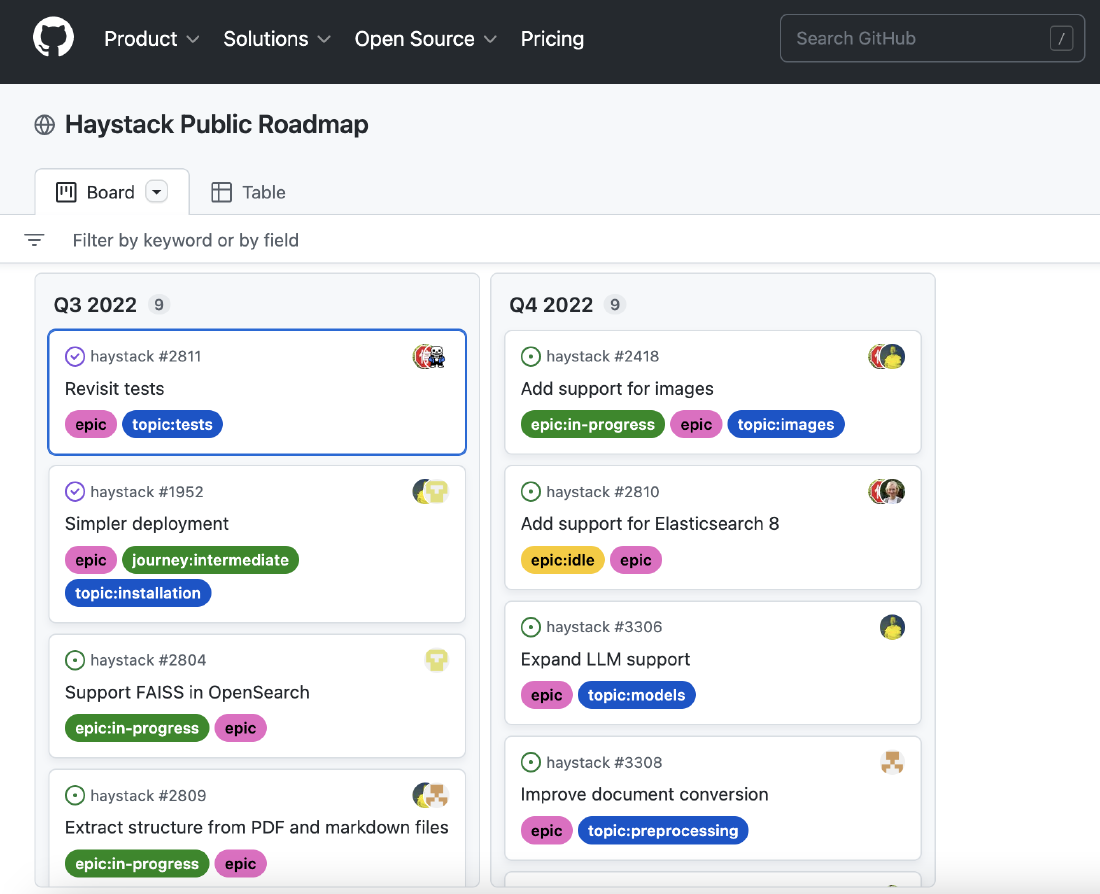
Haystack was designed for those moments. It helps teams build practical AI applications that don’t fall apart after launch. You can start small with a search or retrieval workflow and grow into multi-agent pipelines without rewriting everything.
The tool connects naturally with tools like OpenAI, Anthropic, Weaviate, and Pinecone, while giving you visibility into what’s happening behind the scenes.
For developers and product teams who value structure and clarity over hype, Haystack offers a steady way to build, test, and deploy AI that actually holds up when real users show up.
This G2 review captured:
Haystack is a powerful open-source Python framework for building natural language processing (NLP) pipelines. It offers a range of pre-built components for common NLP tasks, as well as support for various pre-trained language models and deep learning frameworks.
📖 Also Read: Powerful AI Agents Examples Transforming Industries
More teams are using AI at work than ever, but for most people, that still means switching between dozens of tabs and models just to get a single task done.
The problem is that it becomes effortless to lose time when every idea needs a different subscription, login, or API key.
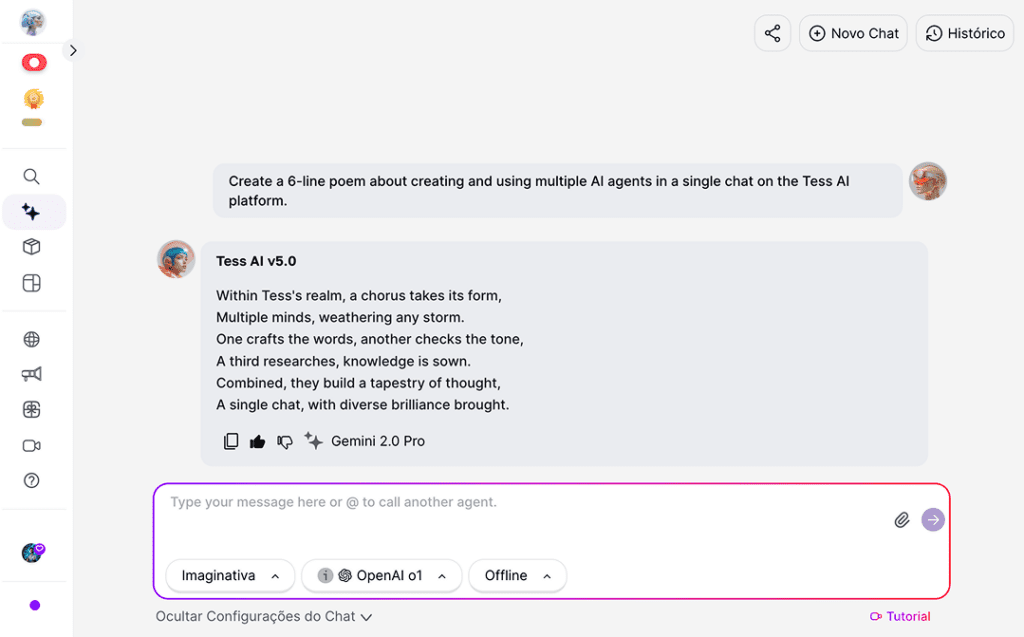
TESS makes AI feel approachable. You can connect models like OpenAI, Gemini, Claude, Mistral, and Leonardo in one chat, and they actually learn from each other.
Families, friends, and teams can share credits instead of buying separate seats. And with built-in tools for automation, file generation, and image editing, you can do everything from writing reports to designing campaigns without leaving the platform.
It’s a simple idea done well: one place where work, learning, and creativity actually stay connected.
This G2 user penned:
Using multiple AI tools with Tess has truly transformed the way I work and interact with technology. The ability to seamlessly integrate various AI applications allows for greater efficiency, creativity, and problem-solving.
Marketers woke up this year to Google expanding Performance Max with new features that promise better results and more clarity for what is driving them, which means more formats to test and more creatives to ship every week.
That is exciting, and it also raises the bar for your team.
You are managing ideas, copy, video, and design across a mix of channels, and every handoff slows you down.
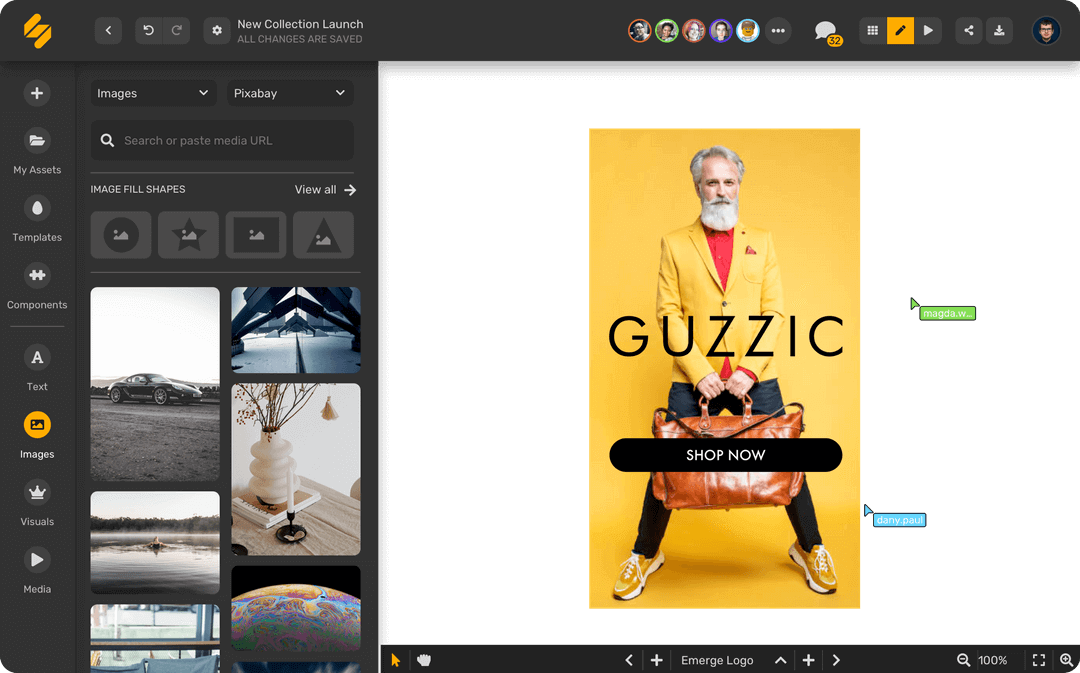
You want one place where briefs become posts, posts become clips, and the calendar stays in sync. Simplified leans into that reality with an all-in-one workspace that writes, designs, schedules, and measures in minutes, so your team can move from draft to publish without hopping tools.
Start with the basics, like a shared calendar and a few templates, then add AI workflows and approvals as you grow.
And now, with AI Workflows and Agentic Orchestration, you can automate repetitive tasks—like review and publishing loops—without ever writing a single line of code!
This G2 user noted:
I really like how Simplified combines design, video editing, AI writing, and team collaboration in one platform. The templates are modern and diverse, which saves a lot of time.
Learning to trust is one of life’s most difficult tasks.
— quoted by Isaac Watts
That idea fits perfectly in today’s AI landscape. Every company wants intelligent systems that act on their own, but very few can promise they’ll act reliably.
Akka does an impressive job of being the invisible backbone behind large-scale, distributed, and long-running agentic systems.
Instead of cobbling together multiple frameworks, Akka gives teams one place to design, orchestrate, and monitor agents that can think, coordinate, and act safely over time.
Its orchestration engine handles durability and recovery, while Akka Memory keeps context private and accessible at lightning speed.
This G2 review said:
A good model for asynchronous message handling without the complexities of threads and locks. With Akka, we can compose a system of actors and message passing.
📖 Also Read: What Are LLM Agents in AI and How Do They Work?
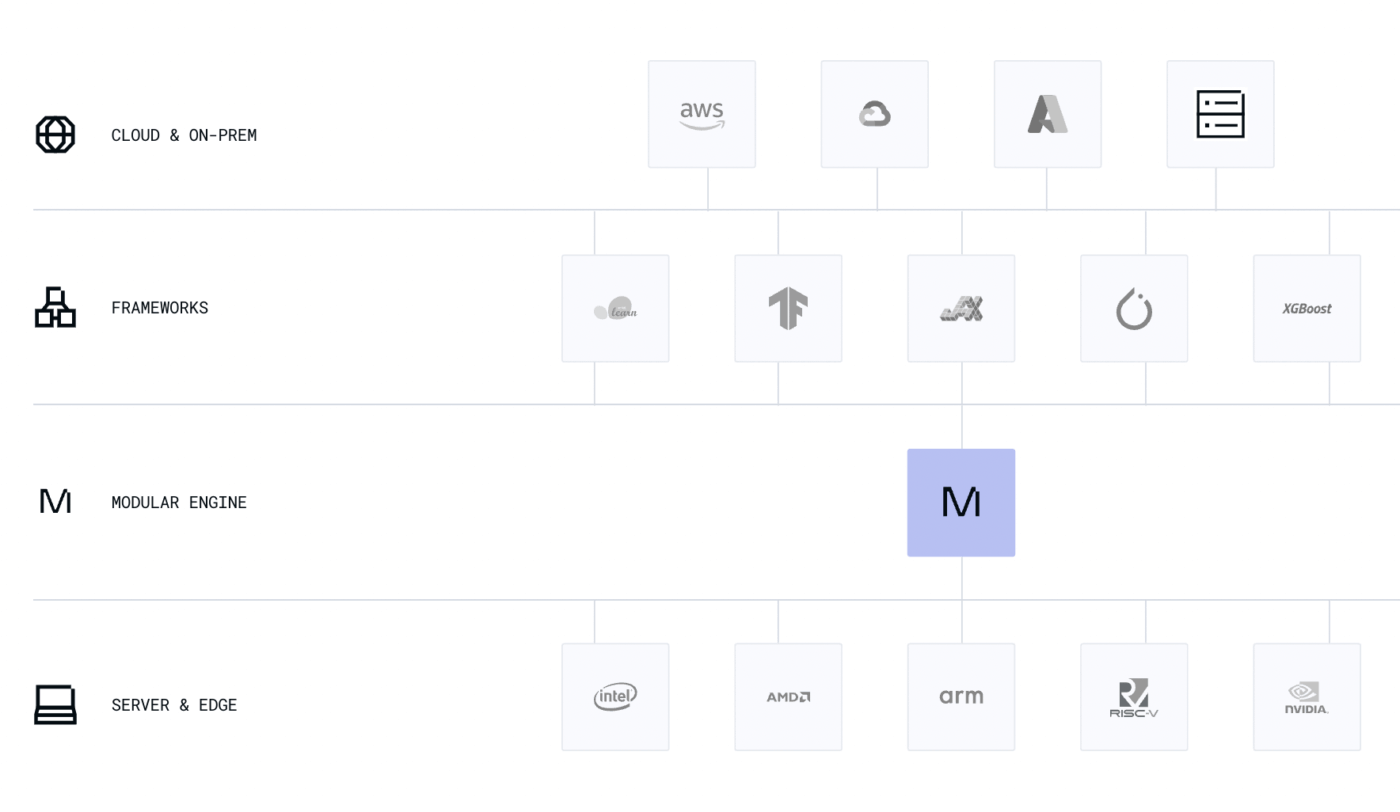
If you’ve ever tried scaling AI systems across different GPUs, you know the struggle. One model runs beautifully on NVIDIA, breaks on AMD, and slows to a crawl on cloud hardware. Every tweak feels like starting from scratch.
Modular AI was built to end that cycle of patchwork fixes. It gives developers one unified platform to build, optimize, and deploy models anywhere.
That promise isn’t just theoretical. Recently, Modular raised $250 million to expand its Unified Compute Layer, a platform that already powers AI workloads for some of the biggest names in tech.
With Mojo, its lightning-fast programming language, and the MAX Platform for low-latency model serving, Modular delivers enterprise-grade performance with the flexibility of open source.
Here is a comparison table that you can use to pick the most suitable Langdock alternatives.
| Criterion | Why it matters | What good looks like | Quick checks |
| Security and governance for proprietary data | You need to keep sensitive data safe while teams work fast | SSO, SCIM, RBAC, audit logs, data residency, redaction on by default | Where is data stored, who can view prompts, can logs be disabled, is VPC or on-prem available |
| Data integration and knowledge | Real work lives across multiple data sources and formats | Native connectors, vector databases, semantic search, retrieval augmented generation, smart storage mechanism | Which sources sync, how often, can you filter PII, how is unstructured data handled |
| Model flexibility | Different tasks need different AI models | Use various language models, swap providers, fine-tune, route per task, immediate model iteration | BYO key support, context limits, eval tools, cost controls per workspace |
| Agents and workflows | Teams want AI agents to handle complex AI workflows, not just chat | Multi-agent systems, chaining multiple tools, web browsing capabilities, human in the loop | Can agents call APIs, run tools, browse, schedule jobs, and recover from failures |
| Interface and DX | People adopt tools that feel simple and flexible | Drag-and-drop interface and clean SDKs, minimal extensive coding knowledge required, export to code for LLM apps | Is there a drag-and-drop UI, CLI, versioning, and environments for developers |
| Deployment and ops | You must ship to production environments with confidence | Rollbacks, staging, rate limit handling, blue-green deploys, multi-region support | How do we deploy models to multiple platforms, what are SLAs and quotas |
| Observability and guardrails | Safe, steady results build trust | Evaluations, content filters, policy checks, prompt versioning, drift alerts | Can we track tool usage, latency, errors, and add approval steps |
| Search and assistants | People need quick answers, not hunting | Virtual assistants that use natural language processing over your corpus with analytics | Are responses grounded, can we see citations, can we tune ranking |
| Workflow automation | The goal is fewer manual steps and faster wins | Built-in automations, triggers, and data analysis tools for day-to-day tasks | What can we automate on day one, where do we need custom code |
| Access control and sharing | You decide how users gain access and what they can do | Granular roles, project-level keys, audit trails to manage complex applications | Can we scope secrets, restrict export, and share safely with AI teams |
You looked at a bunch of clever tools. Some are outstanding at one slice of the job. Others feel excited, then get fiddly once the real work starts. What most teams want is simple. One place where plans live, people stay aligned, and the work actually ships.
ClickUp keeps the whole story in one room. Tasks, docs, goals, whiteboards, chat, and automations sit side by side, so you do not lose the plot hopping between tabs. Views fit how your team thinks. Lists for planners. Boards for builders. Gantt for folks who love timelines.
You can start simple, add custom fields and automations only when you need them, and keep your setup tidy as you grow.
Experience how directly connecting tasks helps prevent ideas from drifting away. Roles and permissions are clear, which keeps chaos out. Hence, sign up for ClickUp now!
Langdock is an AI platform that helps teams create and manage internal assistants. It connects large language models to company data, allowing employees to query documents, automate tasks, and generate insights securely within their workspace.
Some teams look for more flexible tools, easier integrations, or stronger compliance options. Others may want lower costs, better customization, or simpler interfaces that do not require extensive setup.
Tools like ClickUp Brain, Cohere Coral, and Tess AI offer strict data controls and SOC 2 or GDPR-compliant environments. These platforms let companies manage sensitive data safely while still benefiting from AI-powered automation.
Open-source platforms such as Flowise and LangChain can match enterprise solutions in flexibility and customization, but they often require more technical effort to secure and maintain. For regulated industries, enterprise-grade tools remain safer choices.
Some users mention limited customization, a smaller ecosystem of integrations, and higher costs as their AI use scales. For teams needing full control over their infrastructure, Langdock may feel restrictive.
Yes, for most business workflows. ClickUp Brain brings AI directly into your workspace, combining task automation, document search, and intelligent summarization—all tied to your existing ClickUp projects. It offers a seamless experience without juggling multiple platforms.
Chatbots follow pre-written scripts, while AI assistant platforms learn context, access connected tools, and execute complex tasks. They act as active team members rather than static responders.
Model-agnostic AI means the platform can connect to any language model—OpenAI, Anthropic, Mistral, or custom models—without being locked to one provider. It ensures freedom to choose what fits your goals best.
Look beyond subscription price. Consider how much time it saves, how well it fits your existing tools, and whether it scales with your data needs. A slightly higher cost often pays off when the platform simplifies workflows, improves compliance, and reduces tool sprawl.

© 2026 ClickUp

There’s an easier way. Try a free AI Agent in ClickUp that actually does the work for you—set up in minutes, save hours every week.