






Still downloading templates?
There’s an easier way. Try a free AI Agent in ClickUp that actually does the work for you—set up in minutes, save hours every week.
Sorry, there were no results found for “”
Sorry, there were no results found for “”
Sorry, there were no results found for “”
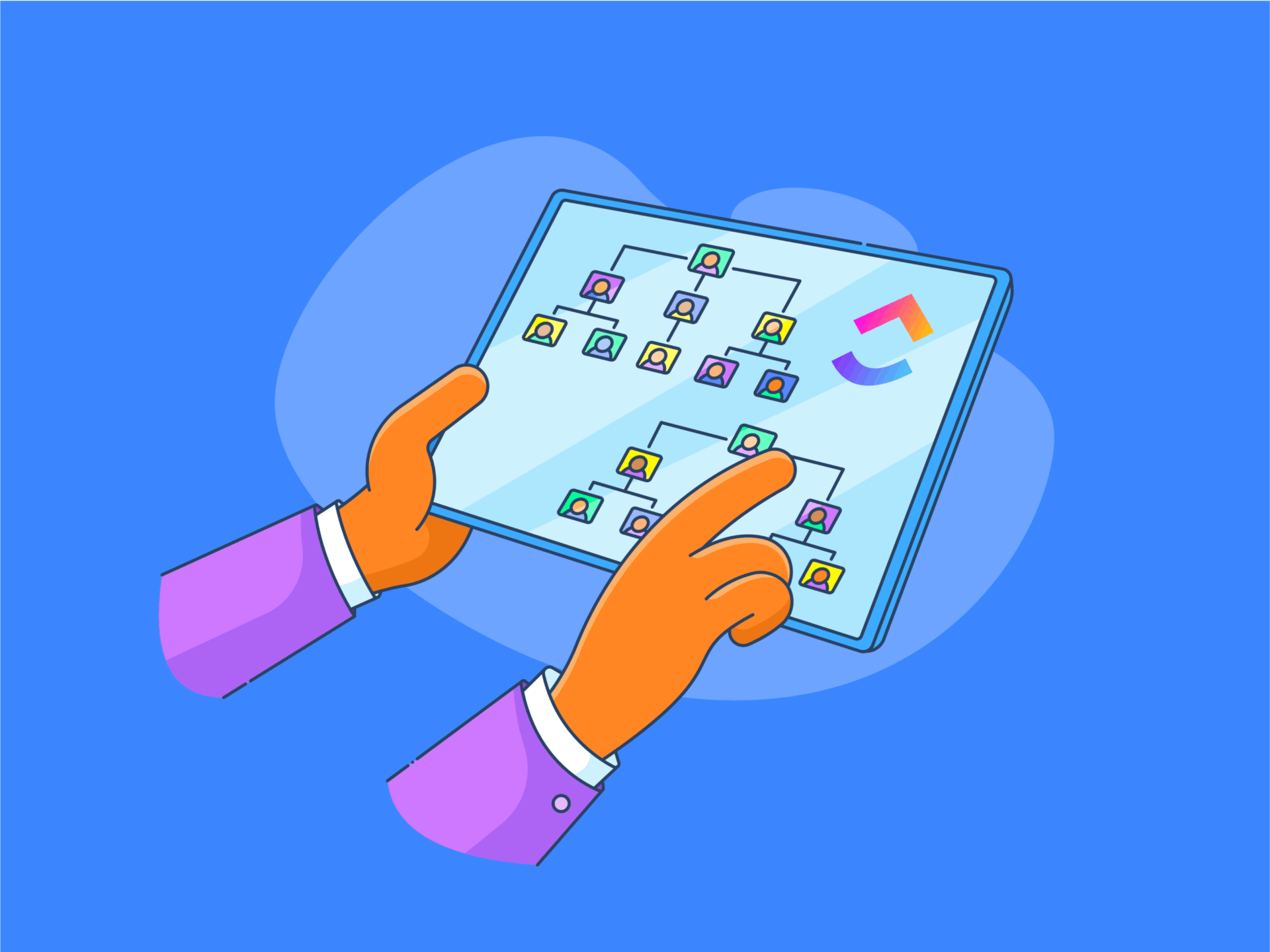
Picture this: You’re knee-deep in onboarding spreadsheets, your applicant tracking system is stuck in 2014, and your team just pinged you (again) asking where to find the updated time-off policy.
If this feels painfully familiar, you’re not alone. A Gartner survey found that 38% of HR leaders are already piloting or implementing generative AI to overhaul their HR functions.
Why? Clunky, disconnected HR processes are inefficient, and they cost companies time, talent, and trust. That’s where choosing the right HR software comes in.
But with an overwhelming sea of HR tools—from basic payroll software to full-blown human resource information systems (HRIS)—how do you choose HR software that fits your team’s real-world needs?
In this post, we’ll break down the types of HR software available, give you a step-by-step HR software selection guide, and show you how tools can go beyond task tracking to support onboarding, employee self-service, and talent management.
🧠 Fun Fact: The 1920s saw the start of a labor management movement (now human resource management), driven by the introduction of labor officers during World War 1.
Choosing the right HR software can completely change your day-to-day. According to Gartner, 89% of HR leaders plan to increase or maintain their HR technology budgets, with performance management, analytics, and employee self-service among the top focus areas.
Here’s what to look out for:
Choosing HR software isn’t just a tech decision—it affects performance, people, and the future of your organization.
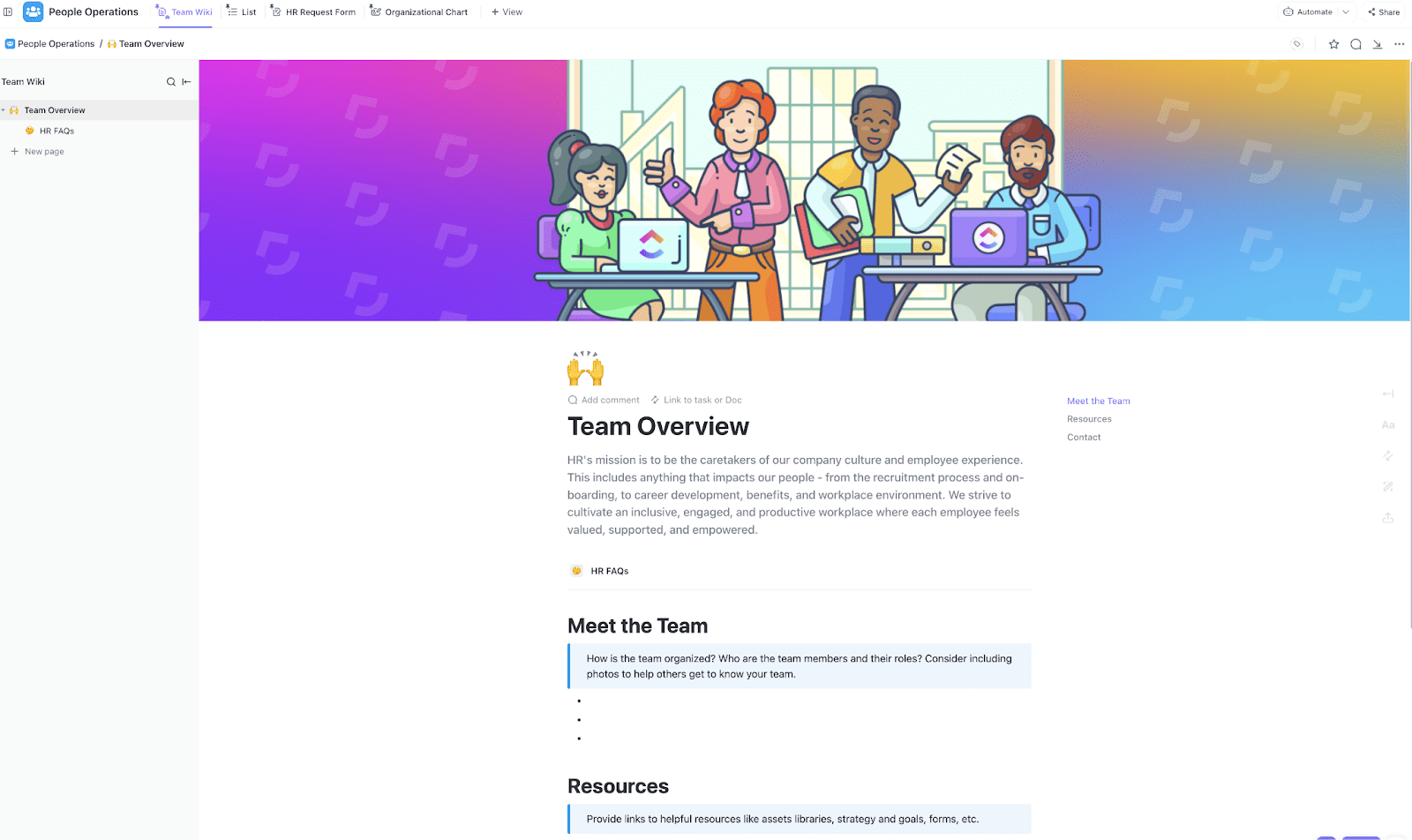
ClickUp People Operations Template is designed for HR teams that manage everything from recruiting to employee engagement in one workspace. This template transforms chaos into a clear plan without additional setup for growing teams juggling multiple responsibilities (hiring, feedback, policy updates).
It includes:
Whether you’re a solo HR pro wearing 17 hats or part of a full-fledged HR department, knowing the types of HR software out there can save you time, sanity, and way too many spreadsheets.
Let’s decode the alphabet soup of HR tech:
Think of this as the central nervous system of your HR setup. Core HR software handles the foundational stuff—employee records, job info, org charts, compliance documentation, and basic data management.
What it does:
HRIS sounds like a mouthful, but it’s just an evolved version of core HR, with more automation, insights, and integration. It’s your command center for all things HR management.
What it does:
💟 Making HR easy: ClickUp Brain transforms HR workflows as your contextual, all-in-one work AI. It automates repetitive admin tasks, surfaces employee insights, and connects all your HR docs, onboarding checklists, and communications in one place.
With Brain, you can instantly generate personalized offer letters, summarize candidate feedback, and ensure every HR process is streamlined and compliant, all while keeping sensitive information secure and accessible only to the right people.
For even more power, Brain MAX serves as your dedicated desktop companion, bringing advanced enterprise search and voice-first productivity to your HR toolkit. With Brain MAX, you can search across all your HR apps, documents, and employee records from a single desktop app—no more switching between platforms or losing track of important details.
Hiring great people is hard. Keeping them? Even harder. Talent management tools help with both. From recruiting to succession planning, TMS handles the people side of human resource planning.
What it does:
Spoiler alert: your email inbox is not a hiring pipeline. ATS platforms help you manage applicants, schedule interviews, and track every step of the hiring process like a pro.
What it does:
👀 Did You Know? The New York State School of Industrial and Labor Relations at Cornell University was one of the first colleges in the US to offer a course (a 4-year Bachelor of Science in industrial and labor relations) on the human resource management systems (HRMS).
Running payroll manually is the HR equivalent of walking uphill in the snow. Payroll software automates everything—salaries, taxes, deductions, and compliance.
What it does:
Who clocked in late? Who’s on PTO? How many hours did the new intern work last week? Time-tracking software knows.
What it does:
No more vague reviews and awkward rating scales. Modern performance management software gives your team clarity, feedback loops, and growth paths.
What it does:
📮 ClickUp Insight: 24% of workers say repetitive tasks prevent them from doing more meaningful work, and another 24% feel their skills are underutilized. That’s nearly half the workforce feeling creatively blocked and undervalued. 💔
ClickUp helps shift the focus back to high-impact work with easy-to-set-up AI agents, automating recurring tasks based on triggers. For example, when a task is marked as complete, ClickUp’s AI Agent can automatically assign the next step, send reminders, or update project statuses, freeing you from manual follow-ups.
💫 Real Results: STANLEY Security reduced time spent building reports by 50% or more with ClickUp’s customizable reporting tools—freeing their teams to focus less on formatting and more on forecasting.
Don’t make your HR team answer, “How many PTO days do I have left?” 27 times a day. Let employees help themselves.
What it does:
📚 Also read: Human Capital Management Software for Businesses
Short answer? It depends on your HR needs, company size, and team structure. Some platforms offer all-in-one suites (like an HRIS with embedded payroll and performance tracking), while others specialize in one area and integrate well.
Choose your stack based on:
Finding the right HR software shouldn’t feel like decoding ancient runes. But with hundreds of tools promising to “streamline your HR processes,” it’s easy to get overwhelmed.
Let’s break it down into clear, actionable steps to help you choose HR software that actually fits your team.
Before you chase shiny dashboards or AI-generated kudos badges, zoom in on what’s actually broken (or inefficient) in your current HR setup. Start by asking:
For example, a 20-person startup might have outgrown email onboarding checklists. On the other hand, a 200-person company might discover that its fragmented HRIS tools are causing data duplication and compliance risks.
Whether hiring your tenth team member or scaling HR operations across departments, ClickUp Human Resources gives your team the clarity, consistency, and control it needs. From managing recruitment pipelines and onboarding checklists to streamlining performance reviews and tracking employee engagement, everything lives in one powerful platform.
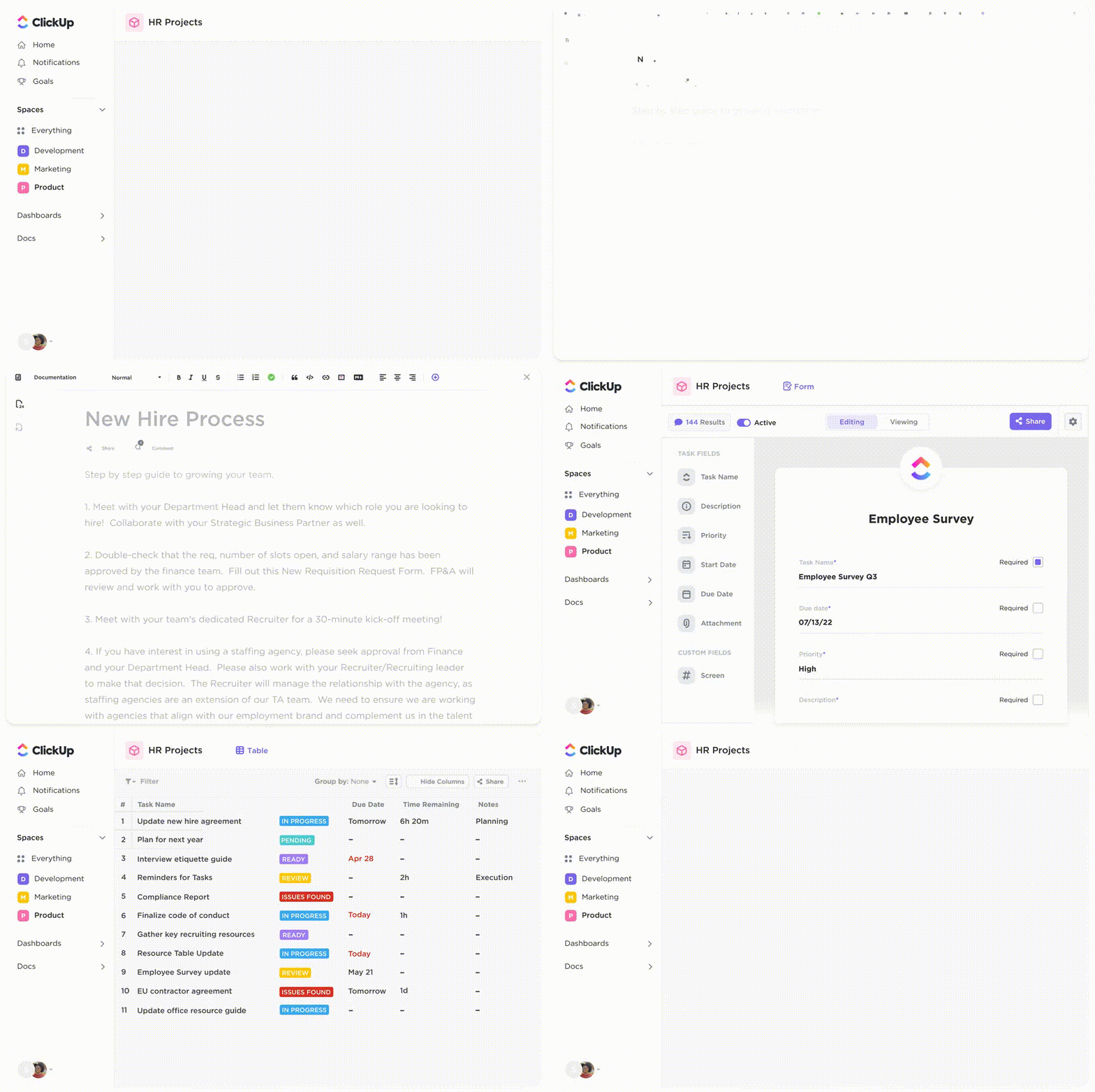
With customizable workflows, AI-powered automation, and collaborative docs, HR teams can:
Instead of toggling between six tools and ten spreadsheets, ClickUp’s HR platform lets you manage the entire employee lifecycle in one place—it’s smart, scalable, and easy to use.
Before you add anything new, get brutally honest about what’s already on your HR plate. Start your HR tech audit by listing:
Then dig into the “shadow systems”—manual workflows no one talks about:
The paramount thing here is a powerful search—one that can help you locate official documents and shadow systems within minutes.
ClickUp AI Knowledge Management offers a centralized hub where all your HR documents, policies, and procedures are stored and easily accessible. With AI-powered search capabilities, retrieving specific information becomes swift and intuitive, reducing time spent on manual searches and ensuring your team can access up-to-date resources.
It comes with:
Sometimes it’s easier to start off with a launchpad, though. ClickUp’s templates can cover you here. 👇🏼
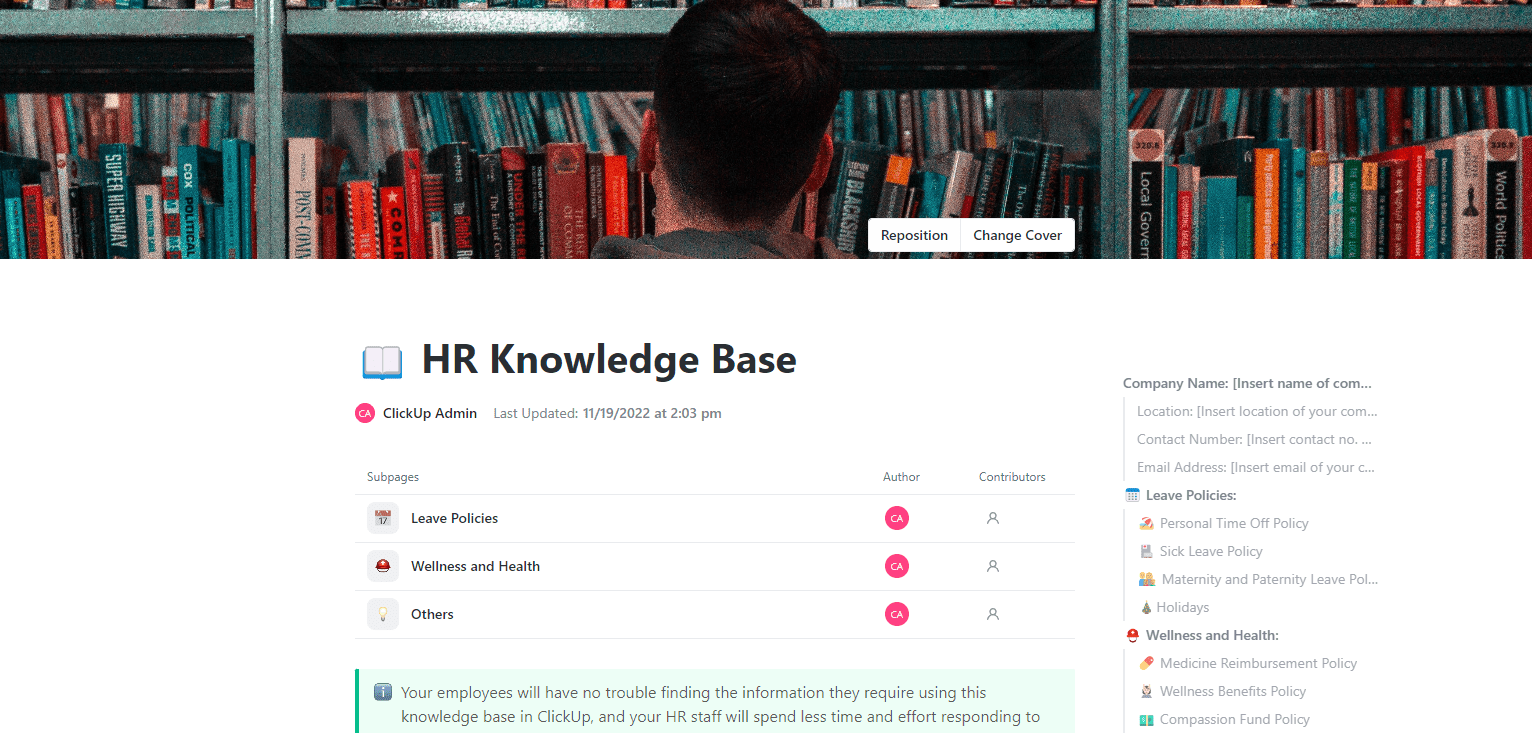
ClickUp HR Knowledge Base Template helps centralize HR documents in a clean, easy-to-navigate structure. It’s ideal for building a searchable, accessible library for all things HR.
It includes:
In addition, the ClickUp Employee Handbooks, Policies & Procedures Template helps centralize company policies by consolidating essential information like payroll and vacation policies into a single, accessible document.
To document and standardize HR processes, use the ClickUp HR SOP Template. It facilitates creating and managing procedures, such as onboarding and exit interviews.
💡 Pro Tip: Whether you’re onboarding new hires or keeping policies consistent across departments, use these free HR templates to turn scattered docs into a structured, find-it-fast system.
Not every HR platform needs to be a spaceship. A 10-person startup doesn’t need enterprise-grade compliance workflows—and a scaling 200-person org can’t run HR on spreadsheets and Slack threads. Before you commit, ask:
Your goal isn’t just to solve today’s HR needs—it’s to choose HR software that won’t buckle under growth.
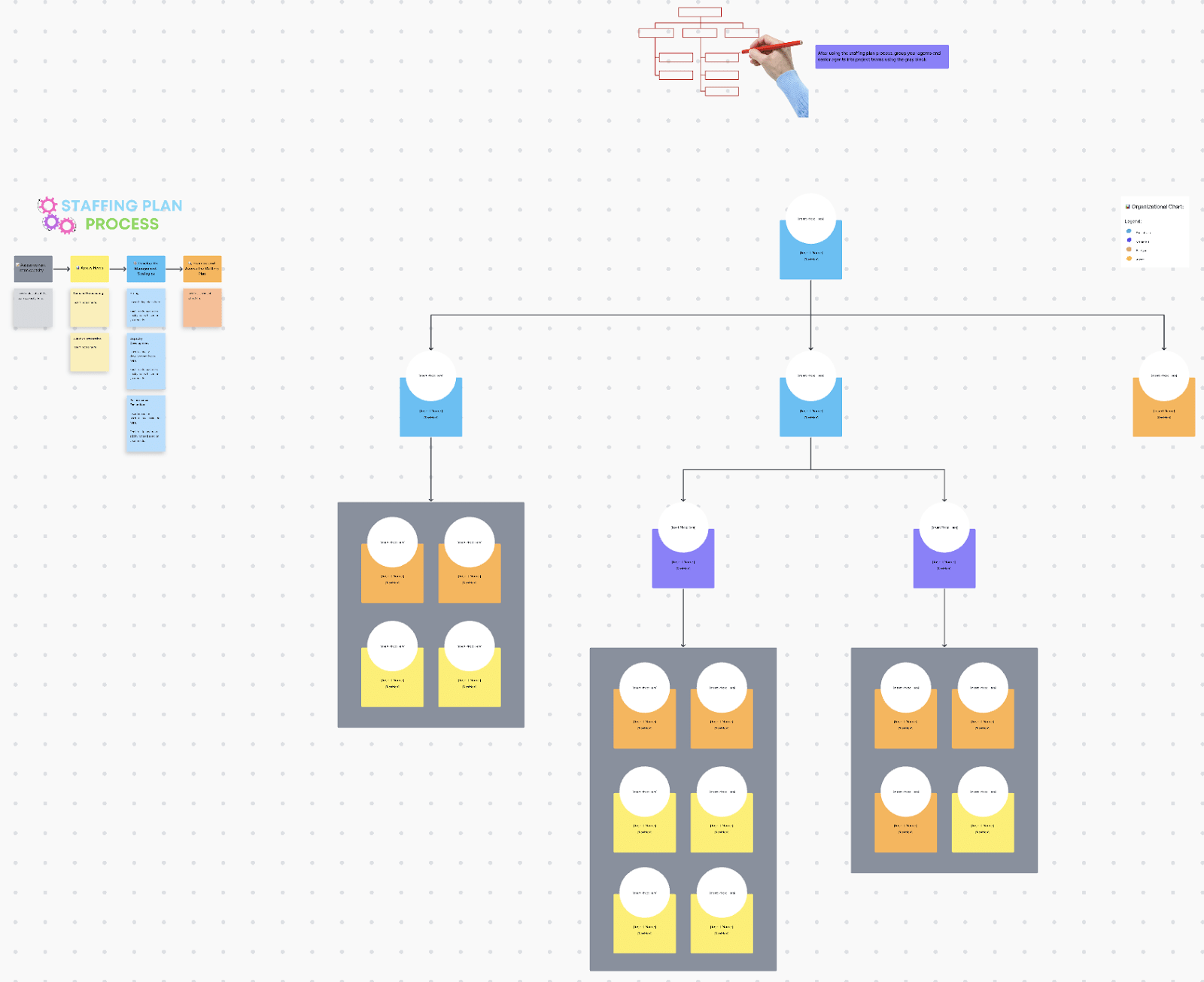
ClickUp Staffing Plan Whiteboard Template is a visual planning template that helps you map out headcount requirements by department, time period, and role—all in one flexible whiteboard. It includes:
This template works especially well for operations leads and human resource managers, creating a hiring plan that aligns with company goals (not just ad hoc team requests). Whether you’re growing by 5 or 50, this template brings clarity to your workforce trajectory.
Before you lock in an HR platform with a sleek interface and “award-winning dashboards,” take a breath—and pop the hood on your current toolset.
Ask yourself:
If the answer is “too many,” you’re not alone. 55% of HR leaders report their current technologies don’t meet evolving business needs, and 51% cannot measure the ROI of their technology investments. This is where integration and workflow compatibility become your non-negotiables.
For example, a midsize company using Google Workspace, Zoom, and Slack should avoid HR tools that don’t integrate natively. Otherwise, your HR team’s week becomes a patchwork of exports, calendar mismatches, and missed updates. The real save in such situations? Integrated workflows!
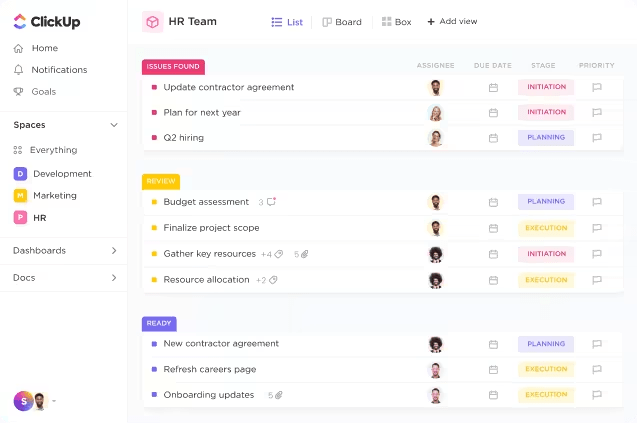
ClickUp AI Agents are designed to handle these interconnected tasks and workflows autonomously, enhancing efficiency and allowing your HR team to focus on HR focused strategic initiatives. It can help you with:
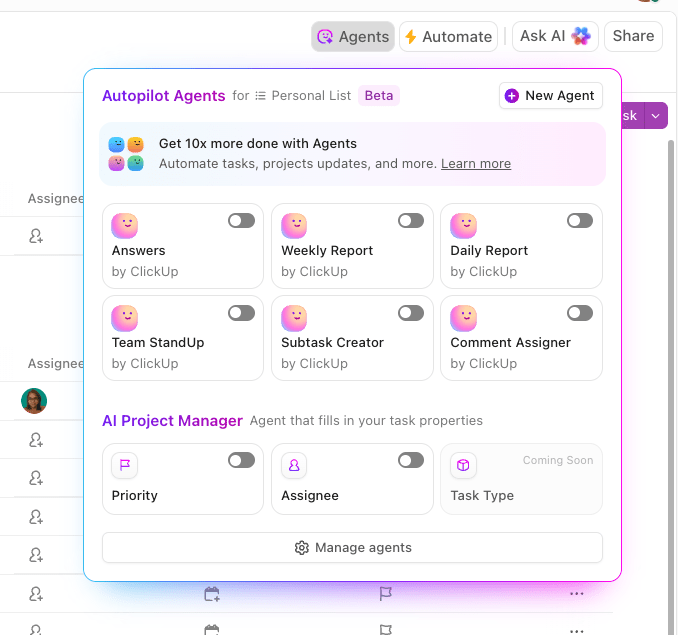
Bottom line! Choose HR software that fits your team’s reality, not the other way around.
💟 Bonus: Want to bring order to recruitment chaos? The ClickUp Recruitment Action Plan Template helps you map hiring timelines, assign stakeholders, and track progress from job posting to offer letter.
So you’ve narrowed down your top picks. Now what?
Time to move beyond the feature lists and see how each HR software solution actually feels in action. Think of it like dating: you wouldn’t commit after one LinkedIn profile stalk, right?
Schedule product demos with shortlisted vendors—ideally with multiple people from your HR team or leadership group. During the trial, ask:
Best practice? Many HR professionals use it to prototype their ideal HR workflows before committing to expensive long-term platforms. You can test-drive features like:
The main thing is not to get pigeonholed into a specific type of tool that allows zero room for experimentation. So, if you want to explore how flexible tools like ClickUp can bridge your HR gaps before making a big purchase, now’s the time to tinker.
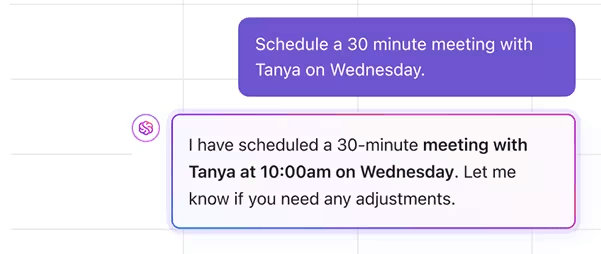
Integrating AI into human resource processes is no longer a nice “maybe.” It can help you with end-to-end workflows, with a fraction of human oversight.
Here are some common scenarios:
Even the best HR teams fall into these traps. Let’s make sure you don’t.
That new tool may offer “mood tracking” or “birthday shoutout bots”—but does it fix your payroll bottlenecks or onboarding chaos? Always lead with your HR goals and pain points (remember Step 1?), not a wishlist of cool-but-useless add-ons. HR software selection should align with business needs, not tech FOMO.
If your HR team needs advanced performance management tools, but your managers just want a clean way to track OKRs… guess what? Both needs matter. Choose HR software with a user-friendly interface and built-in employee self-service to make adoption painless.
What works for a 15-person team now may crumble at 50. Avoid tools that box you in. Prioritize platforms that scale with your company size and HR complexity, without forcing you into rigid workflows.
Reading feature lists is not the same as actually using the tool. Run a pilot. Set up a dummy HR process before you commit, like time-off approval or recruitment planning.
Did you check where the employee management data is stored? Does it meet compliance requirements? Who has access? Choosing the right HR software means considering security, compliance, and integrations from the get-go, not as an afterthought.
📚 Also read: HR Challenges & Solutions for HR Teams
Choosing the right HR software comes down to future-proofing your people operations. From mapping out your goals to avoiding those classic HR tech traps, you now have a clear, step-by-step guide to make smarter decisions (and fewer regrets).
Whether you’re juggling onboarding, compliance, or employee engagement, the right tool should bring clarity—not more chaos.
With ClickUp, you don’t just get task management. You get an AI-powered knowledge base, automated workflows, recruiting templates, HR dashboards, employee handbooks, performance tracking, and more — all under one roof. No tool-switching. No duct tape.
It’s time to leave behind the scattered spreadsheets, ghosted applicants, and mystery SOPs. Make HR easier, faster, and fun (yes, fun).
Ready to revamp your HR operations? Sign up for ClickUp today.

© 2026 ClickUp

There’s an easier way. Try a free AI Agent in ClickUp that actually does the work for you—set up in minutes, save hours every week.