BombBomb vs. Loom: Which Screen Recording Tool is Best?

Sorry, there were no results found for “”
We often hear that it is easier to show than tell. In the case of screen recording tools, this might actually be the case.
Asynchronous or pre-recorded video messages are gaining popularity quickly because they simplify communication. Whether it is a detailed project explanation or team updates, you cannot go wrong with an async video message.
BombBomb vs. Loom is often the most popular comparison among the top screen recording tools available today because of their similar features.
Let’s compare Loom and BombBomb based on their features, use cases, and how they turn videos and recorded screens into meaningful interactions.
Loom is a screen recording and video messaging tool that improves async collaboration and communication. From Google Workspace to Slack, you can seamlessly integrate Loom with most of your regularly used productivity and work from home tools.
Whether you’re holding live meetings, sharing screens, recording meetings, or organizing whiteboard sessions, Loom works great for all!
The best part about Loom is its user-friendly interface that makes remote collaboration much smoother. Let’s explore its top features for screen recording and video messaging.

Loom lets you record your computer screen and camera at the same time. You can record videos through any device using the Loom video screen recorder Chrome extension, desktop app, or mobile app. It offers high-quality video capture, and webcam footage.
With the Loom Chrome extension, you can annotate the recordings, add a call-to-action, and even use drawing tools to highlight key points.
You can record and share Loom videos for “meet-less” meetings, explaining concepts, product demos, sales pitches, and team updates.
Once you record a video, Loom automatically creates a video link so you share updates or explain things clearly, cutting down on endless meetings.
Loom’s Insights Hub offers detailed analysis of video views, engagement, interactions, and the amount of filler words you use in your videos.
You can use these insights to enhance your communication and make more interactive videos.
Loom seamlessly into your workflow. You can integrate it with your go-to tools, such as Calendly, Jira, Gmail, Slack, Notion, Salesforce, and Zendesk.

You no longer need to stress about getting your video recordings right in one go. Once you shoot your video on Loom, you can immediately edit it.
It’s easy to trim parts, add new clips, or even annotate with drawings to get your message across just right. Loom lets you record informative and engaging videos without any hassle.

Imagine transforming your videos into well-organized documents or text messages with just a few clicks. Loom AI does exactly that! It can generate summaries, subtitles, and even draft emails based on your video content.
Loom offers three pricing tiers, including a free plan.

BombBomb is video messaging and screen recording software for sales teams to level up communication by embedding video messages into emails. You can build customer relationships by sending personalized product demos, video training, or emails.
It acts as a marketing tool that helps you stand out in crowded inboxes through interactive video messages. With BombBomb, you can enhance lead engagement by adding CTAs leading to landing pages or contact forms, in your videos.
BombBomb is all about sending personalized emails directly from your screen to your prospects’ or customers’ inboxes. Let’s dive into its key features to enhance your video messaging experience.
BombBomb’s core feature is its ability to embed videos in email marketing platforms for creative sales pitches. It smoothly integrates with CRM platforms such as Salesforce and Zendesk, giving you deep insights into customer reactions.
You can also enhance your emails with custom thumbnails to boost click rates, use ready-made templates, and schedule video emails.

BombBomb allows you to adjust brightness and add filters to enhance your appearance.
Its screen recording also works great for increasing brand recognition. You can brand your videos with your company’s logo and details to make them uniquely yours.
Just like Loom, BombBomb also offers quick and easy editing to make your videos more engaging. You can add visual effects, trim clips, and add opening titles to videos for better context.
BombBomb also lets you add custom thumbnails or GIFs to videos to increase open rate.
BombBomb sends real-time notifications when someone views your videos. Get insights into viewer counts, percent watched, and average viewership on a single dashboard. It can help you analyze the ROI generated from video campaigns.
BombBomb connects with your CRM, helpdesk, email, browser, and more. It integrates with Salesforce, Zendesk, and other CRM tools. You can record, send, and track video interactions and outreach within the BombBomb workspace.
BombBomb also has three-tier pricing with a 14-day free trial but without a free plan. The pricing is as follows:
It’s difficult to determine a clear winner between Loom and BombBomb. However, we have created a detailed comparison of their key features to help you make an informed decision:
| Features | Loom | BombBomb |
| Screen Recording | Available through Chrome extension, mobile app, and web app | Available through Chrome extension or sales tools with which it is integrated |
| Video Quality | Records in HD and 4K on premium plans, 720p on free plan | Records at 1080p across all plans |
| Emoji Reactions | Users can react with video comments and emojis while watching the video | Users can either like or leave a reply to the video |
| Pricing | Free version available; more affordable premium options | Starts at $33/month with no free plan |
| Ease of Use | Intuitive interface with easy sharing via link | Strong email integration but may require a learning curve |
| Integration | Extensive integration with productivity tools and more | Focuses more on integration with CRM tools |
| Customer Support | Available for all paid plans | Only available on highest-tiered Plus plan |
| Ideal For | Educational content creators and teams needing detailed explanatory videos | Professionals focusing on sales efforts personalized video emails |
Now let’s look at these points in detail.
Both Loom and BombBomb can simultaneously record your entire screen and video, however they have different elements and use cases.
Loom
Loom’s additional features, like drawing tools and annotations, closed captions, and sharing options are available on one screen for quick video recording. It offers a slight edge for educational and detailed explanatory videos.
BombBomb
In BombBomb, you cannot add CTAs or interactive elements while screen recording. They are available while editing, and that too with the enterprise plan.
Winner: Loom for sharing quick updates or explanations; BombBomb for video marketing campaigns
High-quality video is crucial for effective communication. It adds clarity and impact for the viewers of your video messages.
Loom
Loom offers high definition (HD) or 4K video resolution with business and enterprise plans and 720p with the free plan.
BombBomb
BombBomb’s video recordings across all plans are at 1080p. However, it doesn’t offer a free plan.
Winner: Loom for better value for money with HD and 4K video quality on their paid plans
Loom and BombBomb offer a fun and instant way to capture reactions through emojis. It enhances engagement without requiring a typed response.
Loom
Your viewers can react to videos with emojis, making it easy to express instant feedback. It also allows real-time in-video comments to gather reactions and enhance interactions on team collaboration videos.
BombBomb
BombBomb includes the option to ‘like’ or ‘leave a reply’ to video messages. You can analyze engagement insights and plan your email pipeline accordingly.
Winner: Loom for providing real-time reactions and engagement with emojis; BombBomb for assessing the overall sentiment of potential customers
Pricing may play a significant role in deciding which tool seems more suitable to you.
| Loom | BombBomb | |
| Free Version | ✅ | ❎ |
| Starting Price | $12.5/month | $33/month |
| Free Trial with Paid Plan Features | 14 days with Business plan features | 14 days |
Loom
Loom has a free plan that allows you to use it without any interruption.
BombBomb
For BombBomb, you need to pay at least $33/month. However, you can get a 14-day free trial before making your final decision.
Winner: Loom for a free version until you have a use case to upgrade.
Loom
When it comes to user-friendliness, Loom takes the lead with its more intuitive interface. It takes only a few clicks to get started. As soon as you finish recording, Loom generates an instant shareable link.
BombBomb
While BombBomb excels with its video email integration features, it does not support instant link sharing.
Winner: Loom for a more intuitive and easy-to-use interface
Loom
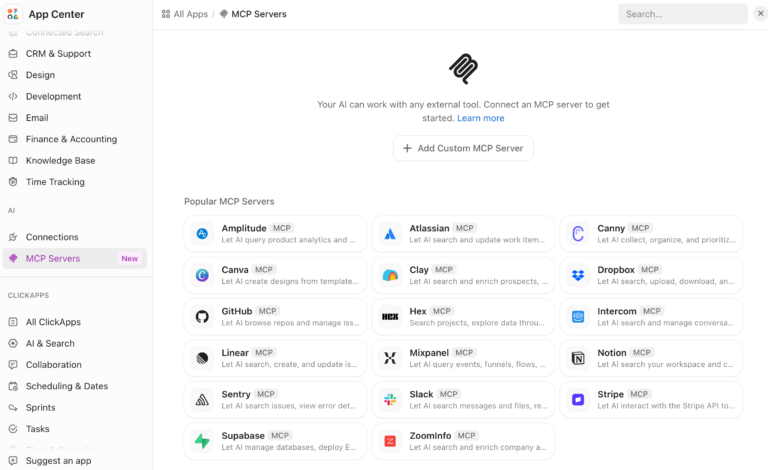
Both platforms boast impressive integrations, but Loom’s broader compatibility with multiple third-party apps makes it a more versatile tool. If you heavily rely on software ecosystems like Google Workspace or Microsoft Teams, Loom is the best choice.
BombBomb
BombBomb integrates seamlessly with CRM and lead engagement platforms, such as Zapier, Zendesk, and Salesforce.
Winner: Loom for wider integration capabilities; BombBomb for CRM-based sales and marketing purposes
Loom offers customer support for its Business and Enterprise plans, while you’ll need BombBomb’s Plus plan to get customer support.
Winner: Loom for better customer support coverage across plans
Choosing between BombBomb and Loom depends on your specific usage and needs.
Loom wins for its ease of use and broad range of integrations, appealing especially to those who need quick, effective communication with an intuitive tool.
BombBomb stands out for its deep integration into email marketing, making it ideal for sales professionals who prioritize personalized video outreach.
Ultimately, your decision should align with your specific workflow—whether you’re looking to enhance your sales processes or internal communication strategy.
Understandably, the comparison between BombBomb and Loom is highly debatable, and that’s why we looked it up on Reddit. When you search Loom vs. BombBomb on Reddit, Loom is a popular choice because it offers a super quick and simplified experience.
Loom users appreciate its slick interface and robust free tier, while BombBomb adherents advocate for its superior email integration capabilities.
However, here’s what caught our attention:
I’m a big fan of Loom for video training purposes and want to include it in external coms.
Here is another snippet that speaks for Loom:
Loom is fantastic. Here’s a quote from my client yesterday after sending a video explaining their purchase. He sent this to the person making decisions and bcc’d me.
This is the most professional representation of “what you get” for your investment that I have ever seen! A custom video showing what CLIENT NAME receives that is virtually real-time. In this complex digital world, it’s amazing that this represents just one product from one INDUSTRY company. Now, when you think about how many INDUSTRY and differing products…..I tip my hat to their reaching out.
On the contrary, the experience for BombBomb was something like this:
I’ve used BombBomb, and it’s not actually sending an embedded email. It’s sending a screenshot that links to a video, at least with g-suite, and I bet it does with 365 too.
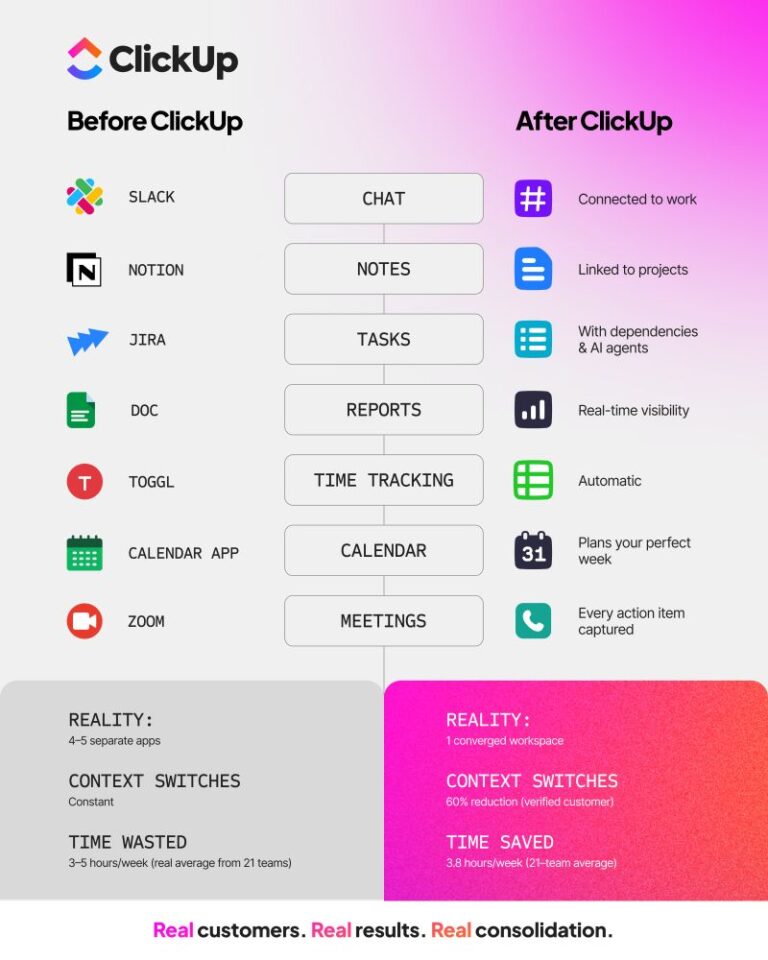
Loom and BombBomb are useful tools for screen recording. But you are missing out on an integrated video messaging experience if you haven’t used ClickUp yet.
With unique features that enhance productivity and communication, ClickUp is the best solution to clear the BombBomb vs. Loom confusion.
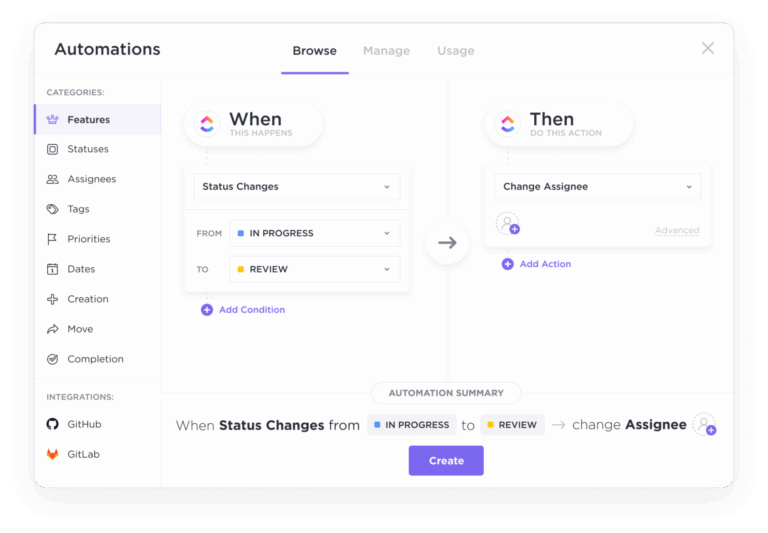
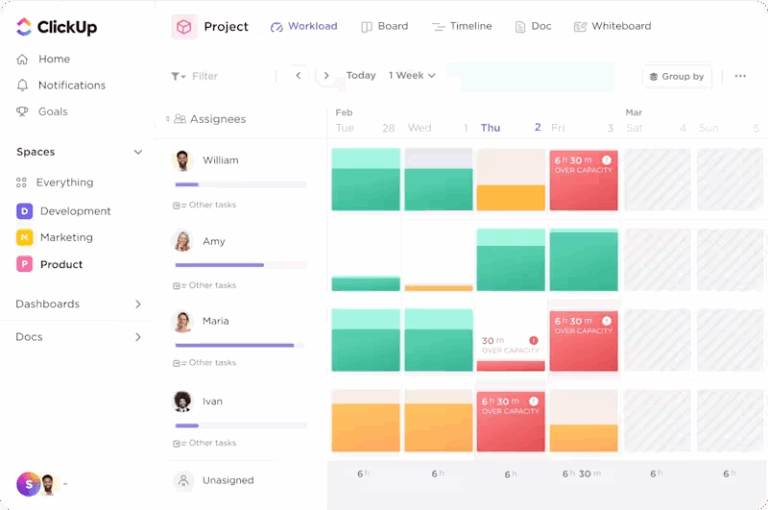
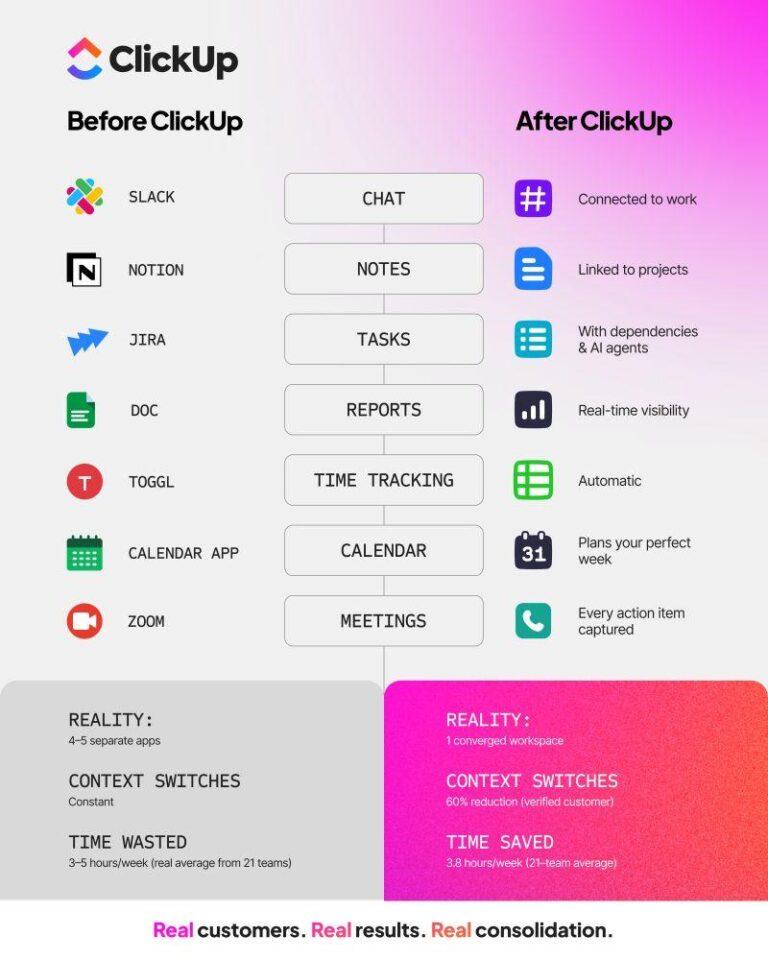
ClickUp is an all-in-one productivity platform with a screen recorder feature for managing projects, recording videos, and tracking engagement, all from a single window.
You can use ClickUp Clips to instantly share screen recordings, eliminating untraceable comment threads and confusion in internal communications.

With ClickUp Clips, you are not limited to screen recordings. It’s a faster way to collaborate with your team in real time. You can record the screen for free without a watermark to share feedback or provide updates.
ClickUp Clips offers multiple video-sharing options—embed a Clip in any ClickUp Task or ClickUp Doc, share a public link, or download the video file.
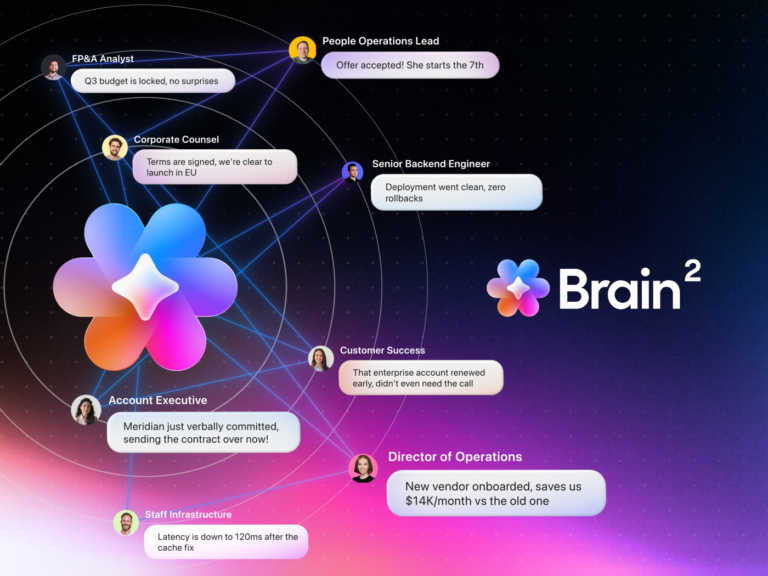
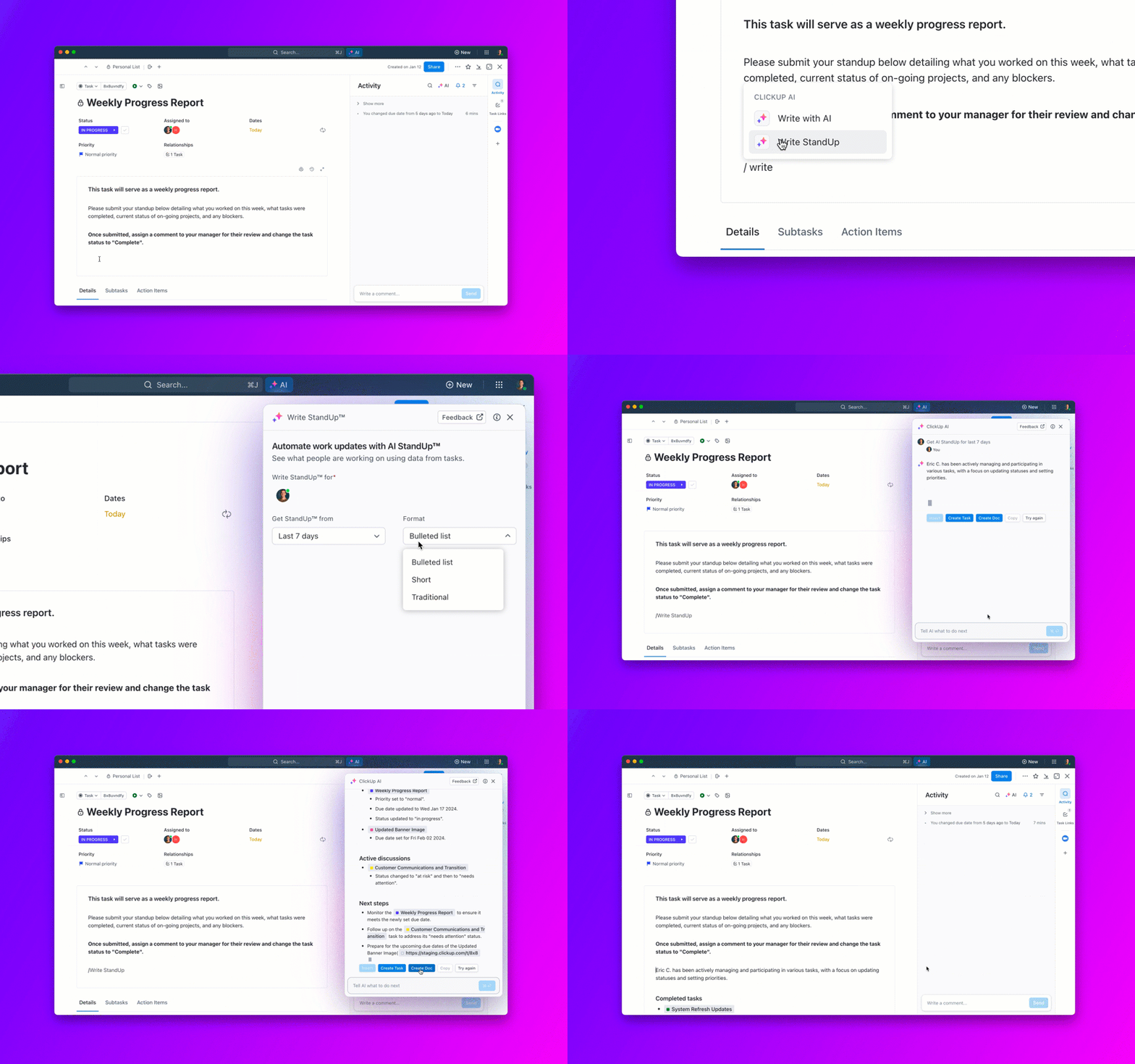
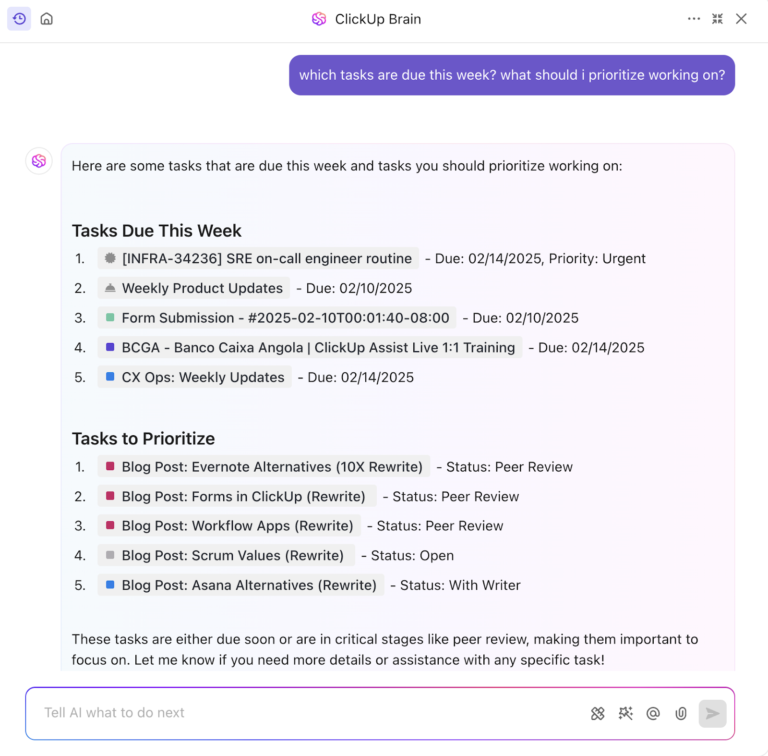
While ClickUp’s Clips integrates video messaging directly into project management, ClickUp Brain, ClickUp’s AI feature, improves your communication plans.
You can use ClickUp Brain to generate AI transcriptions of Clips and find data quickly from the transcribed text without the need to rewatch videos multiple times.


While Loom and BombBomb integrate with your tech stack, Clips Hub provides a one-stop solution for staying organized. Every Clip you record in a comment, Task, or Doc in ClickUp is automatically added to your Clips Hub. You can search, sort, and visualize your Clips Hub to access information quickly.
Need more help with your decision-making? Read Loom vs. Vidyard and Loom vs Zoom
When deciding between Loom vs. BombBomb, analyze your requirements carefully. If you want to explain complex concepts or share training material, Loom can be the ideal choice. On the contrary, BombBomb works better for sales campaigns.
However, if you’re looking for an all-in-one video recording platform that can handle internal communication, project management, and CRM-based sales workflows, ClickUp is your best choice. With Clips by your side, you’re one click away from seamless screen recording.
Create your free ClickUp Workspace today to experience an integrated screen recording experience.
© 2025 ClickUp