How To Use Midjourney Negative Prompts for Better Image Generation

Sorry, there were no results found for “”

If your AI-generated images aren’t turning out right, the issue might not be what you’re asking for—but what you’re ‘not’ excluding.
AI image generators, including Midjourney, interpret prompts literally, so not specifying unwanted elements can lead to cluttered, unrealistic, or irrelevant results. While you specify what you want, you also need to tell the AI model what you ‘don’t’ want in the design.
When you add negative prompts, you gain more control over composition, style, and unwanted distortions.
In this blog post, we will discuss the power of negative prompting in Midjourney.
Here’s a quick overview of Midjourney negative prompting:
Negative prompts are instructions that specify what you don’t want in your image. Think of negative prompts as filters, telling AI specifically what elements to avoid in an image.
For instance, if your Midjourney prompt is—’vibrant college campus,’ it might include elements like students, pathways, and other relevant structures.

But you can generate an image with extreme precision through negative prompts. For instance, if you add two hyphens followed by the words “no students” to your prompt, like in the example below, you direct the AI to exclude student images, resulting in a cleaner, more focused visual of a college campus.

Can’t you just write another prompt to create a new image? That would be simpler, but wouldn’t get you the same results as negative prompting. Here’s how negative prompting helps:
AI design models, including Midjourney, operate based on statistical probabilities, generating images by pulling from vast datasets. However, this means the AI sometimes introduces elements you didn’t explicitly request. A negative prompt tells Midjourney to steer away from unwanted details, refining your images.
Midjourney sometimes defaults to particular aesthetics, like anime or cyberpunk, depending on its training. If you want to establish a unique look, negative prompts help remove interfering styles. For example, typing out two hyphens followed by ‘no comic book style’ ensures your artwork doesn’t have comic book style illustrative elements.
Without negative prompts, you may need to regenerate images multiple times to get the desired output. Negative prompts significantly reduce this trial-and-error process as you instruct the AI model to exclude specific elements, saving editing time.
Sometimes, AI-generated images include unnecessary background elements that clutter the composition. For instance, if you need a simple portrait, you might type out two hyphens followed by “no background” to focus solely on the subject. This is particularly useful for product photography, where a clean look is preferred.
Negative prompts in Midjourney unlock deeper levels of customization, but they aren’t magic bullets. Negative prompting requires careful prompt engineering and experimentation to achieve the desired results, just like you’d need to write a detailed ChatGPT prompt or Claude.ai prompt to generate meaningful text.
📖 Read More: Top AI Art Prompt Ideas to Spark Your Creativity
While reading the sections above, you may have noted that we have used ‘–no.’ So, what does this mean in the context of negative prompts? Basically, there are two main ways to use negative prompts: the (–no parameter) and negative prompt weights. We break them down for you below:
This is the easiest method for removing unwanted elements. You simply add two hyphens (without a space between them) and the word ‘no’, followed by the objects, styles, or colors you don’t want. See the example below.
📌 How it works: Midjourney scans its dataset, recognizes patterns associated with the unwanted elements, and makes an effort to exclude them from the final image.
🌻 Example: You want a serene lake scene, but you do not want boats or people in it. Your prompt and output would look like this:

However, it’s not always perfect—some elements might sneak in due to contextual associations. If that happens, try using additional synonyms or expanding the exclusion list.
While the two hyphens and ‘no’ method eliminates an element completely, negative weights allow you to reduce the presence of an element rather than removing it entirely. This method is useful when you want to influence the image without forcing absolute exclusion.
📌 How it works: Midjourney allows you to assign positive weights or negative weights to different parts of your prompt using the ‘::’ syntax. A weight of 1 is neutral, a higher number increases importance, and a negative number reduces the element’s presence.
Basically, you are not removing an element entirely through weights but telling Midjourney to de-emphasize it.
🌻 Example: You want to generate a busy street image with cars, but the car shouldn’t be the main focus. Your prompt would look something like this:

Midjourney interprets this as: ‘Include a car, but make it half as important as the street.’ The result? A street setting where the cars appear smaller or blend into the background.
But what if you want to reduce the car’s presence even further, without removing it completely? Use a negative weight.

Here, Midjourney actively minimizes the cars in the image. It might make the cars barely visible by placing them in a shadowy corner or removing them entirely if they don’t fit in the composition (as you can see in the above image).
💡 Pro Tip: If you want something completely gone, negative weights alone may not be enough—you may need to combine them with ‘–no’ or tweak and adjust for desired results. If you want to use multi-prompting, use a double colon (::) to separate them.
You may have a doubt that ‘Hey, why can’t I just use ‘don’t’ and be done with it?’ Well, fair enough. But we have an explanation.
Many people assume that writing ‘don’t’ or ‘without’ in a prompt will make Midjourney avoid certain elements. But it doesn’t work that way. When you write “don’t include rain,” the AI doesn’t inherently understand “don’t” as a negation. Instead, it processes the entire phrase as a description that includes the word “rain.”
This can paradoxically lead to the AI focusing on the concept of rain, even if your intention was to exclude it.
How to fix this:
❌ Prompt: A fantasy castle, don’t include dragons.
✅ Prompt: A fantasy castle ⁃ ⁃ no dragons
✅ Prompt: A fantasy castle magical::1, dragons::-1
The second and third options ensure Midjourney properly understands what to avoid, while the first might actually create a castle with dragons.
🧠 Did you know? Midjourney is available on Discord and requires a paid subscription to generate AI-powered images! It’s also the most popular Discord server.
Here are a few tips on how to create effective Midjourney negative prompts:
💡Pro Tip: Use negative prompts only when necessary and for precise exclusions rather than general restrictions. For example, instead of saying, ‘Avoid cluttered designs,’ opt for ‘A clean, minimalist layout with ample white space and a clear focal point’ to achieve the intended look.
We have curated 20+ Midjourney negative prompt examples in different scenarios so you can avoid trial and error, fuel your creative ideas and techniques, and make the most of Midjourney.
Use case: Removing clutter or unnecessary elements to create a cleaner image
Prompt: ‘Sunset over a tranquil beach, golden hues reflecting on calm waves ⁃ ⁃ no people, trash, footprints, boats, buildings, driftwood’

Use case: Avoiding distractions for a modern, clean aesthetic
Prompt: ‘Futuristic city skyline at night, glowing neon reflections on wet streets⁃ ⁃ no cars, pedestrians, billboards, graffiti, fog

Use case: Enhancing natural beauty by removing artificial objects
Prompt: ‘Majestic snow-capped mountains, soft morning light, clear sky ⁃ ⁃ no power lines, houses, ski lifts, people, roads, sign boards’

Use case: Keeping the focus on nature without human influence
Prompt: ‘Winding forest trail covered in autumn leaves, soft golden sunlight filtering through trees ⁃ ⁃ no benches, signs, trash cans, people, bikes’

Use case: Creating a stunning, distraction-free celestial scene
Prompt: ‘Galaxy with vivid nebulae and countless stars, deep purple and blue hues ⁃ ⁃ no satellites, airplanes, city lights, text, watermarks’

Use case: Keeping nature pristine and untouched
Prompt: ‘Cascading waterfall in a lush green jungle, mist rising from below ⁃ ⁃ no bridges, tourists, boats, signs, fences’

Use case: Focused commercial product shots
Prompt: ‘Sleek black smartwatch on a reflective surface, dramatic lighting ⁃ ⁃ no text, logos, reflections, clutter, hands, people’

Use case: Enhancing a magical setting without modern elements
Prompt: ‘Grand medieval castle on a misty hill, warm torches glowing ⁃ ⁃ no power lines, modern buildings, cars, antennas, roads’

Use case: Keeping a peaceful and minimalist aesthetic
Prompt: ‘Japanese zen garden with raked sand and bonsai trees, soft ambient lighting ⁃ ⁃ no statues, signs, benches, people, tourists’

Use case: Preserving historical beauty without modern elements
Prompt: ‘Overgrown ancient temple ruins in a dense jungle, vines creeping over stone ⁃ ⁃ no tourists, fences, signs, scaffolding, litter’

Use case: Making food the main focus without distractions
Prompt: ‘Gourmet burger on a wooden board, soft lighting, steam rising ⁃ ⁃ no plates, hands, utensils, napkins, background clutter’

Use case: Focusing on space without earthly distractions
Prompt: ‘Alien planet with glowing bioluminescent plants, twin moons in the sky ⁃ ⁃ no spaceships, astronauts, satellites, text, watermarks’

Use case: Capturing historical authenticity without modern distractions
Prompt: ‘1940s cobblestone street, warm sepia tones, soft evening lights ⁃ ⁃ no modern cars, people with phones, billboards, neon signs’

Use case: Creating an aesthetically pleasing workspace without clutter
Prompt: ‘Modern minimalist desk setup, sleek laptop, warm ambient lighting ⁃ ⁃ no tangled cables, coffee cups, books, papers, clutter’

Use case: Enhancing a peaceful ocean view by removing distractions
Prompt: ‘Vast ocean horizon under a pink sunrise, gentle waves rolling ⁃ ⁃ no boats, people, buildings, trash, buoys’

Use case: Focusing on the power of nature without interference
Prompt: ‘Dark storm clouds over a vast empty field, lightning crackling ⁃ ⁃ no buildings, cars, people, signs, antennas’

Use case: Keeping an untouched and raw desert landscape
Prompt: ‘Golden sand dunes stretching endlessly, soft light at sunset ⁃ ⁃ no footprints, vehicles, people, signs, buildings’

Use case: Keeping a fantasy setting immersive and mysterious
Prompt: ‘Glowing mushrooms in a misty enchanted forest, soft fairy lights ⁃ ⁃ no people, modern buildings, fences, streetlights’

Use case: Highlighting the car without unnecessary distractions
Prompt: ‘Sleek black sports car under soft studio lighting, polished reflections ⁃ ⁃ no logos, people, showroom background, text, watermarks’

Use case: Keeping a pristine paradise setting
Prompt: ‘Crystal-clear turquoise waters surrounding a lush green island, golden sandy beaches ⁃ ⁃ no boats, docks, hotels, tourists, pollution’

📮ClickUp Insight: 11% of our AI Usage Survey respondents leverage AI primarily for brainstorming and ideation. But what happens to these brilliant ideas afterward? This is where you need an AI-powered whiteboard, like ClickUp Whiteboards, which helps you instantly turn ideas from the brainstorming session into tasks.
And if you can’t quite explain a concept, simply ask the AI image generator to create a visual based on your prompt. It’s the everything app for work that enables you to ideate, visualize, and execute faster!
Let’s look at a few negative prompt weights examples too:
Use case: Creating a mystical woodland scene
Prompt: Ancient trees::2, glowing mushrooms::1.5, soft mist::-1

Use case: Capturing a futuristic urban vibe
Prompt: Neon-lit alley::3, rain reflections::1.5 , distant skyline::-0.5

Use case: Showcasing a powerful animal portrait
Prompt: White tiger::2 , piercing blue eyes::1.5 , soft fur texture::1

Use case: Depicting historical strength
Prompt: Viking warrior::2, battle-worn armor::1.5, misty background::1 –no sci-fi elements

Use case: Creating a warm reading space
Prompt: Wooden bookshelves::2, warm lighting::1.5, antique books::1 ⁃ ⁃ no empty shelves:: -1

📖 Read More: Dall-E Alternatives to Create AI Images
Negative prompts may feel like a superpower, but it’s easy to stumble if you’re not careful. Here are some mistakes to watch out for:
❗Prompt overload: One of the most common mistakes is overloading your prompt with too many exclusions. For example, adding ⁃ ⁃ no cars, trees, people, buildings, clouds, or animals might seem thorough, but it can confuse the AI, leading to unexpected or even unusable results. Instead, focus on the most critical elements you want to exclude, and keep your list concise
❗Randomness: Another pitfall is being too vague. Saying “⁃ ⁃ no objects” doesn’t give the AI enough direction. What kind of objects? Furniture? Vehicles? Always be specific. For instance, if you’re creating a minimalist landscape, use ⁃ ⁃ no cars, buildings, or power lines to ensure clarity
❗Ignoring style conflicts: Negative prompts don’t just remove objects; they can also alter style. For example, if you say “⁃ ⁃ no anime” and the AI still leans toward stylized art, it may be due to other prompt elements unintentionally influencing the output. Ensure your prompt is super clear on style
📖 Read More: AI Templates to Save Time and Improve Productivity
When Midjourney launched, its capabilities caused uproar in the image generation market. While the AI platform largely altered the image-generation process, it has its fair share of limitations.
Midjourney does well with single-subject images but has difficulty handling busy, multi-character scenes.
🌻 Example: If you try generating a crowded marketplace, a group of people interacting, or a detailed battle, things often go wrong. Characters might have missing limbs, odd facial expressions, or weirdly placed objects. Lighting and perspective can also feel off, making the image look unnatural.
While you can improve Midjourney images with better prompts, getting everything right takes a lot of trial and error.

Midjourney takes everything you type literally, so vague or broad prompts can lead to completely different results than expected. As we mentioned earlier, AI’s creative process is different from ours.
🌻 Example: Asking for a ‘futuristic city’ without details could give you anything from a glowing cyberpunk skyline to a deserted, broken-down world. The AI doesn’t ‘guess’ what you mean, so if you leave out important details, it can change the entire look of the AI-generated image.

Midjourney is great at making things that exist in the real world or fantasy settings, but it struggles with deeper, emotional, or symbolic ideas.
🌻 Example: If you add the prompt ‘the feeling of loneliness,’ the AI will probably just generate a single person sitting alone—it likely won’t capture the subtleties of isolation, longing, or melancholy.
In other words, it cannot capture or read emotions fully to give desired outcomes.

Even though Midjourney is easy to use, getting accurate results can take time. Features like negative prompts and prompt weights require practice. Many beginners may struggle to remove unwanted elements, create consistent styles, or fine-tune images.
Also, unlike other design tools where you can adjust for mistakes, Midjourney does not have the option to ‘edit prompt.’ That means you have to keep testing and re-entering prompts to get the best results.
Midjourney can only generate images based on what it has trained on. If you try making something unique—like a specific cultural art style or an unusual historical setting—the AI might either create a very generic version or fail completely.
🌻 Example: If you ask for a rare type of ancient architecture, it might mix it up with something more common. This makes it less reliable when you need something very specific or culturally accurate.
So, while Midjourney is a remarkable tool, it’s not a one-size-fits-all solution.
✨Fun Fact: In the latter half of 2024, during the U.S. election, Midjourney imposed restrictions on generating images of Joe Biden and Donald Trump.
The AI art space is way bigger than just Midjourney. And if you want to take your creative process up a notch, ClickUp, a top Midjourney alternative, can make the whole experience smoother—from ideation to execution.
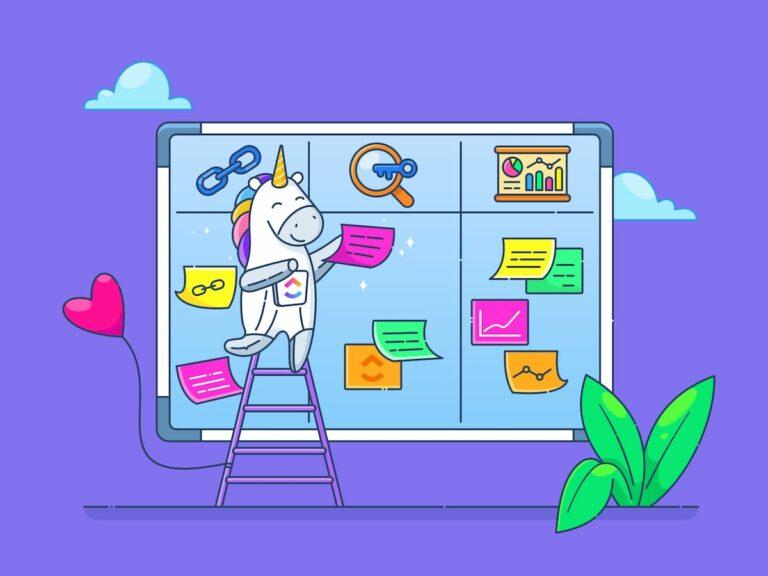
ClickUp Whiteboards is more than a digital canvas. It can take your ideas from visualization to execution. Think of it as a partner for brainstorming, mapping out concepts, and planning creative workflows.
Need to sketch an AI art composition? Planning a multi-step visual project? With its drag-and-drop shapes, connectors, and sticky notes, you can organize your thoughts in real time. When you land on a solid idea, convert it into a trackable task right from your whiteboard.

Plus, the real-time collaboration features mean your team can work together, refining and iterating on designs without any problem. See more here. 👇🏼
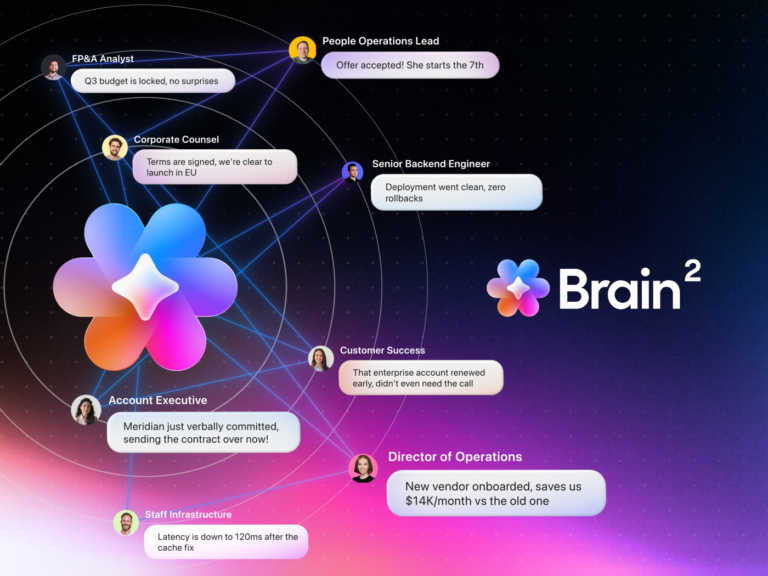
Wait—ClickUp? For AI-generated visuals? You bet. ClickUp Brain isn’t just for productivity; it’s also a powerful AI assistant that helps with creative workflows. Whether you’re brainstorming visuals or refining prompts, ClickUp Brain can help.
Simply ask ClickUp Brain within the Whiteboards to generate images, and you can visualize ideas in a jiffy. Just like that!

Crafting the perfect AI prompt is an art. It takes experimentation, refinement, and a structured approach. With multiple prompts in play, you need a dedicated space to organize and optimize your prompt creation process.
Enter ClickUp Docs: your centralized hub for building, storing, and perfecting AI prompts.

With ClickUp Docs, you can:
🎨 Capture initial prompt ideas, test variations, and fine-tune descriptions until your AI-generated visuals align perfectly with your vision
📚 Build a centralized prompt library by organizing your winning prompts for easy access and future inspiration
🤝 Collaborate seamlessly with your team by adding notes, suggesting edits, and tracking revisions, ensuring consistent results across all projects
🔗 Link your prompt documentation directly to ClickUp Whiteboards and Tasks for a streamlined project execution, from ideation to completion
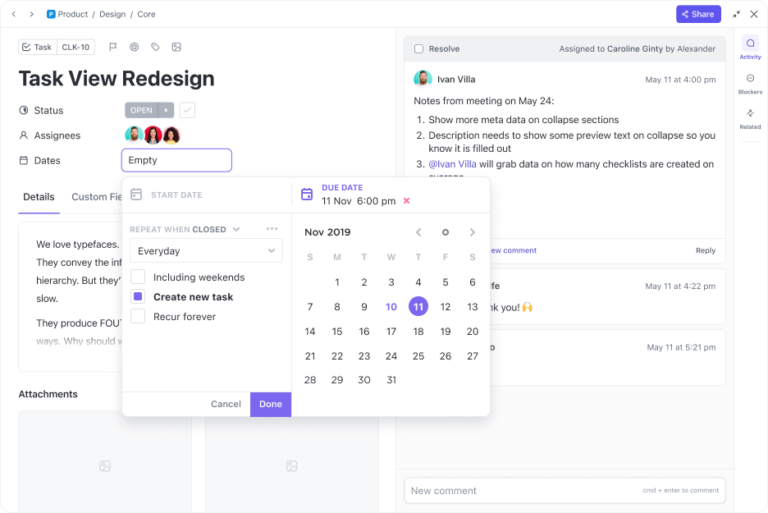
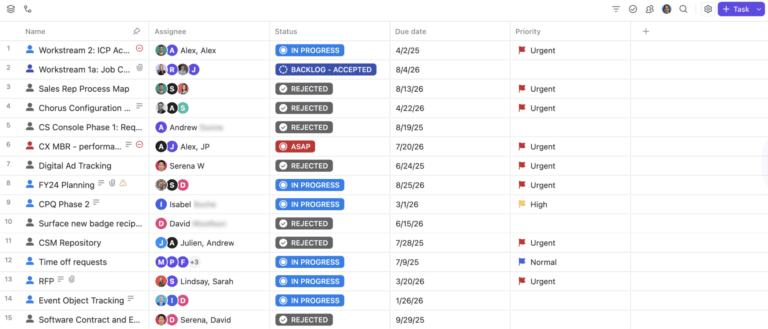
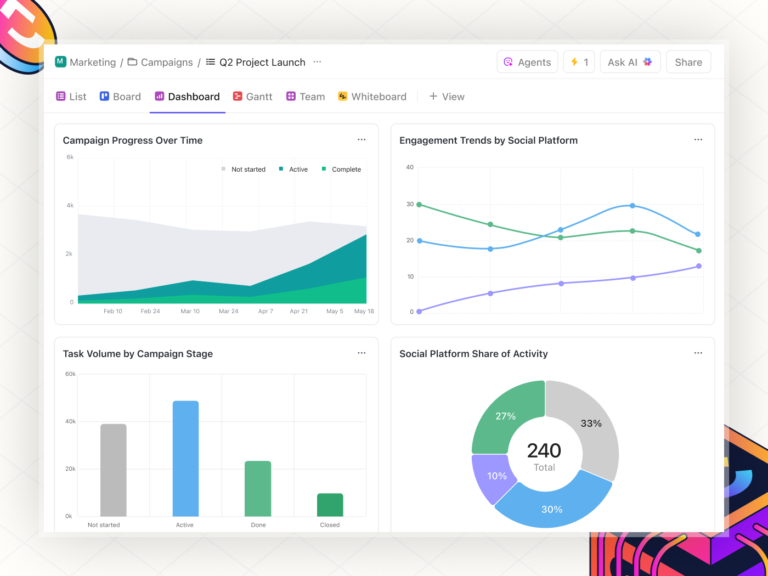
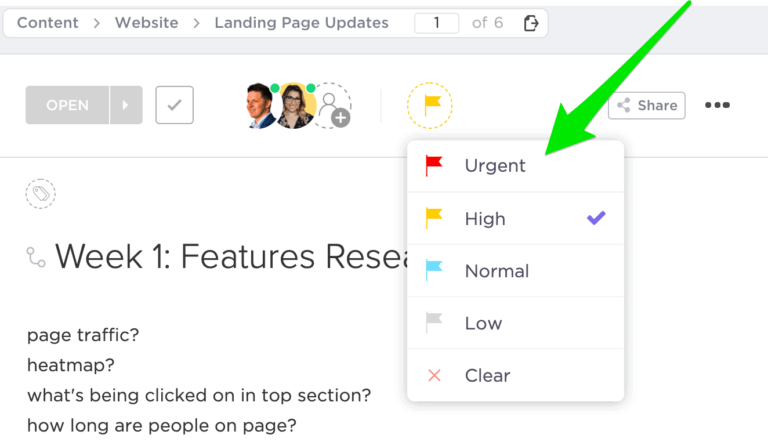
Cross-departmental design projects can be chaotic. Dispersed requests, scattered feedback, and shifting priorities create a frustrating experience. ClickUp’s Design Solution for Teams eliminates this chaos by centralizing your entire design workflow:
We use ClickUp to manage and track our social and digital media content creation pipeline. This allows us to see the status of each content piece (in progress, needs edits, scheduled, etc.) along with who is the lead designer. It also eliminates all the back-and-forth email communication as the comments section for each task can be used to deliberate and delegate tasks/next steps (serving the need for tracking and following up on our content creation cycle).
ClickUp, the everything app for work, is a powerhouse for creatives in every sense, especially those who need structure without sacrificing flexibility.
📖 Read More: Best Creative Automation Tools to Boost Productivity
Creating high-quality visuals shouldn’t feel like wrestling with complicated software or wasting hours tweaking prompts. Whether you’re a designer juggling multiple projects or a marketer in need of fast, on-brand creatives, the struggle can be real—but not with ClickUp.
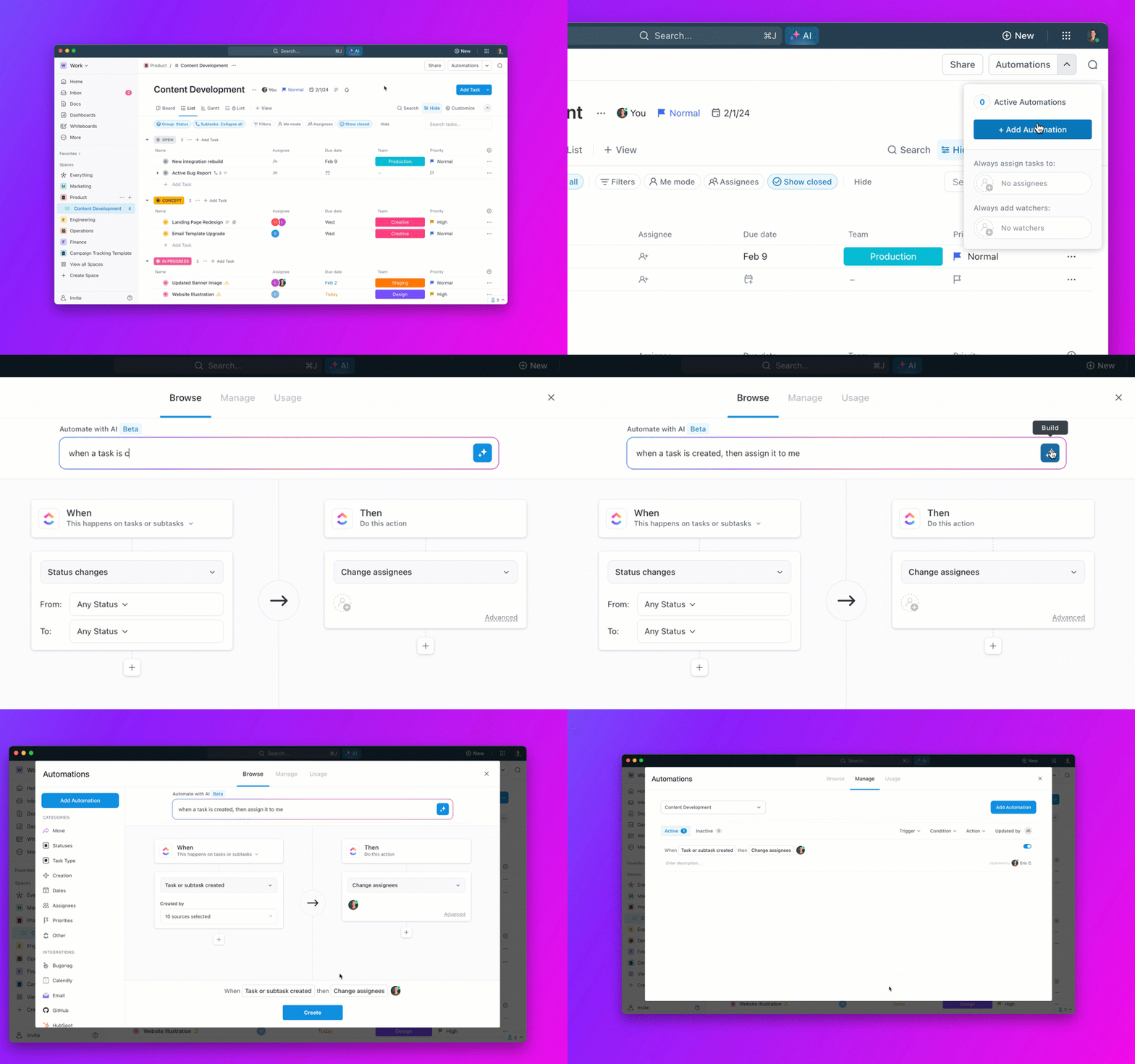
From organizing design requests to tracking revisions, ClickUp keeps everything in one place—no more lost files, scattered feedback, or endless email chains. With task automation, real-time proofing, and easy integrations with design tools, your workflow stays smooth and frustration-free.
Ready to take control of your creative process? Sign up for ClickUp today and redefine your creative processes.
© 2025 ClickUp