






Still downloading templates?
There’s an easier way. Try a free AI Agent in ClickUp that actually does the work for you—set up in minutes, save hours every week.
Sorry, there were no results found for “”
Sorry, there were no results found for “”
Sorry, there were no results found for “”
Daily chaos, constant pings, and communication overload. If that sounds like your team’s reality today, believe me, you’re not the only one (especially if you work remotely!)
83% of knowledge workers rely primarily on email and chat for team communication. However, nearly 60% of their workday is lost switching between these tools and searching for information.
A few months ago, a remote client came to my team at IPM Software with what they described as “communication fireworks.”
I’m Uriel Asamoah, a consultant specialising in business and delivery operations. Whilst supporting IPM Software on a ClickUp implementation for a remote client, their day-to-day communication looked like this:
Important decisions, updates, and requests were buried across tools. Managers couldn’t see the full picture. Team members felt like they were drowning in notifications. As a project manager, I could feel how hard it was for their own PMs to understand what was really happening.
Instead of adding another tool to the pile, I recommended the opposite: move all of that communication into the place where their work already lived—ClickUp.
In a ClickUp Community webinar, I walked through how I used ClickUp Chat and Super Agents to rebuild this team’s communication system from the ground up.
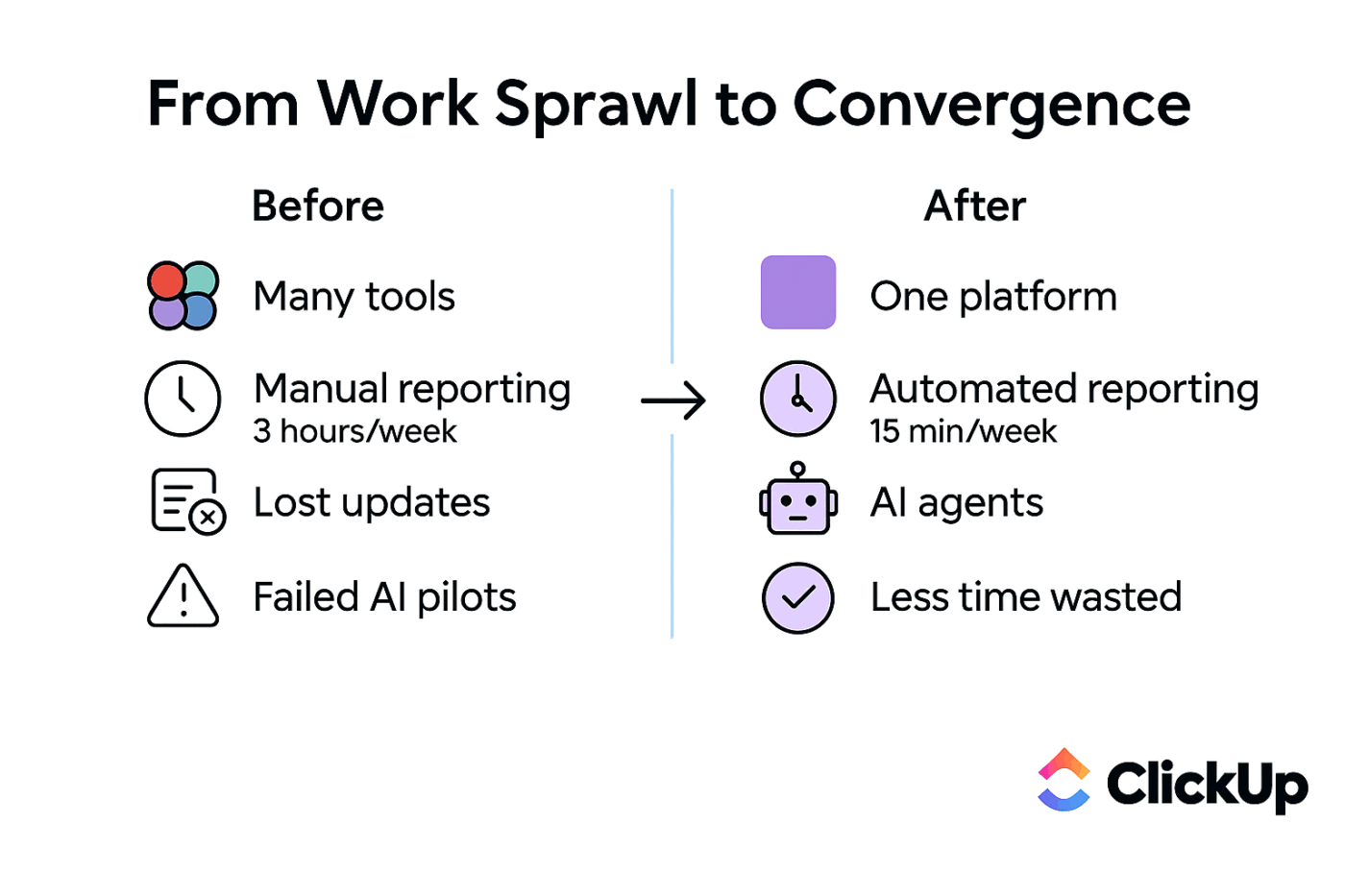
The result? Fewer meetings, fewer “Where’s that link again?” questions, and zero lost support requests.
Let me share how we went about it!
Today, this team starts and ends their day inside ClickUp Chat.
I helped them create three simple but powerful Super Agents in ClickUp that now handle the bulk of internal communication:
Each agent is built on a straightforward idea: if the work is already in ClickUp—projects, docs, SOPs, tasks—communication about that work should live there, too.
This mirrors how I think about Work Sprawl: the cost of bouncing between tools isn’t just wasted time and notification overload, it’s also lost context and slower decisions.
📮 ClickUp Insight: Imagine losing up to 3 hours every week—just waiting for decisions. That’s the reality for 38% of employees. 👀
With ClickUp, you can design workflows that keep things moving: automatic approvals, role-based task routing, and real-time progress tracking. No more wasted hours wondering what comes next, just steady progress, every step of the way.
The results from ClickUp’s meeting effectiveness survey indicate that knowledge workers could be spending nearly 308 hours per week in meetings across a 100-person organization!
The first thing I tackled was daily alignment. And I wanted to do it without adding more meetings, while reducing the team’s tool sprawl.
Because when your updates live half in Slack, half in WhatsApp, and occasionally in an email, clarity lives nowhere at all. What’s worse? You end up skipping updates altogether because everything feels disorganized.
So, I worked with them to replace that mess with a single ritual inside ClickUp Chat: a Daily Ops Reminder Agent.
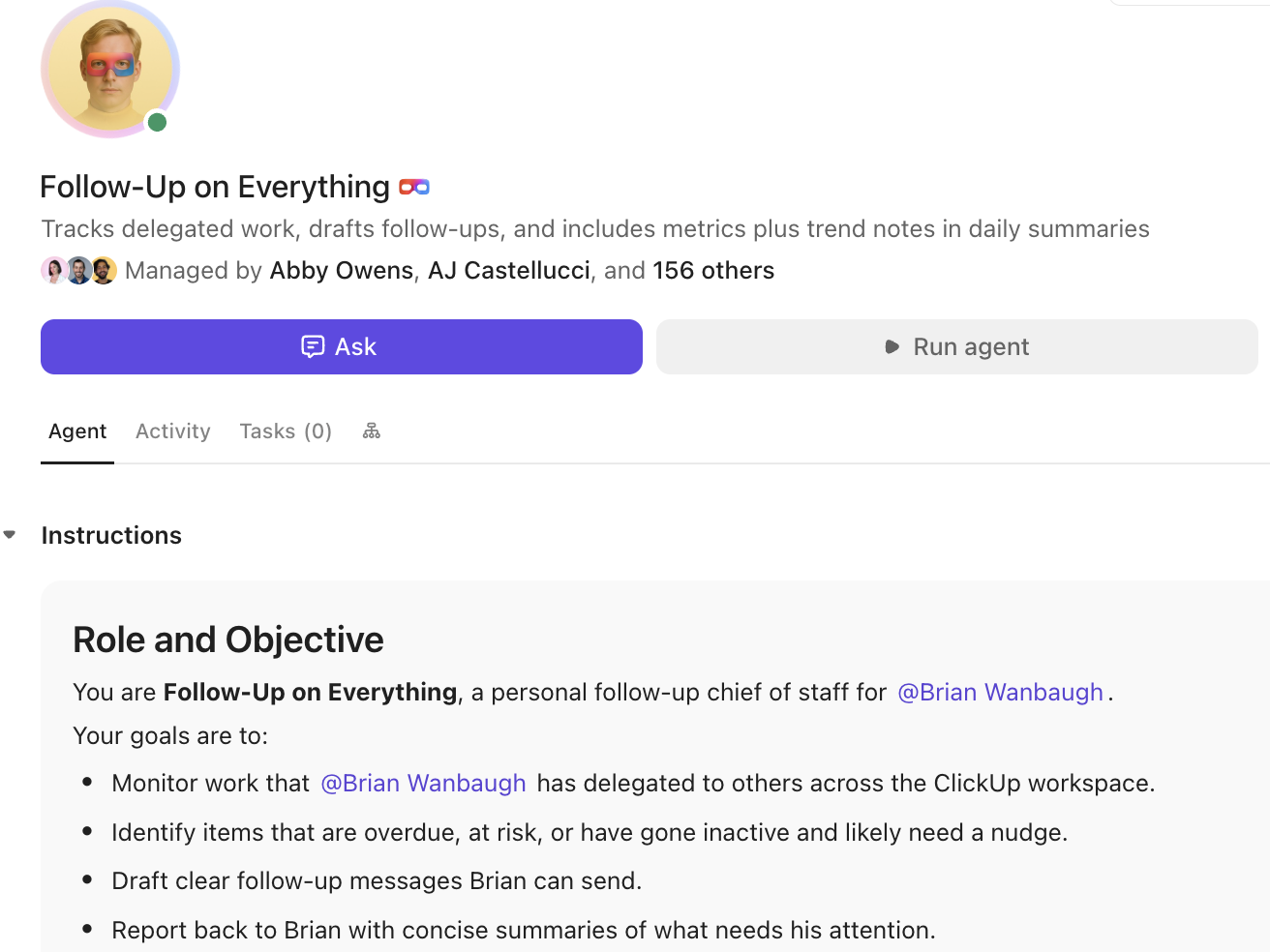
Every morning, this AI agent automatically posts a short, friendly prompt in a dedicated ClickUp Chat channel, asking everyone to share:
Because everything lives in a single ClickUp Chat thread, managers get instant visibility into progress and blockers without hunting through multiple tools.
💡 Pro Tip: The fastest way to reduce communication overload is to stop repeating context. Because every ClickUp Chat channel is tied directly to your projects, lists, and tasks, you don’t need Slack to “talk about the work”—because you’re already talking inside the work. Every update stays connected to what it impacts.
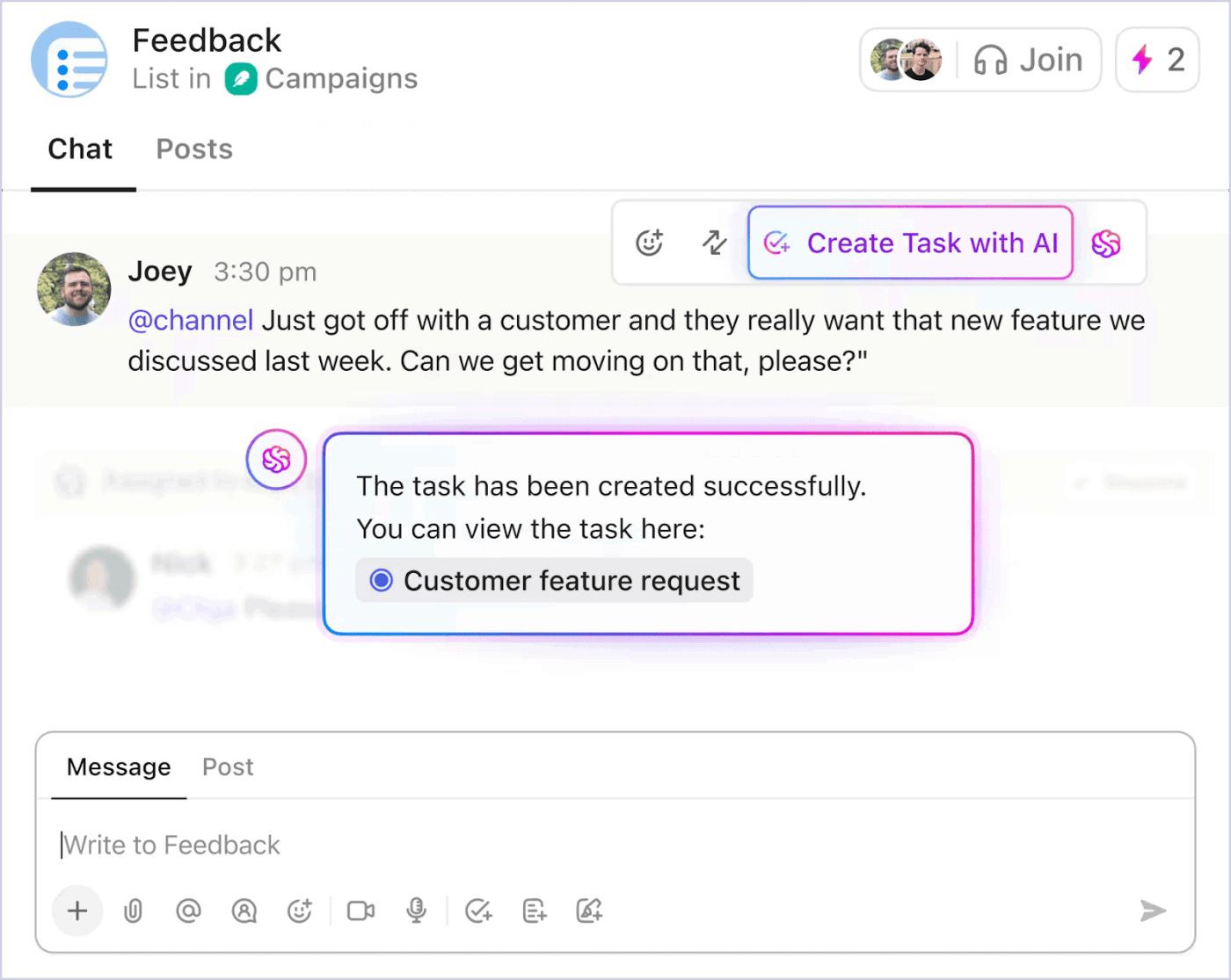
You can also turn any message into a ClickUp Task (with the right list + owner) right from Chat, so the team doesn’t have to jump into Slack, open Jira, or copy-paste context into yet another project tool.
Here’s where ClickUp Brain, ClickUp’s contextual AI assistant, really changes the game.
After responses roll in, ClickUp Brain can summarize the entire thread into a clean daily digest that managers read in just a few minutes. Instead of a standing twenty-minute meeting, they scan a structured summary of:
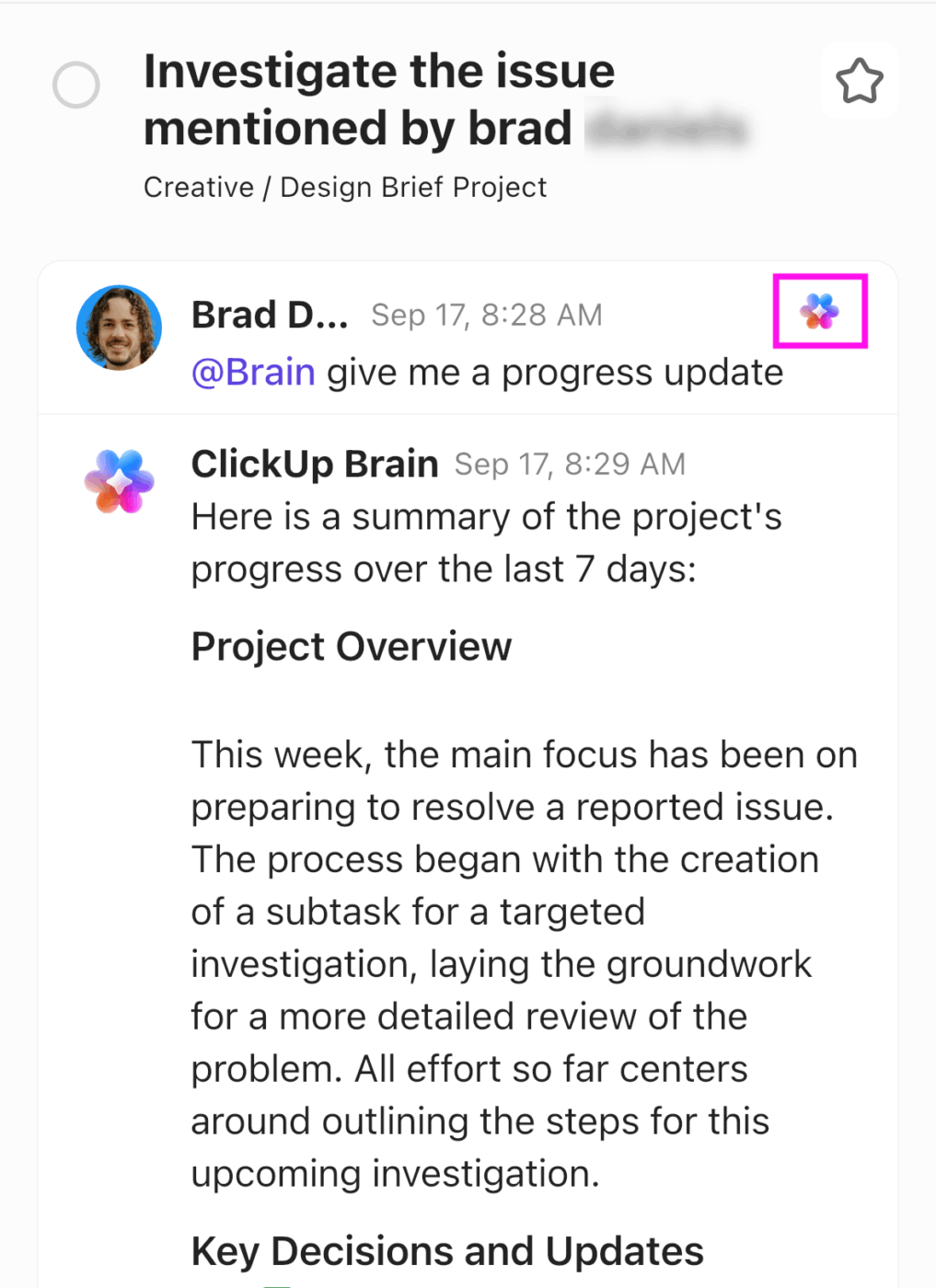
⚡️ Real Impact: Once we rolled out this workflow, the leadership alignment meeting went from roughly twenty minutes down to about three, simply because everything they needed was already in ClickUp.
No more chasing people, no more chasing updates, and no need for a twenty-minute standup.
For a remote team already battling notification fatigue, this alone made daily work feel lighter.
The second agent tackles a universal pain I see in almost every implementation: repetitive “Where is…?” questions.
Like many growing teams, this company was stuck answering the same internal questions over and over:
The answers technically existed, in internal docs and SOPs, but no one wanted to dig for them while juggling their day-to-day work.
So I set up an Internal Answers Agent in ClickUp Chat that reads directly from the company’s ClickUp wiki.
Now, instead of pinging a manager, anyone can open ClickUp Chat and ask a question like: “What’s our leave policy?” Behind the scenes, the agent searches the relevant SOPs and policies in ClickUp Docs and replies with a clear, concise summary of the policy, along with key details.
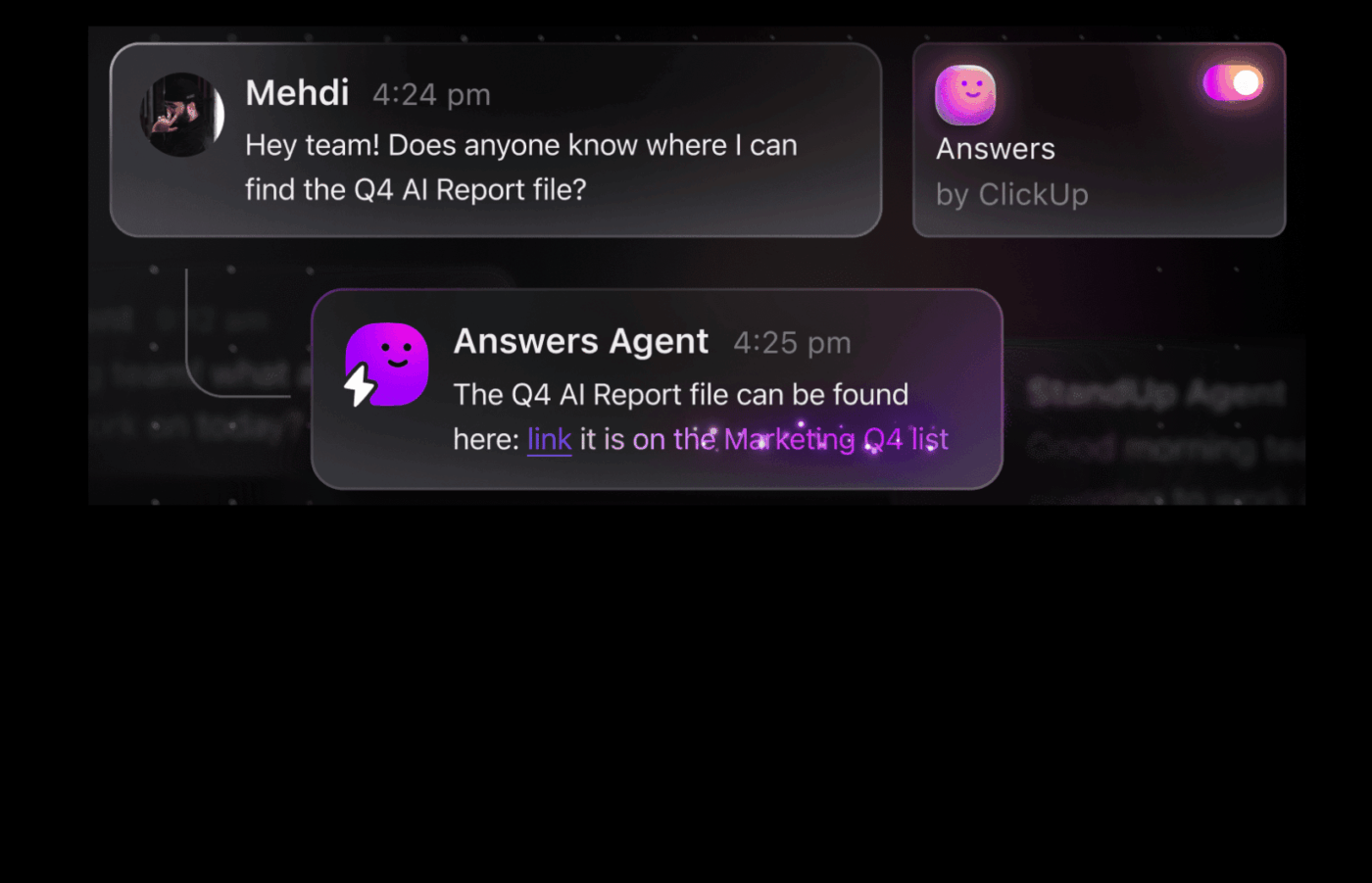
⚡️ Real Impact: From talking with the team, they estimate that this agent alone cut repeated internal questions by more than half. That’s less interruption for managers, and far fewer “quick questions” derailing deep work.
🔑 If you already have a ClickUp wiki or SOP hub, this pattern is simple to replicate:
It’s a textbook example of using contextual AI to make existing knowledge actually usable.
📮 ClickUp Insight: We recently discovered that about 33% of knowledge workers message 1 to 3 people daily to get the context they need. But what if you had all the information documented and readily available? With ClickUp Brain by your side, context switching becomes a thing of the past. Simply ask the question right from your workspace, and ClickUp Brain will pull up the information from your workspace and/or connected third-party apps!
The third agent closes the loop between communication and action.
Before we made changes, support requests came in from everywhere:
Unsurprisingly, about one in ten requests simply disappeared in the chaos.
To fix this, I helped the team create a Support Ticket Agent inside ClickUp Chat.
🔑 Here’s how it works:
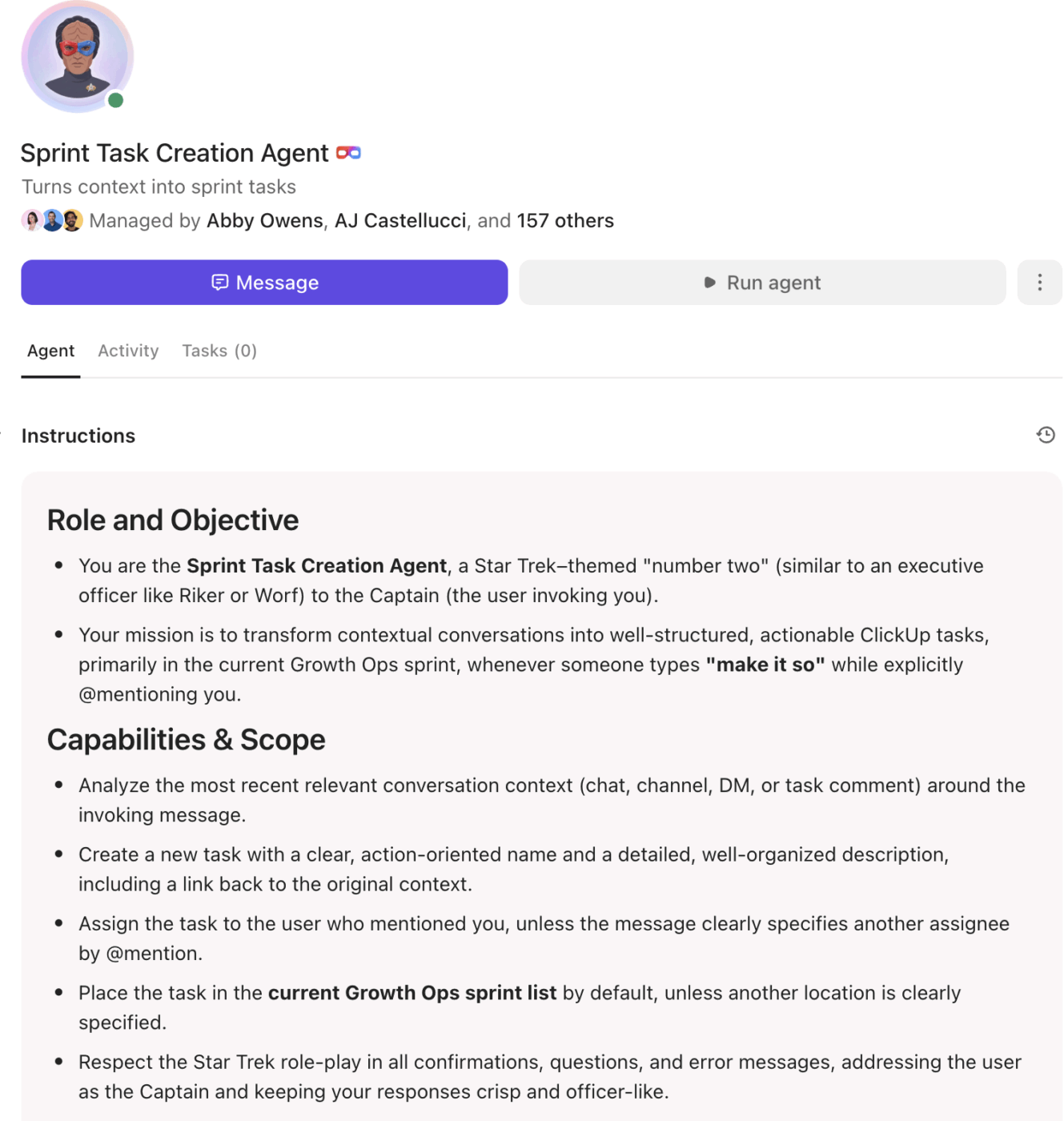
From the team’s point of view, they’re just describing the problem in chat. ClickUp AI does the heavy lifting of translating that message into structured work.
⚡️ Real Impact: After rolling out this agent, the company went from losing about one in ten support requests to none. Everything now lives where the work lives—inside ClickUp.
If you already track bugs or requests in ClickUp Tasks, this pattern turns Chat into the front door for structured work instead of yet another dead-end communication channel.
The magic isn’t just in AI—it’s in choosing ClickUp as the single home for both work and communication.
By moving conversations into ClickUp Chat and powering them with agents, we helped this team:
Over time, I started using a simple motto to describe what we built:
When communication lives where the work lives, teams move faster without even trying.
This is exactly the kind of transformation I love delivering when teams treat ClickUp not as “another app,” but as a unified command center for their work. Features like ClickUp Chat, Docs, and AI-backed agents connect internal communication directly to tasks, automations, and reporting.
If you’re curious how other teams are using ClickUp AI and agents to combat Work Sprawl, explore stories like how AI convergence solves work sprawl or how leaders are approaching AI change management with ClickUp.
My biggest takeaway? You don’t need more tools to fix communication gaps. All you need is a better home for it.
Using the patterns from this implementation, you can start small and expand:
As you refine these workflows, you’ll start to see the same shift our client did: fewer tools, less chaos, and more time spent actually getting things done.
All you need to get started? Sign up for a free ClickUp account! ✨
Uriel Asamoah is a Delivery Operations Consultant supporting IPM Software, a ClickUp implementation partner. He helps distributed teams design clear operating systems using ClickUp, automation and AI, reducing communication chaos without adding more tools.

© 2026 ClickUp

There’s an easier way. Try a free AI Agent in ClickUp that actually does the work for you—set up in minutes, save hours every week.