






Still downloading templates?
There’s an easier way. Try a free AI Agent in ClickUp that actually does the work for you—set up in minutes, save hours every week.
Sorry, there were no results found for “”
Sorry, there were no results found for “”
Sorry, there were no results found for “”
Picture this: it’s Monday morning, you’ve got a sprint planning doc open, five tabs of notes, and someone drops a message like:
“Can you summarize this, pull action items, and turn it into tasks?”
You could throw Opus at it and call it a day. Or you could use Sonnet. Or Haiku.
And depending on which one you pick, you’ll either get a great result… or a fast one… or a surprisingly expensive one.
This guide breaks down the practical differences between Claude Opus 4.5, Sonnet 4.5, and Haiku 4.5—with real examples of what each model is best at, when it’s worth the cost, and how to set your team up so the output actually turns into execution.
Let’s discuss how to choose the best Claude model for work—and why the smartest teams connect their AI directly to where projects live (with ClickUp!) instead of juggling separate chat tools .
- What Are Anthropic’s Claude Models?
- How to Choose the Right Claude Model for Your Work: Claude 4.5 Models at a Glance
- Which Is the Best Claude Model for Each Work Task?
- Claude vs. ChatGPT vs. Gemini for Work
- How ClickUp Brain Connects AI Models to Your Workflow
- From Model Choice to Real Momentum
- Frequently Asked Questions (FAQs)
You’ve probably heard about AI models, but the names can get confusing. Anthropic’s Claude models are a family of large language models (LLMs) built for professional and enterprise work. Think of them as a team of AI assistants, where each has different skills. 🛠️
These models are known for their strong reasoning capabilities, a focus on safety, and a long context window (which is the amount of information they can remember at one time).
The main challenge for teams is picking the right model for the job.
🔮 Quick Reality Check: Most teams don’t “choose a Claude model” the way developers do. They use Claude through a chat app or a workspace tool—and the model choice is often handled behind the scenes through defaults or routing.
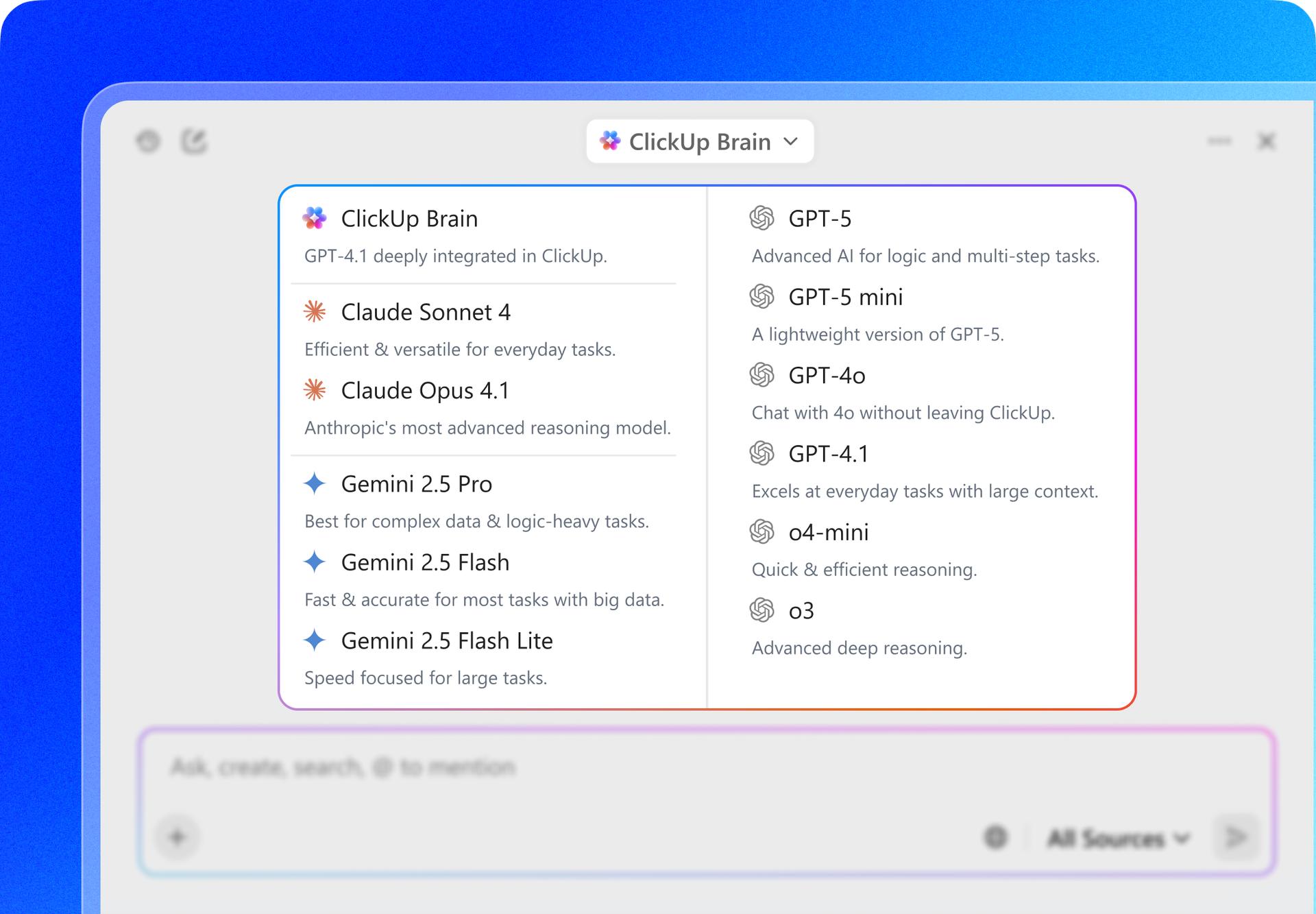
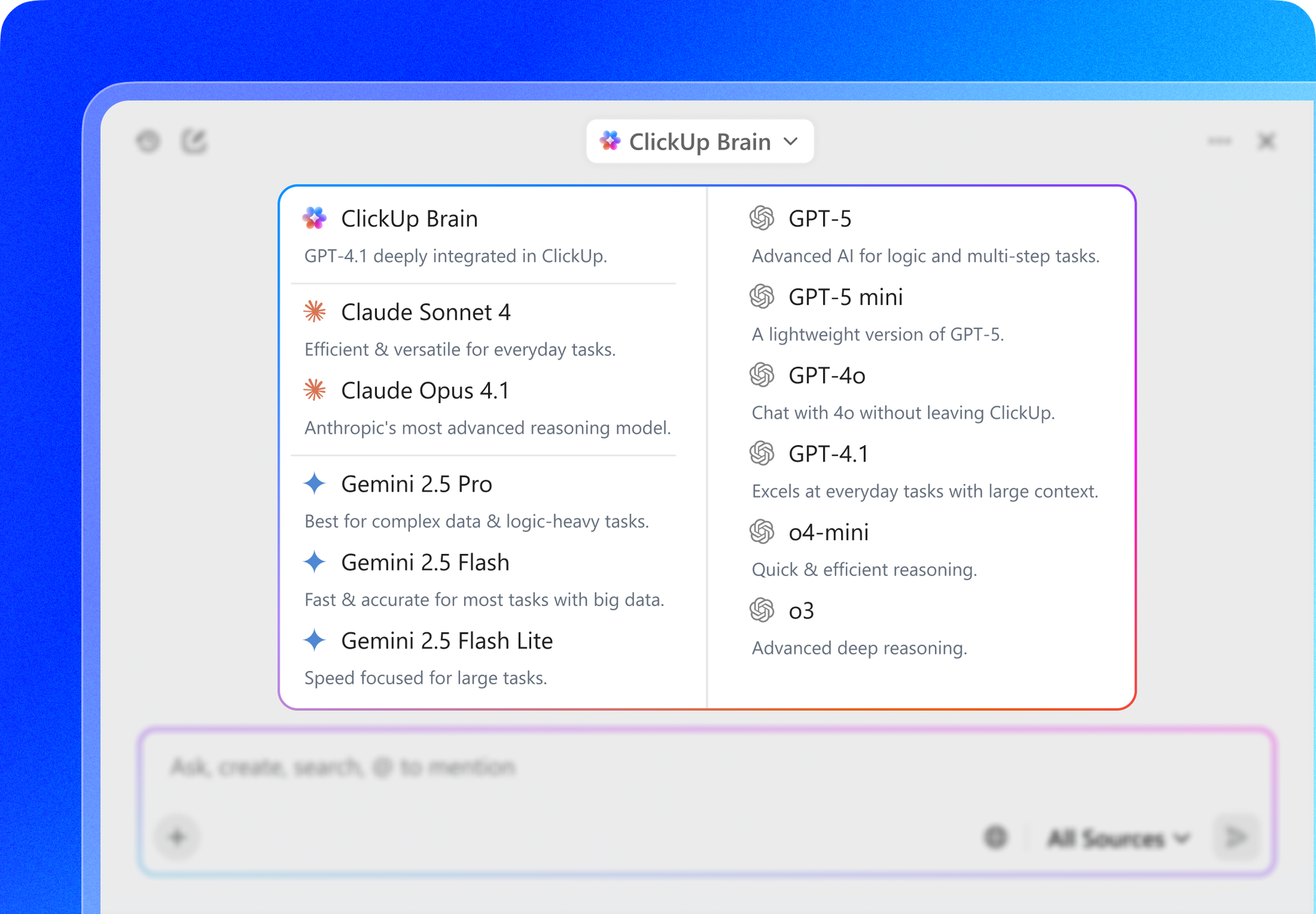
If you want access to the latest models from Claude, Gemini, and ChatGPT in one place, try ClickUp Brain. It’s ClickUp’s native, contextual AI assistant that understands your work.
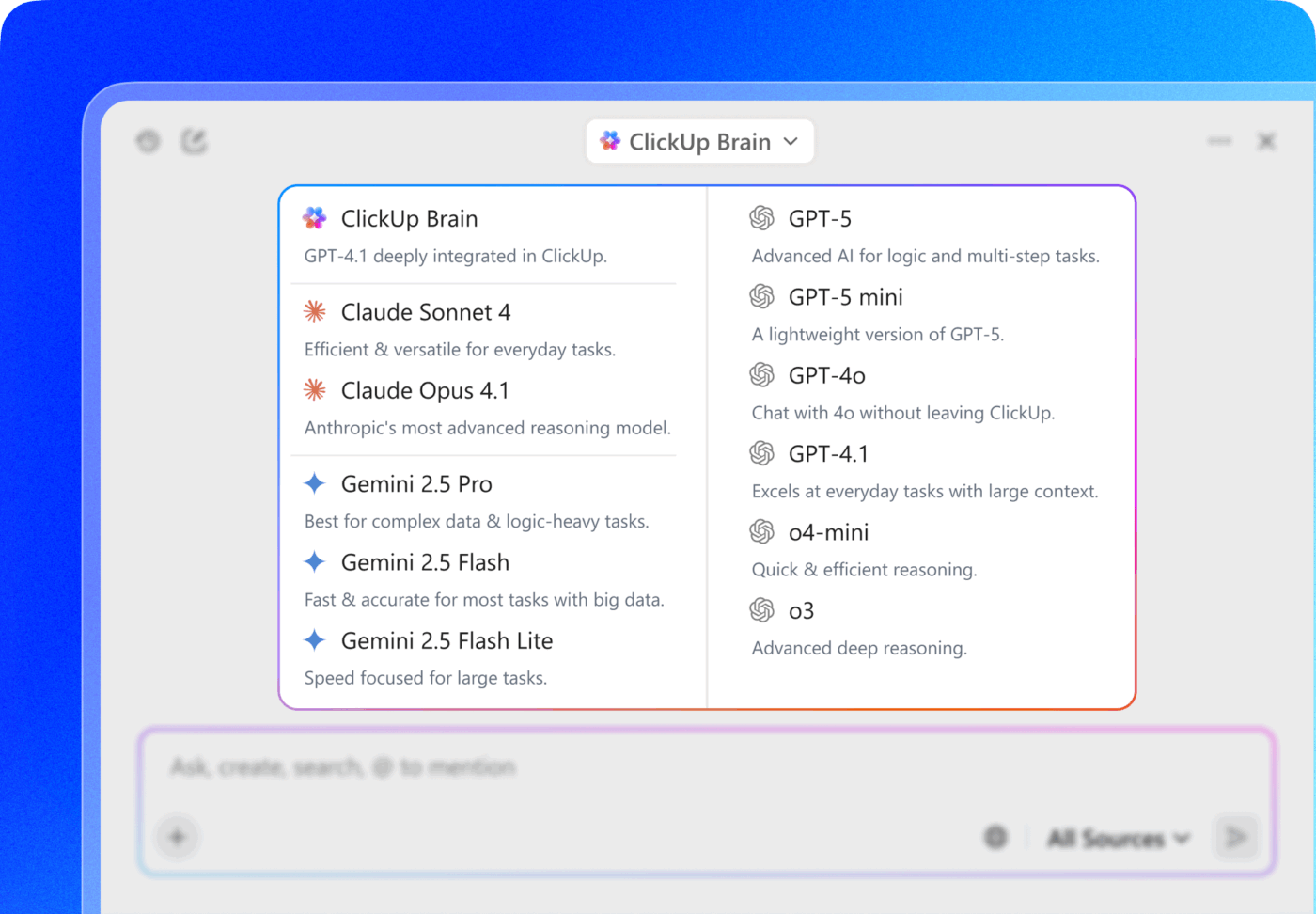
Instead of juggling multiple subscriptions (and bouncing between tabs), you can use the model you need right inside your ClickUp Workspace—where your tasks, docs, and projects already live.
Pay for one AI app. Get multi-model flexibility.
If model names like Opus, Sonnet, and Haiku make your brain go “cool… but which one do I actually use?”, you’re not alone.
Here’s the simple way to think about Anthropic’s Claude 4.5 lineup: each model is tuned for a different kind of work—from quick everyday requests to deep, high-stakes reasoning.
| Model | Best for | Speed | Cost (per 1M tokens) |
|---|---|---|---|
| Claude Opus 4.5 | Deep reasoning, complex multi-step work, high accuracy | Slowest | $5 input / $25 output |
| Claude Sonnet 4.5 | Best overall “daily driver” for teams | Balanced | $3 input / $15 output |
| Claude Haiku 4.5 | Fast, high-volume, simple tasks | Fastest | $1 input / $5 output |
Let’s look more closely at what this means for you and your team:
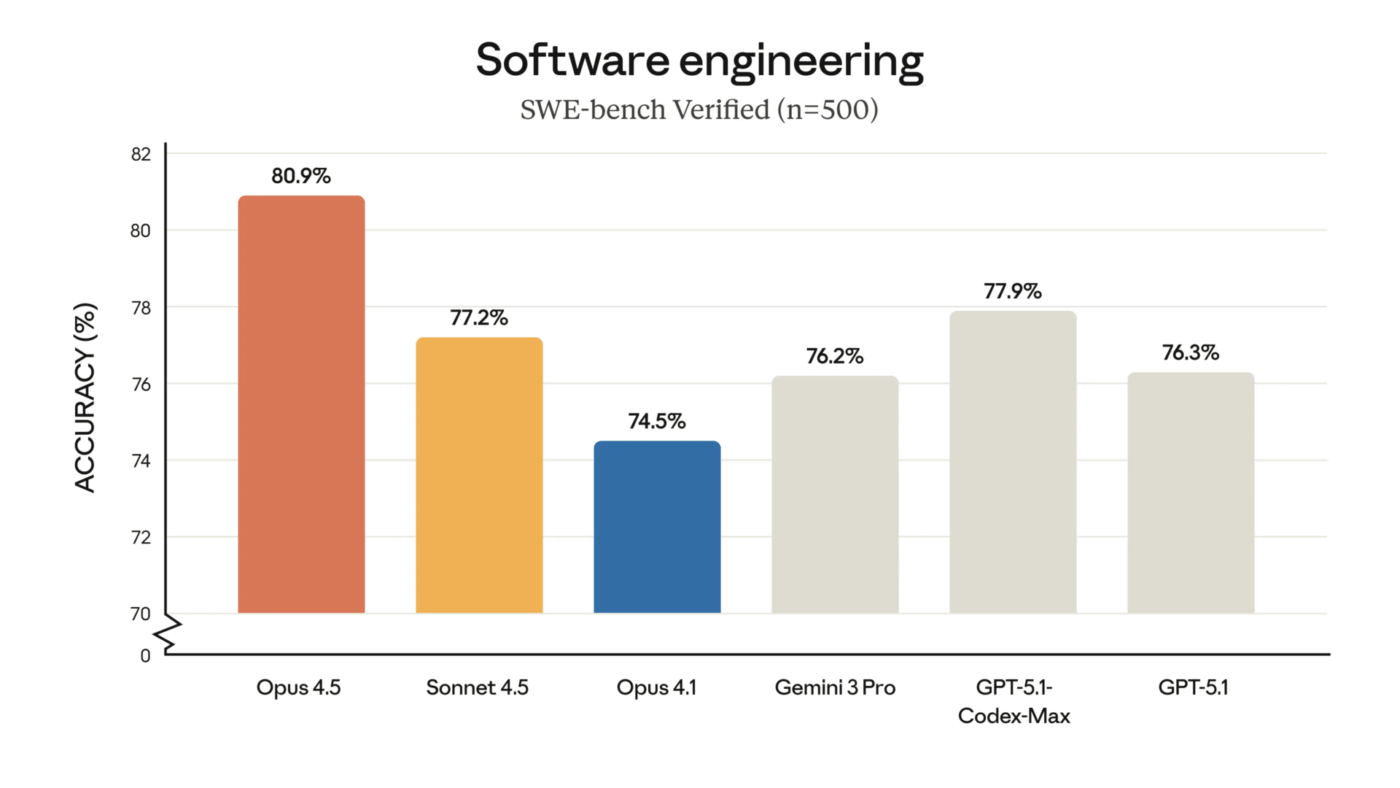
Think of Opus 4.5 as the specialist you bring in for the toughest problems. It’s the flagship model, designed for high-stakes, complex reasoning that requires multiple steps to solve. It excels at understanding nuanced instructions and can execute various types of agentic tasks.
This model is at its best when a task needs “thinking time.” Its extended thinking mode allows it to deliberate on a problem before giving an answer. The trade-off is that it’s slower and more resource-intensive, making it overkill for simple questions.
Claude Opus 4.5 is best for:
Complex code architecture and refactoring across multiple files
In-depth strategic analysis that requires weighing different perspectives
Synthesizing information from multiple documents for a research project
Any task where accuracy and deep reasoning are more important than speed
Sonnet 4.5’s your team’s reliable all-rounder. It offers the best balance of intelligence and speed for most day-to-day professional work. It’s great for coding, has solid reasoning skills, and responds much faster than Opus without the premium price tag. All of this makes it the one model your team can rely on all day.
Claude Sonnet 4.5 is best for:
🧠 Fun Fact: If you’re using Claude Sonnet 4.5 to build a customer support agent, processing 10,000 support tickets (avg ~3,700 tokens each) will cost you ~$22.20 total!
Haiku is the sprinter on the team. It’s the fastest and most efficient model, designed for high-volume, straightforward tasks. It delivers near-instant responses, making it perfect when you want answers now.
It’s also especially good at following instructions. While it’s less suited for deep reasoning, you can use Haiku for the bulk of your team’s routine questions and save the more powerful models for when you truly need them. This is the smartest way to optimize your team’s AI usage without sacrificing quality.
Claude Haiku 4.5 is best for:
Quickly looking up facts or definitions
Creating simple summaries of text
Powering high-volume automation workflows
Auto-drafting short replies or templates with real-time suggestions as you type
The easiest way to get better results and cut costs is simple:
💡 Pro Tip: The fastest way to waste a great AI answer is letting it live in a separate chat window where nobody can find it again.
The fix is simple: bring your AI layer into the place where your tasks, docs, comments, and workflows already live.
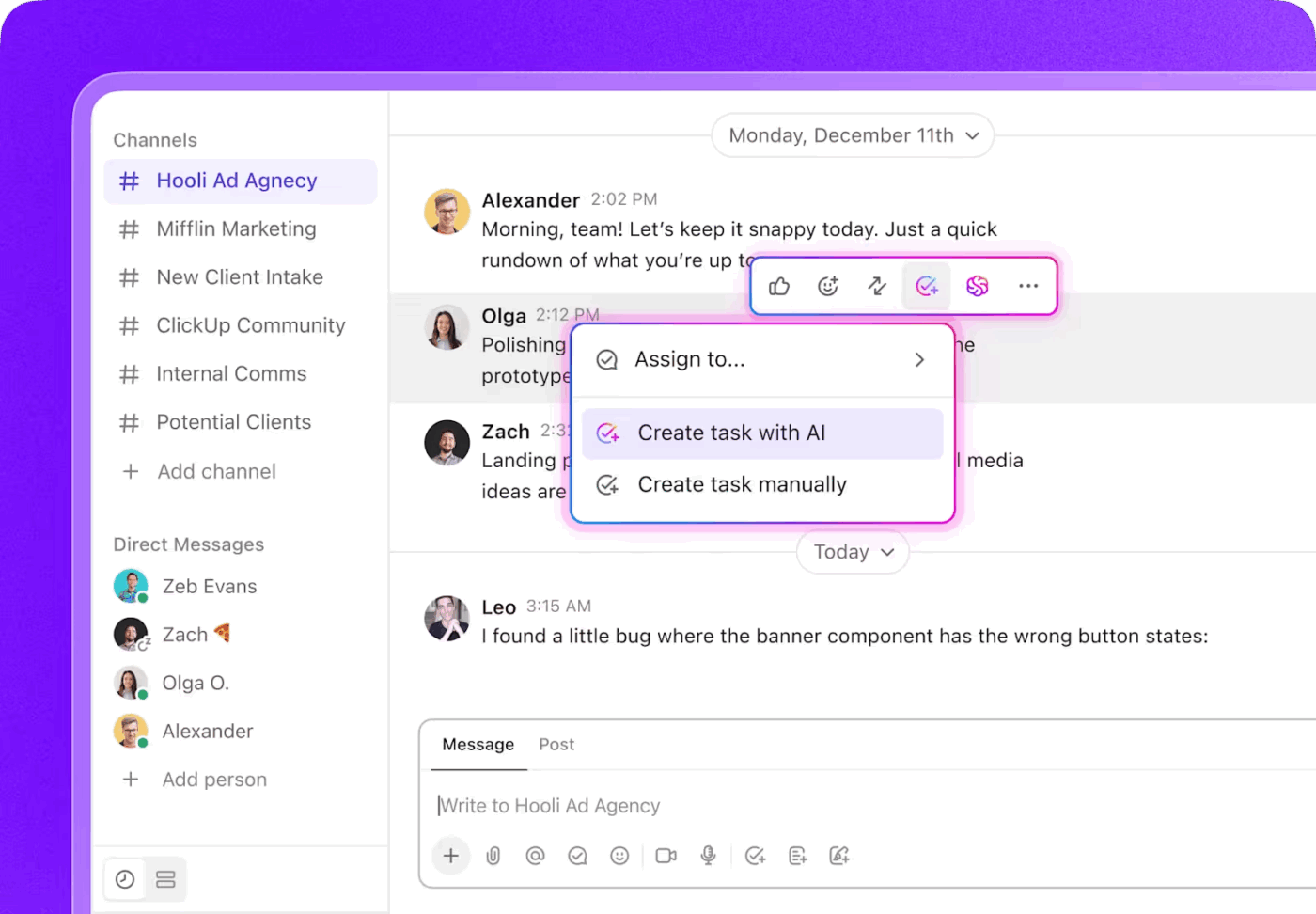
In ClickUp’s Converged AI Workspace, AI outputs don’t float around as loose text. With ClickUp Brain, they become connected work:
ClickUp users agree:
What I love most about ClickUp is how it centralizes my entire workflow, allowing me to ditch the “app fatigue” of jumping between separate tools for docs, tasks, and chat. The “Everything View” is a total game-changer for me because it provides a bird’s-eye perspective of every project across my workspace in one clean interface. I also find the deep customization of the 15+ different views, like Kanban boards and Mind Maps, essential for adapting the platform to my specific creative processes. The native AI, ClickUp Brain, has drastically improved my productivity by instantly summarizing long comment threads and automating those repetitive administrative tasks that used to eat up my morning.
Want to build your own AI assistant without coding? Watch this quick guide!
If you’re still not sure which Claude model to choose for a specific task, let’s simplify things by matching each model to common work categories.
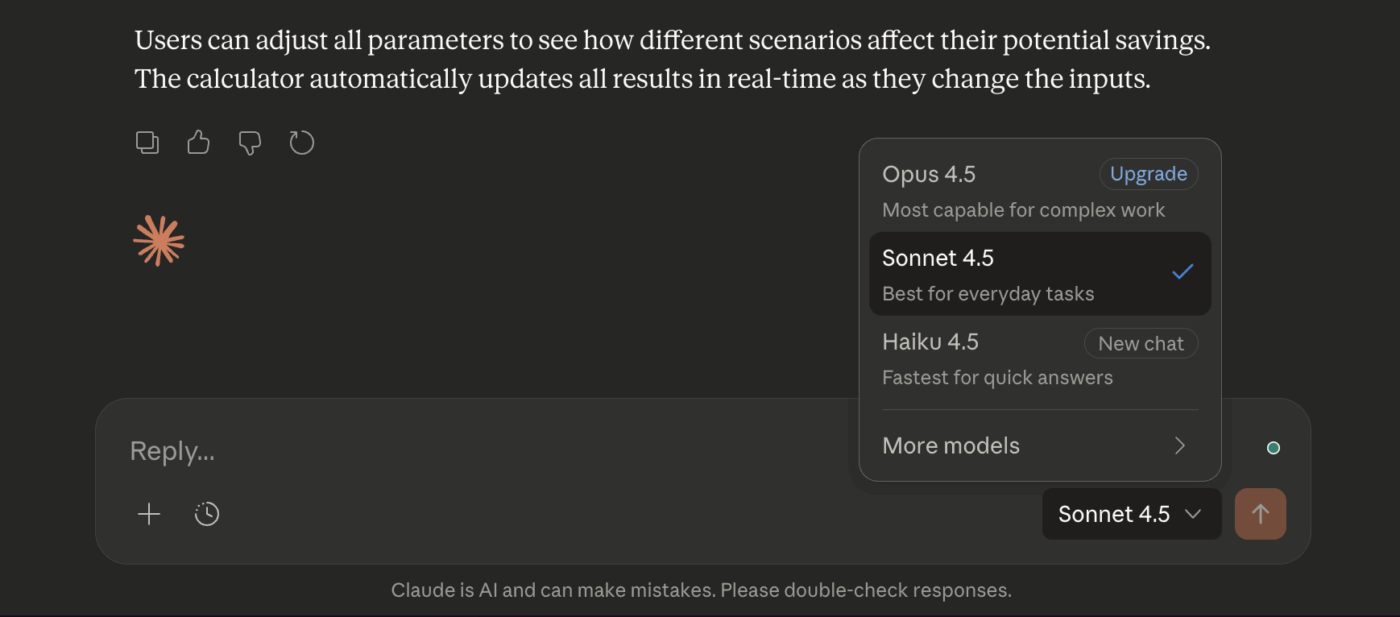
Coding is a major strength across all Claude models, but you need to match the model to the task’s complexity:
Claude is great at writing, especially because it can adapt to your specific tone and style guidelines. But you might want to use different models for different types of content assets:
If you’re trying to make qualitative, data-driven decisions, Claude’s large context window is a huge advantage. It can help you synthesize information from very long documents in a very short span of time.
Most questions at work are simple, like “What’s the status of this project?” or “Summarize this comment thread.”
👀 Did You Know? Anthropic says you can get up to 90% cost savings with prompt caching and 50% with batch processing using the Claude Haiku and Sonnet models.
Now, no matter which model you use, you’ll need to feed it all your work context to get a usable answer. This will hardly save you time.
This is why you need an AI that’s integrated directly into your workspace. An AI like ClickUp Brain. Because it’s built directly into your Workspace, it can generate answers right where the work lives—in Tasks, Docs, and Comments—without the constant back-and-forth.
Plus, your desktop AI companion, ClickUp Brain MAX, helps you pull context across your connected apps too (such as Google Drive, Figma, Slack, and more), so you can bring everything into one place.
🎥 Watch this video to learn more about Brain MAX:
If you’re comparing Claude, ChatGPT, and Gemini, you’re asking the right question. But it’s easy to get stuck in “which is best?” mode. The truth is: all three are strong. The better question is which one fits the work you do most often—and how your team actually uses AI day to day.
Here’s a practical breakdown:
| Feature | Claude | ChatGPT | Gemini |
|
Core strength |
Reasoning, coding, long-context work |
Broad knowledge, plugin ecosystem |
Google Workspace integration, multimodal |
|
Writing style |
Nuanced, follows style guides well |
Versatile, conversational |
Efficient, factual |
|
Best for teams using |
Standalone API access, coding workflows |
Diverse plugin needs |
Google Docs, Sheets, Gmail |
Claude tends to shine when work gets dense—think long PDFs, detailed specs, policy docs, or multi-step reasoning where you need the model to stay consistent.
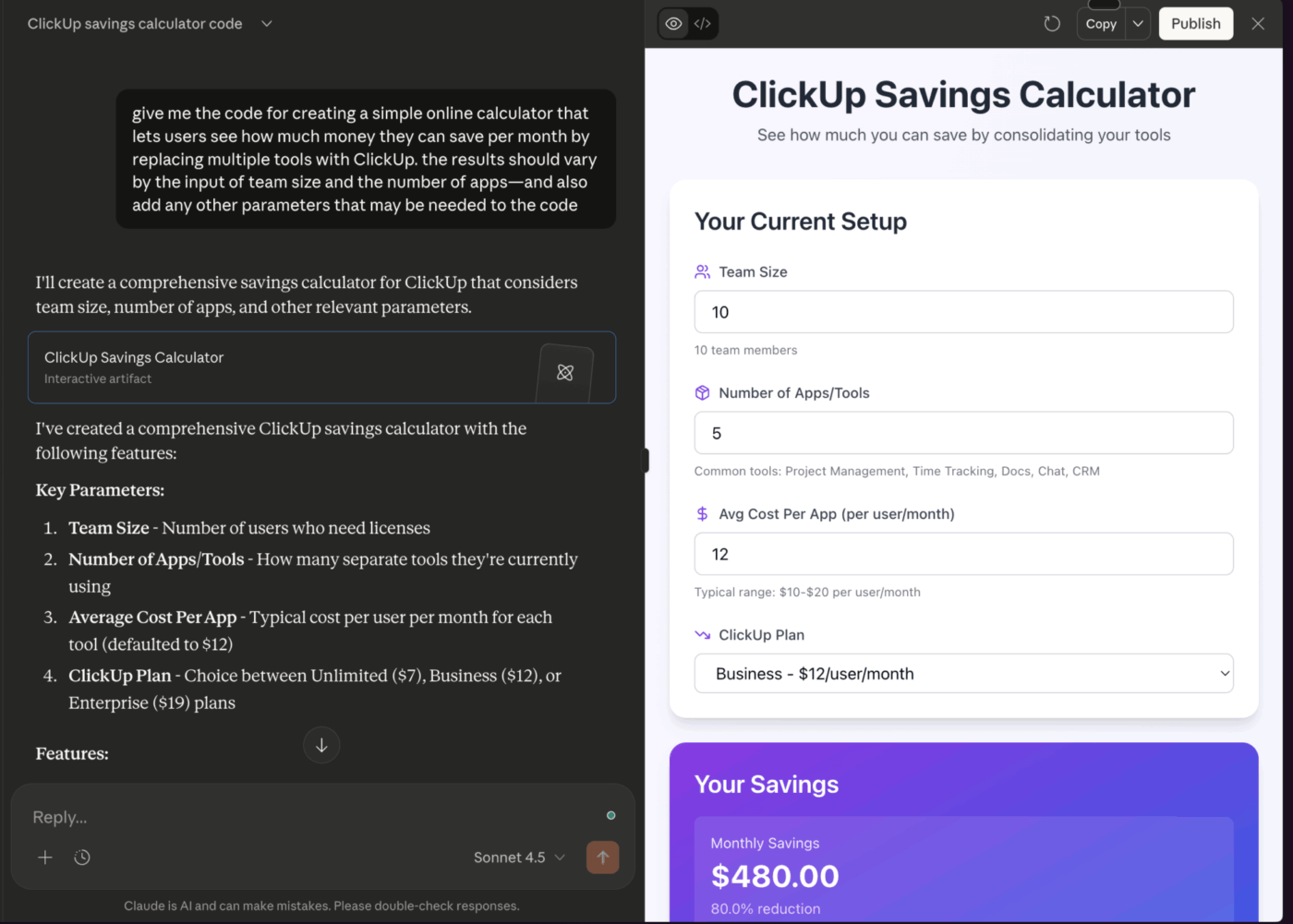
Choose Claude if your team does a lot of:
Where it can feel less ideal: If your work depends heavily on lots of third-party plugins, or you want a single “everything app” ecosystem.
ChatGPT is often the easiest default AI tool to use because it’s versatile and widely adopted. It performs well across writing, brainstorming, analysis, and coding. And it’s especially strong when you want an AI assistant that can flex between totally different tasks in one sitting.
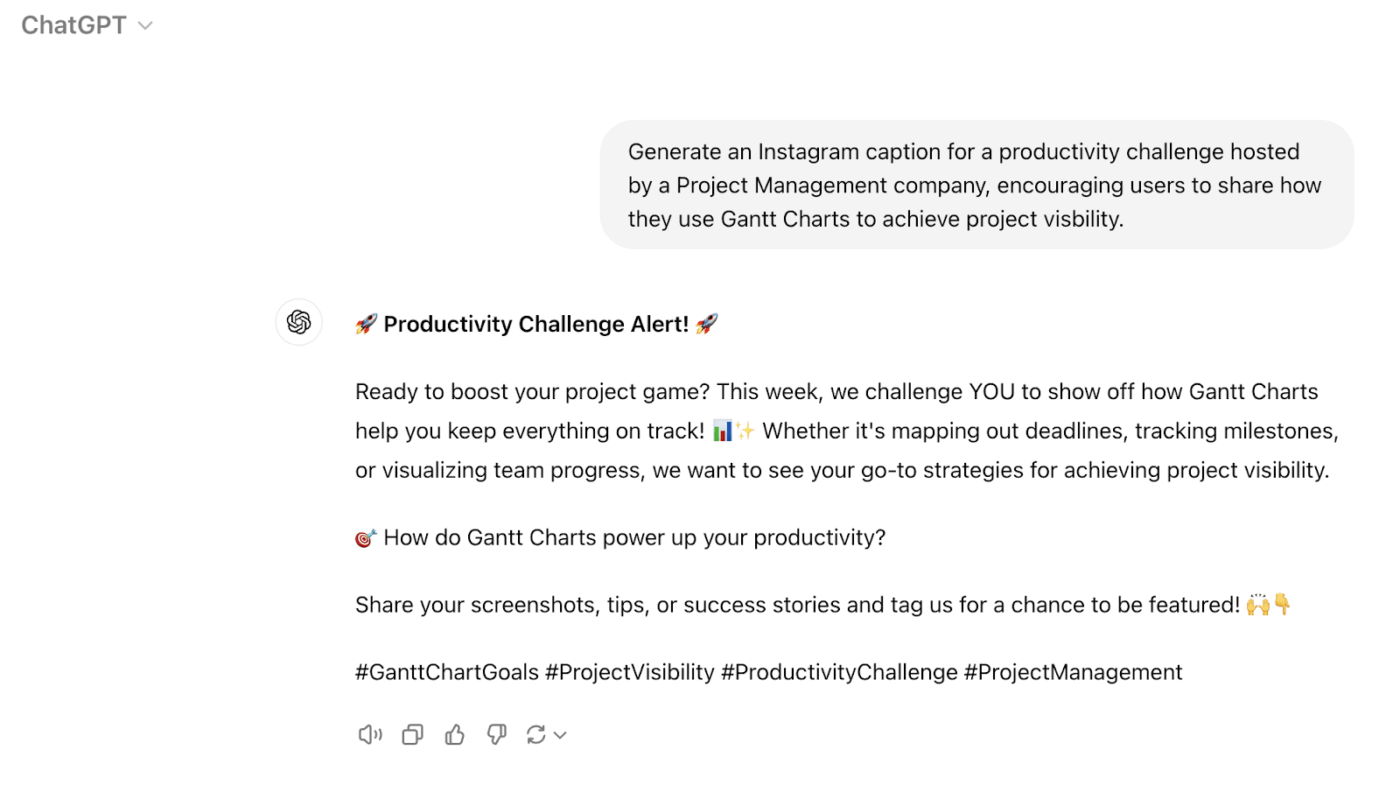
Choose ChatGPT if you want:
Where it can feel less ideal: Long, multi-step workflows can get messy without a clear structure, and quality can vary depending on how tightly you prompt.
Gemini is a strong choice for teams already deeply embedded in the Google ecosystem. It’s especially useful when your work lives in Docs, Gmail, Slides, or Sheets and you want AI support right there.
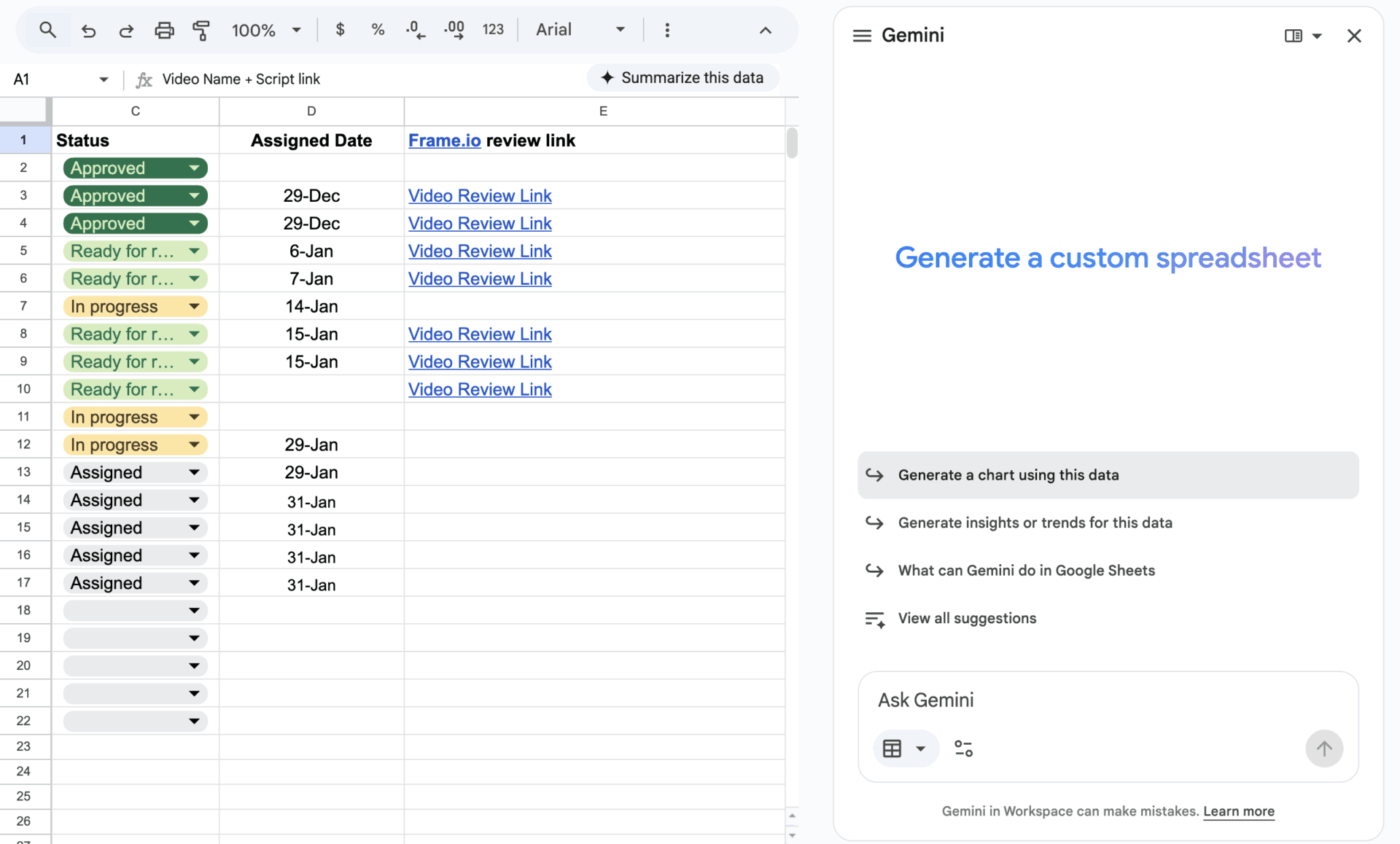
Choose Gemini if your team spends most of the day in:
Where it can feel less ideal: If most of your company’s context and workflows live outside Google Workspace.
A lot of teams don’t end up choosing just one. They use multiple models, depending on the work, like one for writing + docs and another for research or automation.
The real win is making sure whichever model you use is easy for your team to access. The output quality needs to be consistent, too. And most of your time savings will accrue from having your AI connected to the work it’s supposed to support.
On the flip side, when your team ends up using a mix of everything, it can create massive AI Sprawl—the unplanned proliferation of AI tools and platforms with no oversight or strategy. With 78% employees bringing their own AI tools to work, you risk security breaches and having org knowledge scattered across different platforms.
📮ClickUp Insight: 22% of our respondents still have their guard up when it comes to using AI at work. Out of the 22%, half worry about their data privacy, while the other half just aren’t sure they can trust what AI tells them.
ClickUp tackles both concerns head-on with robust security measures and by generating detailed links to tasks and sources with each answer. This means even the most cautious teams can start enjoying the productivity boost without losing sleep over whether their information is protected or if they’re getting reliable results.
Most AI tools are great at answering questions—but they still live outside your work. So you get a helpful response… and then you’re back to copy-pasting it into tasks, rewriting it in a Doc, and chasing down context across tabs.
ClickUp Brain flips that. It brings AI directly into your Workspace, so it can use the context already sitting in your tasks, Docs, and conversations—and turn answers into action without the messy handoff.
Here’s how it transforms your workflow:
Connected AI: You can ask questions about your projects and get answers based on your actual data. For example, you can type @brain in a task comment and ask it to summarize the thread or suggest next steps
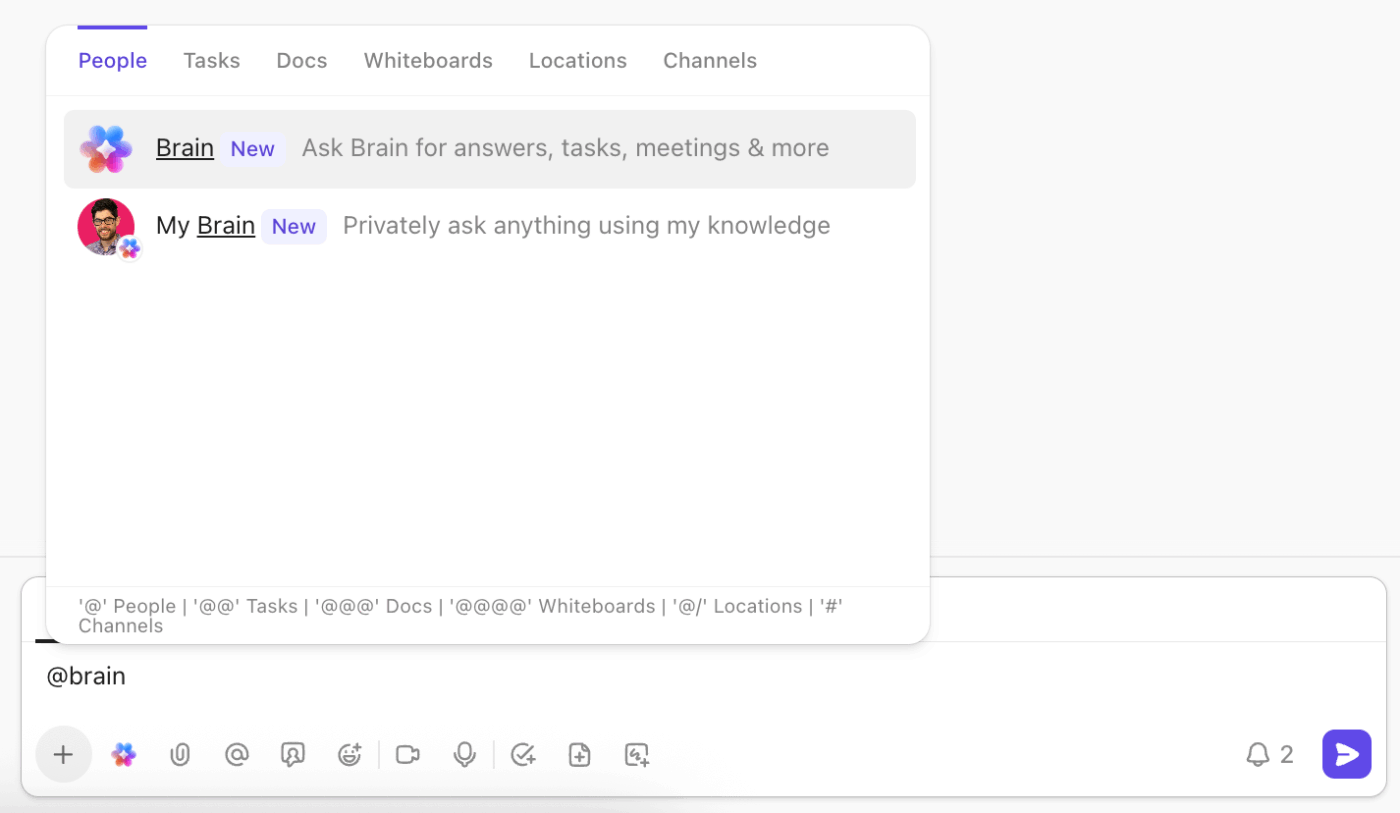
Multi-model access: Stop worrying about which AI tool to use. ClickUp Brain lets you access Claude, ChatGPT, and other models from a single interface, so you can always choose the best one for the task at hand
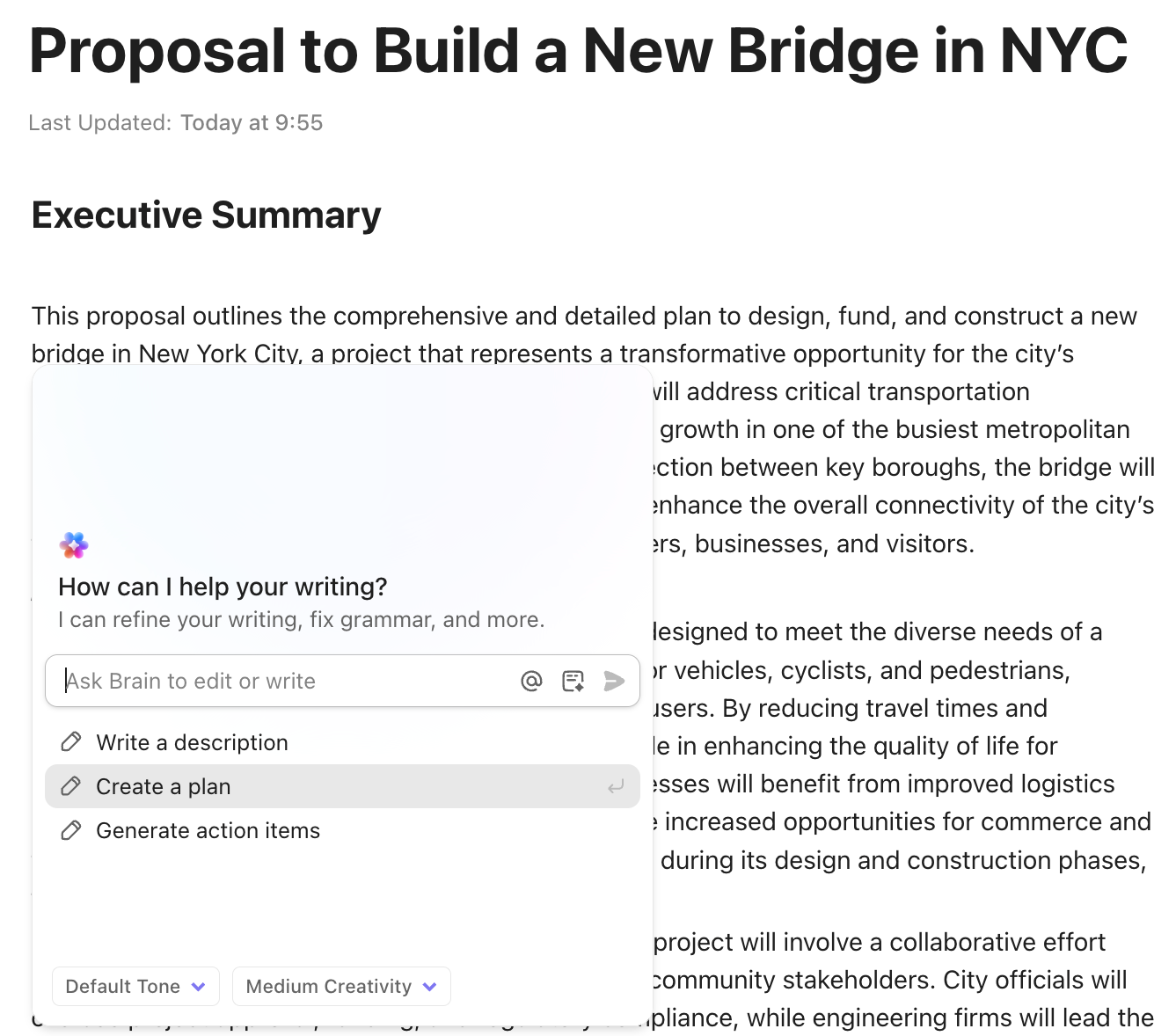
AI in context: Generate content, summaries, and action items directly within a ClickUp Doc or task. The output is already where it needs to be—no more copy-pasting and context-switching
Work-aware automation: Connect AI insights to your workflows. For example, you can set up intelligent automation to have AI analyze incoming requests and automatically assign them to the right team member
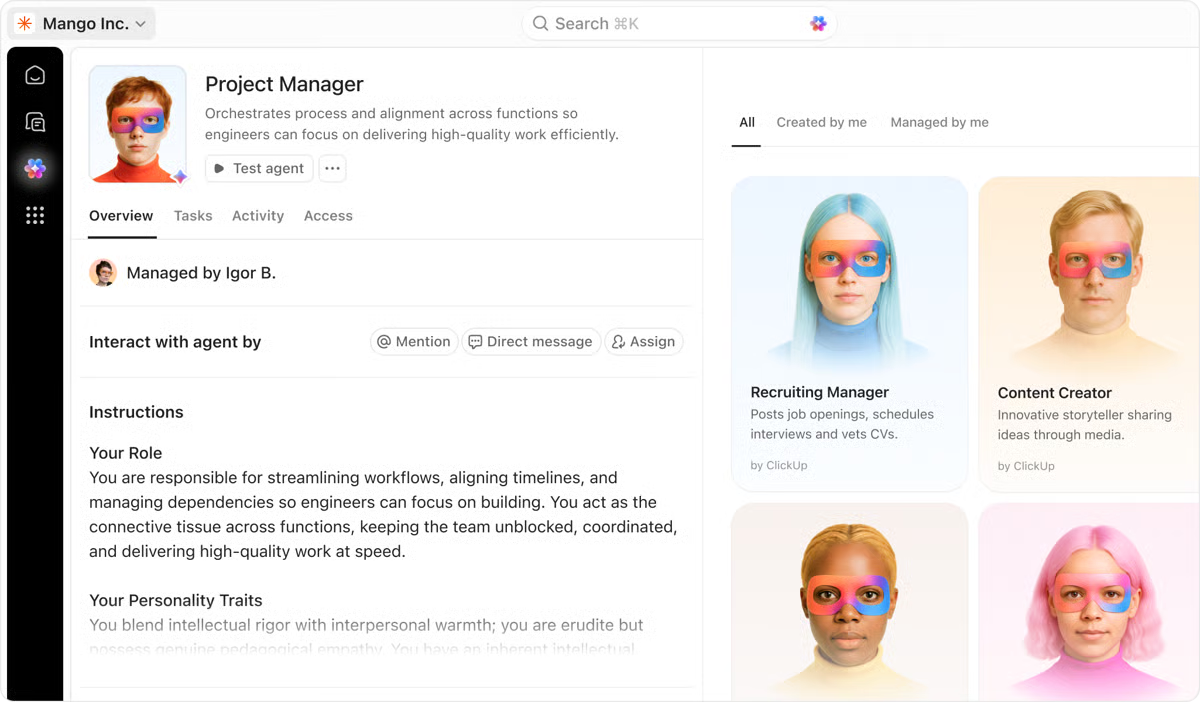
💡 Pro Tip: If you want AI that does more than answer questions, ClickUp Super Agents are built to work like human-like AI teammates that live inside your workflows. They can see and understand how work connects across tasks, Docs, Chat, meetings, schedules, and connected tools—so they’re able to run workflows around the clock with full context.
Unlike standalone chat tools, Super Agents are designed to operate within your company’s knowledge, permissions, and guardrails, which makes them much more practical for real team execution.
With a truly integrated AI, you eliminate productivity losses from Work Sprawl (or fragmenting work across multiple apps). Your AI-generated content is instantly actionable. Your AI assistant becomes a true team member that understands what your team is working on.
Choosing the right Claude model is a smart first step. Use Haiku for quick tasks, Sonnet for most of your daily work, and save Opus for when you need deep, complex reasoning. The “best” model depends as much on your specific needs, as industry benchmarks.
But the bigger win comes from connecting AI to your actual workflow. When your AI assistant has the full context of your projects, docs, and conversations, it moves from being a simple tool to a powerful partner. Teams that integrate AI directly into their work systems will see far greater productivity gains than those using standalone chat tools.
Ready to experience an AI that actually knows your work? Get started for free with ClickUp and see the difference.
Yes, and this is the recommended approach. Route simple queries to Haiku, standard work to Sonnet, and complex reasoning to Opus to optimize both performance and cost.
Haiku is faster and more efficient for quick, straightforward queries, while Sonnet offers stronger reasoning and nuance for tasks requiring more depth. Most teams use both depending on the task.
Opus 4.5 is ideal for complex, high-stakes tasks like strategic analysis or multi-step coding. For simple queries, Sonnet or Haiku will perform just as well.

© 2026 ClickUp

There’s an easier way. Try a free AI Agent in ClickUp that actually does the work for you—set up in minutes, save hours every week.