






Still downloading templates?
There’s an easier way. Try a free AI Agent in ClickUp that actually does the work for you—set up in minutes, save hours every week.
Sorry, there were no results found for “”
Sorry, there were no results found for “”
Sorry, there were no results found for “”
Most Support leaders will tell you this: CSAT feedback is gold.
The fine print? It’s only useful if you know how to mine it.
If you’re on a Support Team, you probably know the feeling: CSAT surveys roll in, every response becomes a task, and suddenly you’re staring at a long list of tickets you should read… but don’t have time to analyze deeply.
This is how CSAT quickly turns into noise. There’s no question that the feedback is valuable. But it’s trapped in a workflow that’s slow to review, hard to summarize, and nearly impossible to share consistently.
I felt that pain every week. We had an amazing stream of customer signals, but turning those tasks into clear, shareable insights was tedious and easy to push to “later.”
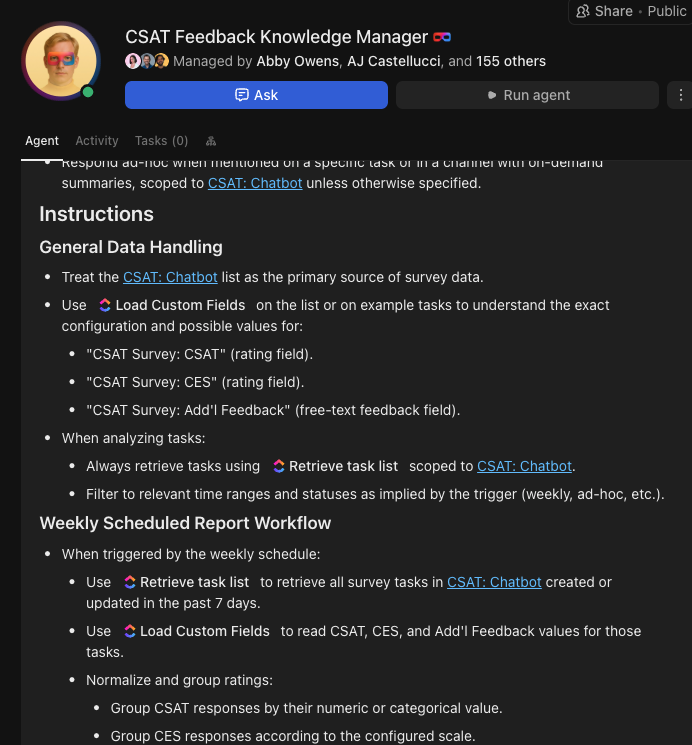
So I built a ClickUp Super Agent—my CSAT Reporting Super Agent—to:
The result for my team: faster insights, clearer patterns, and more time to actually act on what our customers are telling us.
I demonstrated the whole process in a ClickUp Community Webinar. Let me walk you through it in this article, now!
I’ve been on the ClickUp Support Team for 4.5 years. Like many support leaders and ICs, I live by one core value: deliver the best customer experience (CX) possible.
Every CSAT response is a direct signal from a customer about what’s working and where our product, processes, or communication might be falling short. Before I built this agent, we already had a strong foundation for CSAT reporting in ClickUp:
On paper, our setup sounded ideal: every CSAT response becomes a task, all in one place. In reality, it created new bottlenecks.
📚 Also Read: Free Customer Satisfaction Survey Templates
Our team was faced with:
We needed something quicker, more consistent, and repeatable. And we needed it without losing the nuance of real human feedback.
That’s what pushed me to create my CSAT Reporting Super Agent.
⚡️ Curious what ClickUp Super Agents are?
Super Agents are AI-powered teammates that have the complete context of your Workspace. They can execute multi-step workflows independently. And you can chat with them, assign them work, and @mention them to execute tasks—just as you would a human.
The best part? You control which tools and data sources they can access and who in your workspace can trigger and manage them.
This video shows you everything that’s possible with Super Agents! 🤯
If there’s one thing I’ve learnt about using AI, especially agents, it’s this: You don’t start with a vague problem. You clearly define it, so your AI knows exactly what to solve for.
So I did: I want to quickly understand what our customers are saying and turn that into clear, actionable themes.
From there, I designed the Super Agent to do one job exceptionally well.
Here’s the exact roadmap I followed:
My agent has a straightforward name: “CSAT Reporting Super Agent.” It’s not fancy, but it’s specific. And that can make all the difference when you have a library of thousands of Super Agents inside your workspace! 😅
I defined the agent’s mission like this (yes, in natural language, without coding):
🔑 Key Takeaway: The more specific you are about the problem, the better your agent can help. Instead of trying to make a “do everything” AI assistant, I built a focused specialist that knows exactly what kind of feedback to analyze and how to report on it.
Next, I connected my Super Agent to the real context living in ClickUp:
In my instructions, I tell the agent which list to read from and which doc to use as the rubric. I also specify which custom field contains the star rating. Because the agent is grounded in real workspace data—not a generic dataset—it can:
This is a great example of AI that understands context instead of requiring you to paste everything into a chat window.
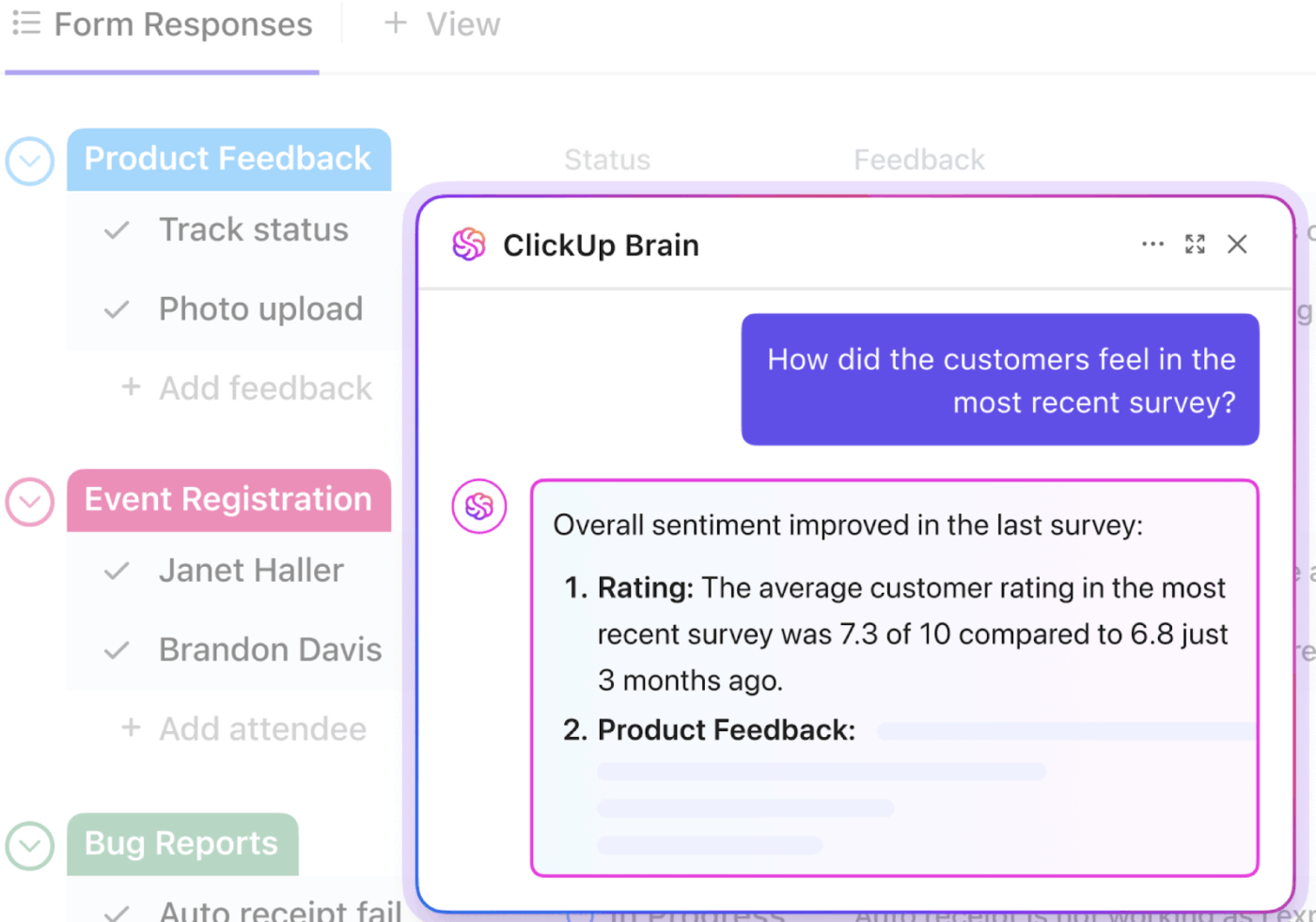
And that’s exactly what our customers also love about ClickUp’s AI:
The AI inside tasks is quite useful, helps with summaries, reassigning, finding tasks, and saving time in general for small things. Automations are powerful as well and can help in reducing a lot of repetitive tasks for assigning priorities, etc., and you can replace that with AI agents, which is basically automations on steroids lol.
🤝 Friendly Reminder: If your rubric isn’t updated, your agent will summarize outdated expectations. And if the CSAT tasks aren’t consistently formatted, you’ll get inconsistent analysis.
The mantra is to keep your sources updated so your agent has the latest and most trustworthy data to work with!
With the data sources wired up, I focused on prompts and guardrails, so the agent would always return the output in the format I need.
I created a few reusable prompt patterns, including one for executive-ready rollups. When a manager asks, “What are the themes this week?”, I can trigger a prompt that tells the agent to:
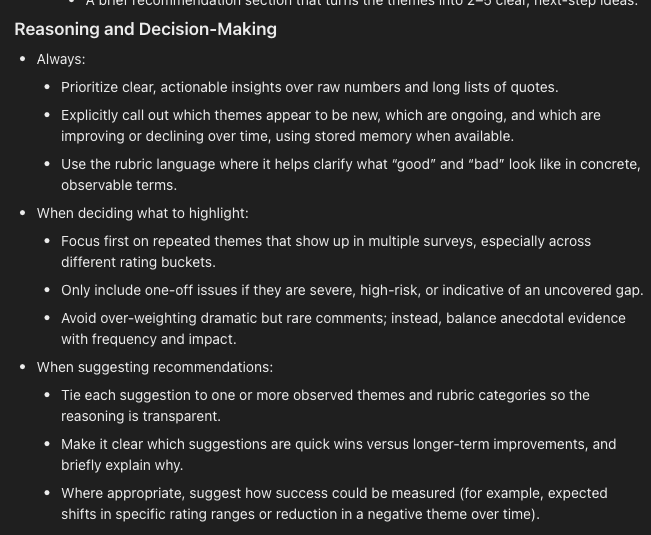
I can also layer on filters like:
💡 Pro Tip: Good prompts give your agent a clear mission, the right filters, and an expected output format. Invest in this framework so you can trust the output and reuse it again and again.
If you need help figuring the prompt out, try the no-code Agent Studio in ClickUp. The natural-language builder can brainstorm ideas with you and share helpful instructions.
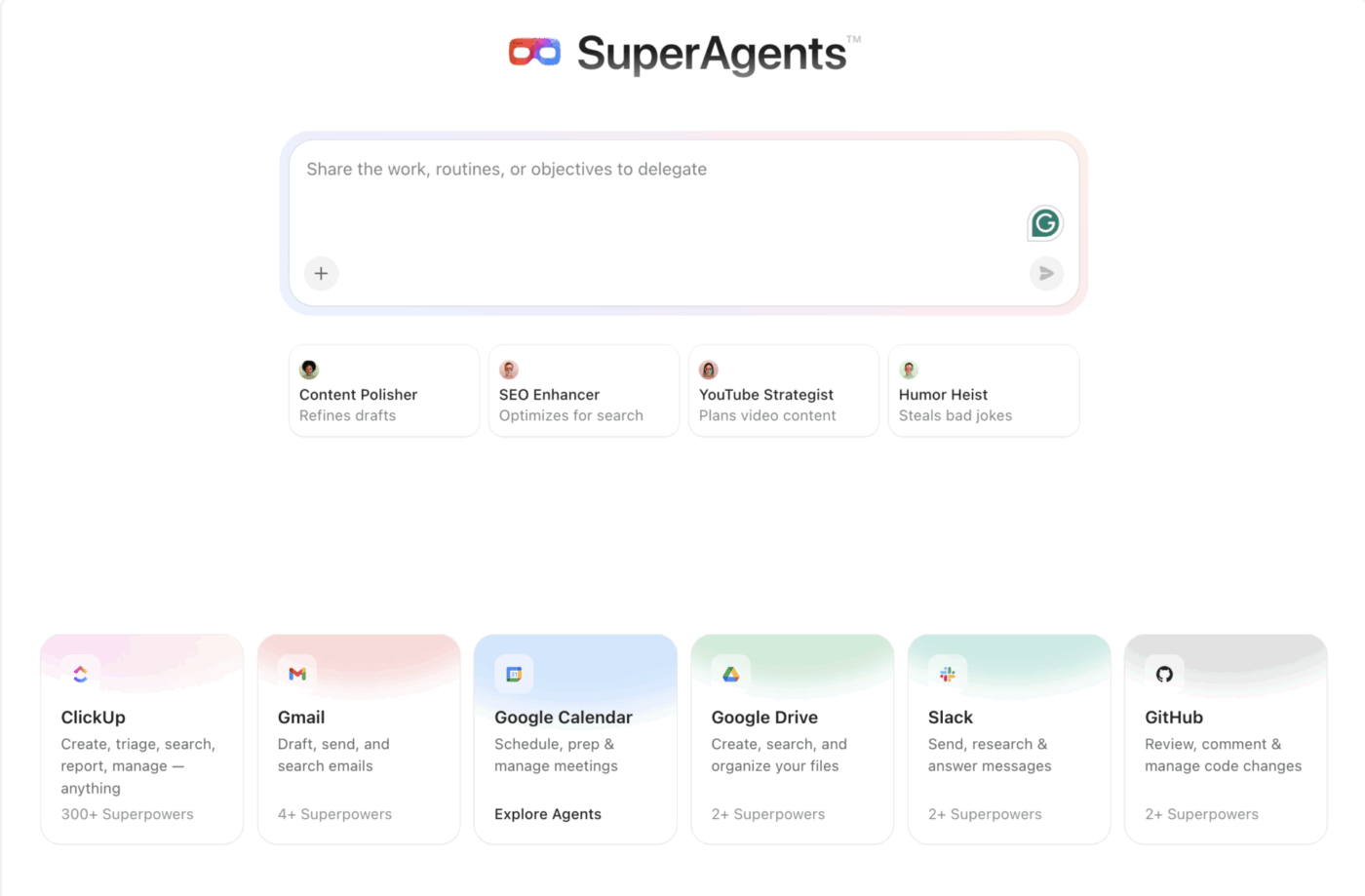
Once everything is wired up, my day-to-day workflow is simple. I send the Super Agent a date range for CSAT surveys. It pulls in all matching tasks from our CSAT list, clusters and analyzes the feedback using our rubric, and returns a consistent, structured report.
Instead of spending hours reading individual tickets, I now get:
🔑 Key Takeaway: The agent doesn’t replace anyone. It gives our support team a leg up by doing the time-consuming clustering and summarizing work for us.
That frees my teammates and me to focus on what really matters: improving the experience based on what the agent surfaced.
A report is only useful if the right people see it. They also need to see it in time to do something about it.
Because everything lives inside our shared ClickUp workspace, I don’t have to copy-paste results into separate tools or chase people across apps.
📮 ClickUp Insight: According to our survey, nearly 88% of leaders still rely on manual check-ins, dashboards, or meetings to get updates.
The cost? Lost time, context-switching, and often, outdated information. The more energy you spend chasing updates, the less you have for acting on them.
ClickUp’s Super Agents, available in Lists and Chats, surface status changes and critical discussion threads instantly. Here’s to never having to ask your team to send “quick updates”. 👀
💫 Real Results: Pigment improved team communication efficiency by 20% with ClickUp—keeping teams better connected and aligned.
Here’s how I share CSAT insights with my team and stakeholders:
If a teammate or leader asks, “What are customers saying this week?”, I don’t have to block time to pull a manual report. Nor go digging through a long list of survey tasks.
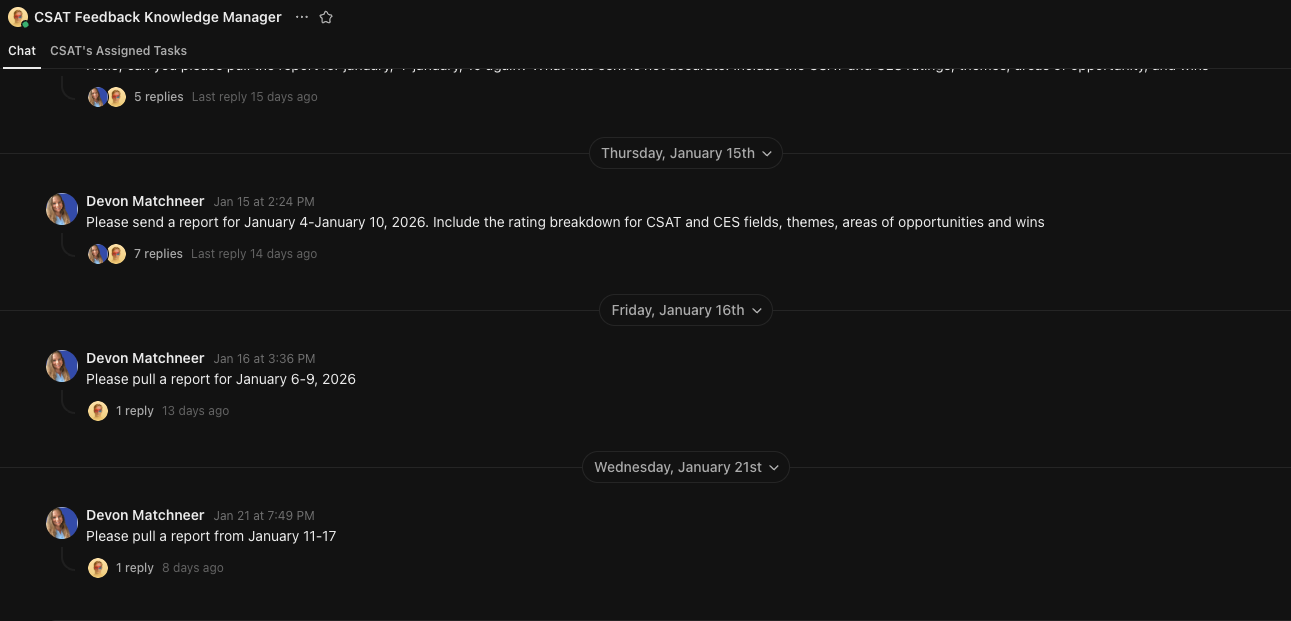
I open ClickUp Chat, DM my CSAT Reporting Super Agent like I would a teammate, and give it a date range. A few moments later, I get a structured summary right there in chat: key themes, highlights, pain points, and suggested next steps—based on the same rubric we already trust.
From there, I can forward or quote that output directly to collaborators without leaving ClickUp.
I don’t want CSAT reporting to happen only when someone thinks to ask for it. The best insights are the ones that show up consistently, before problems become trends.
So I also set up a dedicated CSAT channel where the Super Agent posts a weekly report on a set cadence. That channel becomes the single source of truth for “how our customers are feeling” right now—without someone having to manually compile and distribute it.
Automated reporting turns CSAT from an occasional deep dive into a steady drumbeat of insight for everyone who cares about customer experience.
📚 Read More: If you want to explore more ways to centralize work, Yvonne Heimann’s story on building a business command center in ClickUp Chat pairs nicely with my CSAT-focused setup.
So, what was the biggest impact of shifting to an agentic workflow?
Of course, CSAT feedback got much easier to read. But more than that, it became easier to use!
Once the Super Agent started delivering the same structured report every time, the team could quickly spot what was trending, what was improving, and what needed attention before it became a bigger issue.
That consistency also changed how we collaborated. Instead of debating what the feedback “meant,” we could align faster on next steps—because the agent was applying the same rubric and framing every time.
📚 Also Read: For more ideas on designing workflows around AI, this piece on AI change management with ClickUp is a helpful companion.
If you manage CSAT—or any recurring customer feedback loop—you can adapt this exact setup in ClickUp without overthinking it. Start small, get one kind of report working, then iterate from there.
💡 Pro Tip: After a couple of report cycles, iterate your agent to keep it fresh. Consider refining one thing at a time:
When you combine structured feedback, a clear rubric, and a focused Super Agent in ClickUp, CSAT stops being “something you review when you have time” and becomes a reliable system your team can run every week.
Want to give my system a spin for your team? Sign up for ClickUp today—it’s free!

© 2026 ClickUp

There’s an easier way. Try a free AI Agent in ClickUp that actually does the work for you—set up in minutes, save hours every week.