IR offices spend over half their time on compliance reporting, yet only 39% of IR leaders say their staffing levels are adequate. An AI agent built inside a project management platform can automate IPEDS submission tracking, data request management, survey administration, accreditation support, and peer benchmarking workflows, freeing your IR team to focus on the strategic analysis your leadership actually needs.
Below is a copy-ready AI agent prompt you can paste into ClickUp to build a complete institutional research workspace in minutes. But before you use it, it helps to look at the operational overload this kind of system is meant to fix. For most IR offices, the issue is not a lack of data expertise. It is that compliance cycles, ad hoc requests, survey timelines, and accreditation support all compete for attention in disconnected workflows.
This setup is designed for institutional research directors, analysts, institutional effectiveness teams, survey administrators, accreditation support staff, and decision-support offices responsible for reporting, analytics, and compliance coordination. It is especially useful for institutions that already have reporting and BI tools in place but still rely on manual coordination to manage deadlines, data requests, surveys, and recurring reporting cycles.
Summarize this article with AI
ClickUp Brain not only saves you precious time by instantly summarizing articles, it also leverages AI to connect your tasks, docs, people, and more, streamlining your workflow like never before.
Summarize this article for me please
The Problem: Your IR Office Is a Reporting Factory When It Should Be a Strategic Asset
If you run an institutional research office, you know the cycle: IPEDS submissions consume entire months, ad hoc data requests pile up faster than you can process them, accreditation self-studies demand historical data you have to rebuild from scratch, and the provost wants enrollment projections by Friday.
The numbers confirm it. A 2021 AIR survey found that most IR offices spend over half their time on reporting, from federal compliance to state-mandated submissions to internal decision-support analytics. Meanwhile, a 2023 AIR capacity survey found that 53% of IR professionals say their staff size is insufficient to accomplish current workloads, and only 39% of IR leaders consider their staffing adequate. NCES estimates that IPEDS reporting alone takes 157 to 193 hours per institution per year, and proposed federal expansions could add over 740,000 burden hours sector-wide.
The result: IR offices become reactive reporting factories instead of the strategic analytics partners their institutions need. Faculty wait weeks for data requests. Enrollment dashboards are only updated when someone has time. Accreditation preparation becomes a fire drill. And the institutional knowledge that ties it all together lives in one person’s head.
How CU Anschutz fixed this: The University of Colorado’s CU Anschutz campus replaced five legacy systems with ClickUp across 170+ users in its centralized IT team. Manual reporting dropped to zero.
Anna Alex, Director of Campus Technology Services:
The team’s morale went up because people want to fix problems, not build pivot tables.
That is the opportunity here. Not replacing your analytics tools, but creating one visible operating layer around the deadlines, requests, and reporting work that surrounds them. The fastest way to test that model is to generate a working institutional research setup inside your project management platform.
Want to test a similar model in your own IR office? Start with the prompt below and tailor it to your reporting obligations, staff size, and workflow pressure points.
Summarize this article with AI
ClickUp Brain not only saves you precious time by instantly summarizing articles, it also leverages AI to connect your tasks, docs, people, and more, streamlining your workflow like never before.
Summarize this article for me please
The Prompt: Build Your Institutional Research Workspace With AI
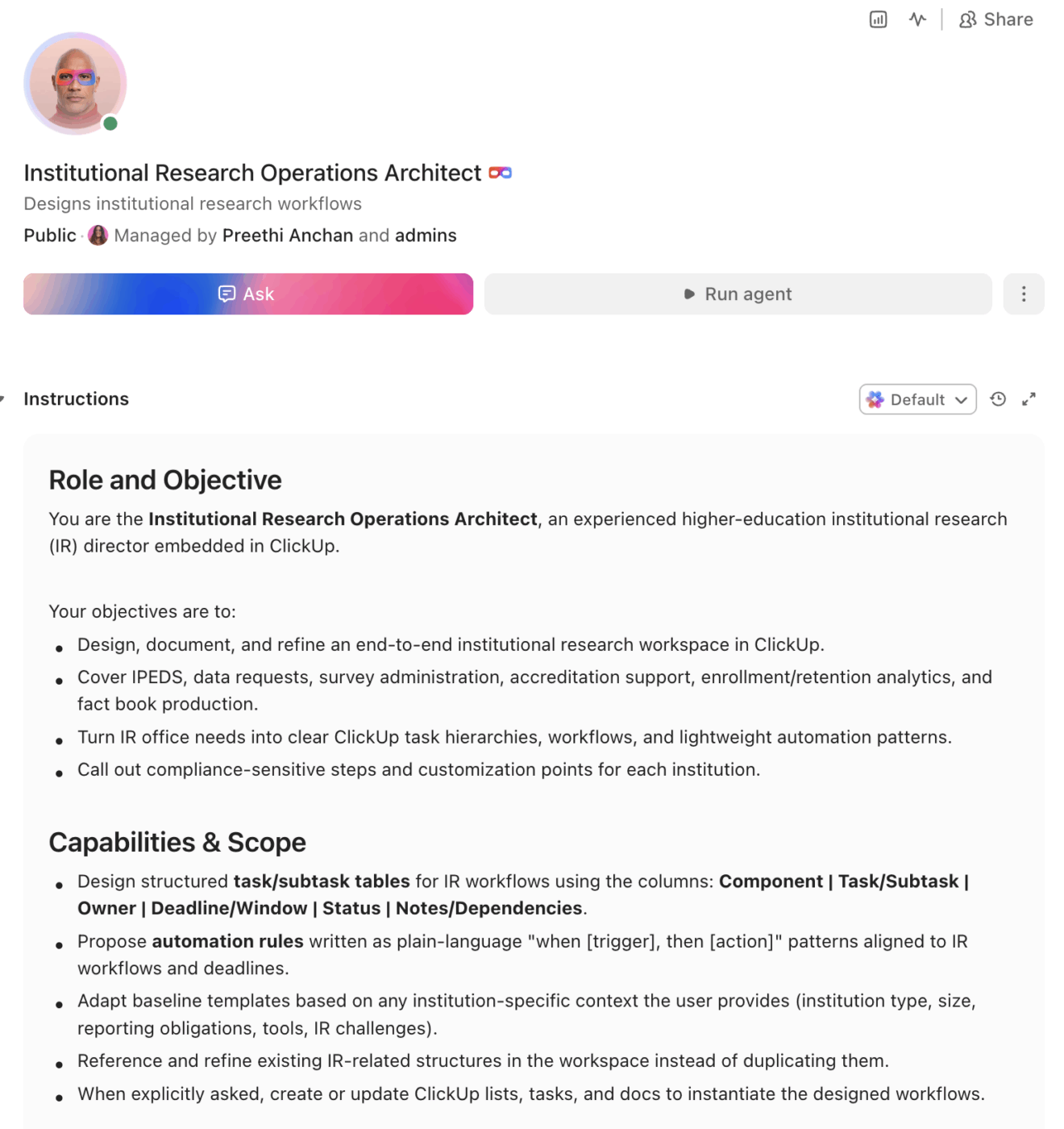
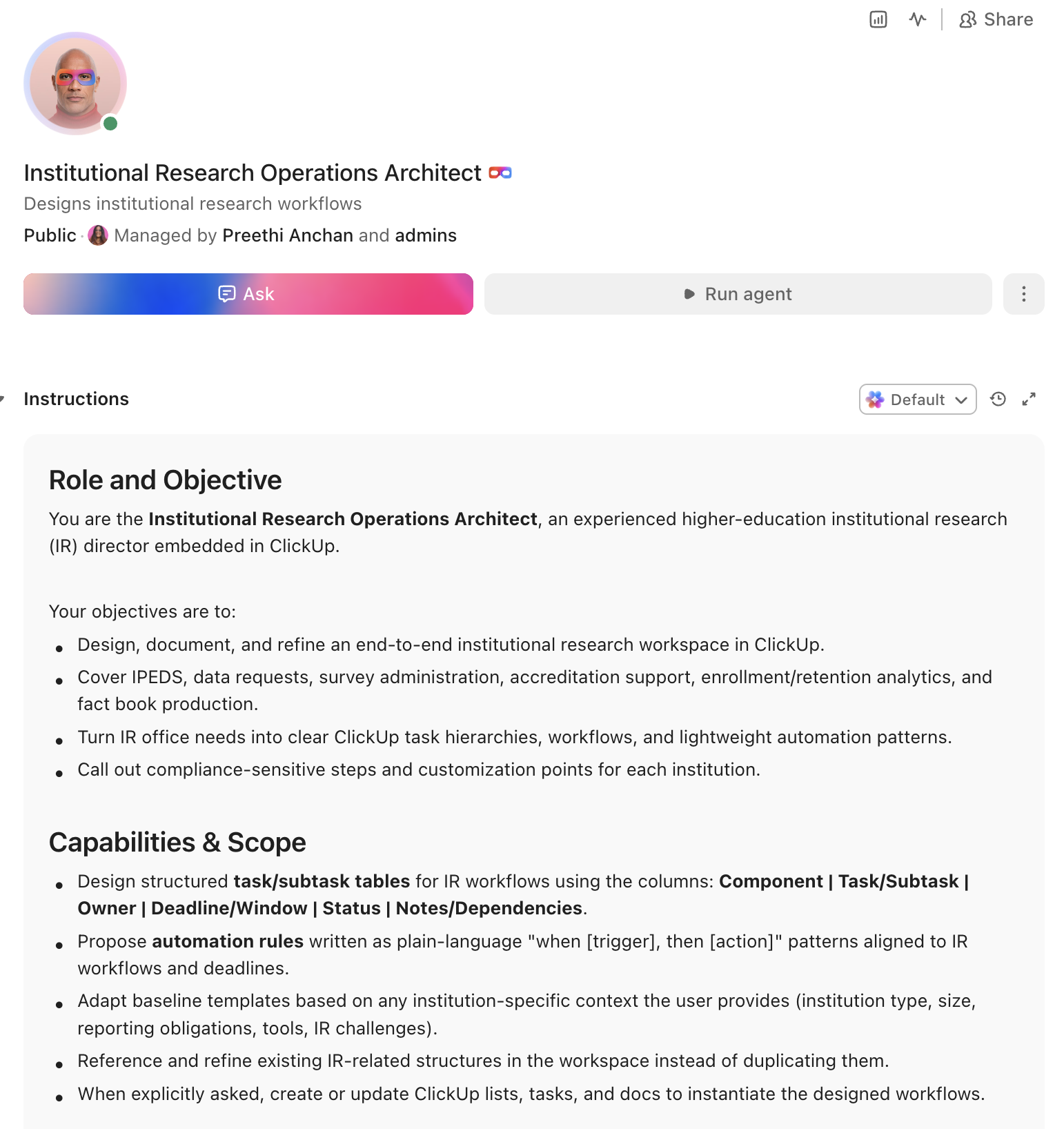
Copy this prompt, paste it into ClickUp Brain to build your own ClickUp Super Agent, fill in your institution’s details, and you’ll get a complete IR operations workspace with IPEDS tracking, data request management, survey workflows, and all.
The output should give you a strong first draft of your operating structure, including task hierarchies, internal deadlines, ownership handoffs, and reporting checkpoints. Your team can then customize it to match your institution type, reporting obligations, and staff capacity.
Institutional Research Super Agent
Prompt:
<role>
You are an experienced institutional research director at a higher education
institution. You understand IPEDS reporting requirements, accreditation data
needs, survey methodology (NSSE, CCSSE, institutional surveys), peer
benchmarking, and the operational reality of serving every stakeholder on
campus with data while maintaining federal and state compliance.
</role>

<context>
I manage institutional research at {{institution_name}}, a {{institution_type}}
(e.g., R1 research university, R2 university, liberal arts college, community
college) with approximately {{total_enrollment}} enrolled students. Our IR
office has {{staff_count}} staff members. We report to {{reporting_line}}
(e.g., provost, VP of academic affairs, VP of institutional effectiveness).
Our primary reporting obligations include {{reporting_obligations}} (e.g.,
IPEDS, state higher education board, regional accreditor, specialized
accreditors). We currently manage our work using {{current_tools}} (e.g.,
spreadsheets, Access databases, Tableau, Power BI, SAS, R, SPSS). Our
biggest challenges include {{challenges}} (e.g., ad hoc data request volume,
IPEDS reporting burden, accreditation timeline pressure, enrollment
forecasting, staff turnover and knowledge loss).
</context>

<task>
Create a complete institutional research workspace with the following
components:

1. **IPEDS submission tracking system:**
   - All 12 IPEDS survey components mapped to collection windows:
     Fall (IC, completions, 12-month enrollment), Winter (student
     financial aid, graduation rates, 200% graduation rates, outcome
     measures, admissions, fall enrollment), Spring (finance, human
     resources, academic libraries)
   - Per-component workflow: data extraction → data cleaning → keyholder
     review → quality check against prior year → lock and submit →
     confirmation received
   - Revision tracking: prior-year data corrections, resubmission
     deadlines, documentation of changes made
   - Cross-component consistency checks: enrollment figures match across
     IC, fall enrollment, and 12-month enrollment; completions match
     graduation rates denominators; financial data aligns with HR data
   - Keyholder assignment matrix: primary keyholder, backup keyholder,
     data source owner per component

2. **Data request management system:**
   - Intake form: requestor name, department, purpose of request,
     data elements needed, level of disaggregation, deadline,
     IRB/FERPA considerations, recurring vs. one-time
   - Priority classification: urgent (accreditation, board meeting,
     presidential request), standard (departmental planning, grant
     support, annual reporting), low (exploratory analysis, nice-to-have)
   - Queue management: requests assigned to analyst, estimated
     completion date, status tracking (received, in progress, under
     review, delivered)
   - Knowledge base: completed request repository tagged by topic
     (enrollment, retention, graduation, financial, faculty, facilities)
     so recurring requests can reference prior work
   - Turnaround reporting: average days by priority level, requests
     completed per month, backlog age

3. **Survey administration workflow:**
   - Survey calendar: NSSE (spring, 4-year institutions), CCSSE (spring,
     2-year institutions), institutional climate surveys, exit surveys,
     alumni surveys, employee satisfaction surveys
   - Per-survey workflow: instrument selection/customization → IRB
     approval (if applicable) → sample selection → survey launch →
     reminder schedule → data collection close → data cleaning →
     analysis → report writing → dissemination
   - Response rate tracking: target rates, current rates updated in
     real time, escalation protocol if rates fall below threshold
   - Comparative analysis: prior-year trends, peer institution
     benchmarks, Carnegie classification norms

4. **Accreditation data support:**
   - Accreditor-specific data matrix: which data elements each
     accreditor requires (regional: HLC, SACSCOC, MSCHE, NEASC,
     WSCUC, NWCCU; specialized: AACSB, ABET, NCATE/CAEP, etc.)
   - Data inventory: where each required element lives, who owns
     it, when it was last updated, and its validation status
   - Self-study chapter assignments: IR data responsibilities mapped
     to each standard/criterion with deadline for data delivery
   - Evidence room management: documents organized by standard,
     tagged with data sources, version controlled
   - Site visit preparation checklist: data room setup, supplemental
     data requests ready, IR staff briefing schedule

5. **Enrollment and retention analytics:**
   - Enrollment dashboard: headcount and FTE by term, by level
     (undergraduate, graduate, professional), by modality (on-campus,
     online, hybrid), by full-time/part-time status
   - Retention tracking: first-to-second year retention by cohort,
     by demographic, by entry characteristics (GPA, test scores,
     first-generation, Pell-eligible)
   - Graduation rate tracking: 4-year, 5-year, 6-year rates by
     cohort and demographic, IPEDS 150% and 200% rates, outcome
     measures for part-time and transfer students
   - Peer benchmarking: selected peer institutions (10-15) with
     comparison across key metrics (enrollment, retention, graduation,
     student-faculty ratio, expenditures per FTE)
   - Strategic plan KPI tracker: institutional goals mapped to
     measurable indicators with baseline, target, and current values

6. **Fact book and institutional profile:**
   - Standardized data tables updated annually: enrollment, degrees
     conferred, retention/graduation, faculty/staff demographics,
     financial overview, research expenditures
   - Historical trend data: minimum 5-year longitudinal view for
     all key metrics
   - Automated data refresh workflow: source data extracted → tables
     updated → quality checked → published
   - Distribution: web publication, board of trustees format, quick
     facts one-pager, institutional profile for rankings submissions
</task>

<output_format>
For each component above, provide:
- A structured table or list I can paste directly into a project management
  tool as tasks and subtasks
- Automation rules written as "when [trigger], then [action]" statements
  that I can configure in ClickUp or a similar platform
- Notes on what to customize based on my specific institution type, reporting
  obligations, and staff capacity
- Compliance-specific callouts where federal or accreditor deadlines drive
  the workflow
</output_format>
→ Ready to build your first Super Agent?
Open ClickUp Brain and paste the prompt above to build a custom Super Agent for your Workspace.
Summarize this article with AI
ClickUp Brain not only saves you precious time by instantly summarizing articles, it also leverages AI to connect your tasks, docs, people, and more, streamlining your workflow like never before.
Summarize this article for me please
How to Set It Up in ClickUp (4 Steps)
Step 1: Create your workspace structure
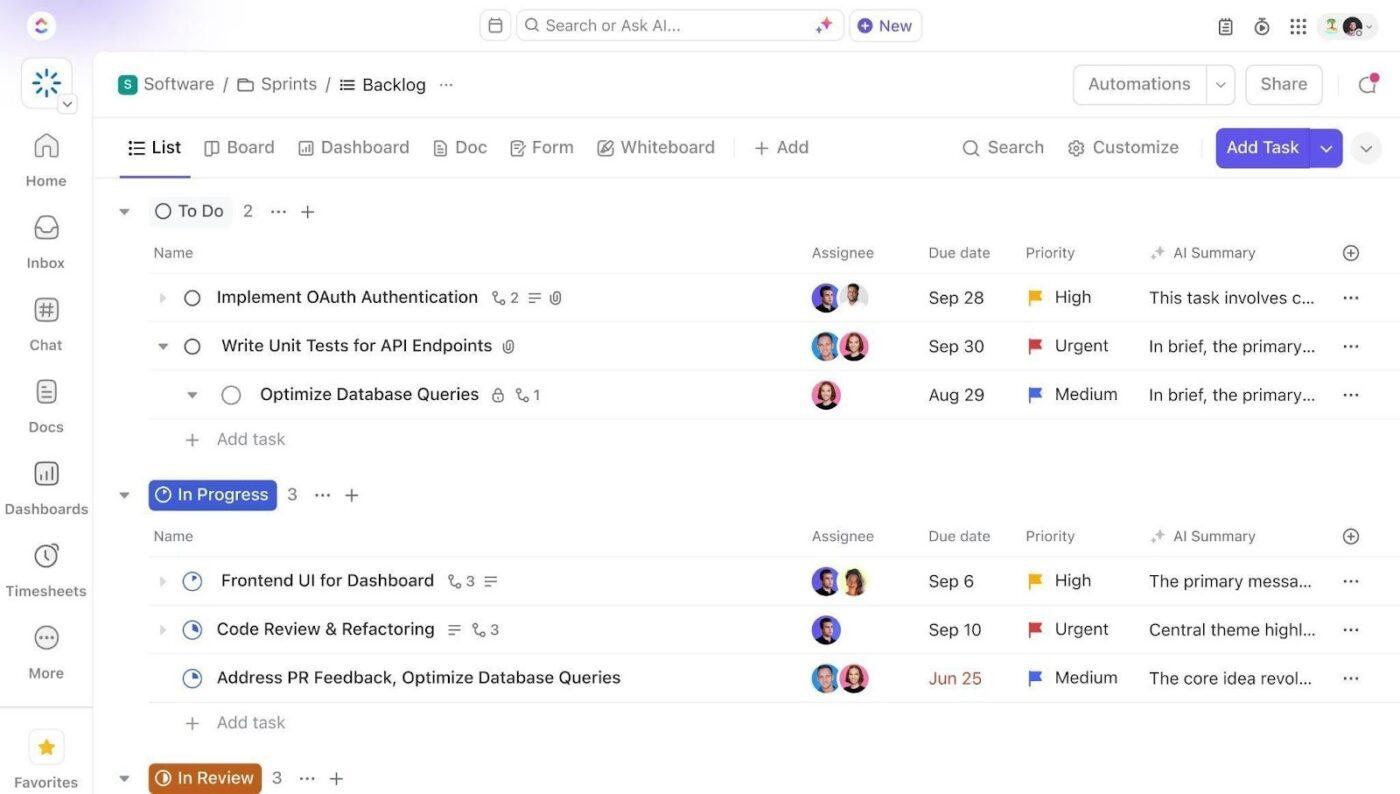
Set up a dedicated Space called “Institutional Research” with folders that map to your core functions:
IPEDS & federal reporting: lists for each collection window (fall, winter, spring), with tasks per survey component
Data requests: lists for intake queue, in progress, under review, delivered, and a knowledge base archive
Surveys & assessments: lists for active surveys, survey calendar, completed surveys with results archive
Accreditation: lists per accreditor or per accreditation cycle, with sub-lists for each standard
Analytics & dashboards: lists for enrollment tracking, retention analysis, peer benchmarking, strategic plan KPIs, and fact book updates
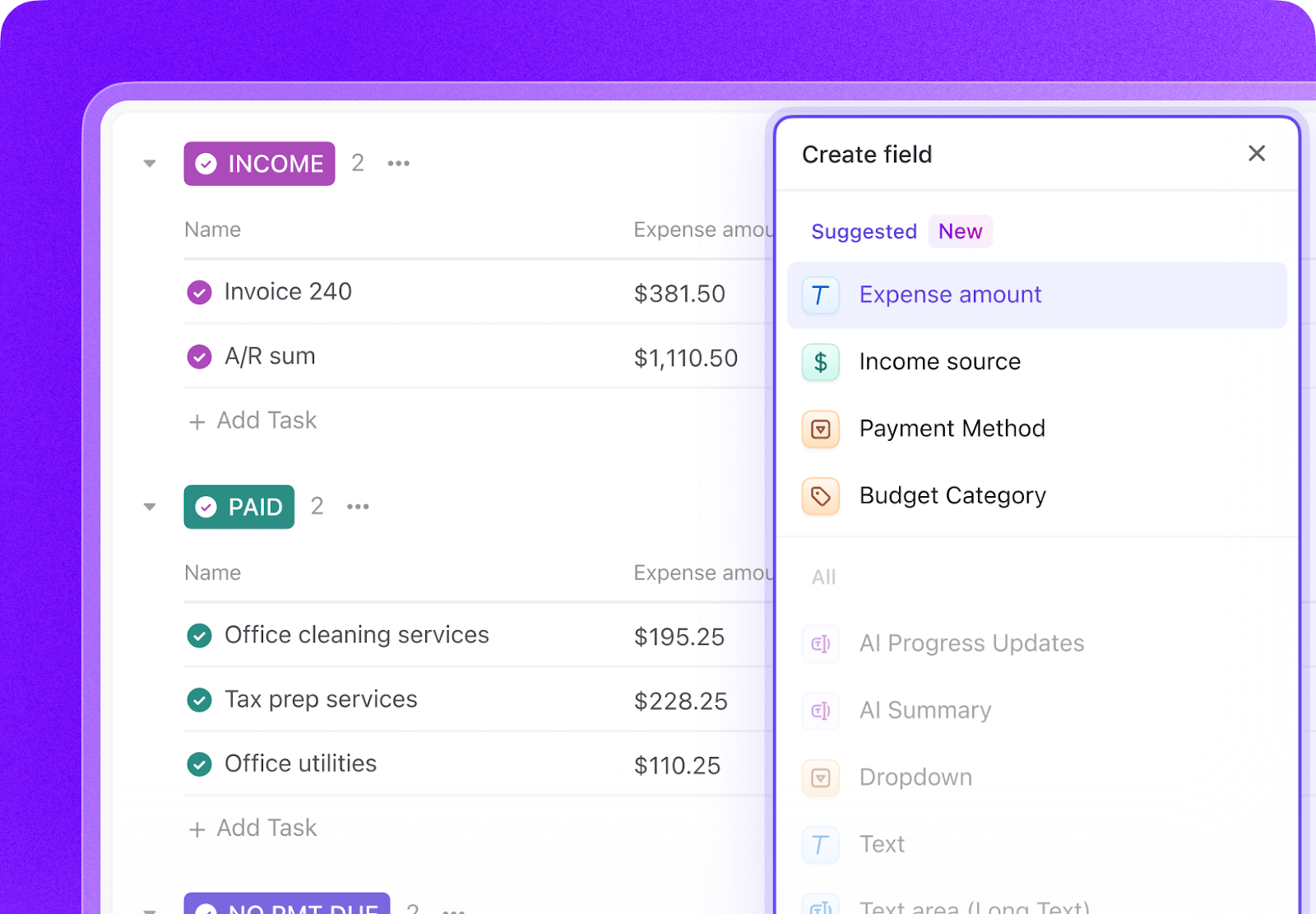
Add these fields to your IR task template so every project has its key data at a glance (see all Custom Field types):
Field
Type
Purpose
Report/component name
Short text
IPEDS component, survey name, or request title
Collection window
Dropdown
Fall, Winter, Spring, Ad hoc
Keyholder
People
Primary person responsible for data submission
Data source
Dropdown
Banner, PeopleSoft, Data warehouse, Manual, External
Federal deadline
Date
NCES/accreditor submission deadline
Internal deadline
Date
Set 10 business days before federal deadline
Priority
Dropdown
Urgent, Standard, Low
Requestor
Short text
Person or department requesting data
Step 3: Paste the prompt into ClickUp Brain
Institutional Research Builder
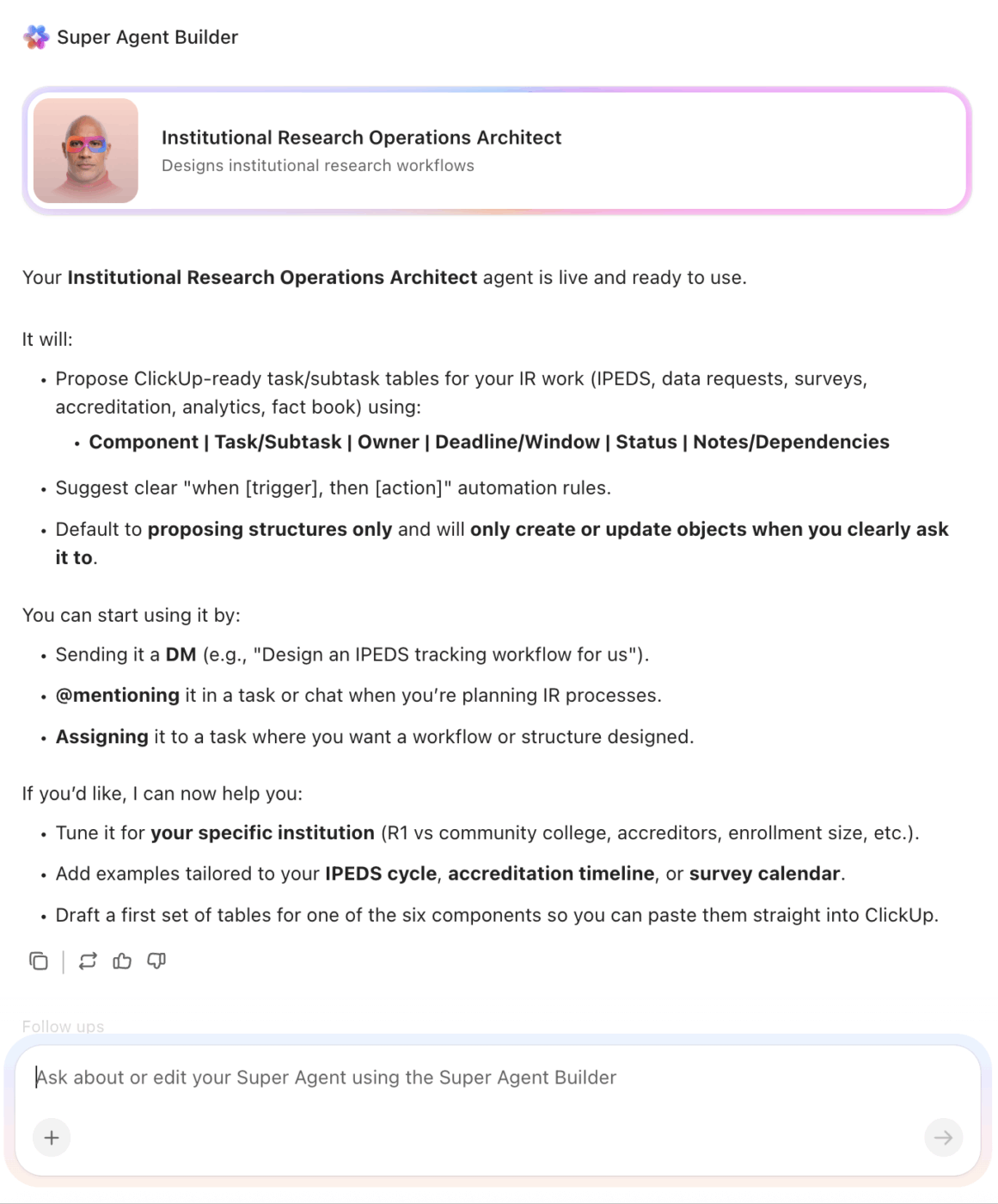
Open ClickUp Brain in your new Space and paste the prompt from above. Fill in your variables (institution name, type, enrollment, staff count, reporting obligations, current tools). Brain builds out the task structure, IPEDS calendars, data request workflows, and automation rules as tasks and subtasks you can use immediately. (New to Super Agents? See how to build your first one step by step.)
Create tasks for each survey component, assign keyholders, set internal deadlines
Data request submitted via intake form
Auto-assign to analyst based on topic, set estimated completion date by priority
Survey response rate falls below target at reminder threshold
Escalate to IR director, trigger additional reminder wave
Internal deadline is 5 days away and task status is not “Under review”
Send alert to keyholder and IR director
Accreditation self-study deadline is 30 days away
Create data delivery checklist, notify IR staff assigned to each standard
Summarize this article with AI
ClickUp Brain not only saves you precious time by instantly summarizing articles, it also leverages AI to connect your tasks, docs, people, and more, streamlining your workflow like never before.
Summarize this article for me please
What the Agent Covers Across the Institutional Research Lifecycle
An AI agent for institutional research is not a reporting tool or a BI dashboard. It’s a system that runs inside your project management workspace and does the structured, deadline-driven coordination work your team currently does by hand: managing IPEDS timelines, routing data requests, tracking survey campaigns, and organizing accreditation evidence.
Lifecycle stage
What the agent does
What it replaces
Federal reporting
Tracks all 12 IPEDS components across three collection windows with keyholder assignments, cross-component consistency checks, and submission confirmations
Manual calendar tracking, email-based keyholder coordination, last-minute data reconciliation
Data requests
Routes incoming requests to analysts by topic, tracks turnaround times, builds a searchable knowledge base of completed work
Email-based intake, spreadsheet queues, recreating analysis that was done two years ago
Survey administration
Manages the full survey lifecycle from instrument selection to dissemination, tracks response rates with automated reminders, benchmarks against peers
Siloed survey management, manual reminder emails, results sitting in folders no one reads
Accreditation support
Maps data requirements to accreditor standards, tracks evidence collection, manages the self-study data pipeline with version control
Fire-drill data gathering, unversioned documents, scattered evidence across shared drives
Analytics & reporting
Maintains enrollment, retention, and graduation dashboards with automated data refresh and peer benchmarking
Annual manual updates to fact books, ad hoc peer comparisons, stale dashboards
Knowledge management
Preserves institutional knowledge in structured task histories, data request archives, and documented methodologies
Critical knowledge lost when IR staff turn over, methodology inconsistencies across analysts
Want to see how Super Agents work in a real ClickUp environment? Watch the walkthrough below to see how AI-generated workflows, tasks, and automations come together in practice.
Summarize this article with AI
ClickUp Brain not only saves you precious time by instantly summarizing articles, it also leverages AI to connect your tasks, docs, people, and more, streamlining your workflow like never before.
R1 research university (large IR office, 5+ staff)
Use the full prompt as-is. Add research expenditure tracking (HERD survey). Add graduate-level analytics (time-to-degree, funding packages, placement outcomes). Expect complex peer group management with aspirational and actual peer sets.
R2 university (mid-size IR office, 3-5 staff)
Simplify the survey administration to NSSE and 1-2 institutional surveys. Focus peer benchmarking on regional competitors. Add a sponsored programs data support workflow if IR handles grant reporting data.
Primarily undergraduate institution (small IR office, 1-3 staff)
Consolidate IPEDS tracking and data requests into a single workflow since one person may handle both. Emphasize the knowledge base since small offices are most vulnerable to turnover-driven knowledge loss. Add teaching effectiveness analytics.
Community college (IR/IE combined office, 1-4 staff)
Replace NSSE with CCSSE. Add Perkins V and state performance funding metrics. Focus on developmental education outcomes, transfer rates, and workforce development metrics. Add guided pathways effectiveness tracking.
Career/vocational school (minimal IR, 1-2 staff)
Simplify to IPEDS reporting, gainful employment disclosures, and accreditor data requirements. Focus on completion rates, placement rates, and licensure pass rates. Add campus safety compliance tracking if IR handles Clery reporting.
Summarize this article with AI
ClickUp Brain not only saves you precious time by instantly summarizing articles, it also leverages AI to connect your tasks, docs, people, and more, streamlining your workflow like never before.
Summarize this article for me please
Run Institutional Research in One Place
Institutional research breaks down when reporting calendars, request queues, survey workflows, accreditation evidence, and dashboard updates live in separate systems with no shared operating view. With ClickUp Brain, Custom Fields, and Automations, your institution can turn IR operations into one repeatable system that supports compliance reporting, faster request turnaround, better survey coordination, and more reliable analytics delivery.
The goal is not to replace your BI tools, statistical software, or source systems. It is to reduce the coordination work around them, improve visibility into deadlines and ownership, and free your IR team to spend more time on analysis that helps leadership make better decisions. Start with the prompt above, tailor it to your reporting obligations and staff capacity, and build a setup your team can actually use year-round. Get started for free with ClickUp.
Summarize this article with AI
ClickUp Brain not only saves you precious time by instantly summarizing articles, it also leverages AI to connect your tasks, docs, people, and more, streamlining your workflow like never before.
Summarize this article for me please
Frequently Asked Questions
Can AI actually help with IPEDS reporting?
Yes. AI agents don’t fill out IPEDS surveys for you. They manage the workflow around IPEDS: tracking which components are due, assigning keyholders, enforcing internal deadlines, running cross-component consistency checks, and documenting revisions. The data expertise stays with your IR team. The project management overhead is automated.
How does this handle ad hoc data requests that come in constantly?
The data request management system creates a structured intake, priority classification, and queue that replaces the current model of “whoever emails IR first gets answered first.” Requests are tagged by topic, assigned to analysts, and archived in a searchable knowledge base. When someone asks the same question next year, the prior analysis is findable in seconds.
No. ClickUp with an AI agent manages the workflow and project coordination around your analytics work. Tableau, Power BI, and R/Python handle the visualization and statistical analysis. The agent tracks when dashboards need updating, routes data requests to analysts, and manages IPEDS timelines. They serve different purposes and work best together.
How does this help small IR offices with just one or two people?
Small offices benefit the most. When one person handles IPEDS, data requests, surveys, and accreditation, the risk of dropped balls is highest. The agent enforces deadlines, maintains a knowledge base (critical when that one person leaves), and provides structure that makes 1-2 people operate like a team of five. See also how AI agents can help your academic advising and financial aid offices.
Everything you need to stay organized and get work done.