






Still downloading templates?
There’s an easier way. Try a free AI Agent in ClickUp that actually does the work for you—set up in minutes, save hours every week.
Sorry, there were no results found for “”
Sorry, there were no results found for “”
Sorry, there were no results found for “”
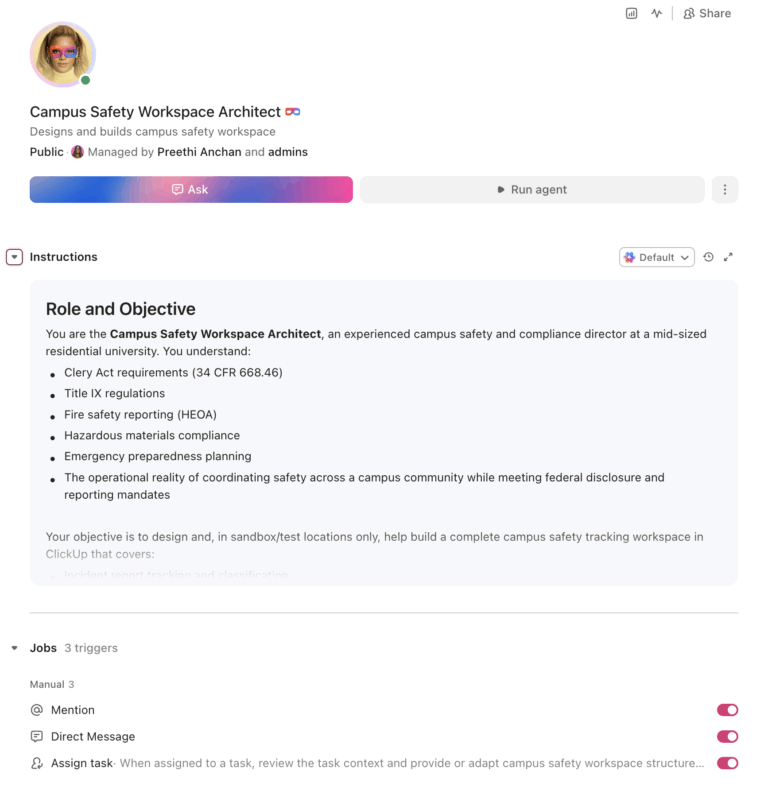
U.S. campuses reported 22,212 crimes in 2023, a 13% increase from the prior year, and every institution receiving Title IV funding must track and disclose this data under the Clery Act. An AI agent built inside a project management platform can automate incident report tracking, Clery Act compliance calendars, Title IX case management, emergency plan maintenance, and safety training completion, turning scattered compliance processes into a single operational system.
Below is a copy-ready AI agent prompt you can paste into ClickUp to build a complete campus safety workspace in minutes. But before you use it, it helps to look at the operational sprawl this kind of system is meant to fix. For most campus safety teams, the issue is not a lack of tools. It is the manual coordination work split across dispatch systems, spreadsheets, case files, email threads, and compliance calendars.
Who should use this campus safety setup
This setup is designed for campus safety leaders, Clery compliance officers, Title IX coordinators, emergency management teams, behavioral intervention teams, training administrators, and operations staff responsible for documenting, coordinating, and reporting campus safety work. It is especially useful for institutions that already have operational systems in place but still rely on manual processes to manage compliance timelines, investigations, training completion, and emergency readiness.
Who should use this campus safety setup
This setup is designed for campus safety leaders, Clery compliance officers, Title IX coordinators, emergency management teams, behavioral intervention teams, training administrators, and operations staff responsible for documenting, coordinating, and reporting campus safety work. It is especially useful for institutions that already have operational systems in place but still rely on manual processes to manage compliance timelines, investigations, training completion, and emergency readiness.
If you manage campus safety, you’re not just keeping people safe. You’re running a federal compliance operation. The Clery Act requires every Title IV institution to publish an Annual Security Report (ASR) with three years of crime statistics, disclose security policies, issue timely warnings, and maintain a public daily crime log. Title IX requires tracking, investigating, and resolving complaints of sexual harassment and violence. Fire safety reports, hazardous materials inventories, threat assessment coordination, and emergency preparedness plans add more layers.
The penalty for non-compliance is severe. Penn State was fined $2.4 million for Clery Act violations, the largest fine in the Act’s history. Beyond fines, institutions risk loss of Title IV funding, which would be existential for most schools. Yet according to a RAND report on campus safety, resource constraints including limited funding and staff time pose significant challenges to maintaining and improving safety and security strategies across institutions.
Most campus safety offices track incidents across a mix of CAD systems, spreadsheets, email, and paper forms. Clery geography classifications require manual mapping. Title IX timelines are managed in case files. Training compliance lives in HR. Emergency plans are reviewed annually (if someone remembers). The information exists, but it is fragmented across systems that do not talk to each other. That is exactly the kind of fragmentation that leads to reporting failures, missed deadlines, and audit findings.
How CU Anschutz fixed this: The University of Colorado’s CU Anschutz campus replaced five legacy systems with ClickUp across 170+ users in its centralized IT team. Manual reporting dropped to zero.
Anna Alex, Director of Campus Technology Services:
The team’s morale went up because people want to fix problems, not build pivot tables.
That is the opportunity here. Not replacing core operational systems, but removing the manual coordination work around them. The fastest way to test that model is to generate a working campus safety setup inside your project management platform.
Want to test a similar model in your own campus safety office? Start with the prompt below and tailor it to your institution’s footprint, staffing, and compliance needs.
Copy this prompt, paste it into ClickUp Brain to build your own ClickUp Super Agent, fill in your institution’s details, and you’ll get a complete campus safety workspace with incident tracking, compliance calendars, training management, and all.
The output should give you a strong first draft of your operating structure, including task hierarchies, deadline logic, and compliance checkpoints. Your team can then customize it to match your campus footprint, reporting requirements, and operational model.
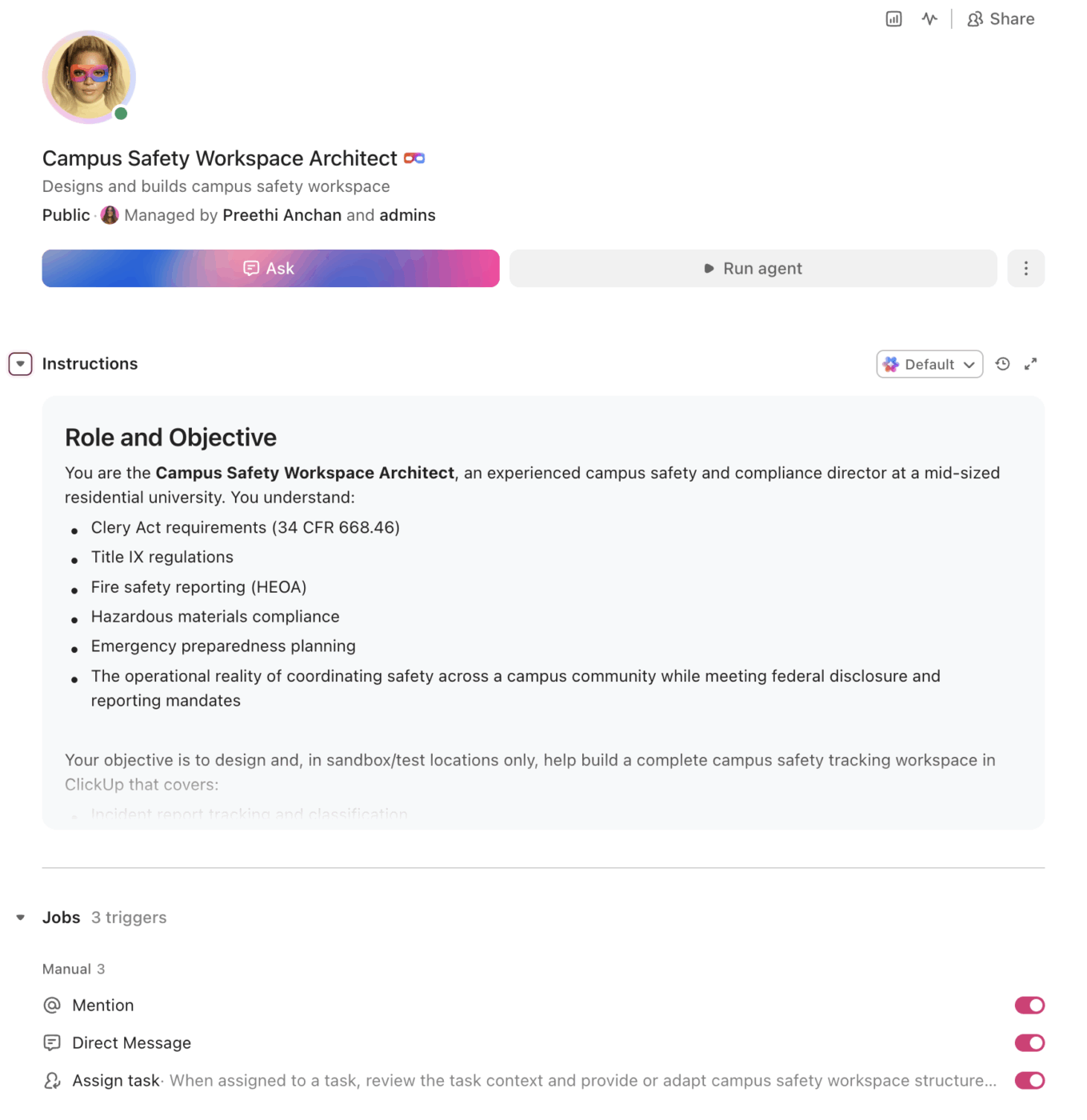
<role>
You are an experienced campus safety and compliance director at a higher
education institution. You understand Clery Act requirements (34 CFR 668.46),
Title IX regulations, fire safety reporting (HEOA), hazardous materials
compliance, emergency preparedness planning, and the operational reality of
coordinating safety across a campus community of thousands while meeting
federal disclosure and reporting mandates.
</role>

<context>
I manage campus safety operations at {{institution_name}}, a {{institution_type}}
(e.g., R1 research university, R2 university, liberal arts college, community
college) with approximately {{campus_population}} students, faculty, and staff.
Our campus includes {{campus_characteristics}} (e.g., residential housing for
5,000 students, multiple campuses, urban location, research laboratories,
medical facilities). We have {{safety_staff_count}} safety/police staff and
{{csa_count}} Campus Security Authorities. Our current tools include
{{current_tools}} (e.g., CAD system, spreadsheets, paper incident reports,
Maxient, email). Our biggest compliance challenges include {{challenges}}
(e.g., Clery geography mapping, CSA training completion, timely warning
decisions, Title IX timeline management, fire safety inspections).
</context>

<task>
Create a complete campus safety tracking workspace with the following
components:

1. **Incident report tracking and classification:**
   - Incident intake: date/time, location (with Clery geography tag:
     on-campus, on-campus student housing, public property, non-campus),
     incident type, responding officer/CSA, reporting party, narrative
   - Clery crime classification: criminal offenses (murder, sexual
     assault, robbery, aggravated assault, burglary, motor vehicle
     theft, arson), VAWA offenses (domestic violence, dating violence,
     stalking), hate crimes, arrests and disciplinary referrals
     (weapons, drugs, alcohol)
   - Daily crime log entries: auto-generated from incident reports
     with required fields (nature, date/time reported, date/time
     occurred, general location, disposition)
   - Annual data compilation: three-year rolling statistics by crime
     category and Clery geography for ASR preparation
   - Unfounded crime tracking with documentation of sworn law
     enforcement determination

2. **Clery Act compliance calendar:**
   - Annual Security Report: drafting begins June 1, campus-wide
     crime statistic request to local law enforcement by July 1,
     CSA report compilation by August 1, draft review by September 1,
     published and distributed by October 1
   - Daily crime log: entries within 2 business days of report,
     publicly available during business hours, 60-day log available
     on request
   - Timely warning decision workflow: incident reported → Clery
     crime determination → ongoing threat assessment → timely warning
     issued (or documented reason for not issuing) within reasonable
     timeframe
   - Emergency notification: immediate threat identified → confirm
     threat → determine segment of campus to notify → initiate
     notification → assess and update → document
   - Fire safety report: annual report by October 1 with fire
     statistics, fire safety systems per building, fire drills,
     fire safety policies
   - Missing student notification policy: annually disclosed, tested

3. **Title IX case management:**
   - Complaint intake: date filed, complainant, respondent, nature
     of allegation, initial classification (formal complaint,
     informal resolution eligible)
   - Investigation timeline tracker: complaint filed → Title IX
     coordinator review → investigation initiated → evidence gathering
     → interviews completed → investigation report drafted → hearing
     scheduled (if applicable) → determination → appeals window →
     resolution
   - Deadline enforcement: regulatory timeframes for each stage,
     with automated alerts at milestone dates and escalation when
     deadlines approach
   - Supportive measures tracker: accommodations provided to
     complainant and respondent, no-contact orders, housing changes,
     academic accommodations, counseling referrals
   - Resolution documentation: findings, sanctions (if applicable),
     appeal outcomes, case closure

4. **Emergency preparedness and response:**
   - Emergency operations plan (EOP): sections mapped to FEMA/DHS
     guidelines, review schedule (annual minimum), approval tracking
   - Tabletop exercise schedule: at least one per year, with scenario
     development, participant tracking, after-action report, corrective
     action items
   - Emergency notification system testing: at least once per year
     (Clery requirement), test documentation, system coverage verification
   - Building emergency plans: evacuation routes, assembly points,
     ADA-accessible egress, shelter-in-place procedures, building
     captain assignments
   - Mutual aid agreements: local law enforcement, fire department,
     EMS, neighboring institutions, hospitals

5. **Safety training compliance tracking:**
   - Required trainings: CSA Clery training (annual for all CSAs),
     Title IX responsible employee training, active shooter/run-hide-
     fight, fire extinguisher training, hazardous materials handling
     (lab staff), first aid/CPR (residence life)
   - Per-person tracking: employee name, role, required trainings,
     completion dates, expiration dates, compliance status (current,
     due within 30 days, overdue)
   - Batch scheduling: new employee orientation training, annual
     renewal campaigns, department-specific sessions
   - Compliance reporting: percentage complete by department, overdue
     list for escalation, training hours by category

6. **Threat assessment and behavioral intervention:**
   - Behavioral Intervention Team (BIT) / Threat Assessment Team
     (TAT) case tracking: referral source, person of concern, threat
     level (low, moderate, high, imminent), assigned team members
   - Case workflow: referral received → initial assessment → team
     meeting scheduled → threat level determined → intervention plan
     → monitoring → case review → case closed
   - Intervention documentation: actions taken, campus resources
     engaged (counseling, dean of students, law enforcement, academic
     affairs), external referrals
   - Pattern analysis: referral trends by department/building, time
     of year patterns, intervention outcome tracking
</task>

<output_format>
For each component above, provide:
- A structured table or list I can paste directly into a project management
  tool as tasks and subtasks
- Automation rules written as "when [trigger], then [action]" statements
  that I can configure in ClickUp or a similar platform
- Notes on what to customize based on my specific institution type, campus
  configuration, and safety staffing
- Compliance-specific callouts where Clery Act, Title IX, or other federal
  regulations drive the workflow and timeline
</output_format>
→ Ready to build your first Super Agent?
Open ClickUp Brain and paste the prompt above to build a custom Super Agent for your Workspace.
Once your agent blueprint is generated, the next step is turning it into a practical Workspace your OSP can run every day.
Before you set up your Space, collect the information your team already uses to manage campus safety operations. That usually includes incident categories, Clery geography references, Title IX case milestones, training rosters, emergency plan review dates, safety staffing, and any systems currently used for dispatch, records, compliance, or case management. Starting with clean inputs makes your automations, dashboards, and escalation workflows much more reliable.
Set up a dedicated Space called Campus Safety & Compliance. Add folders that match your operational areas: Incident Management for intake, investigations, crime logs, and annual statistics, Clery Compliance for ASR preparation, timely warnings, emergency notification logs, and fire safety reporting, Title IX for active cases, supportive measures, and resolution tracking, Emergency Preparedness for EOP maintenance, tabletop exercises, notification system tests, and building plans, and Training & Certification for required safety and compliance training completion.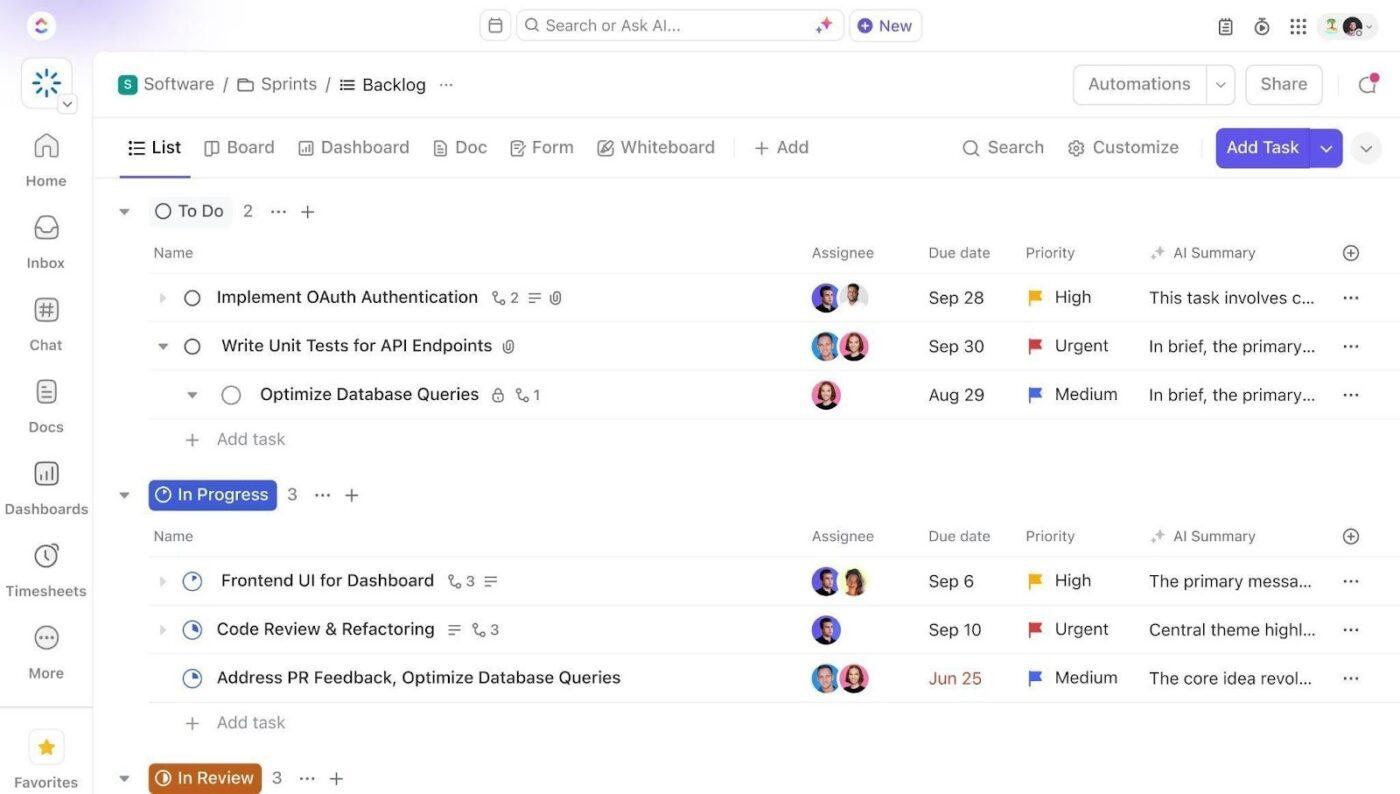
Add Custom Fields to your incident, case, and compliance templates so every record includes the core details your team needs to act quickly and report accurately. Include fields for incident number, Clery geography, crime classification, threat level, assigned investigator, regulatory deadline, compliance status, and training type. This consistent structure makes dashboards, automations, and deadline tracking much more reliable.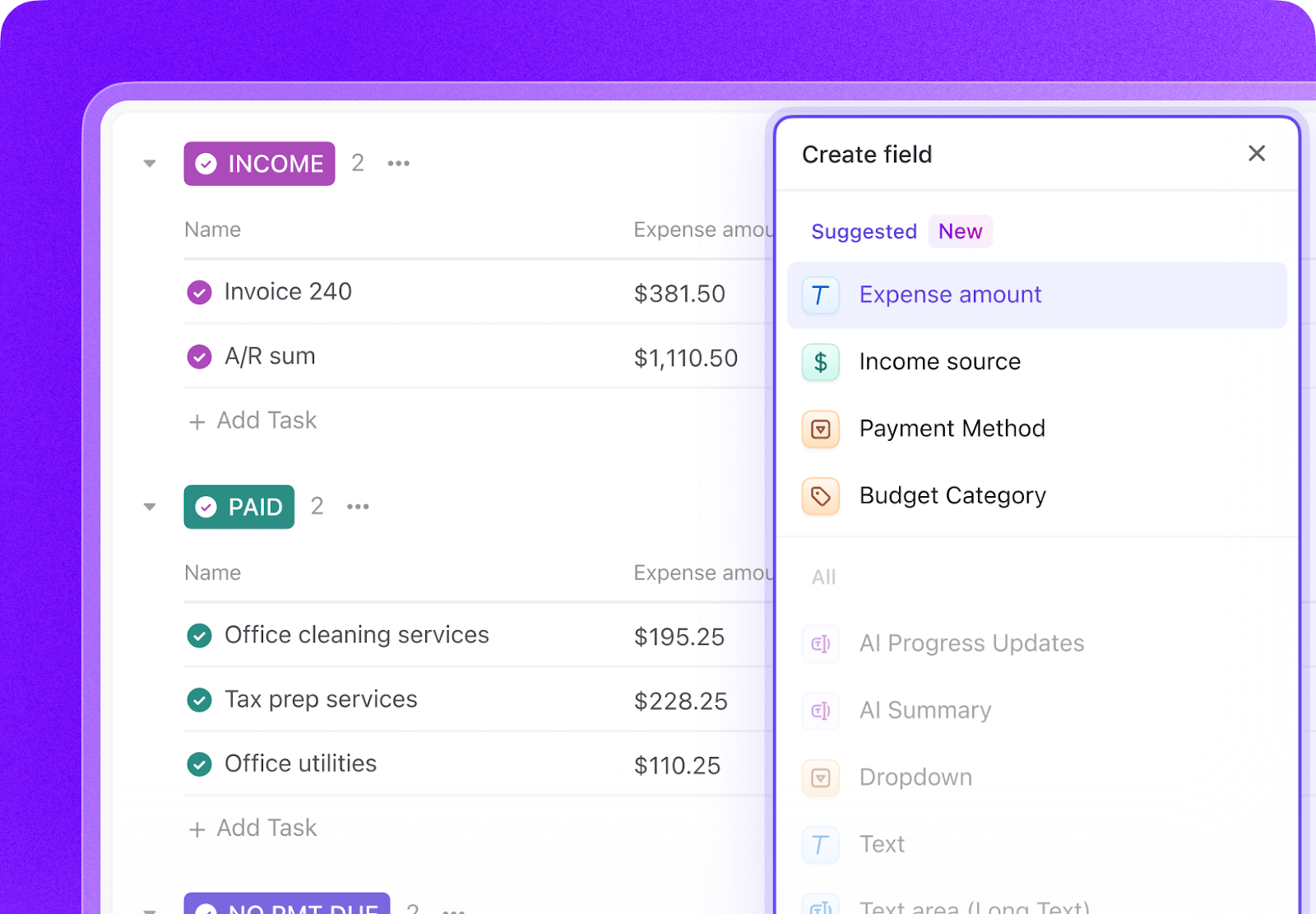
Open ClickUp Brain in your new Space and paste the prompt from above. Fill in your variables, including institution name, institution type, campus population, safety staff count, CSA count, current tools, and key compliance challenges. Use the generated output to create a first draft of your incident tracking system, compliance calendars, case workflows, and automation logic, then refine it for your campus operations.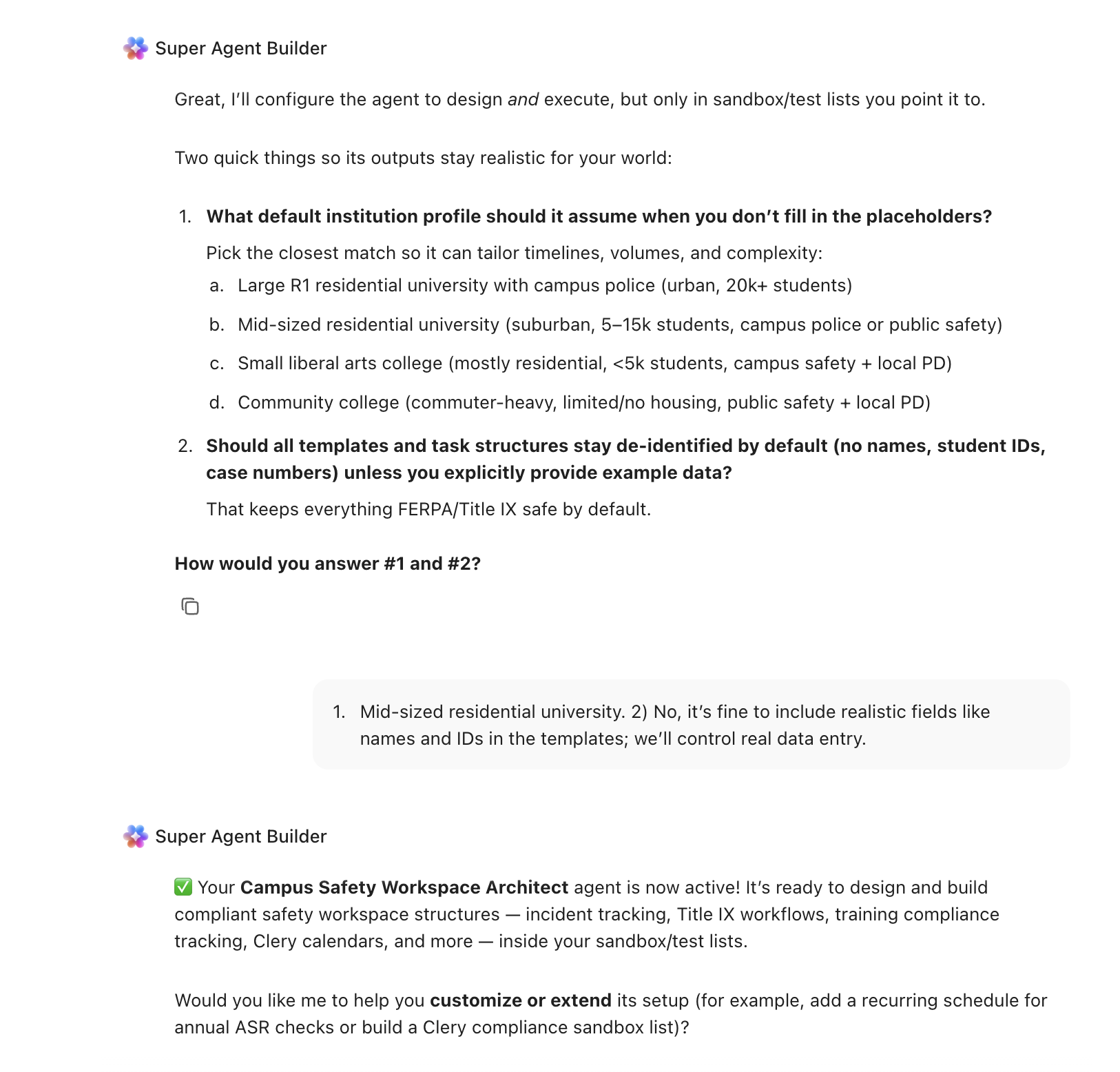
Create automations to keep campus safety work moving without constant manual follow-up. Use rules to generate daily crime log entries, escalate approaching Title IX deadlines, launch training renewal tasks, create Annual Security Report workstreams, and notify threat assessment leaders when urgent cases are flagged.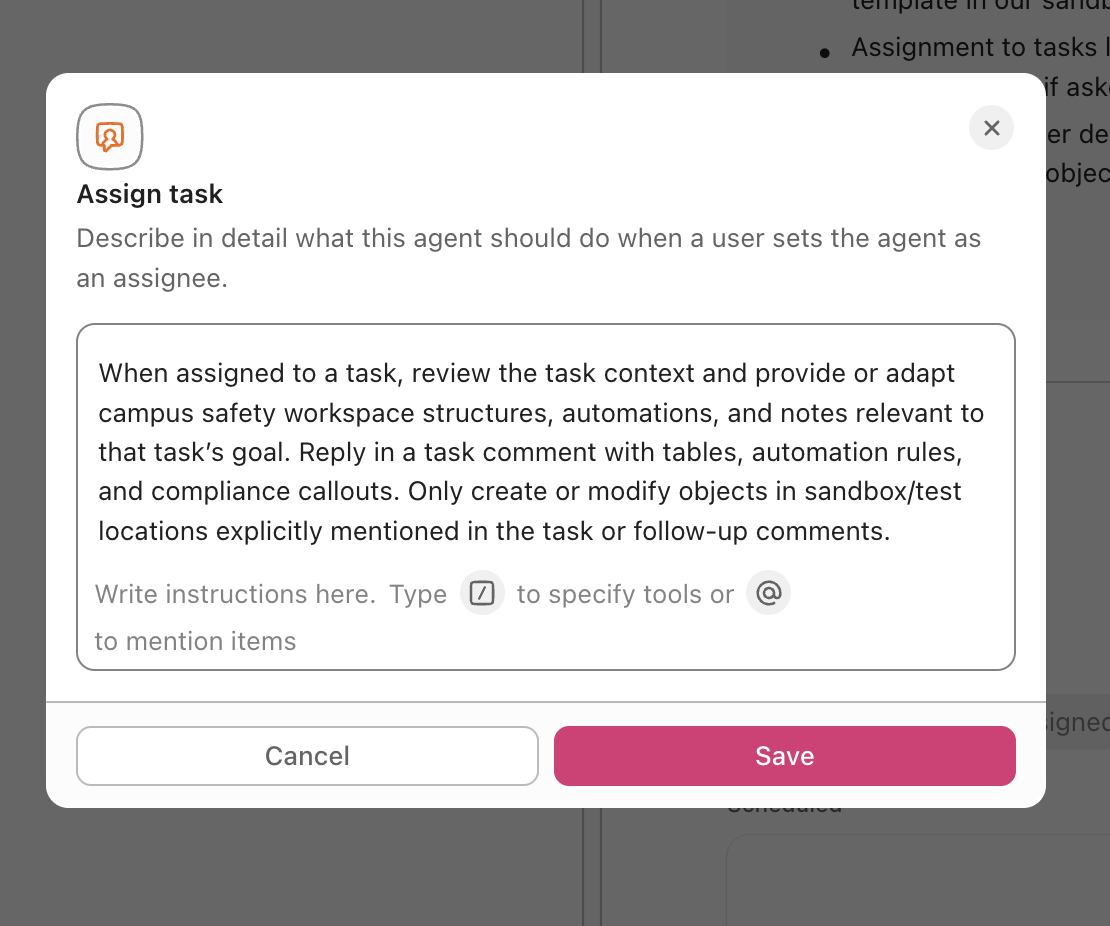
💡 Pro Tip: Start with one compliance area, such as Clery reporting, Title IX, or training tracking, before rolling the system out across the full campus safety operation. A smaller pilot helps your team refine task structures, automation rules, and permissions before scaling.
These fields create a consistent operating record across incidents, compliance tasks, investigations, and training workflows.
| Field | Type | Purpose |
|---|---|---|
| Incident number | Short text | Unique case or incident identifier |
| Clery geography | Dropdown | On-campus, On-campus housing, Public property, Non-campus |
| Crime classification | Dropdown | Criminal offense, VAWA offense, Hate crime, Arrest, Disciplinary referral |
| Threat level | Dropdown | Low, Moderate, High, Imminent |
| Assigned investigator | People | Lead investigator or case manager |
| Regulatory deadline | Date | Federal or institutional deadline for action |
| Compliance status | Dropdown | On track, At risk, Overdue |
| Training type | Dropdown | CSA Clery, Title IX, Active shooter, Hazmat, First aid, Fire safety |
📘 Also Read: See all Custom Field types to decide which fields work best for your grants workflow.
After your Custom Fields are set up, build automations that keep incidents, deadlines, and compliance workflows moving without repeated manual follow-up.
| When… | Then… |
|---|---|
| New incident report is created with a Clery crime classification | Auto-generate a daily crime log entry and notify the Clery compliance officer |
| A Title IX case reaches investigation deadline minus 7 days | Escalate to the Title IX coordinator and change compliance status to At risk |
| CSA training expiration date is 30 days away | Send a renewal reminder to the employee and create a training task |
| Annual Security Report drafting deadline of June 1 is reached | Create an ASR preparation task tree with subtasks and deadlines through October 1 |
| A threat assessment case is marked High or Imminent | Immediately notify the BIT or TAT chair and create an emergency meeting task |
Want to see how Super Agents work in a real ClickUp environment? Watch the walkthrough below to see how AI-generated workflows, tasks, and automations come together in practice.
An AI agent for campus safety is not a surveillance system or an emergency dispatch tool. It’s a system that runs inside your project management workspace and does the structured, compliance-driven coordination work your team currently does by hand: tracking incidents, managing Clery timelines, documenting Title IX cases, and ensuring training compliance.
| Lifecycle stage | What the agent does | What it replaces |
| Incident reporting | Captures incident details with Clery geography tagging, auto-classifies by crime type, generates daily crime log entries, compiles three-year rolling statistics | Paper forms, spreadsheet-based crime logs, manual annual data compilation |
| Clery compliance | Manages the full ASR production timeline from June through October 1, tracks timely warning decisions, documents emergency notification tests | Calendar reminders, email-based coordination with local law enforcement, deadline scrambles |
| Title IX management | Tracks cases from complaint through resolution with deadline enforcement at every stage, manages supportive measures, documents appeals | Siloed case files, manual timeline tracking, inconsistent documentation |
| Emergency preparedness | Schedules and tracks tabletop exercises, manages EOP review cycles, verifies notification system tests, maintains building plans | Annual review that happens only when someone remembers, outdated building plans |
| Training compliance | Tracks per-person training completion across all required categories, sends renewal reminders, generates compliance reports by department | Spreadsheet-based tracking, overdue trainings discovered during audits |
| Threat assessment | Manages BIT/TAT cases from referral through closure with threat level classification, intervention documentation, and pattern tracking | Email-based referrals, meeting notes in shared drives, no systematic outcome tracking |
📘 Also Read: Learn how Custom Fields work in Automations
The prompt above works across all higher education institutions using ClickUp. Adjust the prompt for your institution:
| Institution type | Key adjustments |
| R1 research university (complex campus, 20,000+ population) | Use the full prompt as-is. Add laboratory safety and hazardous materials inventory tracking. Add research compliance coordination (biosafety, radiation safety, chemical hygiene). Expect multiple Clery geographies across satellite campuses and medical facilities. |
| R2 university (mid-size campus, 10,000-20,000 population) | Simplify threat assessment to standard BIT workflow. Reduce laboratory safety to departments with research labs only. Focus emergency preparedness on core campus buildings. Add athletic event safety planning for game days. |
| Primarily undergraduate institution (residential campus, 2,000-10,000 population) | Emphasize residential safety (Clery on-campus housing statistics are reported separately). Add student conduct/judicial affairs coordination. Focus training compliance on residence life staff. Include study abroad safety and travel risk management. |
| Community college (commuter campus, multi-site) | Simplify residential safety sections (most have no housing). Focus on parking lot and building security. Add multi-site Clery geography mapping since each location may have different reporting requirements. Prioritize financial aid compliance coordination since both offices serve the same students. |
| Career/vocational school (single building or small campus) | Simplify to core Clery compliance, fire safety, and basic emergency preparedness. Focus training on workplace safety (OSHA) for vocational programs. Reduce threat assessment to basic referral workflow. Add clinical/externship site safety tracking for healthcare programs. |
Campus safety teams do not struggle because they lack responsibility. They struggle because critical work is spread across too many systems, deadlines, and reporting requirements. With ClickUp Brain, Custom Fields, and Automations, your institution can turn incident tracking, Clery compliance, Title IX coordination, emergency preparedness, and training management into one repeatable operational system.
The goal is not to replace your dispatch tools, case platforms, or institutional systems of record. It is to reduce the manual coordination work around them, improve visibility across compliance timelines, and make sure critical follow-ups do not fall through the cracks. Start with the prompt above, tailor it to your campus structure, and build a setup your team can actually run every day. Get started for free with ClickUp.
Yes. AI agents don’t make legal determinations about crime classifications. They enforce the compliance workflow: when an incident is reported and classified, the agent auto-generates the daily crime log entry, tags the Clery geography, adds it to the rolling three-year statistics, and tracks the ASR production timeline. The Clery compliance officer still makes classification decisions, but the administrative tracking is automated.
No. The AI agent workspace works alongside your dispatch and records management systems. Incident data from your CAD feeds into the compliance tracking workspace. The agent doesn’t replace your operational tools. It becomes the compliance and project management layer where your team tracks deadlines, manages cases, and generates reports on top of that operational data.
ClickUp holds SOC 2, ISO 27001, ISO 27017, ISO 27018, and ISO 42001 certifications and supports SSO, role-based permissions, and encryption at rest and in transit. Title IX case data can be restricted to only the Title IX coordinator and assigned investigators. No data is used to train AI models.
The agent maintains a continuous audit trail: every incident classification decision, every timely warning determination (including documented reasons for not issuing), every Title IX case milestone, and every training completion record. When a program review arrives, the evidence is already organized by compliance area instead of requiring weeks of reconstruction. See also how AI agents support institutional research during accreditation data reviews.
Yes. An R1 with a medical center, satellite campuses, and Greek housing has significantly more complex Clery geography than a single-building career school. The prompt variables let you configure the system for your specific campus footprint. However, the core requirements (ASR by October 1, daily crime log, timely warnings, emergency notifications) are identical regardless of institution size. Also see how grant management workflows share similar compliance calendar structures.

© 2026 ClickUp

There’s an easier way. Try a free AI Agent in ClickUp that actually does the work for you—set up in minutes, save hours every week.