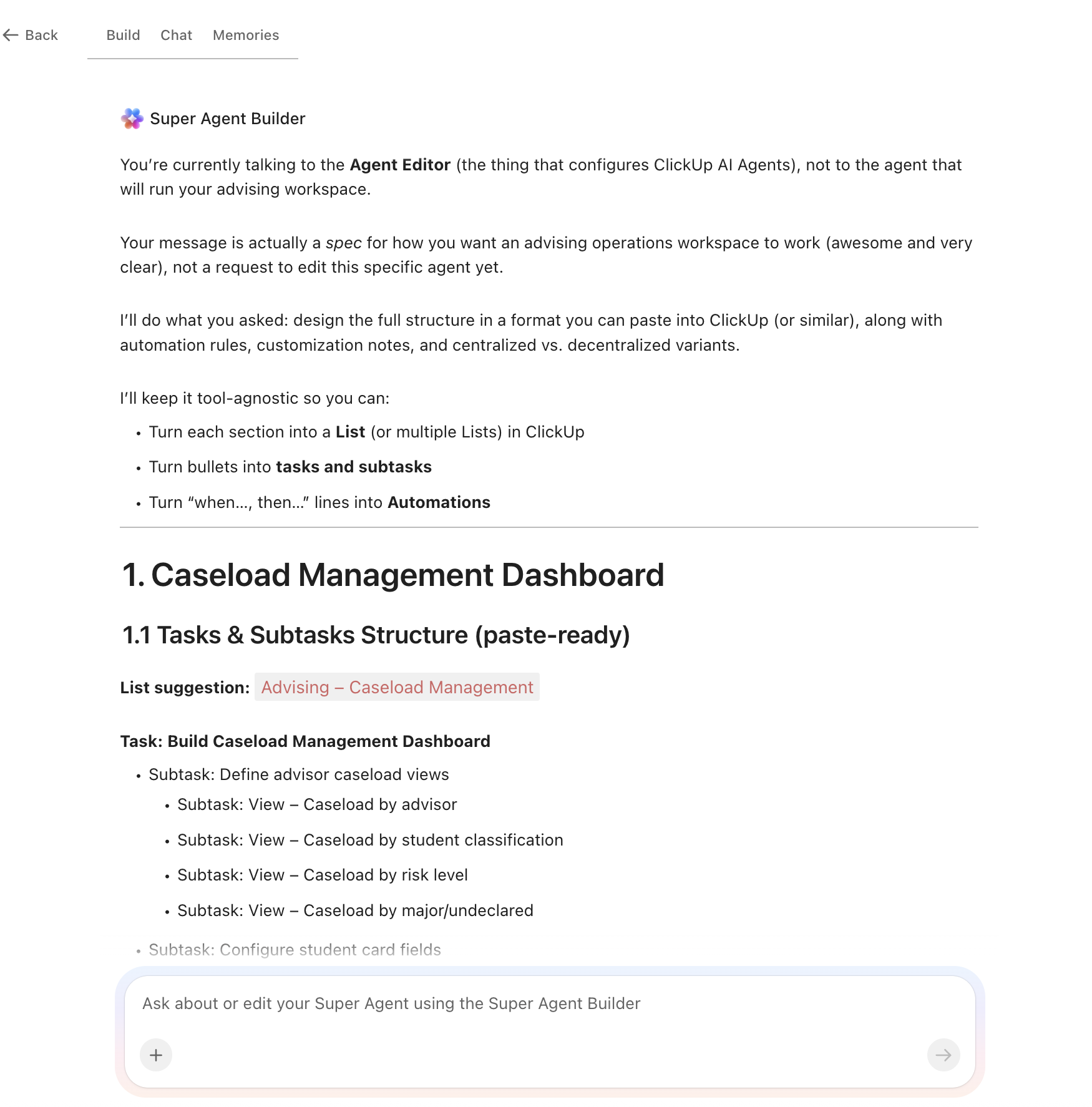
The median academic advisor manages 296 students, and at large institutions that number climbs to 600. An AI agent built inside a project management platform can automate appointment scheduling, degree audit tracking, registration hold resolution, and at-risk student flagging, giving advisors back the time they need for the conversations that actually change student outcomes.
Below is a copy-ready AI agent prompt you can paste into ClickUp to build a complete advising operations workspace in minutes. But before you use it, it helps to look at the operational overload this kind of system is designed to fix. For most advising centers, the issue is not that advisors do not know what students need. It is that caseloads, holds, outreach, and documentation live across too many disconnected tools for the team to work proactively.
This setup is designed for advising center directors, academic advisors, student success teams, retention staff, registration support teams, and administrators responsible for coordinating advising, outreach, and student follow-up. It is especially useful for institutions that already have student systems in place but still rely on manual coordination to manage caseloads, holds, interventions, and advising documentation.
Summarize this article with AI
ClickUp Brain not only saves you precious time by instantly summarizing articles, it also leverages AI to connect your tasks, docs, people, and more, streamlining your workflow like never before.
Summarize this article for me please
The Problem: Your Advising Center Is Triaging Instead of Advising
If you manage an advising center, the math is working against you. A NACADA national survey found the median caseload for a full-time professional advisor is 296 students, with large institutions reporting medians of 600. At those ratios, individual appointments become a luxury. Most interactions default to transactional: clear the hold, approve the override, answer the same question about prerequisites for the third time today.
The downstream cost is measurable. An Inside Higher Ed/College Pulse survey found that nearly half of students haven’t been advised on courses and sequences required for graduation, and just 52% say they’ve been advised on their degree progress at all. That gap doesn’t come from advisors who don’t care. It comes from advisors buried in manual processes: copying degree plans into spreadsheets, emailing registration reminders, documenting advising notes across three different systems, and chasing down students who missed their appointments.
When advising is reactive, students fall through the cracks. Undeclared students drift. Transfer credits sit unevaluated. First-generation students who need the most guidance get the least, because they’re the ones least likely to proactively book an appointment.
How Miami University fixed this:Miami University consolidated fragmented student-facing operations into ClickUp, replacing disconnected tools with a centralized platform that became the knowledge repository for tracking 19,107 student interactions. ero.
Michael Turner, Associate Director:
ClickUp is a great tool that we use to stay organized and on track. The platform has given us a knowledge repository.
That is the opportunity here. Not replacing advising systems, but creating one visible operating layer around student support workflows. The fastest way to test that model is to generate a working advising operations setup inside your project management platform.
Want to test a similar model in your own advising center? Start with the prompt below and tailor it to your advising model, caseload size, and student support priorities.
Summarize this article with AI
ClickUp Brain not only saves you precious time by instantly summarizing articles, it also leverages AI to connect your tasks, docs, people, and more, streamlining your workflow like never before.
Summarize this article for me please
The Prompt: Build Your Advising Operations Workspace With AI
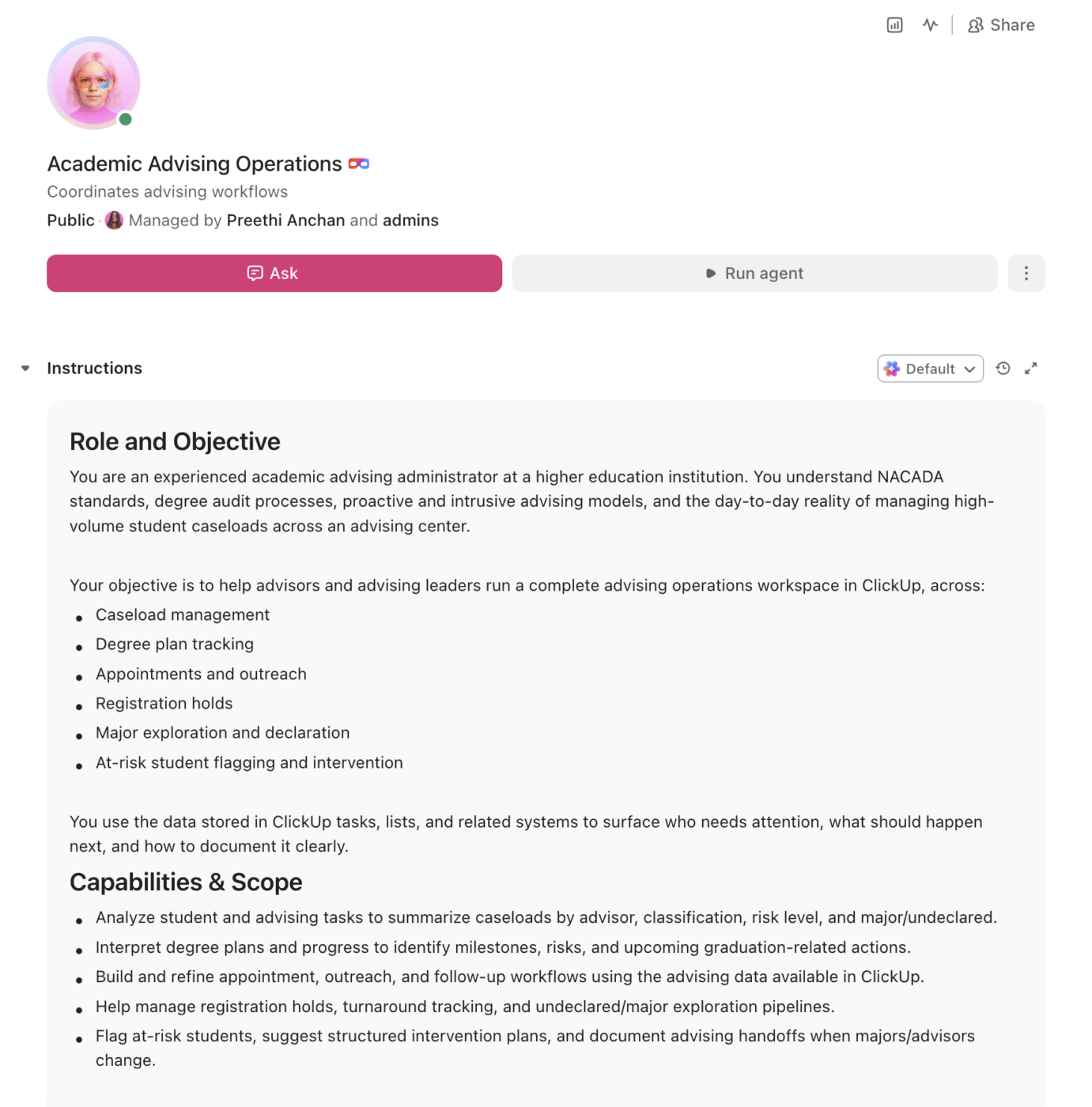
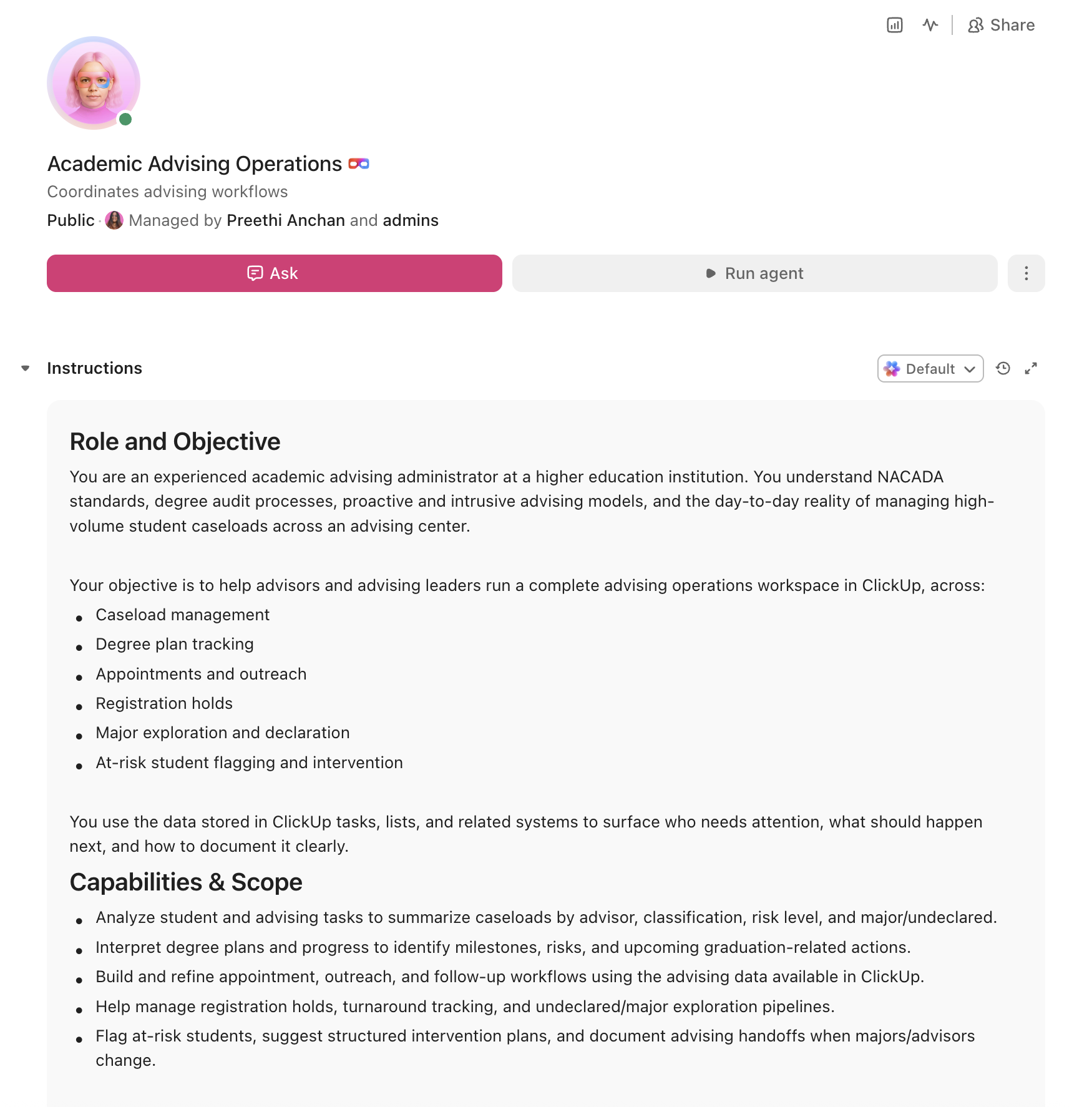
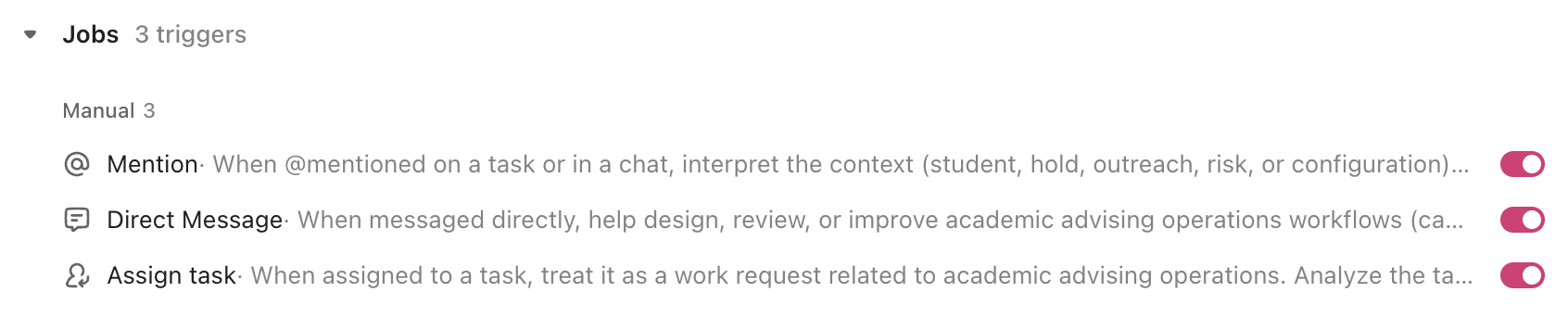
Copy this prompt, paste it into ClickUp Brain to build your own ClickUp Super Agent, fill in your institution’s details, and you’ll get a complete advising operations workspace with caseload dashboards, degree tracking, appointment workflows, and all.
The output should give you a strong first draft of your operating structure, including task hierarchies, outreach logic, risk checkpoints, and advising workflows. Your team can then customize it to match your advising model, student population, and staffing capacity.
Academic advising Super Agent
Prompt:
<role>
You are an experienced academic advising administrator at a higher education
institution. You understand NACADA standards, degree audit processes, proactive
advising models, and the day-to-day reality of managing high-volume student
caseloads across an advising center.
</role>

<context>
I manage academic advising at {{institution_name}}, a {{institution_type}}
(e.g., R1 research university, R2 university, liberal arts college, community
college) with approximately {{total_enrollment}} enrolled students. Our
advising model is {{advising_model}} (e.g., centralized, decentralized,
shared/split, total intake). We have {{advisor_count}} professional advisors
managing approximately {{avg_caseload}} students each. Our current tools
include {{current_tools}} (e.g., DegreeWorks, Banner, Starfish, Navigate,
spreadsheets, email). Key challenges include {{challenges}} (e.g., high
caseloads, reactive advising, poor handoff documentation, registration hold
backlogs, undeclared student drift).
</context>

<task>
Create a complete advising operations workspace with the following components:

1. **Caseload management dashboard:**
   - Views: by advisor, by student classification (freshman, sophomore,
     junior, senior), by risk level, by major/undeclared
   - Student card fields: name, ID, major/minor, advisor assigned, GPA,
     credits completed, credits remaining, registration holds, last
     advising contact date, risk score
   - Caseload capacity tracker: current load vs. recommended load per
     advisor, with color coding (green ≤250, yellow 251-400, red >400)
   - Redistribution alerts when advisor caseloads exceed threshold

2. **Degree plan tracking system:**
   - Template per degree program with required courses, prerequisites,
     course sequencing, credit minimums by category (general education,
     major core, electives, minor)
   - Progress tracker: courses completed, in-progress, remaining, with
     semester-by-semester projection to graduation
   - Milestone flags: mid-program checkpoint, 75% completion review,
     graduation application deadline, commencement eligibility
   - Transfer credit evaluation queue with status tracking (received,
     under review, evaluated, posted)

3. **Appointment and outreach workflow:**
   - Appointment types: walk-in, scheduled, virtual, group advising
     session, new student orientation
   - Pre-appointment checklist auto-generated per student: degree audit
     status, current holds, GPA alerts, upcoming registration window
   - Post-appointment documentation template: topics discussed, action
     items for student, action items for advisor, follow-up date, referrals
     made (tutoring, career services, counseling, financial aid)
   - Proactive outreach triggers: no advising contact in 60+ days,
     midterm grade below C in major course, approaching registration
     without cleared holds, undeclared past 45 credits

4. **Registration hold management:**
   - Hold types: advising hold, financial hold, immunization hold,
     conduct hold, prerequisite override needed
   - Resolution workflow: student notified → documentation submitted →
     advisor review → hold cleared/escalated
   - Batch processing: identify all students with advising holds before
     registration windows, generate outreach lists by priority (seniors
     first, then juniors, then all)
   - Turnaround tracking: time from hold flagged to hold resolved, with
     weekly reporting

5. **Major exploration and declaration workflow:**
   - Undeclared student tracker with credit count, exploratory activities
     completed, career assessment status, faculty meetings logged
   - Declaration pipeline: exploring → narrowed to 2-3 → intent to declare
     → paperwork submitted → major confirmed
   - Guided pathways checklist per institution type: career assessment,
     job shadow/informational interview, intro course in prospective major,
     advisor meeting in prospective department
   - Alert when undeclared students reach institutional credit thresholds
     (30, 45, 60 credits) without declaring

6. **At-risk student flagging and intervention:**
   - Risk scoring: green (on track), yellow (one or more concern flags),
     red (multiple flags or critical intervention needed)
   - Flag triggers: GPA below 2.0, failed/withdrew from 2+ courses in
     a semester, no registration for next term, academic probation,
     financial aid SAP warning, no advisor contact in 90+ days
   - Intervention workflow: flag raised → advisor reviews → outreach
     initiated → meeting scheduled → intervention plan documented →
     follow-up at 2-week and 6-week intervals
   - Handoff protocol: when student changes major/advisor, full advising
     history and intervention notes transfer automatically
</task>

<output_format>
For each component above, provide:
- A structured table or list I can paste directly into a project management
  tool as tasks and subtasks
- Automation rules written as "when [trigger], then [action]" statements
  that I can configure in ClickUp or a similar platform
- Notes on what to customize based on my specific institution type, advising
  model, and student population
- Variations for centralized vs. decentralized advising structures
</output_format>
→ Ready to build your first grant management Super Agent?
Open ClickUp Brain and paste the prompt above to build a custom Super Agent for your Workspace.
Summarize this article with AI
ClickUp Brain not only saves you precious time by instantly summarizing articles, it also leverages AI to connect your tasks, docs, people, and more, streamlining your workflow like never before.
Summarize this article for me please
How to Set It Up in ClickUp (4 Steps)
Before you set up your Space, gather the advising data your team already uses across caseloads, appointments, degree progress, registration holds, and intervention workflows. That usually includes student classification, major or undeclared status, assigned advisor, GPA, credits completed, degree audit information, registration holds, and recent advising contact history. Starting with clean inputs makes your automations, dashboards, and outreach workflows much more reliable.
Create Your Workspace Structure
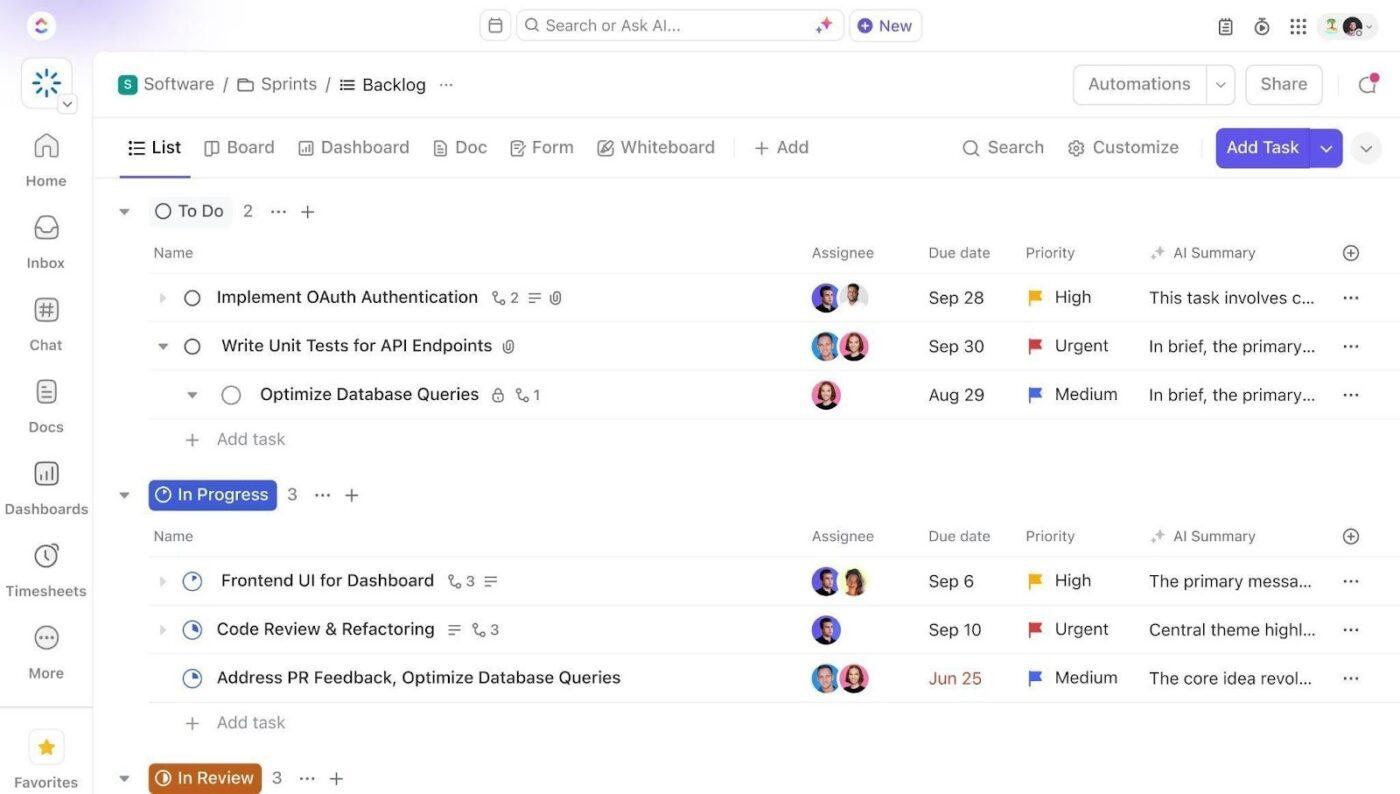
Set up a dedicated Space called Academic Advising. Add folders that mirror your advising workflow: Active Caseloads for advisor- or college-based student lists, Appointments & Outreach for scheduled appointments, walk-ins, group advising, and proactive outreach campaigns, Registration & Holds for hold resolution, override requests, and registration readiness, Major Exploration for undeclared students and declaration workflows, and Interventions for at-risk students, probation support, and follow-up plans.
Configure Custom Fields on Every Student Task
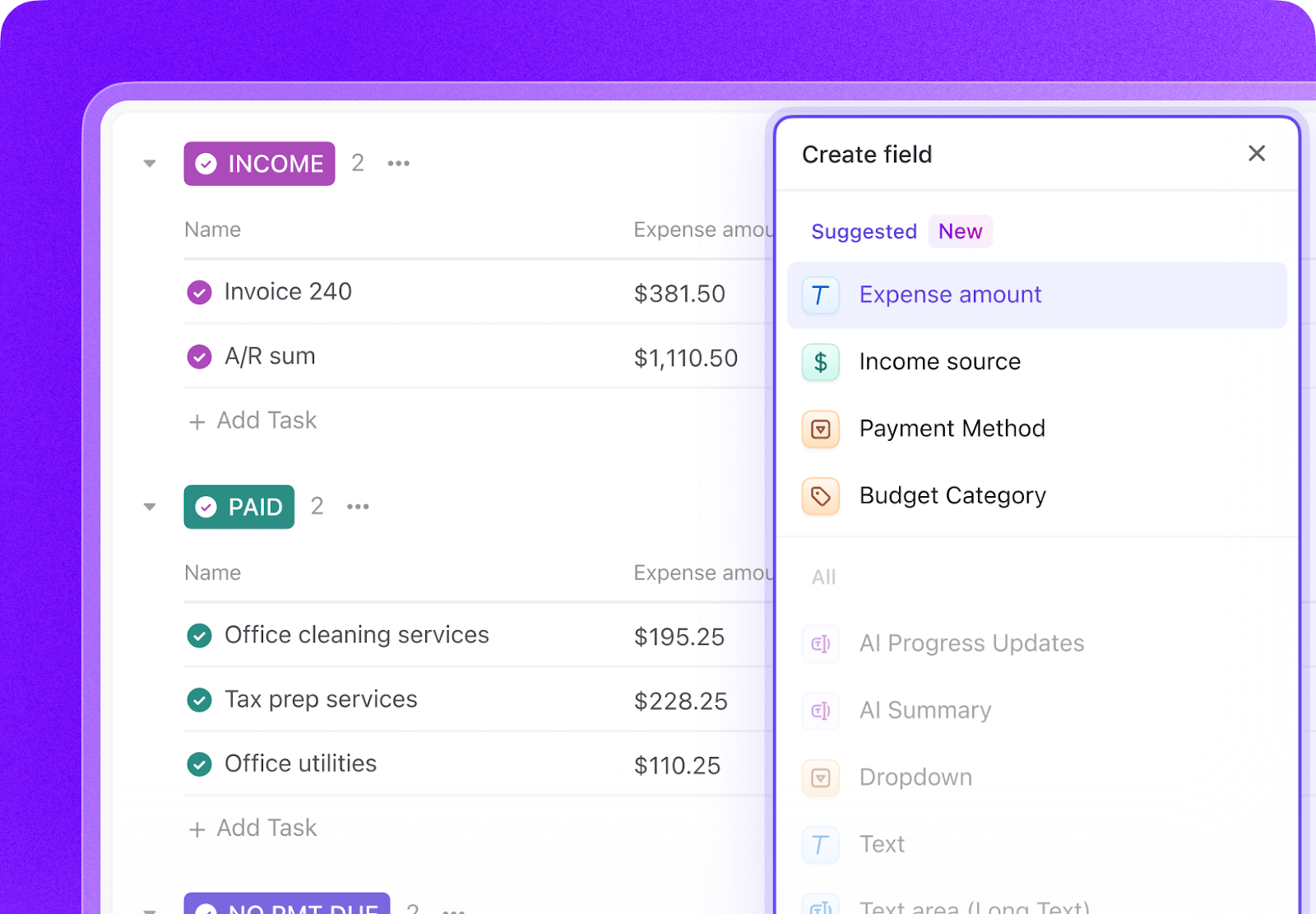
Add Custom Fields to your student task templates so every advisee record includes the key data your team needs to advise proactively and track progress. Include fields for student ID, classification, major or minor, advisor assigned, cumulative GPA, credits completed, risk level, last advising contact date, registration holds, and next appointment. This consistent structure makes dashboards, automations, and caseload management much more reliable.
Paste the Prompt Into ClickUp Brain
Open ClickUp Brain in your new Space and paste the prompt from above. Fill in your variables, including institution name, institution type, advising model, advisor count, average caseload, and current tools. Use the generated output to create a first draft of your caseload dashboards, appointment workflows, hold management system, and intervention processes, then refine it for your advising model.
Set Up Automations for Ongoing Management
Create automations to keep advising work moving without constant manual follow-up. Use rules to trigger proactive outreach, escalate unresolved registration holds, flag undeclared students nearing credit thresholds, prompt post-appointment documentation, and surface at-risk students before they disappear from view.
Ready to turn these workflows into a repeatable system? Build your grant management Workspace in ClickUp.
💡 Pro Tip: Start with one workflow, such as registration holds, at-risk student outreach, or appointment follow-up, before rolling the system out across the full advising operation. A smaller pilot helps your team refine templates, handoffs, and automation rules before scaling.
Summarize this article with AI
ClickUp Brain not only saves you precious time by instantly summarizing articles, it also leverages AI to connect your tasks, docs, people, and more, streamlining your workflow like never before.
Summarize this article for me please
Recommended Custom Fields for Academic Advising Tasks
These fields create a consistent operating record across student caseloads, appointments, degree planning, hold resolution, and intervention workflows.
Field
Type
Purpose
Student ID
Short text
Unique student identifier
Classification
Dropdown
First-year, Sophomore, Junior, Senior, Graduate, Transfer
Summarize this article with AI
ClickUp Brain not only saves you precious time by instantly summarizing articles, it also leverages AI to connect your tasks, docs, people, and more, streamlining your workflow like never before.
Summarize this article for me please
Core Automation Examples for Academic Advising
After your Custom Fields are set up, build automations that keep caseloads, outreach, holds, and intervention workflows moving without repeated manual follow-up.
When…
Then…
A student has no advising contact in 60 days
Create a proactive outreach task and assign it to the advisor
A midterm grade drops below C in a major course
Flag the student as Yellow risk and create a follow-up appointment task
A student has an advising hold before registration opens
Create a hold-resolution task and prioritize outreach by classification
An undeclared student reaches 45 credits without declaring
Trigger the major-exploration checklist and notify the advisor
A student is flagged Red risk
Create an intervention plan task with 2-week and 6-week follow-up checkpoints
An appointment is marked Completed
Prompt the advisor to log notes, action items, referrals, and the next follow-up date
Summarize this article with AI
ClickUp Brain not only saves you precious time by instantly summarizing articles, it also leverages AI to connect your tasks, docs, people, and more, streamlining your workflow like never before.
Summarize this article for me please
What the Agent Covers Across the Advising Lifecycle
An AI agent for academic advising isn’t a chatbot that answers questions about course catalogs. It’s a system that runs inside your project management workspace and does the structured, repeatable work your team currently does by hand: tracking caseloads, flagging at-risk students, managing holds, and documenting advising interactions.
Lifecycle stage
What the agent does
What it replaces
Intake & assignment
Auto-assigns incoming students to advisors based on major, classification, and caseload capacity; generates pre-advising checklists
Manual spreadsheet-based caseload balancing and email introductions
Degree planning
Tracks degree requirements, course sequencing, and credit progress; flags students off-track for four-year graduation
Advisor manually cross-referencing DegreeWorks and spreadsheets each semester
Proactive outreach
Triggers outreach when students miss milestones: no contact in 60 days, undeclared past 45 credits, midterm grade alerts
Reactive model where students must self-identify and book appointments
Registration support
Manages hold resolution queues, batch-processes advising clearances before registration windows, tracks override requests
Email chains, walk-in queues, and last-minute registration scrambles
Major exploration
Tracks undeclared student progress through exploration activities, career assessments, and faculty meetings toward declaration
Informal check-ins with no documentation or accountability
Intervention & handoff
Flags at-risk students with risk scoring, creates intervention plans with follow-up schedules, transfers full history during advisor handoffs
Tribal knowledge lost when advisors leave or students change majors
Want to see how Super Agents work in a real ClickUp environment? Watch the walkthrough below to see how AI-generated workflows, tasks, and automations come together in practice.
Summarize this article with AI
ClickUp Brain not only saves you precious time by instantly summarizing articles, it also leverages AI to connect your tasks, docs, people, and more, streamlining your workflow like never before.
R1 research university (600+ students per advisor)
Use the full prompt as-is. Add departmental advisor coordination layer. Include graduate student advising tracks. Integrate with centralized and departmental advising handoff at major declaration.
R2 university (300-500 students per advisor)
Simplify the risk scoring to two tiers (on track / needs attention). Reduce the major exploration workflow to focus on undeclared students past 30 credits. Add transfer student evaluation as a priority workflow.
Primarily undergraduate institution (100-250 students per advisor)
Emphasize the relationship-based advising documentation. Add faculty advisor coordination since many PUIs use shared models. Include a four-year plan template co-created with each student at orientation.
Community college (400+ students per advisor)
Focus on guided pathways and meta-major exploration. Replace four-year degree tracking with associate degree and transfer pathway tracking. Add concurrent enrollment and dual-credit monitoring. Prioritize financial aid SAP tracking.
Career/vocational school (varies widely)
Replace degree plan tracking with program completion tracking. Add credential and certification milestone tracking. Focus on industry placement pipeline and employer partnership coordination. Include licensure exam preparation timelines.
Summarize this article with AI
ClickUp Brain not only saves you precious time by instantly summarizing articles, it also leverages AI to connect your tasks, docs, people, and more, streamlining your workflow like never before.
Summarize this article for me please
Run Academic Advising in One Place
Academic advising breaks down when caseloads, degree progress, appointment notes, registration holds, and intervention plans live in separate systems with no shared operating view. With ClickUp Brain, Custom Fields, and Automations, your institution can turn advising operations into one repeatable system that supports caseload management, degree tracking, hold resolution, and proactive student outreach in one place.
The goal is not to replace your SIS, degree-audit platform, or advising platform. It is to reduce the coordination work around them, improve visibility across the full student lifecycle, and give advisors more time for the conversations that actually change outcomes. Start with the prompt above, tailor it to your advising model and student population, and build a setup your team can actually use every semester.
Summarize this article with AI
ClickUp Brain not only saves you precious time by instantly summarizing articles, it also leverages AI to connect your tasks, docs, people, and more, streamlining your workflow like never before.
Summarize this article for me please
Frequently Asked Questions About Academic Advising Using AI
Can AI replace human academic advisors?
No. AI agents automate the administrative work that prevents advisors from advising: tracking caseloads, managing holds, documenting notes, and flagging at-risk students. The relational, developmental advising that changes student outcomes (helping a first-generation student explore majors, coaching a struggling student through academic probation) still requires a human advisor. The agent gives advisors more time for those conversations.
Does this integrate with DegreeWorks, Banner, or Starfish?
The AI agent workspace works alongside your existing student information and degree audit systems. Degree progress data from your SIS (Banner, PeopleSoft, Colleague) and audit tools (DegreeWorks, uAchieve) syncs into custom fields on each student task. The agent doesn’t replace your system of record. It becomes the operational layer where your advising team tracks tasks, outreach, and collaboration on top of that student data.
How does this handle advisor turnover and student handoffs?
Every advising interaction is documented in the student’s task history: notes, action items, referrals, intervention plans, and follow-up schedules. When a student changes advisors (due to major change, advisor departure, or caseload rebalancing), the full advising history transfers with the task. No institutional knowledge is lost, which is the most common complaint during advisor turnover.
Is this only useful for large universities with high caseloads?
No. The prompt includes variables for institution type and advising model. A small liberal arts college with 150 students per advisor benefits from the documentation, handoff, and proactive outreach automations just as much as an R1 with 600-student caseloads. Also see how AI agents can help with grant management and institutional research across your campus.
Everything you need to stay organized and get work done.