





Still downloading templates?
There’s an easier way. Try a free AI Agent in ClickUp that actually does the work for you—set up in minutes, save hours every week.
Sorry, there were no results found for “”
Sorry, there were no results found for “”
Sorry, there were no results found for “”
Summary: Zapier MCP handles the heavy lifting behind AI-triggered automation. Discover how to connect, control access, and keep task usage in check.
Yes. Zapier supports the standard through two parts: a server that assistants connect to, and a client integration that lets Zaps call remote servers.
In practice, the server gives tools like Claude or ChatGPT access to 8,000+ app integrations and 30,000+ actions. The client piece runs inside automations so they can use tools exposed by third‑party providers.
Together, this means one connection opens a large toolbox of actions for assistants, while Zaps can also reach out to external tool servers when needed.
Related: How Zapier’s agentic AI works
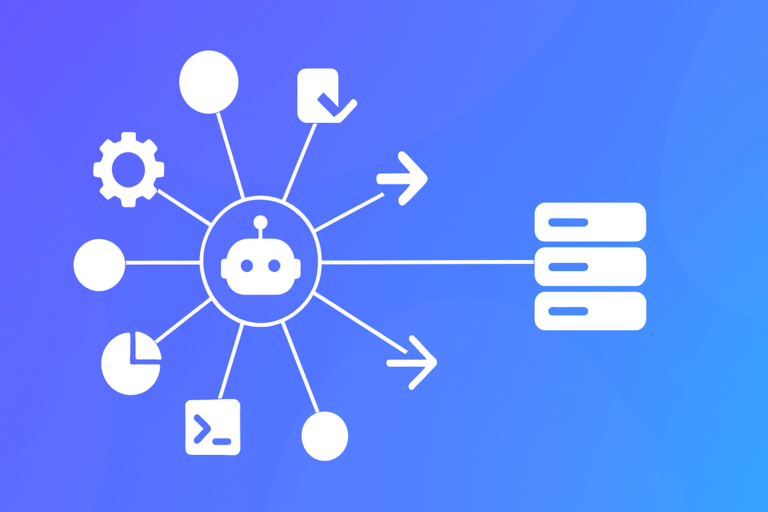
Think of the server as a big toolbox your agent can reach through a single door. You connect an assistant, choose which apps and actions it may use, and the service turns plain requests into concrete steps across your stack.
First, enable the server, link an AI client, and authorize a short list of apps and actions the agent is allowed to use.
Second, from the AI side, ask for outcomes in everyday language – find a customer, summarize activity, book a follow‑up.
Third, the agent calls the server, which runs the corresponding actions, handles auth and retries, and returns results for confirmation or summarization.
When tools live elsewhere, add the client integration like any other app connection. A Zap step calls a remote server, uses one of its tools, then passes results into downstream steps across your usual apps.
This fits teams that want assistants to take real actions across many SaaS tools without building one‑off integrations.
It suits individuals, small to mid‑sized teams, and departments inside larger companies that are comfortable with cloud automation and scoped permissions.
It’s probably not a fit if you require strictly self‑hosted data paths, if policies forbid assistants from touching production SaaS even with narrow scopes, or if you need ultra‑low‑latency, bespoke integrations beyond typical task‑based automation.
Here’s a quick, balanced look at strengths and trade‑offs.
Overall fit depends on your comfort with cloud automation, task budgets, and governance for assistants acting across many systems.
The easiest path is a small pilot that touches only a few apps while you watch task usage and logs.
With one connection to a large catalog of actions – and the option to tap external tool servers – this approach offers a practical way to let assistants act across your stack.
Keep scopes narrow, monitor task consumption, and validate behavior in a small pilot; if it clears your reliability and governance bar, expand gradually and codify guardrails as you go.

© 2026 ClickUp

There’s an easier way. Try a free AI Agent in ClickUp that actually does the work for you—set up in minutes, save hours every week.