





Still downloading templates?
There’s an easier way. Try a free AI Agent in ClickUp that actually does the work for you—set up in minutes, save hours every week.
Sorry, there were no results found for “”
Sorry, there were no results found for “”
Sorry, there were no results found for “”
There’s a lot of noise around AI agents and standards, and it isn’t always clear what any one platform actually supports. If you already know MCP as a way for assistants to reach tools and data, the real question is where Slack fits.
This overview focuses on Slack’s stance in plain terms. You’ll see what exists today, who it suits, the main trade‑offs to expect, and a simple way to explore it without getting lost in protocol details.
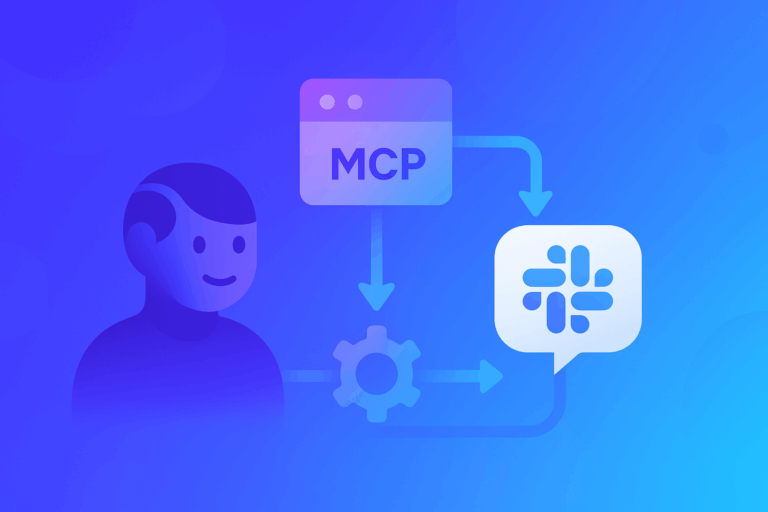
Yes. Slack supports MCP through the Slack MCP server, a capability in its developer and AI platform that exposes Slack workspace data and actions to MCP‑capable assistants.
Think of it as an official bridge that lets tools like Claude, ChatGPT, or Perplexity securely use Slack as a source of context and a place to act, within your existing permissions.
At a high level, the MCP server sits between AI agents and Slack resources. Treat it like a toolbox the agent can use: search channels and threads, read relevant conversation history or canvases, and post updates or summaries back to the right place.
First, you connect an MCP‑capable assistant to the MCP server. An admin approves the connection and scopes access to the workspaces and channels you choose.
Second, you control what the assistant can see and do. The server honors Slack’s permission model, so the assistant only reaches content the underlying token can access.
Third, you use it in day‑to‑day work. People ask the assistant for a channel recap, a decision history, or a next‑step draft.
The agent retrieves context through MCP, then responds in Slack or its own interface, leaving visible traces that teammates can review.
Key constraints to know:
This support is aimed at teams that run Slack as a central hub and want external assistants to tap conversation context.
It tends to fit best where there’s already an approval process for higher‑privilege integrations and a defined AI stack.
It’s probably not a fit if your policy blocks any external AI from reading Slack content, if you only want built‑in Slack AI features, or if your preferred tools don’t support MCP and can’t connect to Slack’s cloud‑hosted server.
Here’s a quick, balanced look at strengths and trade‑offs so you can judge fit.
The simplest path is a small, time‑boxed pilot with clear guardrails. Aim to validate usefulness with minimal scope while keeping security comfortable.
Public information does not yet spell out every detail on plan or region eligibility or whether all customers can enable this purely self‑service, so expect to confirm some of this with current docs or your Slack contact.
For deeper reading, look for Slack’s MCP server overview for concepts and scope, a recent platform announcement about secure data connectivity and real‑time search, and blog posts that show partner examples.
As you evaluate, compare this approach to any existing Slack bots or built‑in Slack AI you already use. It’s reasonable to keep experiments small until you’re confident in access scopes, answer quality, and team comfort.

© 2026 ClickUp

There’s an easier way. Try a free AI Agent in ClickUp that actually does the work for you—set up in minutes, save hours every week.