






Still downloading templates?
There’s an easier way. Try a free AI Agent in ClickUp that actually does the work for you—set up in minutes, save hours every week.
Sorry, there were no results found for “”
Sorry, there were no results found for “”
Sorry, there were no results found for “”
I’ve used plenty of traditional workflows and automations in ClickUp. They’re great at moving tasks from A to B, updating statuses, or assigning owners. But at some point, I realized something important: none of those automations was actually thinking about my campaigns.
I needed a system that could pair execution with intelligence. And I found my answer in an AI decision agent, which I call the Asset Library Manager.
In this post, I’ll walk you through how I built this AI decision-making agent inside ClickUp (using ClickUp Super Agents) and why it was necessary for my business.
As a Verified ClickUp Consultant and a Business Process Manager with 5+ years of experience, I have been helping agencies and startups scale through structured systems and execution. I have built and governed operational frameworks for 40+ companies, led change management for 115+ teams, and enabled up to 16.4x operational growth while improving delivery speed and consistency across multi-client environments.
My assets were scattered across locations, campaign tasks lived in different lists, and I was still the one deciding where each asset should go next. Every new campaign, region, or channel meant more manual decisions—and more chances for duplication, missed opportunities, or visibility gaps.
That’s when I asked a different question:
What if I stopped building workflows, and started building an intelligent system in ClickUp—one that could make decisions on my behalf?
🦾 New to ClickUp Super Agents?
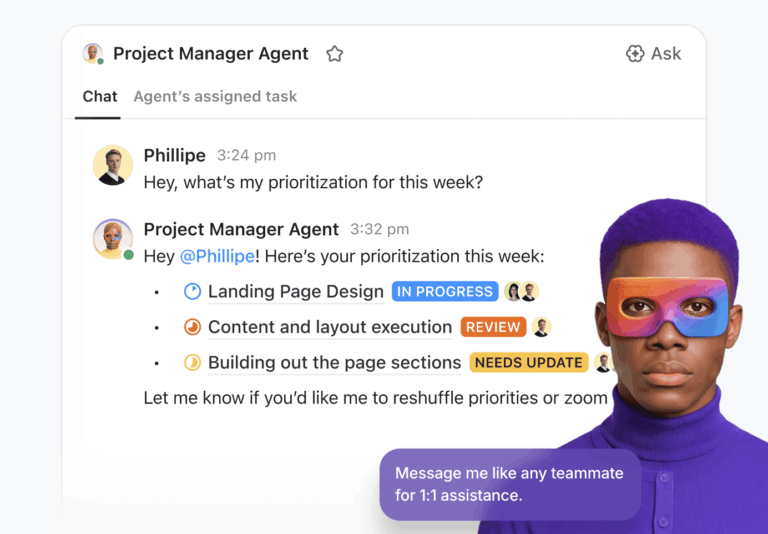
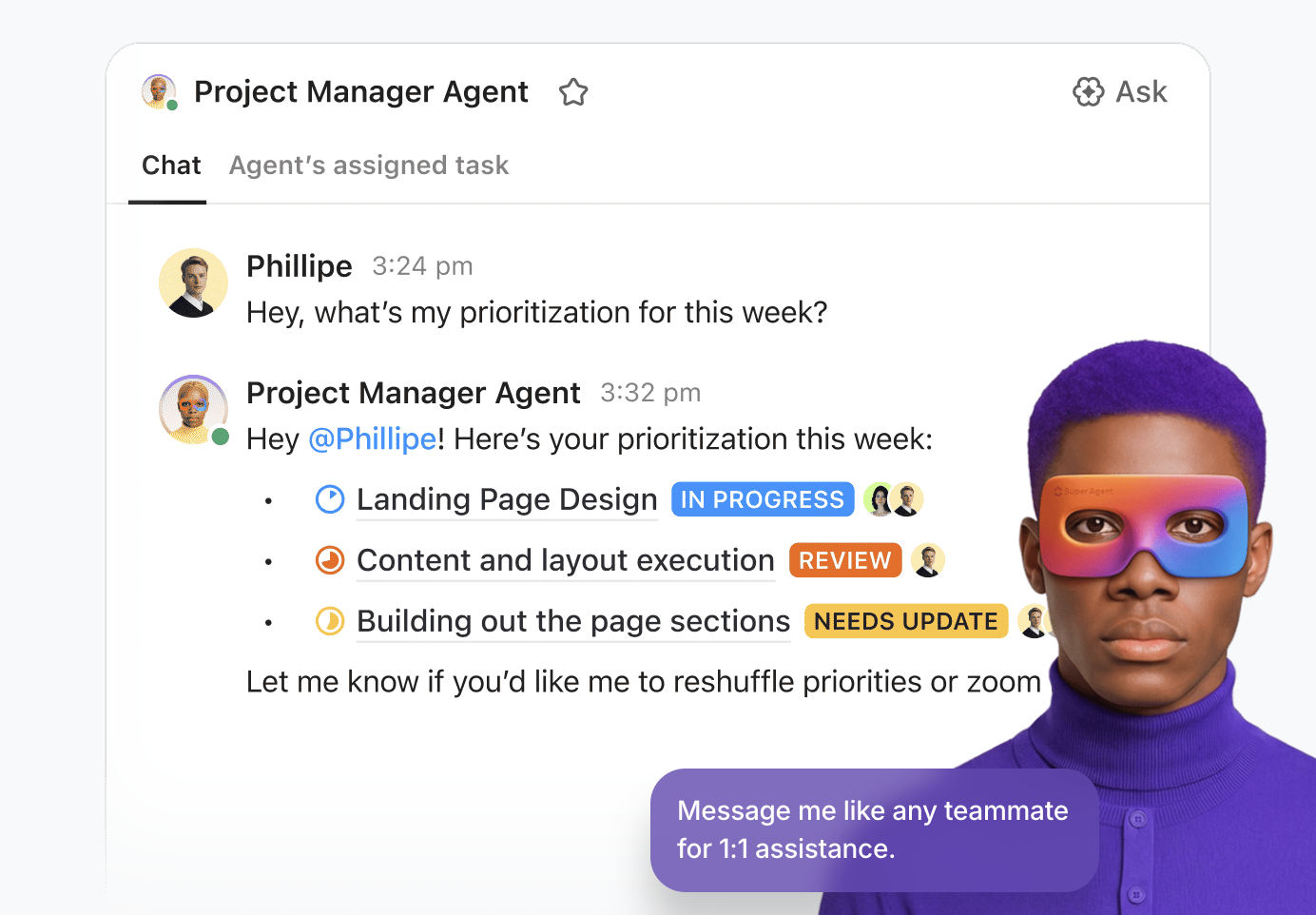
ClickUp Super Agents are AI-powered agents that work inside your workspace to analyze your tasks, data, and activity—and take action based on that context. You can give them a specific role (such as prioritizing work, updating project status, or routing assets), and they operate on real-time workspace information.
What makes them different?
Unlike basic automations, Super Agents don’t just follow rules. They:
Think of them less like “if-this-then-that” automations—and more like AI teammates embedded in your system.
Before I build an AI agent in ClickUp, I step back and define the system.
Not the automation. The system.
For me, that comes down to three questions:
I wanted my AI decision agent to take over the mental load of making campaign decisions.
For my Asset Library Manager, here’s how that looked.
I wanted one place where every campaign asset—videos, images, copy—was:
In other words, I wanted my agent to own asset distribution decisions inside ClickUp so nothing slipped through the cracks.
An AI decision agent is only as strong as the system it lives in. That’s why it makes sense to build it in a place where your tasks, docs, relationships, and campaign data all live together. When an agent can see the full picture (assets, locations, statuses, history) in one connected digital workspace, its decisions are grounded in reality, not guesswork.
For me, ClickUp’s Converged AI Workspace is that place.
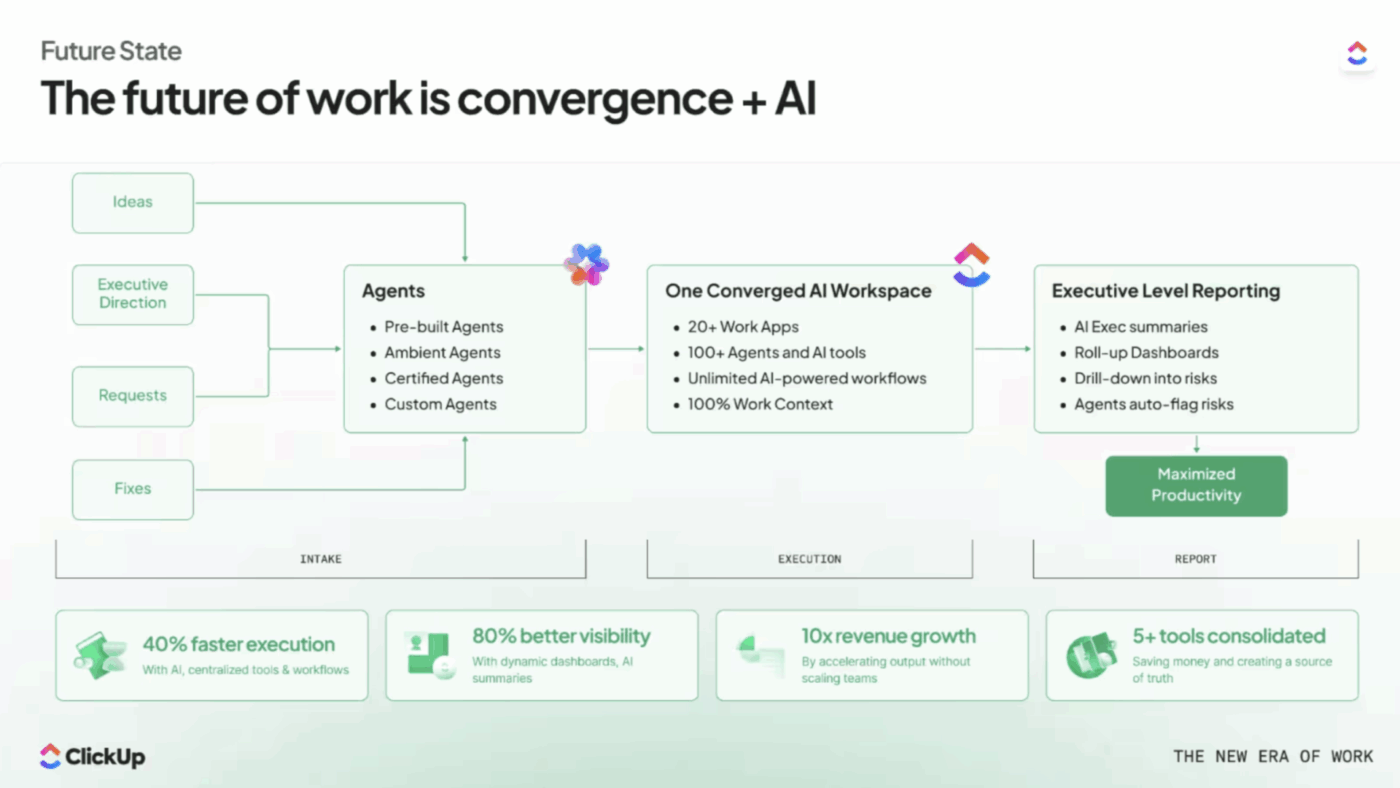
With ClickUp, instead of stitching together a patchwork of standalone AI tools that each only see a slice of your operations, you get one intelligent layer that sits on top of everything your team actually does. The result is smarter recommendations, zero context-switching, and decisions that compound in quality over time because the agent’s memory and your workspace grow together.
I designed my ClickUp setup so the Asset Library Manager could:
If my Lists, Custom Fields, and relationships weren’t solid, the agent would either stall or create a mess. So I treated system design as part of the agent itself.
📮ClickUp Insight: 30% of people say their biggest frustration with AI agents is that they sound confident but get things wrong.
That usually happens because most agents work in isolation. They respond to a single prompt without knowing how you like to do things, how you work, or your preferred processes.
Super Agents work differently. They operate with 100% context pulled directly from your tasks, docs, chats, meetings, and updates in real time. And they retain recent, preference-based, and even episodic memory over time.
And that’s what turns an agent from a confident guesser into a proactive coworker who can keep up as work evolves.
Finally, I defined the agent’s role.
Most systems are designed like this: If X happens → do Y
That’s what we call simple automation.
What I wanted was something different. An AI decision agent that could evaluate context and use it to make decisions just the way a human would.
My Asset Library Manager is responsible for:
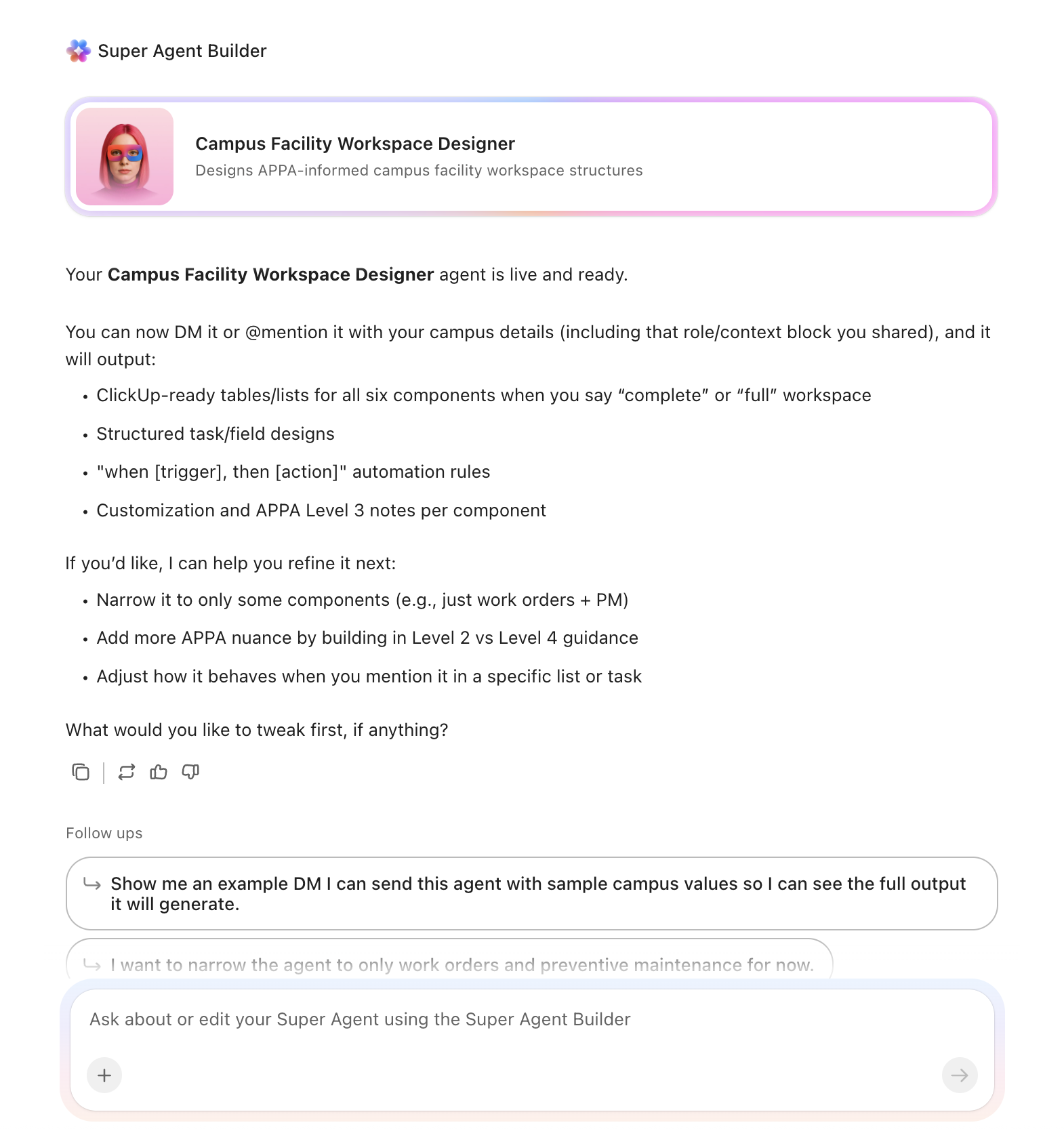
Once those three pieces were clear, everything else became easier. I wasn’t just building a clever automation anymore. I was building what I call a Beyond Super Agent—an agent that understands purpose, operates inside a capable system, and has a clearly defined role.
Once the system was ready, I moved to the part most people jump to first: prompts.
But instead of writing one long instruction, I broke it down into five clear components. That made the AI decision agent easier to control, test, and refine.
These are the AI prompt pillars that make or break the quality of the decisions my agent makes:
I don’t just tell the agent what to do—I tell it who to be.
📌 For the Asset Library Manager, I asked it to act as an:
“Experienced agency owner and operations architect managing multiple clients.”
That single line changes everything. Now, when the agent responds, it does so through the lens of someone who has:
Next, I define the context and scope as clearly as possible:
This tells the agent where the walls of the room are, so it doesn’t wander into the wrong part of my workspace.
Then I spell out the decision logic. Instead of telling the agent what to do, I defined how it should think.
I specify:
That way, the agent doesn’t stop at generating ideas. It knows when to take action and what good decisions look like.
Every decision is only as good as the data behind it. So I connect my agent to the data layers it needs:
I make it explicit in the prompt: these are the inputs you should use when you decide what to do next.
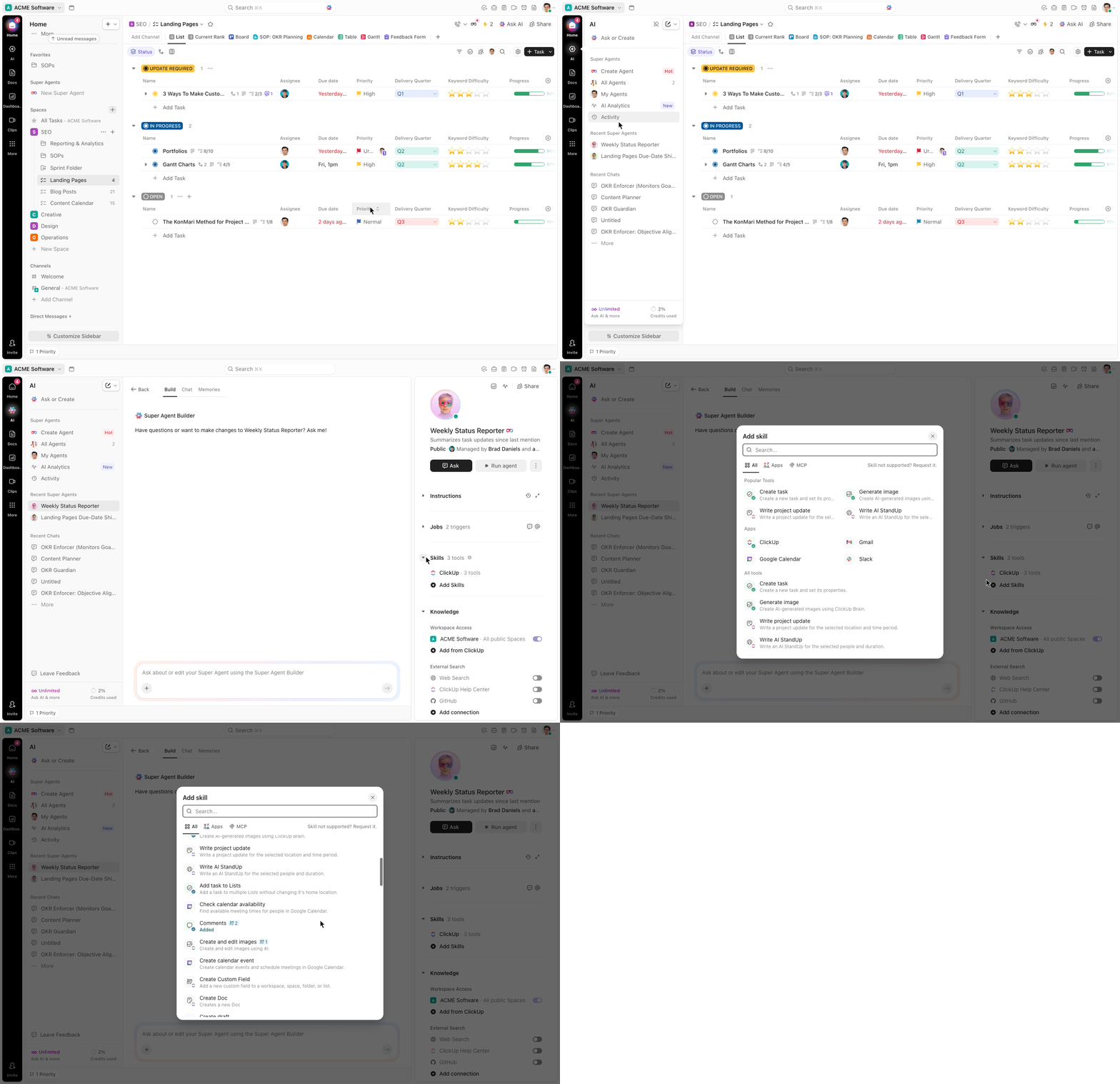
Finally, I define the outputs:
Once these five elements are in place—role, context, decision logic, inputs, and outputs—the solution usually aligns closely with the real problem I’m trying to solve.
🎥 Here’s a quick explainer if you’d like to try building your own Super Agent:
👀 Did You Know? Only one in five companies has mature governance for autonomous AI agents, despite rapid growth in agentic AI.
With the foundation in place, I wired the agent into my ClickUp workspace so it could work in two main ways.
The first mode is simple and direct.
This alone removes a ton of manual routing work. But the real power comes from the second mode.
The second mode is where the system really becomes “Beyond Super Agent.”
Here, the agent uses the full output of the asset library to make decisions on its own:
📌 From there, it can make decisions like:
“For this strategic edge asset that’s already been to Islamabad and is a recovery video, let’s send a recovery image or a mobility image next.”
Instead of me constantly checking where an asset has run and what should come next, the agent looks at the data and decides.
In ClickUp, agents can work across your entire workspace. You can trigger them via Automations on Lists, Folders, and Spaces (reacting to status changes, new tasks, field updates), assign them directly to tasks, @mention them in task comments and Docs, or interact with them in ClickUp Chat through DMs and @mentions.
But Chat is where I spend the most time with my agent, and there’s a reason for that.
Inside my Asset Library Manager chat, I have two goals:
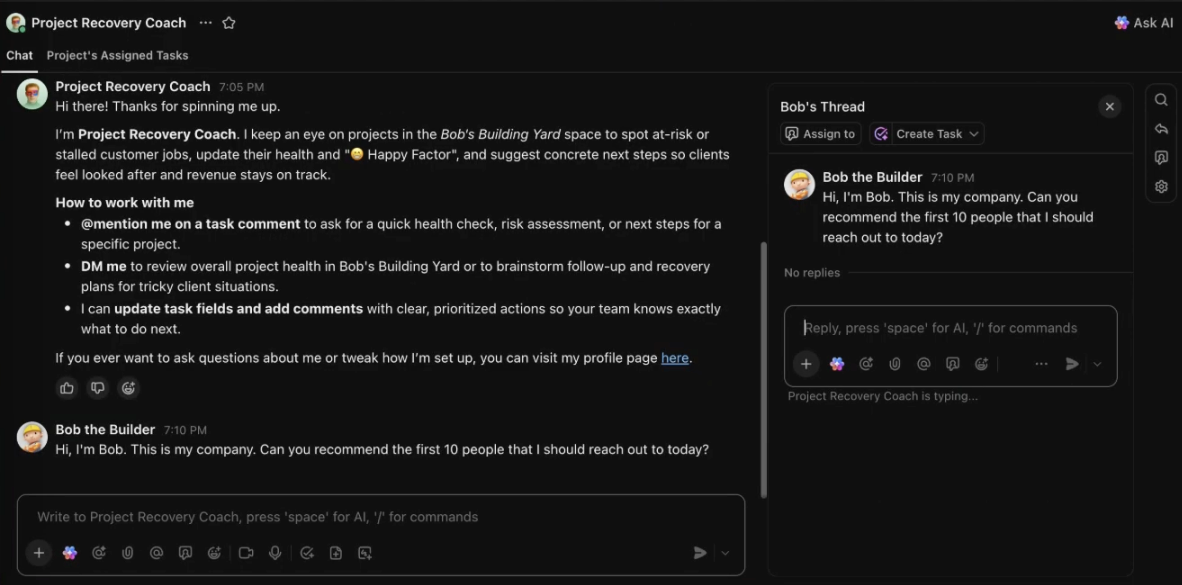
Chat gives me a real-time, conversational interface, almost like having a colleague on standby. I can use it to:
It’s the difference between filing a request and having a back-and-forth conversation.
For an agent like the Asset Library Manager, where decisions build on each other and context matters, that kind of iterative dialogue is what makes the whole system click.
Over time, I noticed something funny: if my command wasn’t clear, the agent would show a bit of a “tantrum.” Not because it was broken—but because my prompt wasn’t setting it up for success.
That’s when I always go back to the five prompt pillars:
When those are in place, the conversation becomes incredibly productive.
One of my favorite moments with this agent was running a full stress test using a single chat command.
📌 I told the agent:
“I want to do a stress test. Auto-trigger by choosing random locations and create campaign tasks as per the flow. Make sure you’re not missing any part of the flow, and there’s no duplication in the tasks. Ask me anything you need before you run the test.”
🌟 Here’s what happened:
In one conversation, it took 15–30 actions, and I got a clear sense of where my system might break as we scale.
The result? I realized my setup was solid up to around 50 locations, but if I tried to jump to 100+, the system might struggle. That insight didn’t come from a dashboard; it came from talking to my agent.
👉🏼 I also use the chat to ask simple but powerful questions, like:
👉🏼 The agent responds with a list of assets, where they were routed, and links back into ClickUp. Then I level it up:
“Give me a 24-hour summary and recommend the top 10 locations where these assets should be distributed next—with clear reasoning for each recommendation.”
Now the agent is using:
…to recommend exactly where I should go next—and why.
👉🏼 If I want to go deeper, I can ask follow-ups like:
The agent uses the same data and logic to give me a focused answer.
By this point, my Asset Library Manager has become a solid AI decision-making layer on top of my ClickUp workspace.
Before this, I was constantly:
Now, the AI decision agent handles this process.
I still make the final call when needed. But I’m no longer starting from scratch. And that shift is becoming more common.
According to a McKinsey & Company report, companies are seeing the greatest measurable impact from AI in areas such as marketing, sales, and strategy—where decision-making plays a central role.
If you’re juggling assets across multiple locations, channels, or clients, you don’t have to live in spreadsheets and manual routing forever.
Start by asking:
Then design your first agent around those answers.
💡 Pro Tip: Build a focused agent, not a “do everything” agent. Give your agent:
The tighter the scope, the better the results.
Finally, spend time in chat—ask questions, run stress tests, and let the agent show you where your system needs to grow.
That’s how you move beyond automations and start building an intelligent system in ClickUp that truly works on your behalf.
If you want to automate decision-making with AI, this is my strongest advice:
Stop thinking:
❌ “How can AI help me do this faster?”
And start thinking:
✅ “Where should AI make decisions for me?”
Most teams are still in the first phase. They’re experimenting. Testing tools. Automating small tasks.
But the real leverage comes when you introduce an AI decision agent into a system that’s already structured for it.
That’s when:
That’s why this works inside ClickUp.
Because everything—tasks, data, and context—lives in one place, your AI decision agent can actually see what’s happening. And more importantly, it can act on it.
👉🏼 Want to see what an AI decision agent could do for your workflows?

© 2026 ClickUp

There’s an easier way. Try a free AI Agent in ClickUp that actually does the work for you—set up in minutes, save hours every week.