Sorry, there were no results found for “”
Sorry, there were no results found for “”
Sorry, there were no results found for “”
We’ve all been there—sitting in a meeting, nodding, but secretly wondering if anything productive is happening. Ideas get tossed around, decisions are made, and we leave with more questions than answers half the time.
That’s where meeting recorder software comes to the rescue! These nifty tools capture every word, so you never miss an important detail again. No more frantically scribbling notes or stressing over what was said.
Whether it’s a brainstorming session or a critical update, the right meeting recording software lets you stay engaged while it handles the documentation.
Ready to make your meetings more productive and less “Wait, can you repeat once more?” Here are the top 11 meeting recorder software that’ll keep you on track and stress-free.
A meeting recorder records the audio and visual content so you can revisit it later. This includes both types—virtual meetings and live meetings.
Apart from this, such tools can generate transcripts, translate discussions into the language of your choice, and integrate with other software in your workflow.
To use a meeting recording software, you need to start the tool before joining a meeting (in-person or virtual), and that’s it. From then on, the software will note every second of the meeting—much like any video recording tool. 📽️
If you’re on the fence about getting a meeting recorder for your organization, take a look at its benefits:
🔍 Did You Know? In the U.S. alone, about 11 million meetings are held daily. This sums up to over 1 billion meetings in a year! 🤯
What Should You Look for in a Meeting Recorder?
A solid meeting recorder should do both—document the meeting and transcribe it. But apart from this, here are a few other functionalities you should look for:
Never miss a word again—here are 11 of the best meeting recording software you can use to log meetings:
The everything app for work, ClickUp, shines as a comprehensive meeting and collaboration platform. Packed with AI-powered features, it’s perfect for recording and sharing online meetings—no hassle, just results.
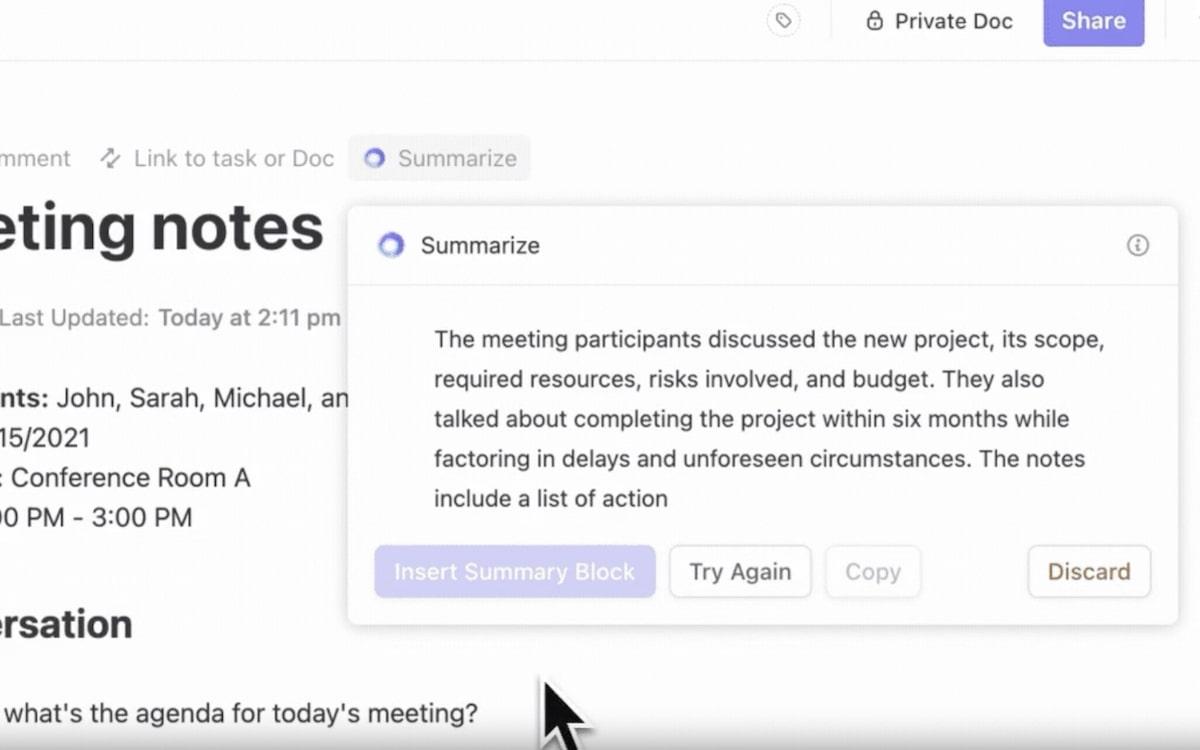
ClickUp’s AI Notetaker transforms meetings from lengthy discussions into productive sessions focused on action. The AI automatically captures key information—like decisions, insights, and action items—creating clear and concise summaries that integrate smoothly with current projects. This ensures every meeting effectively contributes to better workflows and team efficiency.
Here are some of the benefits:
With ClickUp’s AI Notetaker, you can significantly enhance meeting effectiveness, improve project management, and boost overall team collaboration.
ClickUp Meetings is the ultimate, one-stop solution for all virtual meeting requirements. Whether you want to jot down notes or document meeting instances.
You can also edit, annotate, and assign action items straight from the comments. Plus, create task checklists like a productivity pro and use the slash command for instant results. It’s like your digital assistant—only faster.
Besides, ClickUp boasts a feature for recording and sharing virtual meetings.
A solid replacement for tools like Loom, Zoom, etc., ClickUp Clips lets you record online meetings. Turn it on to record your screen and share it with your teammates.
➡️ Read More: How do you record clip screen recordings?
ClickUp Brain—the platform’s native AI system—generates meeting notes and transcripts in a snap. Powerful and well-trained, it also summarizes the transcript, extracts action items from it, and assigns it to the person responsible for executing the task.
A Capterra user loves how organized ClickUp is. They also find it very customizable and collaborative:
ClickUp keeps our team tasks very organized. You can categorize types of tasks, status and cadence of each task. It also has time tracking for each task, which is a huge plus. Great for team collaboration and managing all tasks.
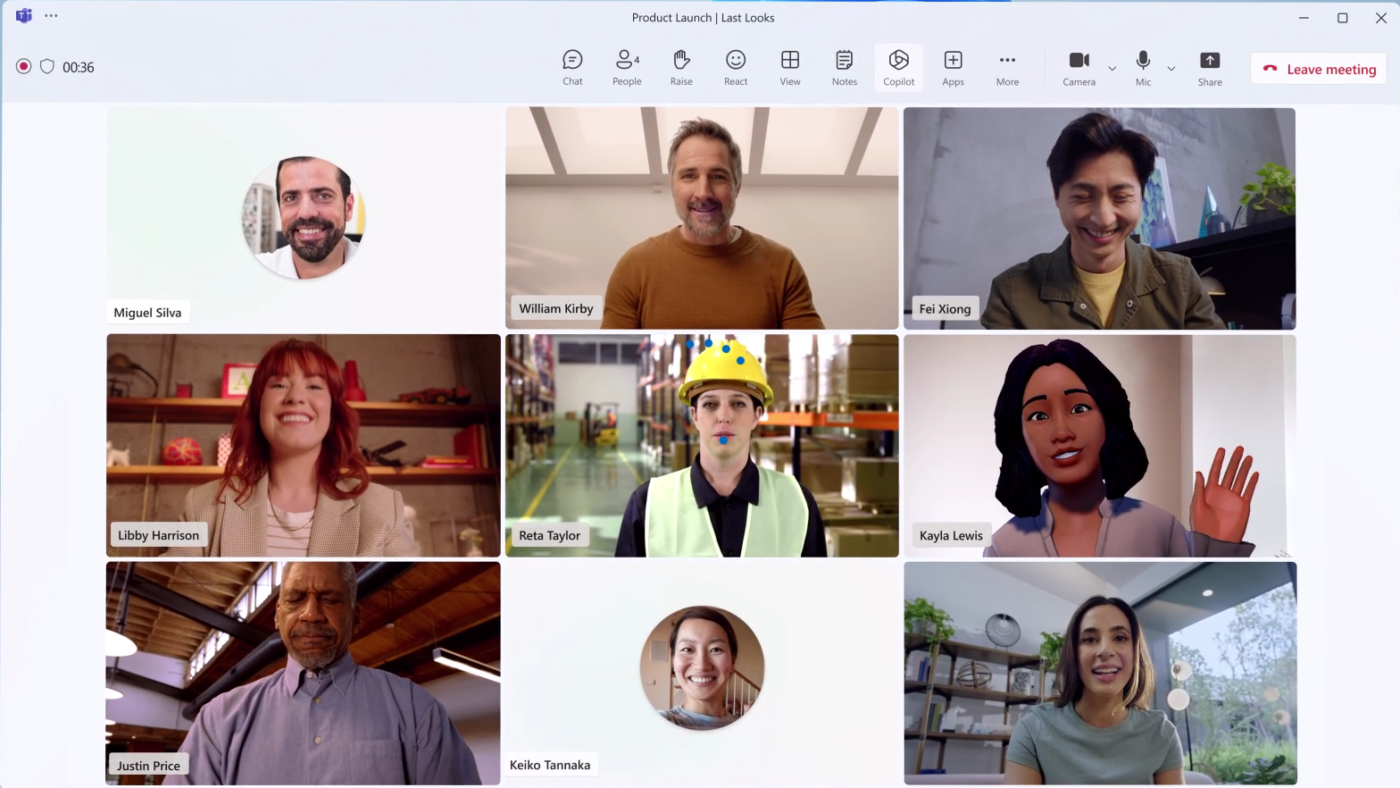
Microsoft Teams isn’t a traditional meeting recording software; it’s a group chat tool that helps remote teams collaborate more effectively. Its primary features include real-time PPT presentation, whiteboard discussion, and caption generation.
However, MS Teams also offers basic meeting recording capabilities. For starters, it lets you record virtual meetings with AI-generated notes. These recordings capture audio, video, and screen-sharing activities so no key decision or moment is missed.
A G2 user believes that one of MS Teams’ best aspects is its ease of use and platform friendliness:
I like Microsoft Teams because it is easy to use and friendly. It is a good software for talking and chatting to a lot of people together on a single platform especially if you are in a team or a project.
➡️ Read More: How to Video Record Yourself Presenting a PowerPoint?
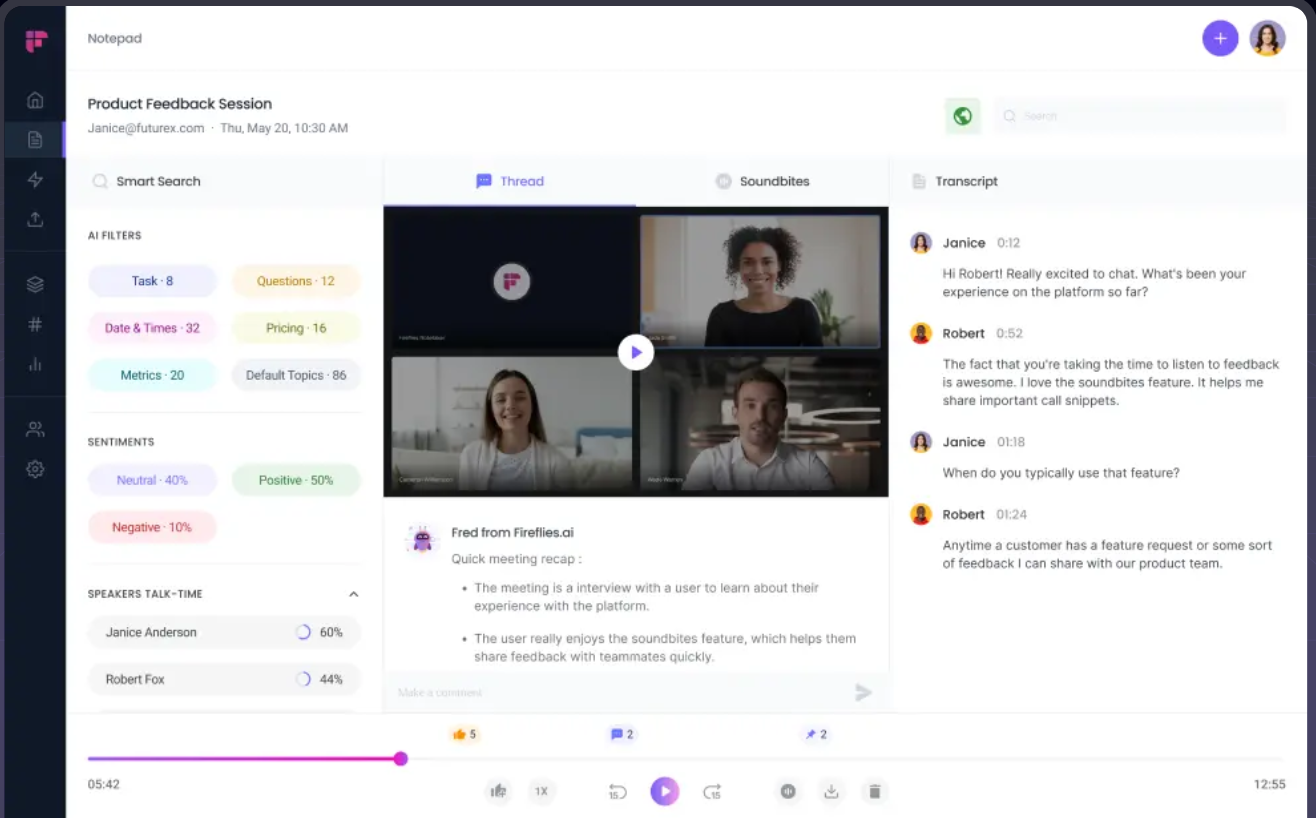
Fireflies.ai is a comprehensive meeting management software. It helps with everything—from recording meetings to transcribing and summarizing them.
With Fireflies.ai, record Zoom or Google Meet meetings, get transcripts, save content, and log notes in your CRM. It even extracts action items automatically—so no more manual tasks! Plus, you can download and share recordings.
➡️ Read More: Top Transcription Software Solutions
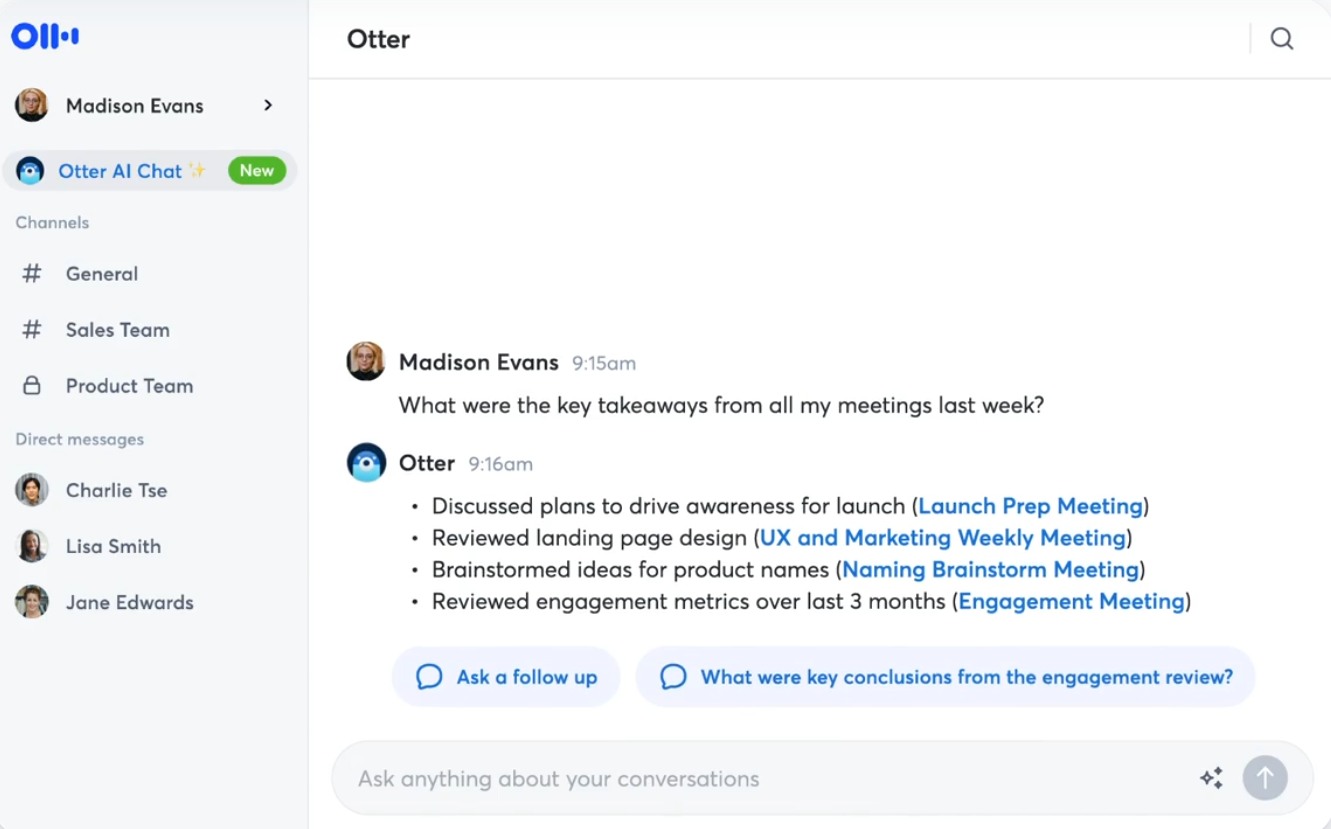
If you’re looking for a meeting tool that documents every word spoken into the microphone, try Otter.ai. This AI meeting assistant doubles as a note-taker, recording every important detail and producing accurate AI notes and summaries.
Plus, Otter is fully automated. It auto-joins every online meeting and records conversations until you manually stop recording. Moreover, it annotates key moments, assigns action items, and shares them with teammates to speed up your workflow.
💡 Pro Tip: Want to make your meetings more effective? Follow the two-pizza rule! Popularized by Jeff Bezos, this method suggests a meeting should be small enough that two pizzas can feed all attendees. 🍕
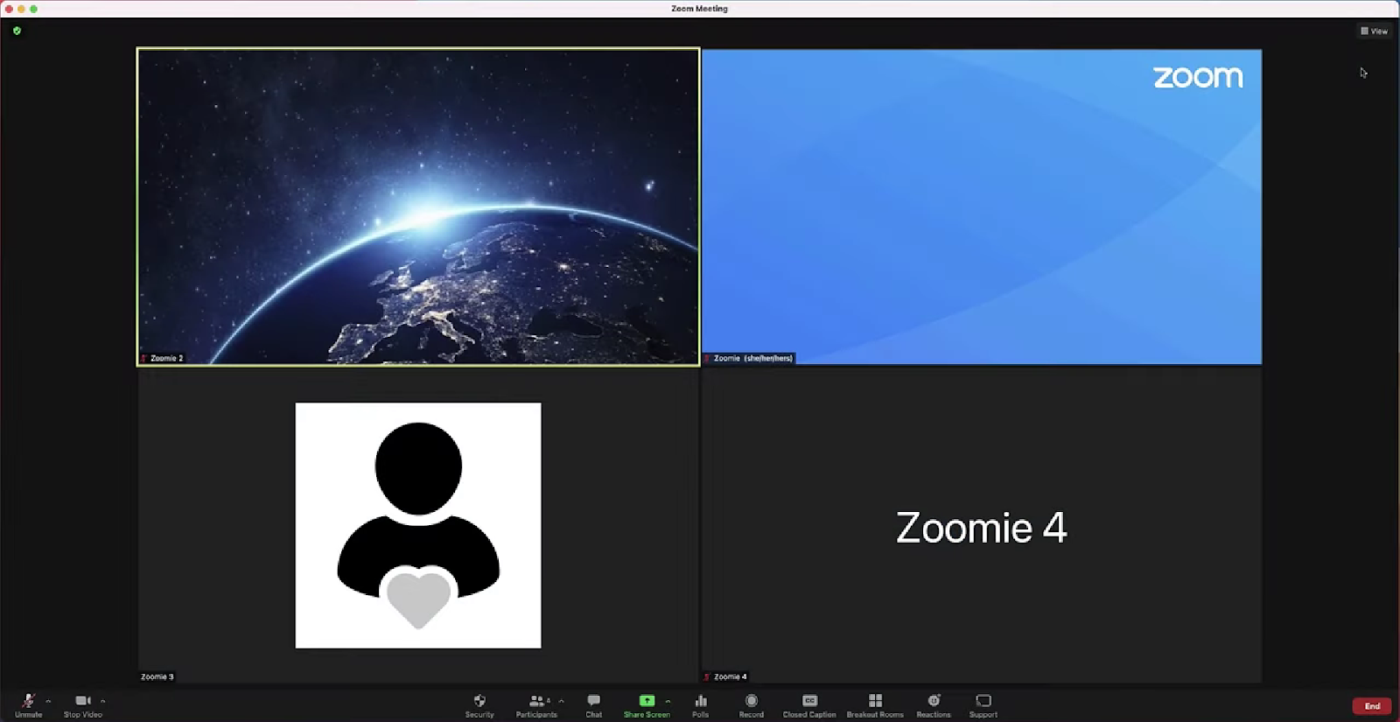
Zoom offers a complete suite of AI-powered workplace solutions. Despite this, it’s best known for its online meeting tool.
It lets you generate meeting agendas, real-time meeting summaries, etc. The platform claims that users can create transcripts for in-person meetings as well.
One of its standout features is its AI companion that generates meeting summaries, next steps, queries, etc.
Most remote teams started using Zoom during the Covid-19 pandemic and never looked back—this Capterra review shows why:
Amazing tool to connect over the internet, especially when working remotely.
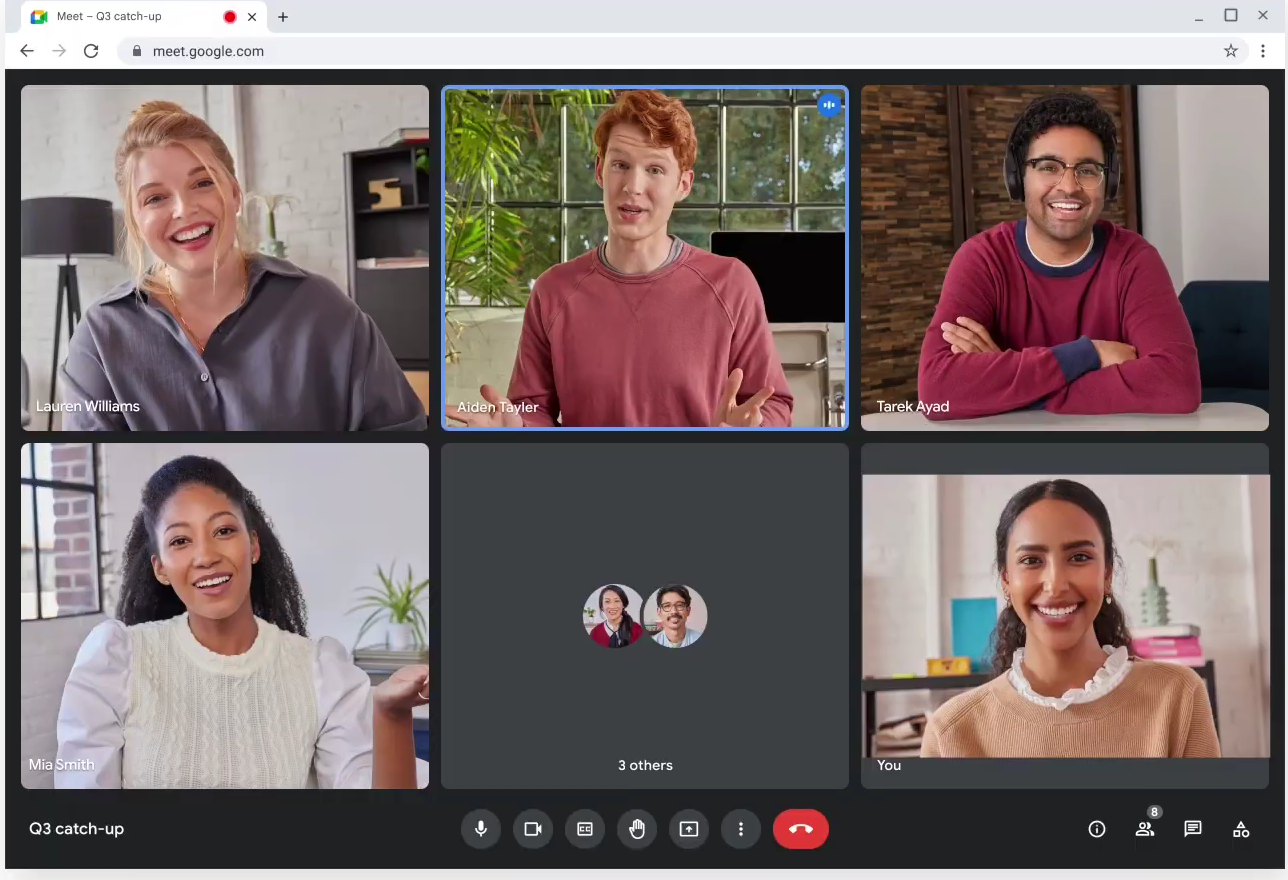
Google Meet is your go-to for video calls, capturing audio, video, and screen activity like a pro. Plus, with Gemini, you can take notes and get transcripts.
Need to boost teamwork? Save recordings to Google Drive or share via email for easy feedback and seamless collaboration.
A G2 user prefers Google Meet for its interactivity and says:
Google Meet is a great meeting solution. It has better background effects than most other meeting spaces, and its interactive tools, such as polls and Q&A, help promote participation. It works seamlessly with Google Workspace, and you can set up a Google Meet directly from your calendar.
💡 Pro Tip: Google Meet only offers a handful of meeting recording features—that too, with restrictions. For instance, only desktop users with a paid plan can tape meetings on Google Meet. Therefore, look for Google Meet alternatives that fit within the larger context of your team communication and knowledge sharing.
📮ClickUp Insight: 21% of respondents want to leverage AI to excel professionally by applying it to meetings, emails, and projects. While most email apps and project management platforms have AI integrated as a feature, it may not be seamless enough to unify workflows across tools.
But we cracked the code at ClickUp! With ClickUp’s AI-powered meeting management features, you can easily create agenda items, capture notes from meetings, create and assign tasks from meeting notes, transcribe recordings, and more—with our AI notetaker and ClickUp Brain. Save up to 8 meeting hours per week, just like our clients at Stanley Security!
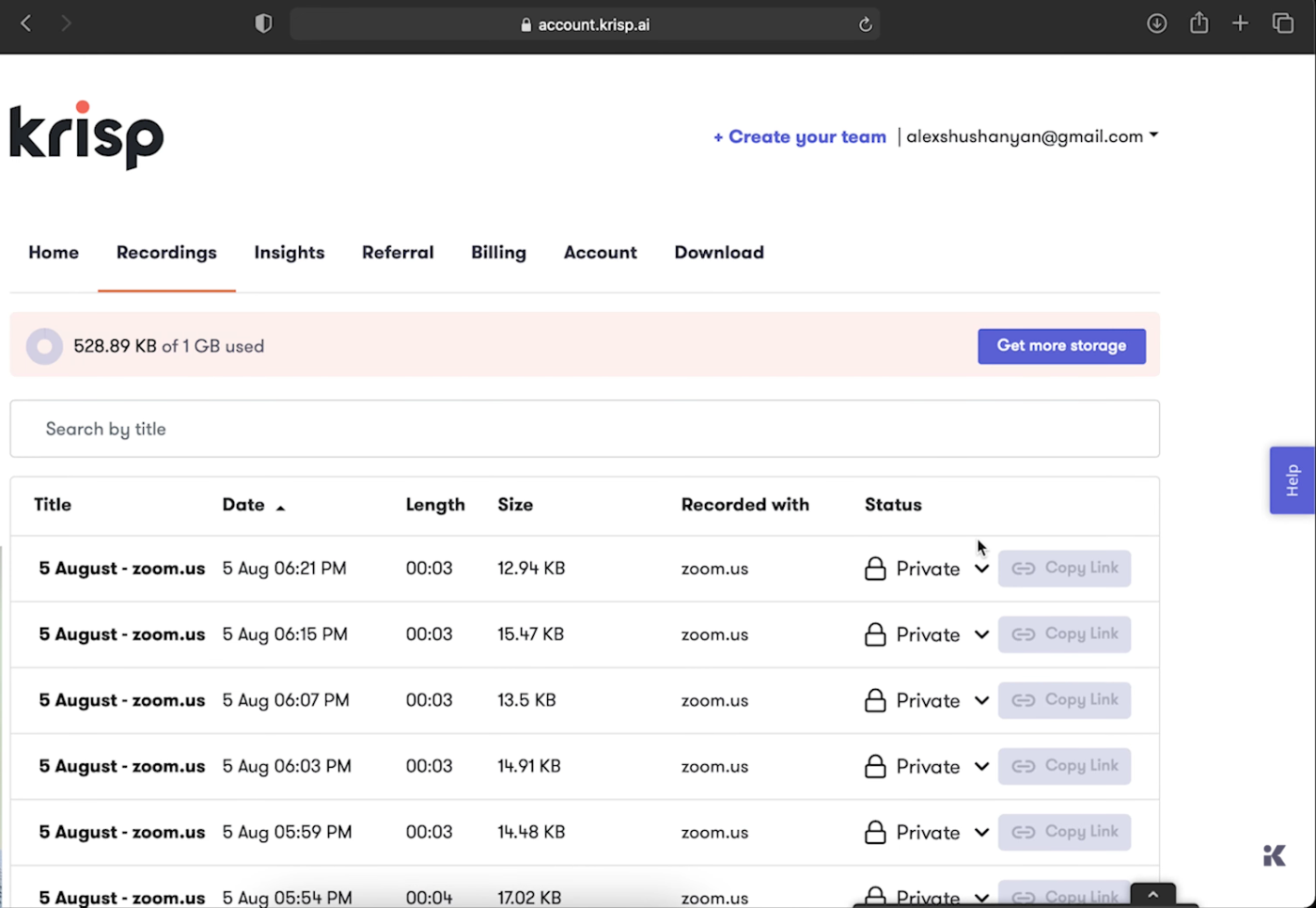
Krisp is a one-stop shop for all your meeting needs. Its AI Noise Cancellation removes background noise from audio, keeping audio crisp, while AI Accent Localization helps when chatting with foreign clients.
Plus, it generates transcriptions, notes, and summaries—just like any classic recorder, but way more advanced.
➡️ Read More: How to Improve Your Video Conferencing Setup
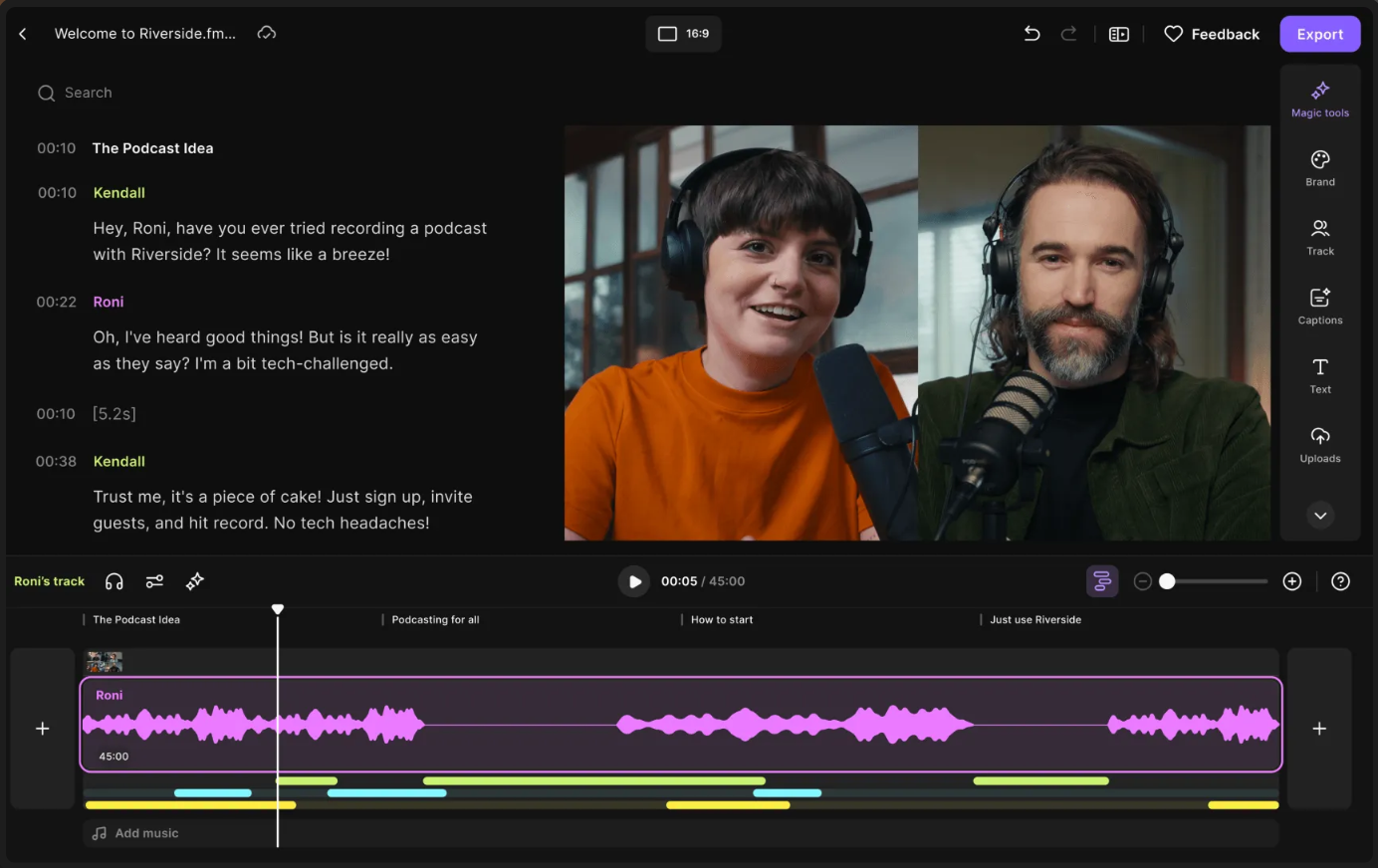
If you want to enhance the quality of your video conferences, Riverside.fm is your answer. This tool is easy to use, intuitive, and primarily focused on producing studio-quality meeting recordings.
Riverside.fm keeps it simple—recording and transcribing meetings. But beyond this, it lets you edit the generated meeting summary, color code important information, remove background noise, and so on.
Plus, it lets you directly broadcast the meeting on LinkedIn and Facebook. You can also download and share it later once finished.
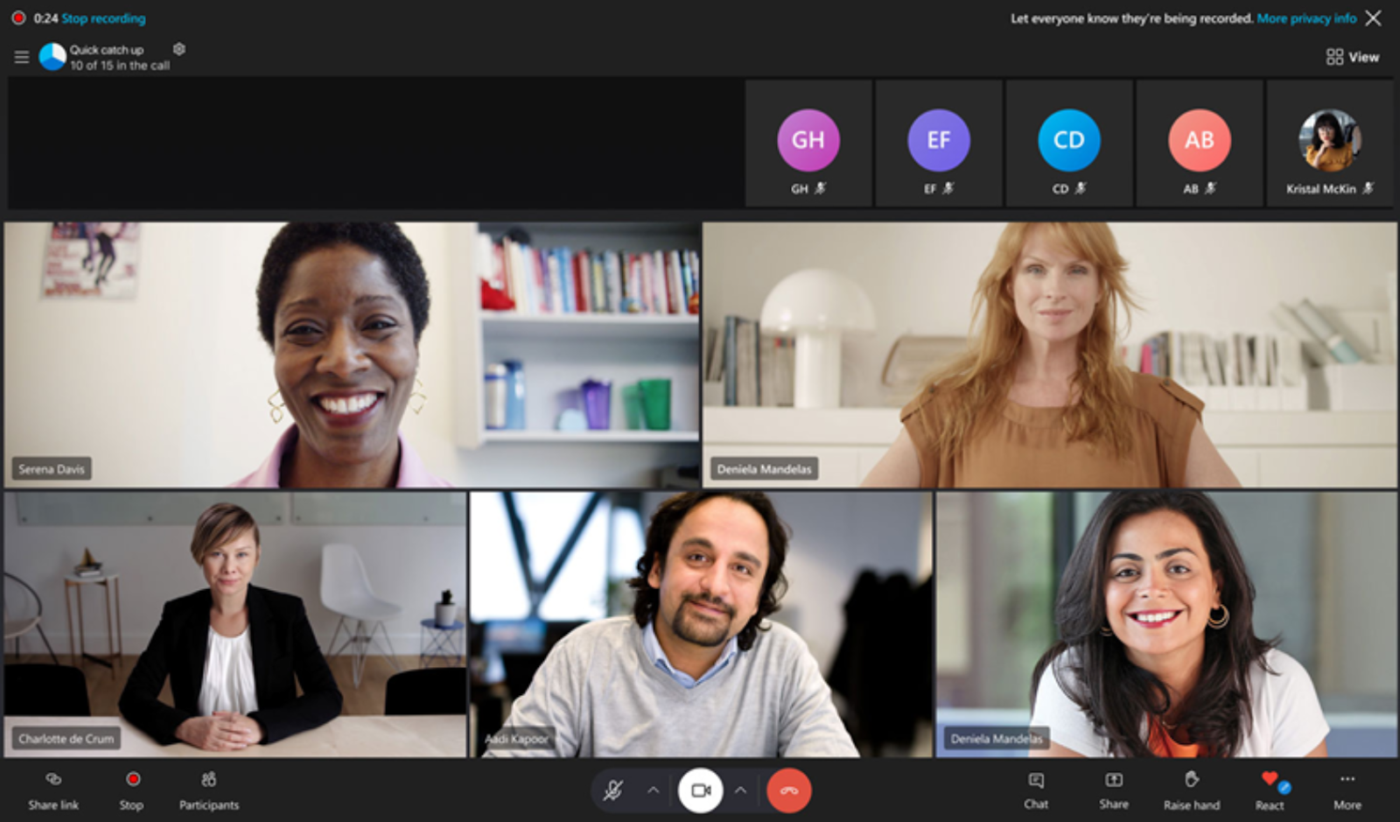
You’ve probably heard of Skype, a video-calling platform for teams across different time zones. But did you know it also offers meeting recording features?
Yes—Skype lets you record every video call you make on the platform. If it’s a broadcast call, Skype will auto-record it without requiring manual permission.
Before recording starts, all attendees are notified, and the footage is available for download for 30 days.
A Capterra user specifically likes how effective Skype is and says:
Skype is relevant and powerful in 2024. It evolves with its business needs and has a good reputation worldwide. Its stability is why I use it.
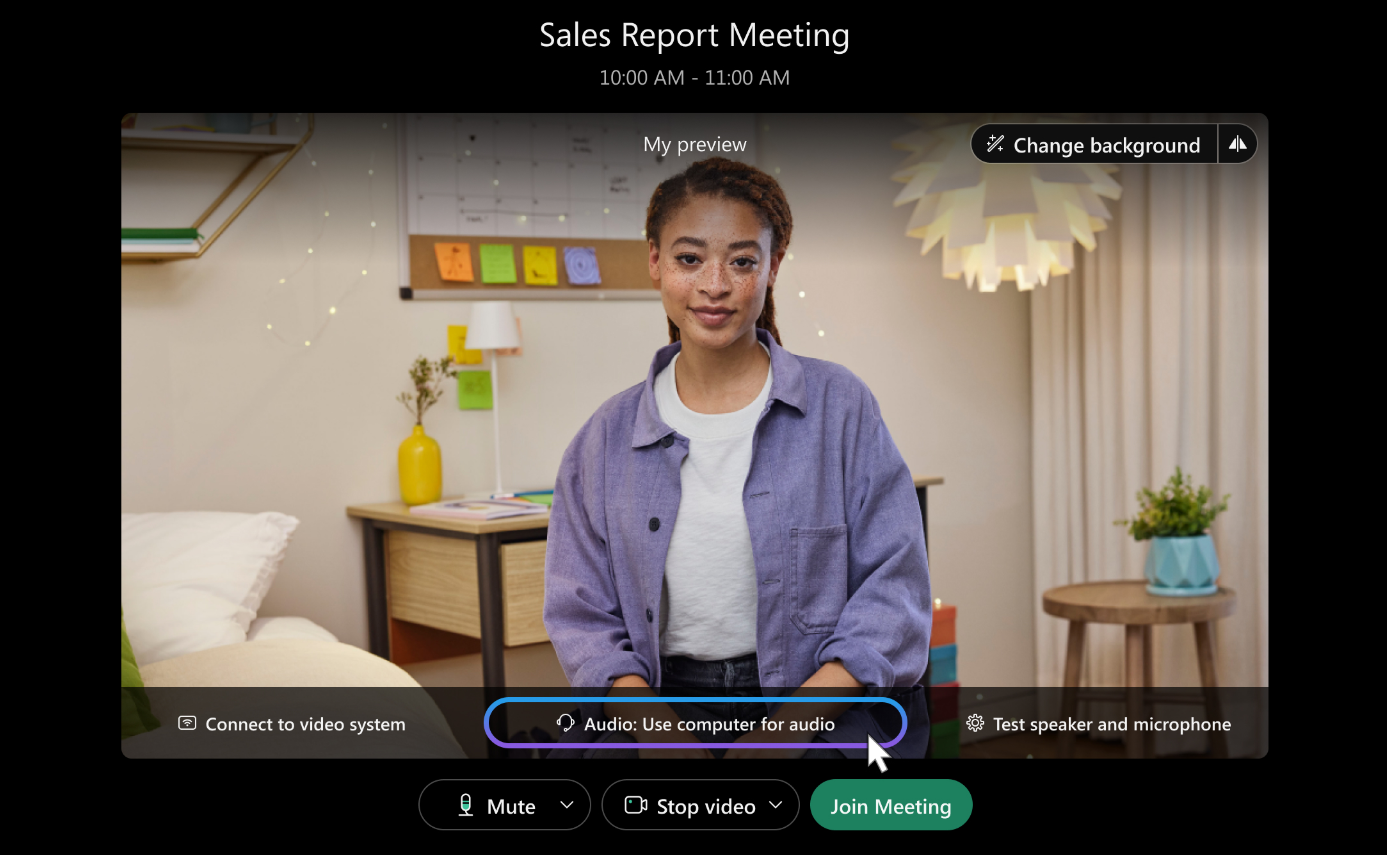
Webex, though known for its rich suite of meeting recording features, its automation and high quality are the best parts.
It records all meetings in professional HD quality. Plus,
Webex uses powerful AI to support real-time transcription, captioning, noise removal, voice optimization, and more during your conversations.
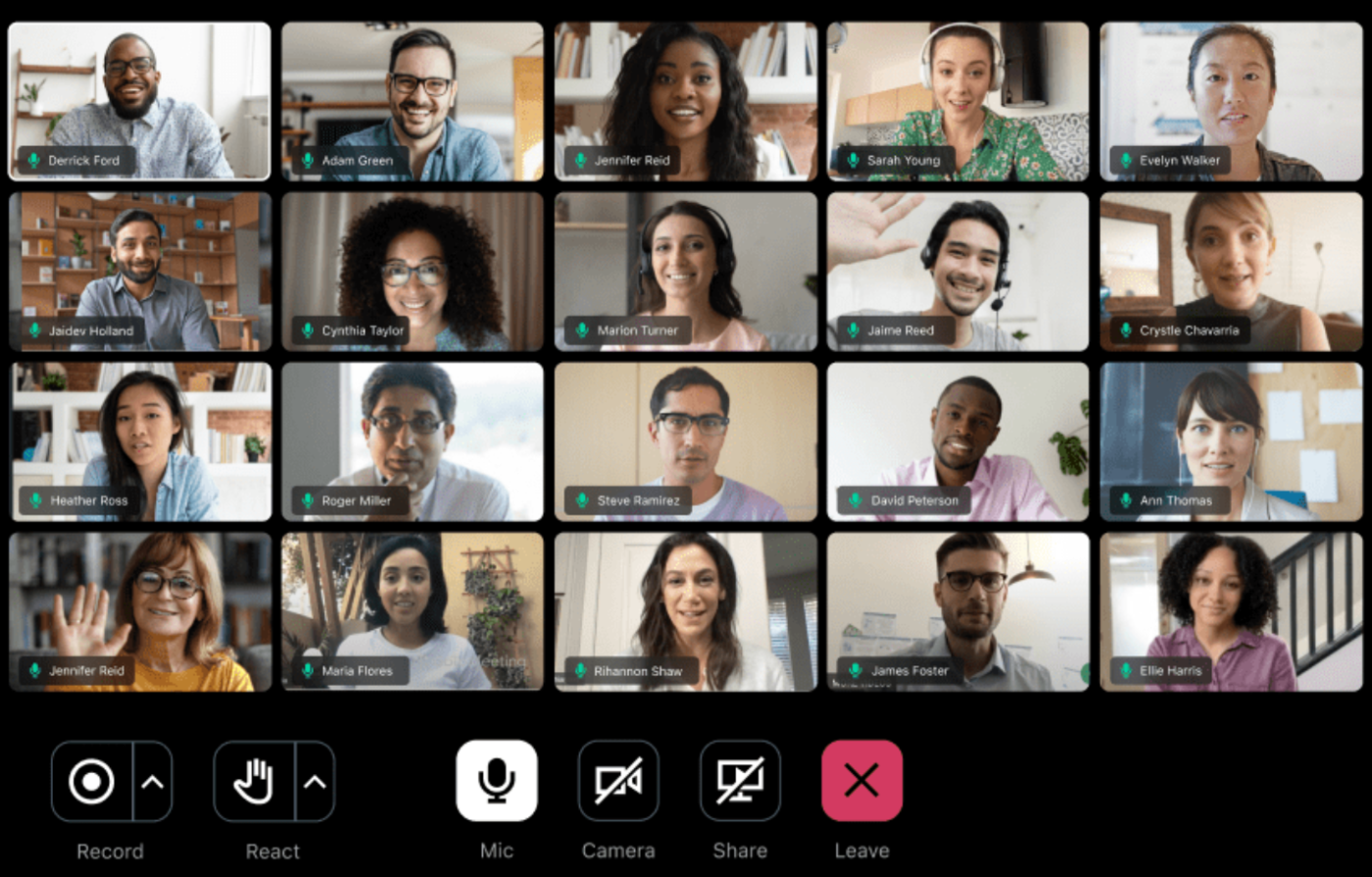
GoTo Meeting is a collaborative meeting conferencing software. You can host secure online meetings with your team across different countries using it.
As for its meeting recording functions, they are pretty basic. GoTo Meetings lets you capture meetings with accurate, AI-generated transcripts. Additionally, you can save the recorded content in the cloud and share it via different channels like email, Slack, etc.
A Capterra user likes GoTo Meeting for its recording quality, stringent privacy protocols, and ease of setup:
The video and audio both look and sound fairly decent. The platform’s emphasis on user privacy is a particularly attractive feature. The success of any solution to a user’s problem hinges on how quickly it can be implemented. All of the meetings are safe and sound.
These 11 tools provide a solid foundation for effective collaboration, from transcription and note-taking to AI-powered action item extraction.
Meeting recording software enhances team collaboration and boosts productivity by ensuring no key detail or action item is missed. While it may seem optional, it is essential for smooth communication.
ClickUp steals the show with its all-in-one platform. It seamlessly blends meeting recordings, task management, project tracking, and team communication into one efficient workspace, powered by AI.
Hurry up—Sign up on ClickUp today!
© 2025 ClickUp