Sorry, there were no results found for “”
Sorry, there were no results found for “”
Sorry, there were no results found for “”
What is the first thing you do when you reach your workplace? You likely check your Microsoft Outlook when you sit down to work like a ritual.
It is one of the popular enterprise email services, garnering favor because of its integration with other useful Microsoft tools and productivity tools, such as Evernote.
To make your life easier, I tried out 10 Microsoft add-ins for my Outlook account to help me keep track of emails, events, meetings, and other aspects of my busy schedule.
In this blog, we’ve compiled a list of these Outlook integrations—maybe they can help you too!
Before you can go on plugging in your favorite Microsoft add-ins to your Outlook account, make certain of a few things first:
In my quest to enhance work productivity, I have tested ten distinct and uniquely functional Outlook integrations over the past few months.
Below is a list curated to summarize the most helpful features, limitations, and price points.
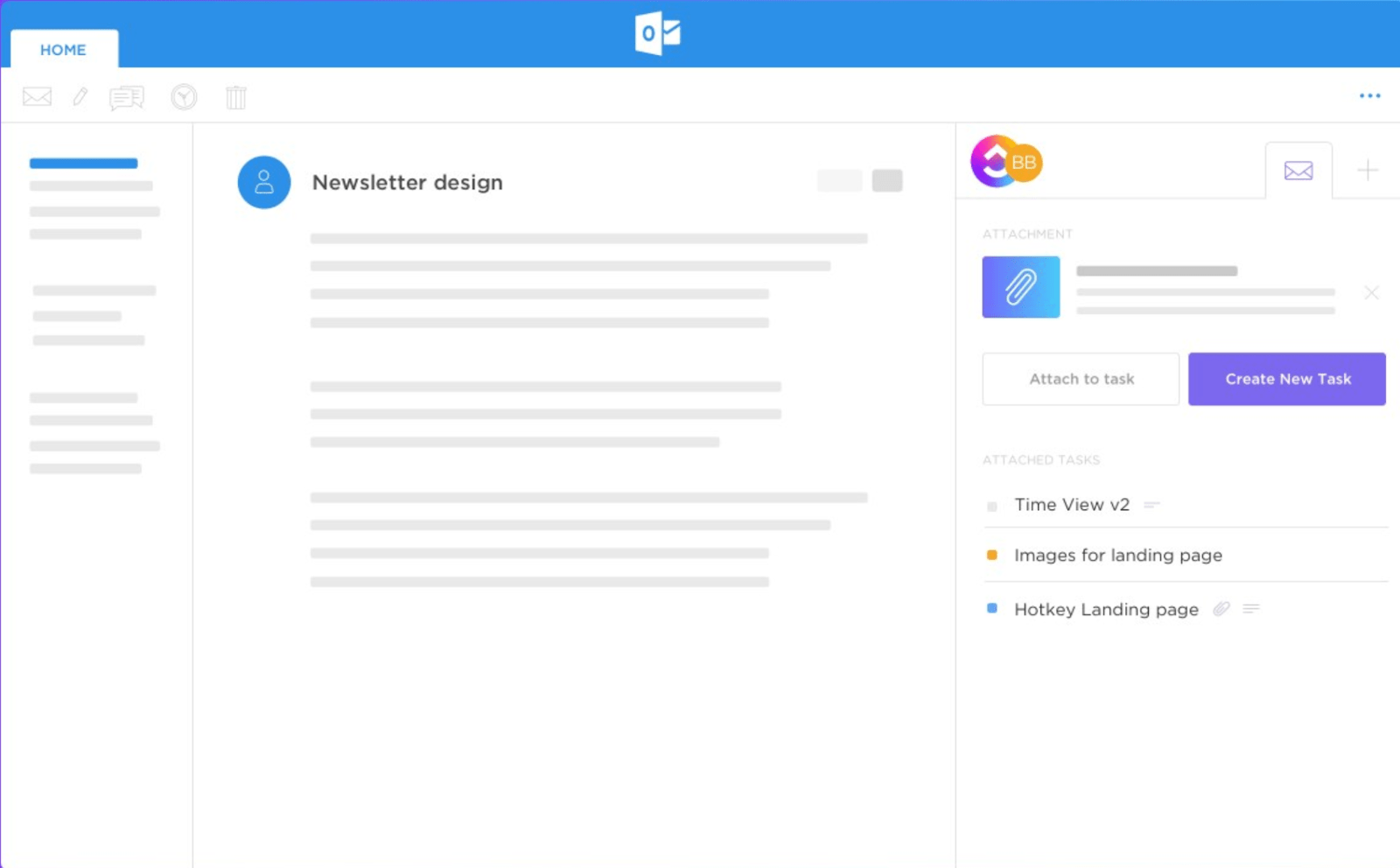
With ClickUp’s Outlook integration, you can easily convert your Outlook emails into tasks and keep track of important messages.
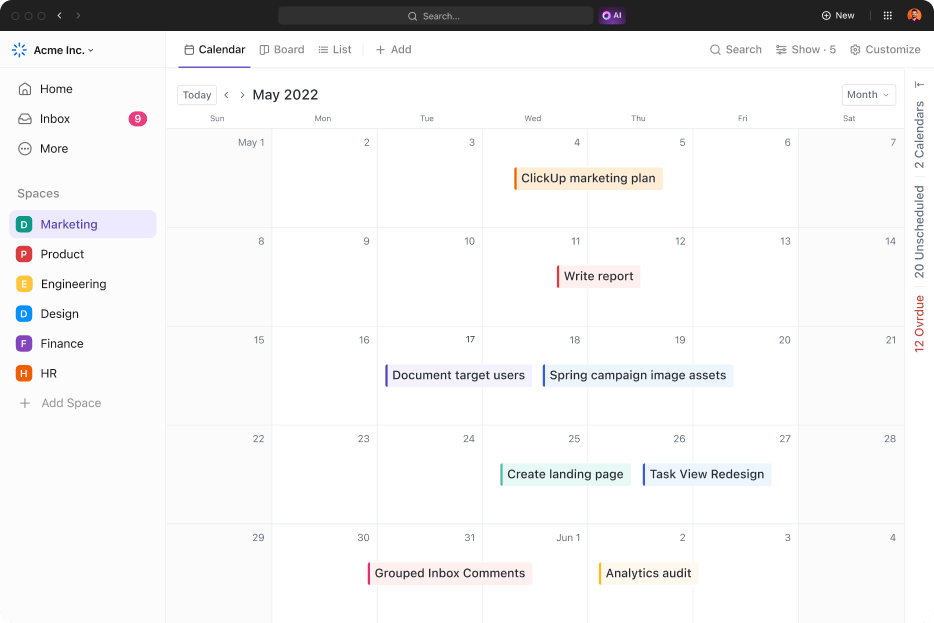
I recommend ClickUp for Email Management because it gives me over 15 customizable views to track and organize my work. This way, I can visualize, monitor, and even track my inbox data effectively.
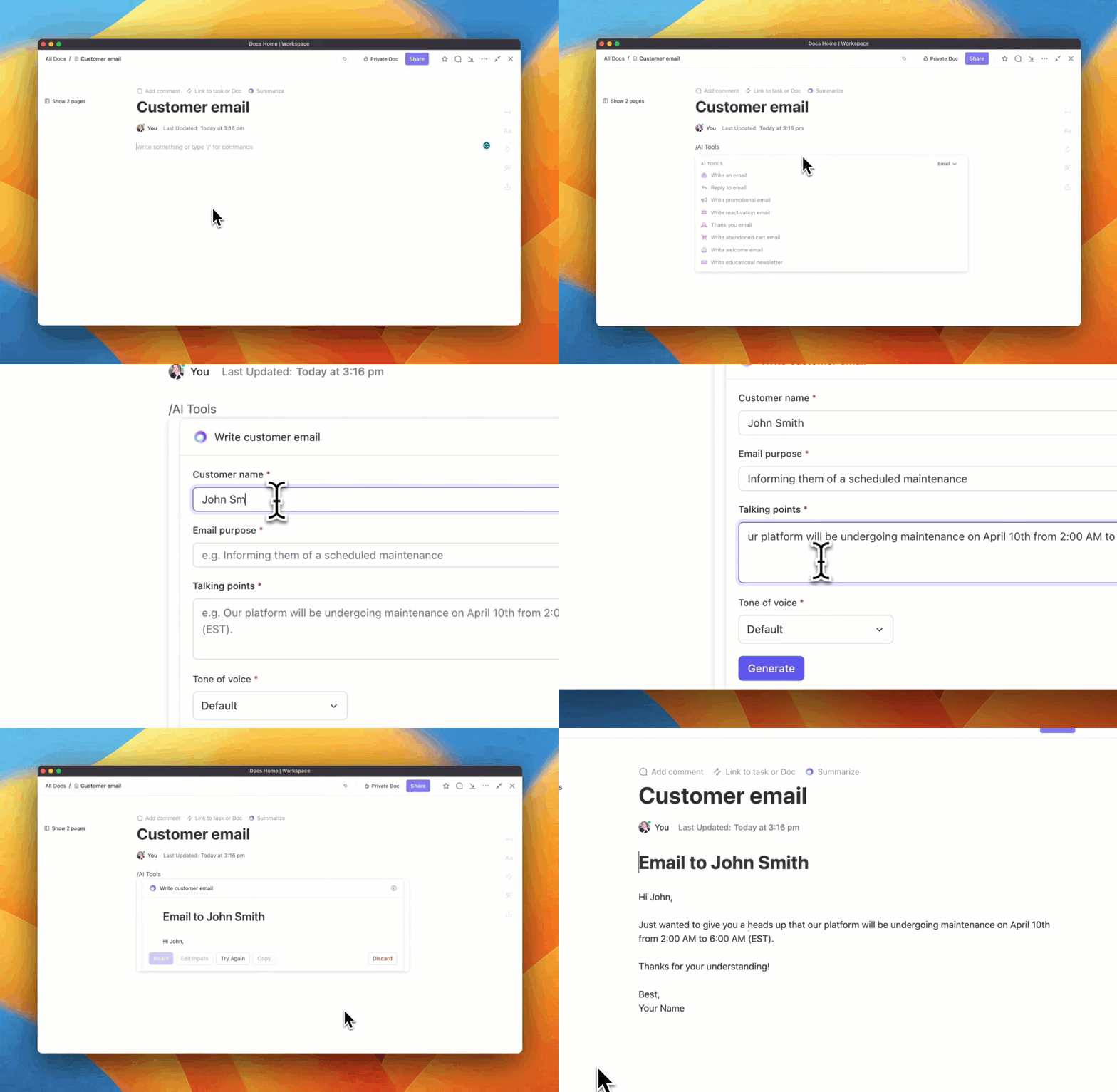
Additionally, ClickUp email templates come in handy to draft responses quickly and enhance my productivity. The templates are a quick way to draft my outreach and campaigns or to reply to my clients. I could also quickly generate email summaries, outlines, threads, and other content using ClickUp Brain. The best part is that you can also use ClickUp with Gmail.
Overall, I found ClickUp to be an excellent inbox and email project management tool to track and organize all my work in one place.

Working with Dropbox was easy in Outlook, especially when sharing email attachments. This service is a boon for people who frequently share heavy files or a high volume of email attachments and struggle to keep their inbox capacity-free.
Dropbox Outlook integration allows you to save and share files directly from your Dropbox account.

Zapier has made its name in the niche of connecting apps together. It made my Outlook work easier—I could choose from thousands of popular apps to augment my workspace, such as Microsoft Excel, Facebook Lead Ads, Typeform, etc.
With Zapier, you can automate all those pesky email management tasks. Need to add a new email contact to your CRM? Create a Zap. Want to create to-do lists based on an emails? Zap can help there too. You get the idea.
The best part about Zapier integrations is that you don’t need to know the code.
📮ClickUp Insight: The results from our meeting effectiveness survey show that 18% of respondents rely on email threads for asynchronous communication. While emails allow detailed discussions without real-time meetings, too many threads become overwhelming and difficult to track.
Transform email chaos into organized action with ClickUp’s Email Project Management. Instantly convert important emails into trackable tasks, set priorities, assign responsibilities, and establish deadlines—all without switching between platforms. Keep your inbox manageable and your projects moving forward with ClickUp!

With Salesforce integrated into my Outlook, I stopped switching between platforms and spent more time selling.
It allows me to manage tasks, schedule meetings, and log emails and calls, all directly from my familiar Outlook environment. This eliminates manual data entry in both systems, saving valuable time.
I found it handy to view all my email outreach efforts for contacts, accounts, leads, opportunities, and cases inside Outlook.
With its sales-specific features, the tool can help you track whether your emails have been opened, clicked, or bounced. These insights can help email marketers unlock patterns in customer behavior.

I found the Zoom for Outlook extension quite handy. It lets me schedule a Zoom meeting from within Microsoft Outlook, which saves me a lot of time. Additionally, using this Microsoft add-on, you can easily add Zoom meetings to new or existing calendar events.
You do need to have either a Basic or a Pro account on Zoom.us—you can sign up for free. Having all your in-person and virtual meetings in one central location (your Outlook calendar) makes it easier for me to keep track of my schedule and avoid double booking.

Improve your documentation and approval process using DocuSign for Outlook. This Microsoft add-on helps you streamline your workflows and enhance productivity by providing prompt eSignatures to emails and documents.
I particularly appreciate the automatic generation of an audit trail for each agreement, which complies with the latest global security standards. Furthermore, signers and customers can return the signed documents to the original sender.

ClearContext is a hit-or-miss for many. This Outlook integration is useful because it provides one-click filing and allows me to convert my emails to actions. This tool is an indispensable asset for Outlook, especially for users who like to save important emails (like me).
I have been using ClearContext to manage my bulk emails more efficiently by filing them aside for later.

If you are a notetaker like me, you will find that Evernote for Outlook drastically eases your entire email composing process. Using this integration, I can easily move my notes to and from any email on Outlook.
It also allows me to save important emails from Outlook directly onto the Note app so I can access them from the app, too.

Manage your email attachments better using OneDrive for Outlook. This simple integration is a game changer for people who receive a high volume of email attachments.
It allows me to save multiple attachments to OneDrive in a single click, rather than downloading each one and then uploading it to the cloud storage.
OneDrive integration with Outlook helps me to be more collaborative and efficient at work by simplifying file sharing, promoting real-time documents, and ensuring accessibility across devices.

If you want to type professional-sounding emails without brainstorming too much, try Grammarly to save your time.
This tool flawlessly corrected all my hasty-typing spelling mistakes automatically and provided suggestions to make the sentences more impactful and direct.
The good part is that Grammarly Premium can identify passive voice and suggest an active voice alternative, an excellent way to write precisely and clearly.
An organized workspace helps enhance productivity. My work efficiency has increased since trying out the 10 Outlook integrations I’ve reviewed above.
These 10 integrations provide endless functionality for working on Outlook, from managing emails to taking notes and safely storing important emails.
I especially recommend the ClickUp email management integration because of its handy capability of creating email tasks. You may miss out on your emails, but once they become a task and are automated for reminders, you will stay on track.
That is exactly what ClickUp has helped me achieve at work. Sign up on ClickUp today!

Manasi Nair
Max 22min read
Manasi Nair
Max 23min read
Manasi Nair
Max 29min read

© 2026 ClickUp