
Sorry, there were no results found for “”
Sorry, there were no results found for “”
Sorry, there were no results found for “”
OneNote is a powerful, digital note-taking application developed by Microsoft. It provides a flexible and user-friendly platform for Microsoft account holders to create, organize, and manage notes, ideas, and information.
Designed to mimic the feel of a physical notebook, the OneNote app allows you to create sections and pages, making it easy to categorize and find your content. OneNote’s intuitive interface lets you type or handwrite notes, insert images, audio, video, and hyperlinks, as well as collaborate with others in real-time.
It’s a fantastic tool for students, professionals, and anyone looking to streamline their note-taking and information management. Available across multiple devices and platforms, OneNote syncs your notes to the cloud, so you can access them from anywhere, anytime.
Whether you’re using it for personal projects, team collaboration, or simply to keep track of your day-to-day tasks, OneNote is a versatile and dynamic solution to help you stay organized and productive.
But, it’s not flawless. In this guide, we’ll show you the strengths and limitations of OneNote. We’ll also explore some fantastic OneNote alternatives that might steal the spotlight and templates you can use.
OneNote templates are a preformatted OneNote page or default Notebook section that serves as a starting point for your notes, saving you time and effort in setting up the layout and design of a new page. These ready-made templates provide a structured framework that helps you maintain consistency and organization across your notebooks.
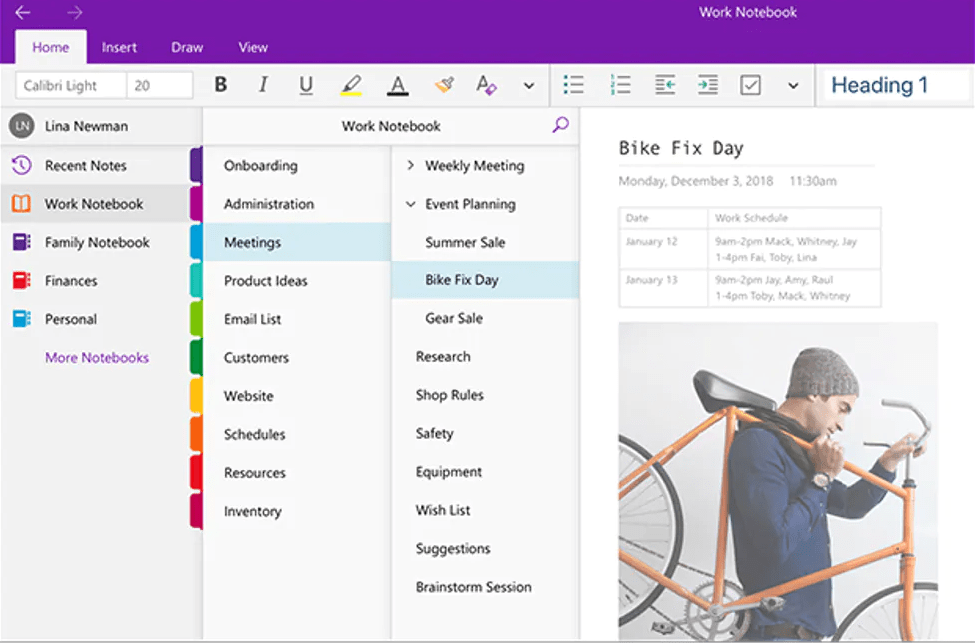
OneNote templates cater to different needs and purposes with a variety of designs and styles, so you should always find the perfect template for your use case.
There are several types of OneNote templates available to people with a Microsoft account. These templates cater to various action items, projects, and industries. Some of the most popular types include:
OneNote’s template library is continuously growing, with a variety of free and paid options available online to download. You can also create custom templates to suit your unique requirements and preferences.
Let us save you some Google searches with these seven best websites where you can find a variety of free OneNote templates to download and improve your productivity and organization.
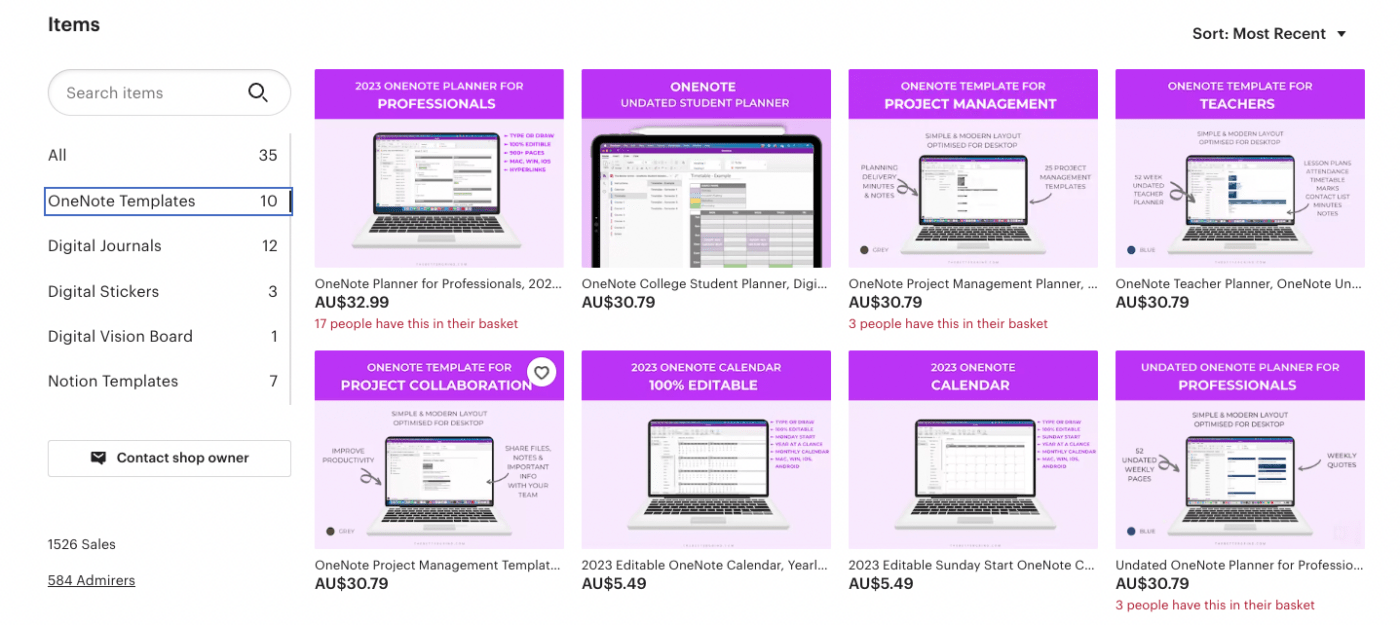
Discover a treasure trove of productivity-enhancing OneNote templates at The Better Grind website. Boost your work-life balance with their carefully-crafted selection of free templates designed to simplify your daily grind.
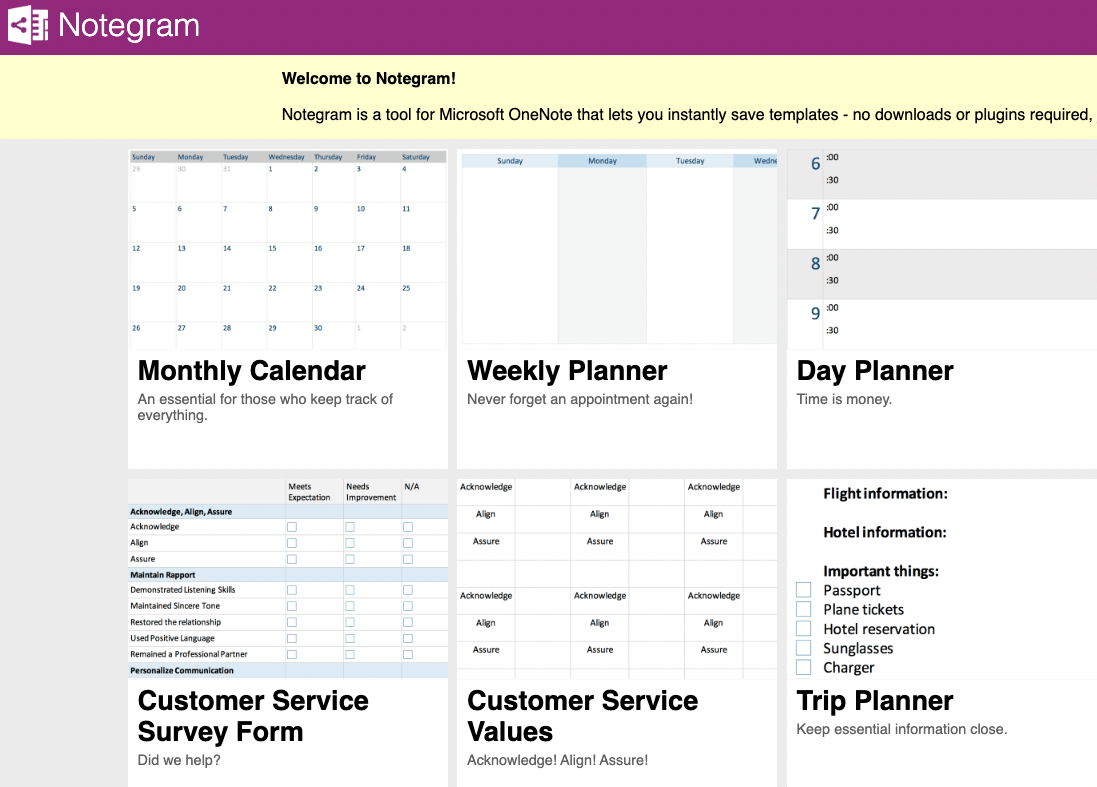
Venture into Notegram’s world of diverse OneNote templates, where you’ll find the perfect blend of functionality and design. The Notegram site caters to various needs, ensuring you’ll always locate the ideal free templates for your specific use case.
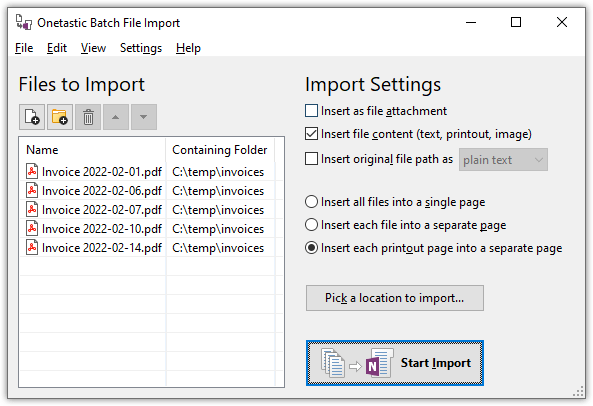
Dive into the versatile toolkit that Onetastic offers. This add-in for OneNote not only provides a range of handy template files to download from their website but also includes macros and custom styles, elevating your note-taking experience to new heights.
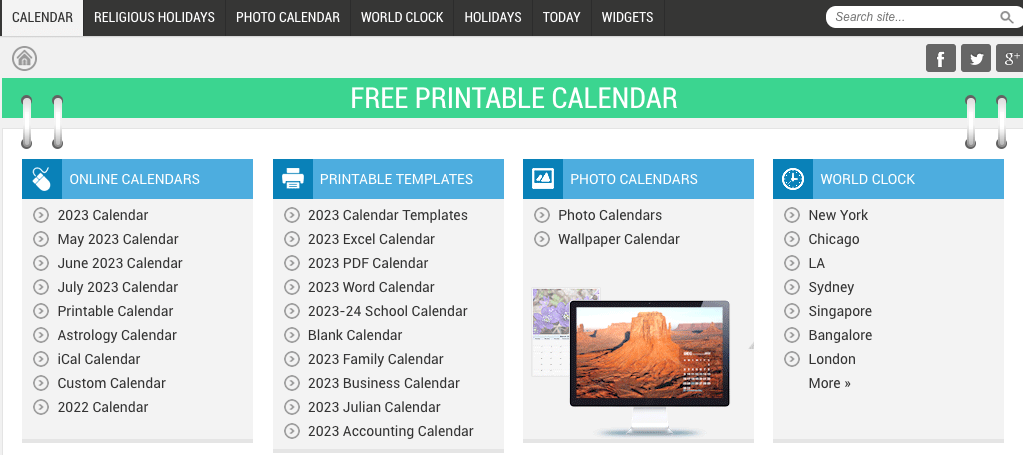
Mark your calendar and gear up for organized living with Calendarlabs. Their collection of OneNote templates offers a seamless way to integrate calendars, planners, and event trackers into your digital notebooks.
Embrace the art of decluttering with Simplify Days, a haven for minimalistic OneNote templates. While they’re not all free, these elegant designs focus on efficiency and simplicity, helping you achieve an organized digital space.
Experience the robust capabilities of Auscomp as this platform boasts a wide array of designs, covering everything from personal planning to business management. Trust Auscomp to deliver organization and structure to your digital note-taking journey.
While OneNote offers a robust platform for note-taking and organization, it’s important to acknowledge some limitations users have pointed out, especially when using OneNote templates.
Despite these limitations, OneNote remains a powerful tool with its broad range of features and capabilities. Still, it’s crucial to consider these factors to ensure it aligns with your specific needs and workflows for notetaking, or if there are better note taking apps available.
🎯Also Read: How to Use OneNote for Project Management
While OneNote is an excellent tool for note-taking and organizing your thoughts, ClickUp shines as a comprehensive productivity tool that could potentially serve your needs better.
Whether you need a better app for taking notes or file and calendar management options, pick from this list of free templates to download!
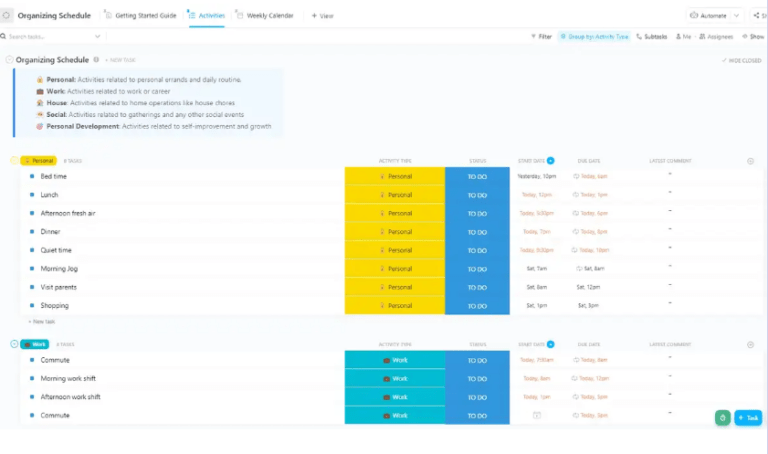
Keep track of your recurring events using the ClickUp Organizing Schedule List Template. This helps you guarantee a clean, organized overview of your events, ensuring nothing slips through the cracks no matter how busy your monthly calendar gets.
Additionally, this view comes with status updates, custom fields, and three view types—Activities, Weekly Calendar, and Getting Started Guide—to help you stay on top of your schedule.
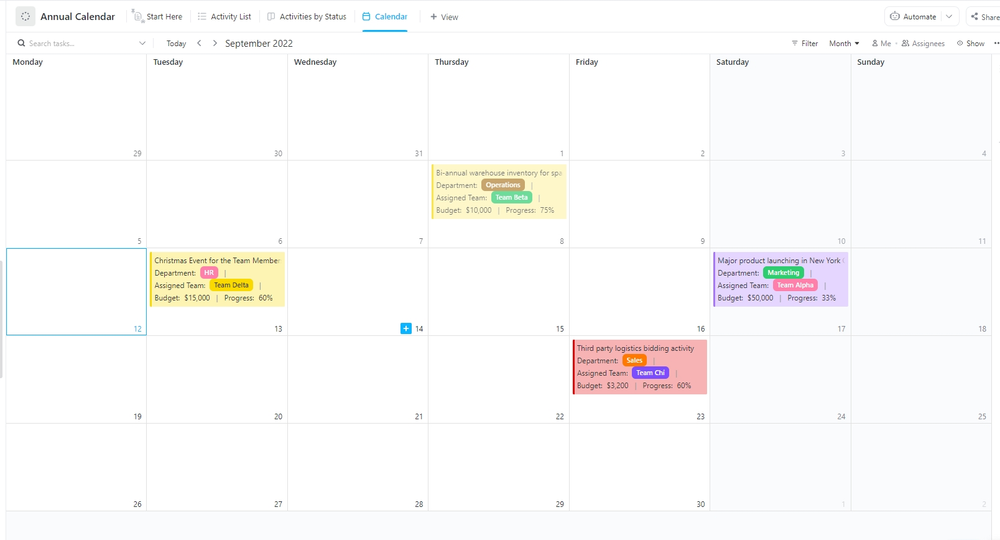
The ClickUp Annual Calendar Template helps you plan and monitor your company’s activities and goals for the entire year. This free option offers a clear picture of the target timeline and detailed activities needed to reach your objectives. It has a complementary view to the medium-term action items on your monthly calendar.
The four view types—Calendar, Activities by Status, Activity List, and Start Here—provide different ways to visualize your annual plan, making it easier to stay on track and monitor progress.
Check out our comprehensive post complete with tips on how to make a great project management calendar.
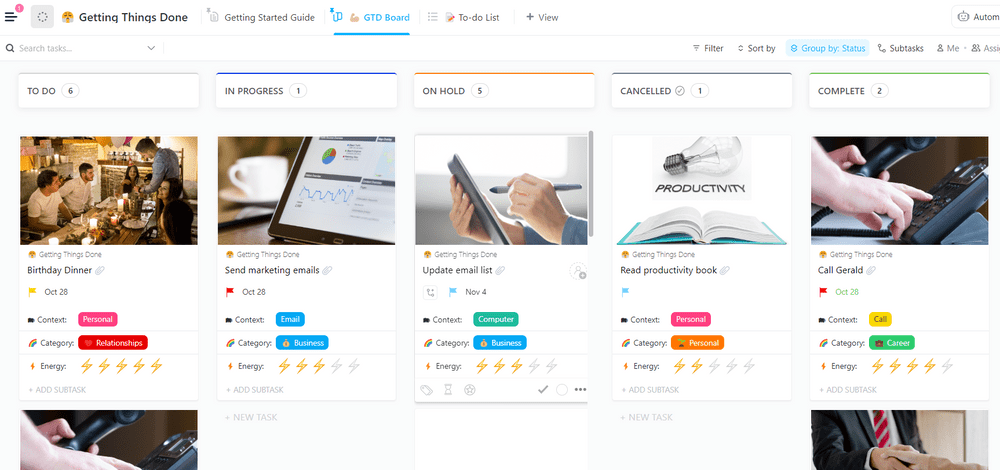
You can embrace the popular task management method with the ClickUp Getting Things Done (GTD) Simple List Template, created by productivity expert David Allen.
This format includes five statuses, three custom fields, and three view types—To-do List, Getting Started Guide, and GTD Board—so you know your to-do list will be well-organized and easy to manage.
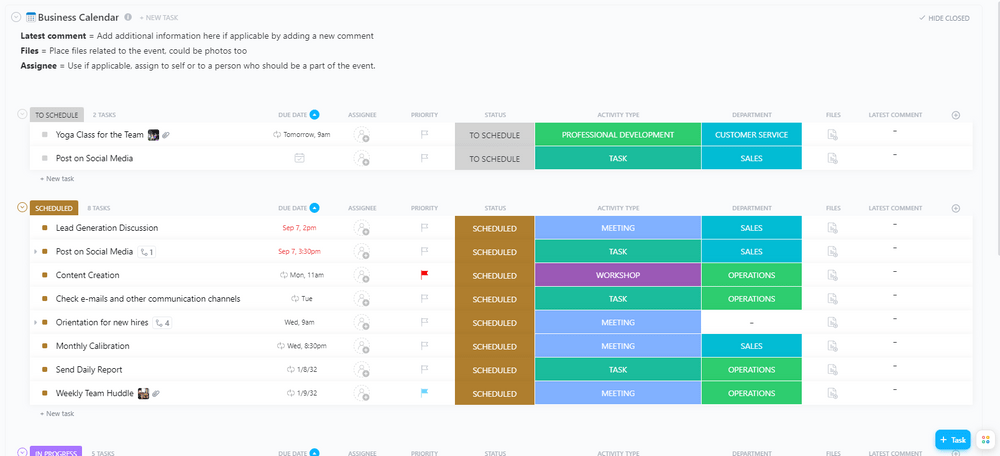
Stay on top of your work events with the ClickUp Business Calendar Template. This editable view keeps everything on your monthly calendar in one place, making it easy to stay organized.
Tailor it to suit your specific needs with custom fields and status updates so you can capture all the relevant information about your next meeting. The Business Calendar template is a valuable tool for managing your work events and keeping your team informed of important dates.
Revolutionize your meeting notes with ClickUp’s Meeting Notes Template. This template keeps your team’s discussions on track with meeting agendas and structures for capturing an agenda, notes, and action items. Whether it’s for a detailed weekly team meeting or a quick daily standup, this template makes sure every meeting is productive and well-documented.
Then use ClickUp’s AI feature to summarize your extensive AI generated meeting notes into meeting minutes and pull out insights and action items. 🤖

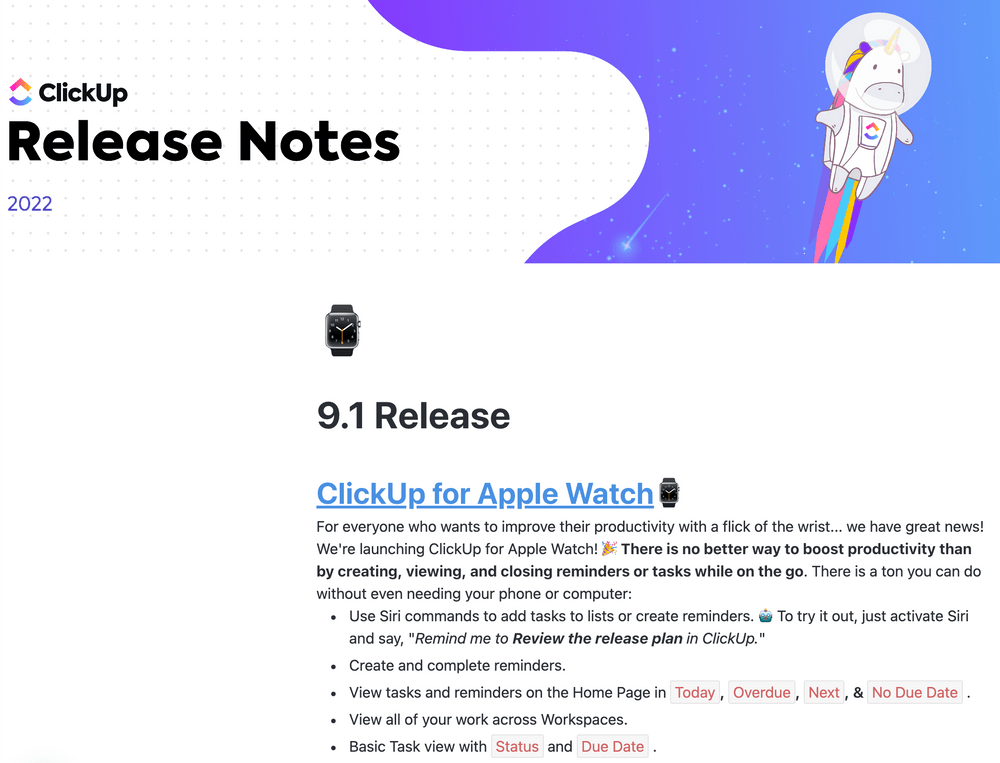
The ClickUp Release Notes Template is perfect for creating and sharing release notes with your team or clients with the ability to embed a file or create a task directly from the Doc.
This Doc follows the same structure used by ClickUp Product Teams to share product updates both internally and externally. It offers a professional and efficient way to communicate important information about your product releases, ensuring your audience stays informed and engaged.
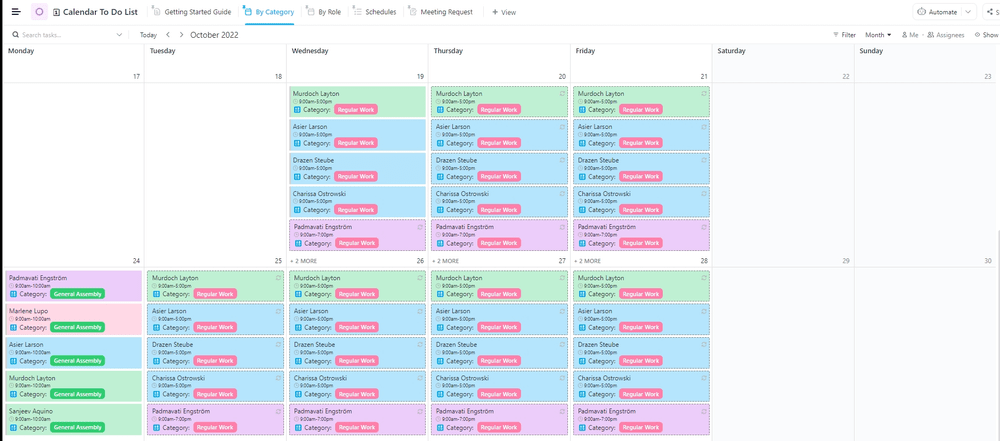
Efficiently manage your work hours, expectations, and goals with the ClickUp Calendar To-Do List Template. This offers a convenient snapshot of your weekly, bi-weekly, or monthly calendar outlook, enabling you to plan and prioritize based on your current role and responsibilities. The view includes two statuses and four custom fields, providing ample flexibility to customize it according to your specific needs.
With five view types—Meeting Request, By Role, By Category, Schedules, and Getting Started Guide—you can easily visualize and navigate your to-do list, ensuring you stay organized and focused on what matters most. This is just a taste of all the free to-do list templates available from ClickUp.
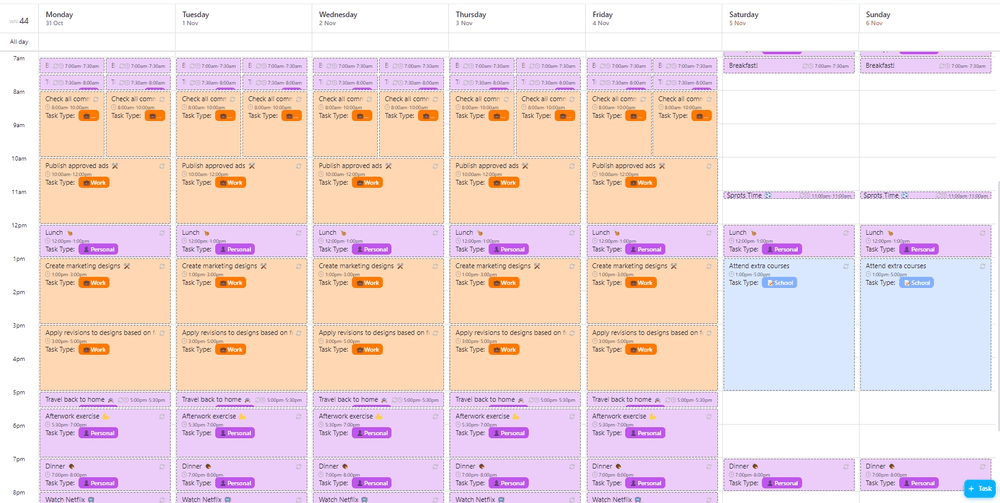
Maximize productivity with the ClickUp Weekly Calendar Template, designed to help you monitor and review action items on your calendar efficiently.
Prepare for a productive week with four status updates, three custom fields, and five view types—Getting Started Guide, Weekly Calendar, Completed Tasks, All Tasks, and This Week. There’s no better way to get well-organized and accessible.
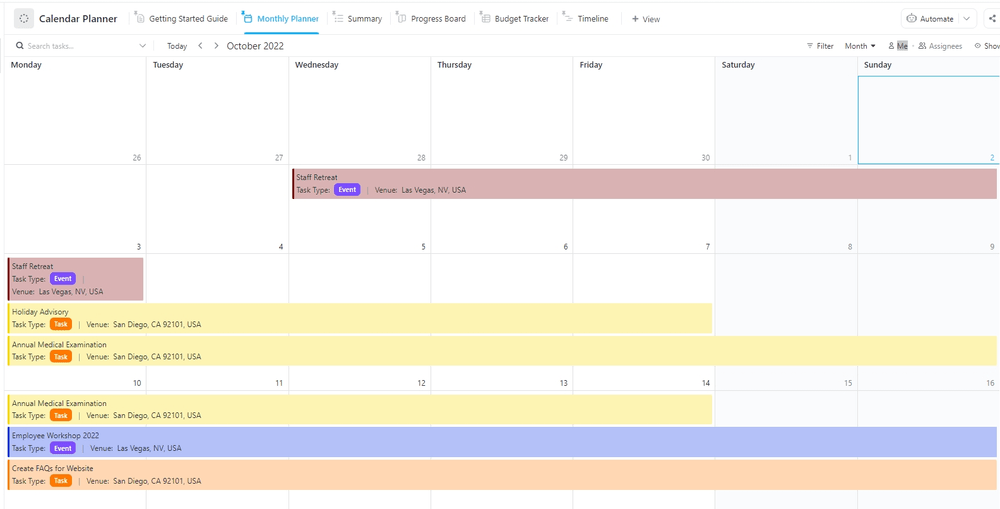
Streamline your activities and stay organized with the ClickUp Calendar Planner Template. This all-in-one solution neatly summarizes your action items, meetings, and events, ensuring you never miss a beat on your monthly calendar.
This view boasts six statuses, 10 custom fields, and six view types—Summary, Progress Board, Timeline, Monthly Planner, Getting Started Guide, and Budget Tracker. If you need even more help finding a comprehensive and customizable planning tool, we’ve created a list of top-tier schedule templates just for you.
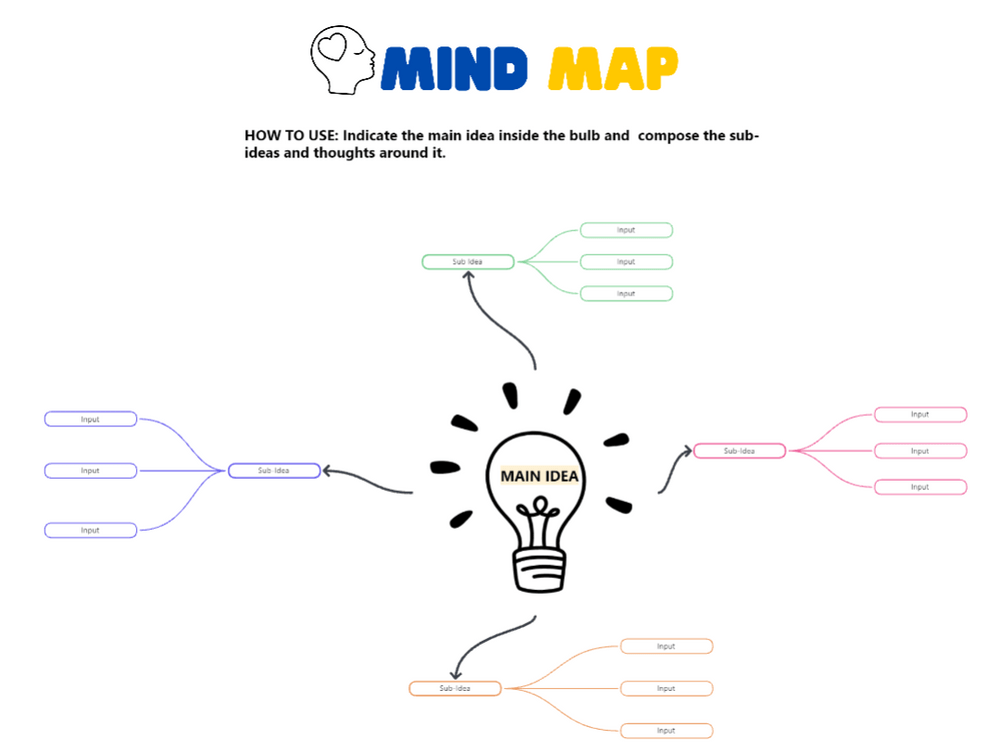
Unleash your creativity and organize your thoughts with the ClickUp Blank Mind Map Template. This visual tool helps users focus on the main idea while branching out to related concepts.
Featuring two statuses, this tool is a versatile and efficient way to map out your ideas, brainstorm, and problem-solve. We’ve got the ultimate resource on the best whiteboard software on the market if this feature has you excited about the possibilities of using digital whiteboards to plan your next project.
ClickUp offers a powerful and versatile alternative to OneNote templates, addressing a variety of organizational and productivity needs. Whether you’re a student, professional, or simply looking to improve your productivity, ClickUp’s diverse range of templates can help streamline your workflow, enhance collaboration, and ultimately, boost your efficiency.
Visit ClickUp’s template center and experience the difference for yourself.
Yes. You can design a page, save it as a reusable template, and apply it across notebooks—though customization features are more limited compared to tools like ClickUp Docs.
Not natively. OneNote mainly integrates within the Microsoft ecosystem. For teams needing cross-tool workflows, platforms like ClickUp offer stronger integrations and automation.
ClickUp offers a large library of free templates—including calendars, meeting notes, GTD lists, planners, and mind maps—plus AI summarization and task automation built-in.
ClickUp templates tie notes, tasks, calendars, and workflows together in one system—making it easier to turn notes into action items and track progress.
Only at a basic level. They help structure notes, but lack timelines, automations, dependencies, and resource planning tools found in platforms like ClickUp.

Praburam Srinivasan
Max 27min read

PMO Team
Max 9min read
Praburam Srinivasan
Max 16min read

© 2026 ClickUp