

Sorry, there were no results found for “”
Sorry, there were no results found for “”
Sorry, there were no results found for “”
UML diagrams can work wonders when dealing with a complex project, such as system design or business process analysis. ✨
They serve as universal blueprints for projects, informing all contributors about what needs to be built, how it should function, and how different components interact. By visualizing various aspects of systems and processes, these tools foster collaboration and reduce the risk of errors, ensuring successful project outcomes.
In light of that, we’ll discuss 10 of our favorite UML diagram software of today.
We’ll break down their main features, pricing models, limitations, and user reviews to help you find the best tool for your workflow.
Unified modeling language (UML) diagrams are customizable workflows you can build and recreate ti improve work. Consider the following five features when choosing your next UML diagram tool:
These 10 handy UML tools will help you bring any idea to fruition in no time through complex UML diagrams. While most are paid, some offer free trial versions to new users, allowing you to see them in action before committing.
Check out our top UML diagramming tools and determine which ones are worth your time and dollar! ?
ClickUp is a versatile project management tool that can help you plan anything from a simple pizza party to a moon landing. ?
It sports an impressive collection of features and viewing modes, aka “Views.” These outlines let you tackle specific aspects of a project from various perspectives. Some of them are Mind Map and ClickUp Whiteboards for brainstorming and diagramming, Gantt and Calendar View for scheduling, and Form View for data collection.
When it comes to UML diagrams, ClickUp doesn’t disappoint. Creating diagrams is simple and intuitive with ClickUp Mind Maps. Add and customize nodes in one click, or rearrange them by dragging and dropping.
Collaborate with your team in real-time and insert images, videos, drawings, documents, website cards, or any other media to get your point across.
You can choose between two different Mind Map modes:
Another perk ClickUp offers is a wide selection of UML diagram templates. The tool offers professional UML diagrams through premade Workspaces and Lists, such as the ClickUp UML Class Diagram Template.
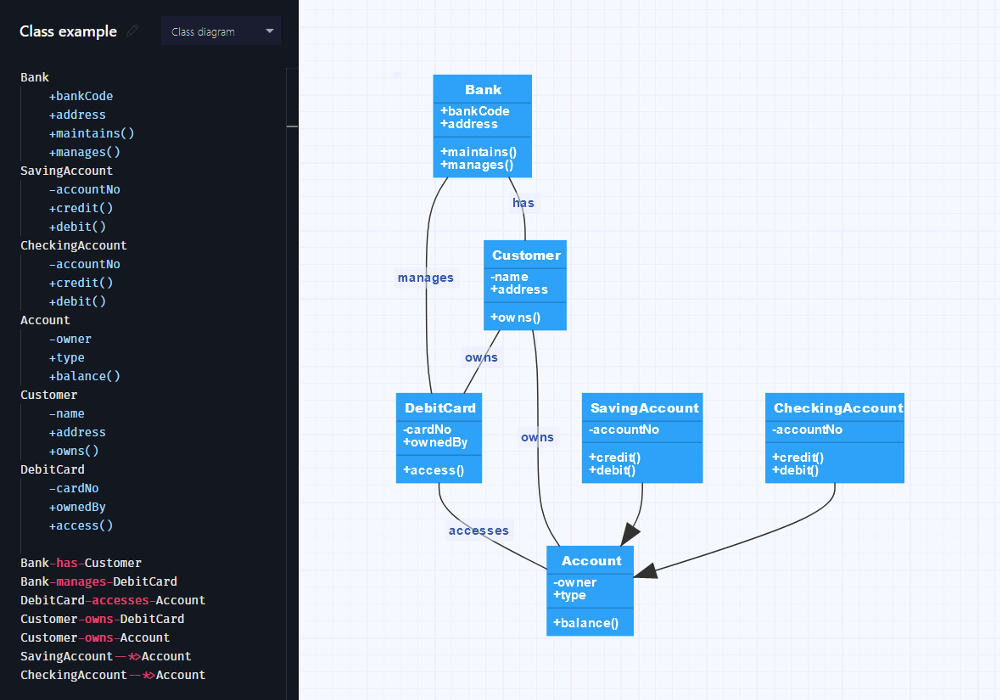
If you’re a software developer who embraces the keyboard as an extension of your hands, Gleek.io is right up your alley! ⌨️
It’s a tool that turns text into diagrams using its own unique syntax. It allows you to create simple and effective UML diagrams without much effort. You can use only the keyboard, as Gleek does most of the manual work for you.
You only need to write the node descriptions and, in the end, specify the relationships between them using preset commands. Gleek will automatically arrange nodes based on your prompts.
Besides, the tool lets you collaborate live with others, control versions, and use templates to get started quickly.
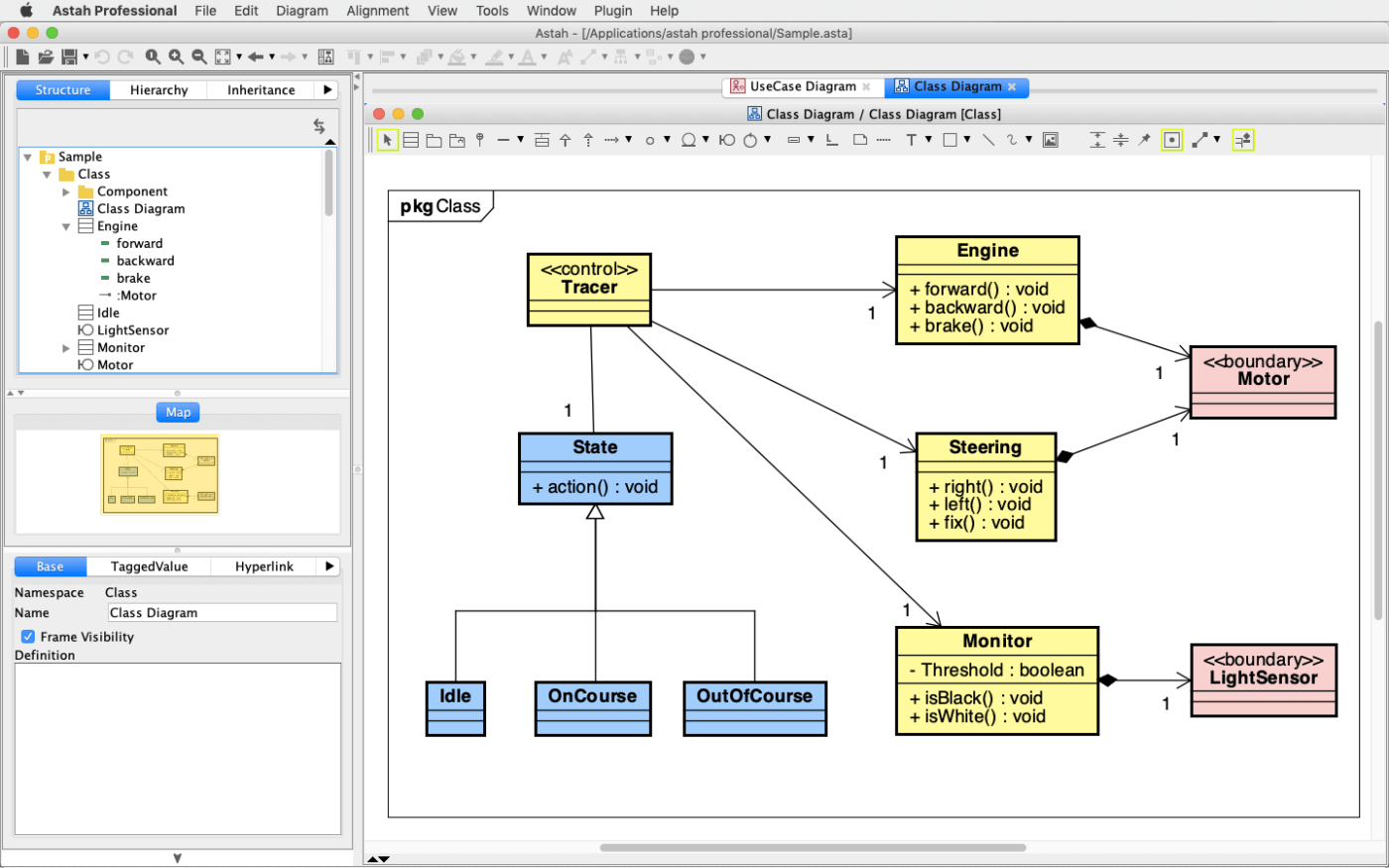
Astah is a modeling software comprising four tools for personal, team, and academic use:
Astah’s UML tool is lightweight and easy to use. It offers various functions to assist you in UML diagram creation. These include auto-create class diagrams, shortcut key customization, and project file merging. With numerous add-ons and integration options, you can easily tailor the tool to your preferences.
Another reason to consider Astah UML is the code generation and reverse engineering feature. You can auto-write code from an existing model or create models from code (in Java, C#, and C++).
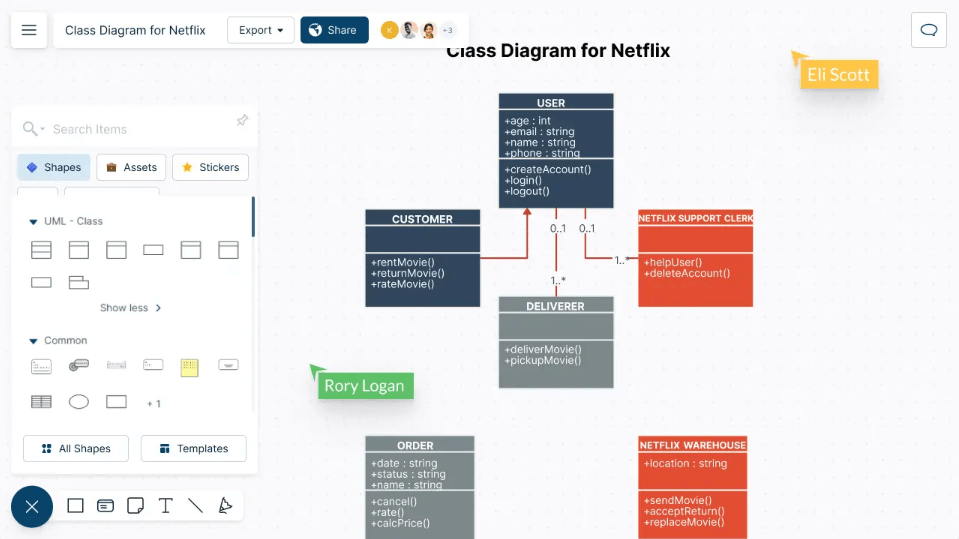
As its name suggests, Creately is a tool that allows you to unleash your creativity—even with mundane items like UML diagrams! ?
With its comprehensive diagramming and design capabilities, it revolutionizes visual collaboration. With zero coding skills, you can create anything from UML diagrams, class diagrams, sequence diagrams, and flowcharts to BPMN flows and process maps.
Start with an infinite canvas and visualize any system or activity using the drag-and-drop functionality. To save time, start with one of the numerous templates.
Creately has also made collaborating on diagrams realistic and hiccup-free. It provides multi-cursor support, ultra-fast preview syncing, and in-app video chat.
Like ClickUp, Creately offers more general project management tools to help you tackle work—it serves as your project Wiki. Use it to define workflows, rules, and role-based access and align data across all project elements.
*All listed prices pertain to the annual billing model
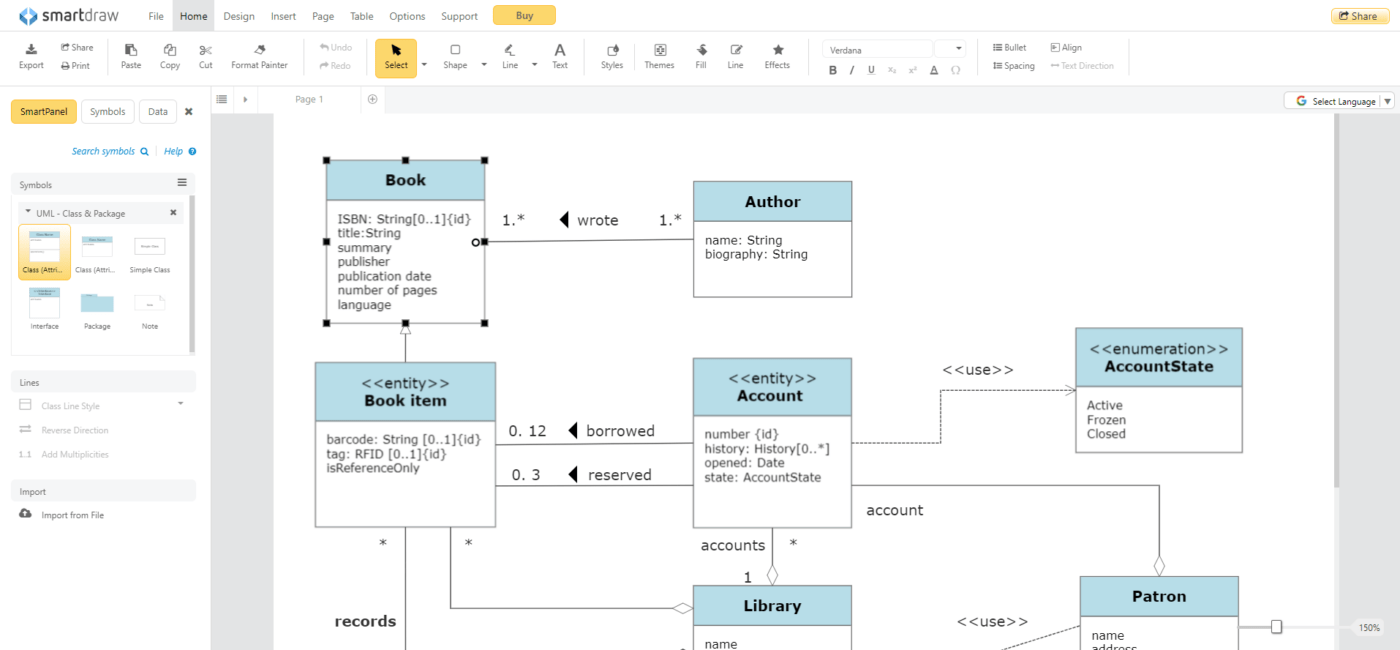
SmartDraw is a diagramming tool that advertises itself as an affordable Visio alternative. It allows you to create over 70 types of diagrams, all with templates for quicker setup.
The diagram creation process itself is intuitive, thanks to the intelligent formatting engine. You can add, remove, or reposition shapes as you please, knowing that the rest of the diagram will automatically adapt to the new arrangement.
You can rest assured that your diagram will appear professional through automatic spacing, alignment, and color schemes. ?
The tool supports collaborative work—you and your team can share files and add comments, notes, and hyperlinks to any shape.
With the built-in extensions, SmartDraw will create diagrams for you from any data source you feed it. Like Gleek.io, it enables you to generate diagrams based on existing code from your GitHub or local repository.
*All listed prices pertain to the annual billing model
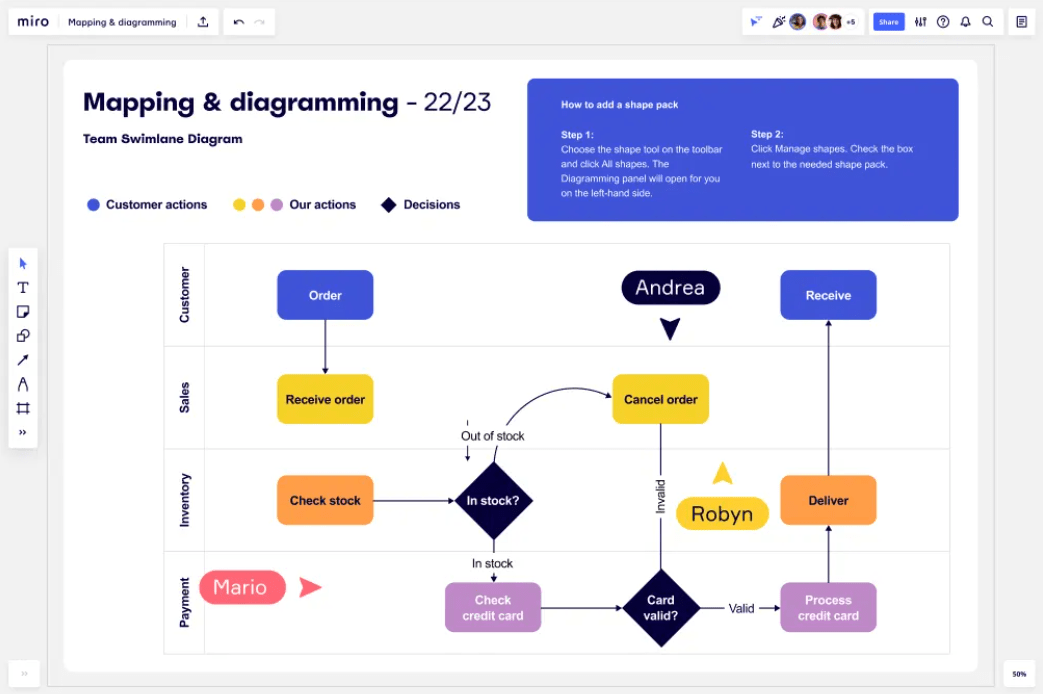
Whether working alone or with a remote team of 10, Miro helps you create stunning diagrams to visualize your workflows and foster collaboration and communication.
Miro’s user-friendly interface makes diagramming as easy as pie for everyone. ?
Begin by gathering all the data onto a single board. Make the diagram from scratch using over 2,000 shape options or start with one of many templates and start building with drag-and-drop functions.
With the help of Miro AI, you can generate a UML diagram in seconds from any text prompt. You can also transform code into a UML diagram thanks to Miro’s Mermaid and PlantUML apps.
Besides diagramming, Miro offers many other functionalities, including virtual collaborative workshops, strategic planning, and Scrum Events for agile teams.
*All listed prices pertain to the annual billing model
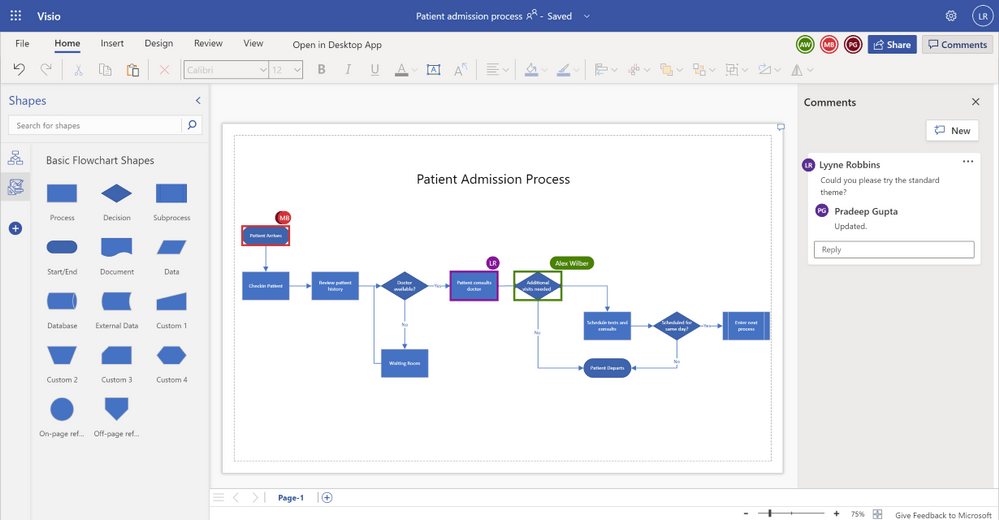
From the minds over at Microsoft comes Visio, a simple but robust tool for crafting diagrams and flowcharts.
If you’re used to working in Office 365, Microsoft Visio will make you feel at home. Not only will the UX be familiar to you, but you can also integrate it with many other Office programs you use.
Visio offers dozens of pre-built templates, stencils, and thousands of customizable shapes. Its diagrams are clean and easily understandable.
It’s also one of the few diagramming apps with accessibility features. With the Narrator, Accessibility Checker, and high-contrast mode, this tool is designed with inclusivity in mind.
As far as collaboration is concerned, you can edit the UML diagram in real time, share it with your team, and invite others to pitch in their thoughts in the comments. ?
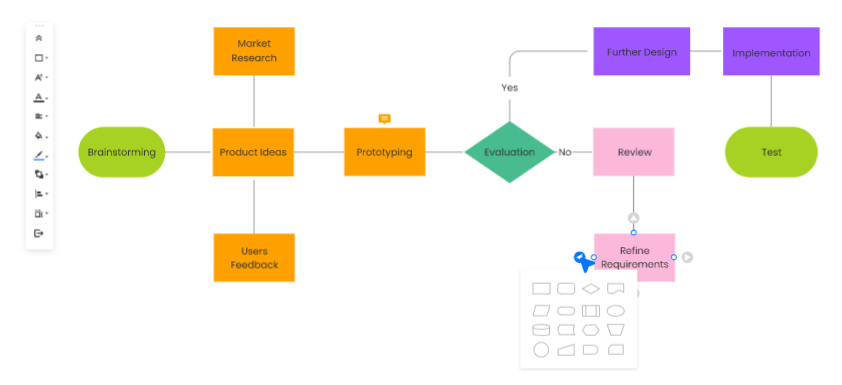
EdrawMax is a tool that can take your diagramming game to the next level. ☝️
It’s a cloud-based infinite canvas, allowing your team to collaborate and produce effective diagrams that serve their purpose.
EdrawMax has one of the most extensive template libraries in the business, featuring:
To craft your diagram, add shapes and symbols, choosing between 26,000 options. Shapes auto-connect and align for your convenience. To introduce additional information, add hyperlinks and notes. You can even generate PowerPoint slides without leaving the app.
One of EdrawMax’s most recent features is Edraw AI, the diagramming assistant. It enables you to build diagrams in one click. Thanks to this feature, you can avoid all the manual work and focus on what’s important.
*The listed price refers to the annual billing model

To see your ideas take shape and become a reality, give Moqups a try! It’s a cloud-based design software that lets you create anything from simple wireframes and mockups to complex interactive prototypes.
It also supports diagram creation, with over 100 ready-made, customizable diagram templates and a stencil set dedicated specifically to UML diagrams.
With its advanced editing features, Moqups lets you fine-tune every diagram aspect. It offers drag-and-drop elements and a wide range of fonts, formatting options, and icon sets. Some of the most notable tools include multi-level undo and redo, object locking, rulers and grids, and vectorial zooming for effortless scaling. ⚖️
You can also upload ready-made designs to Moqups and quickly turn them into interactive prototypes.
Moqups is ideal for collaborative work. You can brainstorm, organize, design, give and receive feedback, and present to stakeholders—all within a single platform.
*All listed prices pertain to the annual billing model
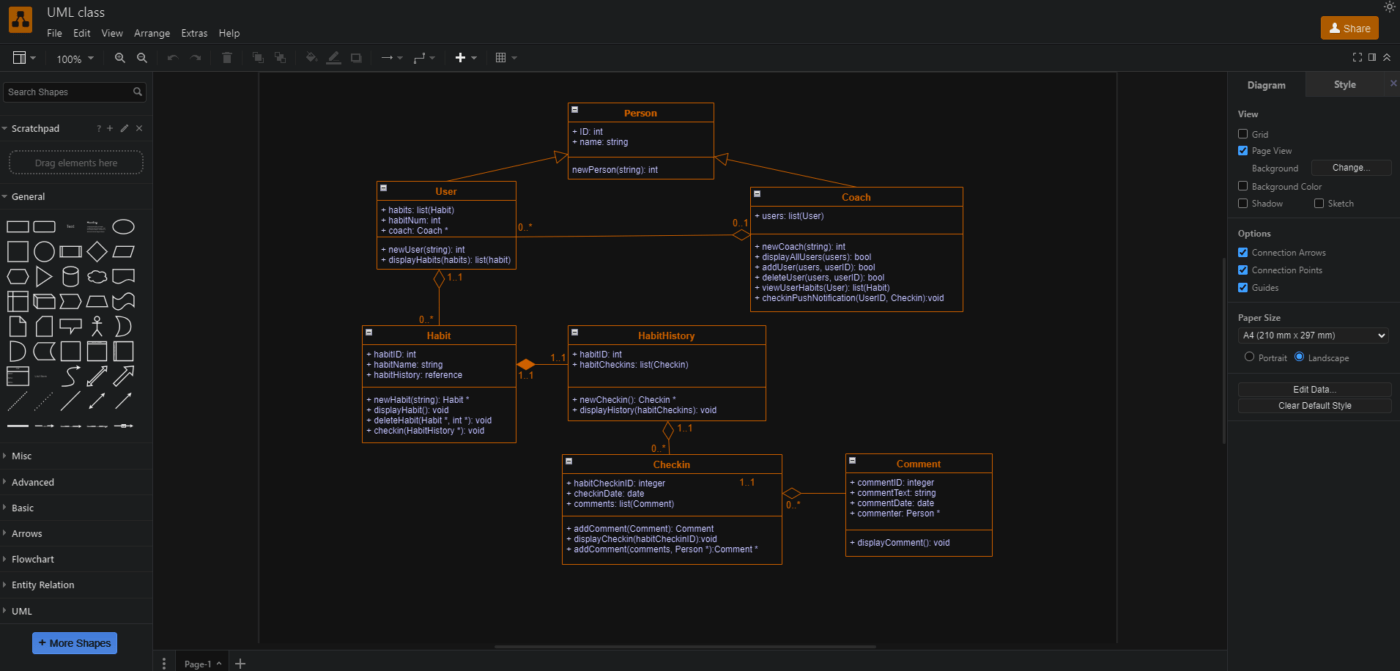
Formerly known as Diagrams.net, Draw.io is a powerhouse in the world of diagramming tools. It offers some of the most advanced drawing features out there. It’s also a security-first tool, letting you choose where your data will be stored. ?
Browse the vast library of templates and smart templates, which create diagrams for you based on text descriptions. All drawing is done on a customizable grid, with positioning guidelines to help you arrange to perfection.
Since it would be impossible to list them all, here are some Draw.io features to consider:
You can even customize the editor and change its theme or language. Draw.io enables real-time team collaboration with shared cursors.
As you venture into your next UML diagramming journey, these tools will lead you to success. Each brings something unique to the table, from automatic diagram generation to enhanced security features.
You can’t go wrong with whichever of these UML diagram software you choose. All are engineered to elevate your diagramming experience, facilitate collaboration, and drive project excellence. ?

Manasi Nair
Max 18min read

Arya P Dinesh
Max 23min read
Arya P Dinesh
Max 27min read

© 2026 ClickUp