
Sorry, there were no results found for “”
Sorry, there were no results found for “”
Sorry, there were no results found for “”
Many organizations still struggle to recognize and prioritize stakeholder engagement, even though projects with effective stakeholder involvement are significantly more likely to meet goals and business intent (PMI).
This guide walks you through identifying, analyzing, and engaging every person who can influence your project’s outcome, from mapping hidden influencers to tailoring communication strategies that drive real alignment and results.
It happens all the time. You launch a project, everything seems on track, and then an executive you’ve never met is suddenly furious because your work is disrupting their team’s entire quarter. This happens when you don’t know who your stakeholders are, and it’s a pain that can derail even the best-laid plans. This leads to frantic, last-minute changes, blown deadlines, and a serious loss of trust from leadership.
A stakeholder is any individual, group, or organization that can affect, be affected by, or perceive themselves to be affected by a project’s outcome. Understanding this is the first step to preventing those nightmare scenarios. It means seeing your project not just as a list of tasks, but as a web of people with different needs and expectations.
Unlike a team member who does the day-to-day work, a stakeholder has an interest or influence in the project’s success. They exist on a spectrum; some need to be in every key meeting, while others just need a high-level update once a month. The key is that identifying them isn’t a one-time task—new stakeholders can emerge at any stage of the project lifecycle.
You know you have stakeholders, but you’re treating them all the same. You send the same hyper-detailed report to your CEO and an end-user, and you get crickets from both. The CEO is annoyed by the noise, and the end-user is lost in technical jargon you thought was helpful.
This one-size-fits-all approach wastes your time and alienates the very people you need on your side. To stop this, you need to categorize them. Stakeholders fall into distinct groups based on their relationship to your project, which helps you tailor your engagement and stop sending the wrong message to the right people.
Internal stakeholders are people inside your organization who have a vested interest in the project. Their concerns usually revolve around how the project impacts resources, budgets, and company strategy. They often have direct authority over decisions.
Common examples include:
External stakeholders are individuals or groups outside your company who can influence or are affected by your project. Their concerns typically focus on deliverables, timelines, and contractual obligations. While they have less visibility into your internal processes, their influence can be immense.
This group often includes:
Within these groups, there’s another important distinction. Primary stakeholders are those who are directly impacted by the project’s success or failure. Think of your end-users, the project sponsor, and your core team.
Secondary stakeholders are indirectly affected. This includes groups like internal support departments (like IT or HR), industry organizations, or even the media. This distinction is crucial for prioritizing your communication—primary stakeholders need frequent, deep engagement, while secondary ones just need to be kept aware.
You think your only job is to get the work done and hit the deadline. You push the “people part” to the side, only to find your project stuck in endless review cycles or completely blocked by a key person you forgot to consult. Now, your project is late, over budget, and team morale has hit rock bottom because you didn’t get the right input at the right time.
This is why stakeholder management is not a “nice-to-have”—it’s a core function of successful project management. When you manage stakeholders effectively, you see real benefits—with projects meeting objectives 93% of the time versus just 15% for those with poor stakeholder management.
Ignoring this process introduces massive risks like scope creep, endless delays, and a complete lack of executive support. It’s a continuous effort throughout the project lifecycle, not a box you check at kickoff.
You’re about to kick off a new project, but you have a nagging fear: who am I forgetting? You’re worried you’ll miss someone critical, and they’ll surface three months from now to derail everything. This uncertainty can be paralyzing and leads to a weak start.
Missing a key stakeholder isn’t just an oversight; it’s a ticking time bomb. It means late-stage change requests, budget overruns, and awkward conversations where you have to explain why you didn’t involve them sooner. You can avoid this by using a systematic process to identify everyone who matters from day one.
Start with the obvious categories: who requested the project, who is funding it, who will use the final product, and who has to sign off on key decisions. Then, expand your thinking with a few prompting questions. Who benefits if this succeeds? Who loses if it fails? Who can block progress?
Involve your core team in this brainstorming session. They often have on-the-ground knowledge of people and teams you might overlook. Don’t filter your list yet—just capture everyone you can think of.
Next, mine existing documents for clues about who needs to be involved.
Look for names and roles in:
Pay close attention to approval workflows and compliance requirements, as these often point to external stakeholders like auditors or regulatory agencies.
Go directly to the source. Sit down with your project sponsor and ask them directly, “Who else needs to be involved in this? Who do you think might have concerns?”
Then, take that list and interview those department heads and key individuals. Ask them the same questions. This is also your chance to listen for the political dynamics and informal influence that don’t show up on any org chart.
Finally, trace the lines of dependency across your organization. Identify any shared resources—like budget, personnel, or critical systems—that create stakeholder relationships. Look for both upstream dependencies (who provides inputs you need) and downstream dependencies (who relies on your project’s outputs).
📮 ClickUp Insight: A typical knowledge worker has to connect with 6 people on average to get work done. This means reaching out to 6 core connections on a daily basis to gather essential context, align on priorities, and move projects forward.
The struggle is real—constant follow-ups, version confusion, and visibility black holes erode team productivity. A centralized platform like ClickUp, with ClickUp Connected Search and ClickUp AI Knowledge Manager, tackles this by making context instantly available at your fingertips.
So you’ve done your homework and now you have a list of 50 stakeholders. The problem is, you’re completely overwhelmed. Who needs a daily check-in, and who just needs a quarterly email? Treating everyone the same means you’ll either annoy powerful people with too much information or neglect the quiet champions who could be your biggest allies.
This is where you waste time and political capital. You need a system to prioritize your efforts. These simple frameworks help you move from a chaotic list to a clear action plan.
This is the classic tool for a reason. It’s a simple 2×2 matrix that helps you categorize stakeholders based on two key dimensions: their power to influence the project and their level of interest in its outcome.
| High Interest | Low Interest | |
|---|---|---|
| High Power | Manage Closely: These are your key players. Engage them frequently with detailed communication. | Keep Satisfied: Keep them in the loop to maintain their support, but don’t overwhelm them with details. |
| Low Power | Keep Informed: They care about the project and can be valuable advocates. Keep them updated on progress. | Monitor: These stakeholders require minimal effort. A periodic, high-level update is usually enough. |
Remember, a stakeholder’s position on this grid can change. Revisit it periodically to ensure your engagement strategy is still relevant.
This framework is similar to the Power-interest grid but with a subtle twist. It focuses on a stakeholder’s influence (their ability to sway others’ opinions) and the project’s impact on them. This is especially useful for identifying “hidden influencers” who may not have formal authority but can make or break user adoption.
This framework helps you assess where your stakeholders are now vs. where you need them to be. You categorize each stakeholder based on their current level of engagement.
Common categories include:
By identifying the gap between their current and desired engagement levels, you can focus your efforts on moving key stakeholders in the right direction.
You just sent out a generic project update email to everyone on your list. Within minutes, your project sponsor replies asking for the bottom-line financial impact, while the lead engineer asks for technical details you left out. You’re now stuck in a loop of re-explaining the same information in different ways for different people, and nobody feels like they’re getting what they need.
This communication chaos is a massive time-waster and a primary source of stakeholder frustration. The solution is to stop broadcasting and start targeting. A one-size-fits-all communication plan simply doesn’t work.
Your goal is to create a communication plan that documents who needs what information, how often they need it, and through which channel. And remember, communication is a two-way street. Listening is just as important as broadcasting.
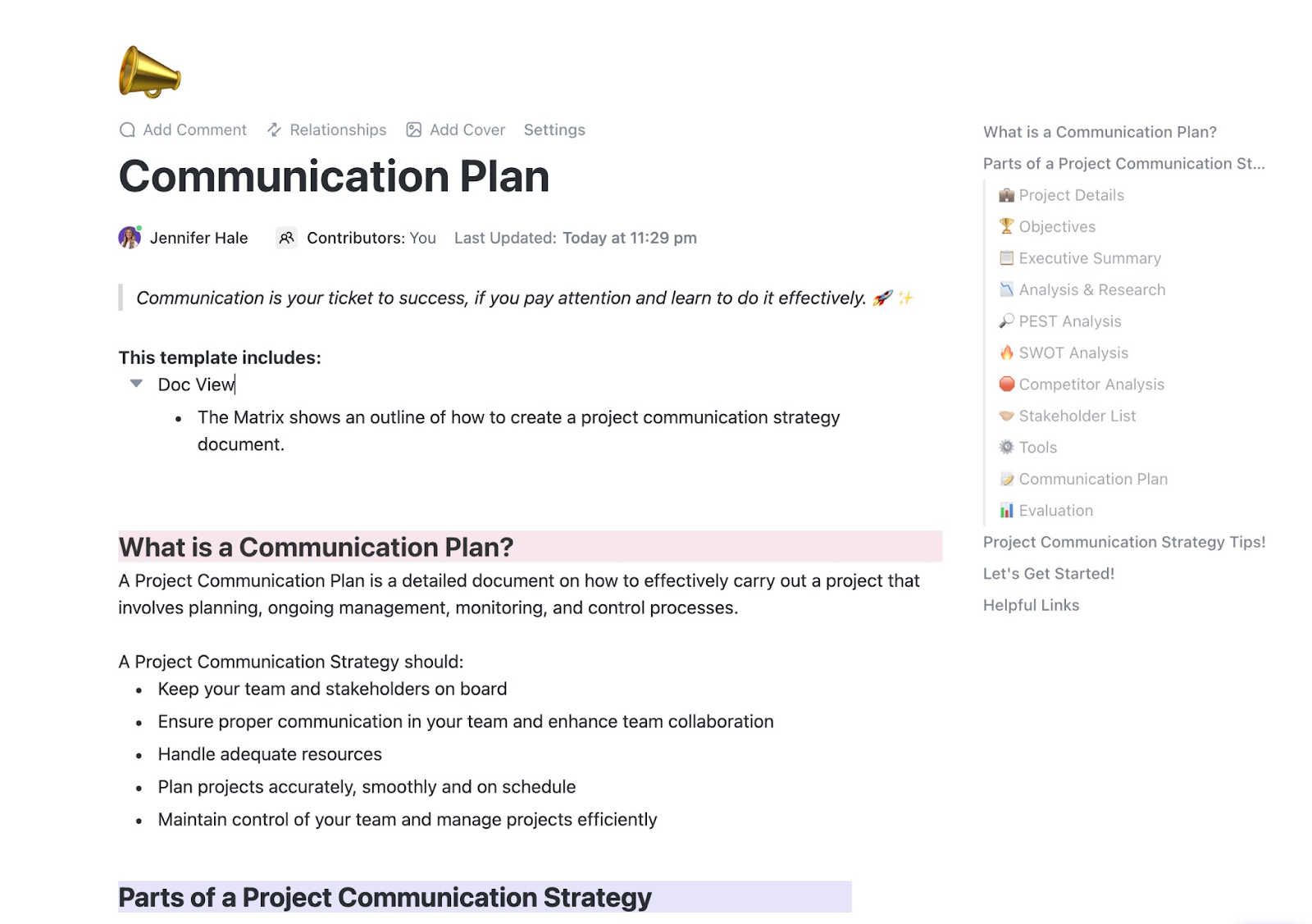
💡 Pro Tip: To help you get started here is a Communication Plan Template by ClickUp that helps your streamline the variables and coordinate effectively!
You’ve identified your stakeholders, analyzed them, and even created a communication plan. Yet, you still find yourself putting out fires. Key players are disagreeing on priorities, someone has gone completely silent, and an influential VP is demanding a new feature that will blow up your scope.
But these challenges are a normal, unavoidable part of any complex project—especially when the average employee now experiences 10 planned change programs per year, five times more than a decade ago. But these challenges are a normal, unavoidable part of any complex project—especially when the average employee now experiences 10 planned change programs per year, five times more than a decade ago. The goal isn’t to eliminate them but to anticipate and manage them effectively.
Where do you actually do all this work? Your stakeholder map is in a spreadsheet, your communication plan is in a separate doc, and feedback is buried in 100 different email threads. This is Context Sprawl—when teams waste hours hunting for information across disconnected apps and platforms—and it’s where even the best stakeholder management plans fall apart. 🛠️
This fragmentation means information gets lost, updates are missed, and you can’t connect your stakeholder strategy to the actual work being done. It’s a manual, disconnected mess that undermines all your hard work. You can eliminate this chaos by bringing your stakeholder management directly into your workspace.
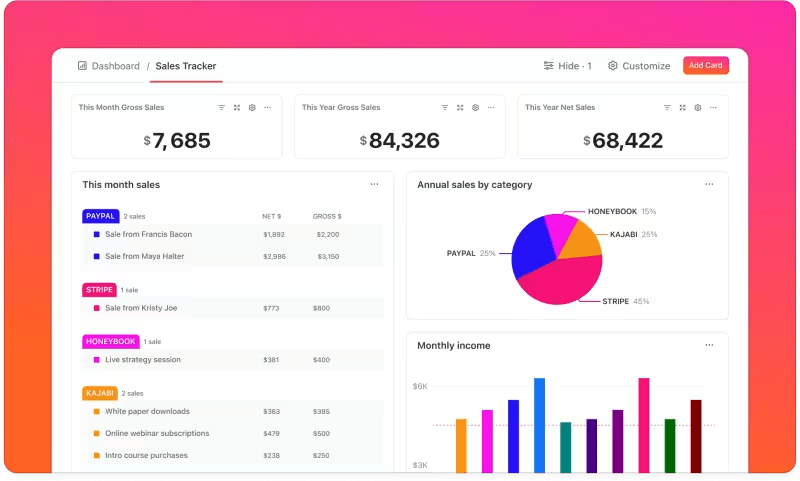
Give everyone the visibility they need and stop juggling tools with ClickUp Dashboards. You can build high-level, real-time reports for your executives while giving your team leads the granular progress views they need to manage work. No more manually exporting data or building slide decks for status updates.
Build a dynamic stakeholder register and track key attributes like power, interest, communication preference, or last contact date with ClickUp Lists and ClickUp Custom Fields. This turns a static list into an actionable management tool. Keep your communication plans and meeting notes connected directly to relevant tasks and stakeholders with ClickUp Docs.
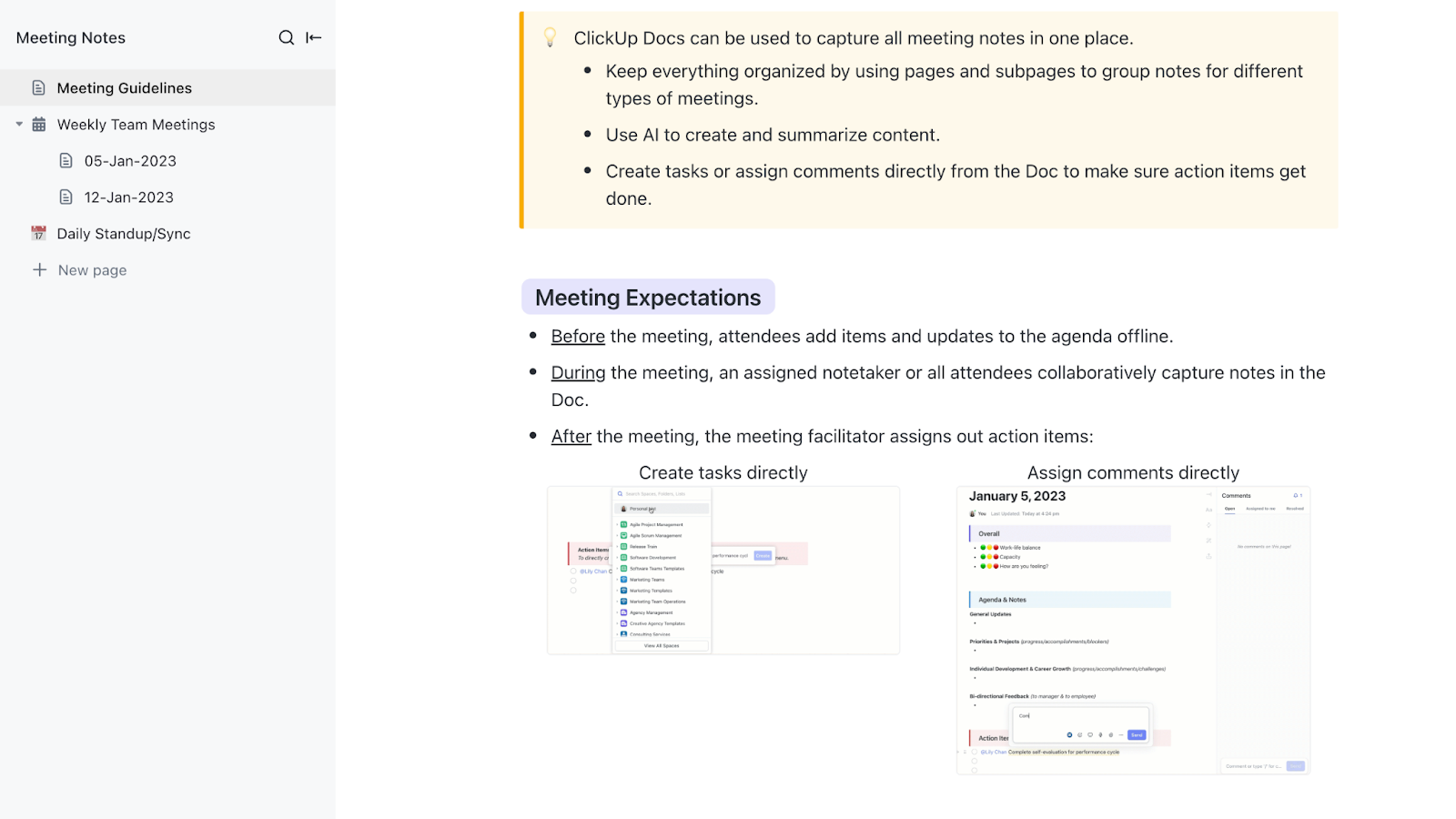
To see how you can organize your project information in a centralized database structure that makes stakeholder data instantly accessible and actionable, watch this practical walkthrough:
Draft consistent stakeholder updates, summarize long comment threads, and generate action items from meeting notes faster with ClickUp Brain. Use it to draft consistent stakeholder updates, summarize long comment threads to get the key takeaways, or generate action items from your meeting notes. This saves you hours of administrative work without sacrificing quality.
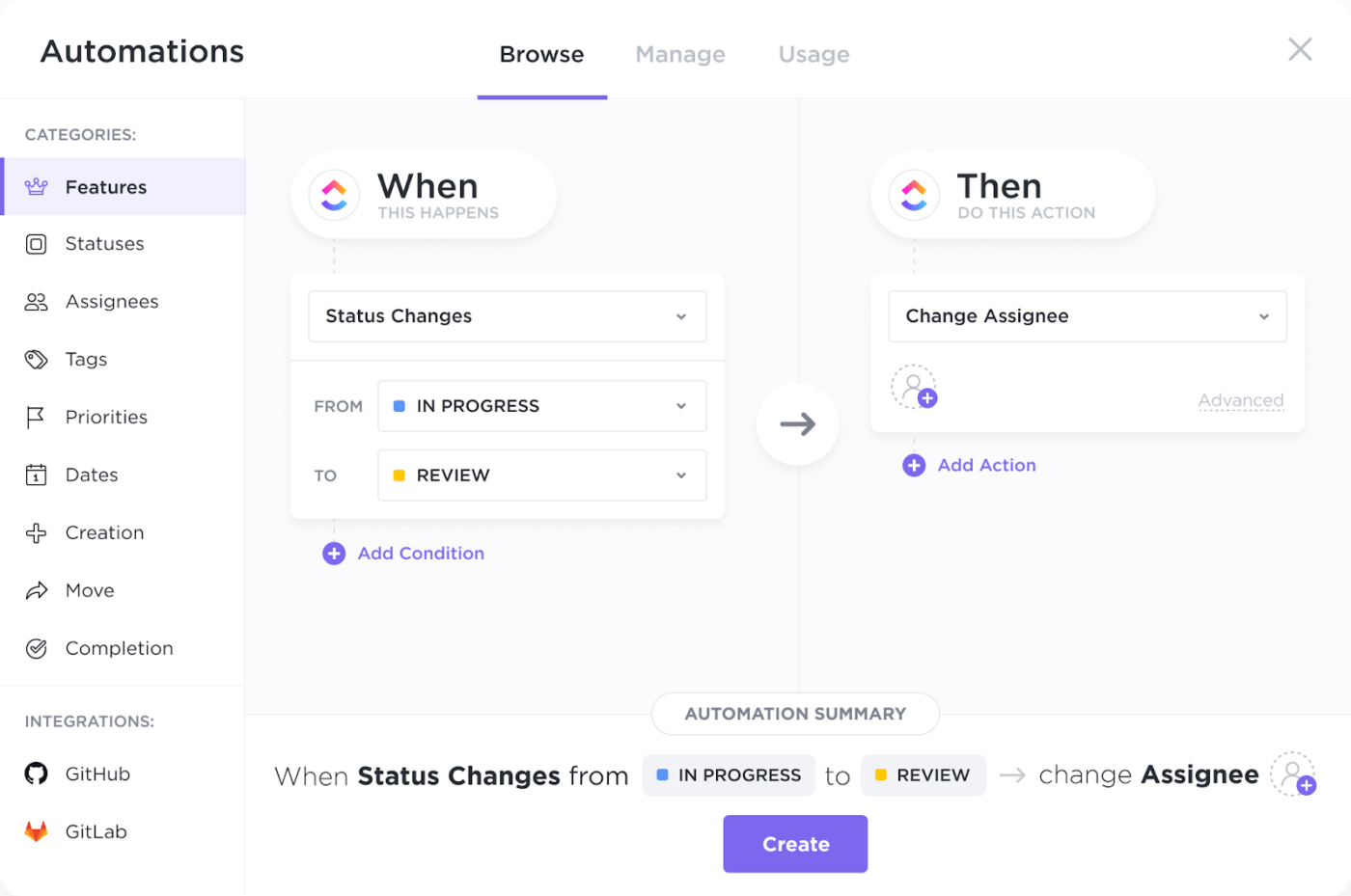
Automate stakeholder notifications, follow-up task assignments, and risk alerts with ClickUp Automations. Create rules to automatically notify stakeholders when a milestone is completed, assign follow-up tasks after a meeting, or alert your team when a task from a key stakeholder is at risk.
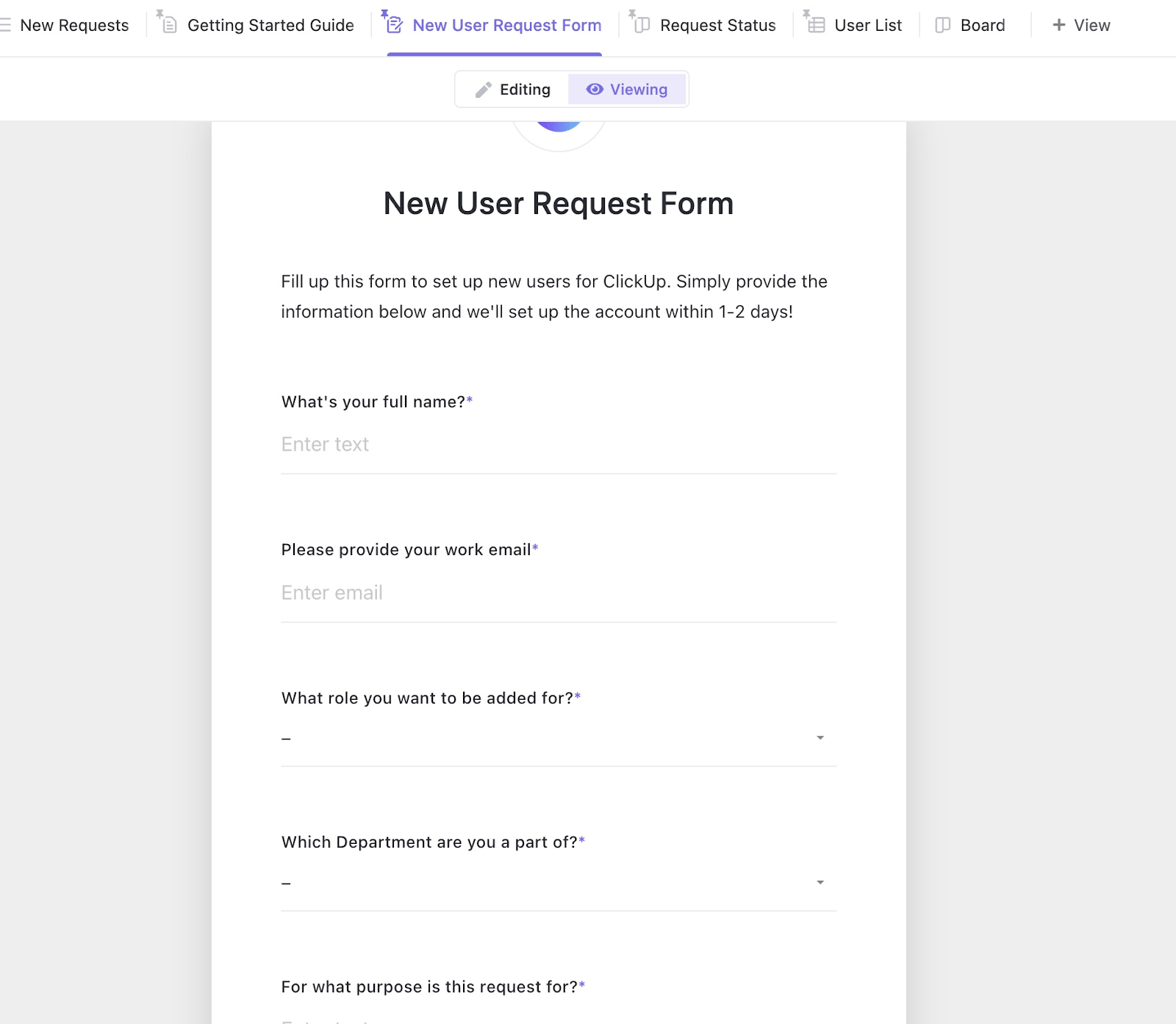
Streamline feedback with a structured intake process for change requests using ClickUp Forms, which automatically converts submissions into tasks in your project backlog.
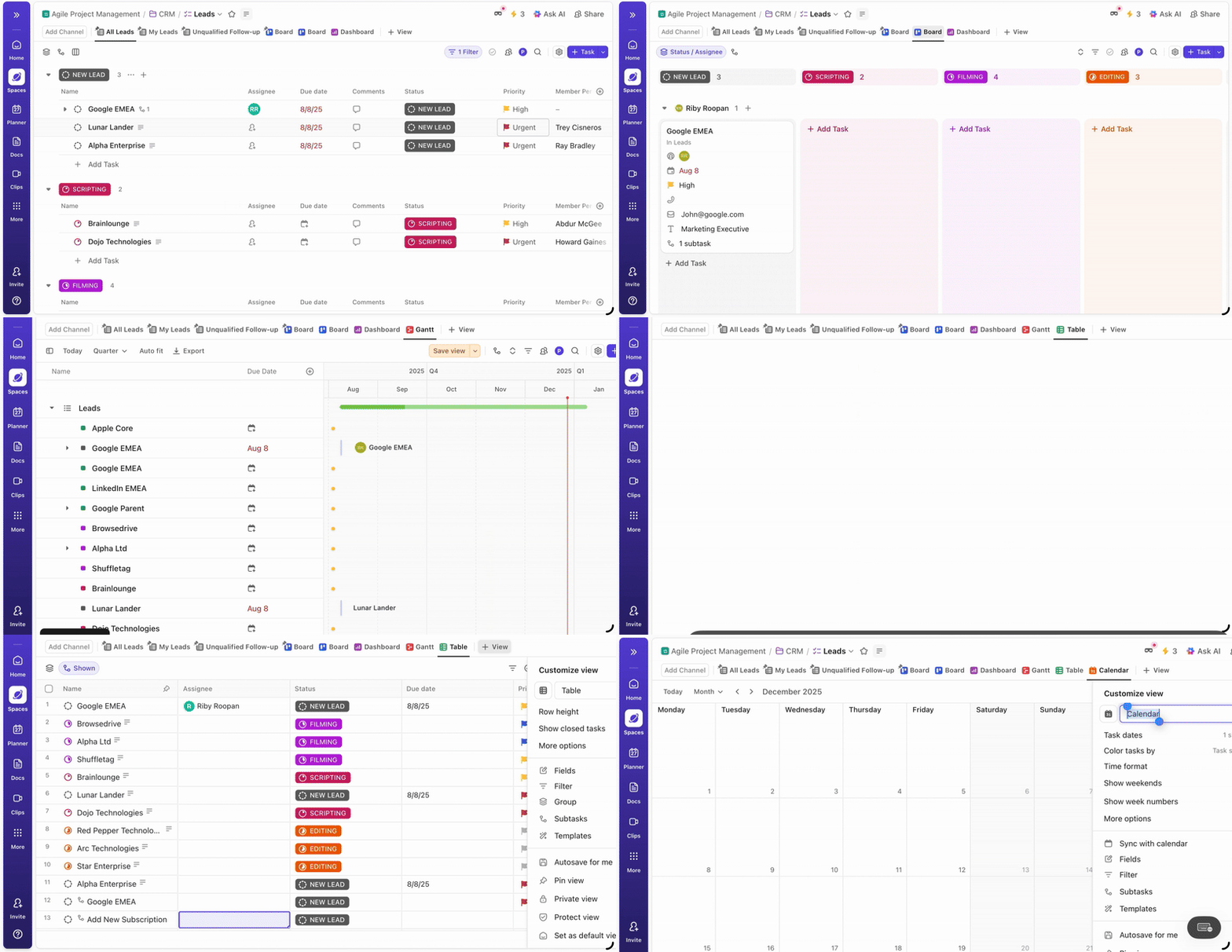
Cater to every stakeholder’s preference by presenting information in multiple formats. Whether they prefer a simple to-do list, a Kanban board, a timeline, or a calendar, you can display the same set of tasks in ClickUp List View, ClickUp Board View, ClickUp Gantt View, or ClickUp Calendar View with a single click.
📮 ClickUp Insight: Low-performing teams are 4 times more likely to juggle 15+ tools, while high-performing teams maintain efficiency by limiting their toolkit to 9 or fewer platforms. But how about using one platform?
As the everything app for work, ClickUp brings your tasks, projects, docs, wikis, chat, and calls under a single platform, complete with AI-powered workflows. Ready to work smarter? ClickUp works for every team, makes work visible, and allows you to focus on what matters while AI handles the rest.
Effective stakeholder management isn’t a dark art; it’s a systematic process of identifying the right people, understanding what they need, and communicating with them effectively. It’s an ongoing practice, not a one-time checklist you complete at the start of a project. As projects become more complex and cross-functional, your ability to manage this web of relationships becomes the single biggest predictor of success.
Ready to stop juggling spreadsheets and emails? Bring your stakeholder management directly into your project workflow. Get started for free with ClickUp today. ✨
Use a communication plan that matches the update frequency and detail level to each stakeholder’s needs. Centralized dashboards are also great for allowing stakeholders to self-serve status information whenever they need it.
Stakeholder analysis is the overall process of identifying stakeholders and understanding their interests and influence. Stakeholder mapping is a specific visualization technique, like the power-interest grid, used during that analysis to categorize them.
Yes, absolutely. A department head might be both an internal stakeholder whose resources are affected and a key decision-maker who must approve deliverables, so you’ll need to address both sets of concerns.

Manasi Nair
Max 22min read
Manasi Nair
Max 15min read

Praburam Srinivasan
Max 16min read

© 2026 ClickUp




