Simplify Your Project Planning: Figma Timeline Template Options for Teams


Sorry, there were no results found for “”
Sorry, there were no results found for “”
Sorry, there were no results found for “”
Have you tried using Figma to sketch a project schedule but created a chaotic mess of arrows and shapes? Yep! Been there, done that.
Starting from nothing and building a well-organized schedule can be daunting, especially if you are managing several projects, deadlines, and team updates.
While tools like Microsoft PowerPoint, Google Slides, Google Sheets, and Google Docs help, Figma project timeline templates simplify project schedule organization by providing a neat, graphic resource for tracking, planning, and timing modification. These templates enable you to keep up with every shifting component—from a creative workflow to an event to a product launch—without hassle.
This article explores the best Figma timeline templates that will save you time, boost collaboration, and keep your projects running smoothly. 🎉
A well-designed Figma timeline template provides a systematic and visually appealing approach to mapping events, milestones, and project phases. It should be intuitive, adaptable, and customizable while preserving design consistency. The following are the important aspects that make an excellent Figma timeline template:
✅ Clear and logical layout: Go for a template with a well-structured flow, ensuring that events, tasks, or milestones are displayed in a logical sequence
✅ Auto layout and scalability: Select a template that uses Figma’s Auto Layout feature, ensuring elements automatically adjust when new items are added or resized
✅ Customizable components: Choose customizable templates that allow reusable components for recurring elements like milestones, task labels, or progress indicators. You should be able to easily customize in just a few clicks
✅ Color-coded sections and labels: Prioritize free timeline templates with color-coded categories for different tasks or milestones to enhance readability and help you quickly distinguish between project phases, deadlines, or priorities. Such visual aids also help during presentations
✅ Responsive design and constraints: Pick a template designed without constraints and with resizing options so that it works across various screen sizes and devices
✅ Predefined text styles and icons: Decide on a template with consistent typography, pre-set text styles, and minimal but effective icons or indicators to improve clarity and maintain uniformity
✅ Collaboration and sharing features: Set up a high-quality Figma timeline template that is team-friendly, allowing for real-time collaboration, easy edits, and clear annotations so that multiple users can contribute without disrupting the structure
🧠 Fun Fact: 37% of projects fail due to a lack of defined project objectives and milestones.
Here is a wide array of Figma timeline templates with detailed overviews and structured features to help you visualize an entire project and its workflows effectively.
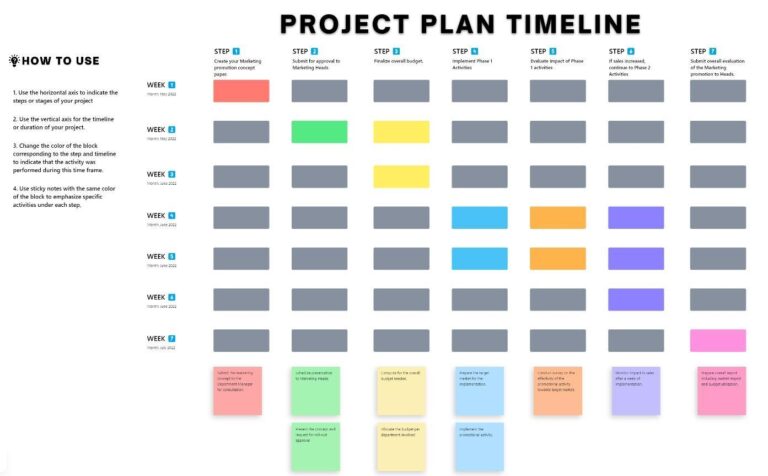
The Figma Project Timeline Template is intended to help teams and project managers efficiently plan milestones, deadlines, and critical project deliverables. With its structured form, this template shows how much work has been completed, making it simple to track activities, dependencies, and potential bottlenecks.
Visually organize phases, allocate responsibilities, and meet deadlines without skipping critical processes. Customize the template’s colors, fonts, and layout structures to meet individual project requirements.
Ideal for: Project managers and teams looking for a visual way to organize project tasks and monitor deadlines for their teams, clients, and other relevant audiences.
📮 ClickUp Insight: 18% of our survey respondents want to use AI to organize their lives through calendars, tasks, and reminders. Another 15% want AI to handle routine tasks and administrative work.
To do this, an AI needs to be able to: understand the priority levels for each task in a workflow, run the necessary steps to create tasks or adjust tasks, and set up automated workflows.
Most tools have one or two of these steps worked out. However, ClickUp has helped users consolidate up to 5+ apps using our platform! Experience AI-powered scheduling, where tasks and meetings can be easily allocated to open slots in your calendar based on priority levels. You can also set up custom automation rules via ClickUp Brain to handle routine tasks.
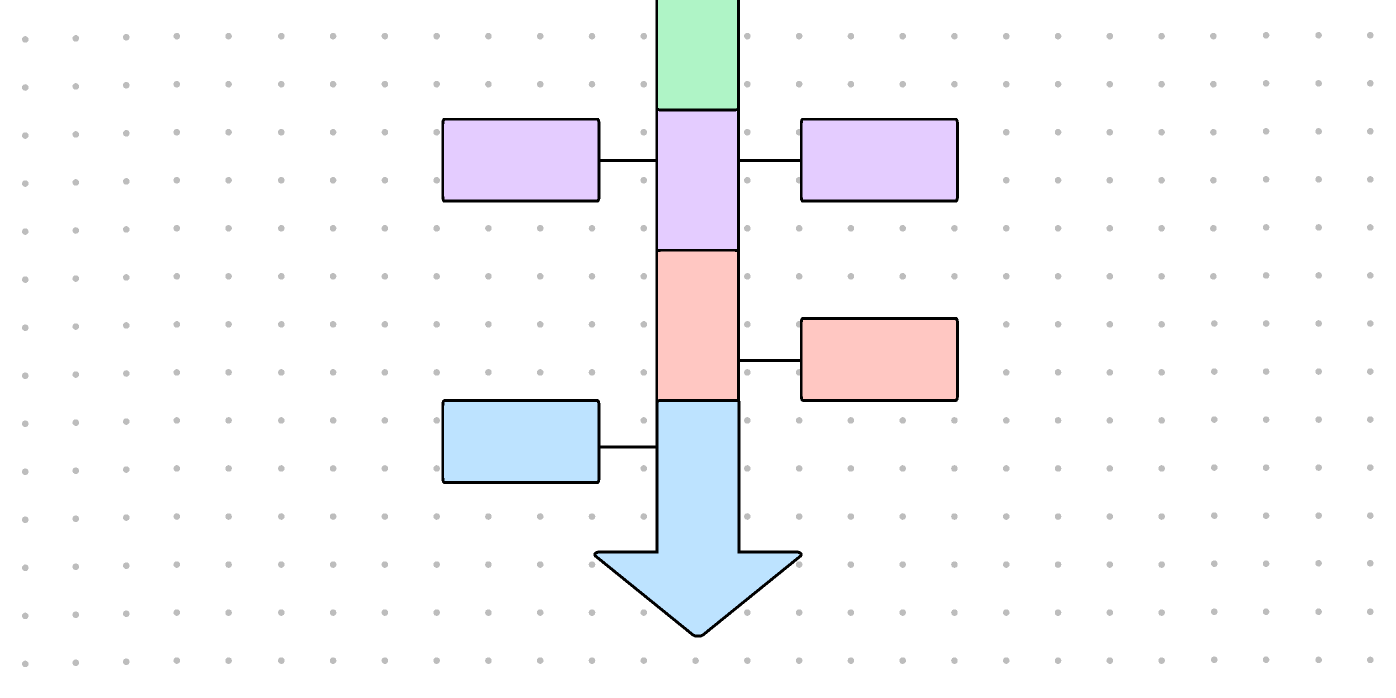
The Figma Vertical Timeline Template is an excellent choice for presenting events in chronological order, top to bottom. This simple timeline template offers a clear and appealing approach to describing a series of events.
Moreover, the vertical layout promotes clarity while increasing space efficiency, making it ideal for mobile or web-based apps. You can change the time intervals, add images, and highlight critical periods with unique graphic components.
Ideal for: Designers and content creators who need to present sequential information.
💡 Pro Tip: Integrated AI assistants like ClickUp Brain can sift through your project data faster and suggest realistic timelines based on project history.

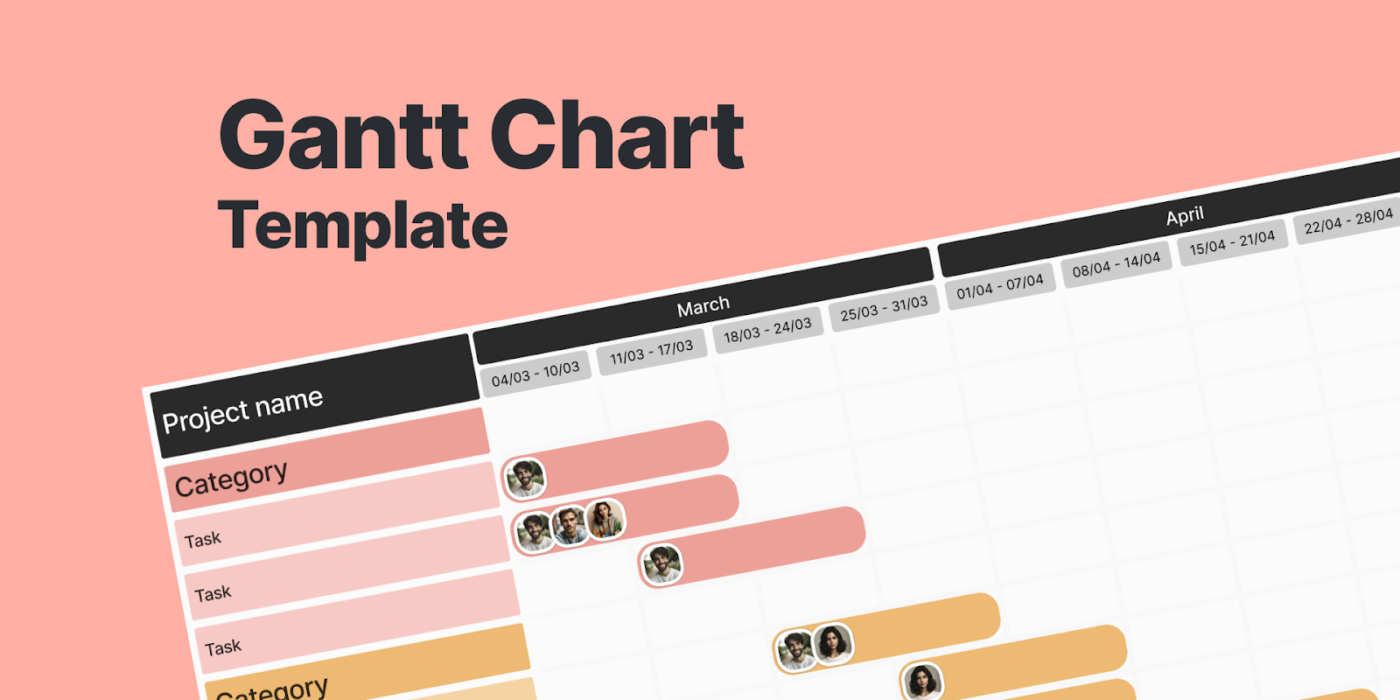
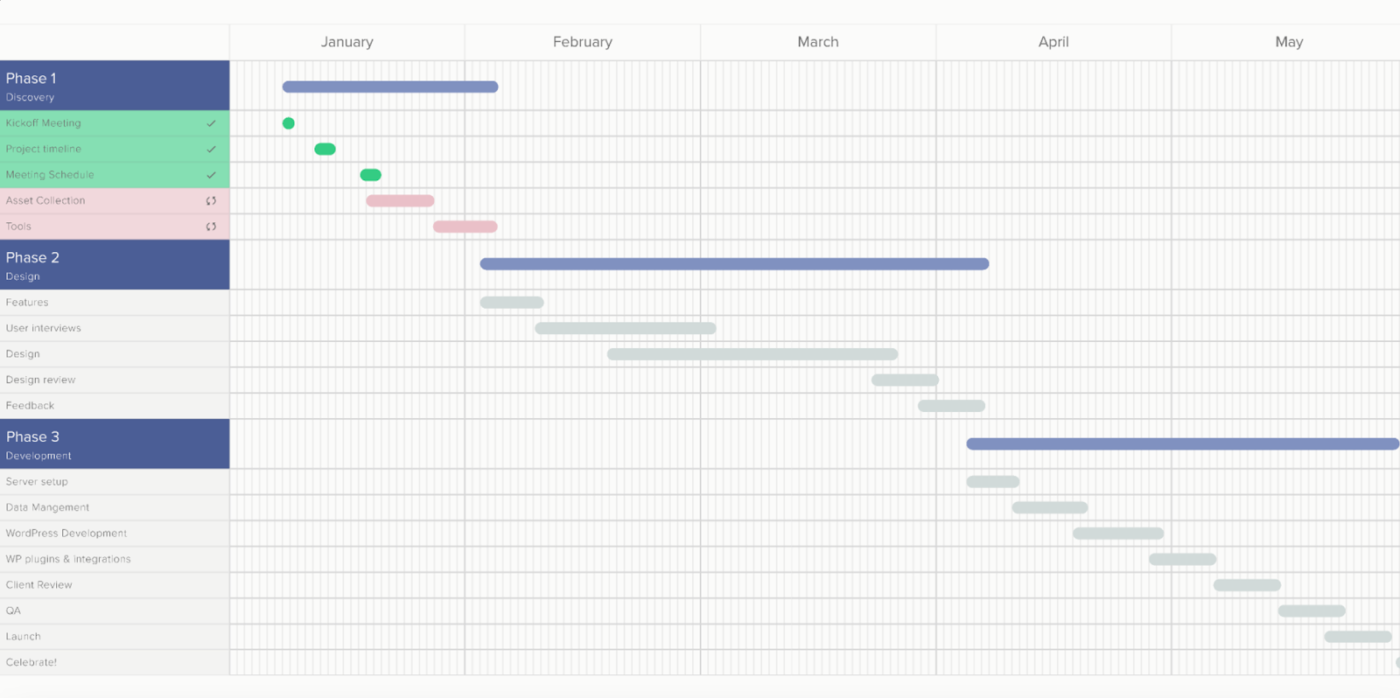
The Figma Gantt Chart Template offers an organized and visually appealing approach to project planning, tracking, and management.
This template, created for teams working on complicated projects, helps organize tasks, set deadlines, and monitor dependencies in a straightforward timeline structure. It keeps all team members focused on crucial milestones and progress, reducing confusion and project delays.
Ideal for: Project managers and teams needing a structured and visual approach to project planning and tracking with customizable timeline infographic templates.
💡 Pro Tip: A well-structured project timetable is a communication tool that brings together team members and stakeholders by offering a clear picture of tasks and deadlines.
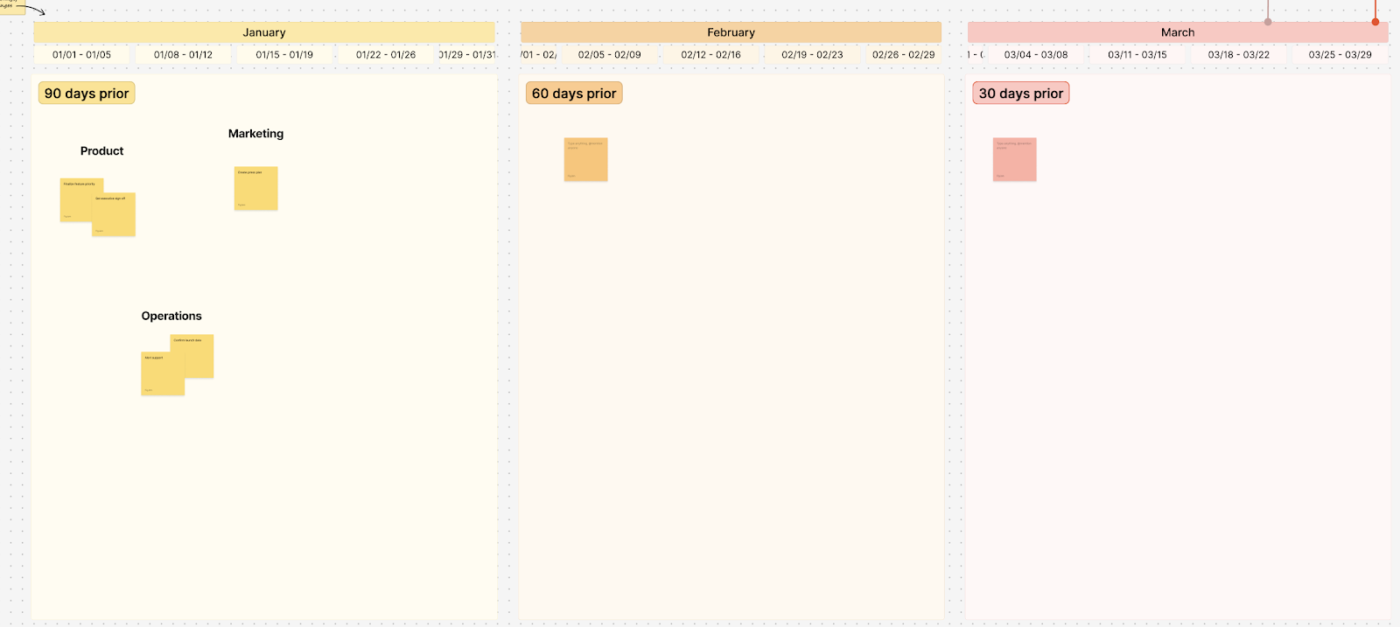
The Figma Product Launch Timeline Template helps product managers, marketers, and developers plan and execute a successful product launch.
It outlines the necessary procedures for releasing a new product, from market research and development to promotional activities and post-launch optimizations. The template ensures that all stakeholders understand essential deadlines and dependencies.
Ideal for: Product managers, marketing teams, and business leaders looking for a comprehensive roadmap to bring a new product to market successfully.
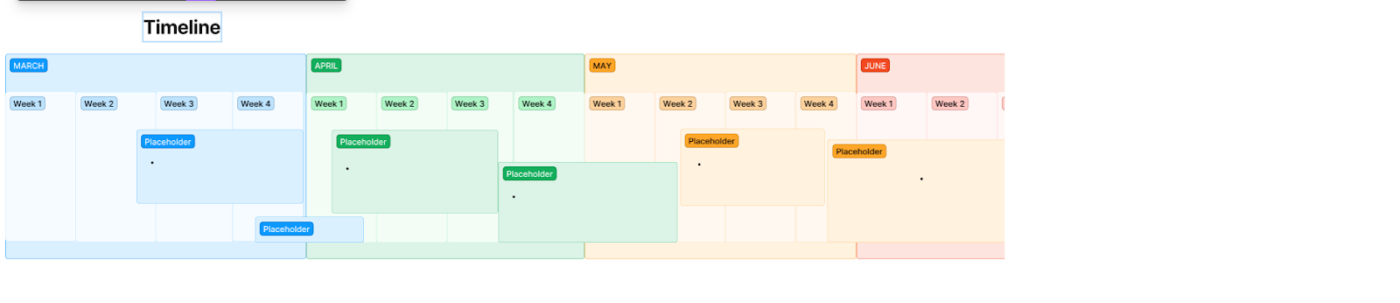
The Figma Brain Timeline Template is a visually appealing timeline that organizes and presents sequential events, processes, or milestones in a manner that everyone understands.
With its innovative and disciplined layout, this template is ideal for documenting project phases, brainstorming sessions, workflows, and storytelling. The clean, modern style also enables users to highlight essential events while retaining timeline clarity.
Ideal for: Designers, project managers, and creatives who want a visually pleasing way to structure and present timelines.
Although Figma is an effective web design tool, there are limits to consider when developing timeline templates:
➡️ Read More: The Best Web Design Tools (Graphic Design Tools)
If you’re looking for Figma alternatives that go beyond the basic possibilities, these free templates from ClickUp, the everyday app for work, will help expedite project tracking or event planning while retaining an engaging appearance.
The ClickUp Project Timeline Template is a visual planning tool that allows teams to track project progress, deadlines, and dependencies in a simple whiteboard format. It enables teams to plan work, assign responsibilities, and change timetables as projects progress.
You can view workflows in real time using a drag-and-drop interface, enabling cooperation and efficiency. The whiteboard framework is flexible, making it perfect for agile time tracking.
Ideal for: Project managers, agile teams, and cross-functional groups looking for a dynamic and interactive way to manage project timelines.
💡 Pro Tip: Whether part of a dynamic team or managing your projects, tracking your time effectively boosts productivity and success. This is where Agile time tracking offers a flexible approach that helps you monitor your time while embracing Agile principles—adaptability, transparency, and continuous improvement.
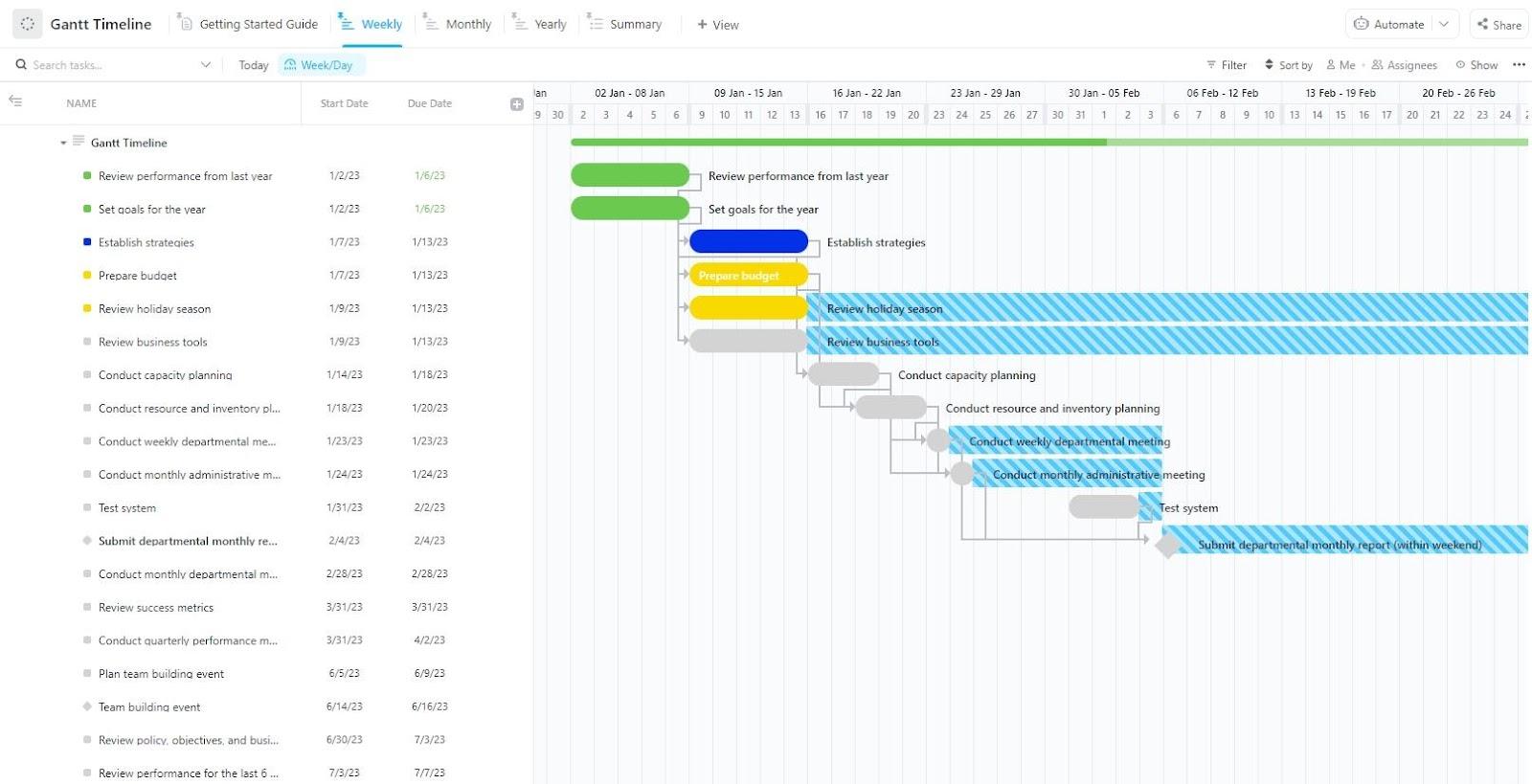
The ClickUp Gantt Project Timeline Template allows teams to view project timetables, track job dependencies, and ensure timely completion. It simplifies complex project planning with a dynamic and interactive interface that displays tasks and milestones on a timeline.
The template’s adaptability makes it perfect for teams that need a structured but flexible approach to project time management.
Ideal for: Anyone looking to implement a Gantt-style timeline in their projects.
📚 Also Read: Steps to Efficient Project Time Management
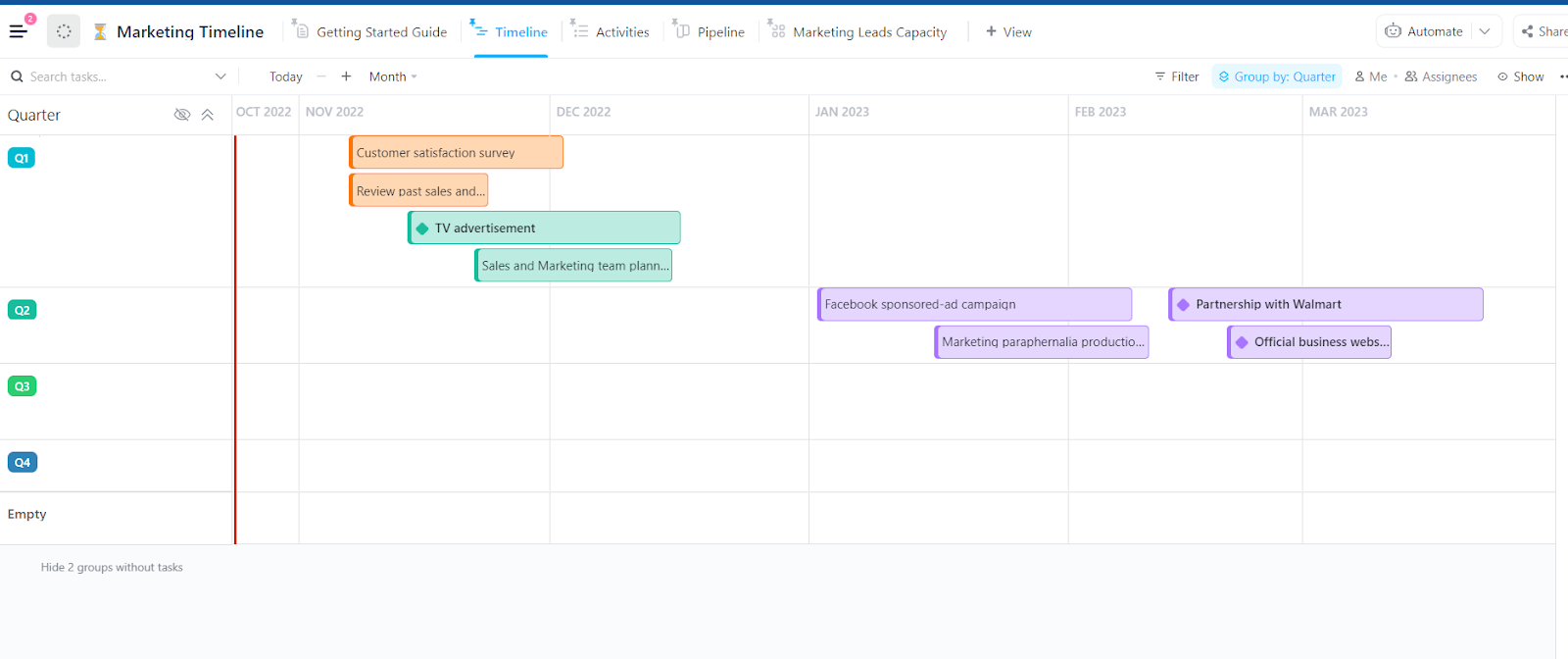
The ClickUp Marketing Project Timeline Template provides a systematic approach for teams to plan, schedule, and track marketing initiatives effectively. This template provides a detailed overview of major marketing efforts, deadlines, and deliverables, ensuring that teams stay on track toward their objectives.
With customizable statuses, fields, and views, this template assists marketers in organizing tasks, tracking campaign progress, and aligning marketing efforts with corporate goals.
Ideal for: Marketing teams, content strategists, and campaign managers who need a structured way to track marketing efforts, deadlines, and execution plans.
➡️ Read More: Best Project Timeline Software
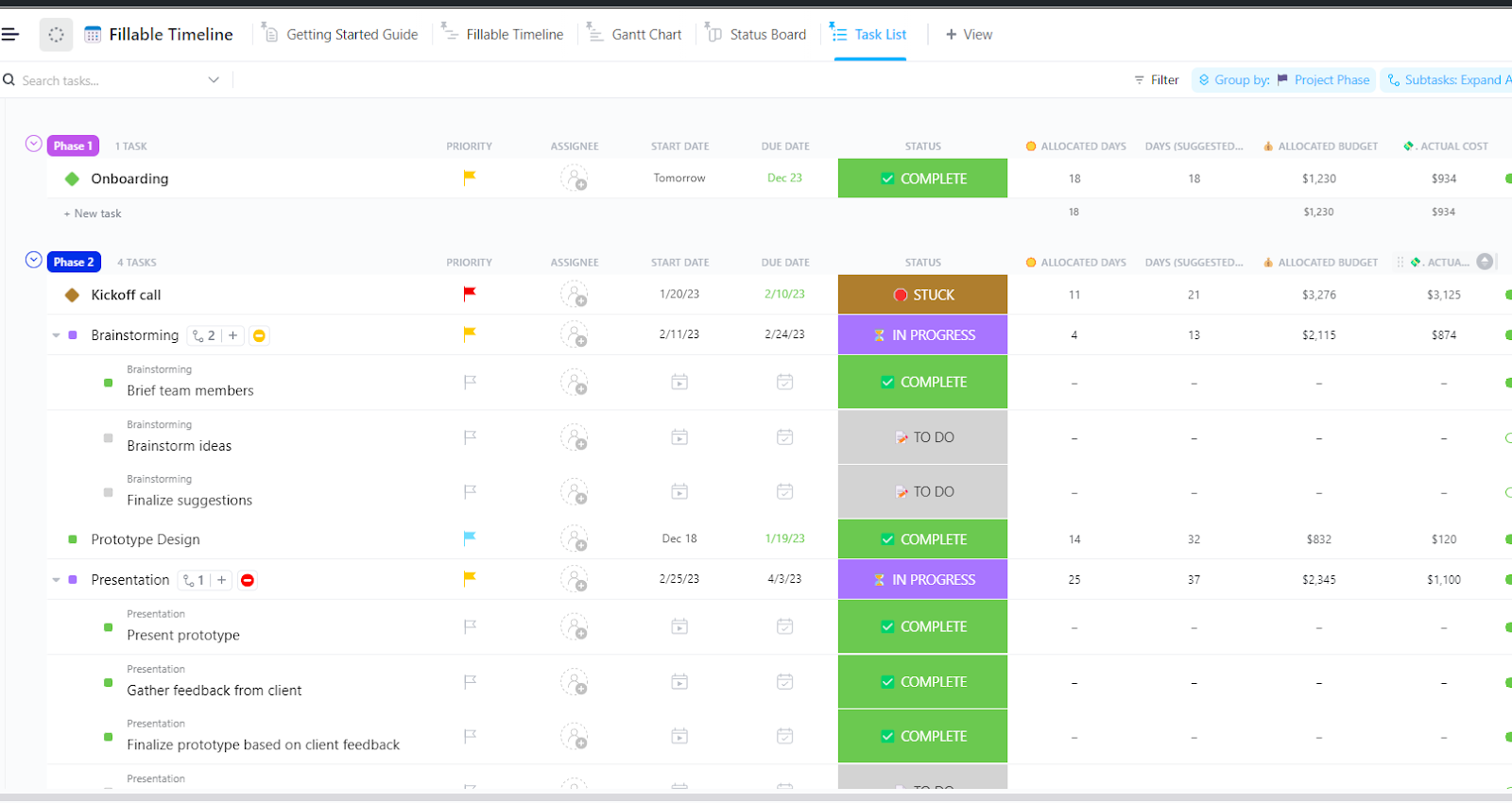
The ClickUp Fillable Timeline Template allows teams to easily plan, track, and update their project timelines. Use customized fields and statuses to design precise timelines that appropriately reflect project phases, expected completion times, and capacity planning. This template’s fillable feature enables teams to adjust schedules dynamically.
Ideal for: Team leads and managers who work with capacity planning and workload management.
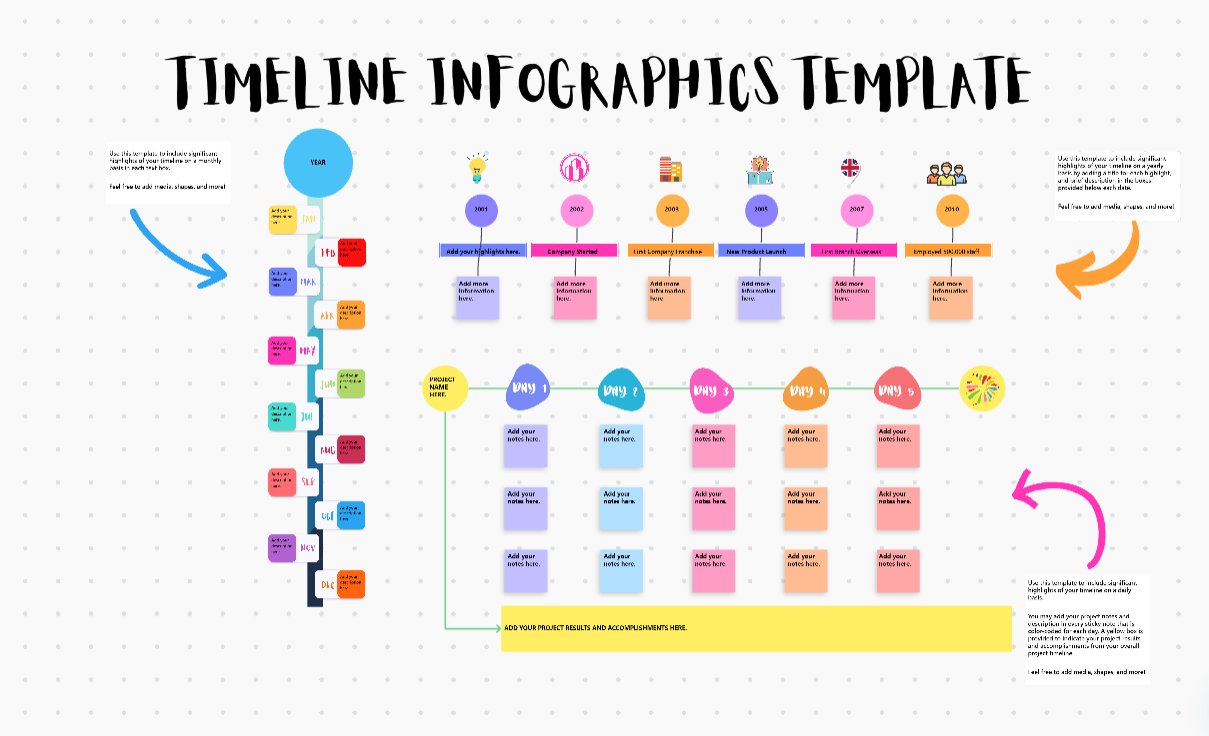
The ClickUp Timeline Whiteboard Template is a simple solution that allows teams to visualize and manage project timelines in a collaborative whiteboard setting.
This template lets you easily map out critical milestones, assign tasks, and alter deadlines in real time. Using a versatile drag-and-drop interface, you can easily rearrange tasks and dependencies, ensuring that projects run smoothly and without bottlenecks.
Ideal for: Teams looking to build out project timelines in a collaborative manner.
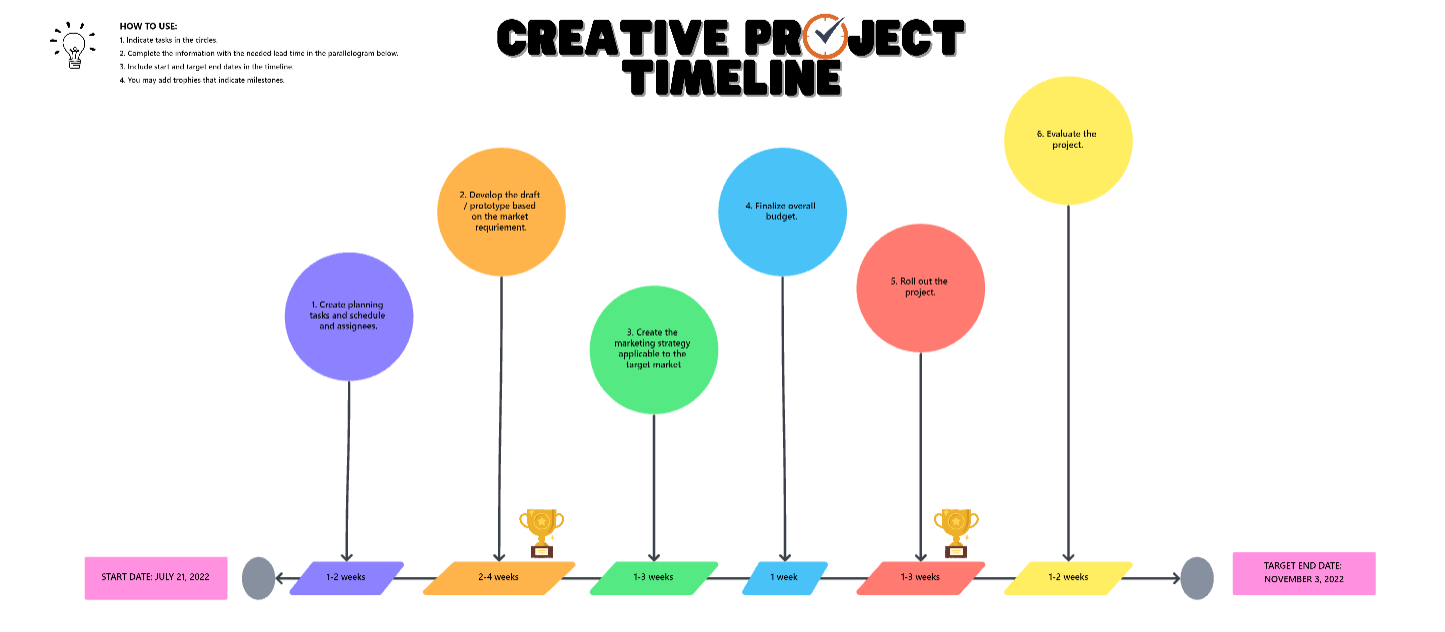
The ClickUp Creative Project Timeline Template is an effective tool for structuring creative project timelines from concept to completion. It offers an easy way to divide activities, define priorities, and track progress.
Plus, it allows teams to easily organize their workflows visually, ensuring that every stage—like brainstorming, production, and final execution—proceeds on schedule.
Ideal for: Creative professionals, design teams, and marketing agencies looking for a structured timeline to manage creative projects efficiently.
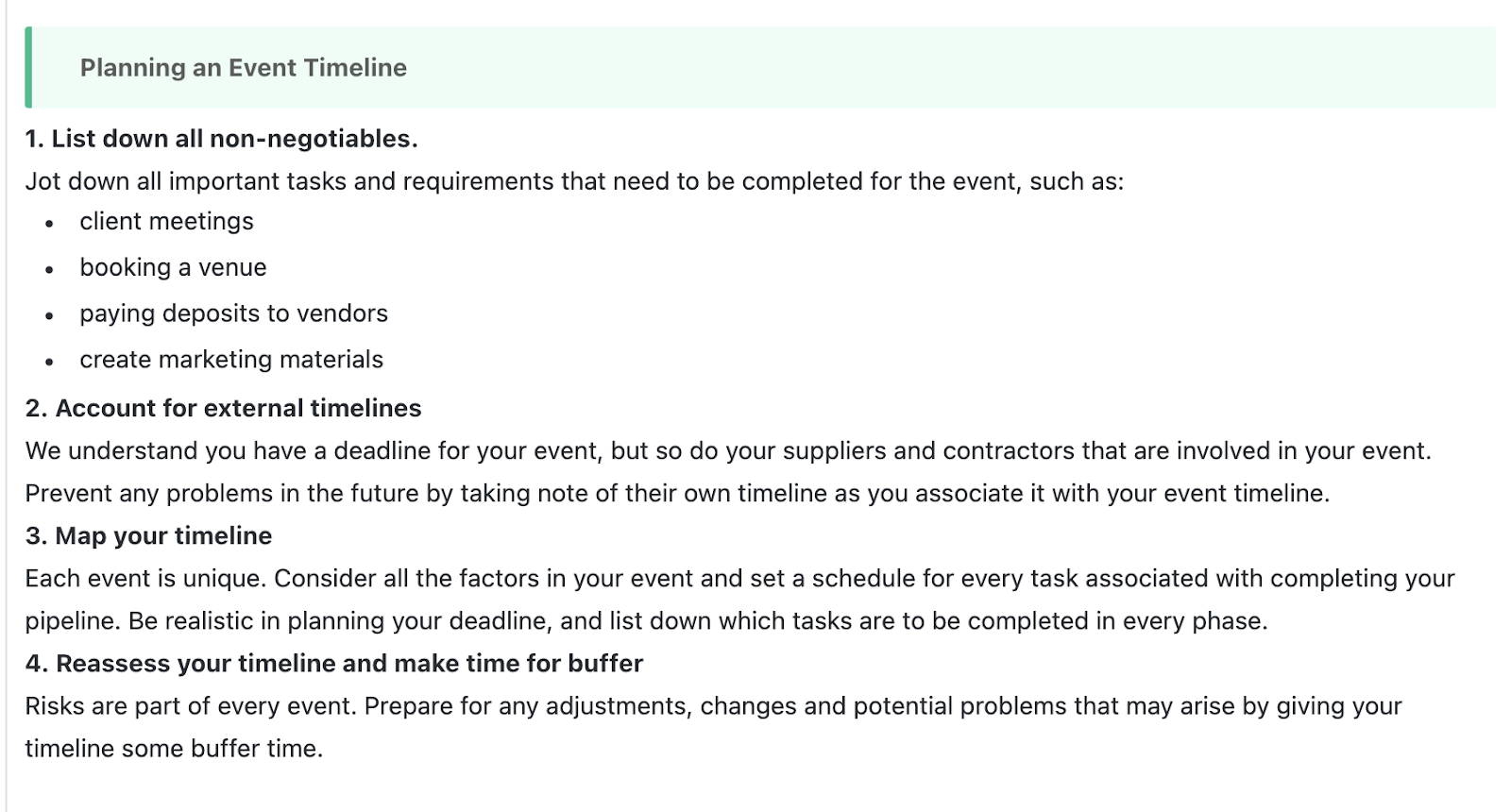
The ClickUp Event Timeline Task Template is a structured solution that enables event planners to precisely arrange, track, and execute each aspect of an event. From concept to post-event wrap-up, this template allows teams to delegate work, set deadlines, and measure progress in real time.
Built-in automation, milestone tracking, and communication capabilities are some of the other features of this template that guarantee that no detail is neglected and increases event planning efficiency.
Ideal for: Event planners, marketing teams, and project managers who need a structured, real-time tracking system.
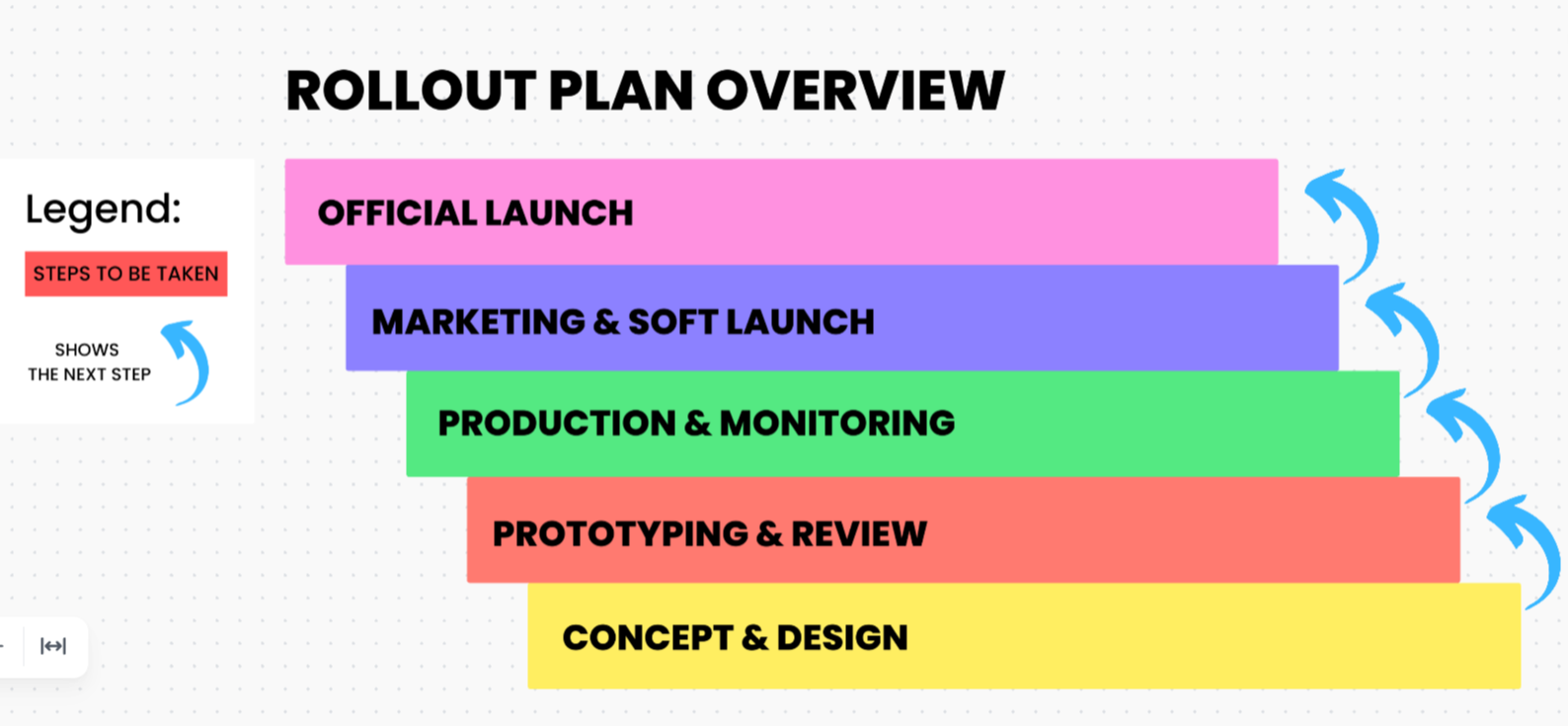
Managing a software deployment involves organizing many teams, establishing milestones, and keeping stakeholders informed. ClickUp Software Rollout Timeline Template simplifies the process by providing a clear calendar for each phase. Avoid bottlenecks and keep product rollouts on pace with built-in task dependencies, milestone tracking, and automated updates.
Ideal for: IT teams, DevOps engineers, and product managers looking for a structured approach to managing software rollouts.
🧠 Fun Fact: The global software development industry is exploding and is predicted to grow by 26.67% annually between 2024 and 2029.
A planned roadmap enables teams to see product development stages, prioritize impending features, and match their strategy with business objectives.
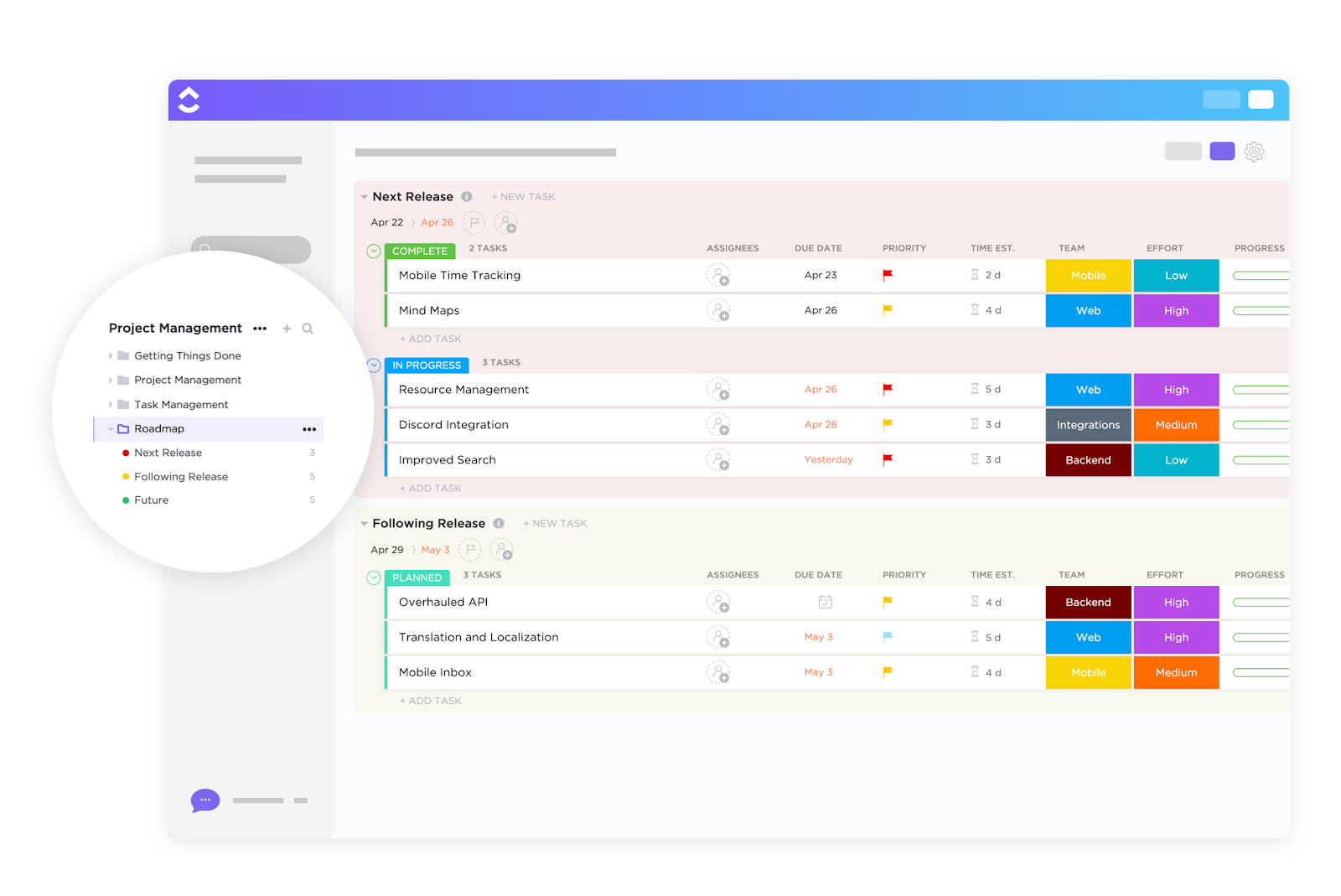
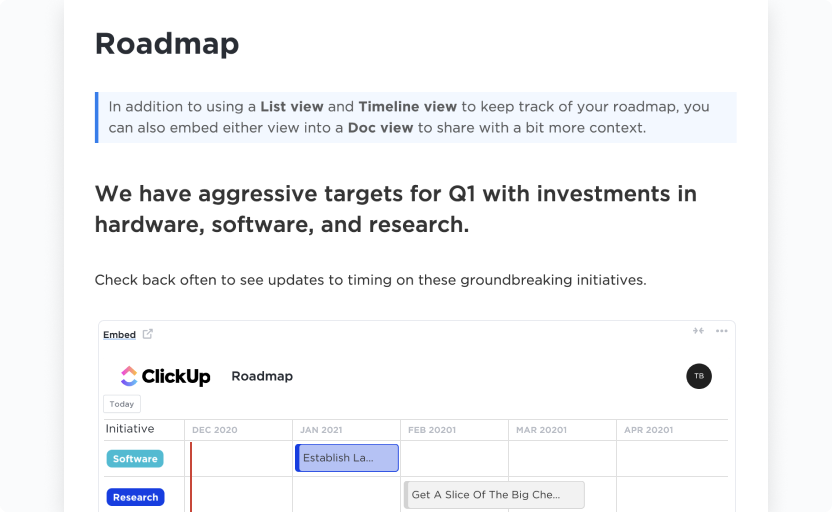
The ClickUp Project Roadmap Template is intended to assist product teams and project managers in the effective planning, tracking, and execution of long-term initiatives. This template clearly defines each phase of a project. It also features several views and communication options to keep all teams on the same page.
Ideal for: Product development teams looking to optimize release planning, track milestones, and collaborate efficiently.
➡️ Read More: How to Create a Project Roadmap (with Examples)
Like the ClickUp Project Roadmap Template, the ClickUp Quarterly Roadmap Template enables teams to view, prioritize, and track critical goals over three months.
This template focuses on aligning teams around strategic goals. It ensures that essential tasks, deadlines, and milestones are well organized and easily adaptable as business needs change. This short roadmap keeps everyone informed and focused on high-priority activities.
Ideal for: Business leaders and department heads looking to prioritize initiatives and ensure smooth execution of quarterly plans.
Here’s what Nick Foster, Director of Product at Lulu Press, had to say about ClickUp:
ClickUp helps us organize our product and feature roadmap so we can easily introduce new features and functionality to customers, and continually check to see how we’re progressing toward our goals. At the end of the day, our number one goal is to make better products for our customers, and ClickUp helps us do that.
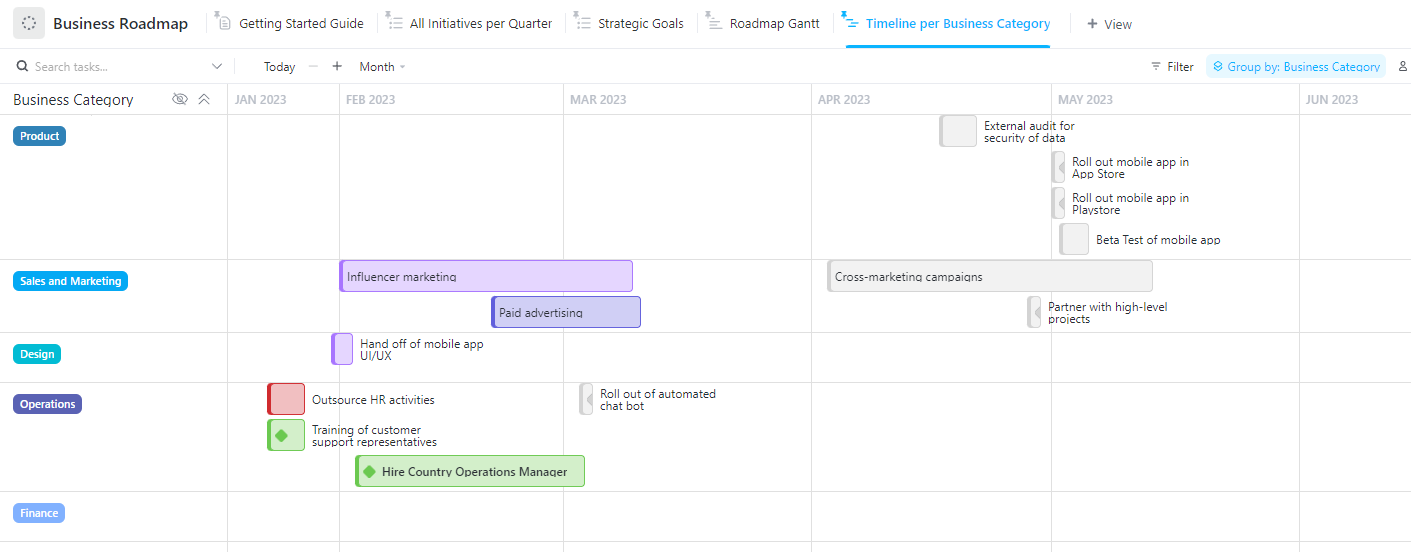
The ClickUp Business Roadmap Template helps companies coordinate their strategies, prioritize efforts, and track progress toward important goals. With clear timeframes, unique statuses, and custom views, it effectively structures your roadmap and keeps stakeholders up to date at all stages.
The template also allows businesses to define milestones, establish clear deliverables, and verify that all departments work toward the same objectives.
Ideal for: Business leaders, project managers, and executives looking to create a structured and transparent roadmap for achieving long-term business objectives.
The ClickUp Simple Gantt Template is a user-friendly tool that provides a high-level perspective of project deadlines with specific dates, dependencies, and potential impediments. It primarily allows users to view job progress, dynamically alter deadlines, and optimize workflows.
This template is ideal for teams with a simple yet effective approach to managing project schedules.
Ideal for: Project managers, small teams, and individuals looking for an easy-to-use Gantt chart solution for project tracking and execution.
Choosing the right Figma timeline template really comes down to what your project needs, how your team works, and how you all collaborate. If you’re managing a fast-paced project with lots of moving parts, you’ll want a more detailed, flexible template. For something simpler, like a content calendar or small design sprint, a streamlined version might be a better fit.
The great thing is, Figma templates are visual and easy to customize—so once you find one that’s close to what you need, you can tweak it to match your workflow perfectly.
ClickUp’s templates are an excellent option for teams that need real-time updates, task dependencies, and collaboration. With these templates, you can easily track progress, designate priorities, alter timetables, and simplify project management from planning to execution. No matter your timeline needs, ClickUp provides a solution for teams of all sizes.
Sign up for free today and start managing your timelines clearly and confidently!

Sudarshan Somanathan
Max 22min read

Praburam Srinivasan
Max 23min read
Praburam Srinivasan
Max 21min read

© 2026 ClickUp