


Sorry, there were no results found for “”
Sorry, there were no results found for “”
Sorry, there were no results found for “”
If you’re a Height app user, you might find this all too familiar: You’ve just hit peak productivity—tasks are flowing, deadlines are (mostly) being met, and for once, your team isn’t lost in an endless loop of “Wait, who’s handling this?”
Then, out of nowhere, Height drops the bombshell—it’s shutting down.
It’s like when your favorite grocery store suddenly moves everything around. Now you’re standing in the middle of the aisle, wondering where the peanut butter is hidden.
But don’t worry, we’ve done the legwork for you!
But don’t worry, we’ve done the legwork for you! Whether you’re a startup juggling a million things or a remote team navigating different time zones, we’ve rounded up 11 Height app alternatives to track project progress smoothly.
Height App is a dynamic project management tool designed for teams that need real-time collaboration, automation, and custom workflows. It effortlessly blends task management, issue tracking, and communication into a single platform.
With customizable workflows, Kanban boards, and list views, it keeps your projects from turning into an untamed jungle of sticky notes. Need project management automation? Height App has it. Integrations? It connects with Slack, GitHub, Figma, and more. It even lets you add custom attributes, so your tasks are as detailed (or as simple) as you need.
🧠 Fun Fact: More than 85% of businesses rely on project management software, with the market projected to reach $7 billion.
Height has a sleek interface and solid task management, but like any other tool, it isn’t flawless. With Height discontinuing its project management services, now’s the perfect time to reassess your needs and find a tool that genuinely fits your workflow.
Here’s what to consider when choosing your next go-to platform.
If any of these are deal-breakers for your team, don’t worry—we’ve got a list of powerful tools ready to take over!
👀 Did You Know? 46% of employees are either somewhat or highly dissatisfied with their organization’s current level of project management maturity.
Here’s a quick glance at all the tools and what they do best:
| Tool | Ideal for | Key features | Pricing |
| ClickUp | Freelancers, startups, small businesses, and enterprises | AI-powered tasks, automation, and real-time collaboration | Free plan; Paid plans from $7/user/month |
| Asana | Small to medium-sized businesses and enterprises | Task lists, team communication, and Kanban boards | Free plan; Paid plans from $10.99/user/month |
| Trello | Creative teams, small teams, and freelancers | Kanban boards, automation, and task statuses | Free plan; Paid plans from $5/user/month |
| Notion | Individuals, small teams, and remote teams | Notes, databases, task lists, and file sharing | Free plan; Paid plans from $8/user/month |
| Wrike | Large enterprises and marketing teams | Custom workflows, project dashboards, and real-time updates | Free plan; Paid plans from $9.80/user/month |
| Basecamp | Small to medium-sized businesses and creative teams | Message boards, file sharing, and team communication apps | $15/user/month or $299/month flat for unlimited users |
| Jira | Software development and engineering teams | Issue tracking, sprints, and backlog management | Free plan; Paid plans from $7.75/user/month |
| Monday.com | Individuals, small to medium-sized businesses, and enterprises | Automate workflows, custom fields, and Gantt charts | Free plan; Paid plans from $9/user/month |
| Zoho Projects | Budget-conscious small to medium-sized businesses | Time tracking, project planning, and resource allocation | Free plan; Paid plans from $5/user/month |
| MeisterTask | Individuals, small to large teams, and freelancers | Kanban boards, automation, and team productivity | Free plan; Paid plans from $6.50/user/month |
| Scoro | Professional service firms and finance teams | Strategic project management, project status, and reporting | Paid plans from $26/user/month |
Our editorial team follows a transparent, research-backed, and vendor-neutral process, so you can trust that our recommendations are based on real product value.
Here’s a detailed rundown of how we review software at ClickUp.
Whether you’re a freelancer, a growing startup, or part of a large enterprise, here are the best project management tools that offer the features, flexibility, and efficiency you need to keep your projects on track. Let’s get into it.
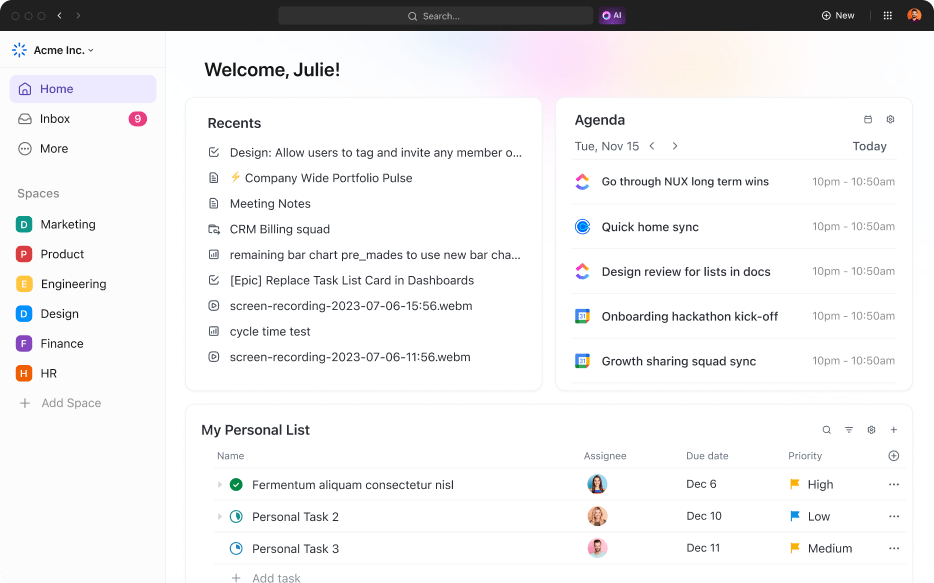
When it comes to task management, ClickUp doesn’t just take the cake—it bakes your work, decorates it, and serves it on a silver platter. That’s why it’s the everything app for work!
With its AI-powered features, customizable tasks, and collaboration tools, ClickUp makes project management feel less like a chore and more like second nature to your team.
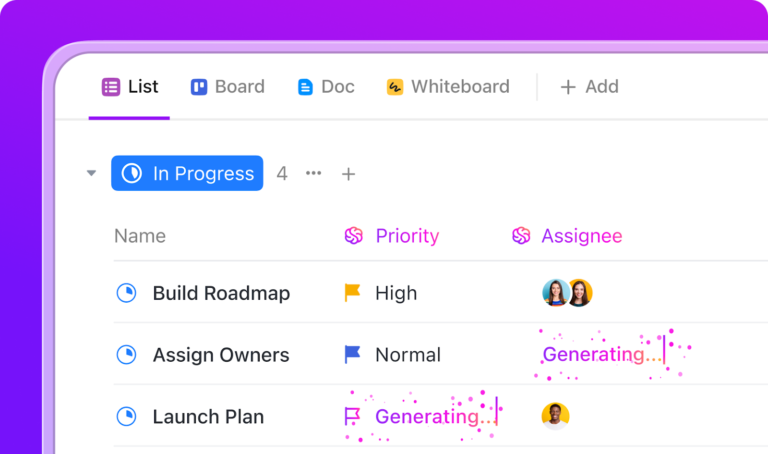
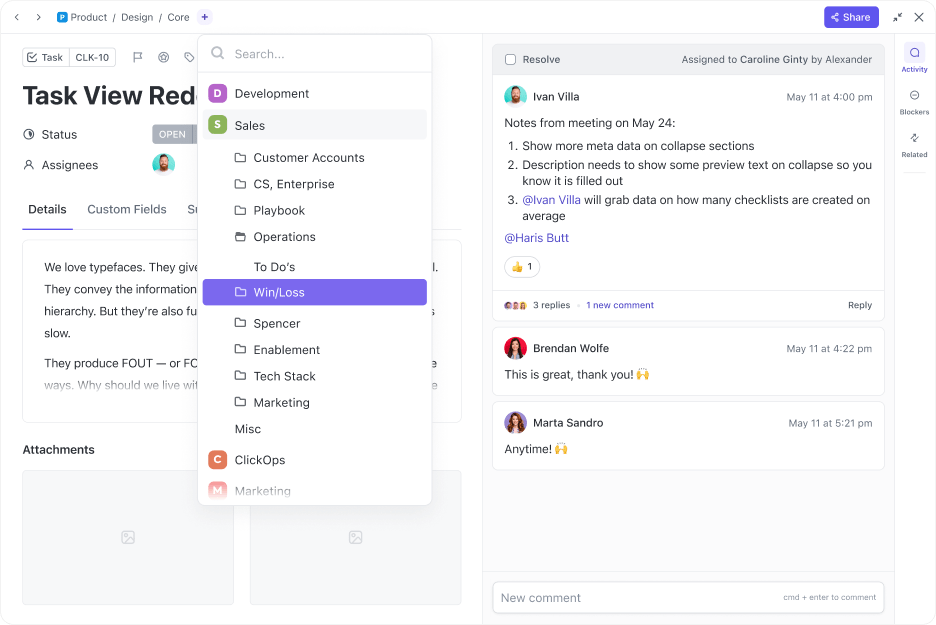
At the core of ClickUp are ClickUp Tasks, the building blocks of any project. But these aren’t just your run-of-the-mill to-do list items—each task is highly customizable, featuring Custom Fields and Custom Statuses that let you tailor workflows to your team’s needs.
And instead of being stuck with a single layout, ClickUp lets you work your way. Prefer structure? The List View keeps things neat. Need a timeline? The ClickUp Gantt Chart View is your best friend. There’s also the ClickUp Board View for Kanban-style visual planning.
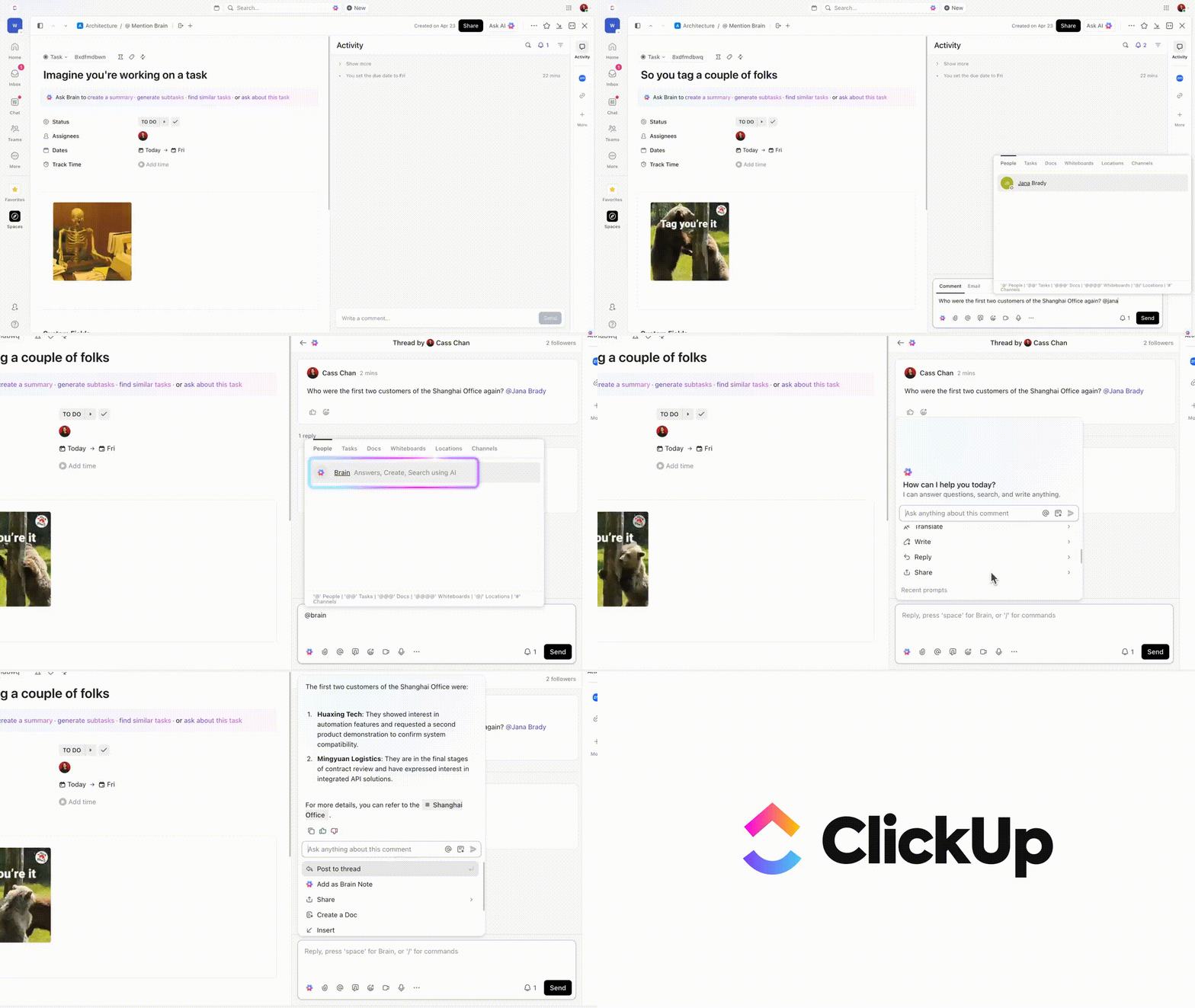
But what really sets ClickUp apart is its AI-powered task management. Imagine never having to dig through endless email threads or Slack messages again—ClickUp Brain, the AI assistant, automatically generates task summaries, progress updates, and even action items from your conversations.
Plus, it’s also your built-in AI content generator and ideator. Just ask for what you need, and you get customizable results in seconds. Need to work with specific LLMs? Don’t sweat it. ClickUp Brain allows you to switch to GPT or Claude within the app—no more tab switching!
What about when you need to communicate with your team? ClickUp Chat keeps all your discussions in one place, so you can brainstorm, strategize, and make decisions without hopping between apps. Bonus? You can turn those chats into actionable tasks in seconds with just a click.
Could your project notes, meeting minutes, and brainstorming sessions actually do something instead of just sitting there collecting virtual dust? Yes, they can.
ClickUp Docs isn’t just for jotting down ideas—it’s an interactive workspace where you can write project reports, link docs to tasks, assign action items, turn notes into trackable to-dos, and facilitate team collaboration.
But wait, there’s more. ClickUp Automations can help you automate task updates, status changes, notifications, and assignments so your projects move forward without you lifting a finger. With pre-built templates and custom rules, you can set it and forget it.
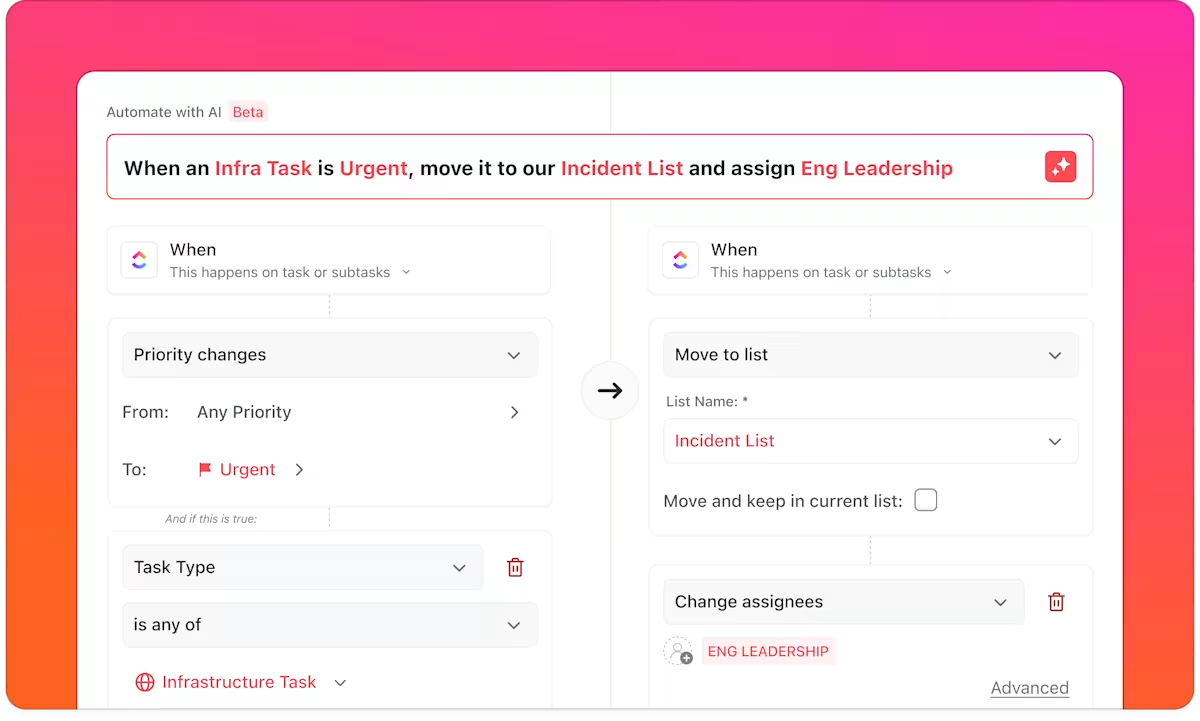
In short, ClickUp for Project Management Teams does it all—organizes tasks, takes meeting notes, tracks time, automates your to-dos, and still has energy left for more.
So, if you’re ready to level up your workflow, ClickUp’s got your back.
Alessandro I, Co-Founder and Art Director, says:
I love how ClickUp brings together multiple productivity tools into one place—task management, documents, whiteboards, reporting—making it simple to keep everything organized. It’s flexible enough to fit any workflow, and the customizable views (like List, Board, and Gantt) let you see projects in whichever format you prefer. Plus, features like Automations and Templates help save loads of time. It’s like a productivity hub that adapts to your needs!
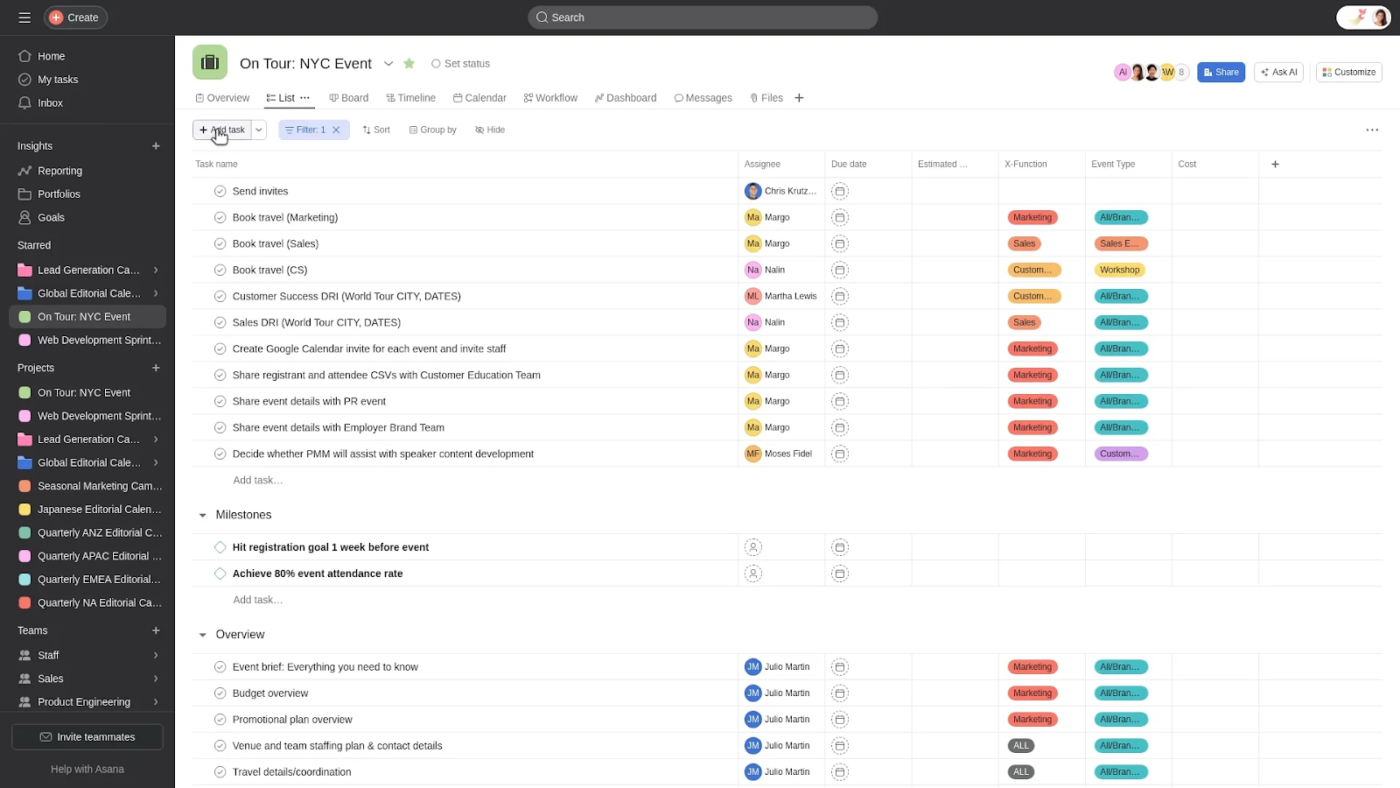
If you value organization or just need to manage a busy workweek, Asana offers a solid project management solution. From simple to complex workflows, it helps keep your team aligned and tasks structured in one place.
With Asana, you can visualize your work in multiple ways, use AI for productivity, and ensure that no task gets lost in the abyss of “I thought you were handling that.”
A G2 review says:
Asana is amazing at keeping me organized with all of my clients. I love that I can set up recurring tasks, at the intervals that I need to make sure nothing falls through the cracks. As my business grew, I knew I couldn’t keep it all straight in my head. There was a slight learning curve, as with all software you aren’t familiar with, but once you learn it, it is so user-friendly.
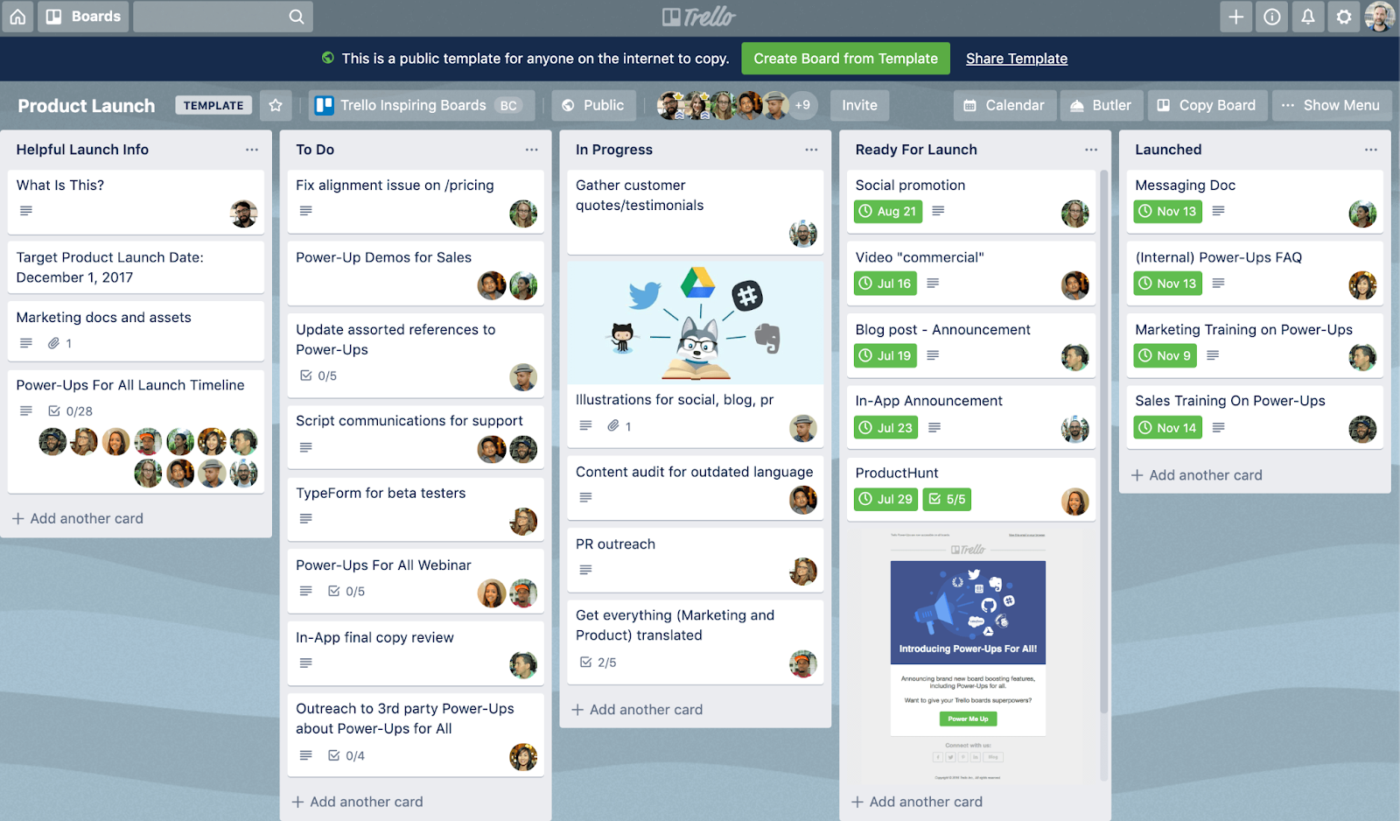
Trello offers a simpler alternative if spreadsheets and complex tools slow your team down. With its intuitive drag-and-drop interface, even the least tech-savvy team members can quickly get on board.
It’s a great choice for visual thinkers, small teams, and anyone who prefers a straightforward approach to project management.
A G2 reviewer writes:
Trello is incredibly customizable and has a lot of features to help with organization. I use it for project management in order to track the processes of each project, as it travels through each production department.
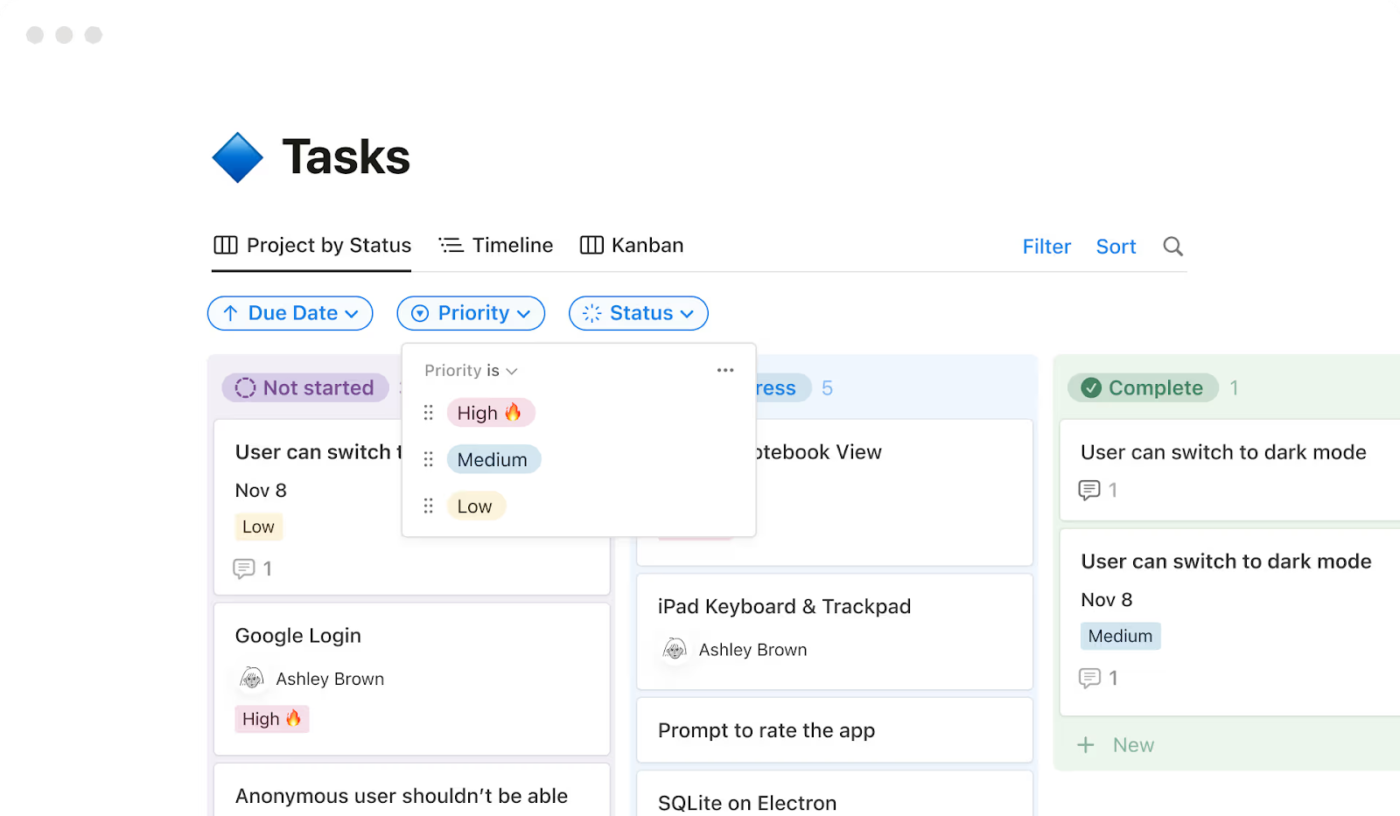
Notion is like a blank canvas for your workflow. Whether you’re organizing projects, building a team wiki, or tracking tasks, it adapts to your needs.
It’s ideal for teams that want a workspace that feels like their own, with the flexibility to create custom dashboards, databases, and collaborative docs all in one place.
A Capterra review reads:
Notion has been the go-to tool so far. It’s handy, loads quickly, and can clone other’s notion in an instant. Whilst being such a powerful tool, it needs more optimization and customization features.
💡 Pro Tip: Go beyond deadlines. Use tagging systems like “High Effort, Low Impact” or Eisenhower Matrix logic to help your team prioritize strategically, not just chronologically.
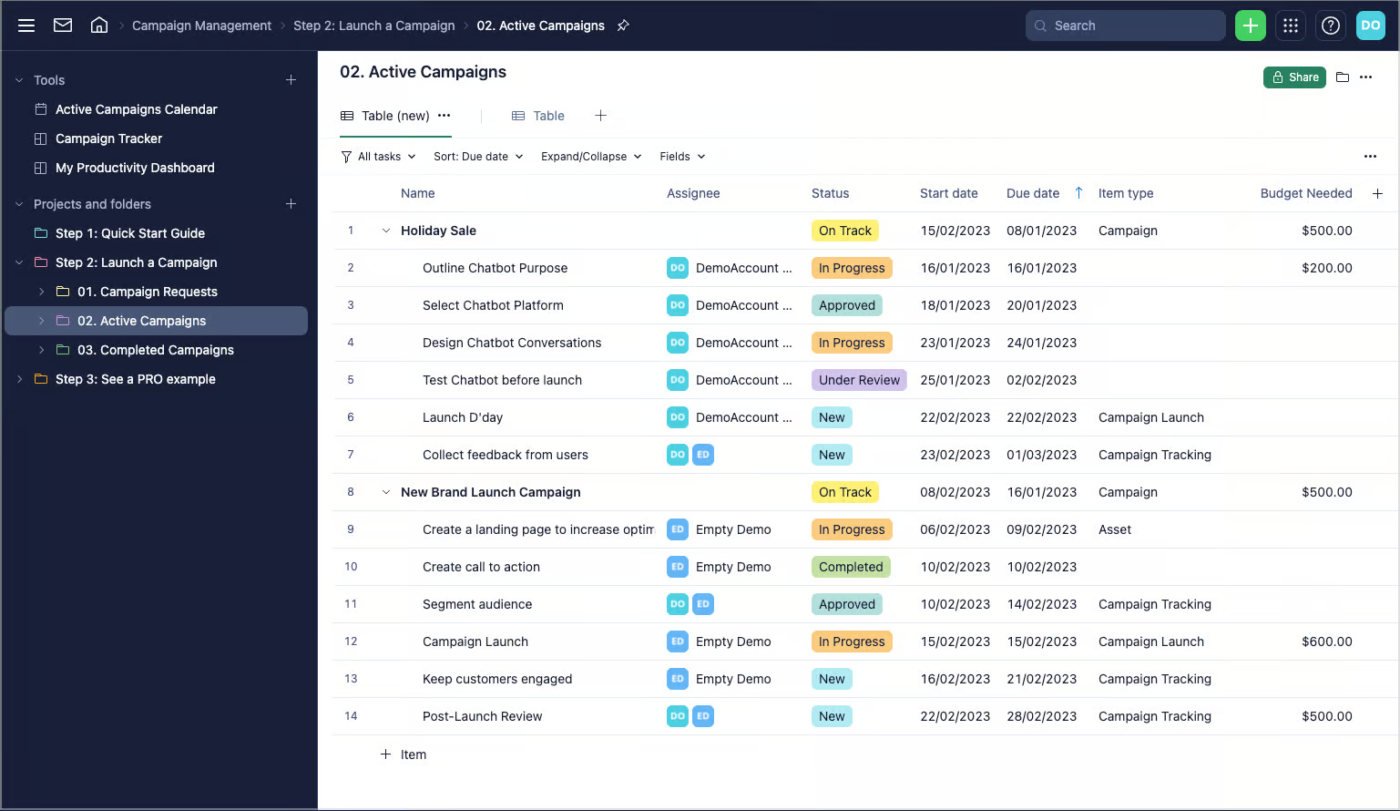
When your projects have so many moving parts, they resemble a domino chain reaction. Wrike steps in to help you here.
Wrike brings order to the chaos with Gantt charts, Kanban boards, real-time dashboards, and workflows. Its USP is its customization capabilities. Whether you’re tracking marketing campaigns, IT projects, or product launches, Wrike keeps everything (and everyone) on schedule, your way.
A Capterra reviewer says:
I loved using this software when it was just me using it. The visual layout and various colors allowed me to see exactly where I was in each task. However, as we grew, it got too expensive to keep adding users.
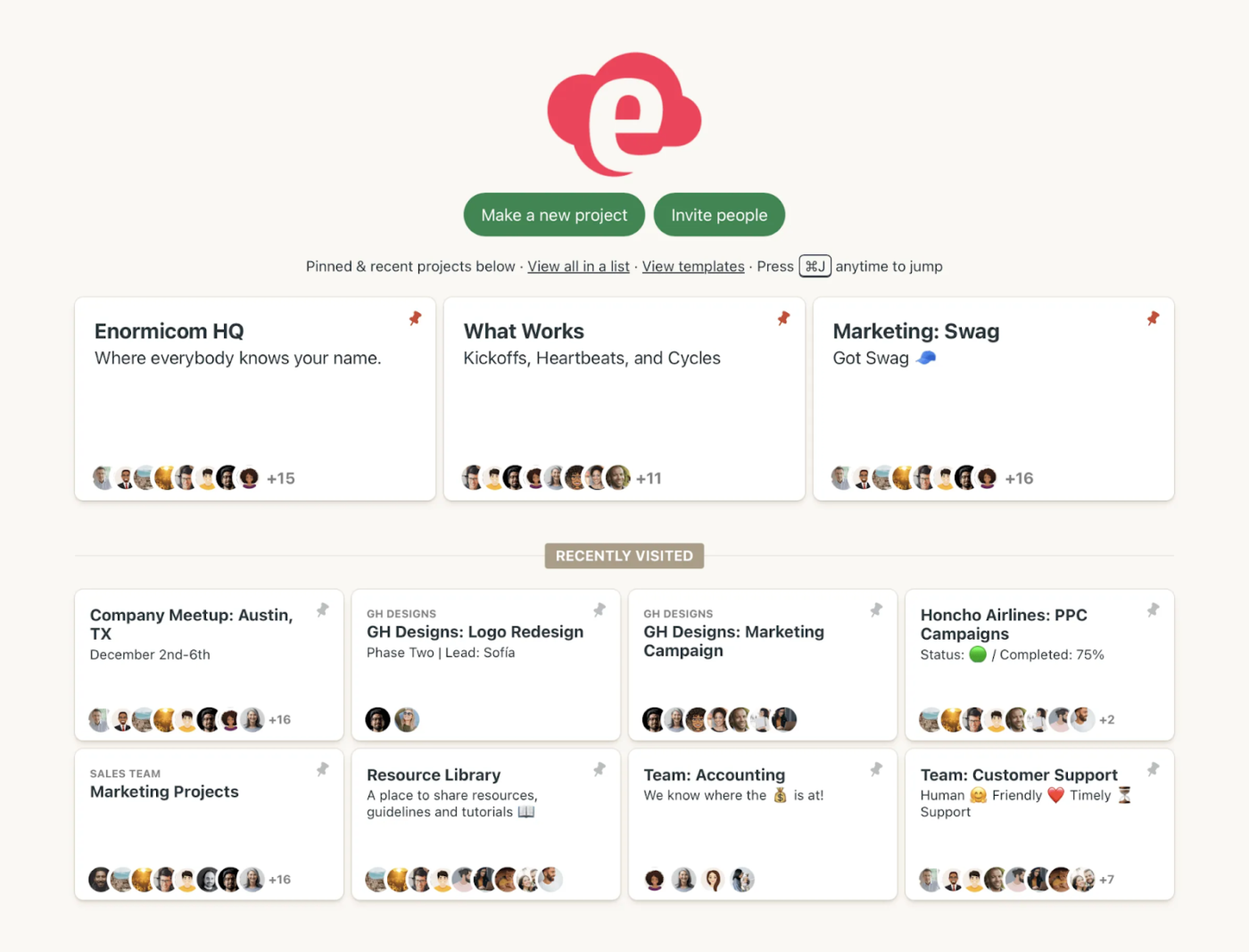
If you’ve found project management tools more complicated than helpful, Basecamp offers a more straightforward solution. It organizes tasks, discussions, files, and schedules in one place, making it easy for teams to stay on track.
It’s a good fit for small to medium-sized teams, agencies, and consultants looking for straightforward collaboration.
A Capterra review says:
…Its user-friendly interface and thoughtful design make it easy to navigate and utilize its robust set of project management tools. While the software excels in many aspects, one area for improvement could be providing more fine-grained metrics for tracking project timelines…
📮 ClickUp Insight: The average professional spends 30+ minutes a day searching for work-related information—that’s over 120 hours a year lost to digging through emails, Slack threads, and scattered files.
An intelligent AI assistant embedded in your workspace can change that. Enter ClickUp Brain.
It delivers instant insights and answers by surfacing the right documents, conversations, and task details in seconds, so you can stop searching and start working.
💫 Real Results: Teams like QubicaAMF reclaimed 5+ hours weekly using ClickUp—that’s over 250 hours annually per person—by eliminating outdated knowledge management processes. Imagine what your team could create with an extra week of productivity every quarter!
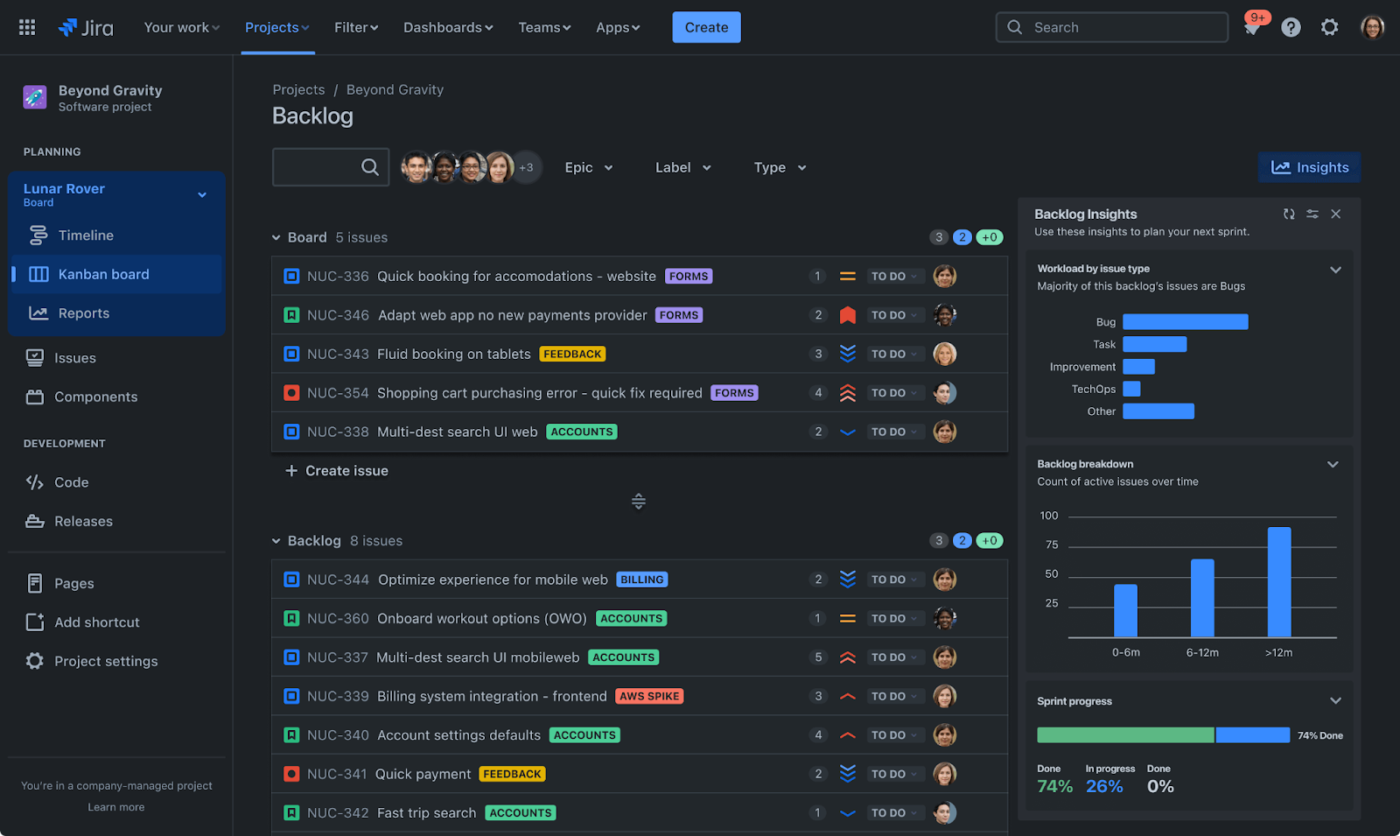
Jira is a project management tool suitable for teams employing Agile methodologies. If your team thrives on sprints, backlogs, and meticulous workflows, it gives you the structure and flexibility to keep everything running smoothly.
Designed for development teams but versatile enough for marketers and product managers, Jira helps you plan, track, and optimize projects with precision.
A Capterra review reads:
At the start it’s intimidating due to the huge amount of tools it offers, but once you figure them out it becomes a very useful tool with tons of options and the ability to customize things to best accommodate your team and automate the management process.
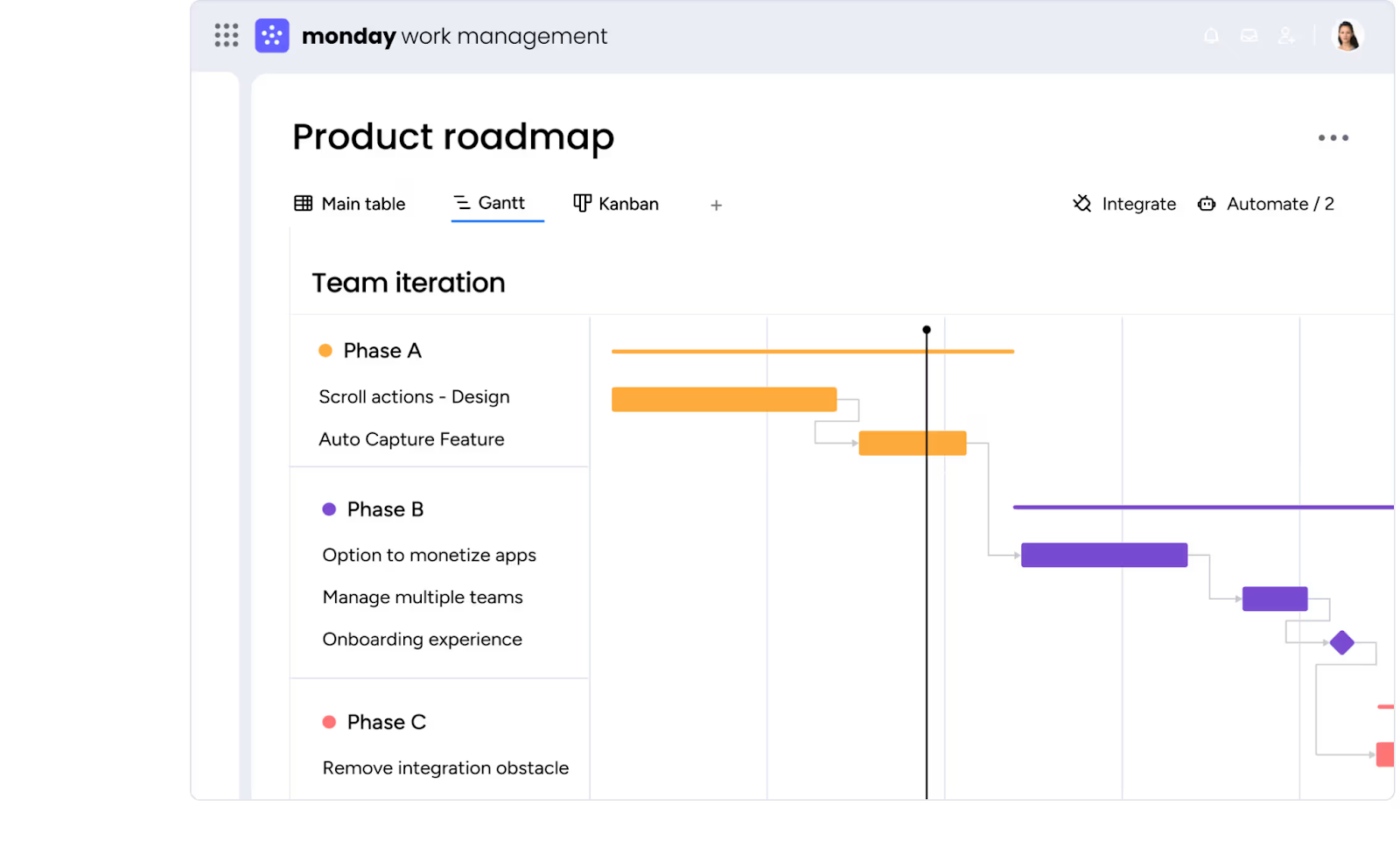
Monday.com is a visually intuitive platform that turns task tracking into an organized, color-coded experience. It simplifies project management, making it easy for teams to stay aligned without getting bogged down in details.
As one of the top team communication apps, it provides quick updates on project health, helping teams manage tasks and responsibilities more efficiently.
A Reddit review reads:
…For smaller teams, the simplicity and scalability of Monday.com make it a breeze to get started without being overwhelmed. On the other hand, it’s robust enough to handle complex projects and cross-departmental collaboration. Pricing is competitive for the value it offers, though the cost can add up for larger teams. It’s definitely worth exploring its free trial to see if it meets your needs.
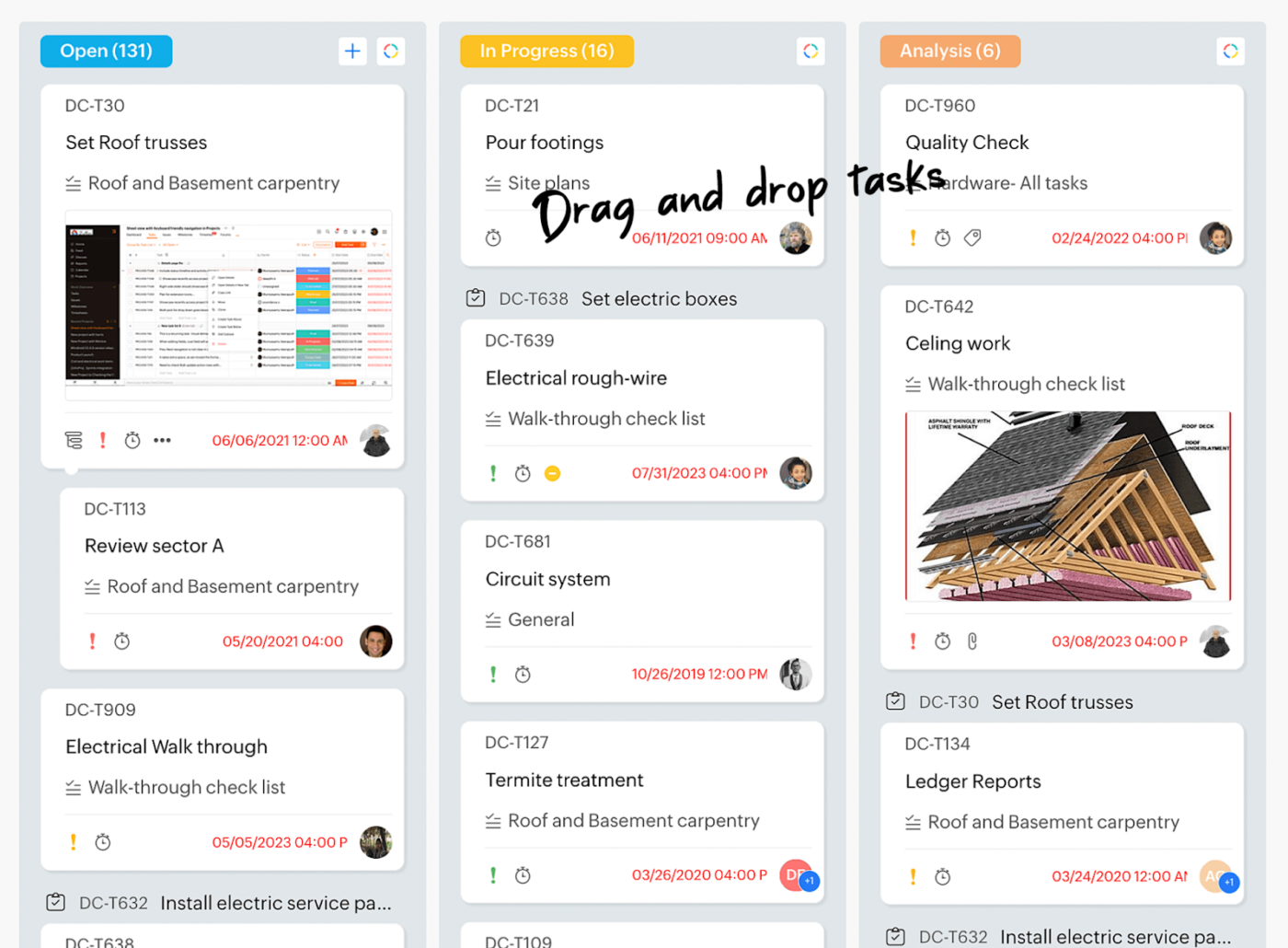
Zoho Projects offers a comprehensive project management solution that balances functionality with affordability. It covers everything from planning and task tracking to automation and reporting, providing a streamlined experience for teams.
Especially useful for businesses already in the Zoho ecosystem, it helps keep projects organized and workflows efficient.
A Capterra reviewer writes:
Zoho Projects is a robust project management tool with great task automation, collaboration, and integrations. While it has a learning curve, it significantly improves workflow efficiency.
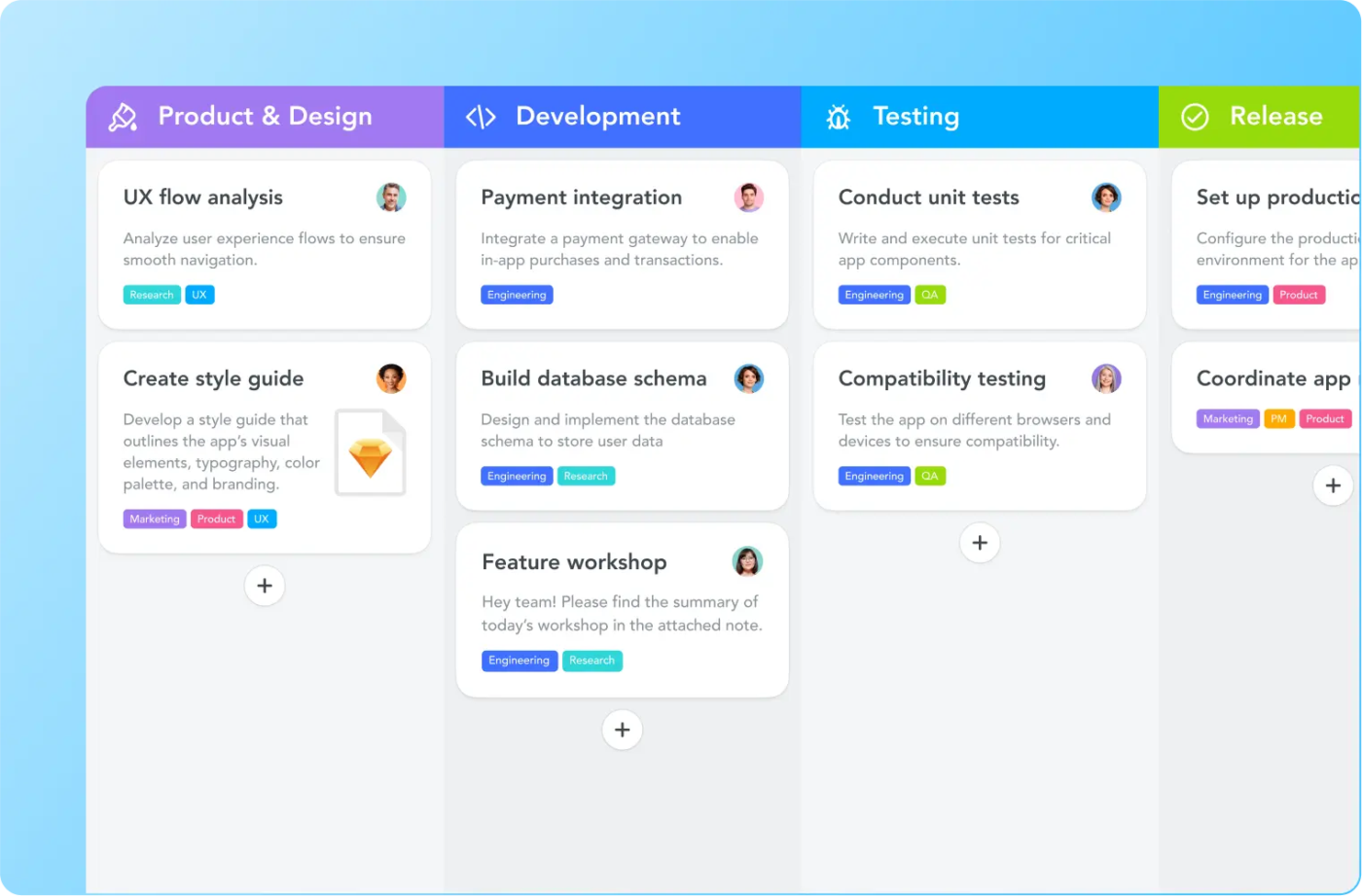
MeisterTask makes project management feel straightforward and effortless with its easy-to-use Kanban boards. It shines when it comes to integrating with tools like Slack and Google Drive, helping teams collaborate seamlessly.
An option for those who value simplicity, MeisterTask organizes tasks, automates repetitive work, and helps teams stay on track and productive throughout their projects.
A Capterra review says:
MeisterTask facilitates task, project and work management tools which help save time and eradicate errors through automation. Unfortunately, MeisterTask is web based and highly depends on internet due to lack of offline access capabilities.
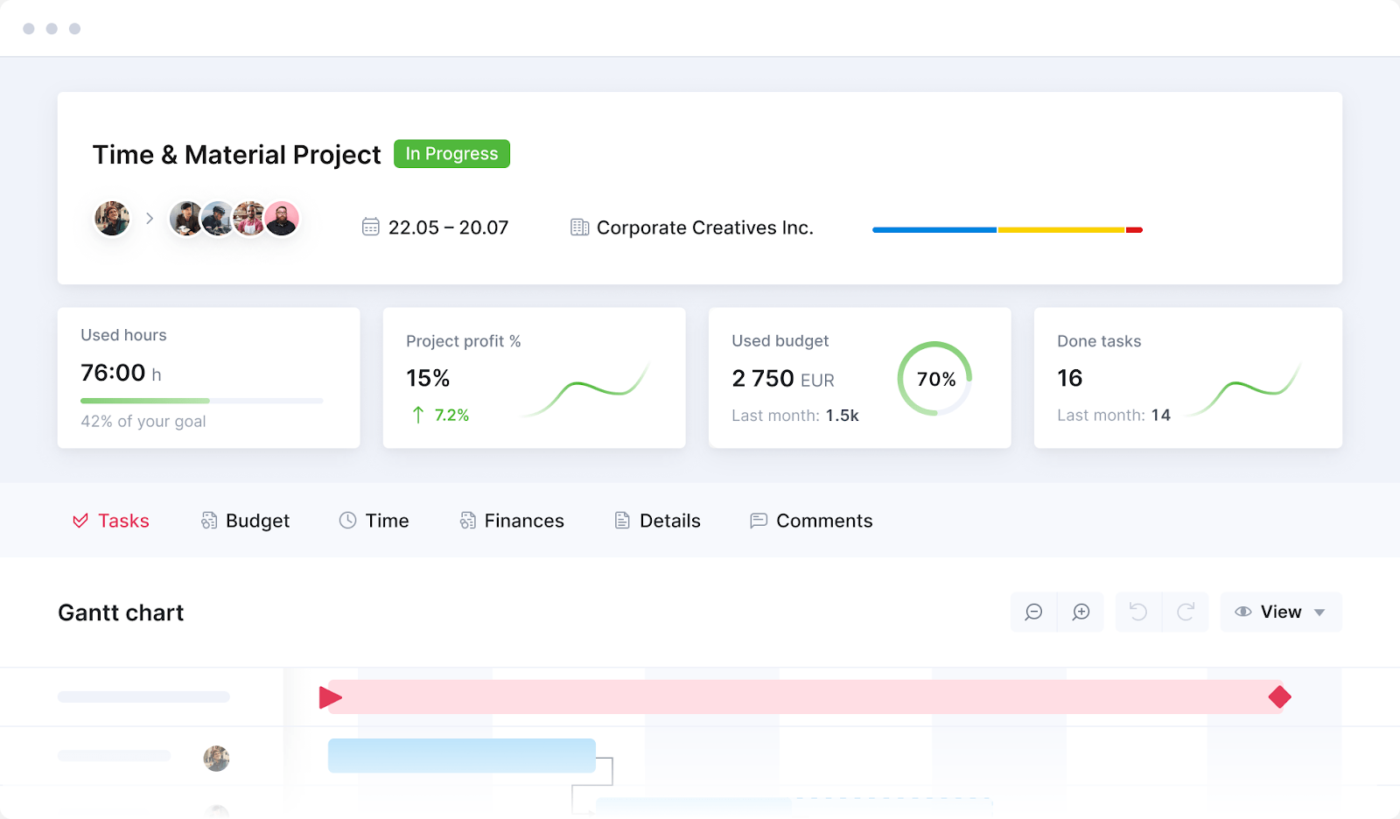
For teams in consultancies, agencies, and professional services, Scoro offers more than just task tracking. It blends project planning, resource management, and financial oversight into a single platform, helping teams stay organized and profitable.
This holistic approach allows for seamless collaboration while keeping projects on track and budgets in check.
A Capterra review says:
Scoro constantly assisted me and improved the team’s productivity. On the other hand some features gone missing and occasional search difficulties stood away it from being perfect. Although it has a lot of power with huge possibilities and I am looking forward how its adapting.
💡 Pro Tip: Identify your team’s project management methodologies, integration needs, and budget before committing to a tool. Most tools offer free trials, so test a few before making a final decision!
Running projects without the right tool often leads to chaos, confusion, and missed deadlines. You need structure, visibility, and automation to keep things on track.
Instead of settling for the basics, aim for something exceptional. ClickUp is more than just a project management tool—it’s a powerhouse for strategic project management.
With AI-powered task management, automation, seamless collaboration, and insightful reporting, ClickUp takes project management to the next level. Ready to experience the difference? Try ClickUp for free today!

Manasi Nair
Max 30min read
Manasi Nair
Max 28min read
Manasi Nair
Max 26min read

© 2026 ClickUp




