






Still downloading templates?
There’s an easier way. Try a free AI Agent in ClickUp that actually does the work for you—set up in minutes, save hours every week.
Sorry, there were no results found for “”
Sorry, there were no results found for “”
Sorry, there were no results found for “”
72% of consumers say that wish lists make holiday shopping easier, and 64% also like getting gifts from wish lists.
But holiday wish lists often fail because they’re scattered across text threads, notes apps, and mental reminders that vanish the moment you need them. This article covers seven free Christmas wish list templates—from simple printable checklists to full-featured digital planners with real-time collaboration.
Use them to organize gift ideas, share preferences with family, and actually remember what everyone wants when December arrives. 🎄
| Template Name | Download Link | Ideal For | Best Features | Visual Format |
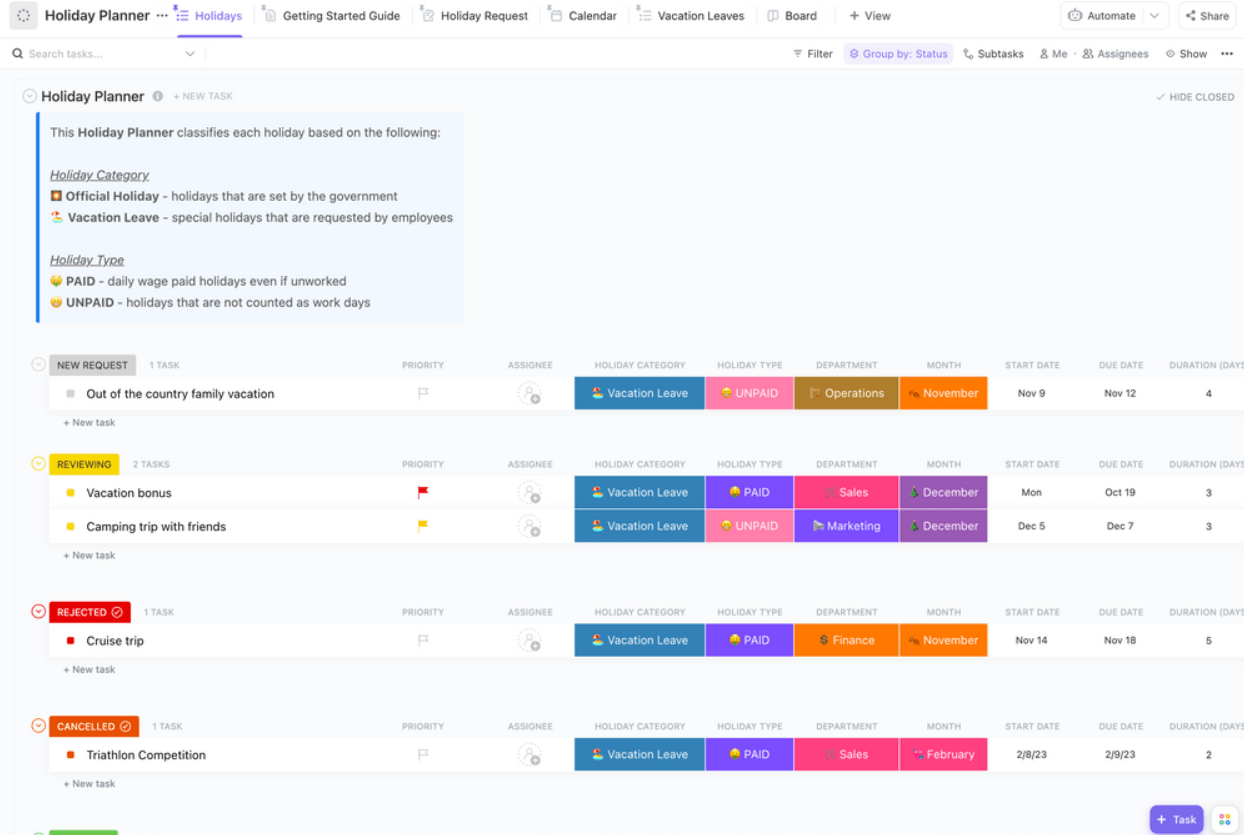
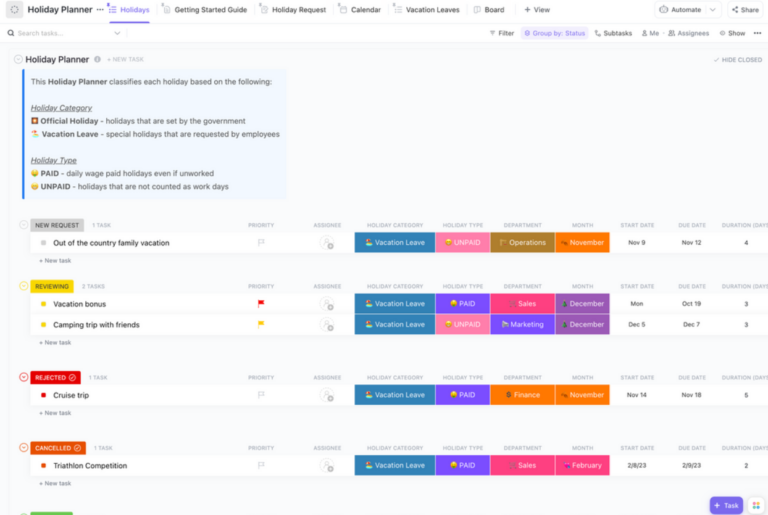
| Holiday Planner Template by ClickUp | Get free template | Holiday planning power users who want one hub to coordinate gifts, budgets, and key dates without losing track of details. | Multiple views (List, Board, Calendar); custom fields for price, links, status; real-time collaboration | ClickUp workspace (List, Board, Calendar views) |
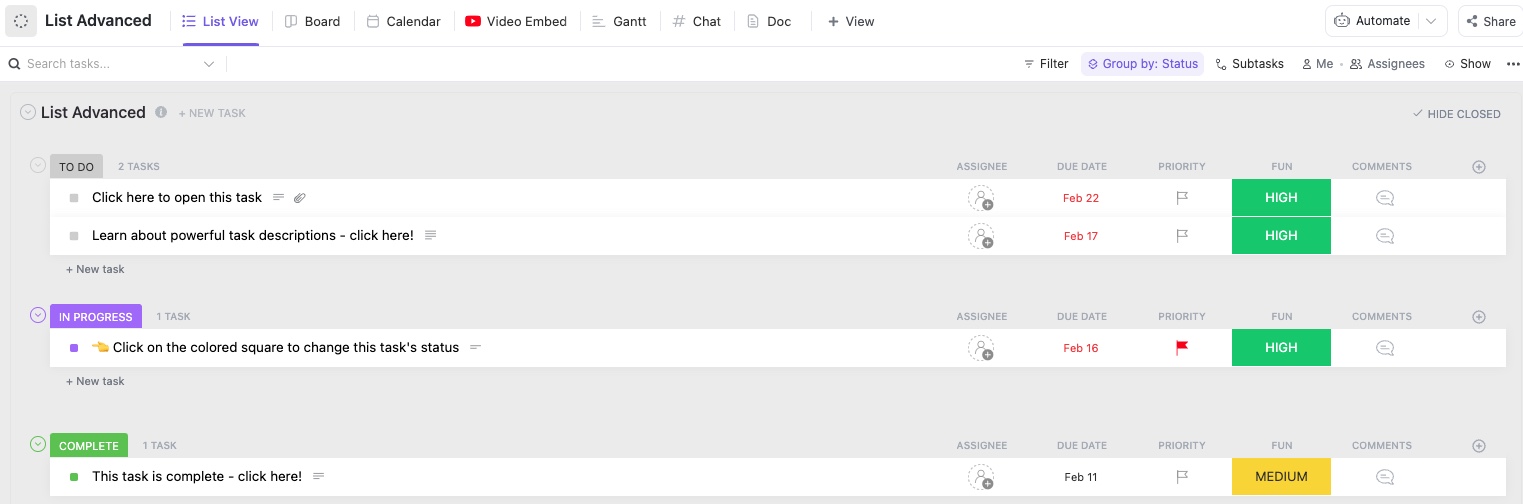
| List Template by ClickUp | Get free template | Anyone who wants a clean, shareable personal wish list with links and specifics so gift-givers can buy the right thing fast. | Simple prioritization; direct product links; details like size/color/price range; shareable link | ClickUp List |
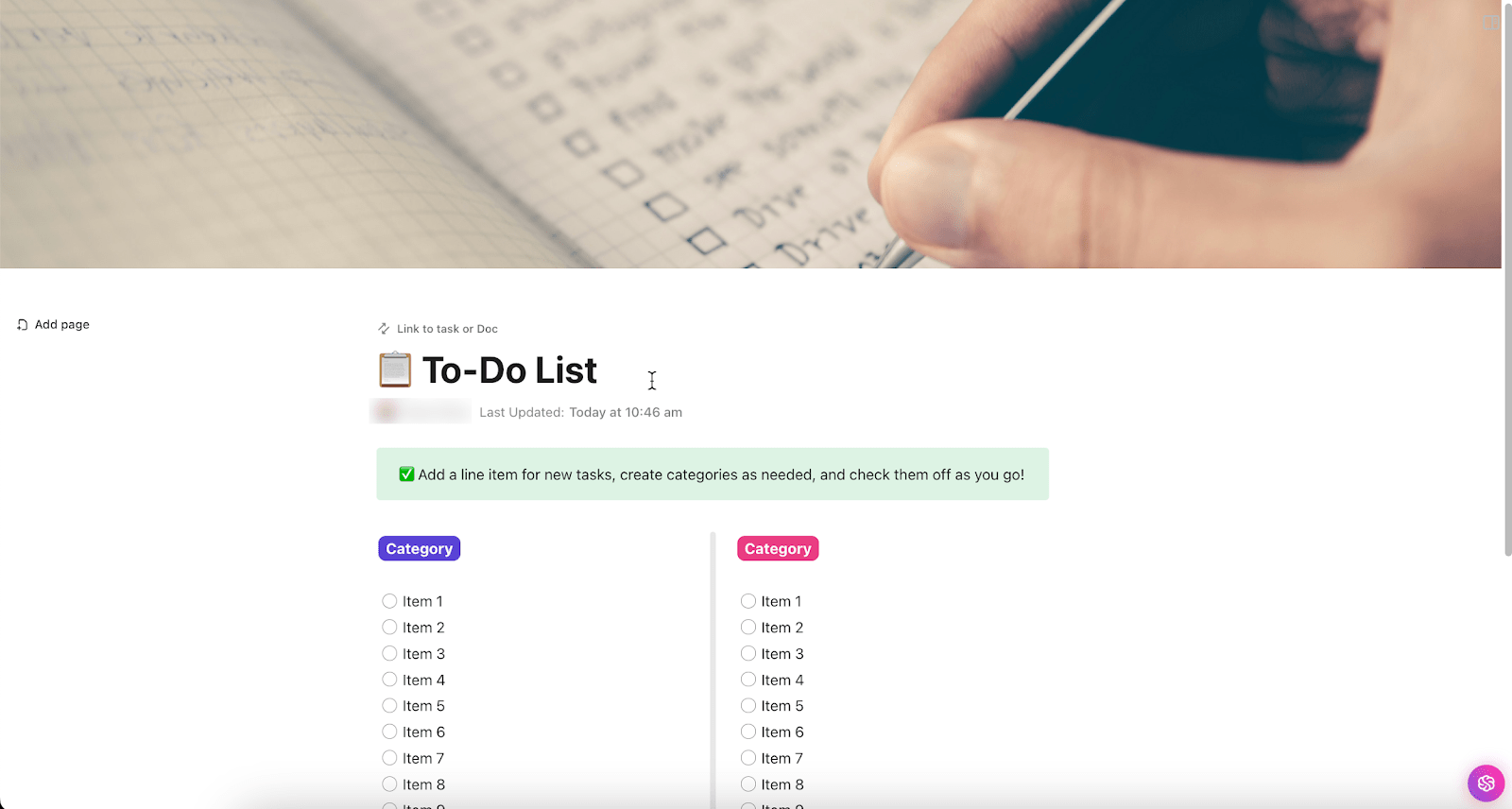
| To Do List Template by ClickUp | Get free template | Families or teams coordinating gift buying who need clear owners, deadlines, and progress tracking to prevent duplicates. | Assignees for accountability; deadlines; subtasks for research/steps; completion tracking | ClickUp task to-do list |
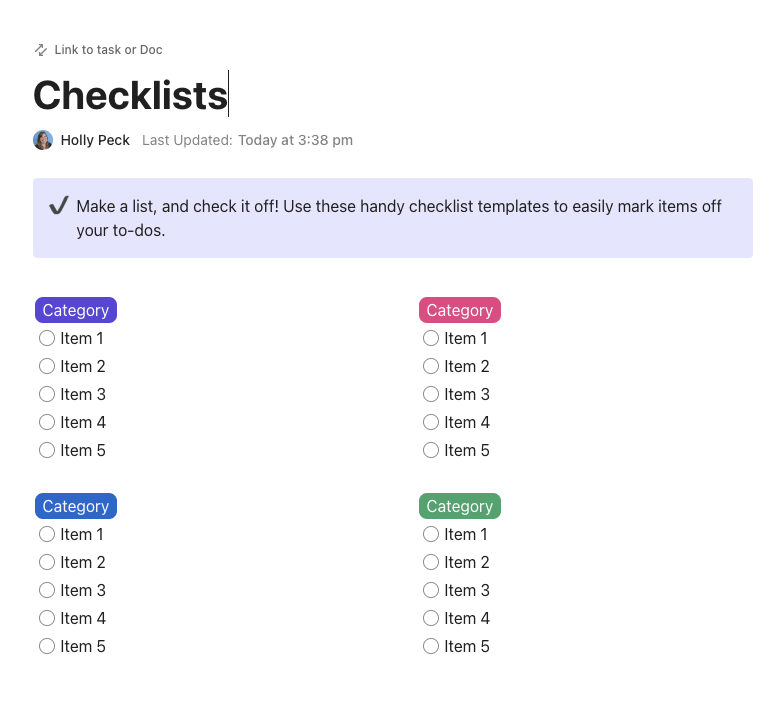
| Checklist Template by ClickUp | Get free template | Minimalists who just want a quick check-off list they can use on mobile or print, without extra planning overhead. | Ultra-simple checkbox flow; duplicate for each person; print-friendly; nested checklists for categories | ClickUp Checklist |
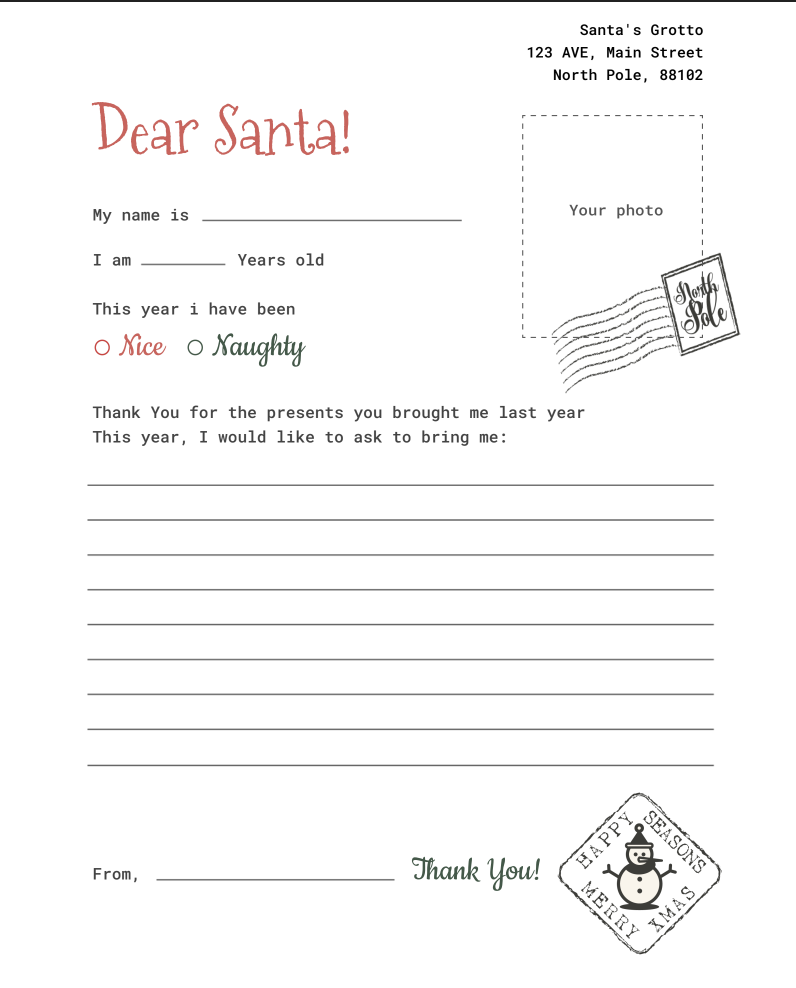
| Christmas Wishlist Template by TheGooDocs | Download this template | Google Docs fans who want a festive, easy-to-share wish list they can fill out and print with zero setup. | Pre-designed holiday styling; Google Drive sharing; editable fields; easy to customize | Google Docs document |
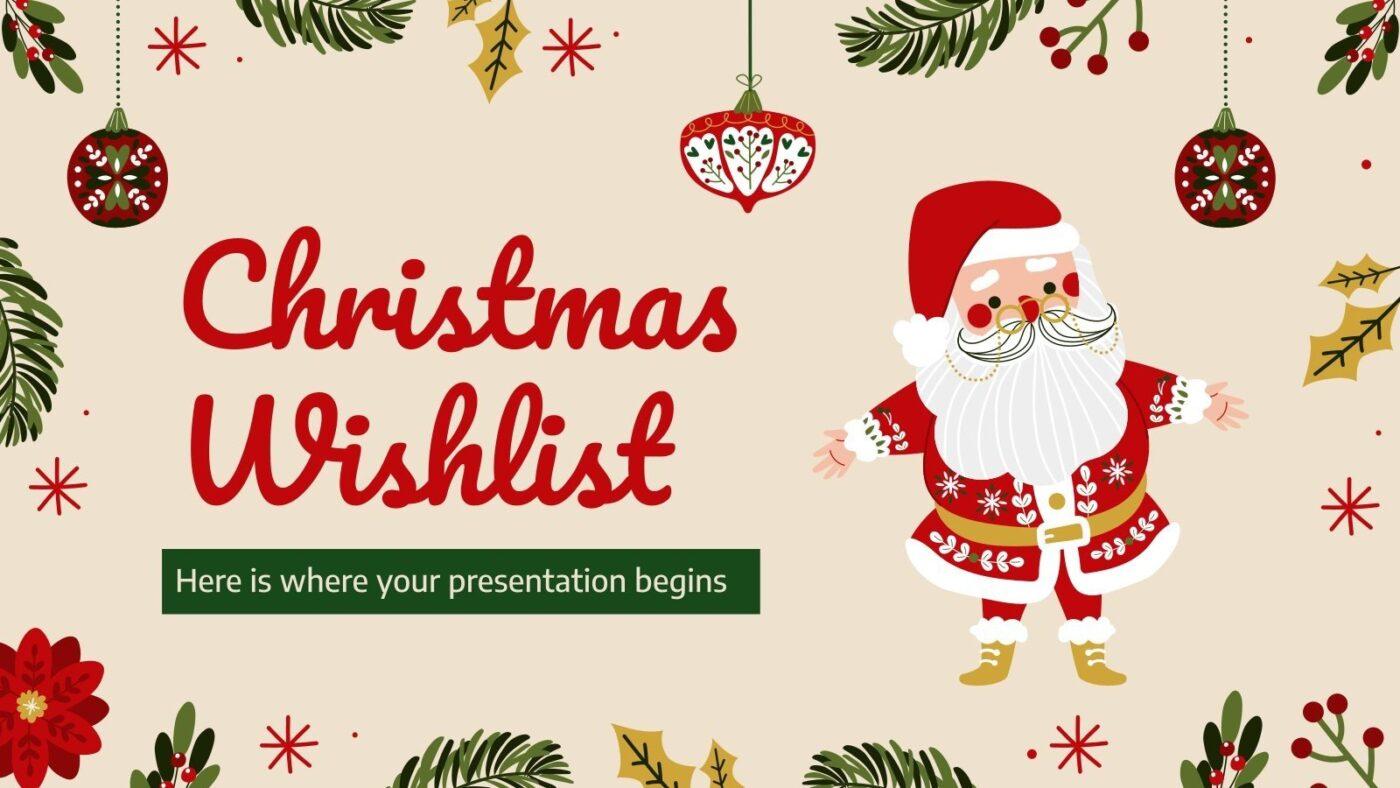
| Christmas Wishlist Presentation by Slidesgo | Download this template | Anyone who wants a visual, lookbook-style wish list (especially for kids or creative gifting) with images front and center. | Illustrated slide layouts; image-friendly; easy to share/export PDF; customizable styling | Google Slides / PowerPoint deck |
| Festive Christmas Wish List Template by WordLayouts | Download this template | People who prefer a printable, fill-in wish list for home, classroom, or kids’ activities instead of a digital tracker. | Kid-friendly prompts; familiar Word editing; print-ready layout | Microsoft Word document (printable) |
💡 Pro Tip: Coordinating a large family or office gift exchange can get stressful. You’re juggling budgets, multiple recipient lists, shopping deadlines, and event plans across different apps, spreadsheets, and group chats. This context sprawl—the fragmentation of critical information across disconnected apps and platforms—means crucial details get lost, leading to accidental double-purchases and a blown budget before the holidays even begin.
ClickUp, the world’s first converged AI workspace eliminates this problem by bringing everything into one place. With all your lists, shopping tasks and deadlines, event schedules, and team chat in one place, with AI integrated through it, its easier than pie to keep everything under control!
Between office parties, family gatherings, and Secret Santa exchanges, December gift lists multiply fast—and rarely talk to each other. This leads to duplicate gifts, forgotten items, and the nagging feeling that you’re managing a massive project instead of enjoying the season.
The templates in our list include different formats—pick the one that matches how you actually shop and share. Some are best for personal use, while others shine for team or family coordination.
Eliminate the holiday planning chaos with a comprehensive template that goes beyond a simple wish list. Consolidate gift tracking, budget management, and scheduling into one workspace with the Holiday Planner Template by ClickUp—a full command center for your holiday operations.
Instead of juggling scattered information, you get a single source of truth that keeps everyone aligned and on track.
Why you’ll like it:
⚡️Ideal for: Holiday planning power users who want one hub to coordinate gifts, budgets, and key dates without losing track of details.
📮ClickUp Insight: 92% of knowledge workers risk losing important decisions scattered across chat, email, and spreadsheets. Without a unified system for capturing and tracking decisions, critical business insights get lost in the digital noise. With ClickUp’s Task Management capabilities, you never have to worry about this. Create tasks from chat, task comments, docs, and emails with a single click!
Your personal wish list is a jumbled mess in a notes app, or worse, a long, confusing text thread that’s impossible to search. When someone asks what you want, you send a disorganized list, and they have no clue which “blue sweater” you meant. This ambiguity ruins the surprise when they have to ask for a direct link, size, or color preference.
Why not replace messy notes and endless texts with a clean, shareable, digital wish list maker? Capture and share your ideas in a single, organized space with the ClickUp List Template. It transforms your scattered thoughts into a clear, actionable list that you can update on the fly and share with anyone, ensuring you get the gifts you actually want.
Why you’ll like it:
⚡️Ideal for: Anyone who wants a clean, shareable personal wish list with links and specifics so gift-givers can buy the right thing fast.
📚 Also Read: Tips to Avoid Burnout This Holiday Season
You may have a wish list, but does it translate into an actual shopping plan? You know what you want to buy for others, but you have no system for tracking who is buying it, when it needs to be purchased, or if it’s already been bought and wrapped.
This lack of coordination leads to last-minute shopping panic and the classic holiday problem of two people buying the same gift for someone.
Turn your passive wish list into an actionable shopping project with a task-focused template. Treat each gift idea as a to-do item—complete with sub-actions, deadlines, and owners—using the ClickUp To Do List Template.
This approach transforms your list from a simple collection of ideas into a collaborative plan with clear accountability. It ensures every gift is purchased on time and without duplication.
Why you’ll like it:
⚡️Ideal for: Families or teams coordinating gift buying who need clear owners, deadlines, and progress tracking to prevent duplicates.
📚 Also Read: Corporate Gift Ideas to Show Employee Appreciation
Sometimes, you just want a simple, no-frills list without the complexity of budgets, assignees, or multiple views. You’re tired of overly engineered tools for what should be a straightforward task: listing items and checking them off. This frustration leads you to revert to paper lists (that you lose) or a basic notes app (that gives no structure).
The ClickUp Checklist Template gives you the satisfaction of a simple checklist without sacrificing digital convenience. The clean, checkbox-style list keeps things simple, and creates checklists that you can use on your phone or print out for the fridge. It’s great for quick personal wish lists, kids’ gift ideas, or shopping.
Why you’ll like it:
⚡️Ideal for: Minimalists who just want a quick check-off list they can use on mobile or print, without extra planning overhead.
💡 Pro Tip: If you’re coordinating a family gift list or a Secret Santa at work, try using a ClickUp Super Agent as your “holiday coordinator.” Set it to send a quick daily or weekly digest of gifts that are still in the Idea stage, flag items that look like duplicates, and remind everyone what needs to be bought before shipping cutoffs. That way, the list stays updated without extra back-and-forth, and you avoid last-minute double purchases.
Learn how to build your first Super Agent in ClickUp today!
You live and breathe Google Docs and don’t want the hassle of learning a new platform just for a holiday list. You need something that feels familiar, is easy to share with other Google users, and has a bit of festive flair without requiring any design work on your part.
This Google Docs-based Christmas Wishlist Template by TheGooDocs is perfect for users who want a quick, decorative, and familiar option. It comes with a pre-designed holiday aesthetic that’s ready to be filled in, shared via Google Drive, or printed.
Why you’ll like it:
While convenient for personal use, remember it’s a static document. It lacks dynamic features like real-time purchase statuses or notifications, making it less ideal for coordinating a gift exchange with multiple shoppers.
⚡️Ideal for: Google Docs fans who want a festive, easy-to-share wish list they can fill out and print with zero setup.
💡 Pro Tip: When you’re out shopping (or think of a gift idea mid-scroll), use ClickUp Talk to Text to capture it instantly instead of trying to remember it later. Just dictate a quick update like “Add cozy blue sweater for Mom, size M, under $50” or “Mark Secret Santa mug as purchased,” then paste the text right into your wish list or gift task. It’s a fast way to keep links, sizes, and gift status accurate on the go, even when you only have one hand free.
A plain text list feels boring, especially when you’re trying to get kids excited or share creative ideas with family. You want a way to make your wish list more visual and engaging, almost like a personal gift lookbook.
Create a visually rich, slide-based wish list with Slidesgo’s Christmas Wishlist Presentation for Google Slides or PowerPoint. It’s designed to be an illustrated, shareable presentation, which is especially fun for creative gift-givers or for helping kids show family what they’re hoping for.
Why you’ll like it:
It’s not built for tracking purchases or managing a budget, but it definitely makes sharing a wish list more memorable.
⚡️Ideal for: Anyone who wants a visual, lookbook-style wish list (especially for kids or creative gifting) with images front and center.
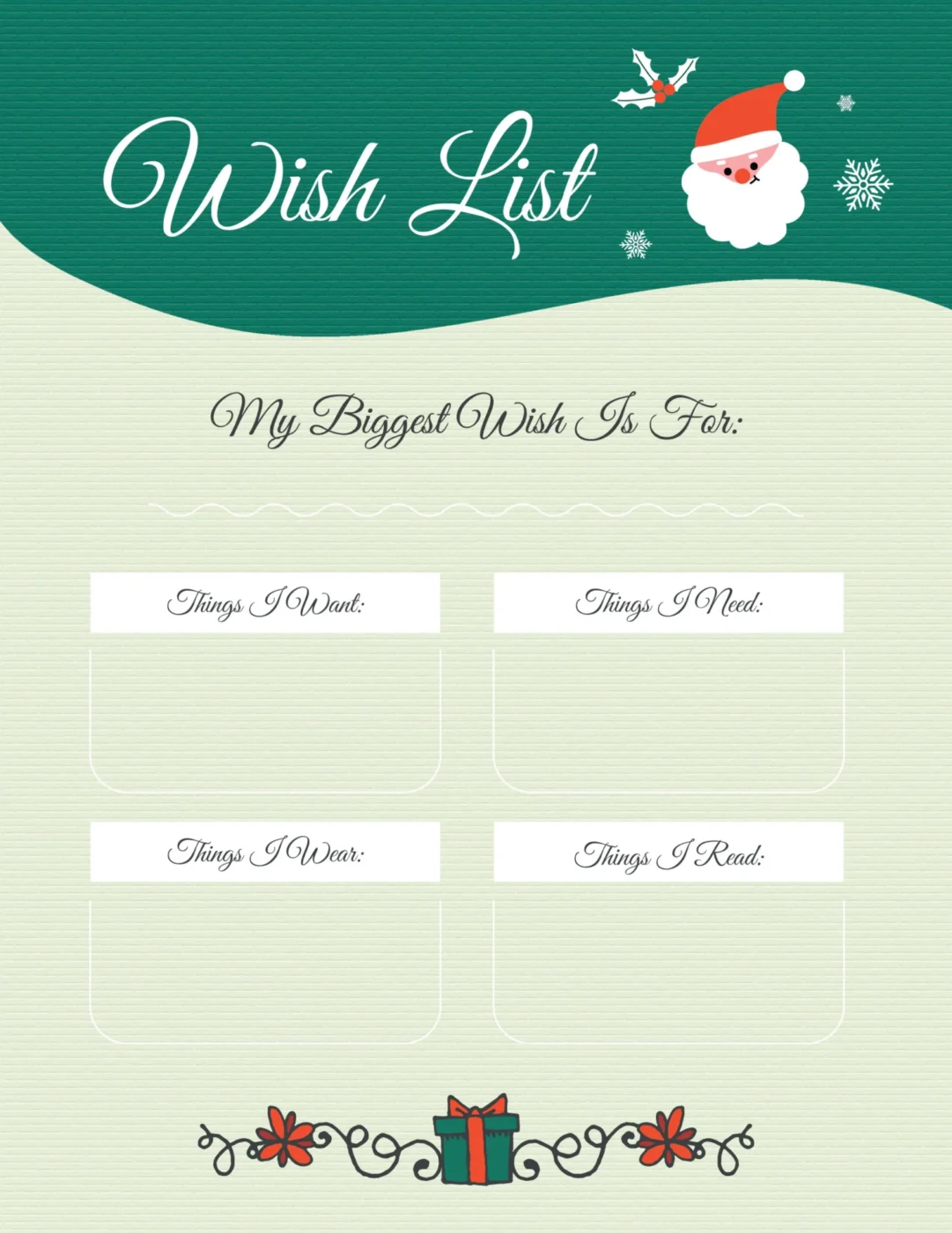
Maybe you’re a fan of the traditional, physical wish list—something you can print out, fill in by hand, and stick on the fridge. You don’t need digital features; you just want a nicely designed, printable document that’s easy to use for kids, classroom activities, or simple family lists.
The Festive Christmas Wish List Template by WordLayouts is a printable Microsoft Word template with a classic, whimsical, and kid-friendly holiday design. It’s the perfect choice for anyone who wants a traditional print-and-fill-in wish list.
Why you’ll like it:
Because this is a static Word document, it lacks digital collaboration features like real-time updates or clickable product links. It is best suited for offline, personal use rather than a coordinated, multi-person gift exchange.
⚡️Ideal for: People who prefer a printable, fill-in wish list for home, classroom, or kids’ activities instead of a digital tracker.
If you’re managing corporate or client gifting this season, here’s a helpful video with practical ideas for selecting appropriate business gifts that strengthen professional relationships:
💡 Pro Tip: Working through Christmas shopping for a large family or team? Put it all in ClickUp Docs to keep things manageable. Create a simple holiday Doc with sections for each person, then link out to the corresponding wish list or tasks so everything stays organized and easy to share.
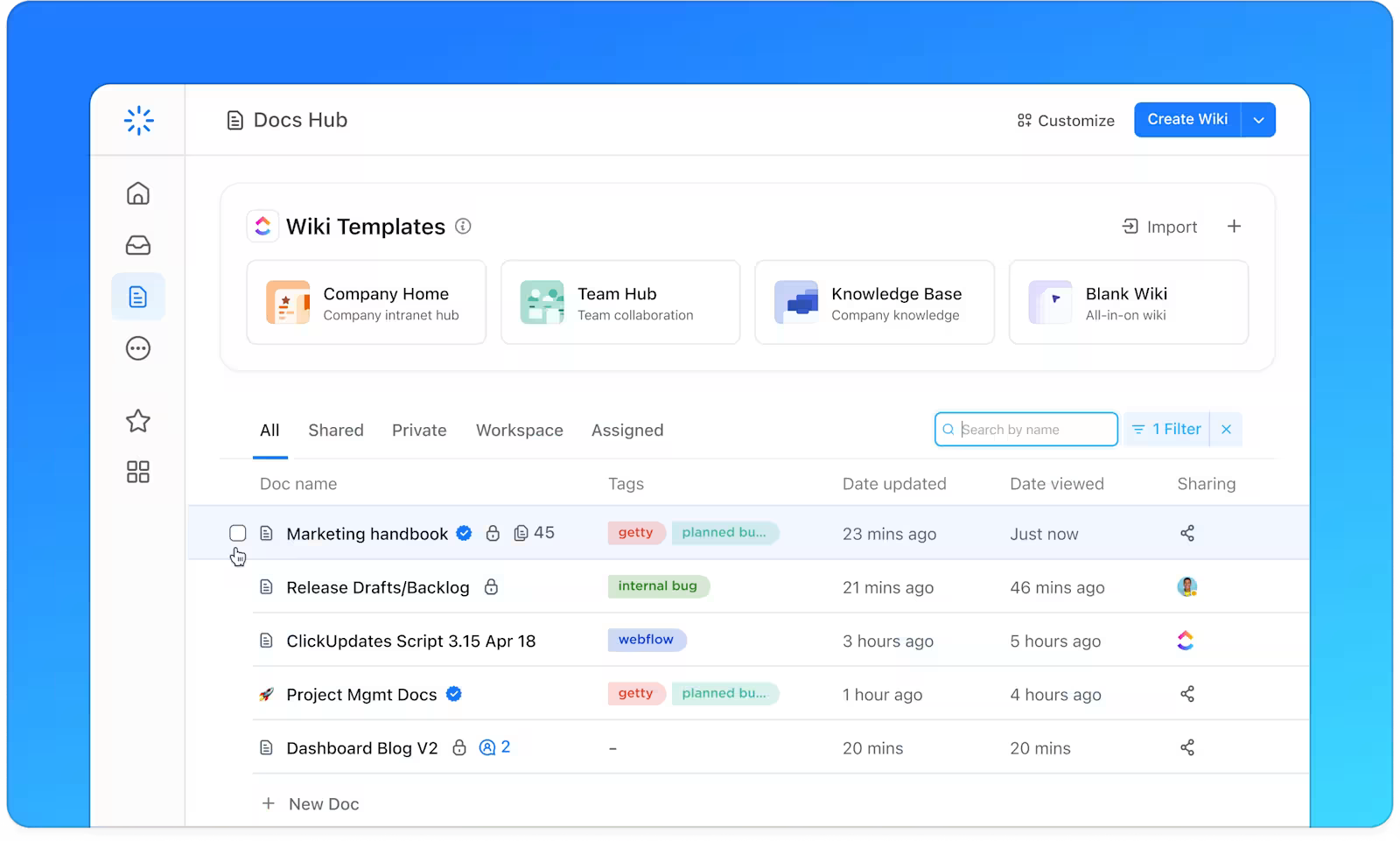
Got a question about any of them? Just ask ClickUp Brain to get answers in seconds, no searching through multiple lists!
A good Christmas wish list template cuts down on duplicate gifts and simplifies sharing preferences—whether you’re coordinating a family gift exchange or keeping your own ideas organized. While printable templates are great for kids or quick personal lists, digital templates with real-time sharing and product links are far better for group coordination.
A dedicated template with collaboration and purchase tracking keeps everyone on the same page. Start your list early—32% of consumers begin holiday shopping before November—share it widely, and update it as new ideas come to you. ✨
Ready to organize your holiday gifting? Get started for free with ClickUp and keep every wish list, shopping task, and gift idea in one place.
Yes—share via a public link or email so family members or coworkers can view or edit in real time. Most digital templates, like those in ClickUp, support this functionality. For a work Christmas wish list or Secret Santa, a shared template keeps everyone’s lists in one place without endless group texts.
PDF and Word (.docx) are the most reliable formats for a free printable Christmas wish list. PDFs preserve formatting perfectly across all devices, while Word files allow you to edit the text before you print.
Make it easy for gift-givers to find exact products by using a digital template that supports hyperlinks, such as ClickUp’s List Template. Simply paste the product URL into a Custom Field or the item’s description so gift-givers can click directly to the online store.

© 2026 ClickUp

There’s an easier way. Try a free AI Agent in ClickUp that actually does the work for you—set up in minutes, save hours every week.