Sorry, there were no results found for “”
Sorry, there were no results found for “”
Sorry, there were no results found for “”
Remember when creating compelling digital images required deep technical skills, expensive software, and hours of painstaking work? While traditional CGI brought fantastical worlds to life in movies like Star Wars and Jurassic Park, its complexity limited access.
Today, generative Artificial Intelligence (AI) has democratized image creation, putting powerful tools into the hands of creators everywhere.
Adobe Firefly is a popular tool for generating images from text—but it’s not your only option. If you’re looking for an Adobe Firefly alternative, this list explores 10 powerful AI tools with unique features and creative workflows to fit different needs. 🎨
🔍 Did You Know? We started using computers to create images way back in the 1970s.
Here is a quick overview of the 10 best Adobe Firefly alternatives:
| Tool | Best for | Best features | Pricing |
|---|---|---|---|
| ClickUp | AI-powered content creation and project management Team size: Ideal for individuals, mid-sized teams, and large enterprises looking to add quick design solutions to their workflow | Custom views for HR management, AI-powered performance insights, seamless task management and collaboration, recruitment, onboarding, and performance review templates | Free forever; Customization available for enterprises |
| MidJourney | High-quality image generation Team size: Ideal for small teams without dedicated graphic designers | Producing detailed, photorealistic, or stylized images from text prompts | Starts at $10/month |
| DALL·E 3 | Detailed text-to-image generations Team size: Ideal for teams without dedicated graphic designers | Generating creative visuals from descriptive text, especially for marketing & ads | Starts at $20/month (via ChatGPT Plus) |
| Stable Diffusion | Open-source AI image generation Team size: Custom model training and advanced prompt-based image creation | Customizable generative AI art creation, open-source, can train custom models | Starts at $7/month (Free trial available) |
| Runway Gen-2 | Video and image generation Team size: Generating short video clips and images using text prompts with built-in editing | Image and video generation, text-to-image, image-to-video, and advanced video editing features | Free; Starts at $15/month per user |
| Canva | Easy, beginner-friendly graphic design Team size: Ideal for mid-market companies and large enterprises; requires some design expertise to use fully | Creating designs with templates and AI-generated visuals for non-designers | Free plan; Starts at $12.99/month per user |
| DreamStudio | Customizable generative AI art creation Team size: Producing high-resolution images with control over prompt variables and style | Image generation with customizable aspects, inpainting/outpainting, and high-resolution AI-generated art | Free trial (100 credits); Starts at $10/month for 1000 credits |
| Leonardo AI | Intricate AI models and designs Team size: Creating game assets, concept art, and stylized illustrations with prompt control | Real-time image generation, upscaling, and various artistic styles; image customization options | Starts at $12/month |
| Craiyon | Quick and free AI image generation Team size: Rapid, no-cost generation of basic AI images for experimentation or ideation | Generating basic images quickly from text prompts, ideal for quick brainstorming and ideation | Starts at $12/month |
| Piktochart | Visually appealing infographics and presentations Team size: Designing infographics, reports, and presentations using a drag-and-drop interface | Creating infographics, presentations, and reports; integrates AI-powered features for design | Free plan; Starts at $29/month per user |
When choosing an alternative to Adobe Firefly, it’s essential to prioritize the features that align with your creative needs.
Whether you’re generating high-quality AI images or streamlining your graphic design workflow, the AI art generator should meet the following criteria:
💡 Pro Tip: When using AI for graphic design, start with a clear vision and detailed prompts. Describe colors, styles, and moods you want to include so you get to make the most of generative AI.
Now that you know what to look for, let’s explore the top 10 alternatives to Adobe Firefly in 2025. Each AI art generator is evaluated based on its features, pricing, and suitability for creative needs.
ClickUp stands out as an effective alternative to Adobe Firefly as it uses artificial intelligence in multiple ways beyond generative AI for image and video production.
This comprehensive tool is a hub for creative professionals eager to enhance their workflows with AI-powered functionalities.
Unlike Firefly, which focuses solely on image generation, ClickUp supports the entire creative process—from brainstorming and scriptwriting to execution and delivery. It merges powerful AI features with intuitive task management to boost productivity and maintain creative control.
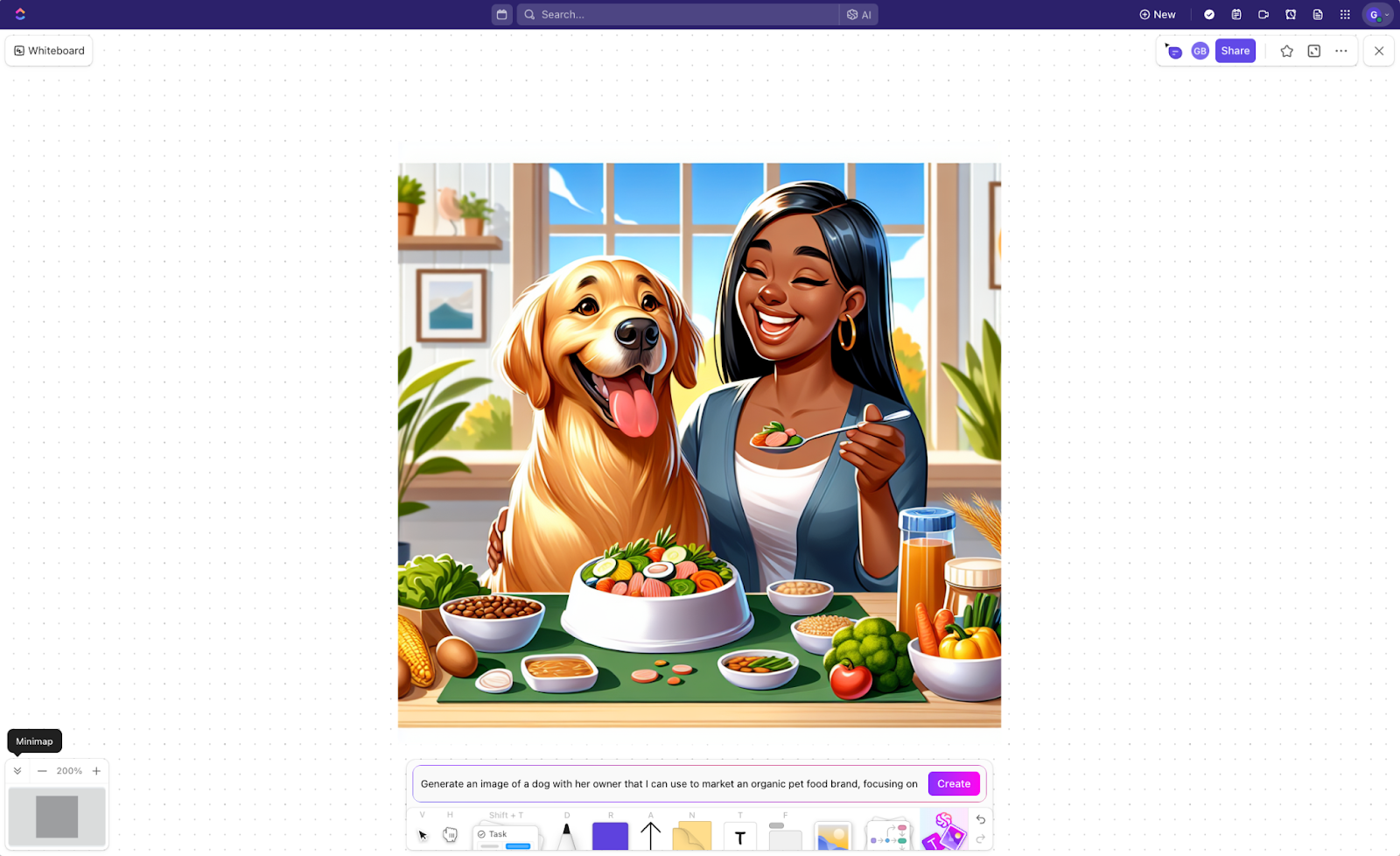
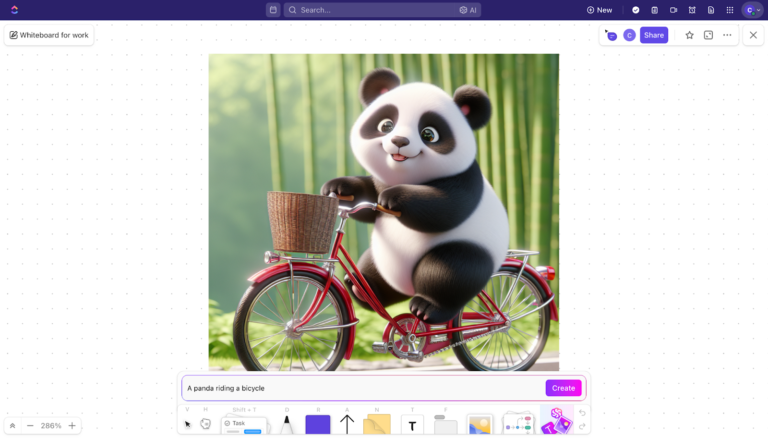
ClickUp Whiteboards go beyond visual brainstorming—they let you turn ideas into visuals instantly with built-in AI image generation. You can type a prompt directly on your Whiteboard and watch ClickUp generate an image for you in seconds. No extra tools or tabs are needed.
How this helps your team:
Whether you’re mapping out user flows, mocking up concepts, or just dropping in visuals during a team brainstorming, Whiteboards keep everything in one place. You can draw connections, assign tasks from sticky notes, and now—drop in AI-generated images to bring your ideas to life.
ClickUp also helps you in the creative process, making brainstorming smoother and more collaborative, from the first brainstorm to the final execution.
AI-powered text & content support with ClickUp Brain
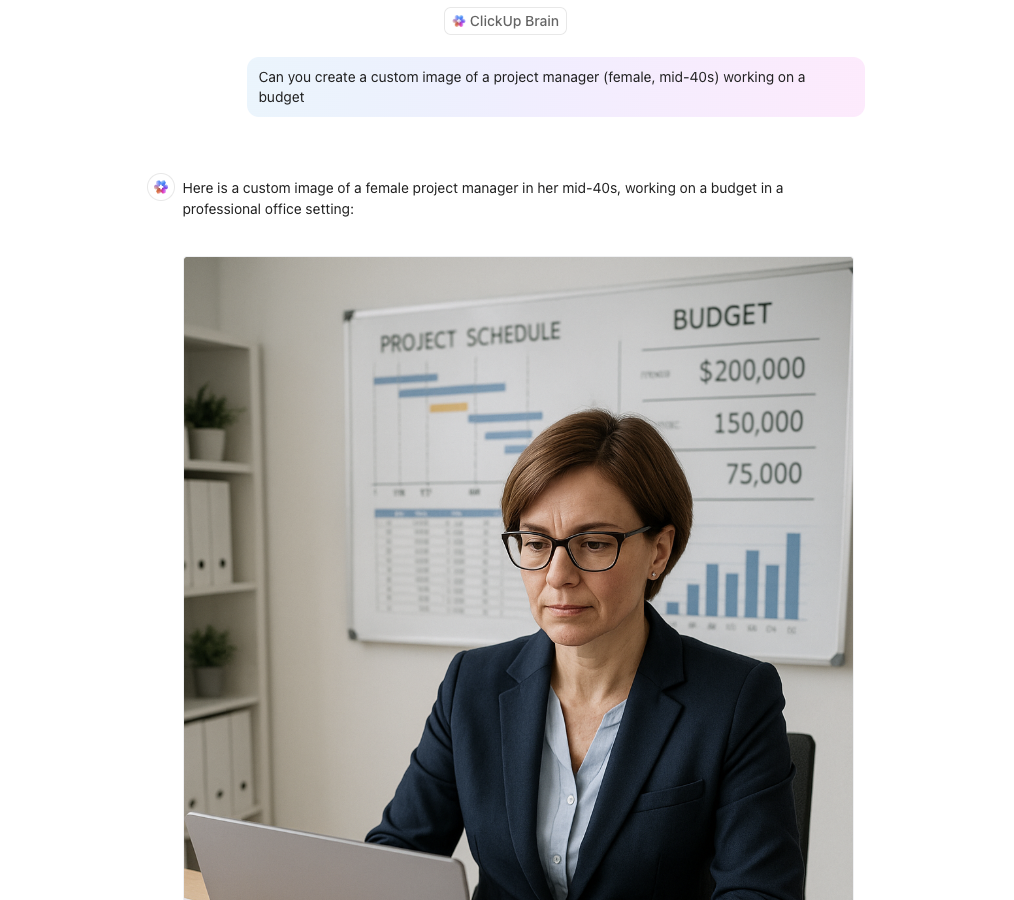
But if you’re looking for something more detailed, ClickUp can help with that as well! Here’s a sample workflow of how you can use ClickUp AI to create a detailed prompt and then use that prompt to create a custom image.
Step 1: Generate the AI image prompt.

Steo 2: Then, when we used the same prompt on Brain to test it out, here is the image it generated. Wasn’t that so simple?

ClickUp Brain isn’t just for writing and summarizing—it’s your all-in-one AI assistant for brainstorming, generating images, and automating workflows. Whether you’re crafting content, managing projects, or visualizing ideas, ClickUp Brain empowers you to:
📮ClickUp Insight: 11% of our respondents leverage AI primarily for brainstorming and ideation. But what happens to these brilliant ideas afterward? This is where you need an AI-powered whiteboard, like ClickUp Whiteboards, which helps you instantly turn ideas from the brainstorming session into tasks.
And if you can’t quite explain a concept, simply ask the AI image generator to create a visual based on your prompt. It’s the everything app for work that enables you to ideate, visualize, and execute faster!
Organize complex creative projects with precision and assign meaningful Tasks. Break down deliverables into subtasks, assign owners, set dependencies, establish deadlines using start and due dates, and track progress through customizable stages (e.g., Briefing, Concepting, Design, Review, and Final). Visualize workflows using List, Board, Calendar, or Timeline views.
ClickUp eliminates scattered feedback across emails and chats.
Don’t just take our word for it! Here’s what users have to say about ClickUp:
ClickUp is an all-in-one project management tool with all the features needed for the entire Product Development in one place. Integration with other platforms helps to attain the migration from other platforms more easier, and the AI feature can able to summarise and generate the task description, which helps developers understand more about the task.
💡 Pro Tip: Speed up your creative process by using idea boards to brainstorm new ideas, track their implementation, and understand how they fit into your overall process.
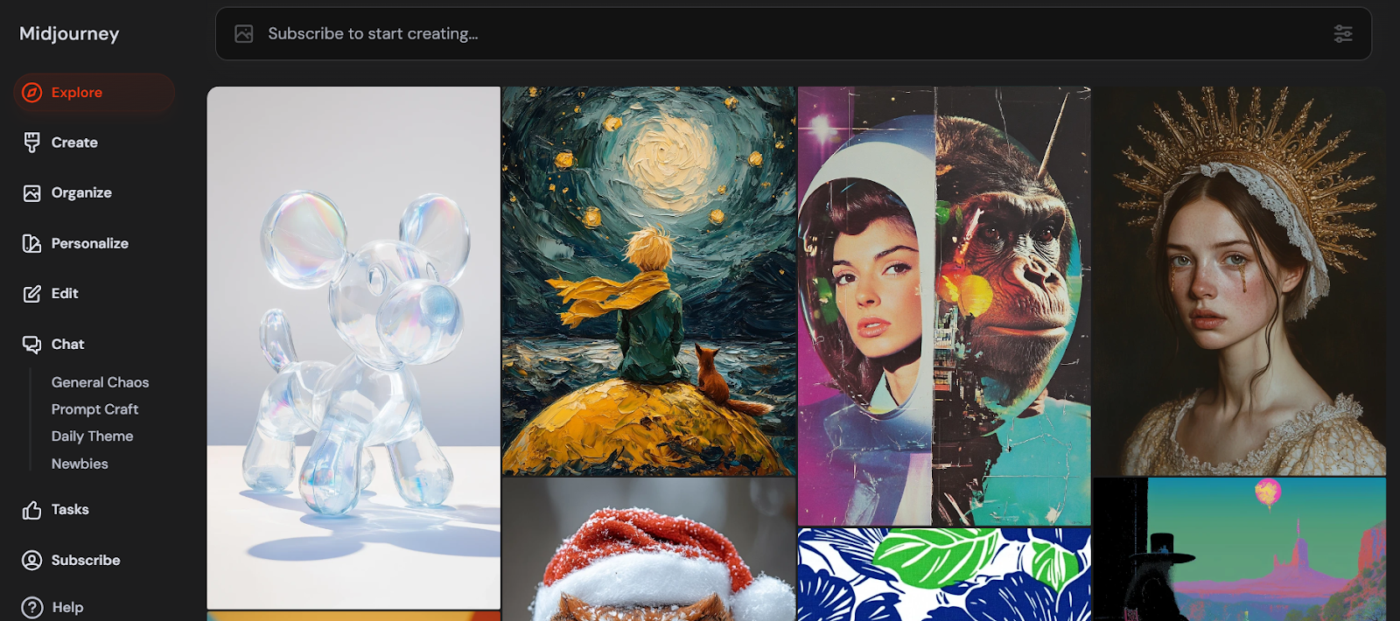
Midjourney is a renowned AI art generator with an exceptional ability to create stunning and imaginative images. It excels at producing photorealistic imagery, intricate details, and various artistic styles.
It operates through a Discord server, where users input MidJourney text prompts to guide the AI in generating images.
You can train custom models, explore creative variations, and interact with the AI in a dynamic, collaborative space that fuels your imagination.
🧠 Fun Fact: AI-generated art recently won a prestigious art competition. In 2022, an artwork created using Midjourney won first place in the digital art category of the Colorado State Fair’s fine arts competition.
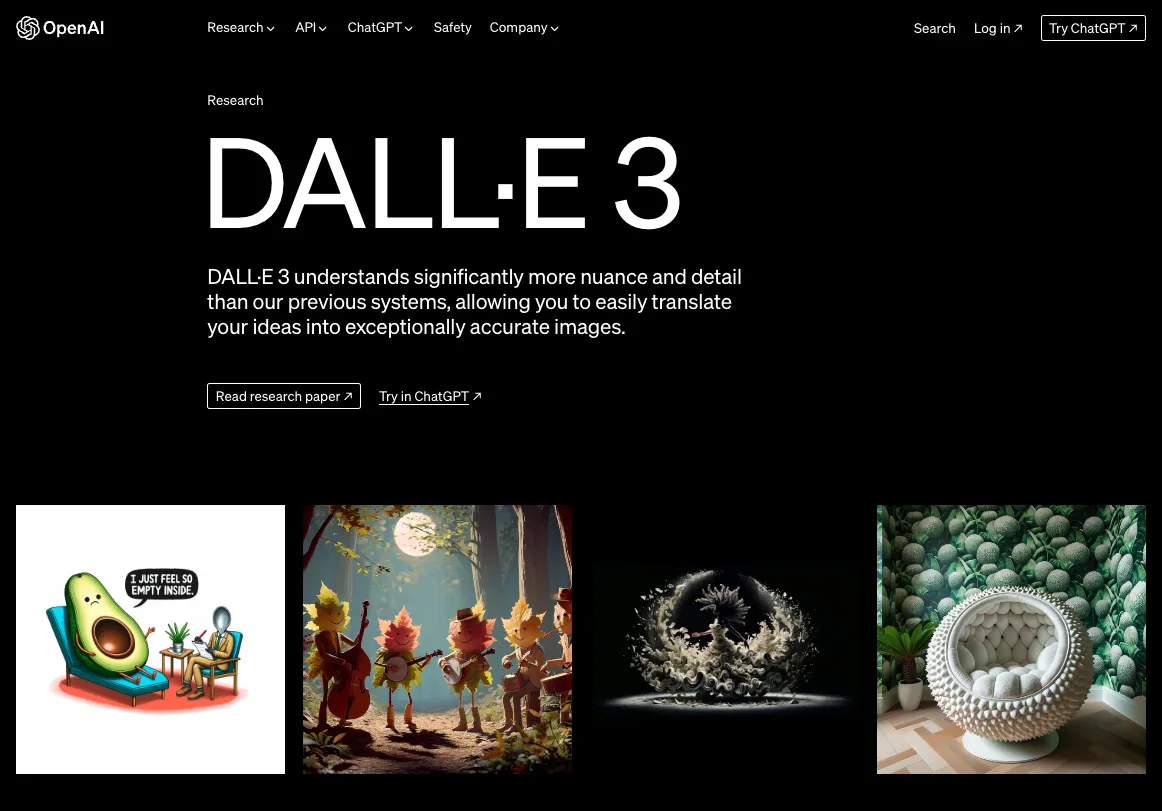
DALL-E 3, developed by OpenAI (creators of ChatGPT), is one of today’s most sophisticated AI image generators. Renowned for its enhanced creativity and ability to generate images from text descriptions, DALL-E 3 has become a go-to tool for creators, marketers, and artists.
The platform’s deep learning algorithms understand intricate details from prompts and translate them into stunning images. They are particularly strong at generating images with specific text elements rendered accurately. The platform is integrated with ChatGPT for conversational prompting, making it ideal for use in many areas, from social media to ad campaigns.
➡️ Read More: Dall-E Alternatives to Create AI Images
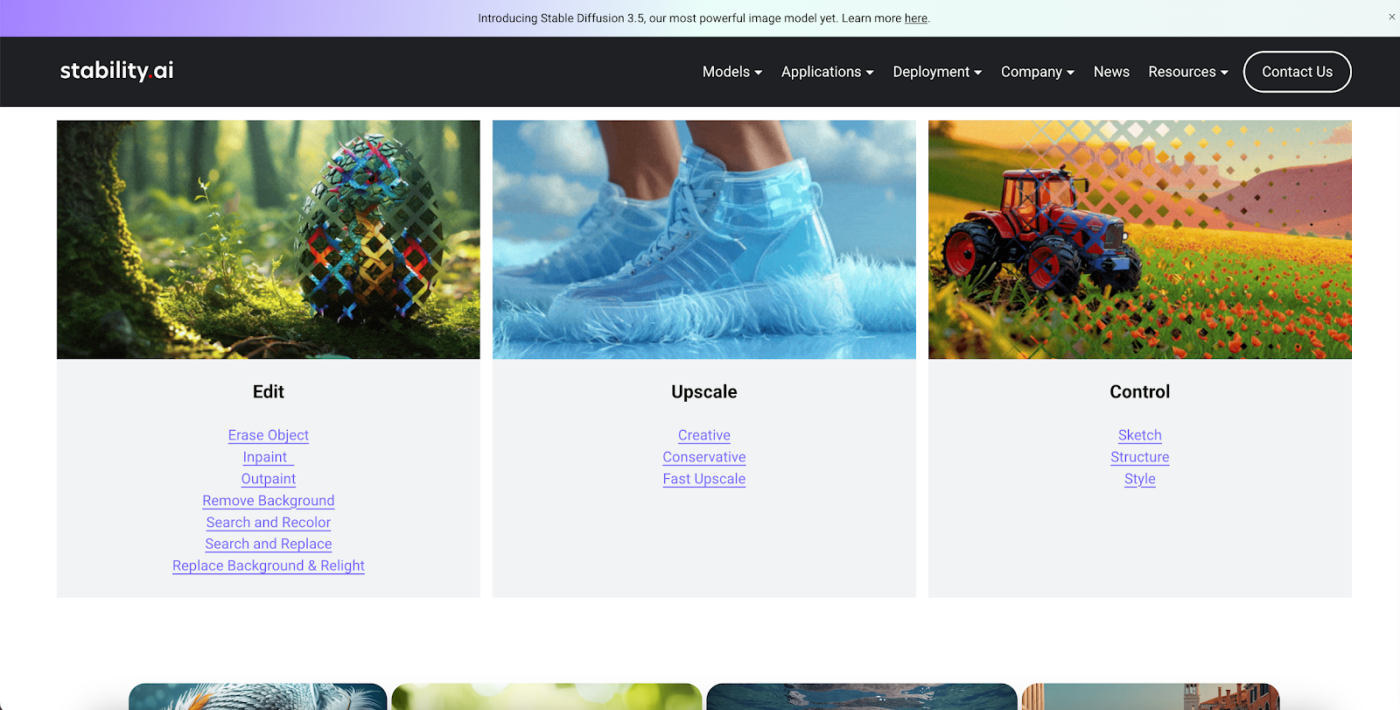
Stable Diffusion is an open-source generative AI designed to create premium-quality images from text prompts.
The platform provides the flexibility of being fully customizable and accessible to anyone, making it ideal for developers and creative professionals.
It offers granular control over generation parameters (steps, guidance scale, seeds) and enables training custom models (LoRAs) on specific subjects or styles. A vast community provides pre-trained models and tools (like Automatic1111 or ComfyUI web interfaces).
Stability AI Platform: $0.01 per image (1 credit) — pay as you go
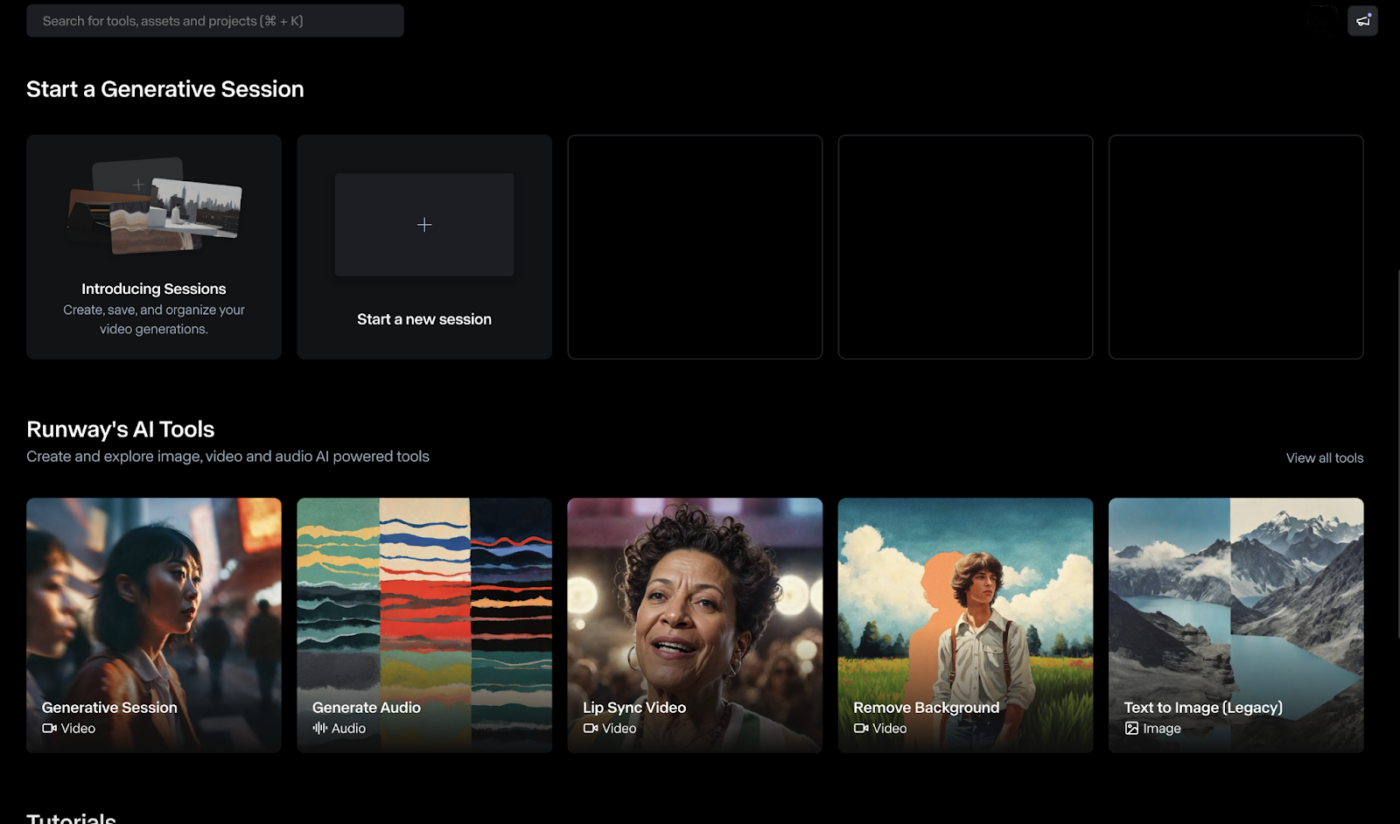
Runway is a creative suite focused on AI-powered video generation and editing. Its Gen-2 model positions itself at the forefront of text-to-video and image-to-video technology. It also includes image generation and manipulation tools.
Generates short video clips from text prompts or by animating existing images. Offers AI video editing features like object removal, slow motion, background replacement (“green screen”), and style transfer. Includes text-to-image generation as well.
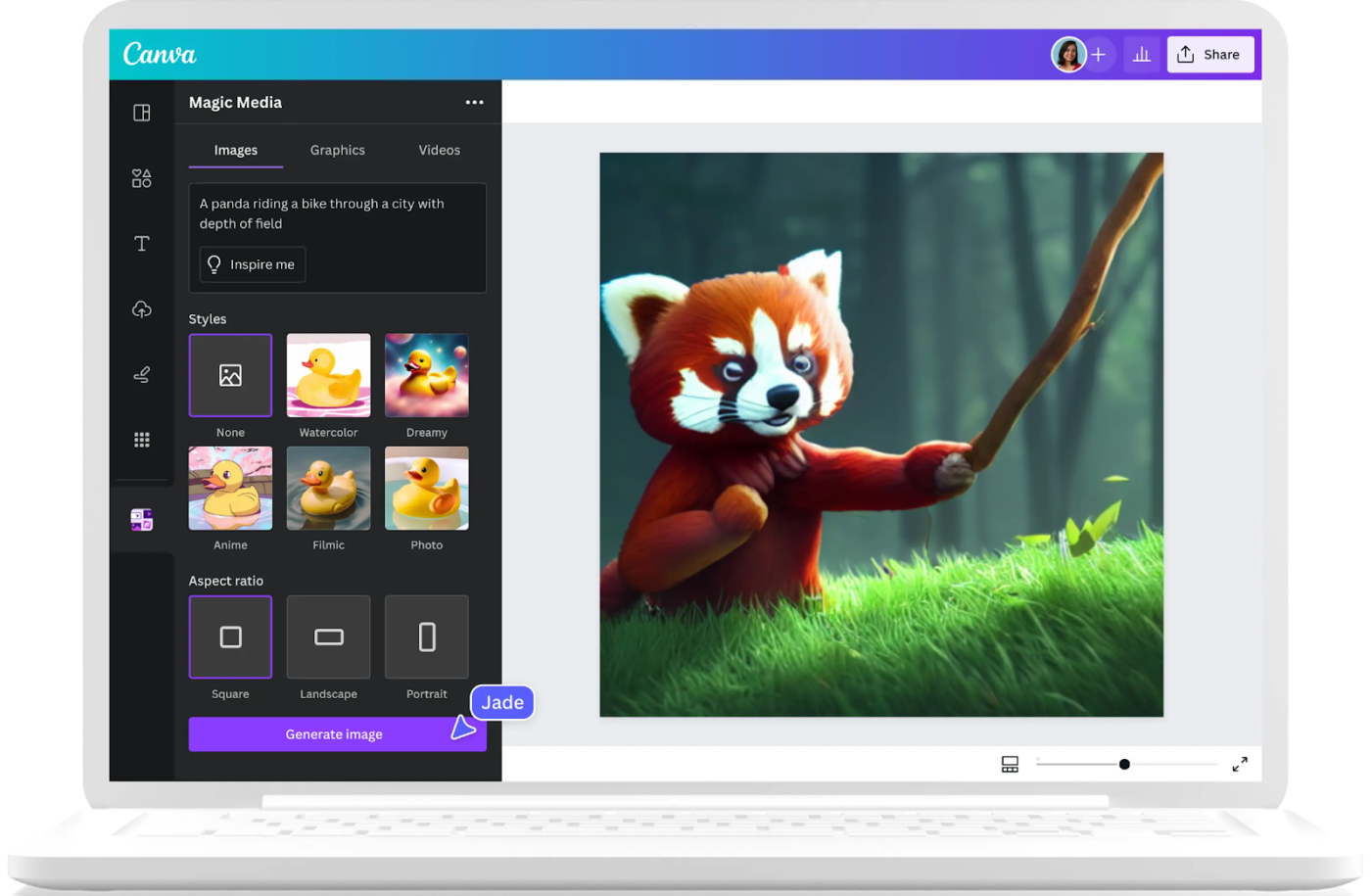
Canva is one of the most popular UX design tools, widely used by professionals and beginners. Its user-friendly interface and vast library of templates make it an excellent tool for getting quick, high-quality designs without the steep learning curve.
It offers simple text-to-image generation within the Canva editor. The AI image generator seamlessly integrates with the platform’s existing features, allowing users to easily incorporate AI-generated images into their designs. This makes it a popular choice for marketers, social media managers, and creative teams already on the platform.
Canva makes graphic design simple and accessible for everyone, with some features similar to an AI image generator. A user mentions this in her review:
The Magic continues with Canva…truly, the past year, it kept upgrading, evolving, bringing ease of use to the next level all the time! It has now become an ‘enterprise’ where any material or need you can think of that will need creativity, professional look at the fastest time is made available, and good to go!
➡️ Read More: Top Social Media AI Tools For Marketers
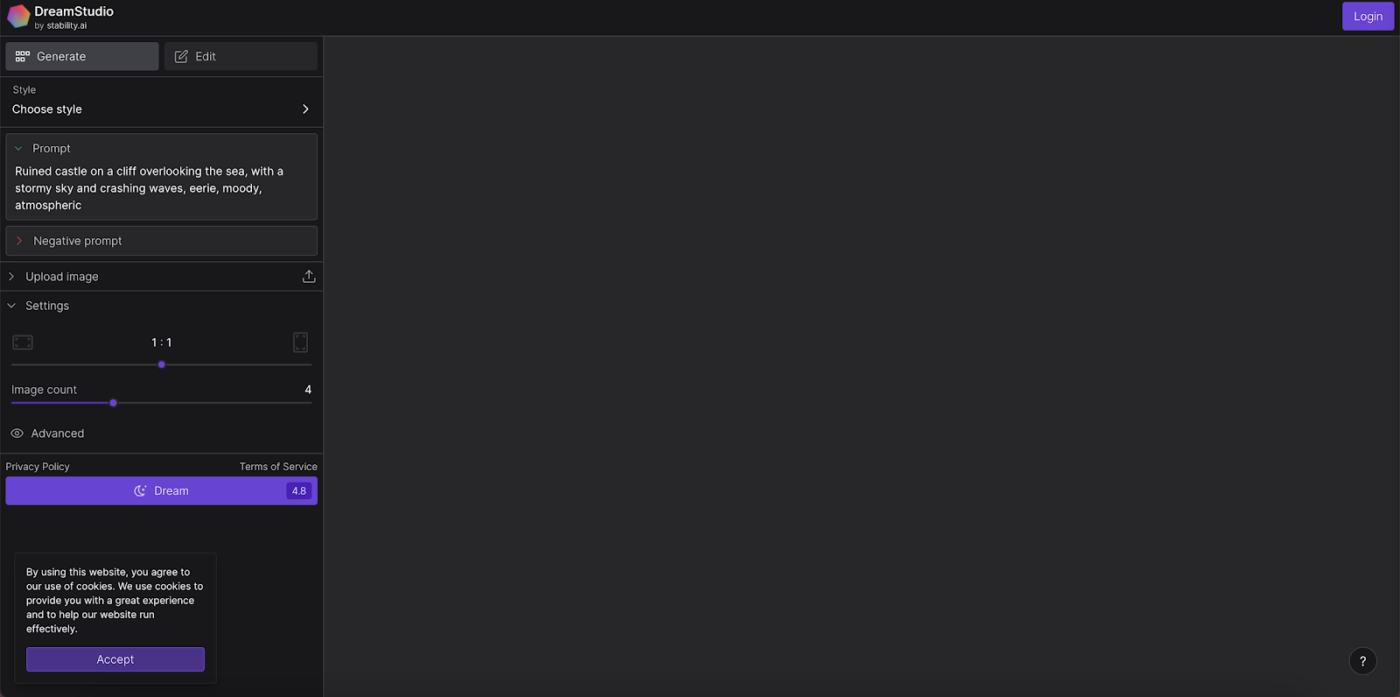
DreamStudio, powered by Stable Diffusion, is the official web interface developed by Stability AI. It is a premium tool designed for professionals who need quick results using the highest-quality generative AI image output.
This generative AI tool offers an easy-to-use experience using powerful AI models that produce high-quality, realistic images. It provides controls for aspect ratio, style presets, negative prompts, and image count. It also includes features like image-to-image and basic editing/inpainting.
It’s ideal for creators wanting to explore generative fill and edit features that allow them to modify the style of images based on preset models.
Look at what a G2 user has to say about DreamStudio for its accurate outputs:
Dreamstudio has an easy way to put the text prompts and generates the most accurate images. It’s fast in delivering the output. Implementing and integrating the tool is much easy compared to its major competitors.
💡 Pro Tip: Stay ahead of graphic design trends by using AI tools to experiment with new styles and aesthetics before they go mainstream. Use multiple color palettes, typography, and visual effects using AI to stand out.
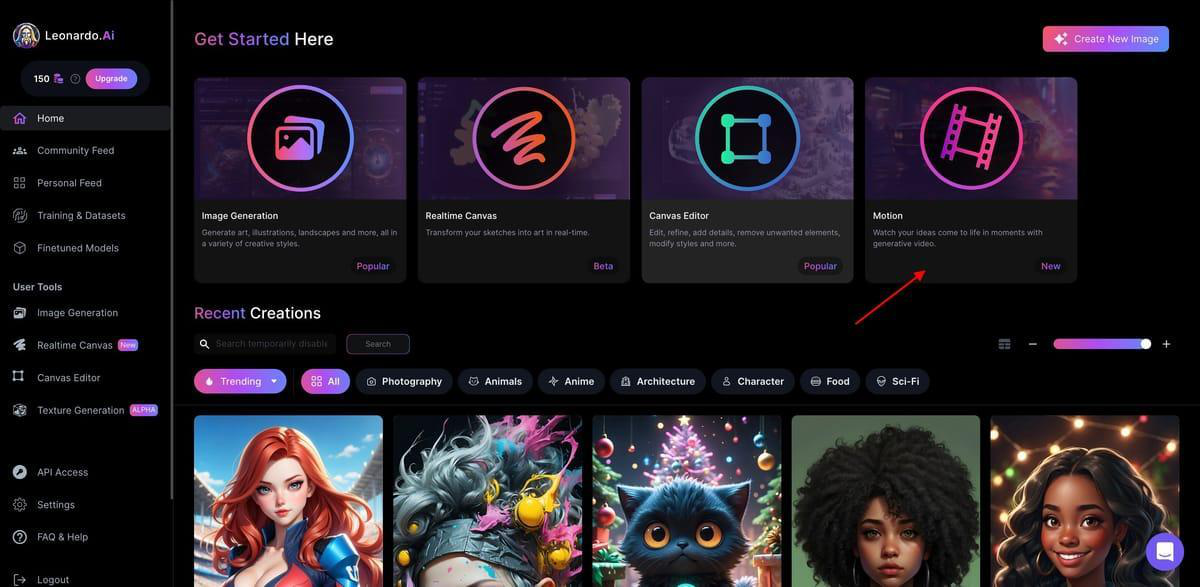
Leonardo AI is a generative AI platform that creates high-quality assets, particularly for gaming, concept art, and artistic applications. It produces high-quality and visually stunning images using AI image prompts. It offers a range of advanced features, including real-time image generation, upscaling, and various artistic styles to explore.
It provides a library of pre-trained models optimized for specific styles (characters, environments, items). Features include image generation, AI Canvas for inpainting/outpainting, and model training capabilities. It also offers controls for prompt guidance and image dimensions.
Leonardo AI is known for its fast, premium image generation and user-friendly design. One user mentions,
Leonardo.Ai is fast at generating high-quality digital assets, images, and 3D models that can speed up your workflow. Customization options are flexible so that you can fine-tune AI-generated output to your vision. Perfect for game developers, artists, and designers who want to create unique content without sacrificing quality.
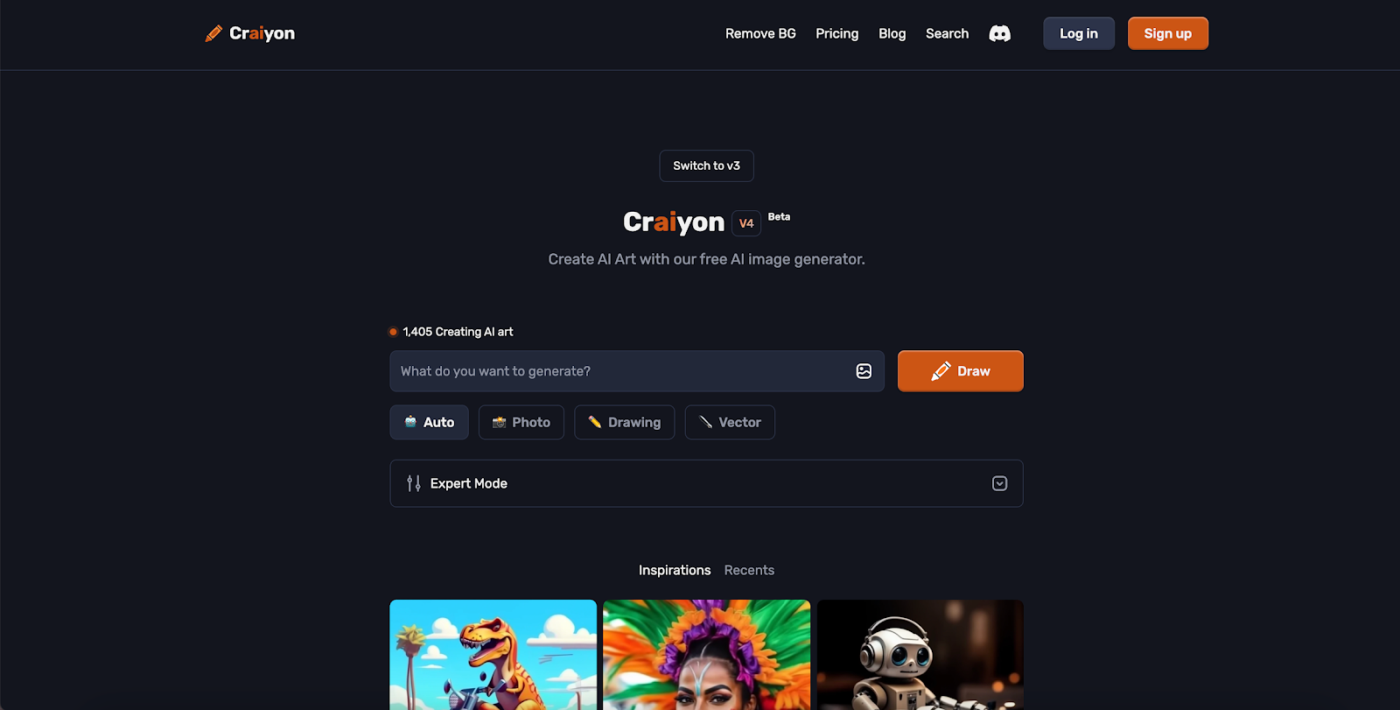
Craiyon (formerly DALL-E Mini) gained viral fame for its ability to generate often quirky and amusing images from text prompts. It remains a free, web-based tool ideal for quick experiments and exploring AI image generation without any sign-up or cost. This tool stands out for its ease of use, making it perfect for quickly generating AI images without complex settings.
While the image quality may not always be as high as that of the more advanced tools, Craiyon provides a valuable introduction to the world of AI art generation.
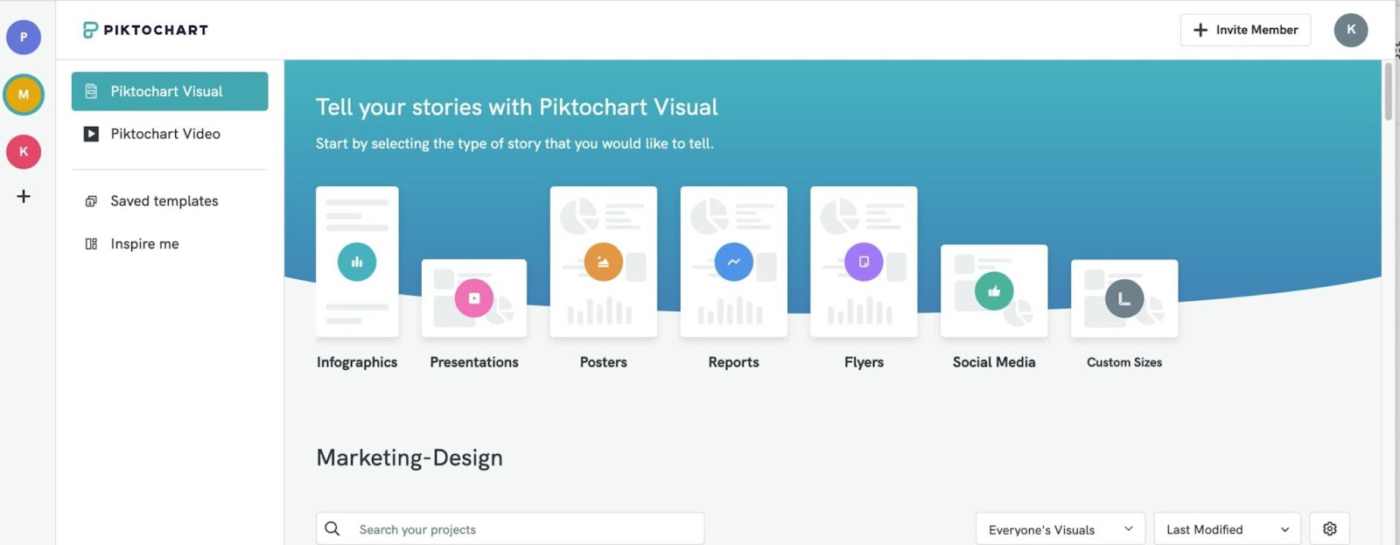
Piktochart is a user-friendly design platform that allows users to create visually engaging presentations, infographics, and reports. While not focused on AI image generation, Piktochart integrates AI-powered features that significantly enhance the design process.
Its generative AI image creator allows users to create and customize visuals without needing advanced graphic design skills. This makes it ideal for marketers, educators, and business owners wanting to develop professional AI-generated images using simple prompts. It focuses on creating visuals for data representation and communication.
Piktochart simplifies infographic and presentation design with AI-powered features. Here’s what a user thinks about it:
The best I like about this tool is that it contains a lot of pre-existing templates which saves a lot of our time in creating graphics, we just need to choose those templates and can start making the graphics for our purpose by just filling the information within that template.
As generative AI tools continue to evolve, other tools imbibe unique styles and algorithms to help provide the highest quality output. Here are a few tools that are worth exploring:
Since generative AI models constantly evolve, any AI image generator is still a work in progress. These help you perform basic text-to-image conversion and even provide features like custom model training, making it a great addition to your tech arsenal.
Adobe Firefly provides a strong foundation. However, better alternatives exist for creating stunning images, editing generated images, and offering unique features at a competitive price.
ClickUp offers AI-powered tools, project management features, and collaborative whiteboard functionalities for managing creative projects from start to finish.
Start using ClickUp today to elevate your creative process!

Manasi Nair
Max 23min read
Manasi Nair
Max 29min read
Manasi Nair
Max 14min read

© 2026 ClickUp