DOCS IN CLICKUP
Beautiful, collaborative docs right where you work
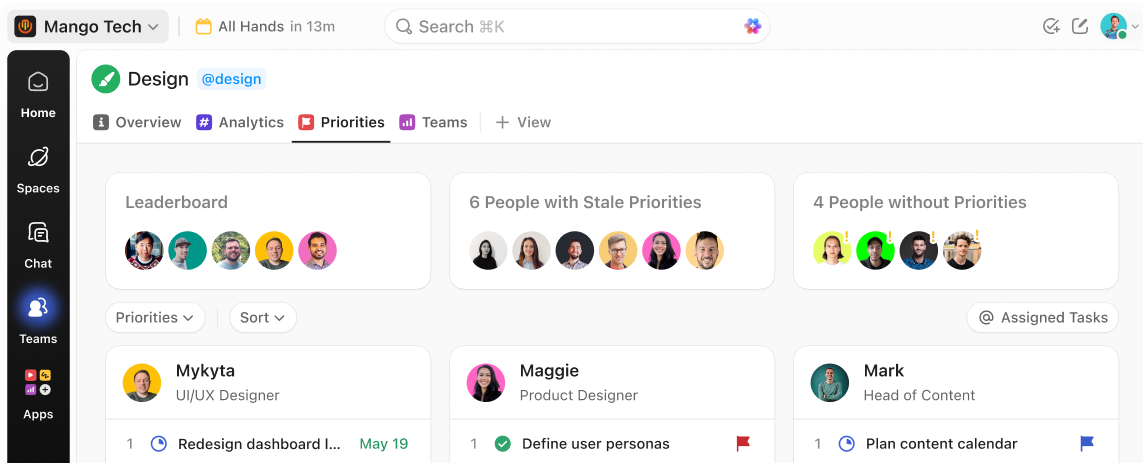
Write together, stay aligned, and keep every doc one click from the work it supports.
Free forever.
No credit card.
 25,000+ reviews from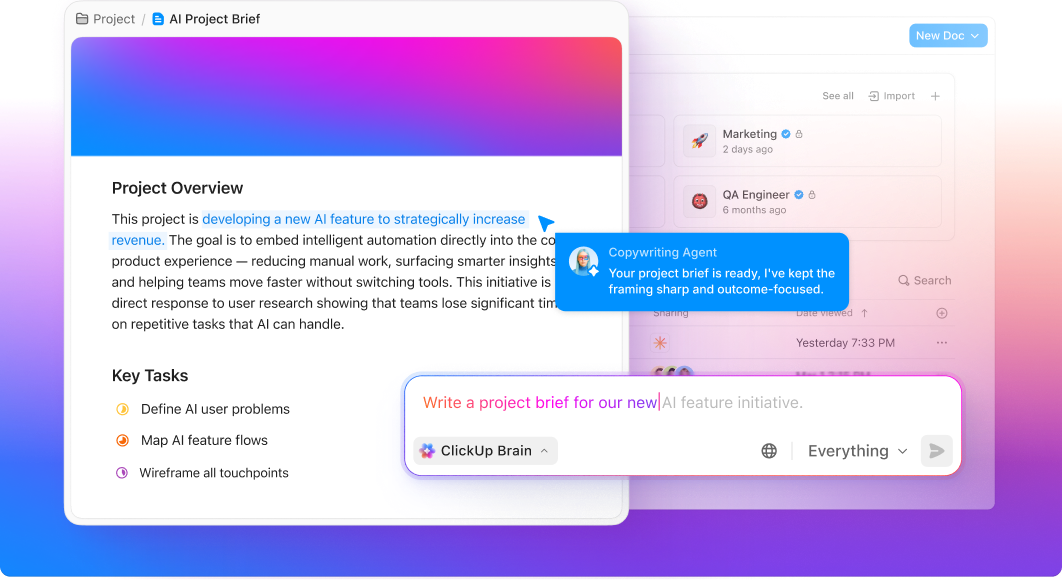
Trusted by the best
DOCS IN CLICKUP
What changes when docs and work live together
ClickUp Docs keep your knowledge attached to the work it supports, so teams collaborate in real time and find any decision in seconds.
Without ClickUp Docs
- Knowledge scattered across apps no one checks
- Docs disconnected from the tasks they describe
- Hunting through folders for decisions made weeks ago
- Outdated files with no version history to trust
With ClickUp Docs
- Every doc attached to the task it serves
- Real time collaboration
- Find any decision in seconds
- Full version history so nothing is ever truly lost
DOCS IN CLICKUP
Docs that actually work the way your team does
Connected. Collaborative. Lasting.
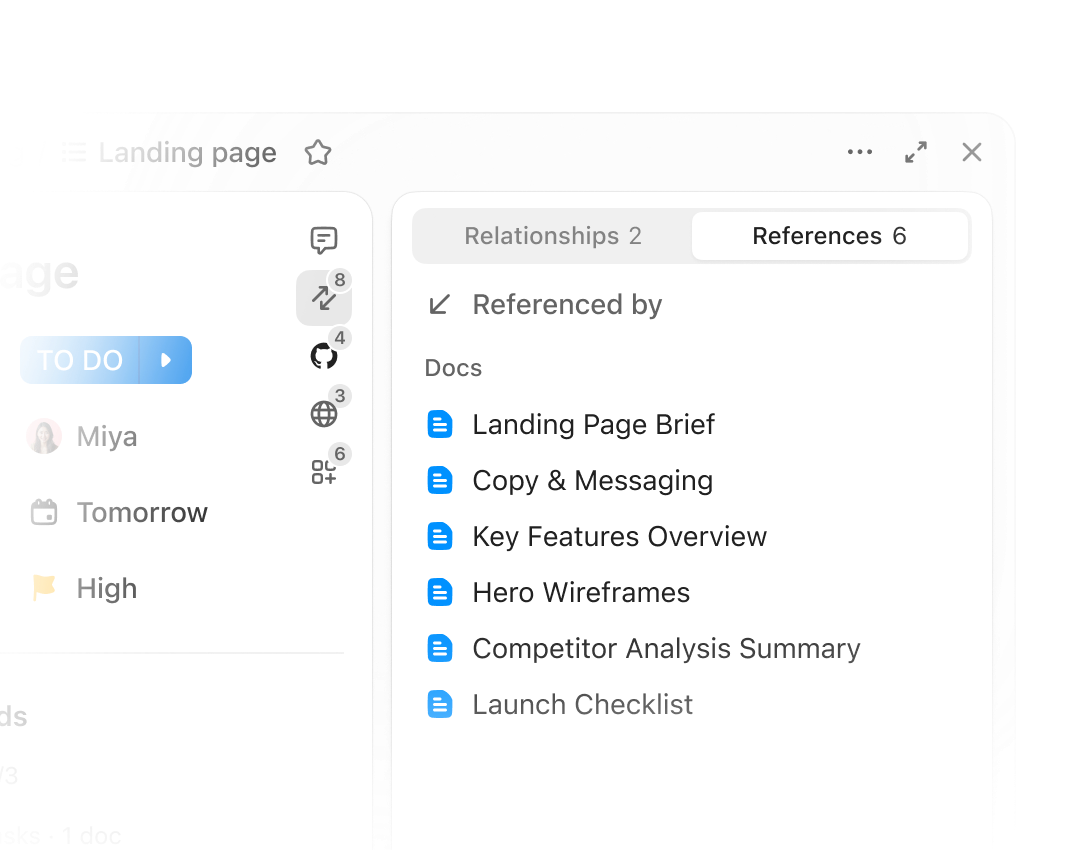
CONNECTED
Docs that live next to the work
Every doc in ClickUp connects directly to the work it supports. Link a spec to a sprint, a brief to a campaign, a wiki to a team. When the work moves, the docs move with it.
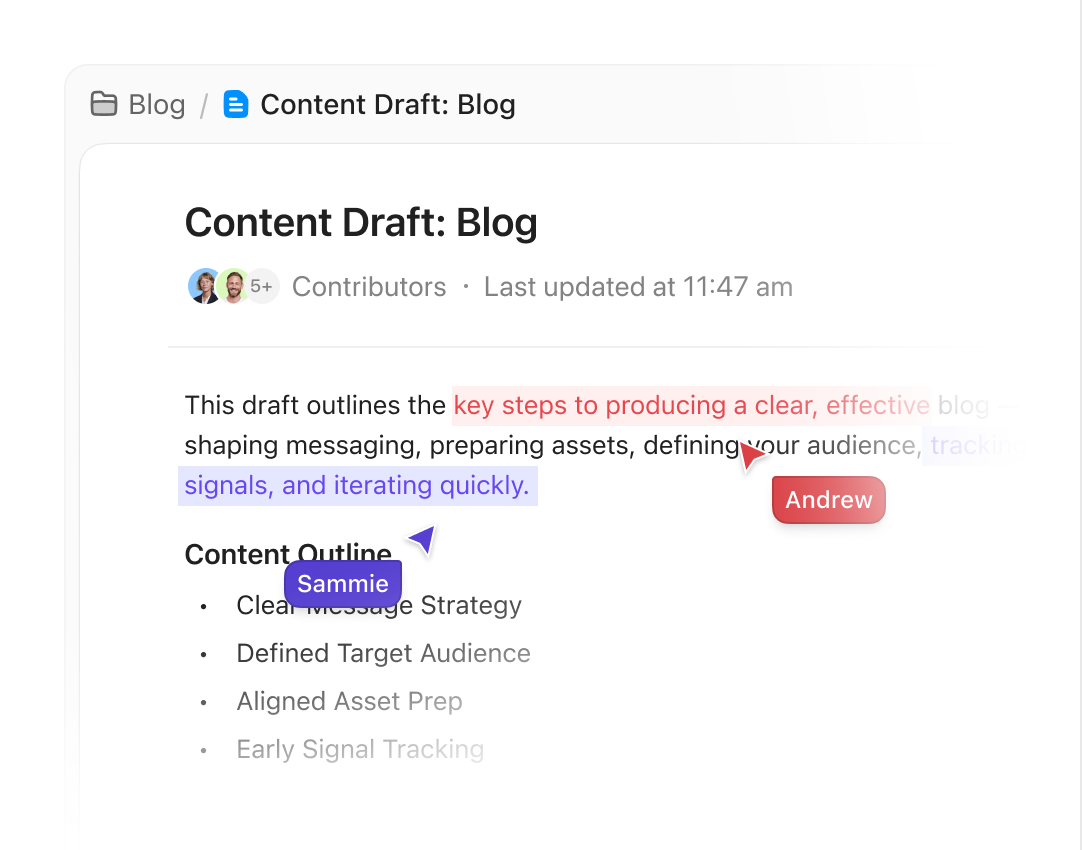
COLLABORATIVE
Write together, decide faster
Collaborate in real time—live cursors, inline comments, resolved threads. When feedback needs follow-through, convert any comment to a task in one click. No copying. No follow-up emails. Just done.
LASTING
Nothing gets lost. Nothing gets outdated.
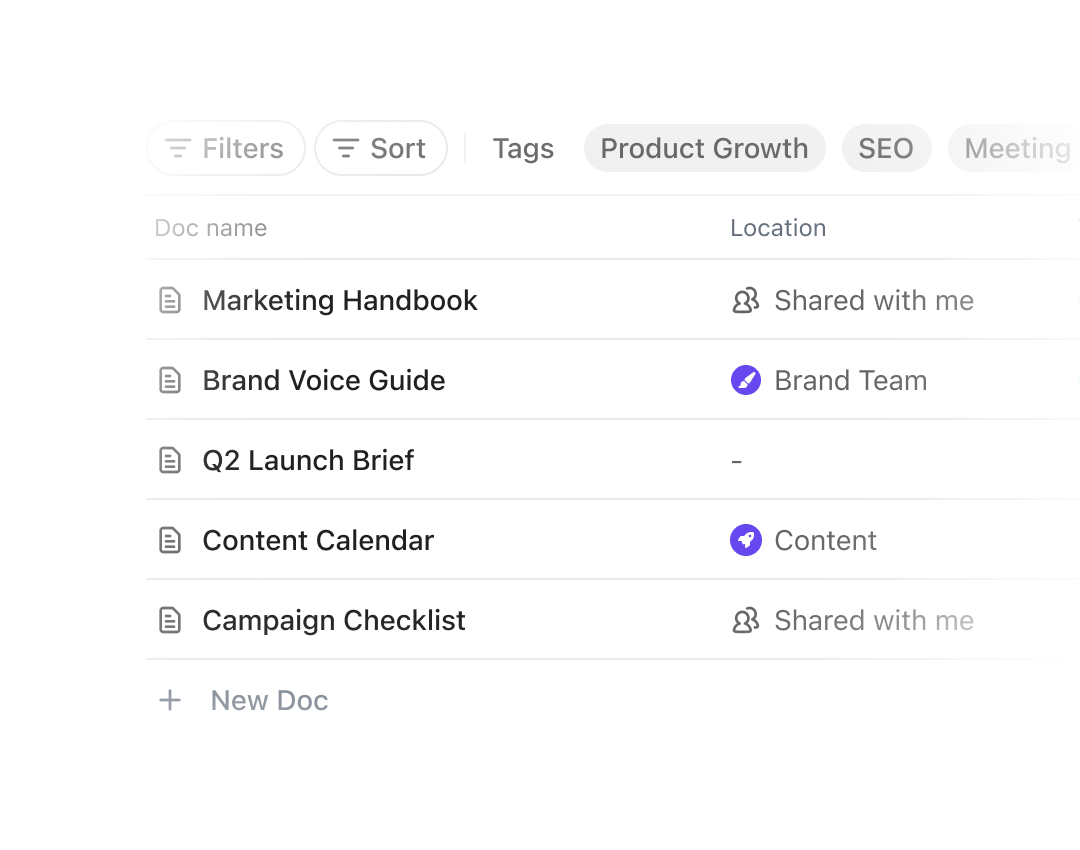
Version history tracks every change. The Docs Hub makes every doc searchable and filterable—by owner, date, or location. Your team's knowledge compounds instead of decaying.
Your knowledge should live where your work does
Join 3M+ teams who keep their knowledge where their work is. No credit card. Free forever.




AI-POWERED EFFICIENCY
AI that knows your docs as well as your team does
ClickUp Brain answers questions from your docs, comments, and wikis, while Super Agents keep your docs current automatically.
CLICKUP BRAIN
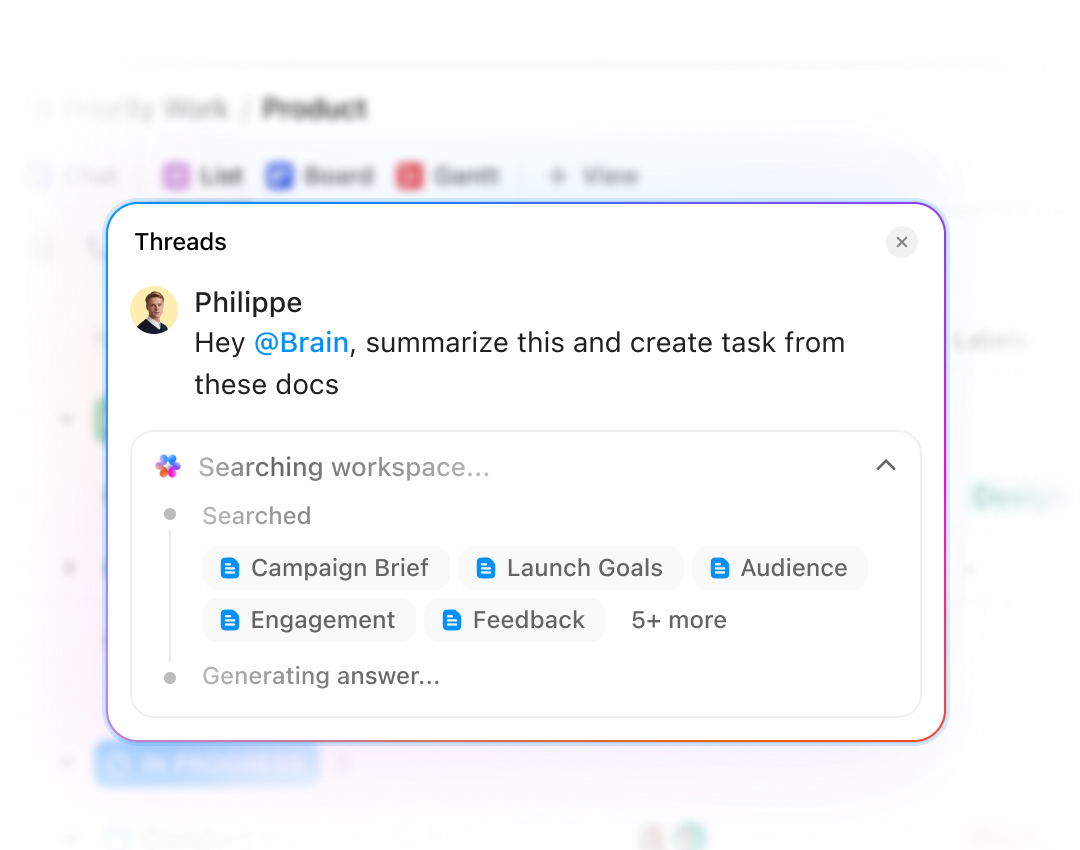
AI that searches every doc to answer your questions
Ask Brain anything—"What did we decide about the Q3 launch timeline?"—and get an answer pulled from your docs, comments, and wikis, with a link to the source. No digging through folders. No pinging teammates.
SUPER AGENTS
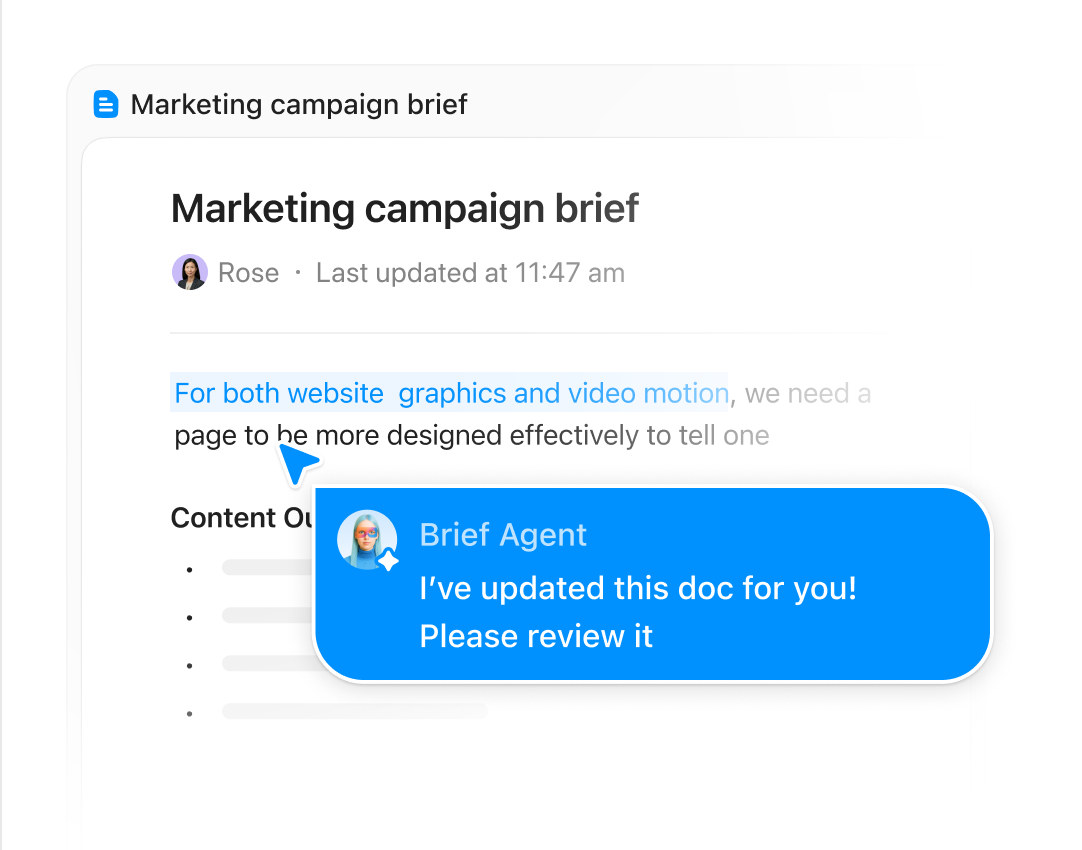
Your docs, updated without manual effort
Super Agents pull updates from conversations, meetings, and completed tasks to keep your docs current automatically. Documentation happens in real time—not three weeks later when no one remembers the details.
Plus, everything you need to lead with confidence
Docs is just the beginning
Docs is just the beginning. Explore everything ClickUp has to offer Wiki, Tasks, Chat, Whiteboards, Automations, Clips, and more, all connected and working together.
Security
Everywhere
SOC 2 TYPE II
ISO 27001
GDPR
HIPAA
24/7 support
SOC 2 TYPE IIISO 27001GDPRHIPAA
FAQs
Frequently asked questions about ClickUp Docs
Every doc in ClickUp connects directly to the work it supports. Link a spec to a sprint, a brief to a campaign, or a wiki to a team, and when the work moves, the docs move with it.
Yes. Collaborate with live cursors, inline comments, and resolved threads. When feedback needs follow-through, convert any comment to a task in one click.
The Docs Hub makes every doc searchable and filterable by owner, date, or location. You can also ask ClickUp Brain and get an answer pulled from your docs, comments, and wikis, with a link to the source.
Yes. Version history tracks every change, so you can roll back to any previous state and nothing is ever truly lost.
Yes. Permissions let you control exactly who can view, comment, or edit each doc.
Never lose context again
Free forever.
No credit card.
No credit card.