

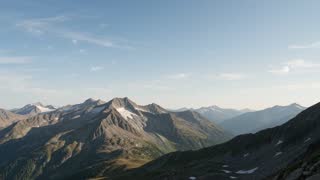
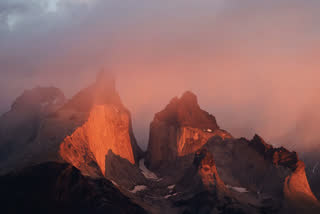

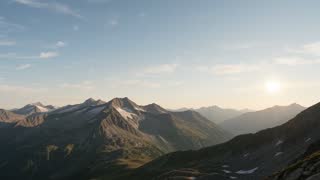
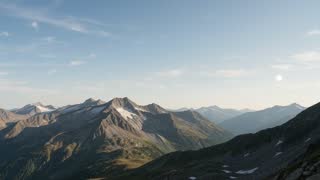

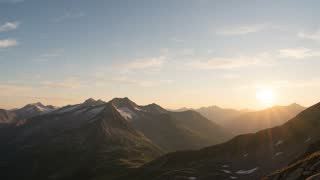
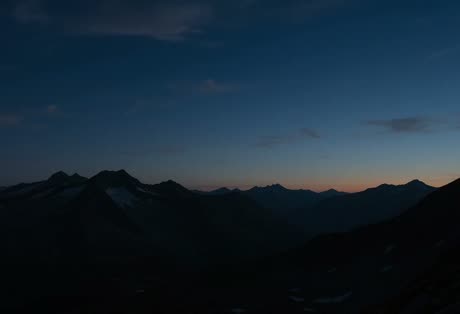
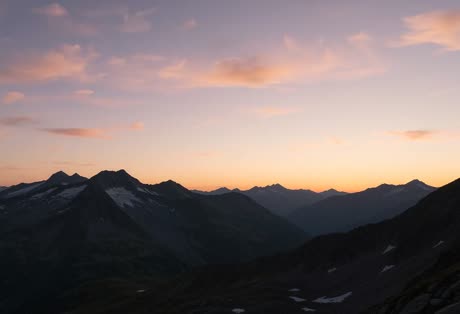
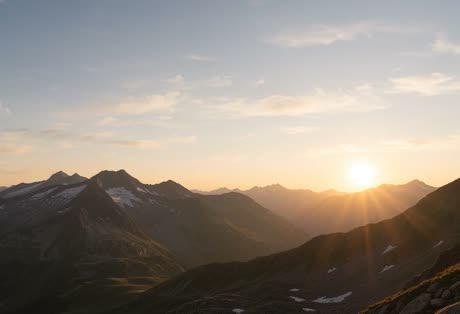
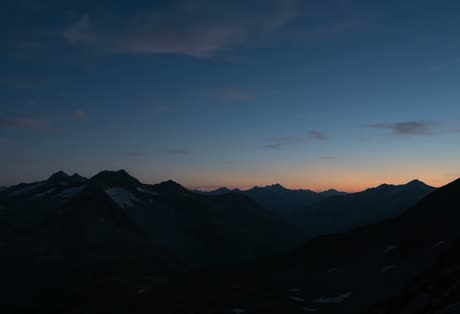
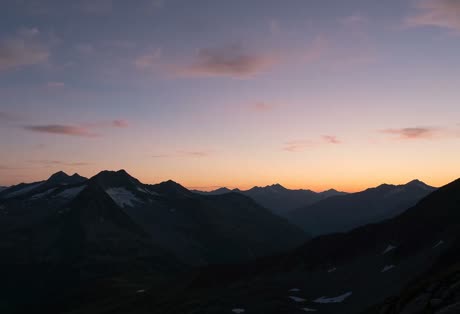
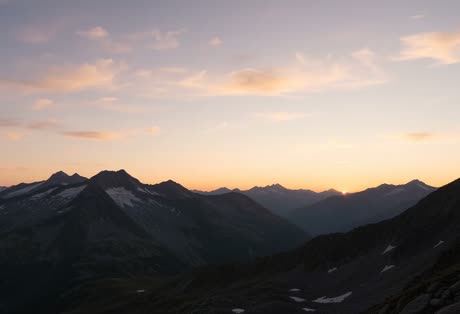
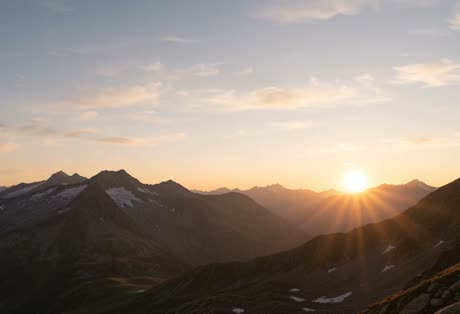
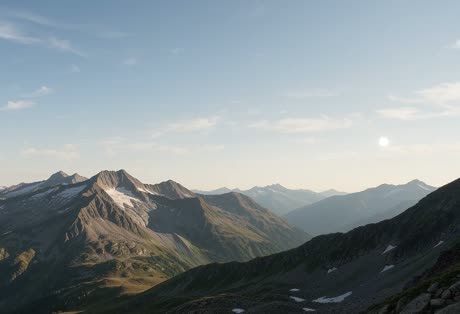
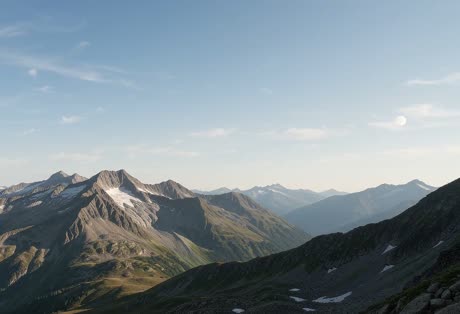
 Blue hour
From the task
Start from a video you already have
Open a Clip or a task's video attachment in Creative Studio. The original stays exactly as it was.
Creative Studio
Ask Brain² to make video clips, images, and sound from a prompt, then put it all together on a timeline without leaving ClickUp.
The brief is already in ClickUp.
Now the video can be too.
AI Chat
Pick what to make and type what you want to see. It shows up in your scene, ready to edit.
What to generate
The toolkit
Footage, motion blocks, and captions in one place,
so the edit never leaves ClickUp.
Footage.Blocks.Captions.
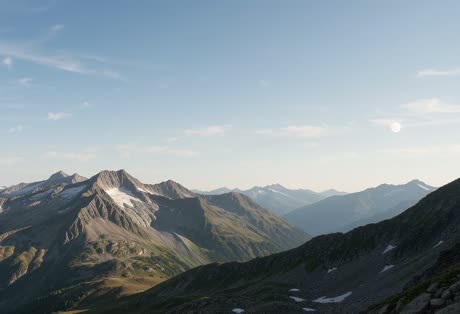
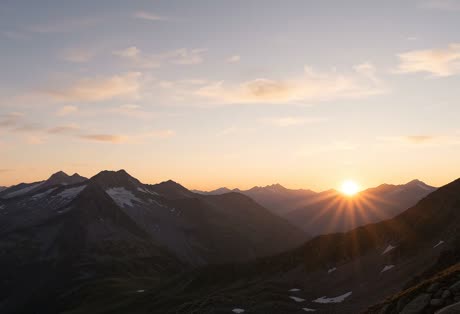
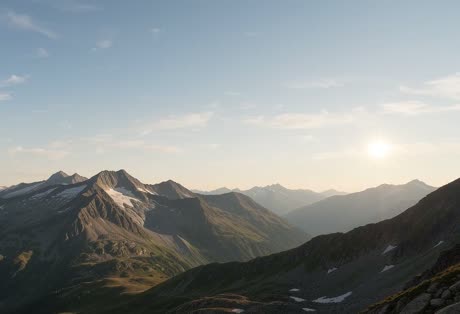
Every launch starts
with first light.
Then the work begins.
Aspect ratio
Switch between widescreen, vertical, square, and more. When it looks right, export an MP4 up to 1080p.
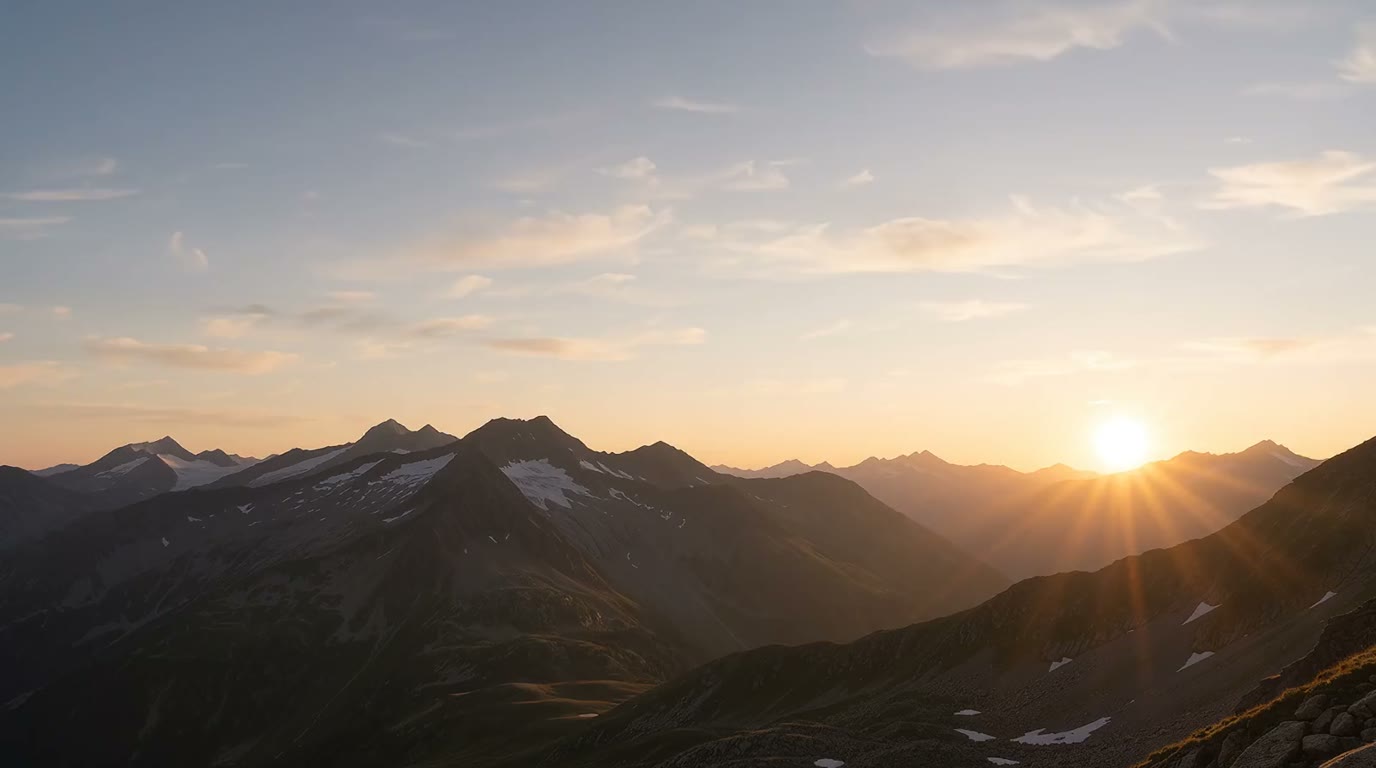 16:9 Widescreen
Built into ClickUp
Share one scene with your team, so everyone edits the same version.
From the task
Open a Clip or a task's video attachment in Creative Studio. The original stays exactly as it was.
Permissions
Give teammates Full edit access, or make the scene public and share the link.
Templates
Publish any scene as a template, so your next video starts from something you already like.
Multiplayer
Your whole team in one timeline. See who is trimming what, leave feedback on the exact frame, and ship the cut without passing files around.
 A
Leo
Watch teammates scrub, trim, and move clips as it happens.
Pin a note to a moment. Resolve it right on the timeline.
Jump into anyone’s view to review their pass in one click.
Creative Studio
Turn on ClickUp Labs, then open Creative Studio from the AI Hub.
Beta. AI generation uses AI Credits.
Made in Artifacts
Ana Hold the sunrise two more frames?