
BROWSER AUTOMATION IN BRAIN²
Brain2 has its own browser.
Ask Brain2 to get something done on a website. It works in a live browser, shows each step and saves a recording.
No credit card.
Free forever.
Free forever.
No credit card. Free forever.
 25,000+ reviews from

Trusted by the best
For the sites with no integration
Vendor portals, signed-in dashboards and web forms. Describe the task and Brain² does it in the browser.
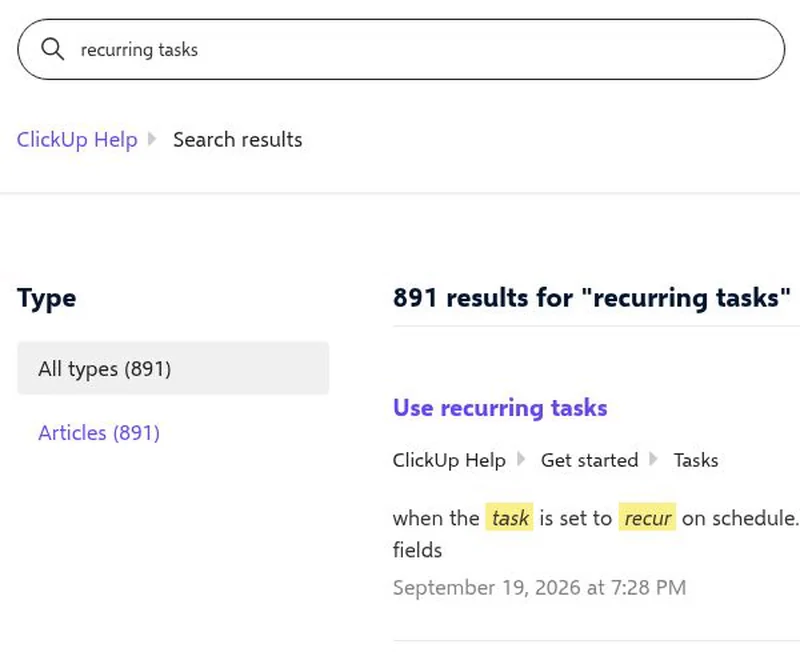
A live browser
Watch Brain² work the site live.
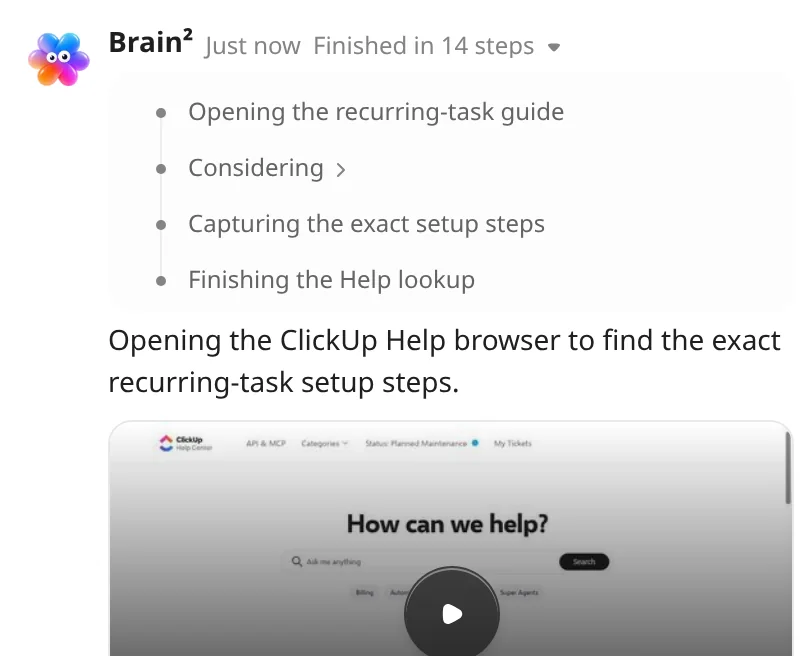
Every step shown
See each step Brain² took, in order.
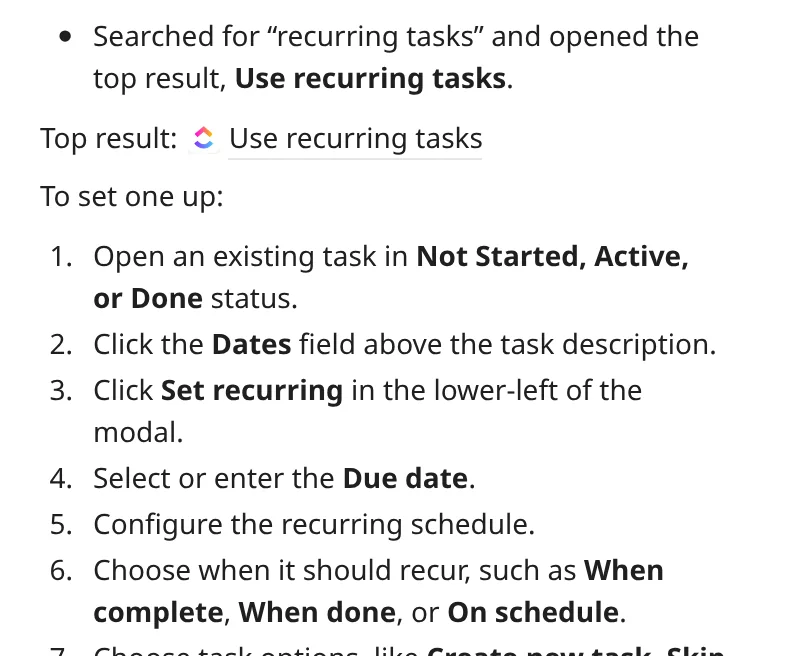
The answer in chat
Brain² replies with what it found.
YOU STAY IN CONTROL
Brain² drives. You stay in charge.
You sign in
Brain² pauses and hands you the browser to sign in.
You approve
Skill tests ask you before sending, paying or deleting.
You can stop it
Open the Artifact and end the session.
Every session is saved
A recording and a log of every step, in an Artifact.
Questions, answered
Put Brain² to work on the web
No credit card. Free forever.
No credit card. Free forever.


SOC 2
CERTIFIED

ISO 27001
CERTIFIED

GDPR
COMPLIANT

HIPAA
COMPLIANT