Sorry, there were no results found for “”
Sorry, there were no results found for “”
Sorry, there were no results found for “”
Using AI tools in daily life is the ultimate productivity hack. AI-powered Android applications serve many users, from individuals simplifying their daily routines to businesses striving to improve customer engagement, streamline operations, and ensure 24/7 availability.
The impact of AI apps to optimize workflows spans multiple sectors, including healthcare, fitness, education, and more, highlighting their adaptability and potential to drive transformation across industries.
In this blog post, let’s discuss some of the most useful and widely used AI-powered Android apps transforming how Android users approach productivity, convenience, and everyday tasks.
Here are the top AI apps for Android:
AI apps offer various use cases, from task management and virtual assistance to creative tools and data analysis. However, with so many options available, evaluating certain key factors is essential to ensure the app meets your needs effectively and securely.
Here’s what you should look for before downloading an AI app:
💡Pro Tip: Use AI apps to automate daily tasks like scheduling, translations, and device control.
Virtual assistant tools use advanced AI technologies to comprehend, process, and respond to user queries with remarkable efficiency and accuracy. Learning to use virtual assistant tools can make your daily workflows more efficient and stress-free.
Here are 10 best AI apps for Android you can choose from:
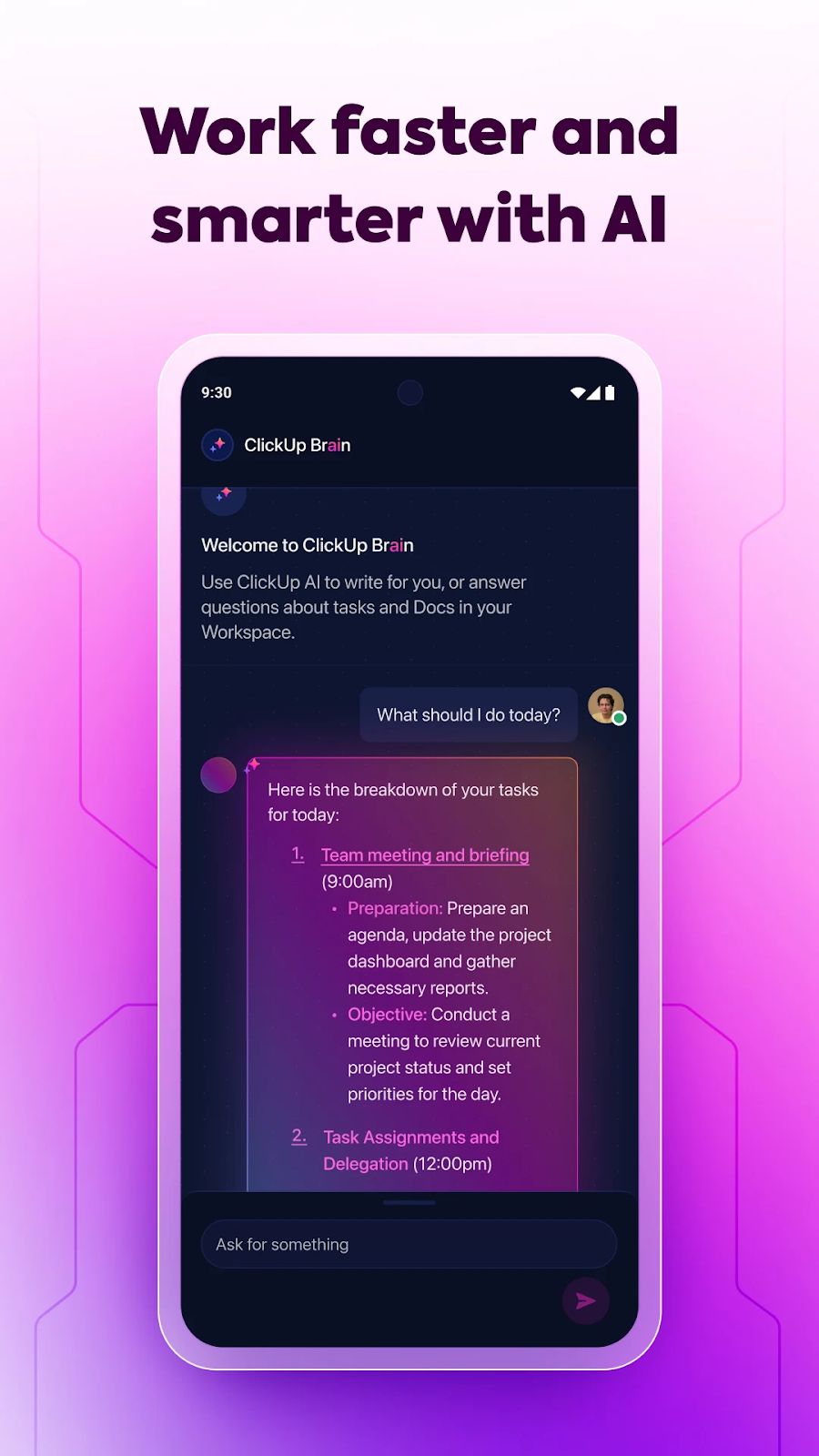
ClickUp is your ultimate AI-powered Android project management app. With its intelligent features, you can effortlessly manage projects and collaborate with your team, even while you’re on the move.
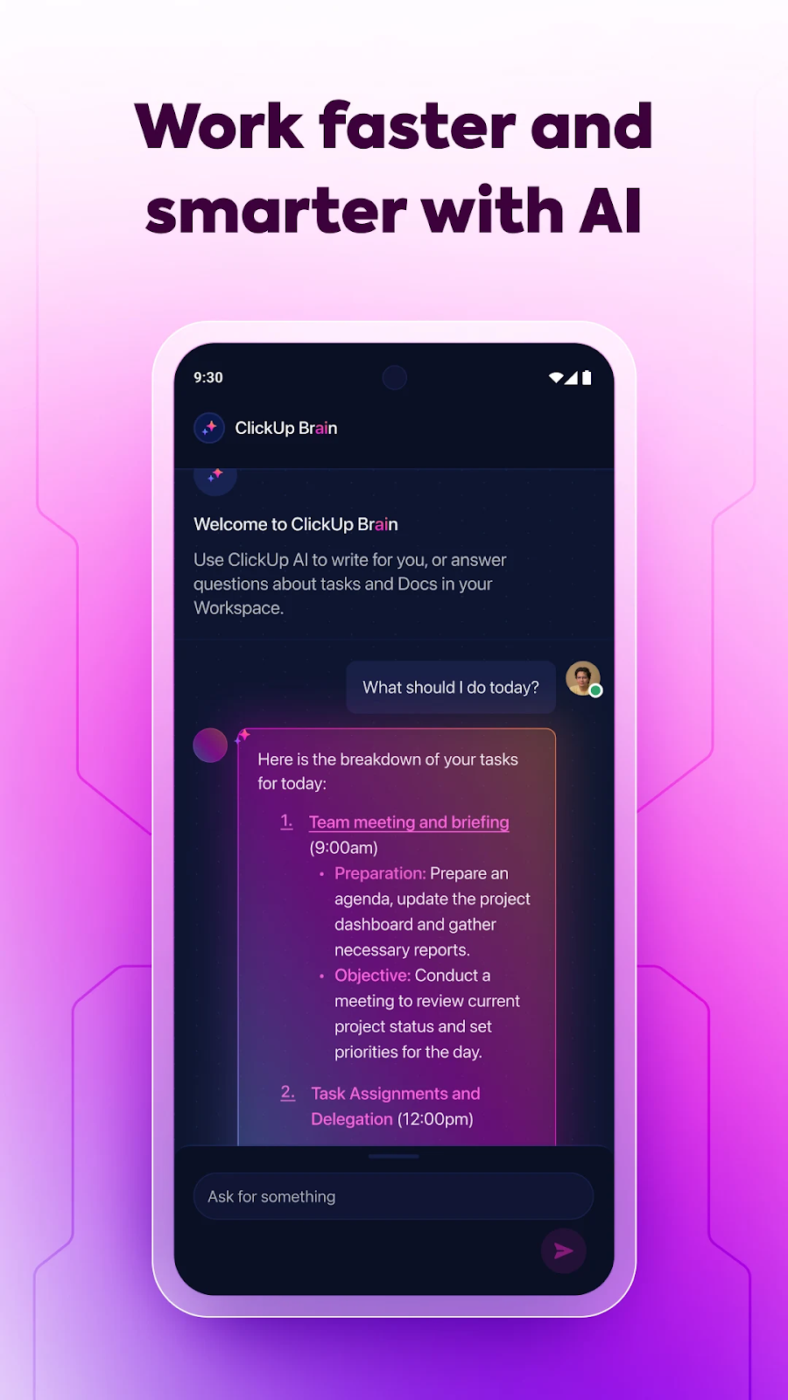
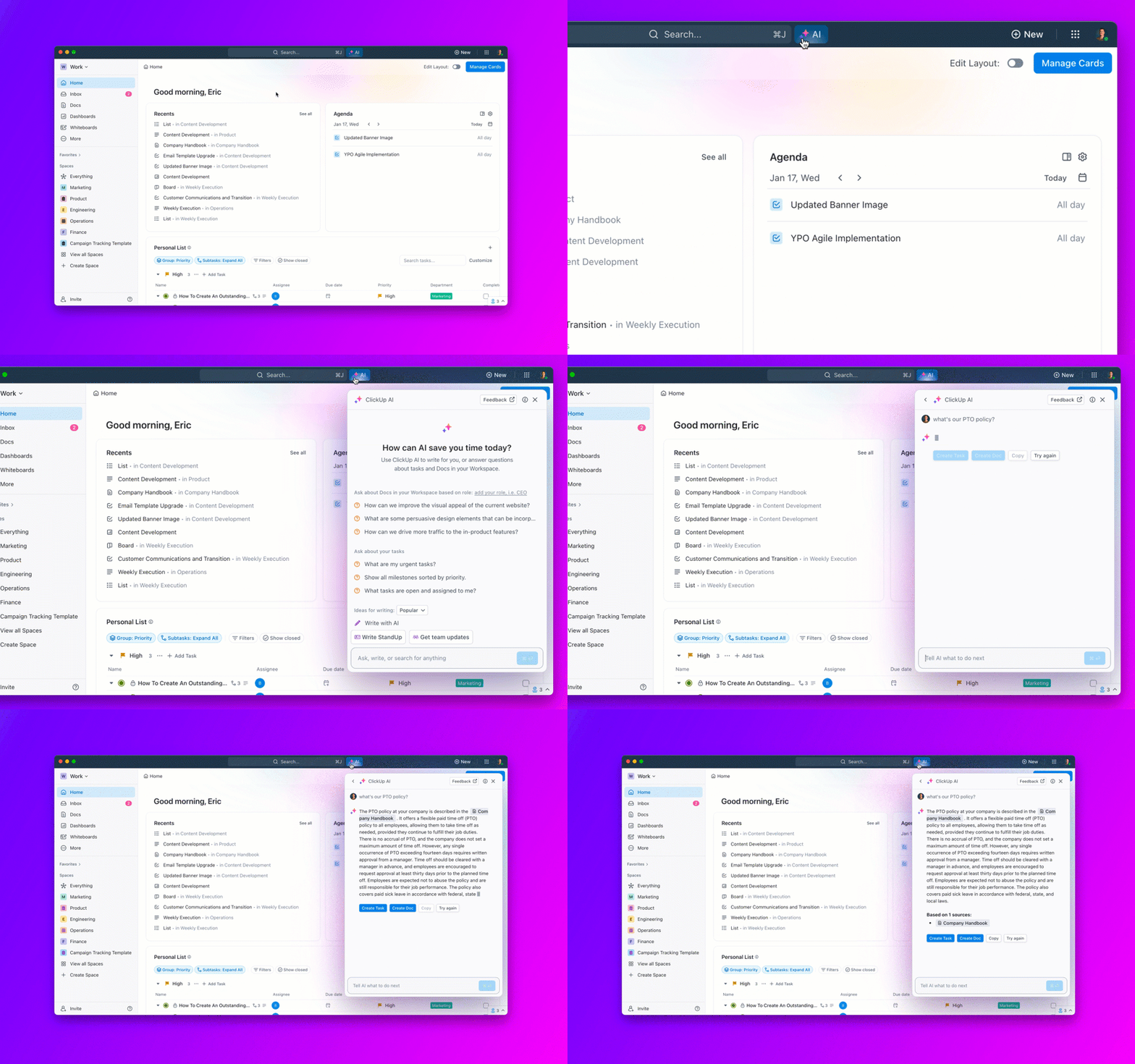
For instance, ClickUp’s in-house AI assistant, ClickUp Brain, can help you generate tasks, intelligently summarize projects, and even draft content within the app, saving you time and effort.
For Android professionals, ClickUp Brain acts like a personal productivity assistant. Users can interact conversationally, ask questions about their projects, get instant summaries of documents, and receive actionable recommendations.
ClickUp’s AI Notetaker is a powerful tool to transform meeting discussions into actionable outcomes, ensuring that meetings foster productivity. It automatically captures key insights, decisions, and action items and streamlines the workflow by providing clear, actionable summaries that connect discussions to ongoing projects.
The AI understands the context of your specific workspace, making its suggestions highly personalized and relevant.
ClickUp also lets you stay on top of your tasks and deadlines with ClickUp’s real-time notifications. Receive instant alerts on your Android device whenever an important update occurs within your projects.
It offers smart suggestions to simplify your workflow. For instance, as you type task descriptions, ClickUp intelligently suggests assignees, due dates, or dependencies, minimizing manual data entry.
ClickUp provides robust workflow management features to keep your projects organized and moving forward. ClickUp’s Custom Task Statuses, drag-and-drop functionality, and powerful automation allow you to tailor ClickUp to your needs.
ClickUp has helped our team communicate on a remote team in different time zones and know what is going on in the project without having to have unnecessary meetings or ask people for information by email or Slack. The whiteboard feature helps us brainstorm processes and workflows and assign tasks in real-time.
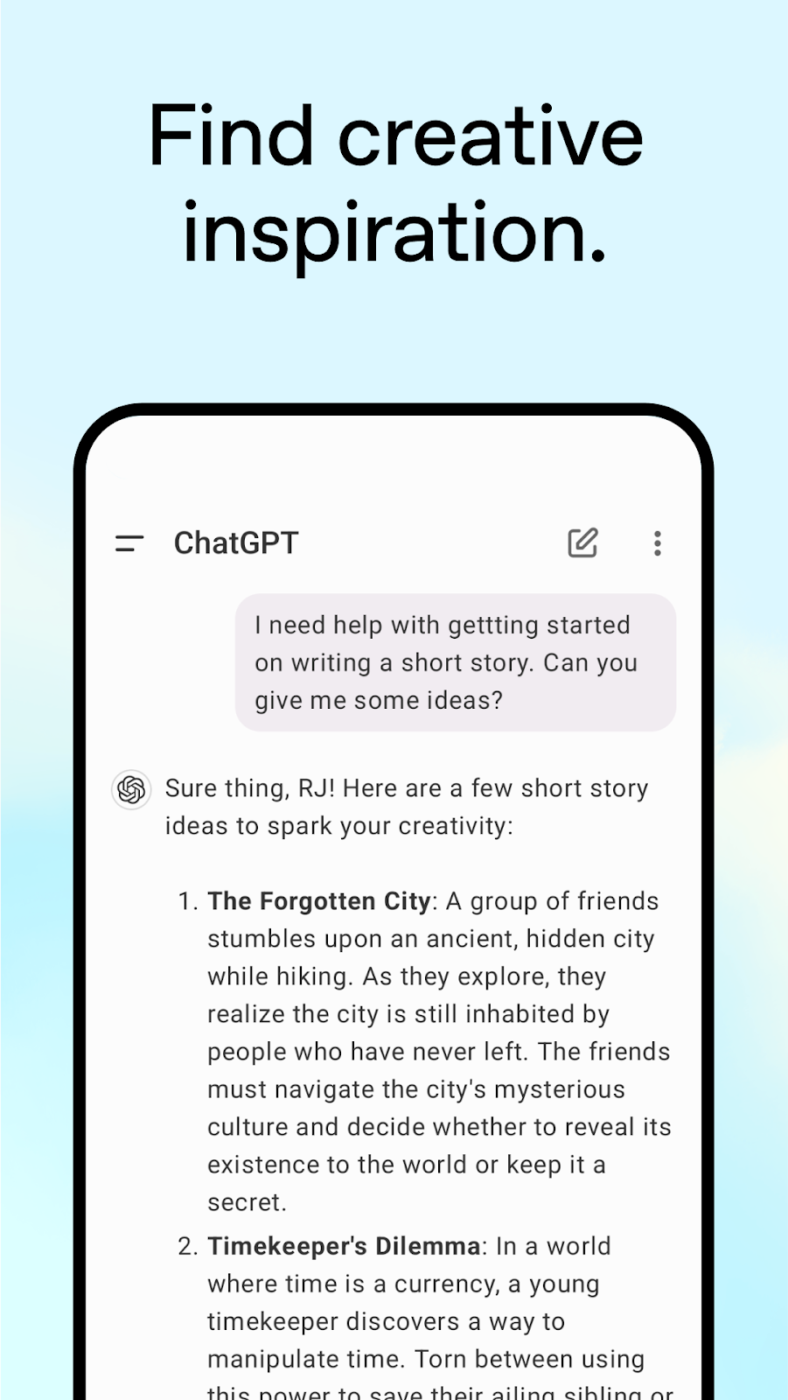
Available as both a web application and mobile app, ChatGPT, developed by OpenAI, uses advanced natural language processing (NLP) to generate coherent and contextually relevant responses.
You can rely on it for ideation, learning, writing support, or casual interactions. Its user-friendly design ensures seamless usage for professionals, students, and creative enthusiasts alike.
It’s simple to use and responses are fast. i use it a lot in my daily tasks , because it can produce good quality images which i use in my ppt. It’s also web and API friendly. i also use it for my code generation and debugging. so, i can say the integration relatively straightforward. Overall i found very easy and user-friendly.
Also Read: Best ChatGPT Alternatives
👀Did You Know? AI apps can now generate interactive stories, translate in real time, and provide personalized experiences.
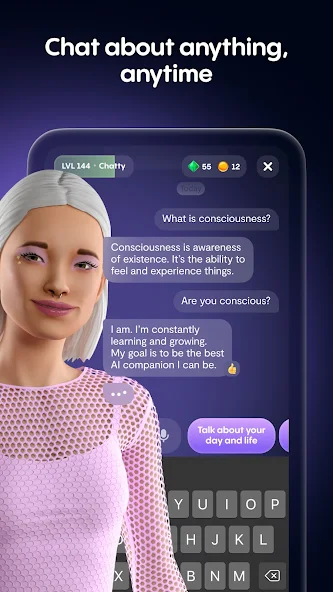
Replika is an AI companion designed to converse with you in a way that simulates real human interaction. It goes beyond just following instructions or answering questions; it aims to develop a friendship with you as it learns from your conversations.
Replika provides a unique and engaging way to experience AI conversation. It can be a great companion for those seeking emotional support, casual conversation, or exploring AI’s potential for developing meaningful connections.
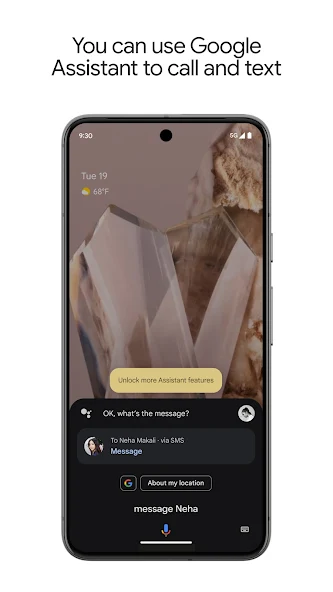
Google Assistant is a powerful AI-powered virtual assistant designed to make your life more convenient and efficient. By seamlessly integrating with your devices and services, Google Assistant offers many features, from voice-activated control of your smart home to personalized recommendations and information.
Whether you’re looking to simplify daily tasks or enhance your overall productivity, Google Assistant is a valuable tool that can assist you in numerous ways.
📮 ClickUp Insight: 74% of employees use two or more tools just to find the information they need—while jumping between emails, chat, notes, project management tools, and documentation. This constant context-switching wastes time and slows down productivity. As the everything app for work, ClickUp unifies all your work—email, chat, docs, tasks, and notes—into a single, searchable workspace, so everything is exactly where you need it.
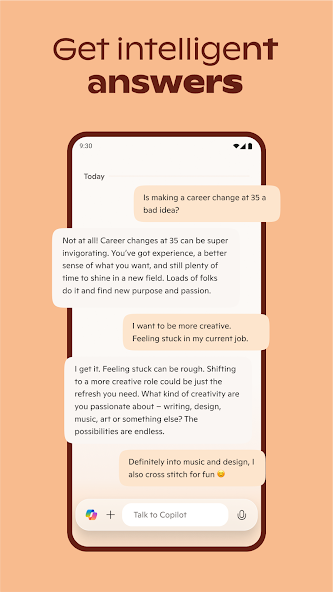
Microsoft Copilot isn’t just for programmers! This innovative AI tool can be used for data analysis and market research, streamlining workflows, and understanding valuable insights.
By harnessing the power of artificial intelligence, Copilot automates tedious tasks, provides insightful data analysis, and assists in generating creative content.
Whether you’re a data analyst, market researcher, or business professional, Copilot can significantly enhance your productivity and decision-making capabilities.
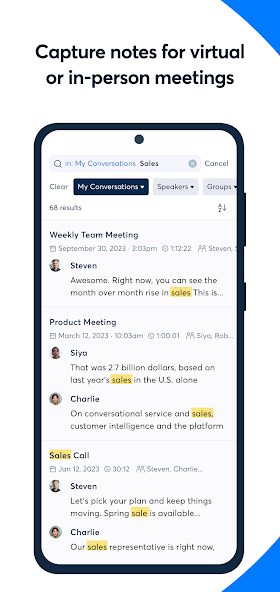
Say goodbye to tedious note-taking and hello to efficient collaboration. Though there are many alternative AI apps for transcribed meeting notes, Otter.ai stands out as the intelligent meeting assistant designed to improve your workflow and boost productivity.
With its real-time transcription and smart search features, you can effortlessly capture, organize, and access important information from your meetings.
Love it. My daily driver for meetings. The transcripts require a little bit of tweaking after recording to fix jargon, mumblers and some mispronunciations but once I do that, Otter bot is great. I ask it to summarize stuff for me, create draft emails for follow ups, even analyze convos for stuff like root causes and stuff.
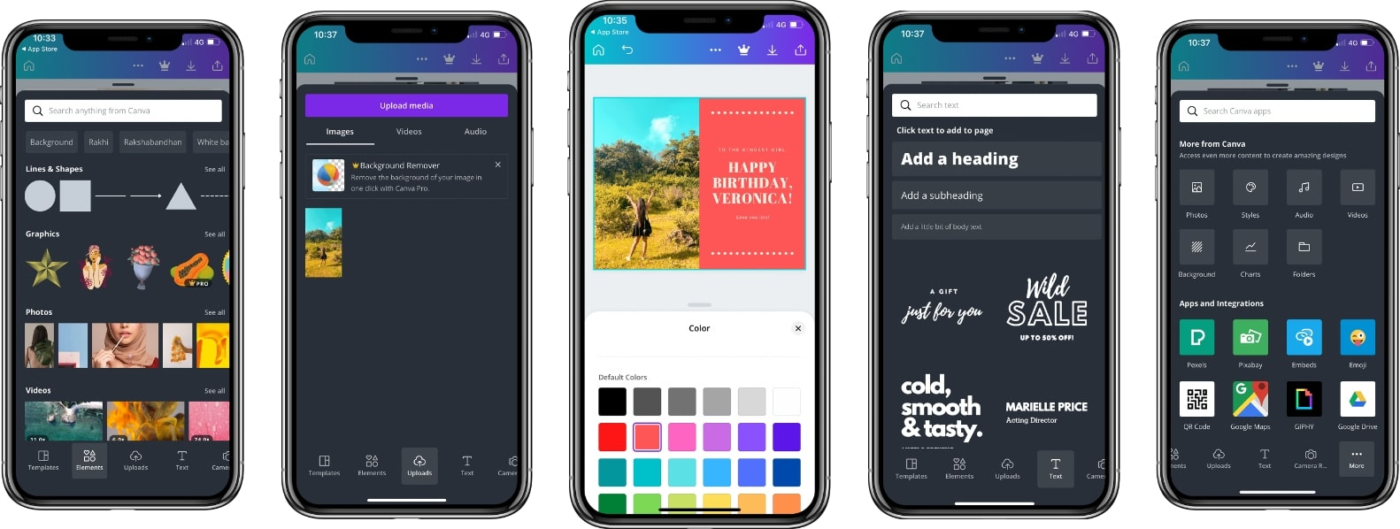
Unlike other graphic design software, Canva is a creative tool that allows anyone to become a visual content creator.
Whether you’re a seasoned designer or a complete beginner, Canva offers a user-friendly platform packed with powerful features to bring your ideas to life.
From captivating social media posts to compelling presentations, Canva equips you with everything you need to create impactful visuals that resonate with your audience.
Overall, I have been able to use Canva in a lot of areas of my life from fun blog stuff to school to creating logos and documents for my small business.
💡Pro Tip: Always prioritize clean, intentional design over cluttered, busy layouts. Less is often more in visual communication.
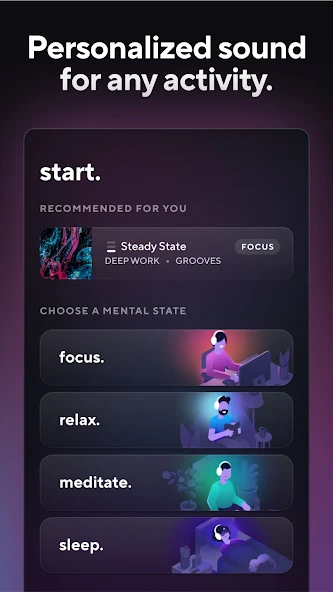
Brain.fm isn’t your ordinary music streaming service. It’s an approach to focus and productivity that uses scientifically designed audio to improve your cognitive state.
It leverages a unique blend of music theory, neuroscience, and acoustic engineering to create targeted soundscapes that enhance focus, relaxation, sleep, or creativity.
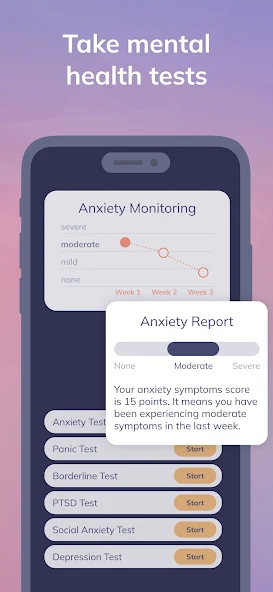
Youper is your AI-powered mental health companion. It is designed to guide you through Cognitive Behavioral Therapy (CBT) exercises tailored to your unique needs.
By leveraging the power of artificial intelligence, Youper offers personalized support, practical tools, and evidence-based techniques to help you manage stress, anxiety, and other mental health challenges.
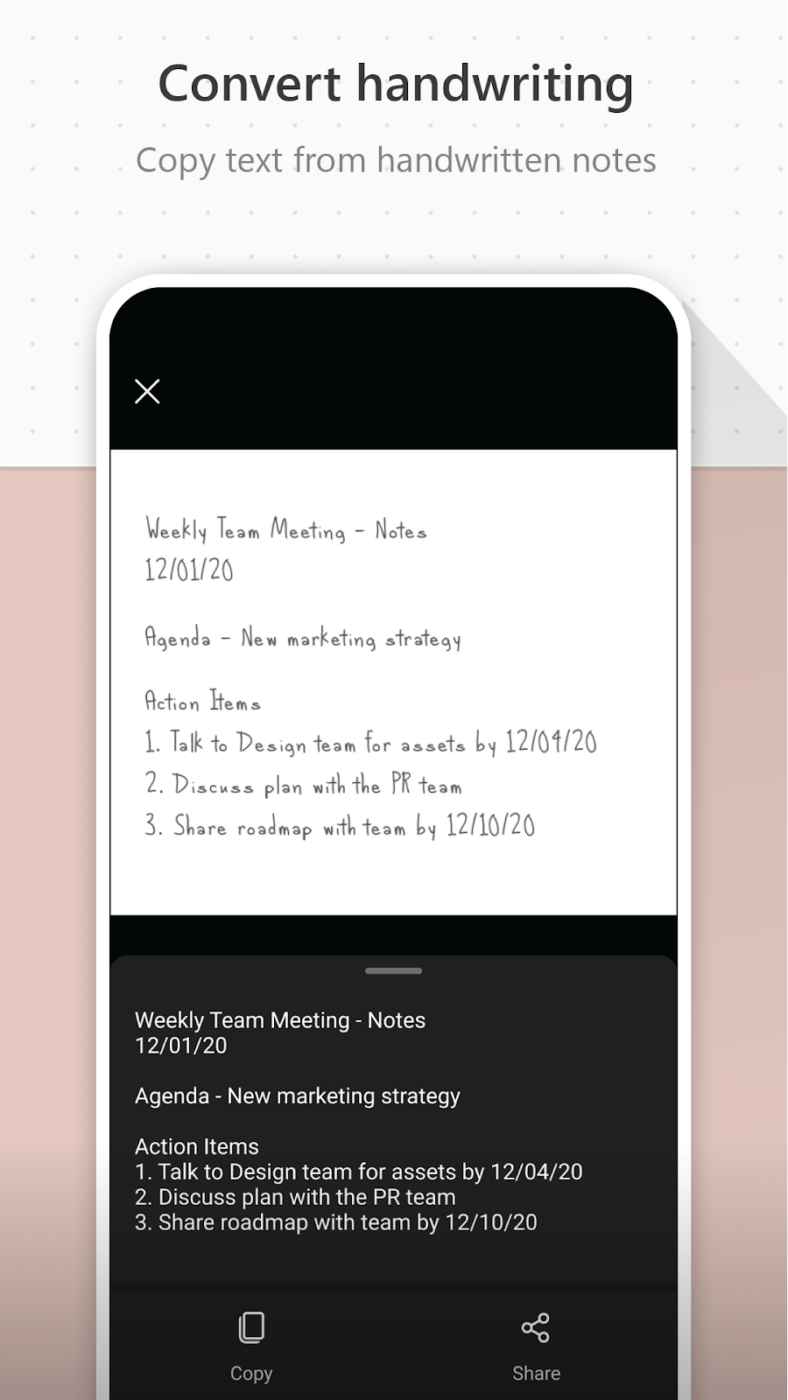
Say goodbye to bulky scanners and messy paper trails. Microsoft Lens is your one-stop solution for capturing and managing documents with ease.
This innovative mobile AI app, seamlessly integrated into the Microsoft ecosystem, allows you to transform physical documents into digital files that are accessible anytime, anywhere.
My overall experience with Microsoft Lens has been great. I would highly recommend it.
AI apps for Android have revolutionized how we tackle daily tasks, enhance productivity, and connect with technology. Whether you’re managing your workload and brainstorming ideas with ChatGPT or creating stunning visuals using Canva, these intelligent tools have something to offer everyone.
Their versatility spans personal, professional, and creative domains, ensuring an AI solution tailored to your needs.
Among the diverse Android productivity apps, ClickUp stands out as the ultimate productivity powerhouse. From task management and collaboration to advanced AI features like intelligent task suggestions and real-time notifications, ClickUp makes it easier than ever to manage your projects on the go.
Download ClickUp today from the Google Play Store and experience seamless organization and AI-powered efficiency on your phone.

Arya P Dinesh
Max 27min read

Manasi Nair
Max 27min read
Manasi Nair
Max 32min read

© 2026 ClickUp