
Sorry, there were no results found for “”
Sorry, there were no results found for “”
Sorry, there were no results found for “”
Choosing between Claude Code vs. Copilot is one of the most important decisions your team will make this year. Research shows every 25% increase in AI adoption is linked to a 7.2% reduction in delivery stability, costing teams hours every sprint.
This breakdown covers how each tool performs across real workflows so you can pick the right one for your team. Plus, we look at how ClickUp bridges the context gap when using AI tools like these. 🪄
Claude Code is Anthropic’s terminal-based coding agent. You describe a task in plain English, and it reads your entire codebase, builds a plan, and delivers ready-to-merge code changes.
GitHub Copilot is GitHub’s AI pair programmer that lives inside your code editor, suggesting lines and completing functions as you type.
The core difference comes down to three things: where they run, how they work, and what they’re best at. 👀
| Feature | Claude Code | GitHub Copilot |
| Primary interface | Terminal CLI | IDE-embedded (VS Code, JetBrains, Neovim) |
| Context window | Up to 1M tokens with full repo indexing | 32k–128k tokens (model-dependent) |
| Inline autocomplete | No | Yes |
| Agent mode | Terminal-based, multi-step autonomous execution | VS Code agent mode with self-healing loops |
| Multi-file changes | Plan-and-execute across full repository | Developer-directed via agent mode |
| GitHub integration | Git commands via terminal | Native PRs, Issues, Actions, coding agent |
| MCP support | 300+ integrations | GitHub ecosystem extensions |
| Best for | Complex autonomous tasks, large refactors | Daily coding velocity, editor-centric teams |
🧠 Fun Fact: AI coding is already the norm, not the exception. Around 84% of developers use or plan to use AI tools in their workflow, showing that AI coding has moved from experimental to mainstream.
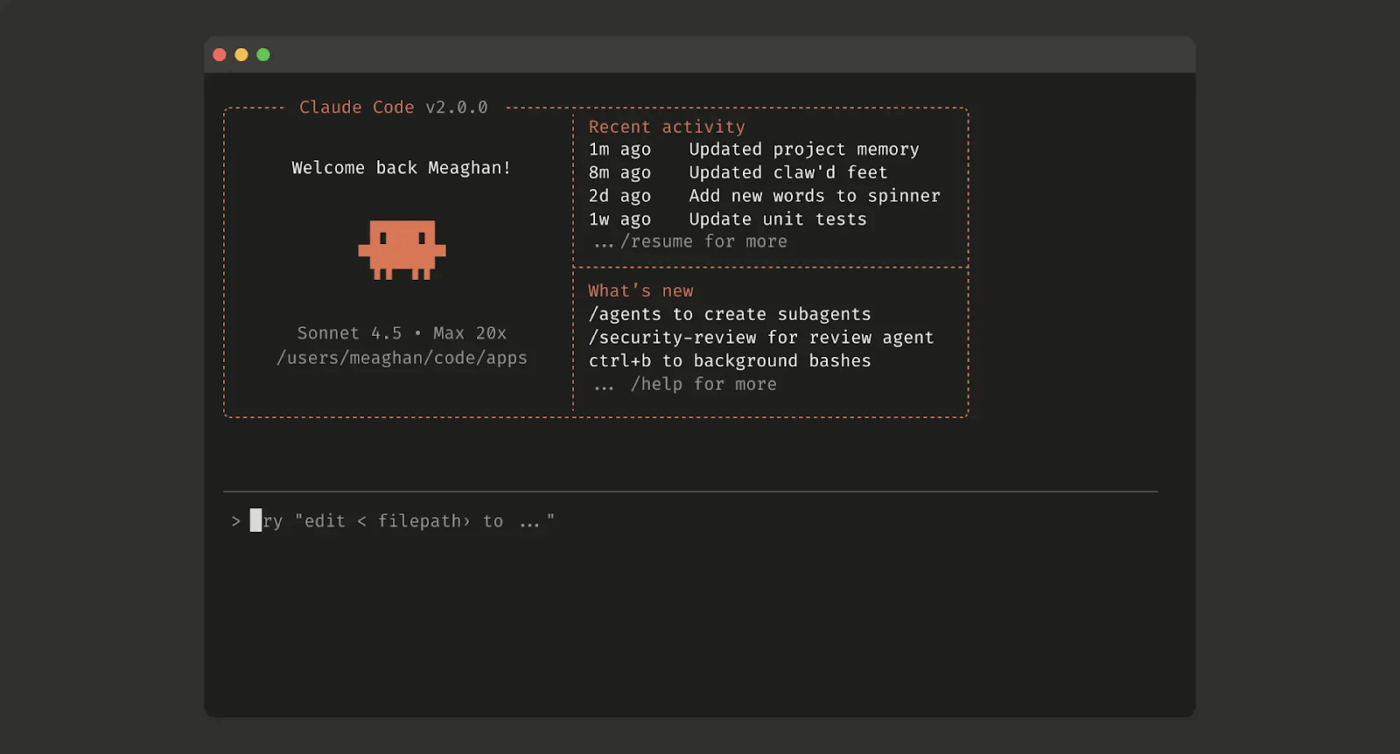
Claude Code is Anthropic’s agentic coding tool that runs in your terminal. You tell it what to do in natural language, and it reads your repository, reasons about the architecture, and executes multi-step changes on its own. It asks for your approval before committing anything.
📮 ClickUp Insight: 19% of people say they want AI agents to help manage project workflows.
But a project management workflow isn’t exactly a checklist. It’s a moving system of tradeoffs, handoffs, and shifting priorities, where yesterday’s plan rarely reflects today’s reality.
ClickUp’s Super Agents are built to respond to the state of your work, not just instructions. They execute work on schedules you define and listen for triggers like questions being asked, new tasks being created, or forms being submitted, and can proactively flag issues!
🔍 Did You Know? An open-source study found only a 5.5% increase in individual developer productivity, showing that everyday coding is more complex than lab tasks.
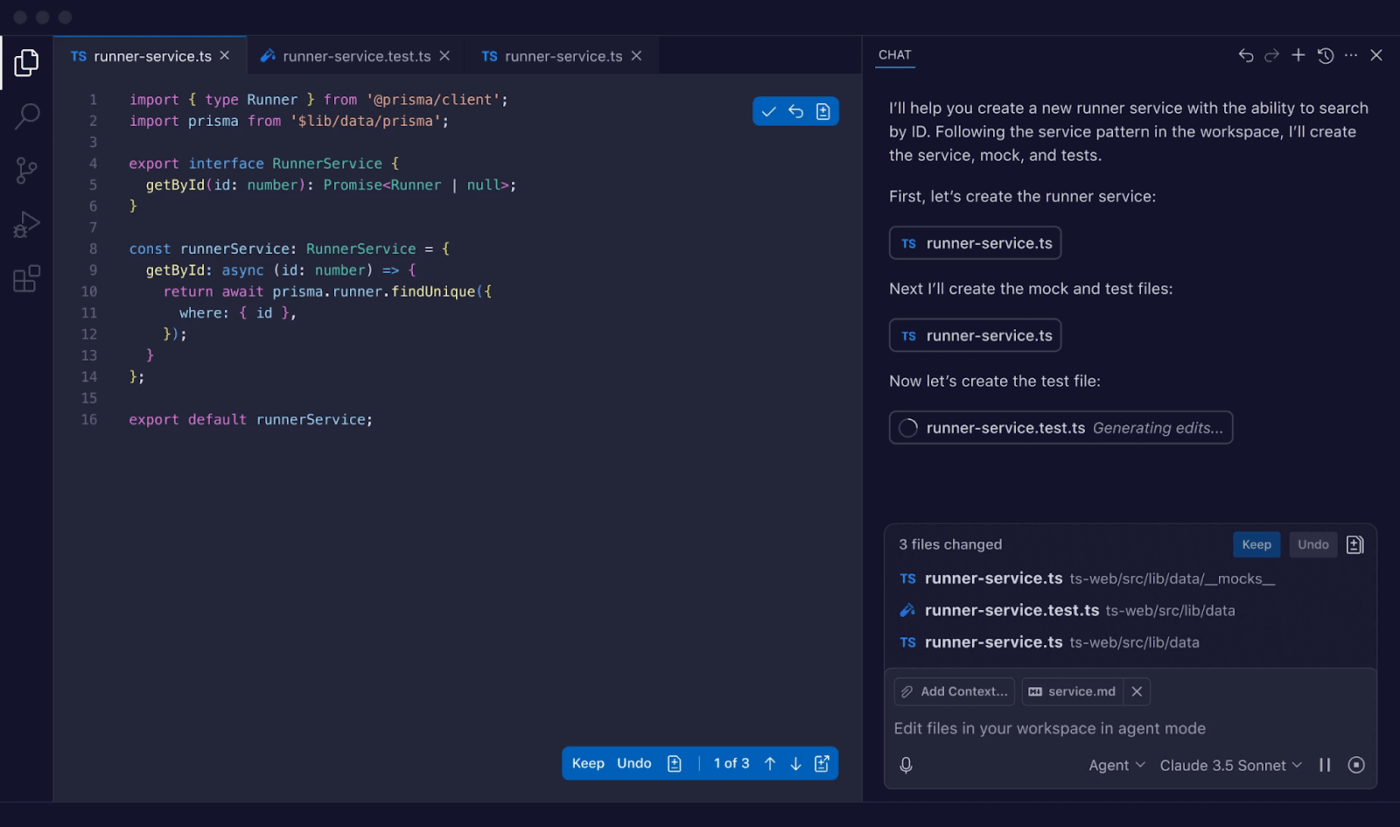
GitHub Copilot is GitHub’s AI coding assistant that lives inside your code editor. It suggests code as you type, supports multiple AI models, and plugs directly into the GitHub ecosystem for PR reviews and background task work.
To better understand how AI agents for coding can transform your development workflow, watch this overview that explores the capabilities and real-world applications of coding agents in modern software teams.
Now that you know what each tool does, the next question is where the differences actually matter for your day-to-day work. Here’s how they stack up across six dimensions. 🛠️
Powered by agentic reasoning, Claude Code reads your repo, builds an execution plan, and delivers diffs, then waits for your approval before committing. Its Agent Teams feature lets you run parallel sub-agents on different parts of a large task at the same time.
Copilot’s agent mode in VS Code iterates on multi-file changes, runs terminal commands, and self-heals when tests fail.
The developer stays in the loop guiding each cycle. Its background coding agent can be assigned a GitHub issue and work asynchronously, creating a PR when finished.
🏆 The verdict: Claude Code leads on autonomous task completion, where you hand off and walk away. Copilot leads on interactive, developer-in-the-loop assistance where you stay in the driver’s seat.
Claude Code’s 1M token window lets it ingest your full codebase alongside design docs and error logs in one session. It uses context compaction, i.e., summarizing older context to make room for new info, to manage long-running sessions without losing the thread.
Copilot’s 32k-128k range works well for file-level and function-level coding. Writing a new function, fixing a bug in a single file, or generating tests for a module fits comfortably within that window.
🏆 The verdict: Claude Code has a structural advantage for large monorepos and cross-service debugging. Copilot’s window covers most daily coding tasks where you’re working in one or two files.
Claude Code identifies every file that needs to change, builds a dependency-aware plan, and applies changes in sequence. Teams have used parallel agents to tackle different parts of a framework migration simultaneously.
Copilot’s agent mode iterates across files and runs tests, but you typically scope the task and review each cycle. The coding agent handles narrower tasks when assigned a GitHub issue.
🏆 The verdict: Claude Code is purpose-built for repo-scale changes needing full architectural understanding. Copilot handles multi-file work but needs more developer orchestration.
Claude Code requires opening a terminal and describing tasks in natural language. For developers already running git, Docker, and make from the command line, this feels natural.
The VS Code extension brings some capabilities into the editor, but the core power stays in the CLI.
Copilot’s native presence across VS Code, Visual Studio, JetBrains, Neovim, and GitHub Mobile makes it invisible in existing workflows. You install the extension and start getting suggestions. There’s no editor change needed.
🏆 The verdict: Copilot wins on friction-free IDE adoption. Claude Code is a natural fit for backend and terminal-native developers who think in terms of task delegation.
Customer story: Atrato
AI coding tools can speed up implementation, but shipping still depends on how well your team manages requirements, handoffs, and visibility around the code. Atrato used ClickUp to centralize product development, improve cross-functional collaboration, and create a more reliable delivery process. The result: a 30% increase in speed of product development, a 20% decrease in developer overload, and a 24-hour reduction in ticket MTTR.
ClickUp not only allows me to keep projects on track and detect risks early, it also helps me as an individual contributor with my daily tasks.
Your AI coding tool can write great code. But when it doesn’t know why a change matters—the acceptance criteria, the linked spec, the stakeholder feedback that shifted scope—it’s flying blind.
That disconnect between coding tools and project context is Context Sprawl, and it’s where teams lose time translating tickets into prompts.
ClickUp converges your documentation, tasks, and development workflows into a single workspace. Your engineering context lives next to your code work, so updates reflect instantly as projects evolve.
Now, let’s break down how ClickUp for Software Teams supports real coding workflows. 👇
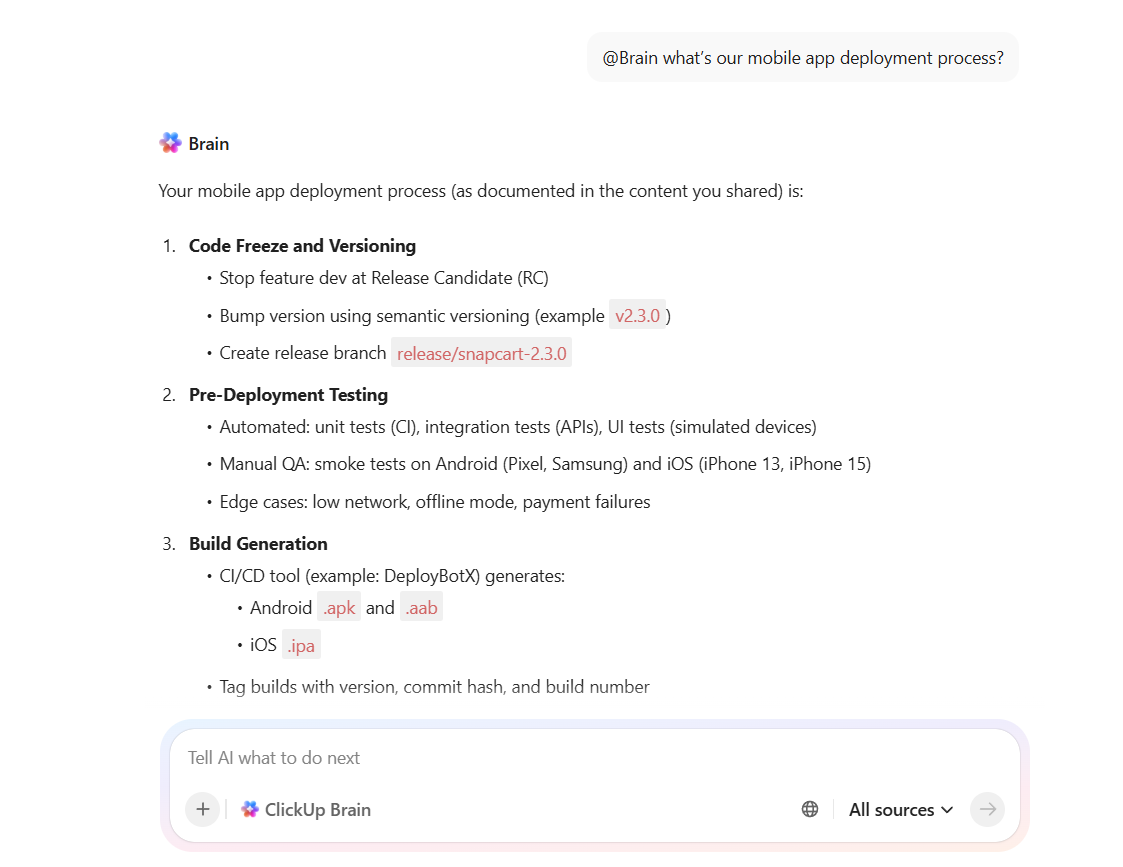
ClickUp Brain is your workspace’s Contextual AI layer, and it runs through everything. It connects your tasks, docs, chat, meetings, and third-party apps like GitHub, so you can ask questions in plain language and get sourced answers pulled from your actual workspace data.
Suppose a developer joins a project mid-sprint.
Instead of hunting across five threads to understand the current deployment process, they type ‘@Brain what’s our mobile app deployment process?’ and get an answer from your Docs, past task comments, and team discussions in seconds.
ClickUp Brain also handles a lot of the operational overhead nobody wants to do manually:
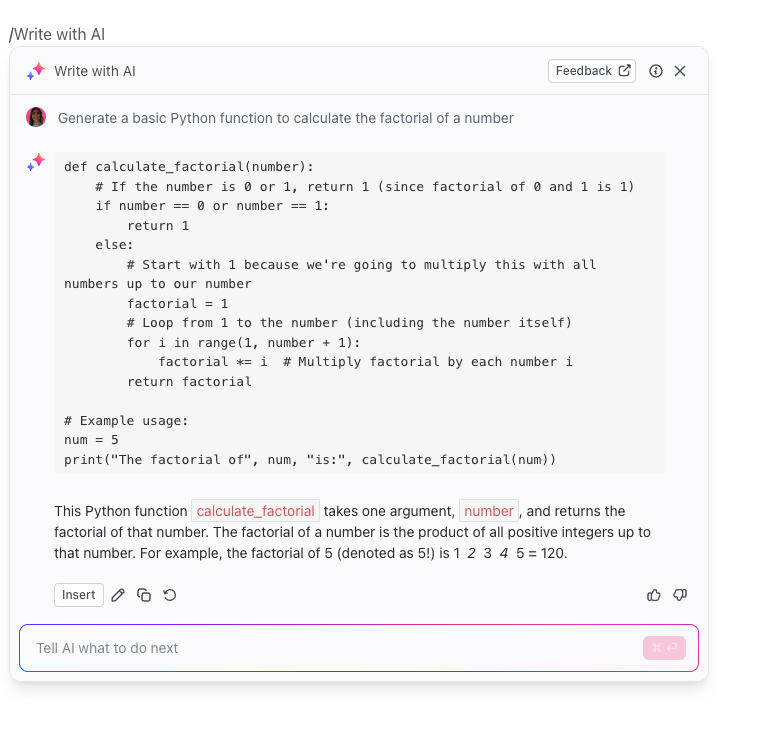
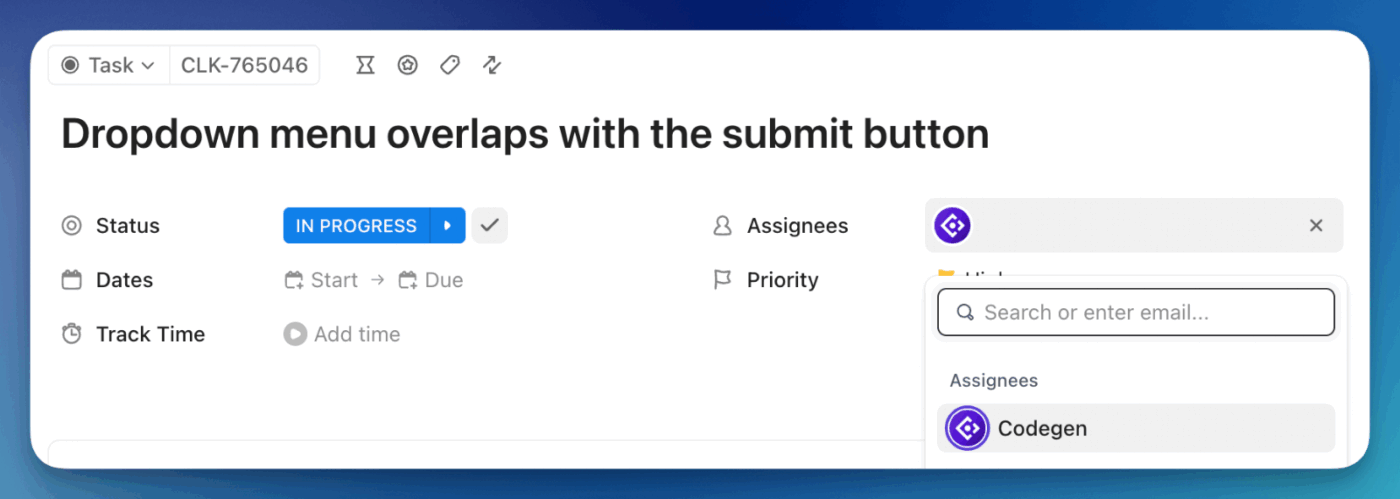
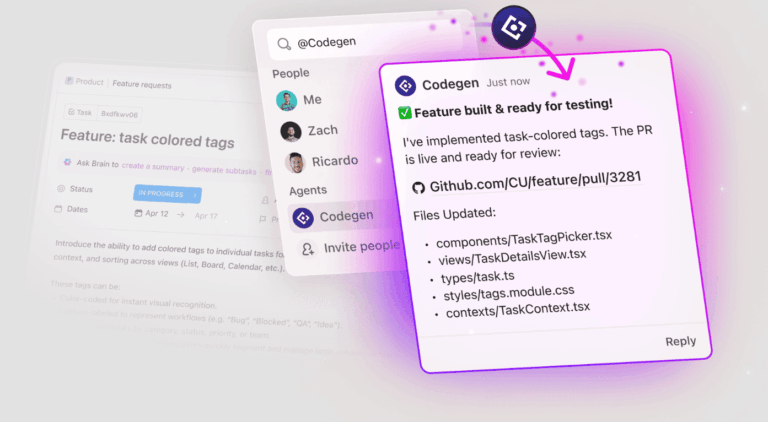
Brain answers. Codegen acts. ClickUp’s Codegen Agent is an AI developer that lives inside your workspace. Assign it a task or @mention it in a comment, and it reads everything on that task. That includes the description, linked docs, and prior comments before it writes a single line of code. Then it opens a production-ready PR and keeps the team updated.
That’s the real difference from standalone AI coding tools. Tools like Claude Code or Copilot start from zero. Codegen already has the requirements because they’re in the same task it’s been assigned to.
For instance, suppose a QA engineer files a bug about a checkout failure on mobile. They assign it to the Codegen Agent, which reads the linked technical spec, traces the issue, writes the fix, and opens a PR without any engineer copy-pasting context into a separate tool.
Coding agents do better work when your documentation is current and connected to the tasks they’re executing.
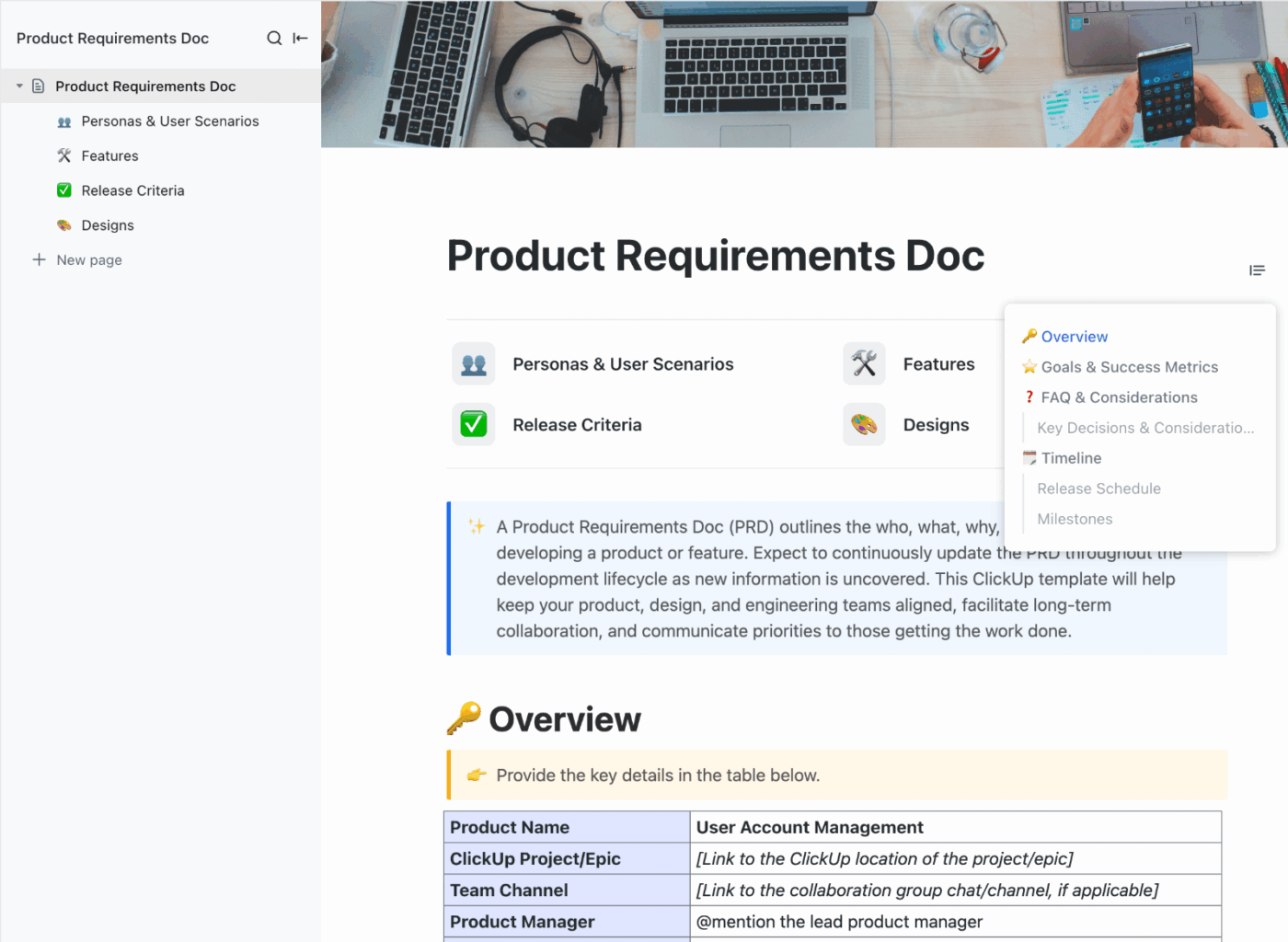
ClickUp Docs is where your PRDs, technical specs, API references, and architecture notes live. These are linked directly to the tasks and sprints they support. So when a spec changes, it changes in context. Codegen picks it up. Engineers find it. Nobody works from an emailed PDF from three weeks ago.
A few things that matter for dev teams specifically:
Here’s what a real-life user had to share about using ClickUp:
I find ClickUp incredibly valuable as it consolidates functions into a single platform, which ensures that all work and communication are gathered into one place, providing me with 100% context. This integration simplifies project management for me, enhancing efficiency and clarity. I particularly like the Brain AI feature, as it functions as an AI agent that executes my commands, effectively performing tasks on my behalf. This automation aspect is very helpful because it streamlines my workflow and reduces manual effort.
Additionally, the initial setup of ClickUp was very easy to navigate, which made transitioning from other tools seamless. I also appreciate that ClickUp integrates with other tools I use, such as Slack, Open AI, and GitHub, creating a cohesive work environment. Overall, for these reasons, I would highly recommend ClickUp to others.
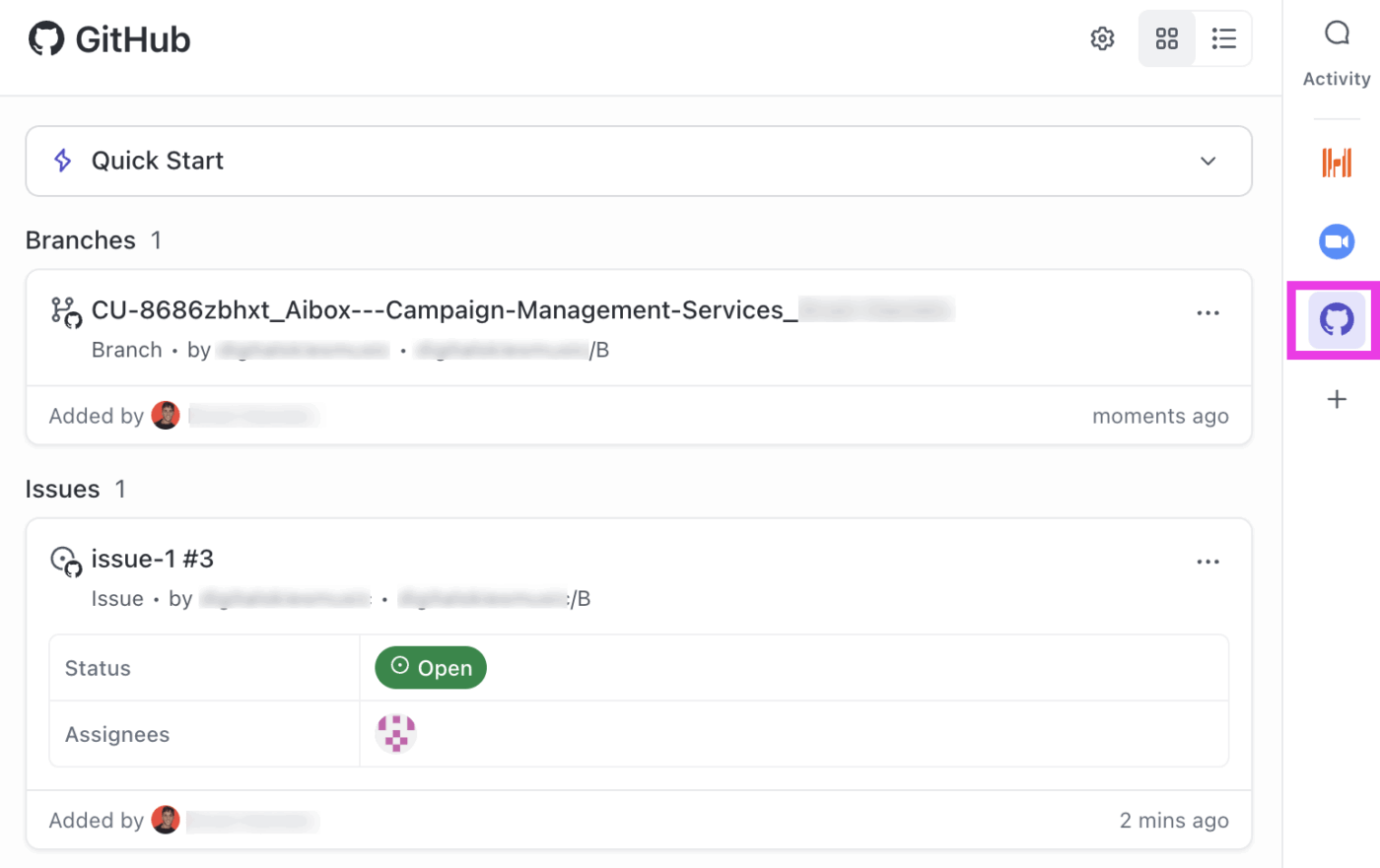
ClickUp’s GitHub Integration connects to your GitHub repos so commits, branches, and pull requests link automatically to tasks when you include a ClickUp task ID in a branch name, commit message, or PR description.
From that point, your team sees PR status, reviewer assignments, line changes, and merge state right inside the task without any context switching.
You can also build ClickUp Automations on top of this, for example:
And since ClickUp Brain has visibility into your GitHub activity, you can ask it things like ‘what commits are linked to this task?’ and get an actual answer.
Watch this video for more information on automating your workflows:
If you want to hand off a complex task and come back to a ready-to-review diff, Claude Code is your pick.
At the same time, if you want AI suggestions woven into your editor without changing a thing about your workflow, GitHub Copilot wins on ease and adoption.
But whichever tool you choose, the code is only as good as the context behind it. ClickUp gives your AI agents everything they’re missing: the specs, the requirements, the decisions, and the full project history, all in one place. Sign up for free today!
Yes. Claude Code is available as a third-party agent within Copilot Pro+ and Enterprise plans, though many teams also explore Claude Code alternatives for different workflows.
Cursor is an AI-native code editor (a fork of VS Code) that blends inline completions with agentic multi-file editing, sitting between Copilot’s IDE integration and Claude Code’s autonomous depth.
For complex reasoning, Claude Opus within Copilot offers strong performance; for fast inline completions, GPT-based models tend to be snappier, and Copilot lets you switch models per task.
Yes, Copilot runs in the IDE for daily coding, while Claude Code handles complex terminal tasks, and assigning work through ClickUp’s Codegen Agent gives either tool full project context automatically.

Manasi Nair
Max 14min read
Manasi Nair
Max 9min read

Arya P Dinesh
Max 17min read

© 2026 ClickUp




