






Still downloading templates?
There’s an easier way. Try a free AI Agent in ClickUp that actually does the work for you—set up in minutes, save hours every week.
Sorry, there were no results found for “”
Sorry, there were no results found for “”
Sorry, there were no results found for “”
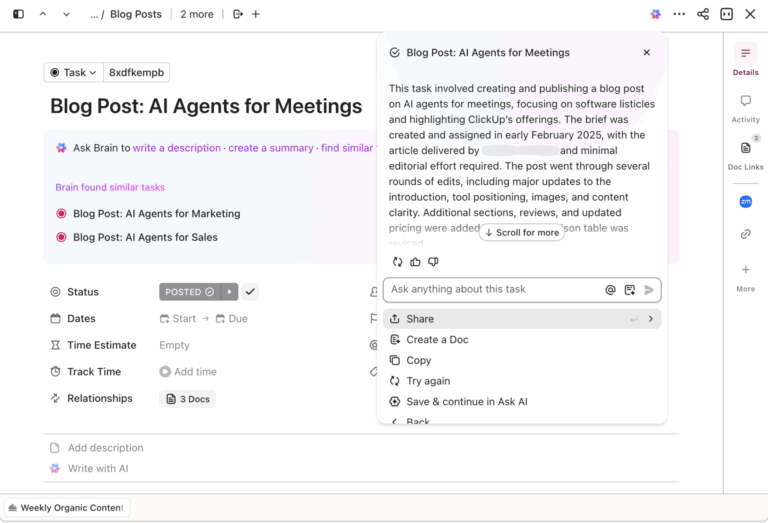
Deloitte’s Global Human Capital Trends survey shared that employees spend 41% of their time every day on work that doesn’t add value to the organization’s goals. The culprits: Meeting overload, outdated processes, and non-essential tasks such as status updates.
Most managers don’t realize they’re the bottleneck. Constantly asking “where are we on this?” creates the exact delays they’re trying to prevent.
This guide shows you how AI Super Agents deliver continuous project visibility without the status-chasing cycle, so your team stays focused while you stay informed.
As a leader, you need to know what your team is working on to guide them effectively. But every time you ask for a status update, you’re pulling them away from the very work you need them to do. This constant check-in cycle is the root of micromanagement, and it drains productivity and trust.
AI Super Agents solve this problem. They’re autonomous AI teammates that can plan, execute, and adapt multi-step workflows on their own. They aren’t just chatbots that answer questions; they move work forward without your constant oversight.
The core problem with traditional tools is that they force you to be the human glue. Information is scattered across different apps, creating work sprawl—fragmented work across multiple, disconnected tools that don’t talk to each other—that you have to manually piece together.
To get a simple update, you have to interrupt your team, schedule another meeting, or dig through outdated dashboards. This isn’t just inefficient; it makes you the bottleneck.
Unlike basic AI assistants that wait for your next command, Super Agents use multi-step reasoning to understand a goal, break it down into smaller steps, and adapt if something changes.
For example, they can autonomously manage HR-adjacent workflows like coordinating onboarding tasks or synthesizing performance data, making them a powerful tool for AI-driven HR processes.
| Feature | Traditional AI Assistants | AI Super Agents |
|---|---|---|
| Autonomy | Responds only when prompted | Plans and executes independently |
| Memory | Forgets context between sessions | Maintains persistent context from your workspace |
| Scope | Focused on a single task | Orchestrates multi-step, cross-app workflows |
| Behavior | Reactive | Proactive and adaptive |
🦸🏻♀️ ClickUp Super Agents help you get real-time visibility without the micromanagement. Because they exist within ClickUp’s converged AI workspace, they have full context of your projects, tasks, and conversations.
They don’t just answer your questions—they proactively find risks, summarize progress, and even complete tasks for you. You can:
Instead of pinging the team for status checks, you can use a Super Agent to get scheduled project updates, see blockers and overdue or at-risk work, and know what changed across tasks, docs, and chat.
That means you stay informed through consistent, contextual updates, while the team gets fewer interruptions and more time to focus.
🎥 This video explains it in greater detail:
Every leader faces the same dilemma: you need to know what’s happening, but the act of finding out often disrupts the work itself. Every “quick sync” or Slack ping asking for an update is a context switch that pulls someone away from deep work.
👀 Did You Know: Knowledge workers face interruptions every 2 minutes throughout their workday. This constant status reporting overhead is a hidden tax on your team’s productivity.
You have two equally poor choices: either hover and risk demoralizing your team or step back and fly blind, hoping no major issues come up.
AI Super Agents give you a third option. They provide a live, continuous pulse on progress without requiring anyone to stop what they’re doing to fill out a report.
📮ClickUp Insight: According to our survey, nearly 88% of leaders still rely on manual check-ins, dashboards, or meetings to get updates.
The cost? Lost time, context-switching, and often, outdated information. The more energy you spend chasing updates, the less you have for acting on them.
ClickUp Autopilot Agents, available in Lists and Chats, surface status changes and critical discussion threads instantly. Here’s to never having to ask your team to send “quick updates”. 👀
💫 Real Results: Pigment improved team communication efficiency by 20% with ClickUp—keeping teams better connected and aligned.
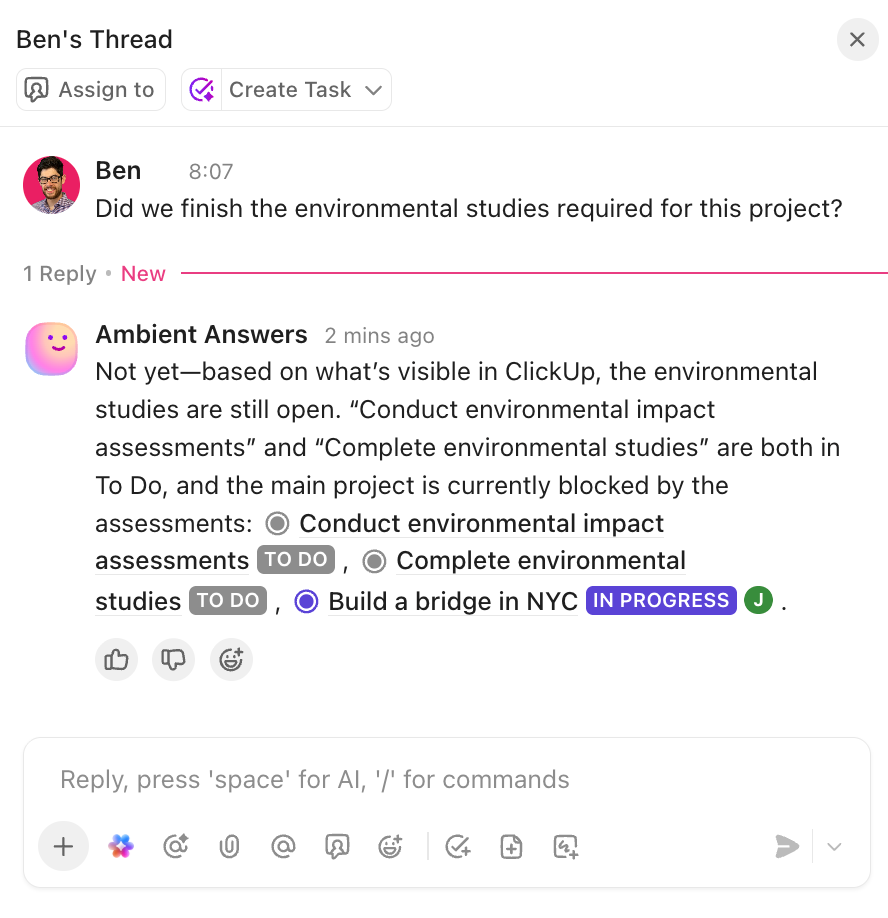
Stop chasing updates and let them come to you with ClickUp AI Super Agents that continuously monitor progress across your workspace. Because they have access to your ClickUp Tasks, they can see when a due date is approaching, identify blocked Dependencies, and understand the context from ClickUp Comments.
Instead of you having to ask, your Super Agent can proactively bring you insights like these:
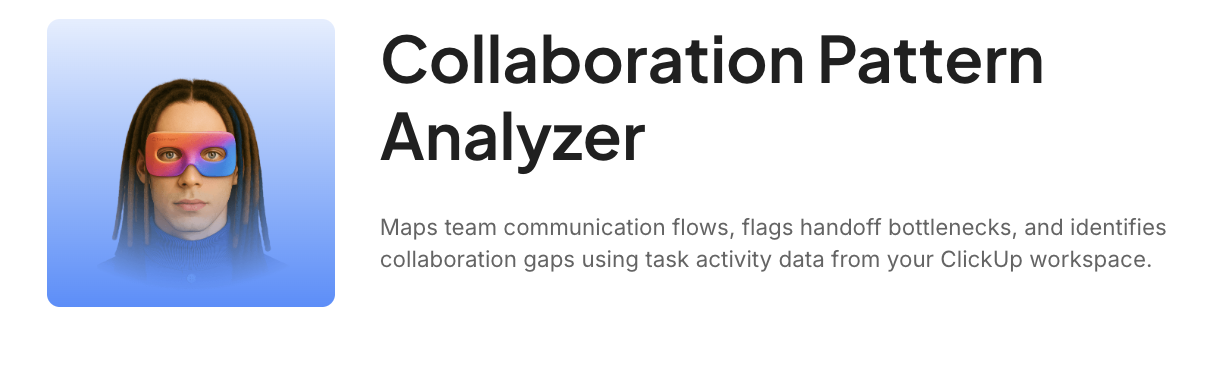
🚀 Try this today: The Collaboration Pattern Analyzer Super Agent maps how information actually flows across your team and highlights where it breaks down. It identifies handoff patterns and flags bottlenecks where tasks stall between owners.
As a manager, you want to help your team grow, but coaching often relies on gut feelings or incomplete information. This can lead to generic feedback that doesn’t land or, worse, completely missing the signs that a team member is struggling or overloaded. You can’t help if you can’t see the problem.
Get coaching signals backed by actual work data from ClickUp AI Super Agents. By maintaining persistent memory of work patterns, they can identify trends that are nearly impossible for a human to spot.
Your Super Agent can help you understand:
You can ask your Super Agent to summarize a team member’s recent workload or highlight their biggest accomplishments, all without invasive surveillance. The focus remains on work outcomes, giving you the specific context you need to provide meaningful support and recognition.
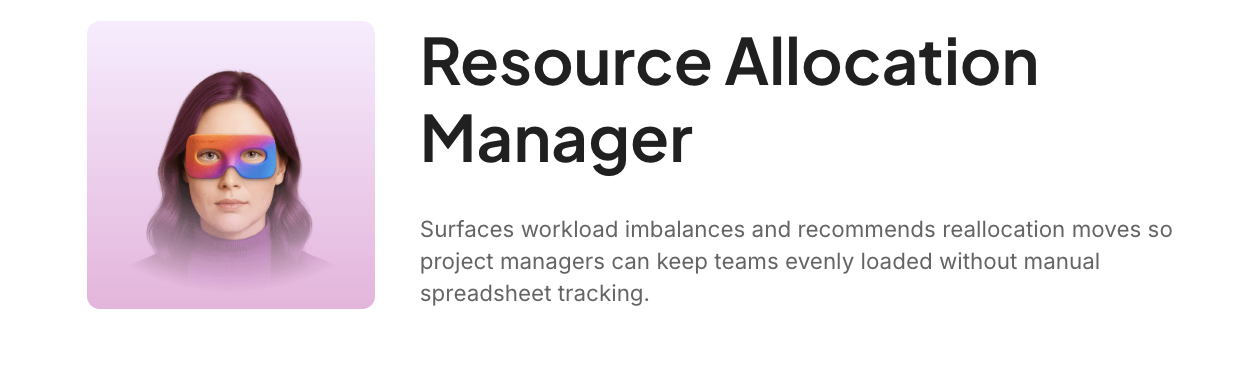
🚀 Try this today: The Resource Allocation Super Agent keeps workload visibility current, so rebalancing happens before deadlines are at risk. It evaluates work distribution across contributors, identifies where allocations are uneven, and recommends specific steps to rebalance the load.
By the time you notice a team member is burned out, it’s often too late. The missed deadlines, the disengagement, and the quiet quitting are just the final symptoms of a problem that has been building for weeks. The early warning signs were there, but you missed them in the noise of daily work.
Get ahead of problems before they escalate with proactive alerts from ClickUp AI Super Agents. They analyze patterns across task assignments, due dates, and workload concentration to detect burnout indicators.
🚀 Try this today: Set up the Employee Wellness Monitoring Super Agent in your workspace. Based on the tasks and goals you describe, it works autonomously to monitor employee wellness and raise alerts when it finds something that needs your attention!
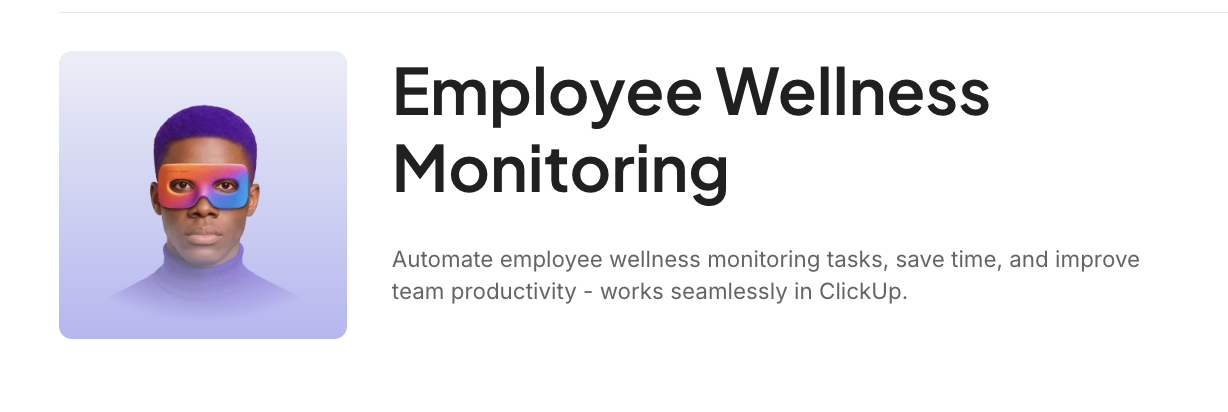
For example, a Super Agent might notice signs of workload imbalances, like a single designer being assigned to every urgent, last-minute request for three weeks straight. It can also spot recurring process blockers, like a specific review stage that consistently holds up multiple projects.
These insights allow you to intervene and fix the root cause of the friction, rather than just dealing with the downstream consequences. You move from a reactive firefighter to a proactive problem-solver. ✨
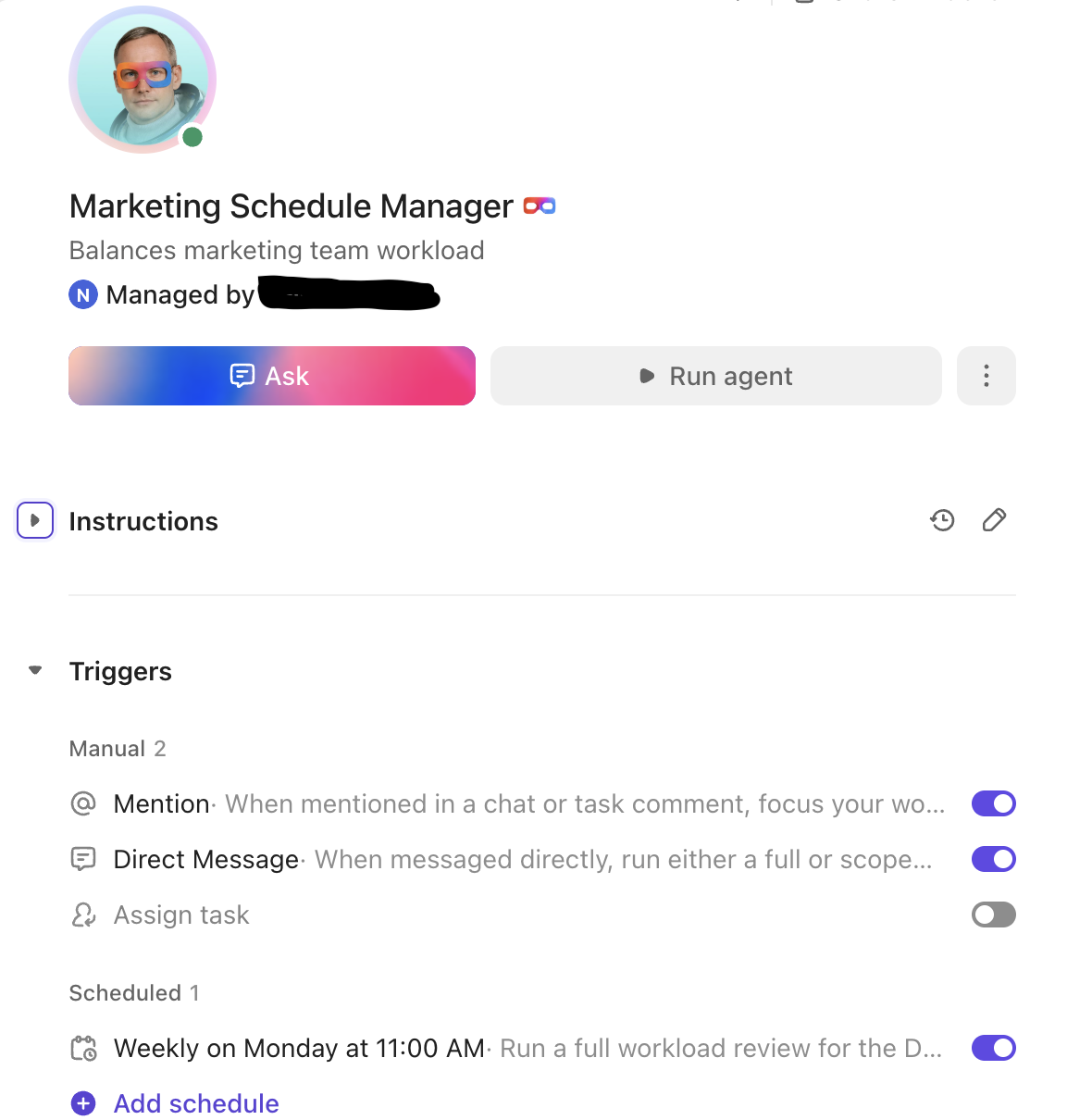
💡 Pro Tip: Make work distribution fair and stress-free by using AI in ClickUp to assign and prioritize tasks.
ClickUp’s AI Assign automatically routes tasks to the right person based on skills, workload, and task context. It can also reassign tasks as priorities shift—so your team stays balanced without manual intervention.
Super Agents deliver visibility through three key capabilities: autonomous planning, cross-tool orchestration, and persistent memory.
Watch this video to see how AI agents transform project management workflows and provide the real-time visibility that eliminates micromanagement.
The biggest frustration with most AI tools is that you still have to do all the thinking. You can ask them to write an email, but you can’t ask them to manage a product launch. This is because they can’t plan.
AI Super Agents are different. They don’t just execute single commands; they use agentic reasoning to understand a high-level goal, break it down into logical steps, and then execute that plan. This means you can delegate entire outcomes, not just individual tasks.
For example, you can give a Super Agent a goal like “prepare the weekly project review deck.” It will then autonomously:
The agent handles the “how,” freeing you up to focus on the “what” and “why.” You stay informed of its progress and decisions without having to orchestrate every single step yourself.
Illia Shevchenko (Founder at sProcess), a ClickUp Verified Consultant, developed a ClickUp Super Agent that generates AI project status updates automatically, based on the work the team is already doing. This Status Sync Super Agent ensures that client project trackers are always updated to reflect what’s happening in the workspace.
You can also build your own Super Agent in seconds using the natural language Super Agent Builder in ClickUp. This video shows you how!
Your team’s work doesn’t happen in one place. A decision is made in a Slack channel, the design files are in Figma, and the project plan lives in ClickUp. This context sprawl forces you to act as a human router, manually connecting the dots between disconnected systems.
ClickUp’s Converged AI Workspace eliminates this constant context switching. Because your work is unified, your Super Agent has native access to everything it needs. It can orchestrate workflows across ClickUp Tasks, ClickUp Docs, ClickUp Whiteboards, and ClickUp Chat.
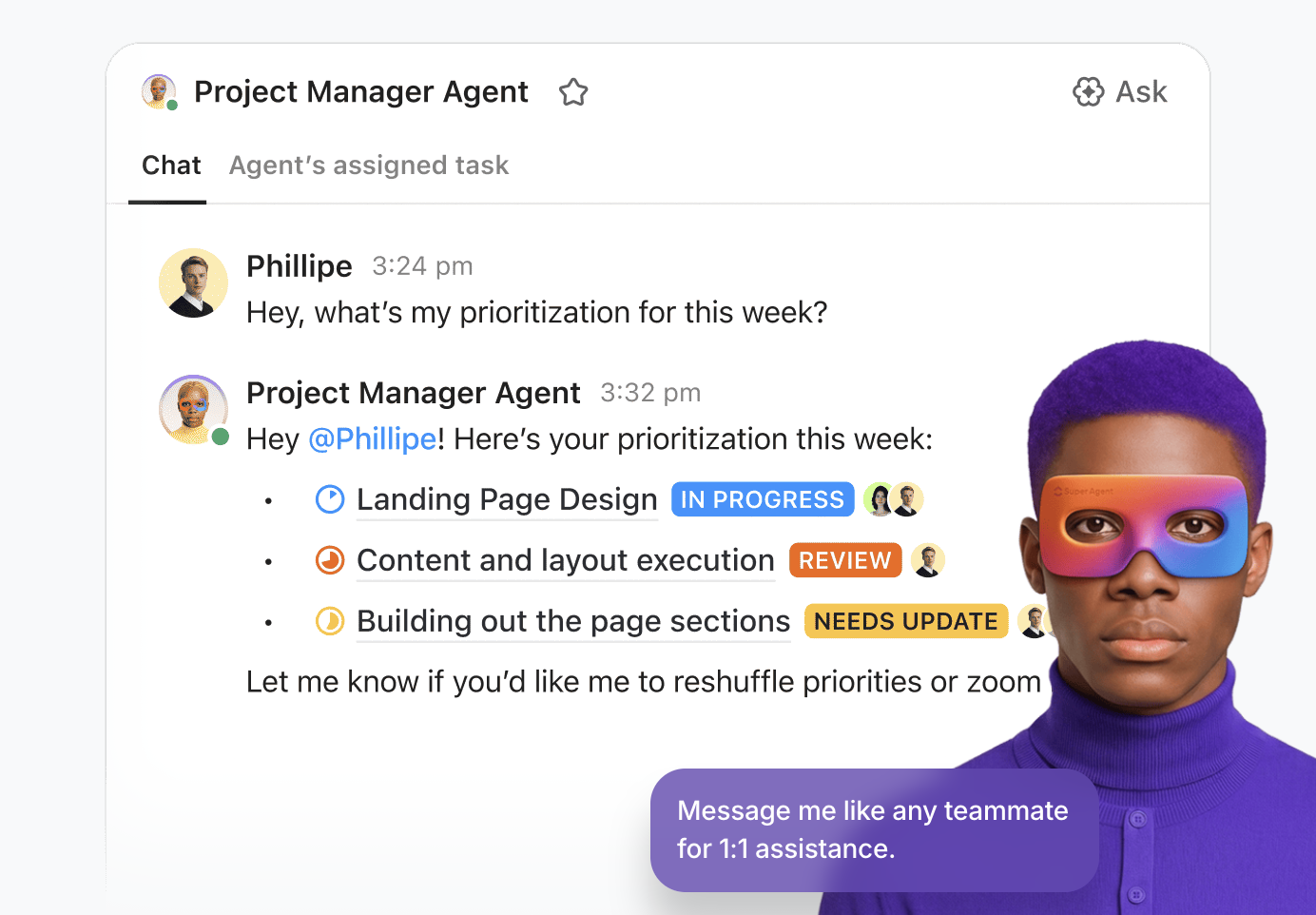
Through connected apps, its reach extends even further.
A Super Agent can:
This cross-functional orchestration happens seamlessly in the background, ending the tool sprawl that fragments your visibility.
💡 Pro Tip: Have a quick question about a team task? Just ask ClickUp Brain, the AI integrated within ClickUp. It can access all your work and pull insights to give you specific and contextual answers.

Most AI assistants forget everything the moment you close the chat window—forcing you to re-explain context every single time.
With ClickUp AI Super Agents, however, you can build lasting institutional knowledge. They have persistent memory, meaning they learn from your workspace and remember past conversations, decisions, and preferences.
Here’s why a Super Agent in ClickUp is so powerful as your assistant:
This contextual continuity means your agent gets smarter and more helpful over time, evolving from a simple tool into a true AI teammate.
🎥 You can also use a Super Agent to quickly build status updates for the leadership team. This video shows you how it works.
Here are a few concrete scenarios that leaders in engineering, design, and operations will instantly recognize, showing how AI Super Agents transform the daily grind of management. 🛠️
Weekly status prep
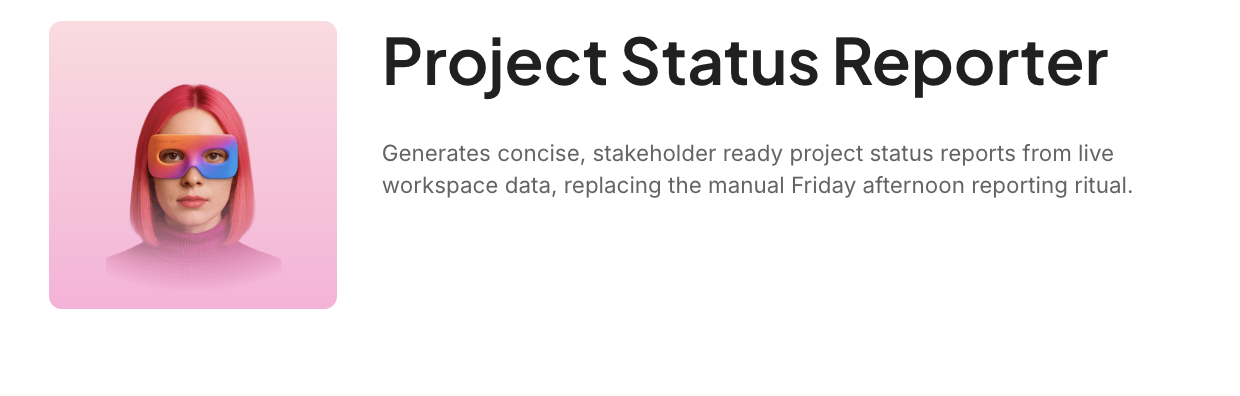
🚀 Try this today: The Project Status Reporter Super Agent generates a status report that covers progress against milestones, notable completions, items at risk, and upcoming deadlines.
New hire onboarding
🚀 Try this today: The Onboarding Feedback Collector Super Agent handles the whole employee onboarding workflow automatically. It takes new hires through each step with task checklists, tracks completion, and even collects their feedback about your onboarding process.

Cross-team dependency tracking
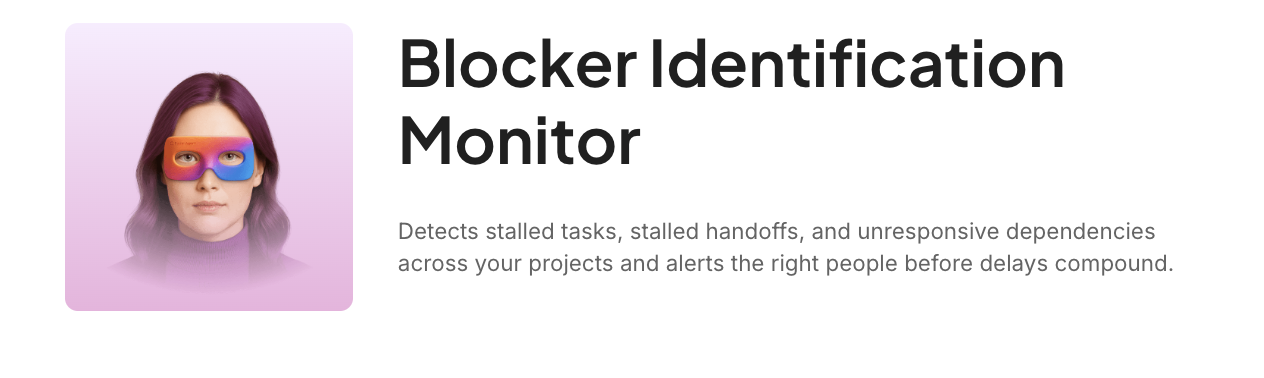
🚀 Try this today: The Blocker Identification Super Agent evaluates your active Tasks in ClickUp and looks for signals that indicate work is stuck. It attributes the blocker to the most likely cause and routes the alert to the best person to resolve it.
💡 Pro Tip: Watch this video to learn about just 3 of the ClickUp Super Agents you can use to simplify scheduling and work management for your entire team.
Putting this power to work doesn’t require a team of data scientists or a lengthy implementation project. The key is to start small, define clear goals, and remember that you are always in control. You set the guardrails, and the Super Agent works within the boundaries you define.
🚩 Red flags to look for before you deploy a Super Agent
Super Agents don’t fail because the tech isn’t ready—they fail because the organization isn’t. Assess if your organization is ready.
Fixing these early makes agent deployment faster and trust easier to build later.
Before you build anything, ask yourself: what do I actually want to know? Are you most concerned with project health, team workload, or potential blockers? Your answer will shape how you configure your first agent.
💡 Pro Tip: Use ClickUp Whiteboards to map out your workflows and discover bottlenecks or manual and repetitive steps. These may be the best places where Super Agents can help.
Once you have a goal, you need to set guardrails. These are the rules that define what the Super Agent can do on its own versus what requires your approval. This is the most critical step for building trust in an autonomous system.
Start with a few simple visibility goals:
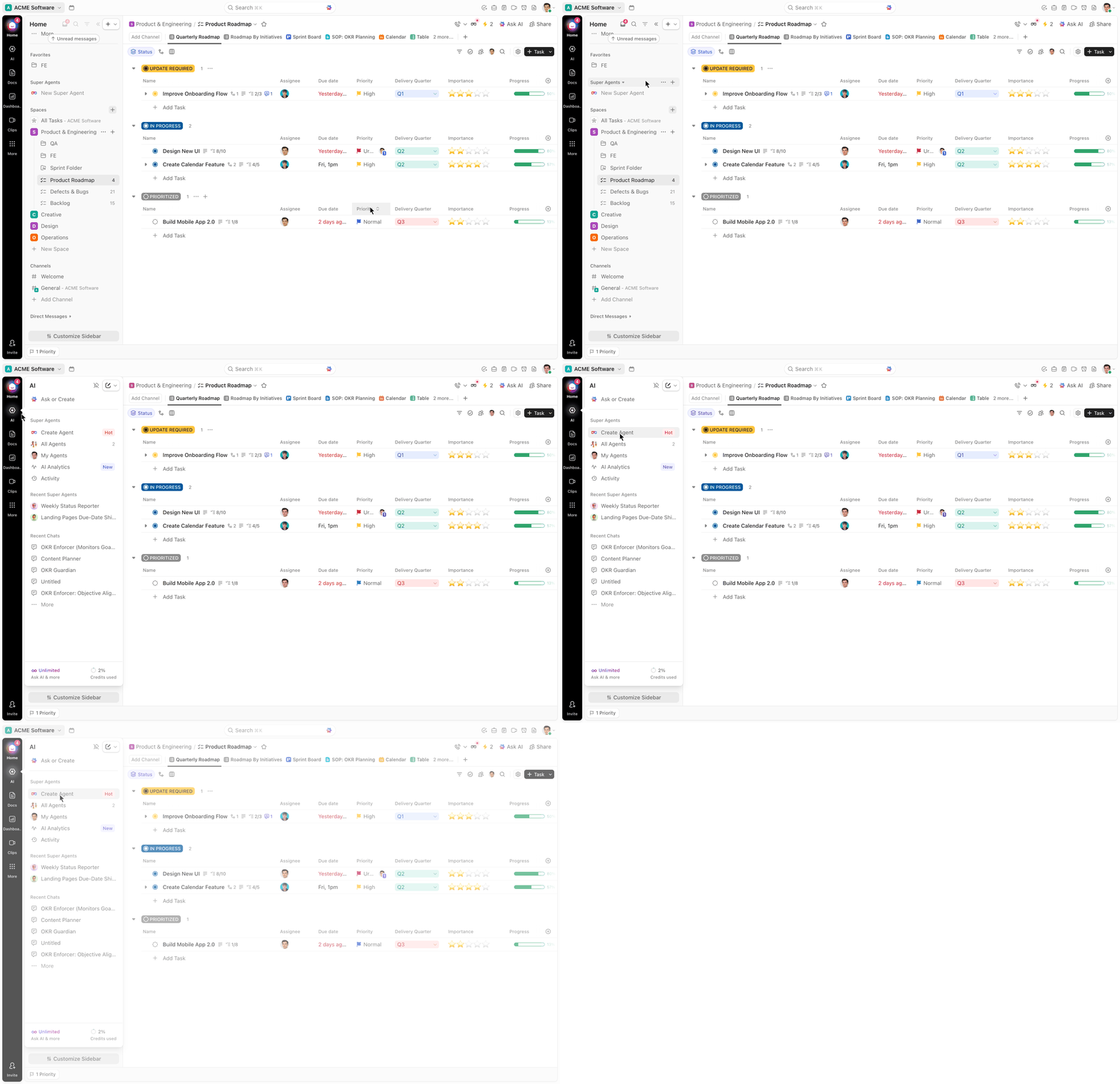
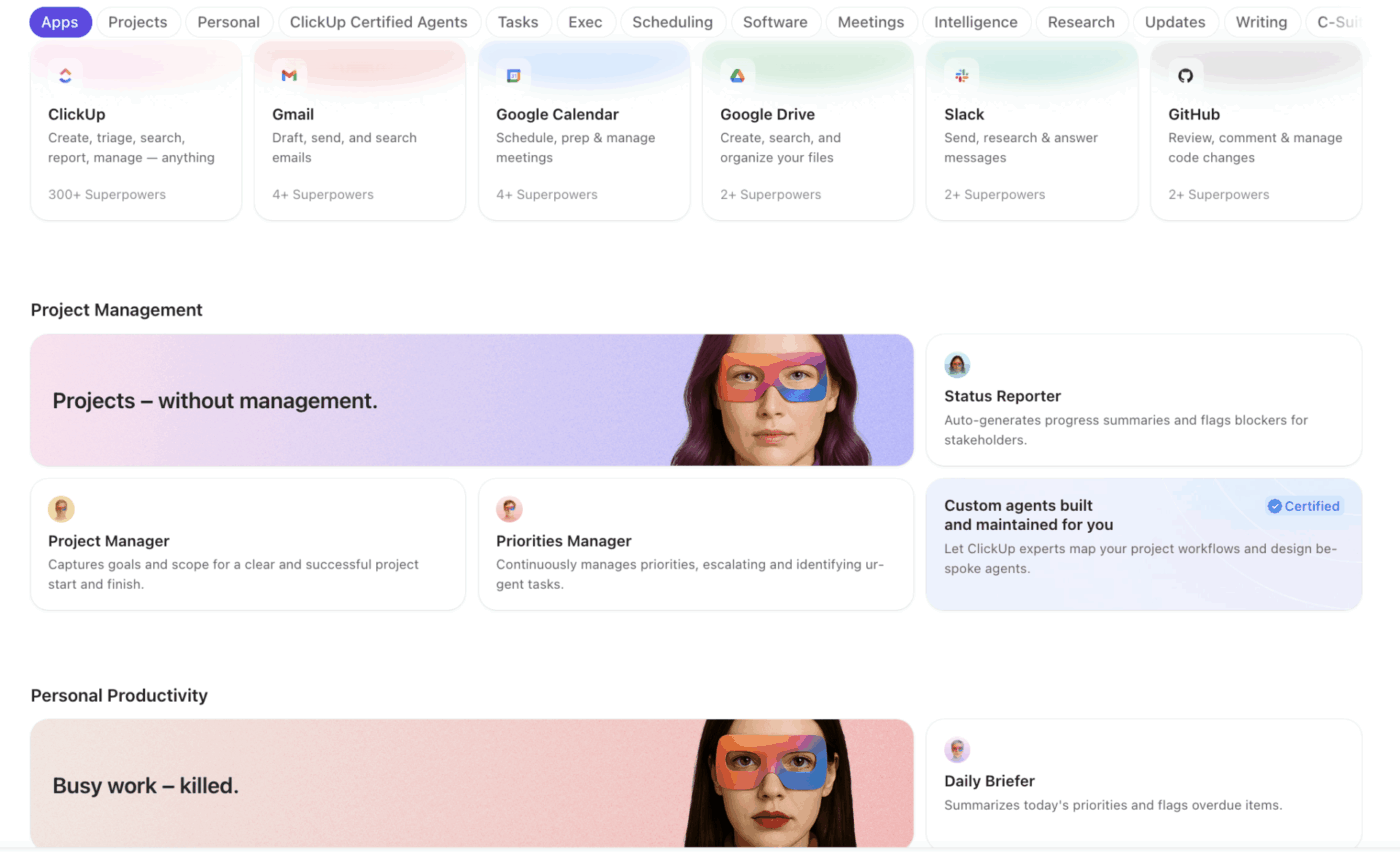
💡 Pro Tip: Not sure where to start? Browse the AI Agents Templates in ClickUp or just find a Super Agent you like from the Super Agent Catalog in your AI Hub.
You don’t need to be a programmer to build an agent in ClickUp. The process is guided and starts with simple, plain-language instructions.
💡 Want to know how best to customize Super Agents for your workplace?
Approval Modes ensure you stay in the loop for any high-stakes actions.
Configure tiered Approval Modes in ClickUp AI Super Agents to create a human-in-the-loop workflow. This allows you to define which actions require your sign-off. For example, you might allow your agent to automatically send internal status updates but require your approval before it changes a project deadline or sends a notification to an external stakeholder.
ClickUp’s error recovery modes add an extra layer of trust by rerunning the plan with new parameters before escalating.
This gives you the best of both worlds: the efficiency of autonomous workflows with the oversight and control that responsible leadership demands.
💡 Pro Tip: Equip your agents with the tools they need to work inside ClickUp and across the rest of your stack. This video shows you how.
The old way of leading forced a painful choice: hover over your team and erode trust, or step back and lose visibility. AI Super Agents eliminate this trade-off.
They act as an always-on, context-aware layer that gives you the real-time pulse you need to lead effectively, all while giving your team the freedom and focus to excel. As agentic AI becomes a standard part of modern work, leaders who embrace it will spend less time chasing status and more time making strategic decisions that move their business forward.
Start building your first Super Agent in ClickUp and reclaim the time you’ve been spending on status chasing. Get started for free with ClickUp and experience how AI Super Agents can transform your leadership approach from reactive to proactive.
Dashboards show you raw data, but you have to find the insights yourself. Super Agents interpret that data, surface what’s most important, and can even take action on it.
AI Super Agents are valuable for any team size. In fact, small teams often see the biggest benefit because they can fill the coordination gap typically handled by a dedicated project manager.
They’re designed to focus on work and project health, not monitor individual activity. Super Agents surface insights about blockers and workload patterns, giving you visibility into outcomes without tracking keystrokes or screen time.
Assistants like ChatGPT are reactive; they only respond when you give them a prompt. Super Agents are proactive and autonomous, operating with persistent context to execute multi-step workflows across your entire workspace.

© 2026 ClickUp

There’s an easier way. Try a free AI Agent in ClickUp that actually does the work for you—set up in minutes, save hours every week.