Talk to Text Software for Zoom Call Notes
Why Talk to Text Transforms Zoom Meeting Notes
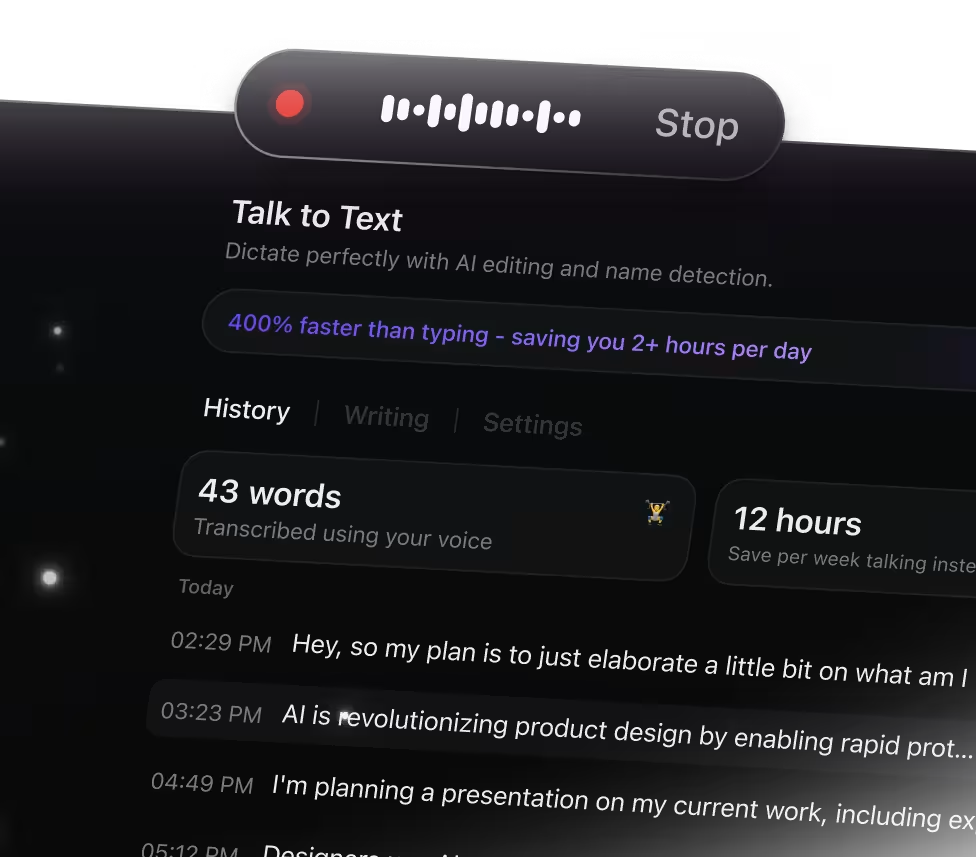
Manually typing notes during calls often causes you to miss important points. ClickUp Brain Max's Talk to Text feature simplifies capturing meeting details by enabling you to:
- Record every spoken idea without losing concentration
- Convert raw, spoken content into clear, structured notes
- Automatically generate concise summaries of lengthy conversations
- Ease the burden of juggling note-taking and active listening
- Instantly sync notes across Docs, tasks, and all your devices
With ClickUp's Talk to Text, you capture and organize your Zoom meeting insights effortlessly, all within one platform.
Why ClickUp Talk to Text Stands Out
Old-School Meeting Notes
- Switching between multiple apps to jot down points
- Losing track of important moments during fast talks
- Spending hours typing up recorded discussions
- Notes scattered across various platforms
- Extra time needed to convert notes into clear tasks
Experience ClickUp Talk to Text
- Capture spoken words seamlessly within ClickUp
- Record meetings hands-free, catching every detail
- AI-driven live transcription and concise summaries
- Effortlessly transform notes into tasks, lists, or documents
- Unified workspace connecting all your meeting insights
Essential Zoom Call Workflows Enhanced by Talk to Text
Convert Zoom conversations into clear action points
Automatically transcribe meetings as they happen and extract tasks, decisions, and summaries—ensuring every detail is captured without distraction.
Transform recorded Zoom sessions into organized notes
Record training or educational webinars and instantly shape the content into structured outlines for easier review and retention.
Dictate ideas during Zoom meetings and build actionable workflows
Capture spontaneous thoughts and convert them into mind maps, task lists, or project outlines that your team can immediately act on.
Speak your findings during Zoom calls and get concise summaries
Convert spoken research insights into well-crafted summaries, references, or quick notes ready for sharing or follow-up.
Use Talk to Text to draft project timelines and checklists live
Dictate project details during meetings and generate organized plans and schedules that keep your team aligned and productive.
Record client Zoom calls and highlight essential next steps
Automatically extract key points and follow-up actions so you can focus on building relationships without missing critical details.
Speak to work faster than typing

Unified search for all your apps

Access leading AI models together


Frequently Asked Questions




