

Sorry, there were no results found for “”
Sorry, there were no results found for “”
Sorry, there were no results found for “”
Google has announced a new initiative to make Gemini training available to all 6 million U.S. educators, reaching more than 74 million students through those teachers and faculty members.
That scale means AI use is now embedded in coursework, marketing research workflows, and corporate writing processes.
But with widespread use comes scrutiny. Institutions want clarity on what was human-authored and what was AI-assisted. Proper citation equals protecting credibility. Whether you used Gemini to refine grammar, summarize research, or generate content for professional purposes, documentation matters.
In this guide, we’ll break down how to cite Gemini correctly across APA, MLA, and Chicago formats, step by step.
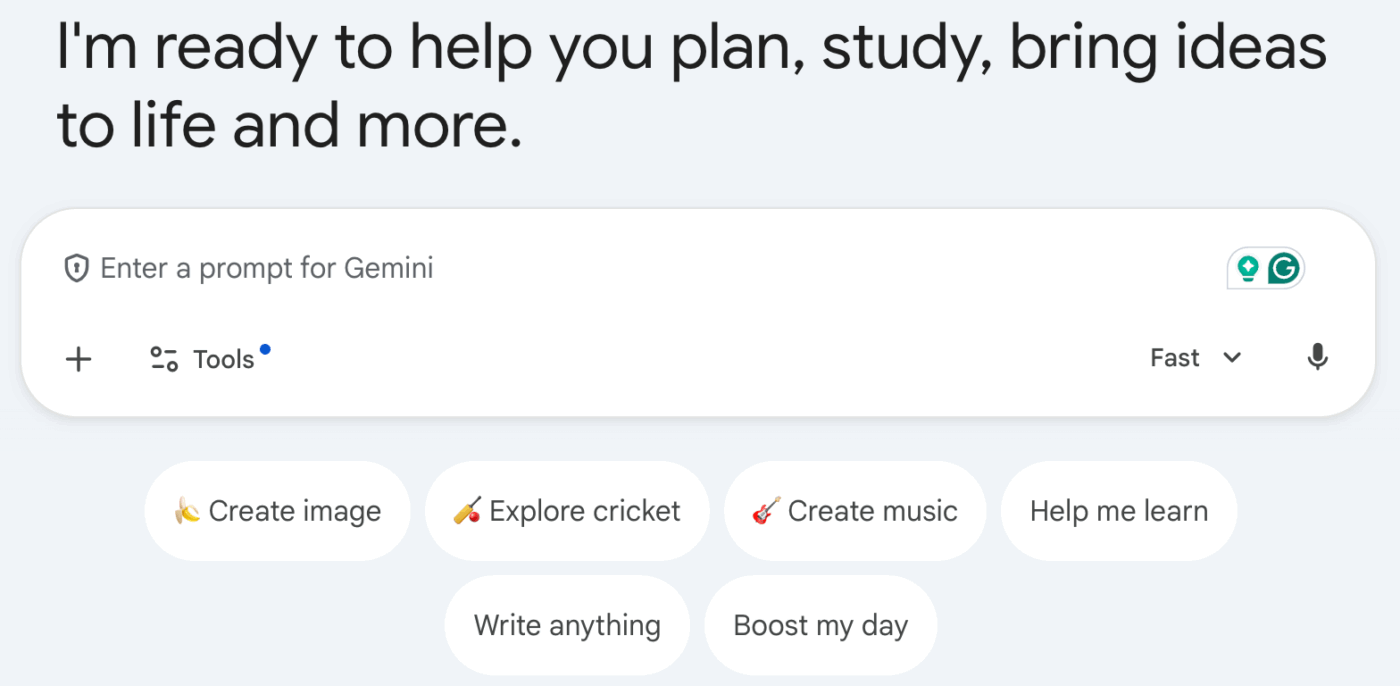
When you use Google Gemini or any other generative AI tool, proper citation is essential for maintaining credibility and transparency. Whether you’re refining high school grammar concepts or using generative AI chat to brainstorm, acknowledging AI use protects your credibility.
Here’s why it matters:
Citing AI builds clarity. And clarity builds trust.
📮 ClickUp Insight: Only 10% of our survey respondents use voice assistants (4%) or automated agents (6%) for AI applications, while 62% prefer conversational AI tools like Gemini and Claude. The lower adoption of assistants and agents could be because these tools are often optimized for specific tasks, like hands-free operation or specific workflows.
ClickUp brings you the best of both worlds. ClickUp Brain serves as a conversational AI assistant that can help you with a wide range of use cases. On the other hand, AI-powered agents within ClickUp Chat channels can answer questions, triage issues, or even handle specific tasks!
When working in APA style, the key principle is retrievability. If the AI-generated text from Gemini cannot be accessed by others, APA treats it similarly to personal communication.
Use a parenthetical or narrative citation that includes the organization and date.
🔺 Example:
“Gemini can summarize complex research findings in seconds” (Google DeepMind, personal communication, March 15, 2024).
If quoting exact text, include quotation marks and briefly clarify the context in your writing.
📖 Also Read: How to Train Gemini on Your Own Data
If you are referring to the AI tool itself (not a specific response), you can cite it as software in your reference list.
🔺 Example:
Google DeepMind. (2024). Gemini [Large language model]. https://deepmind.google/gemini
If your institution requires additional detail, you may include version information where available.
💡 Pro Tip: If you’re relying on multiple generative AI tools like Google Gemini, ChatGPT, or Claude, you don’t have to juggle tabs or switch platforms to stay productive. With ClickUp Brain MAX, you get contextual AI that actually understands your work.
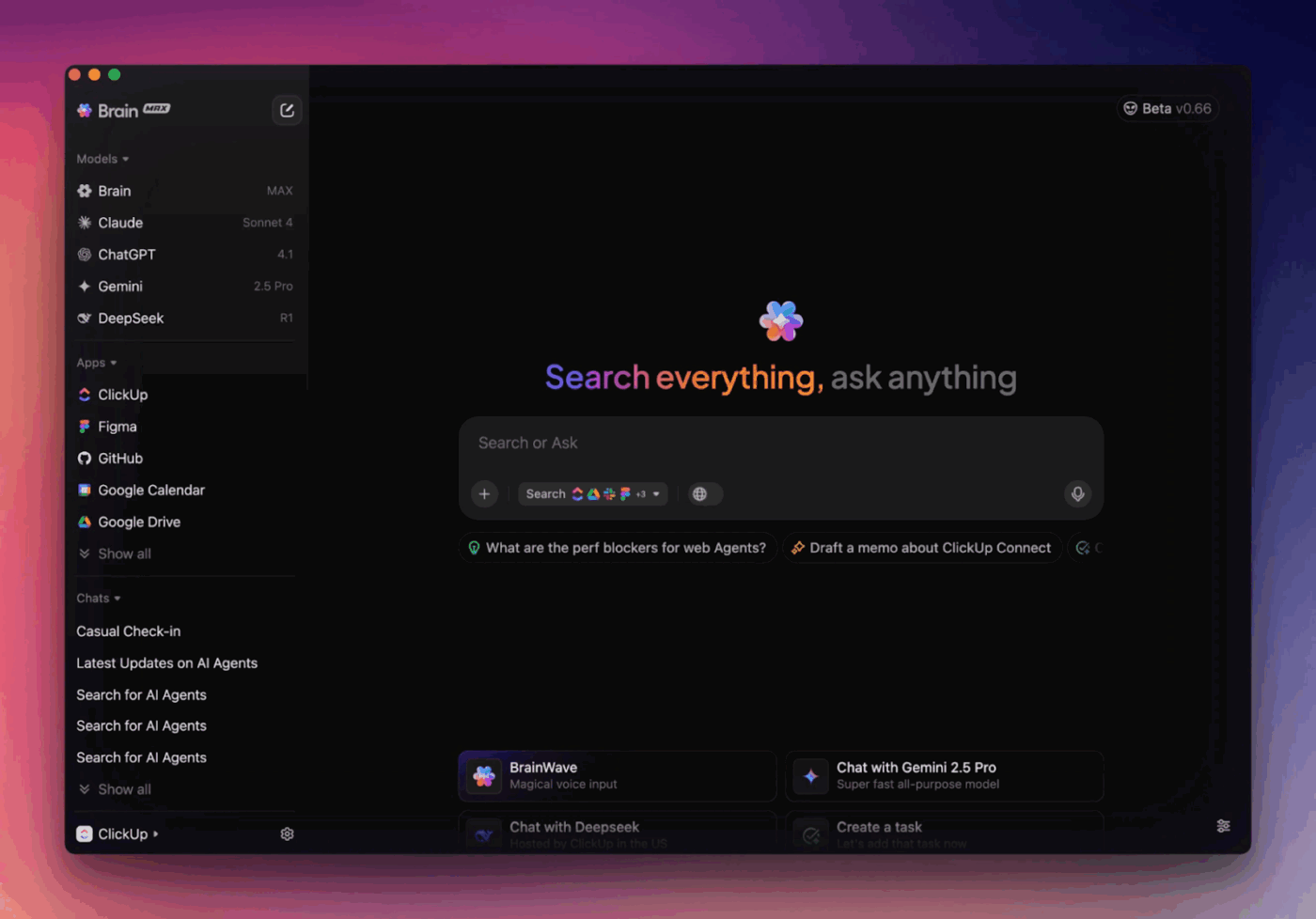
You can:
📖 Also Read: How to Cite AI Tools Like ChatGPT
In MLA style, common in humanities disciplines, the emphasis is on describing the generated content and identifying the tool as the container.
Introduce the AI-generated content in your sentence rather than treating the tool as a traditional author.
🔺 Example:
Gemini notes that it can “summarize complex research findings in seconds.”
📖 Also Read: How to Use Gemini API in Your AI Workflows
MLA recommends describing the output and including the prompt or context when relevant.
🔺 Example:
“Response to prompt ‘Summarize recent trends in academic research.’” Gemini, Google DeepMind, 15 Mar. 2024, https://deepmind.google/gemini
If relevant, include the model version and the date of access or generation, especially for academic work.
📖 Also Read: How to Cite ChatGPT-Generated Text
In Chicago style, AI-generated content is typically cited using a footnote or described directly in the text.
Chicago recommends describing the interaction clearly, especially when the content is not publicly accessible.
🔺 Example:
Text generated by Gemini in response to a prompt about market research trends, March 15, 2024, Google DeepMind, https://deepmind.google/gemini.
📖 Also Read: How to Use Gemini Tasks & Boost Productivity
If you used a specific model version, include that detail when available.
Bibliography note
AI-generated content is not always included in the bibliography, particularly if the interaction cannot be retrieved by readers.
Instead, Chicago prefers clear attribution in notes or in-text explanations.
📖 Also Read: How to Use You.com AI for Research & Analysis
When you cite AI-generated content, version clarity matters. A large language model can evolve rapidly, and the output from one release may differ from another. That’s why documenting the version number or current version strengthens your citation.
Here’s where that information typically lives:
In many generative AI chat environments, the selected AI model appears near the chat header. This might reference a specific Gemini tier or a large language model version designation.
If you’re working through Google’s official materials, you may find version information listed in update logs or help documentation tied to the AI company.
📖 Also Read: Best GPTs for Research and Knowledge Discovery
If you accessed Gemini via API, the model name and version are usually logged in request details. This is especially important for academic research papers or a documented methods section.
If a precise version isn’t visible, include the access date in your citation. With generative artificial intelligence, even the same prompt text can produce evolving outputs over time.
📖 Also Read: How to Rewrite Content With Gemini
While Google Gemini is a powerful generative AI tool, it isn’t a substitute for human judgment.
Whether you’re drafting academic papers, analyzing data, or generating creative ideas, understanding the limitations of an AI model protects both your productivity and credibility.
Used thoughtfully, Gemini enhances workflows. Used uncritically, it can create gaps you’ll need to fix later.
What’s better than having AI-powered assistance with Gemini?
Getting that same AI-powered support directly within a project management tool. So, you don’t have to constantly switch between apps and deal with AI sprawl, which eventually leads to work sprawl.
ClickUp, a converged AI workspace with versatile features, streamlines your research process and ensures integrity. Let’s explore how to make the most of it. 📈
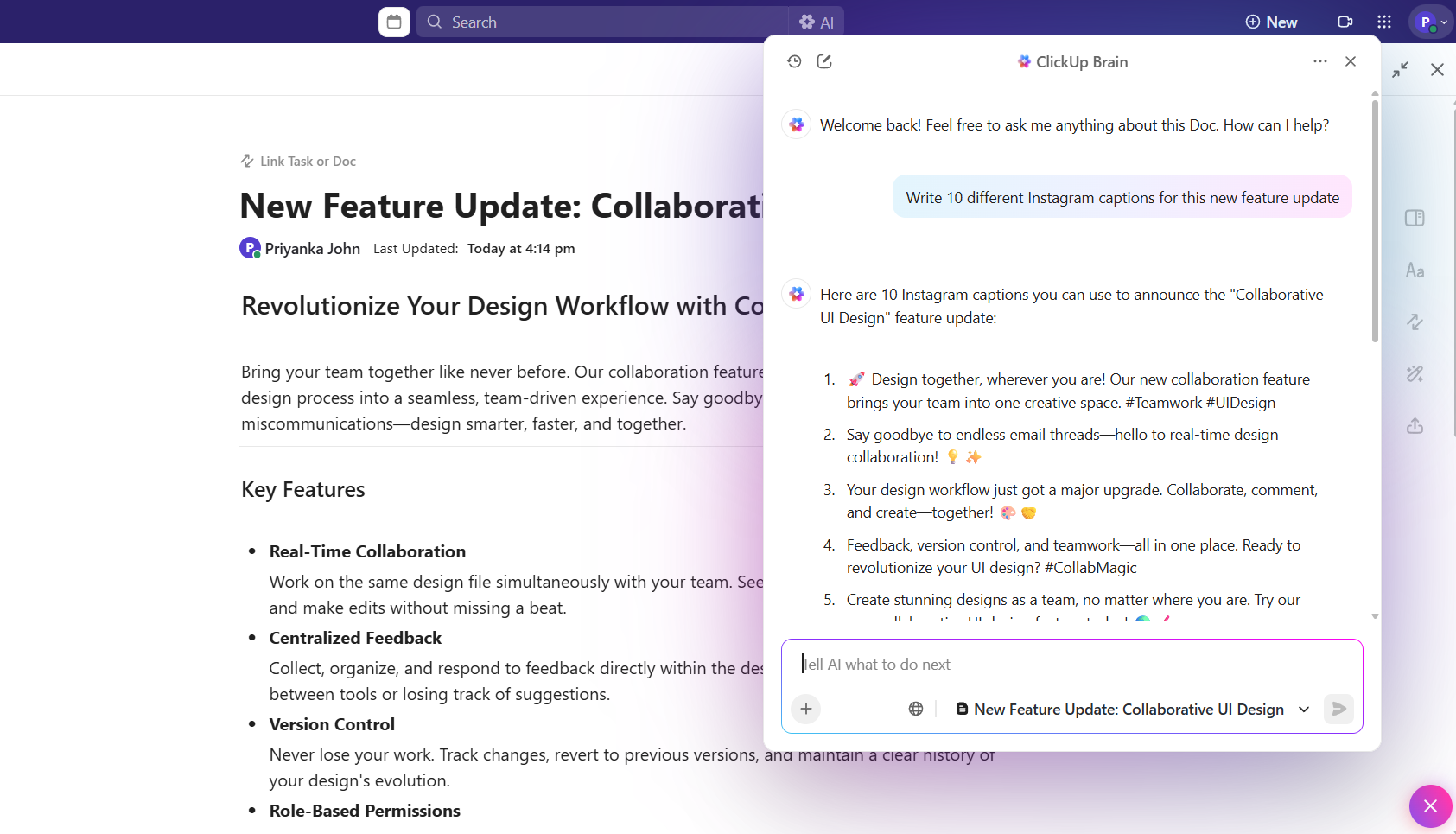
With ClickUp Docs, you can create and store your research materials in one central location. Whether you’re drafting an outline, keeping track of notes, or compiling data, ClickUp makes it easy to manage your work in a structured way.
You can quickly access everything you need and collaborate with others, all within the same workspace.
ClickUp Docs also enables you to store citations, organize them by type, and even attach or link to relevant notes. You can quickly reference sources when needed and never miss a citation.
What’s more, ClickUp Brain has a lot to offer as an alternative to Gemini.
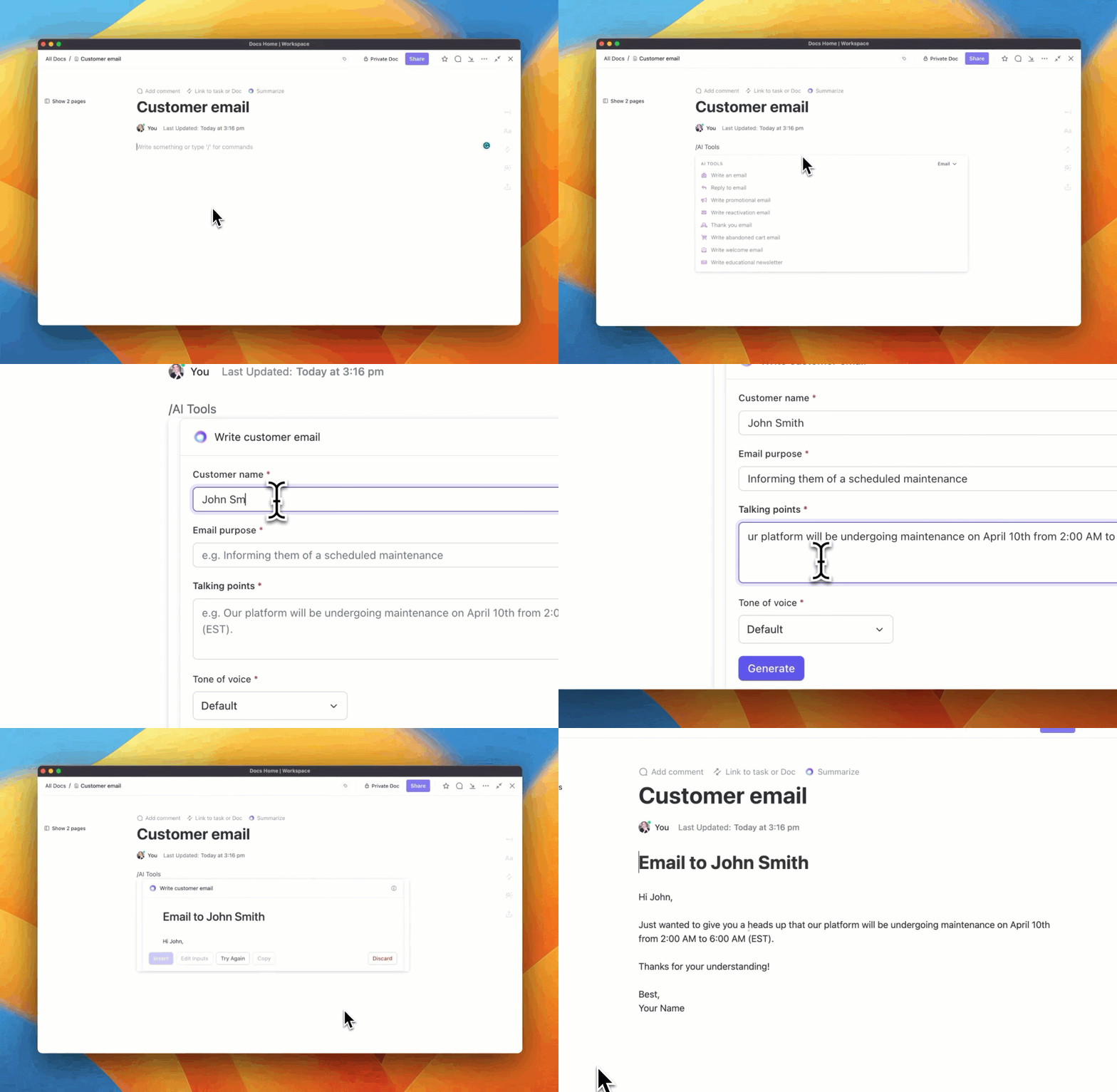
Formatting citations correctly can be time-consuming, but ClickUp Brain, an AI-powered assistant in your ClickUp workspace, makes it easy.
ClickUp Brain can assist with drafting and formatting citations, helping you align them with styles like APA, MLA, or Chicago with less manual effort.
💡 Pro Tip: You can use ClickUp Super Agents as your AI coworkers that are built right into your ClickUp Workspace. They show up just like teammates, because under the hood, they’re modeled as real users.
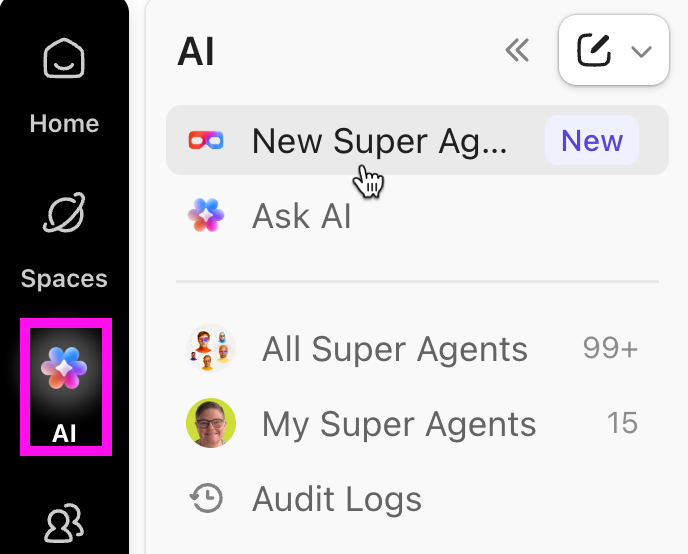
You can:
📖 Also Read: Best AI Tools for Technical Writing
Knowing how to cite Gemini is part of responsible AI literacy. Whether you’re documenting AI-generated text, adding a parenthetical citation, listing a source in your reference list, or formatting a numbered footnote under Chicago style, transparency protects your credibility.
As generative AI becomes embedded in classrooms and workplaces, clear acknowledgment of tools like Google Gemini isn’t optional—it’s professional best practice.
But citing correctly is only half the equation. You also need a structured workspace to organize drafts, research, prompts, and revisions without losing context.
That’s where ClickUp fits in.
Try ClickUp for free and bring clarity, accountability, and smarter AI workflows into your academic and professional writing.
To cite AI-generated images, include the tool name, company name, date, and description of the AI-generated image in your chosen citation styles. In APA or MLA, list it in your reference list or works cited, noting it was created by an AI image generator.
The main difference is the provider and the AI company behind the AI model. Google Gemini is developed by Google DeepMind, while ChatGPT is from OpenAI. Your citation should reflect the correct organization, version information, and access date for each tool.
In many academic settings, yes. Even if you only use generative AI tools for brainstorming, refining text generated, or light edits, transparency around AI use is encouraged. Some institutions allow you to simply acknowledge it in a note or methods section.

Manasi Nair
Max 14min read
Manasi Nair
Max 9min read

Arya P Dinesh
Max 17min read

© 2026 ClickUp




