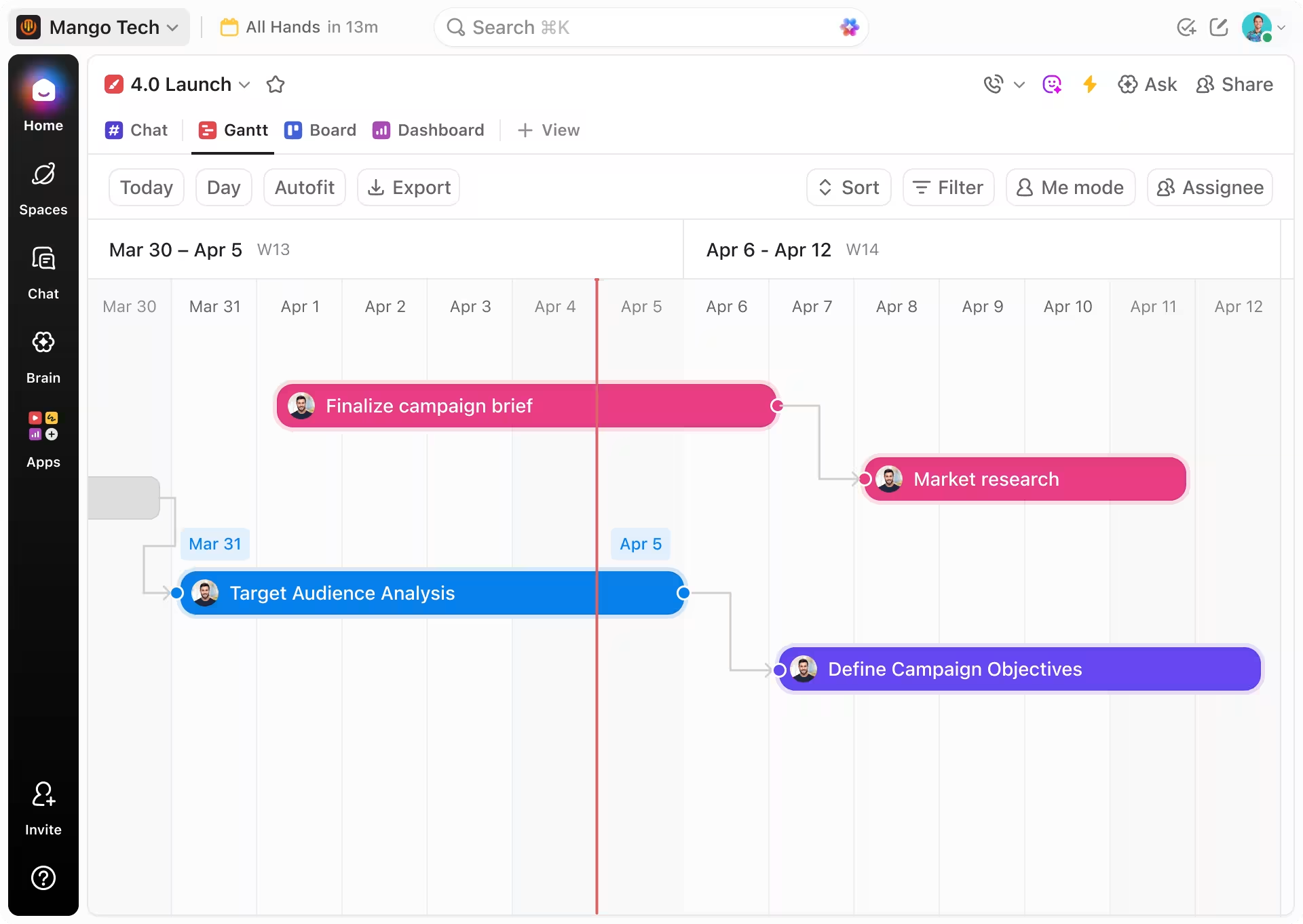
Mastering the AI Status Report Generator
 25,000+ reviews from
Defining the AI Status Report Generator
An AI Status Report Generator automates the creation of project updates, consolidating progress, risks, and next steps into clear, actionable summaries. Previously, status reports were manually compiled from multiple tools and emails, leading to delays and inconsistencies.
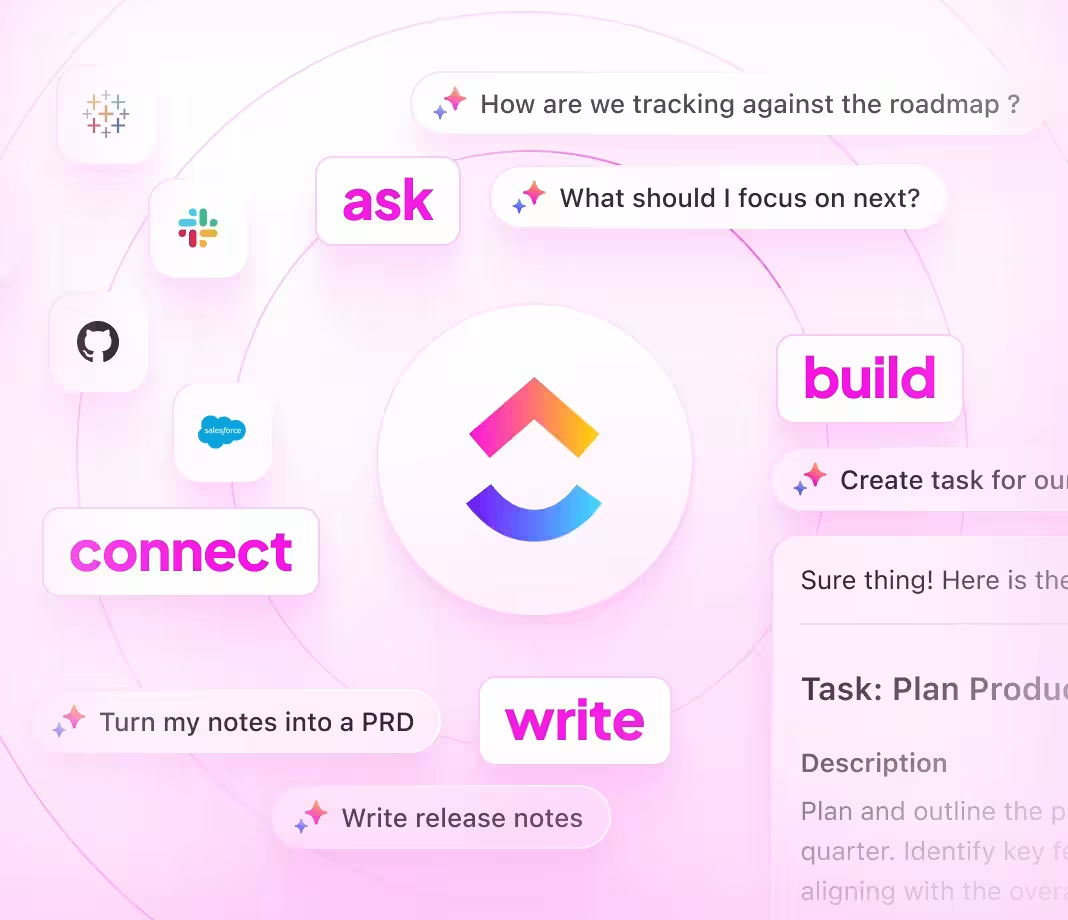
AI changes everything. By interpreting project data and team inputs, it crafts up-to-date reports tailored to your workflow. With ClickUp Brain’s integration, these reports become dynamic documents linked directly to your tasks and goals, keeping stakeholders informed effortlessly.
Why ClickUp’s AI Status Report Generator Stands Apart
Traditional Reporting Tools
- Isolated systems: Requires juggling spreadsheets, emails, and separate reporting apps.
- Static outputs: Generates PDF or slide decks that quickly become outdated.
- Manual updates: Teams spend hours collecting and verifying data.
- Limited collaboration: Reports shared as read-only files, hindering feedback.
- Fragmented insights: Data remains siloed, lacking contextual connections.
ClickUp Brain AI Generator
- Integrated in your workspace: Pulls data from tasks, Docs, and goals automatically.
- Live, interactive reports: Stakeholders can comment and explore details in real time.
- Continuous updates: Reports refresh as project status evolves.
- Secure sharing: Permissions align with your team’s settings.
- Brain Max customization: Tailor logic to fit complex project workflows and metrics.
How to Generate an AI-Powered Status Report
1. Gather Real-Time Project Data
Traditional way: Manually collect progress from emails, spreadsheets, and meetings.
With ClickUp Brain:
AI scans your tasks, milestones, and Docs to extract current statuses and recent changes automatically. Just prompt: “Create a status report for the Q2 marketing campaign.”
2. Analyze Progress and Risks with AI
Traditional way: Manually interpret project metrics and risks.
With ClickUp Brain:
AI evaluates task completion rates, overdue items, and blockers to highlight key risks and achievements, giving you a data-driven snapshot.
3. Customize Report Format and Focus
Traditional way: Fixed report templates limit flexibility.
With ClickUp Brain:
Choose to emphasize milestones, budget, or resource allocation. Use AI to generate summaries tailored to your audience—whether team members or executives.
4. Share and Collaborate Seamlessly
Traditional way: Distribute static reports via email.
With ClickUp Brain:
Share live reports linked to your workspace, enabling real-time feedback and updates, keeping everyone aligned without extra meetings.






3 Impactful Use Cases for AI Status Report Generators
Accelerate Project Transparency Across Teams

Streamline Remote Team Coordination

Optimize Executive Reporting Efficiency