A major ClickUp launch brings video creation, personal software, and Workflows
The release expands what teams can make and run inside ClickUp, with live apps, repeatable AI processes, and new creative tools.
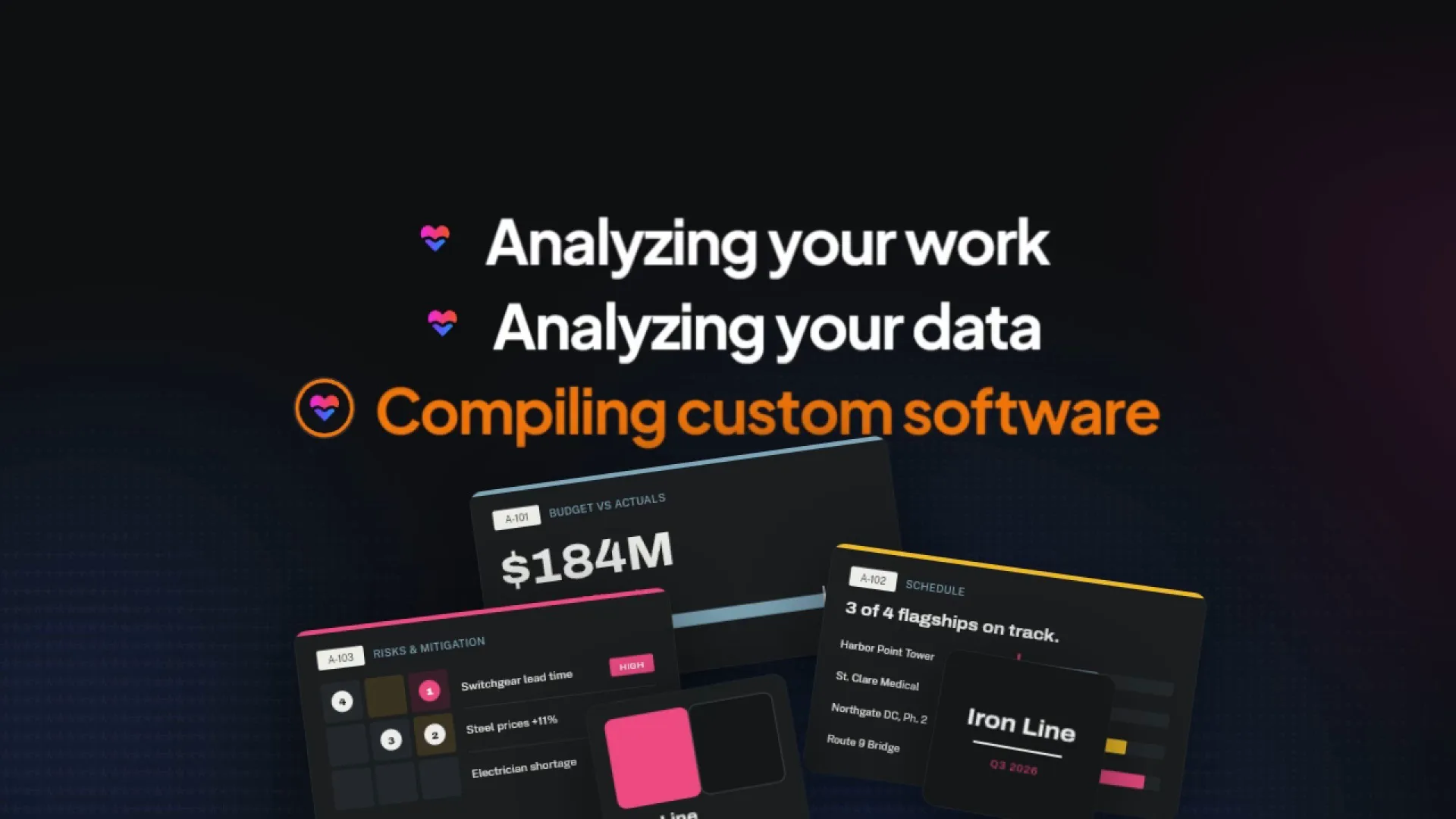
ClickUp is expanding well beyond the place teams plan and track their work. A major AI release brings video creation, custom software connected to live work, and processes that Brain² and Super Agents can run with required reviews along the way.
Here’s what’s new:
- Personal software with Create prototypes, dashboards, and other artifacts. Brain² builds custom tools with Artifacts², connected to current work in ClickUp. Approved changes made in an app can save back to ClickUp, too.
- Create and run an Agent Workflow. Define the steps Brain² and Super Agents follow, including required reviews and human approvals, then run the process again when the work repeats.
- Use Creative Studio. Generate video clips, images, and sound, then put the video together on a visual timeline inside ClickUp.
- Join and manage ClickUp Labs. Get early access to experiments and choose which ones to turn on.
- Manage ClickUp AI access. Decide which AI features and models your Workspace uses, who can access them, and how much people and Super Agents can spend.
Live Artifacts turn your ClickUp work into personal software
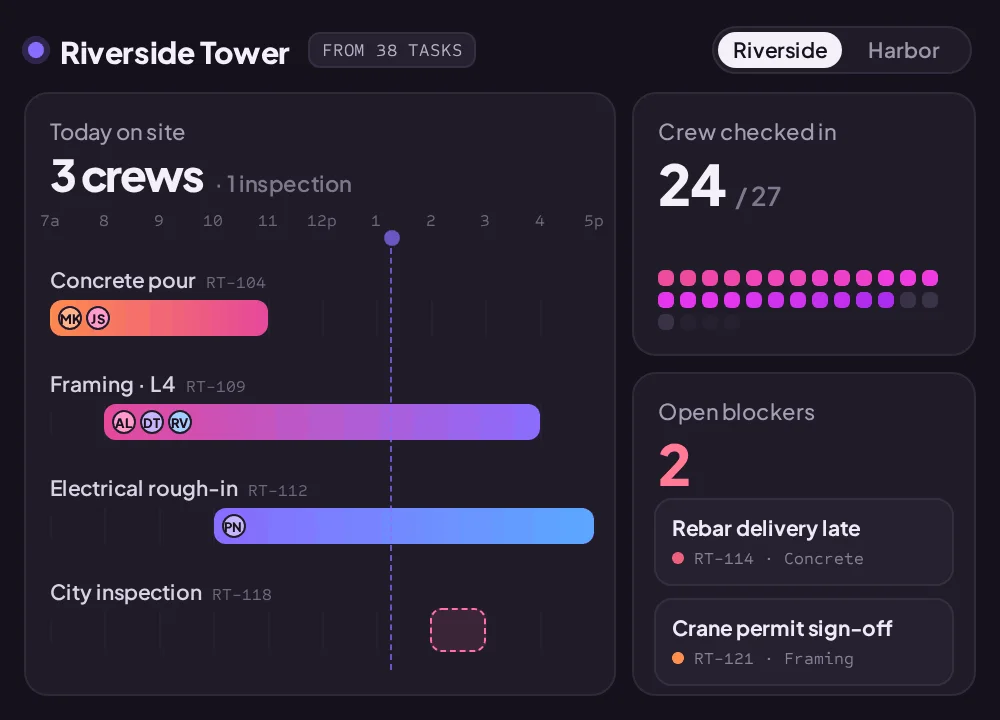
Describe the tool your team needs, and Brain² builds it with Create prototypes, dashboards, and other artifacts. Live Artifacts connect that tool to current work in ClickUp and let it save approved changes back. The result is personal software built around how your team works, with a connection to the work it needs to do.
An app can read current tasks when someone opens it and make changes back in ClickUp, with permission. That makes the result useful beyond the moment it was generated. A dashboard built last week can show where the work stands now, rather than preserve last week's picture of it.
The connection works in both directions. Changes in ClickUp can appear when the app reads the latest work, and actions taken in the app can update ClickUp. A team can build a tool around the job it needs to do instead of treating the generated app as a separate copy of its information.
Access follows the person using it. Each viewer sees only work they already have permission to see, and the app can only make changes that person is allowed to make. It asks for approval before writing back. People can also inspect what the app read and which locations it used.
Art Kits are like templates and make a useful starting point reusable. They preserve an app's layout and design so Brain² can build another version around different information. A finished artifact can become a kit for the next project, too.
A custom app reads current work and can save approved changes back to ClickUp.
Agent Workflows give AI a process to follow
Agent Workflows gives teams a way to define how AI should carry a process through, including where a person must review the work.
The distinction is control over the sequence. Teams can set instructions for Brain² or a Super Agent, require a sign-off before work continues, and let AI choose a path based on a question. Separate paths can come back together as the process moves forward.
That gives teams more structure than handing an agent a broad request and relying on instructions alone. A required review becomes part of the process, with a defined place before the next step.
Workflows can start from a ready-made blueprint or be built for a particular job. Each run keeps a record of its output, the time each step took, and the AI Credits it used. Teams can return to the process when the work repeats and examine what happened in earlier runs.
A required review gives people a defined checkpoint before the workflow continues.
Creative Studio brings video generation and editing into ClickUp
Brain² can Generate videos with Brain from a description and return an MP4 to preview or download. For a video with multiple shots, it can first produce a storyboard, with keyframes to approve before generating footage and takes to choose from afterward.
Creative Studio brings the next part into ClickUp as well. Available through ClickUp Labs, it combines AI media generation with a visual video editor. Teams can arrange clips, add on-screen text, adjust timing, and work with sound before exporting the result.
A launch teaser or short explainer is an easy way to picture it. Brain² can generate the footage, while the editor gives the person making it control over how the pieces come together. Existing media can be brought into the edit, too.
The generation options include Seedance video models and speech and music from ElevenLabs. AI generation uses AI Credits; editing, layout, and export in Creative Studio do not.
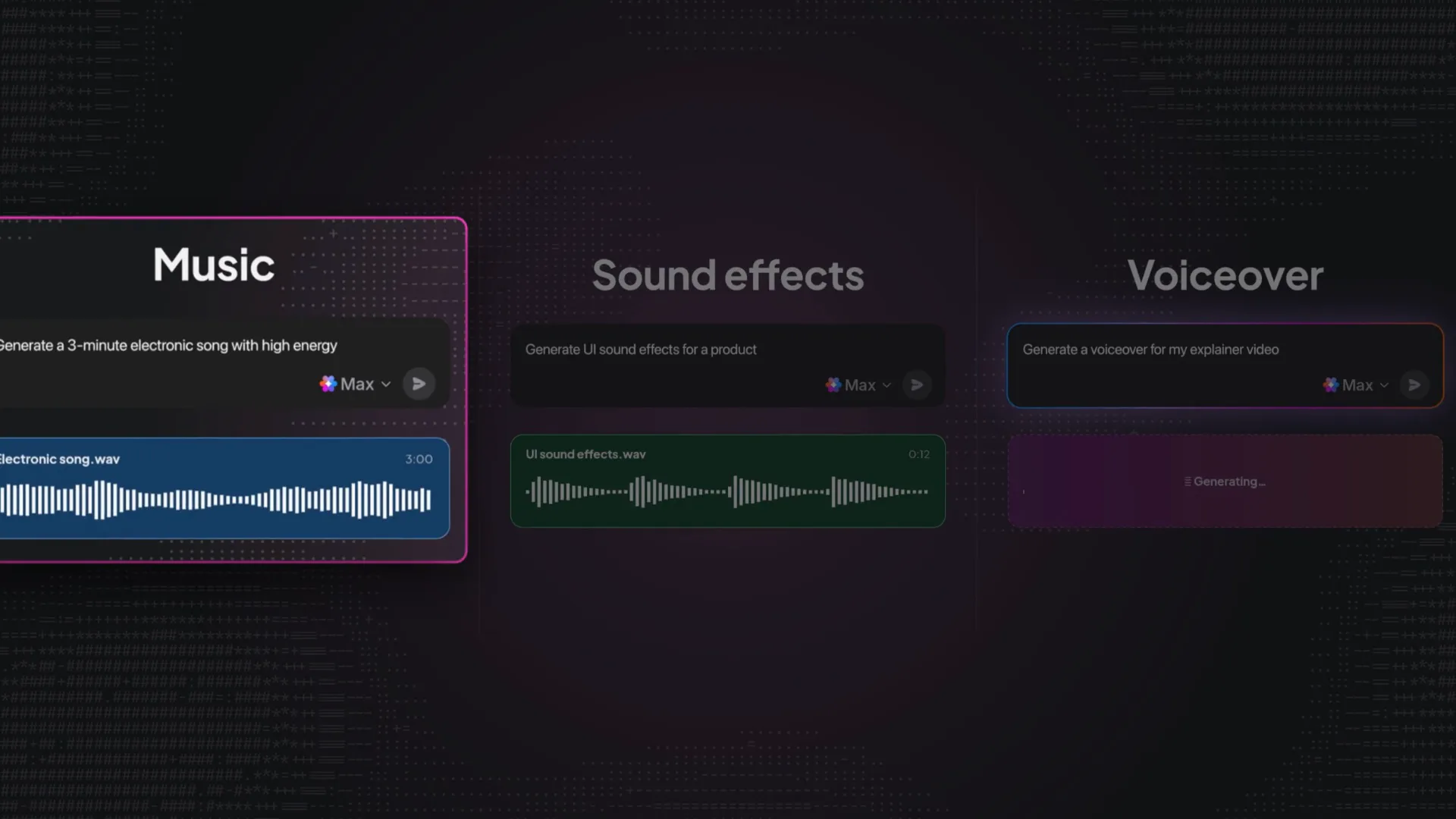
Generated clips come together with text and sound in Creative Studio.
ClickUp Labs gives teams early access to experiments
People who want to try what's coming next can join Join and manage ClickUp Labs from Settings in the browser or desktop app. Labs brings experimental features into the ClickUp they already use, with a description of what each experiment changes and controls to turn it on or off.
Joining is a personal choice. It doesn't enable experiments for teammates, and Workspace admins can't enroll other people on their behalf. A person's Labs setting follows them across the Workspaces they belong to.
Two preview tiers let people choose how early they want to get involved. Alpha is for those comfortable trying features with rough edges. Beta offers early access once features are more polished. New experiments are on by default while someone is in Labs, but each can be switched off individually. Leaving Labs turns all experiments off.
People can share feedback on ClickUp's feedback board as they try the experiments in their own work. The early-access label matters: plan availability, pricing, and packaging may change as Labs evolves.
Choose which early-access experiments to try in ClickUp Labs.
Owners and admins can decide which AI features and models their Workspace uses and who can access them. Access can be set by role or adjusted for an individual person. Spending controls include monthly AI Credits limits for people and dollar caps for Super Agents.
Those choices matter as more kinds of work move through AI. Model providers have different data-retention terms, including for some video, speech, and music services. The access controls let a team decide which options fit its requirements rather than treat every model as interchangeable.
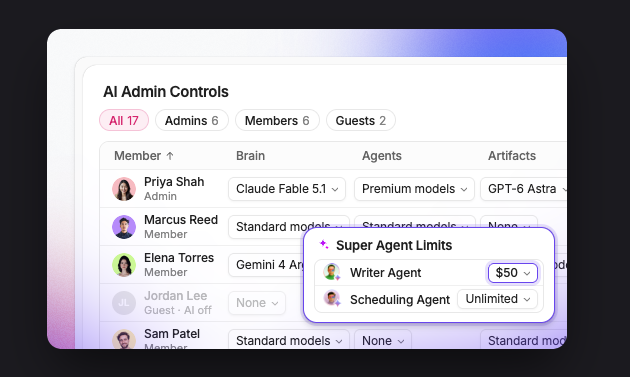
Owners and admins control AI access and spending for their Workspace.
Together, the additions broaden ClickUp's role in the workday. The plan can live beside the video made for it. An app can become a working tool connected to the team’s tasks. AI can follow a defined process with a person’s approval built in. That is a substantial expansion of what teams can do in the place they already manage their work.