How to Conduct UX Audit to Improve User Experience?

Sorry, there were no results found for “”
Are too many users bouncing off your site or ditching your app?
Most people no longer wrestle with confusing layouts or sluggish pages—they just leave. This makes usability testing not just a ‘nice-to-have’ but a survival strategy.
A User Experience (UX) audit acts like an X-ray for your digital product, revealing exactly where users hit friction. By analyzing every touchpoint, you can fix issues before they cost you conversions.
Armed with a UX audit log, you can track these key insights, document fixes, and stay focused on improving what truly matters.
So, how do you run a UX audit that goes beyond ticking boxes and actually enhances user experience? Let’s find out!
A UX audit examines how real people interact with your website, app, or digital product. This systematic evaluation looks at everything from the basic user interface to whether your design process matches your customers’ needs
Today’s users have sky-high expectations. They’ll quickly bounce from clunky interfaces or confusing workflows—because they know they likely have better, faster, smoother alternatives.
But your UX can truly be the competitive advantage that makes you irreplaceable in a sea of the same products.
A UX audit helps businesses and teams unlock this edge by:
👀 Did You Know? Visit-to-lead conversion rates can be more than 400% higher on sites with a superior user experience.
Ready to run a thorough UX audit? Here’s a clear walkthrough of the process, broken down into actionable steps.
Start by pinpointing precisely what you want to achieve through your UX audit. Maybe you’re seeing high bounce rates on key pages and want to lower them. Or maybe your customer support team keeps getting the same usability complaints, and you wish to resolve them for good.
Your goals might include:
🎯 Write down specific, measurable objectives. For instance: ‘Reduce cart abandonment by 25% in the next quarter.’
🧠 Fun Fact: Usability heuristics are a set of general principles or best practices used to evaluate the usability of a user interface. They serve as guidelines to help identify common usability issues during the design and evaluation process.
The most widely known set is Jakob Nielsen’s 10 Usability Heuristics, which include:

Pull data from product feedback surveys and heat mapping tools to understand how users interact with your product.
Look for:
Easily track all these moving pieces in one place using ClickUp for Design Teams.

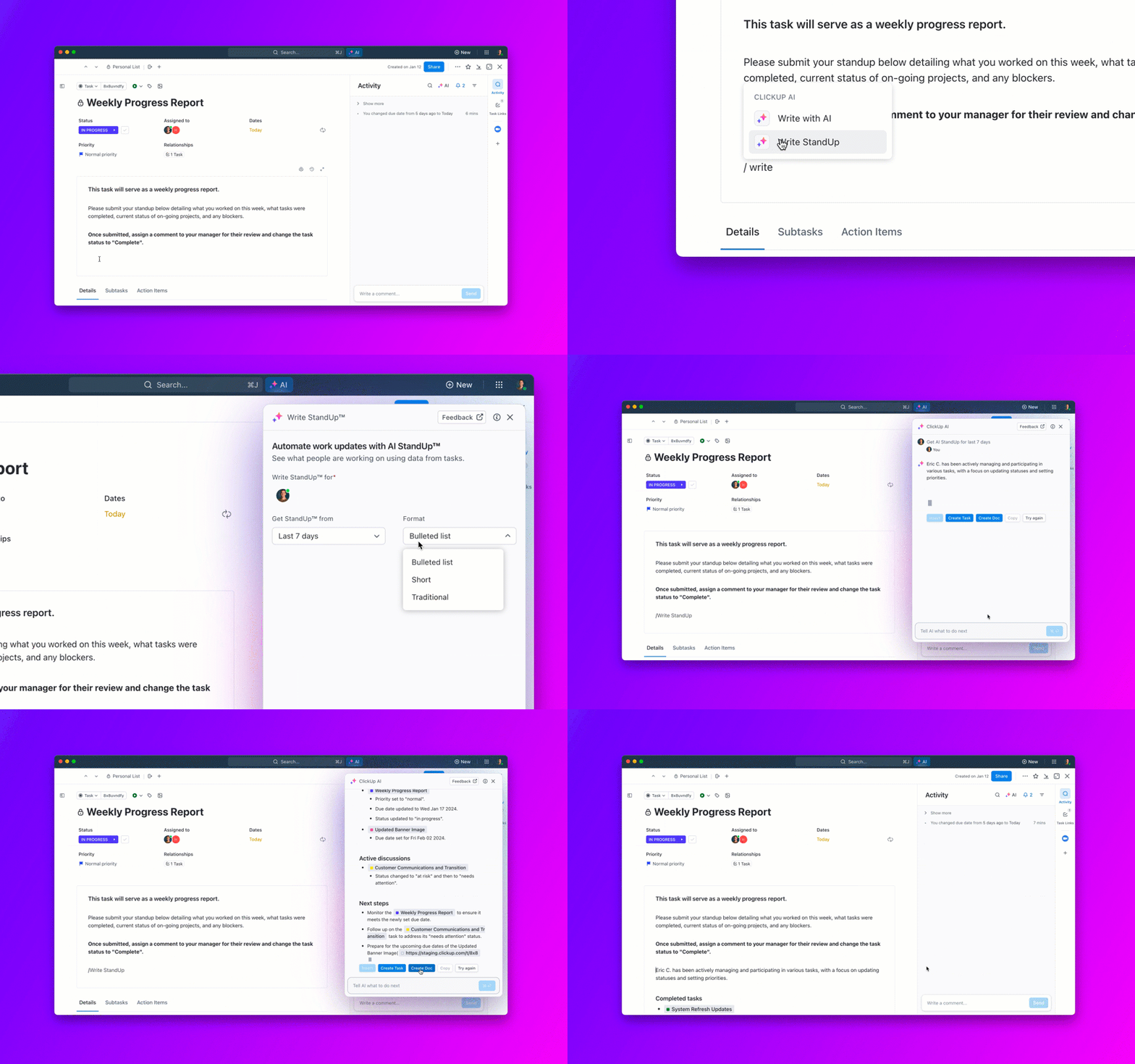
ClickUp Forms and ClickUp Brain can work together to help you gather, analyze, and act on user interaction data from feedback surveys and behavior analytics tools like heatmaps. Here’s how:

Use ClickUp Forms to collect product feedback directly from users or internal stakeholders in a structured, trackable way.
📌 For example: You can embed a form in your product or email it post-session to capture real-time feedback about specific sections of a page.
👉🏼 Watch this edition of ClickUpdates to make the most of ClickUp Forms:

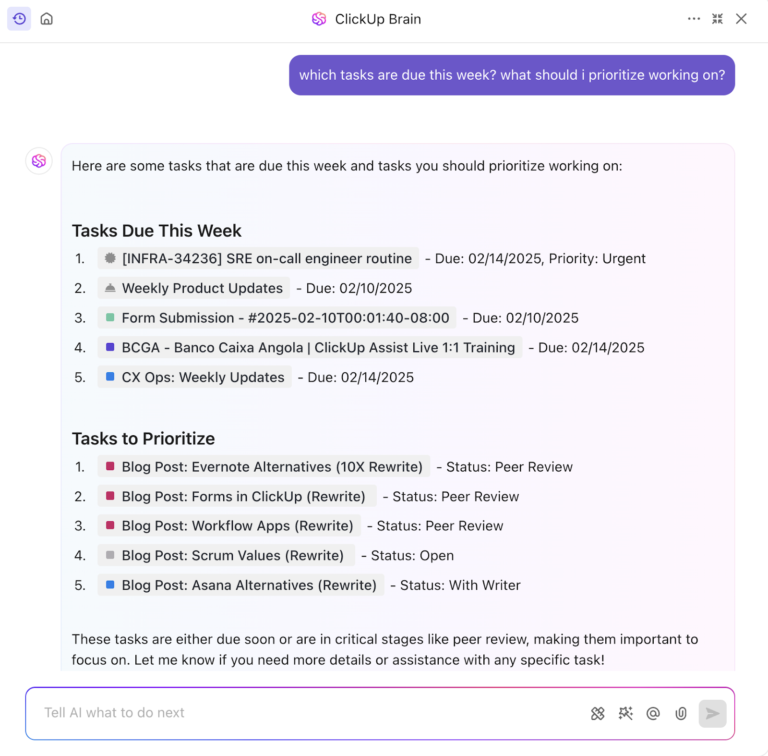
ClickUp Brain acts as your AI assistant to analyze trends, summarize feedback, and surface actionable insights from both qualitative and quantitative inputs.
Here’s how this ties into your UX audit strategy:
| Goal | Action | Outcome |
| Use exit-page & behavior data | Tag survey responses by URL/page ID using ClickUp Forms | Highlight broken flows or costly exit points |
| Understand user paths (e.g. heatmaps) | Ask users to describe their journey + pain spots in forms | Let ClickUp Brain extract patterns and common navigation paths |
| Spot under-used sections | Collect self-reported time-spent and relevance ratings | Use AI to surface areas that users avoid or misunderstand |
| Device usage patterns | Include device type in forms, segment feedback by mobile/desktop | Pinpoint UX issues tied to specific platforms |
| Systematically prioritize fixes | Prioritize feedback by potential impact | Focus development on the highest ROI areas, close the loop with users |
By using ClickUp for your UX audit, you benefit from:
💡 Pro Tip: Tools for click tracking and session recordings can supplement Google Analytics data with qualitative insights into user behavior.
A successful UX audit isn’t just about gathering data and implementing analytics—it’s also about listening to real users. Your existing feedback channels are gold mines for uncovering UX pain points and improving user flows. Here’s where to look:
Pairing this qualitative feedback with a heuristic evaluation—where you assess your product against usability principles—helps pinpoint what’s working and what’s not.

When we set out to improve ClickUp, we didn’t just rely on internal assumptions or analytics dashboards—we turned directly to our users.
In 2017, the team integrated Canny, a user feedback management tool, into the ClickUp platform to centralize suggestions coming from Intercom chats, support emails, and in-app submissions. This move gave users a visible way to share ideas, vote on features, and feel heard.
💫 Within the first year, over 3,500 users contributed more than 30,000 pieces of feedback.
But we didn’t stop at collecting suggestions. We acted on them. The product team used this data to prioritize feature development and design improvements based on what real users needed most. They even followed up with individual users for more context or to let them know their requests had been implemented.
🦄 The result? Faster iterations, smarter prioritization, and more loyal users who could see their voices directly shaping the product.
As one team member put it, using Canny and user feedback “removed the need for user testing entirely”—because users were effectively embedded in the design process from the start.
Usability is about setting up a tent, relighting a furnace to heat a home, trying to figure out a tax form, or driving an unfamiliar rental car. Usability impacts everyone, every day. It cuts across cultures, age, gender, and economic class.
A thorough UX audit also involves assessing your product’s design project management against established usability principles. This helps uncover usability issues that disrupt how users interact with your platform.
The key areas for a UX review include:
🧠 Fun Fact: Users form design opinions in 50 milliseconds! That’s all it takes for someone to judge your site’s visual appeal.
Observing real users in action is one of the most effective ways to conduct a UX audit.
By watching users complete essential tasks while thinking aloud, you gain valuable UX research insights into user behavior and friction points.
There’s a big difference between making a simple product & making a product simple.
Usability tests reveal:
📖 Also Read: Best Survey Analysis Software
A successful user experience audit requires clear documentation of all discovered usability issues.
Organize findings in a UX audit report, based on:
🧠 Fun Fact: The first-ever UX audit might have been done by… cavemen! Approximately 170,000 years ago, early humans optimized their cave layouts based on user behavior—placing fire pits centrally for warmth, sleeping areas in quieter corners, and tools within easy reach.
Don’t let valuable insights sit in a forgotten doc. Turn insights into an executable strategy to improve the user’s perspective and experience with user research methods.
A solid plan should include:
This keeps your UX improvements actionable, accountable, and fully tied to what users actually need.
A thorough UX audit helps you spot issues before they frustrate users. The right tools make this process systematic and data-driven.
We’ve already seen how an app like ClickUp steps in to make every step of the process easier.
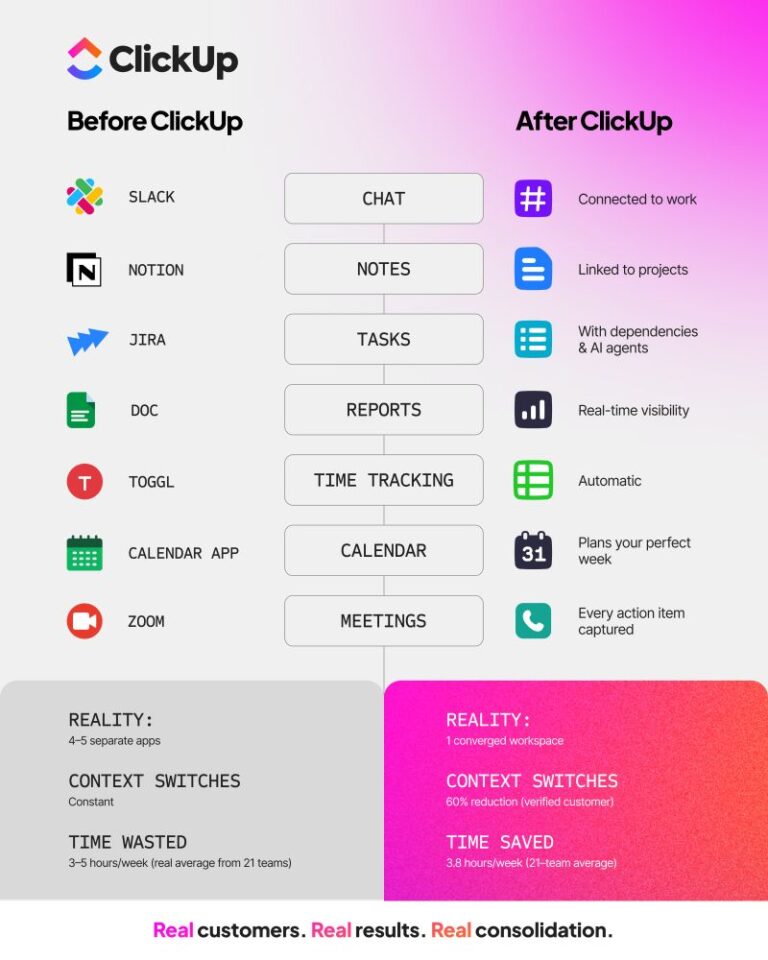
This is because ClickUp is the everything app for work that combines project management, knowledge management, and chat—all powered by AI that helps you work faster and wiser.
Oray Ciftliklioglu, Ui + UX Designer at Enhance Ventures, a ClickUp user, confirms:
As a professional, I have worked in teams that produce digital projects for about 20 years. I was always uncomfortable with the boring engineer-designed interfaces and user experiences of platforms such as Jira and Trello that I had used before. ClickUp taught the industry the importance of the “human factor.” It became the best example of using the constructive and beneficial power of design.
Let’s look at how ClickUp can support your UX research further alongside other specialized tools that provide complementary insights.
Here’s how you can put ClickUp to work to gather and analyze qualitative data during UX research:
Create a dedicated “UX Research” Space in ClickUp with folders for each project or product area. Within each folder, you can create:

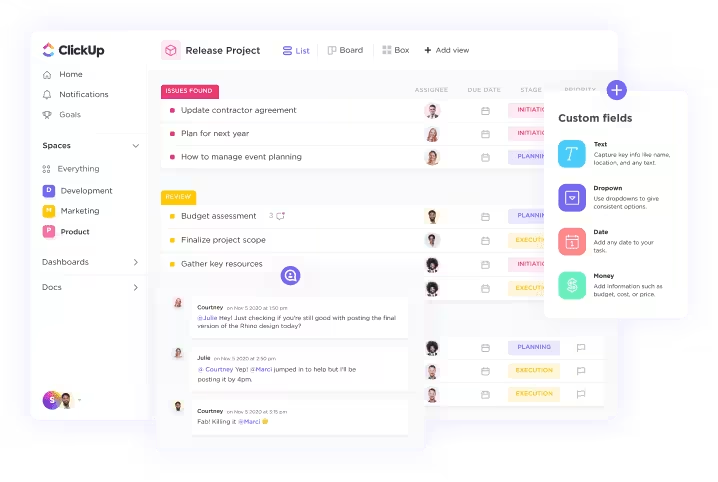
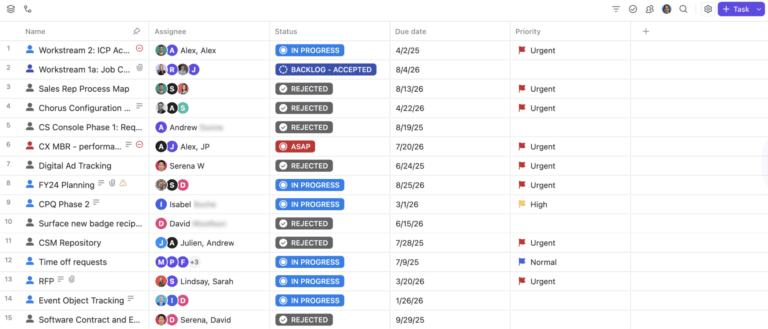
Use ClickUp’s Custom Fields to add structure to your research tasks:
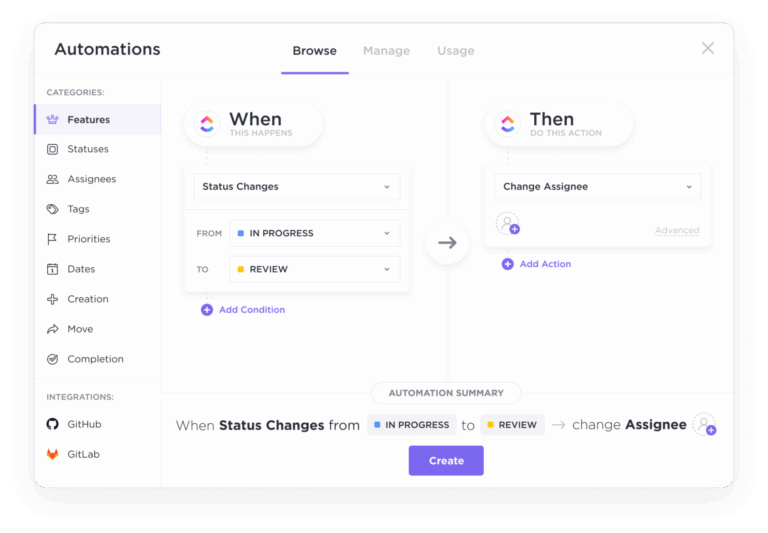
Add Custom Task Statuses such as Planned, In Progress, Analyzed, etc. to each task to monitor progress.

You can also use ClickUp Task Tags to flag themes like “navigation issues,” “mobile pain points,” or “checkout friction” to group insights across studies.
We’ve seen how ClickUp Brain can help make sense of scattered form responses. But that’s not all it does.

You can also paste interview transcripts or notes into ClickUp Docs and then use ClickUp Brain to:

💡 Pro Tip: Add an AI Executive Summary Card to your ClickUp Dashboards to to offer stakeholders a high-level view of UX health changes over time—covering metrics like ease-of-use, feature requests, or testing outcomes.
Convert critical findings into tasks or product suggestions:
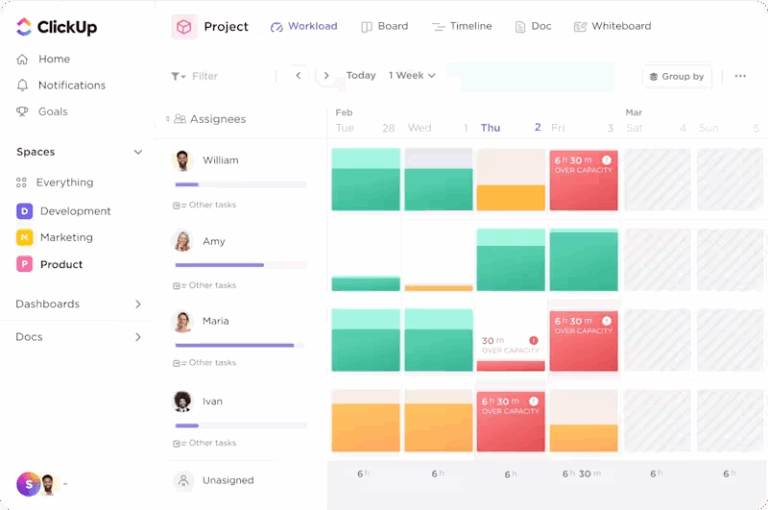
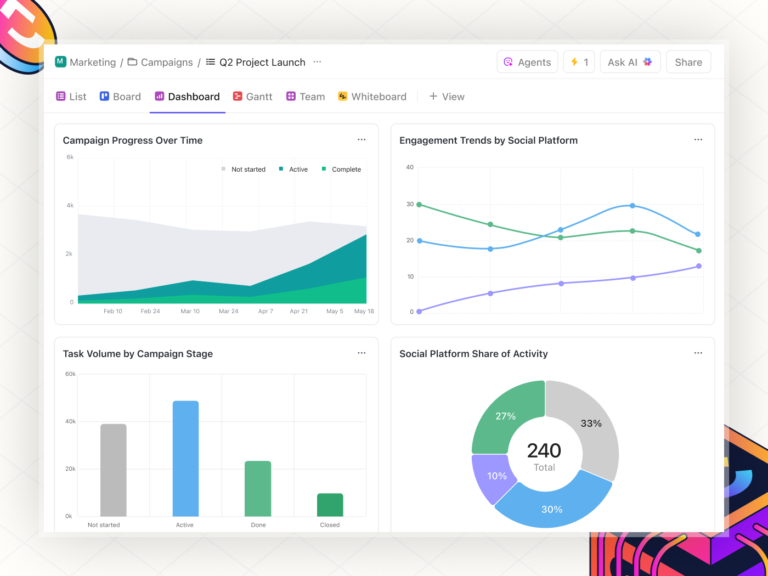
You can set up a ClickUp Dashboard to monitor the number of research tasks per cycle, most common user pain points by tag, and the status of research-to-feature implementation.
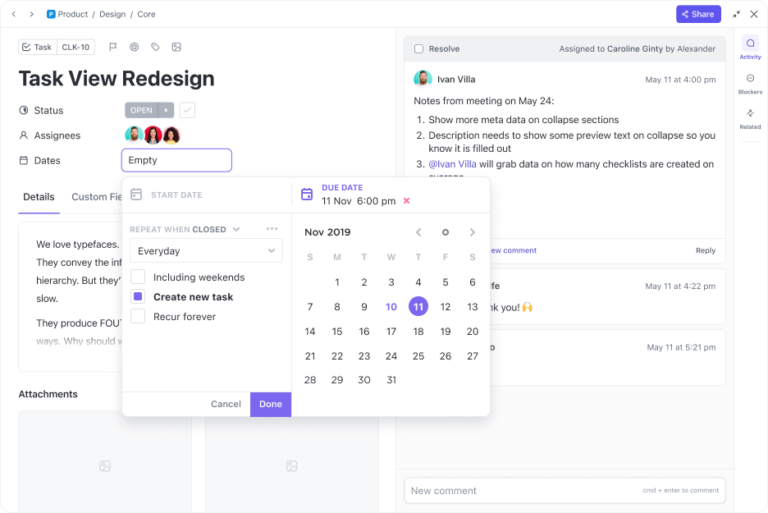
If you want to schedule recurring check-ins or post-release user surveys, Reminders or Recurring Tasks within ClickUp can help.
💡 Pro Tip: Use ClickUp Forms to collect fresh feedback after changes roll out, and review impact in follow-up UX audits or stakeholder standups. Embed Forms in your app or emails to capture real user input continuously. Automatically route submissions into your UX Research space for review.
While ClickUp handles organization and collaboration, these specialized tools help gather specific user behavior data:

Hotjar provides visual representations of user interactions through heatmaps and session recordings. Heatmaps reveal where users click, move, and scroll, highlighting engagement patterns.
Session recordings allow teams to observe real-time navigation behaviors, uncovering usability issues and areas for improvement.
Other benefits of the tool:
📖 Also Read: Free Wireframe Templates for Product Designs

Optimal Workshop specializes in information architecture testing through card sorting and tree testing. Card sorting helps teams understand how users categorize information, informing intuitive navigation structures.
Tree testing evaluates the effectiveness of existing hierarchies, ensuring users can find information efficiently. You can:
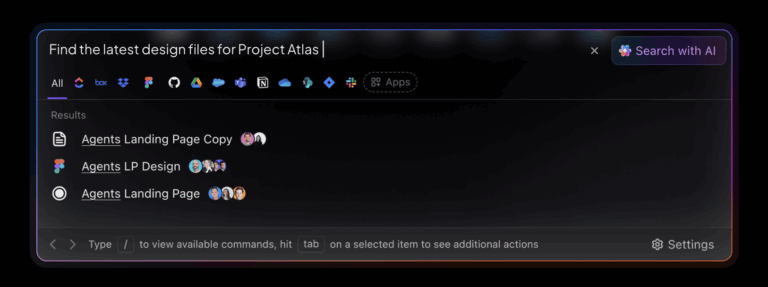
📮 ClickUp Insight: Work shouldn’t be a guessing game—but too often, it is. Our knowledge management survey found that employees often waste time searching through internal docs (31%), company knowledge bases (26%), or even personal notes and screenshots (17%) just to find what they need.
With ClickUp’s Connected Search, every file, doc, and conversation is instantly accessible from your home page—so you can find answers in seconds, not minutes.
💫 Real Results: Teams are able to reclaim 5+ hours every week using ClickUp—that’s over 250 hours annually per person—by eliminating outdated knowledge management processes. Imagine what your team could create with an extra week of productivity every quarter!
Regular UX audits ensure a positive user experience by identifying usability issues before they impact engagement. Conducting audits at the right time helps teams refine user flows, improve design, and align with business decisions.
Here are the key moments to start the audit process:
Running an effective UX audit demands precision, clarity, and actionable insights. ClickUp streamlines the entire audit process. Effortlessly combine qualitative data, analytics, and direct user feedback into one clear view of your user experience.
With ClickUp, turning insights into actionable improvements has never been simpler. Empower your team to regularly identify and resolve UX issues before they impact your users. Easily document research findings and generate clear, actionable recommendations to guide your UX strategy.
Transform your UX audits into tangible user satisfaction and engagement. Ready to simplify your process and amplify results?
© 2025 ClickUp